How we make this list: we compare pricing pages, product documentation and public user reviews. Rankite is independent; if a vendor ever pays for a featured spot, that listing is clearly labeled Partner.
Key takeaways
- KaraFun is the simplest pick for home parties, with a huge licensed song catalog, a free tier, and a Premium plan at $9.99 per month.
- Working KJs should compare PCDJ Karaoki, Siglos Karaoke Professional, CompuHost V4, and KJams NightClub. All four manage singer rotation and dual-screen lyrics, but they differ on price, platform, and how you get your songs.
- OpenKJ is the only fully free, open-source karaoke hosting program here. It suits tech-comfortable hosts on Windows, Mac, or Linux.
- Streaming apps such as KaraFun and Singa sell you the songs as part of the deal. Hosting software such as CompuHost and Siglos assumes you already own your karaoke files.
Quick comparison
| Tool | Best for | Starting price | Free plan |
|---|
 KaraFun KaraFun | home parties and casual singers | $9.99/month (Premium) | Yes |
 Singa Singa | singers who want original recordings | $9.99/month (Premium) | Yes |
 PCDJ Karaoki PCDJ Karaoki | working KJs on Windows | $99 one-time | Free trial |
 Siglos Karaoke Professional Siglos Karaoke Professional | KJs who own a CD+G library | $119 one-time | Free trial |
 CompuHost V4 CompuHost V4 | pro hosts who want an all-in-one workspace | $199.95 one-time | Free trial |
 KJams NightClub KJams NightClub | Mac-friendly hosting with multi-venue control | $16/month or $160/year | Free trial |
 VirtualDJ VirtualDJ | DJs who also host karaoke nights | Free for home use | Yes |
 Kanto Karaoke Kanto Karaoke | home singers who want a simple player | Free | Yes |
 OpenKJ OpenKJ | budget hosts who want free open-source software | Free | Yes |
Is your product missing or out of date?
We review this list regularly. Vendors can request a listing, send updated pricing or ask about featured placement.
The best karaoke software
Starting price$9.99/month (Premium)
Free planYes

KaraFun is the closest thing karaoke has to a household name. You install the app, pick a plan, and you get tens of thousands of studio-recorded karaoke tracks with scrolling lyrics, key and tempo controls, and offline sync for trips without internet. Guests can join with their phones through a QR code to browse the catalog and add songs to the queue, which makes it a strong fit for a living room party where nobody wants to learn software.
The pricing is straightforward. A free tier lets you try songs and previews, Premium costs $9.99 per month for the full catalog, and a Pro plan adds a commercial license for venues. The honest catch is that you are renting the music. Stop paying and the catalog goes away, and you cannot import your own MP3+G or CD+G collection the way dedicated hosting software allows. For most home users that trade is fine, because the catalog is deep and constantly updated.
What we like- Large licensed song catalog
- Works on computer, phone, tablet and smart TV
- Remote control from guests phones
Watch out for- Subscription only for full access
- The free tier covers a small song selection
Starting price$9.99/month (Premium)
Free planYes

Singa comes from Finland, and the polish shows. The headline feature is original recordings: instead of re-recorded backing tracks, you sing over the actual studio backing tracks with the lead vocal removed, which sounds noticeably better on familiar hits. The apps run on computers, phones, tablets, Apple TV and Android TV, and a pop-out player lets you push lyrics to a TV while you keep browsing on your laptop.
Pricing mirrors KaraFun: free for up to 3 songs a day, Premium at $9.99 per month for unlimited singing. Singa also sells a separate business product for bars and karaoke venues with commercial licensing, background music, and display advertising. The catch is catalog depth. Singa's library is large but not the largest, and if your crowd sings obscure tracks, check that your must-have songs exist before you commit to a year.
What we like- Original artist recordings, not just covers
- Clean modern apps
- Singa Business for bars and venues
Watch out for- Free tier limited to 3 songs per day
- Smaller catalog than the biggest competitors
Starting price$99 one-time
Free planFree trial
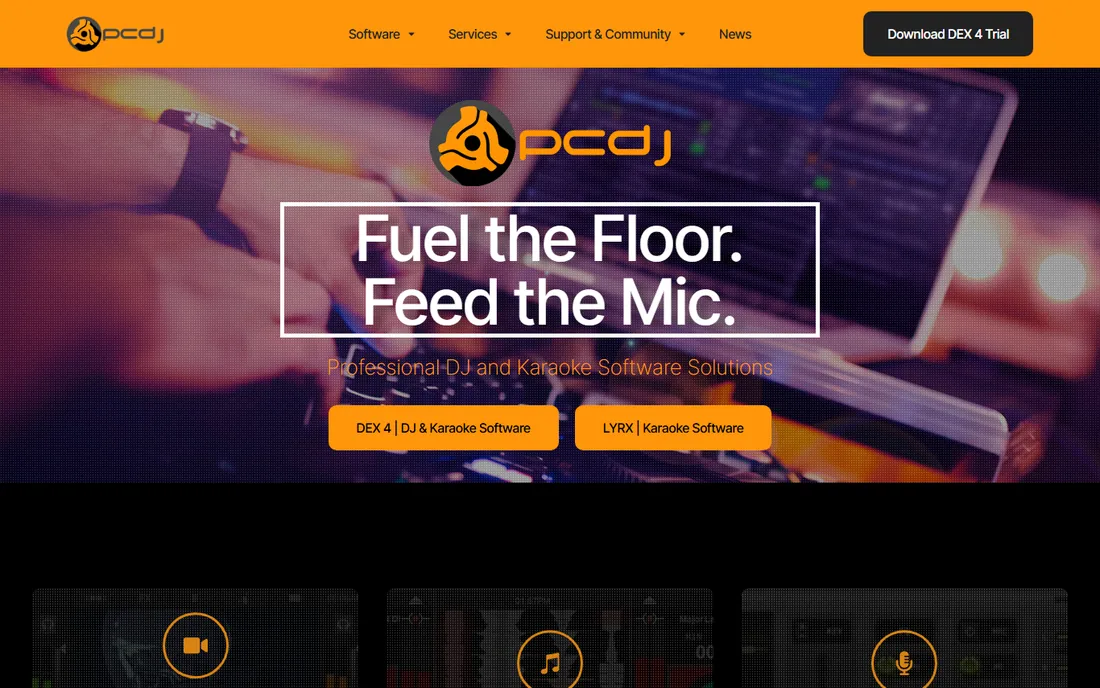
If you host karaoke for money on a Windows laptop, Karaoki is close to the industry default. It is a proper show-hosting program: an automatic singer rotation list, singer and song history that remembers key adjustments, a news ticker, a filler-music player for gaps between singers, and a songbook printer or exporter for venues that still want printed books. Singers can browse your library and request songs from their phones through the SongBookDB plug-in.
The $99 one-time license covers three Windows computers, which is generous. PCDJ also sells an optional Karaoke Cloud Pro subscription for hosts who want a legal streaming catalog inside the app. The honest catch is the look and the platform lock. The interface has not changed much in years, and there is no Mac version. If you want modern design or macOS, look at KJams or Singa instead.
What we like- True singer rotation with solo modes
- SongBookDB remote requests
- Activation on 3 computers
Watch out for- Windows only
- The interface looks dated next to newer apps
Starting price$119 one-time
Free planFree trial
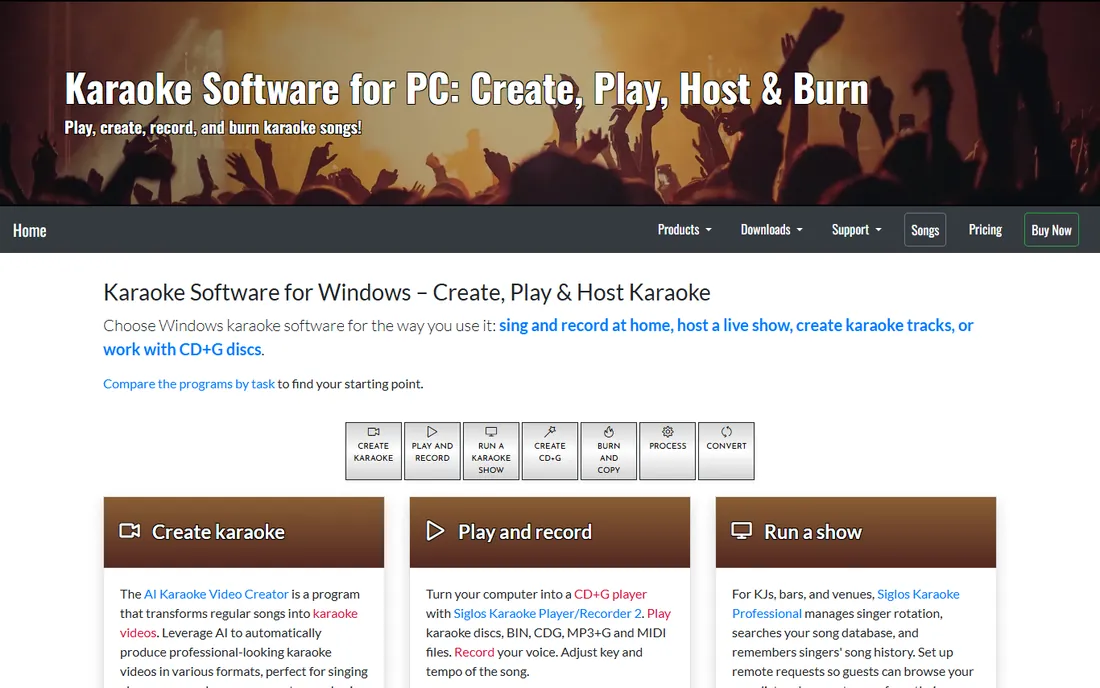
Siglos Karaoke Professional is built for hosts who already own their music, whether that means shelves of CD+G discs or a hard drive full of MP3+G files. PowerKaraoke has sold karaoke utilities since the early 2000s, and this is their flagship hosting app: singer rotation, song database search, singer history, dual-screen lyrics output, and ConnectKaraoke so guests can request songs from their phones.
The current price is $119 for a single product license, which includes one year of updates and support, with a $39 renewal afterward. That is worth knowing because older reviews quote $99. The catch is the same as with most classic hosting software: the program plays your files, it does not give you songs. Budget separately for building or licensing a catalog, and note that this is Windows-only software.
What we like- Strong CD+G and MP3+G support
- Remote requests from singers phones
- One year of updates included
Watch out for- Windows only
- You supply all the music yourself
Starting price$199.95 one-time
Free planFree trial
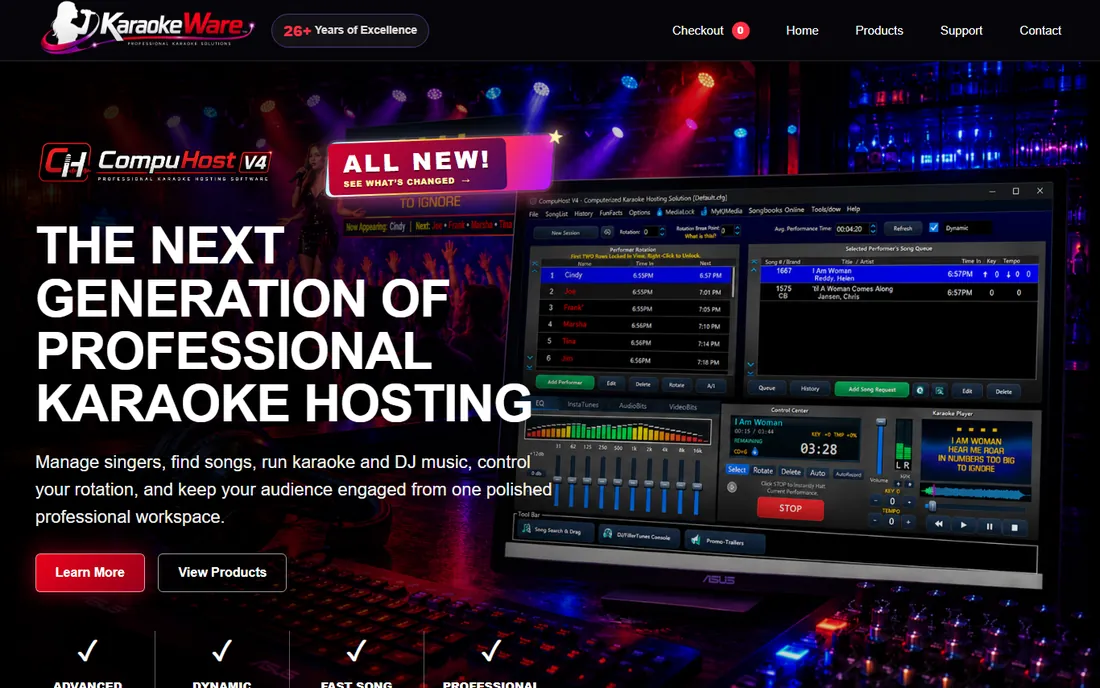
CompuHost has been a KJ favorite since the early 2000s, and version 4 is a full rebuild rather than a patch. The pitch is a single polished workspace: advanced singer rotation with dynamic performance timing, fast song search across large libraries, karaoke and DJ filler music in one console, video playback, smartphone requests, and an audience-visible rotation display on the lyrics screen. A karaoke drop-zone lets you drag files straight into the show.
At $199.95 it is the priciest one-time license in this list, though there is no subscription for the core software. Optional addons, like a printed songbook creator at $49.95 and a kiosk client at $99.95, push the total higher if you want them. CompuHost also sells companion music services, including Karaoke Cloud PRO at $49.99 per month for commercially licensed streaming content. Buy this if you want one program to run the whole night; skip it if a simpler host app covers your shows.
What we like- Modern redesigned interface
- Drop-zone song loading
- Optional kiosk and songbook addons
Watch out for- Highest one-time price here
- Addons cost extra
Starting price$16/month or $160/year
Free planFree trial
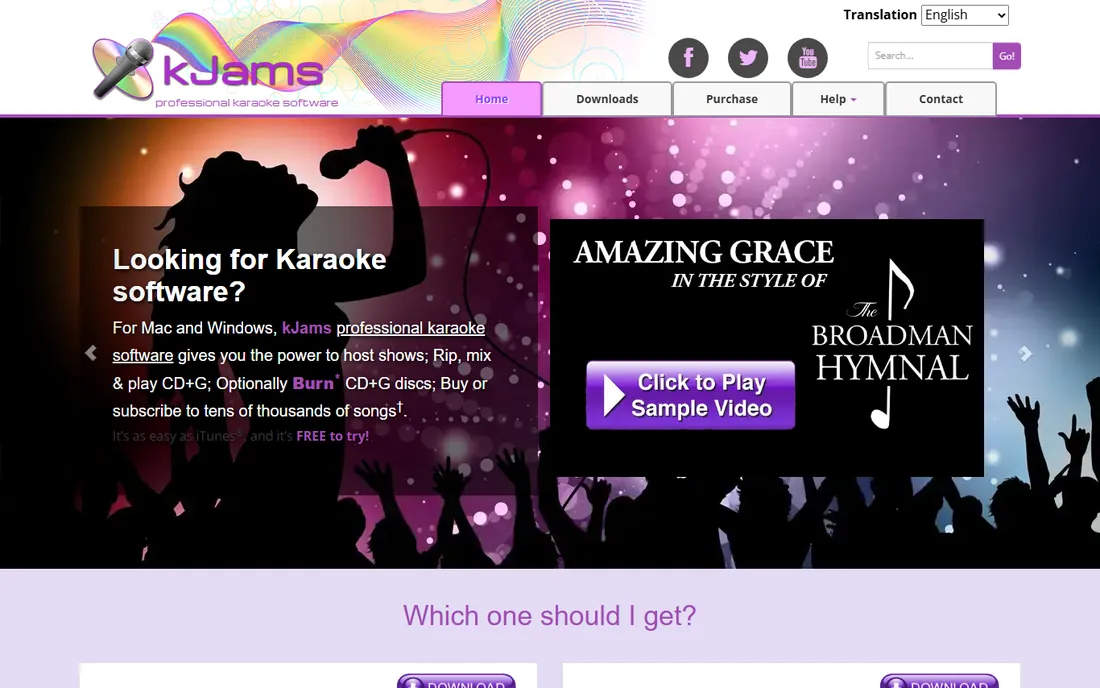
KJams is the rare karaoke host program that treats the Mac as a first-class citizen. NightClub is the pro edition: it rips, mixes and plays CD+G discs, runs an automated singer rotation, lets singers manage their own Tonight, Favorites and History playlists from a phone app or web browser, and handles multiple venues with separate singer lists. A built-in web server and custom ShowScreens let you brand the venue display.
Pricing moved to subscription: NightClub costs $16 per month or $160 per year, and there is a cheaper HomeParty edition at $8 per month or $80 per year for non-pro use. Both are free to try. The catch is the ecosystem. The community and third-party resources are smaller than what PCDJ or CompuHost enjoy, and some advanced features, like Python scripting, only exist in the older 32-bit build. If you are a Mac-based KJ, though, this is the most natural fit.
What we like- Native Mac and Windows apps
- Multi-venue management
- Singers manage their own queues from phones
Watch out for- Subscription pricing
- Smaller user community than Windows-only rivals
Starting priceFree for home use
Free planYes
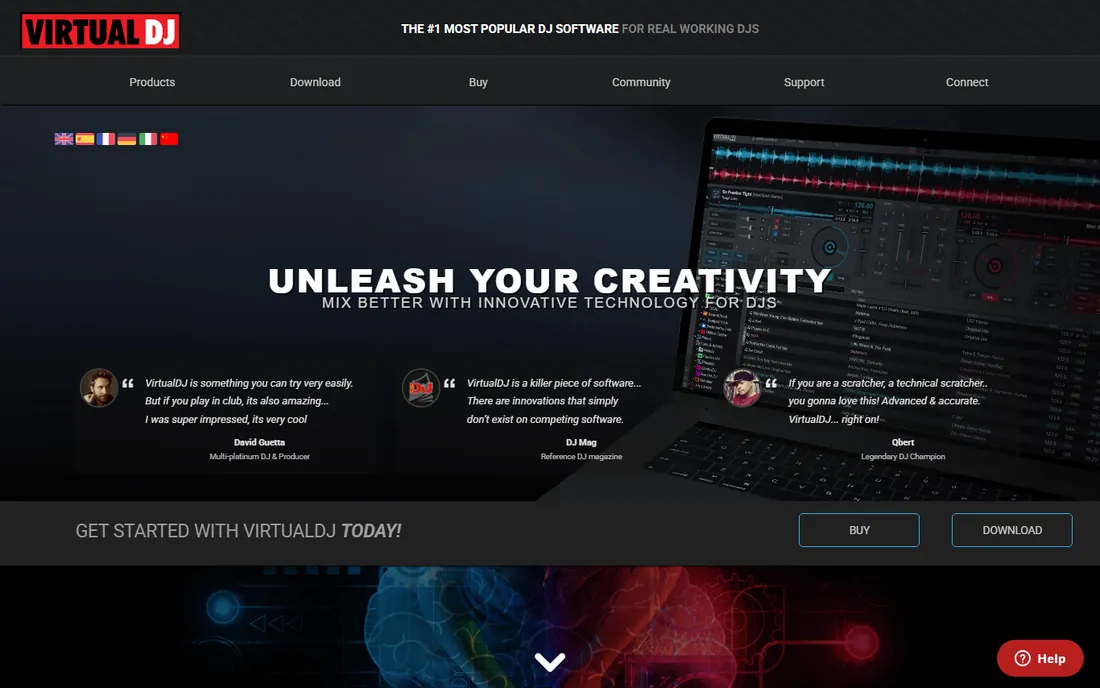
VirtualDJ is DJ software first, but its karaoke support is good enough that many mobile DJs who pick up karaoke gigs never buy a second program. It plays a wide range of audio, video and karaoke formats, outputs lyrics to a second screen, and routes microphone input with effects, all inside the same interface you already use for mixing. With over 300 million downloads claimed, it is also the easiest of these tools to find tutorials for.
Home use is free, which makes it the cheapest way to experiment with hosting. The step up is VirtualDJ Pro at $19 per month, or a $299 one-time Pro Infinity license, which you need for commercial gigs and full controller support. The honest catch: rotation management, singer history and request handling are thinner than in Karaoki or CompuHost. If karaoke is the main event, buy a dedicated host app. If you are a DJ who sometimes hosts karaoke, VirtualDJ covers both.
What we like- Free for non-commercial use
- Huge controller and format support
- DJ and karaoke in one program
Watch out for- Karaoke features trail dedicated KJ software
- Pro use needs a paid license
Starting priceFree
Free planYes
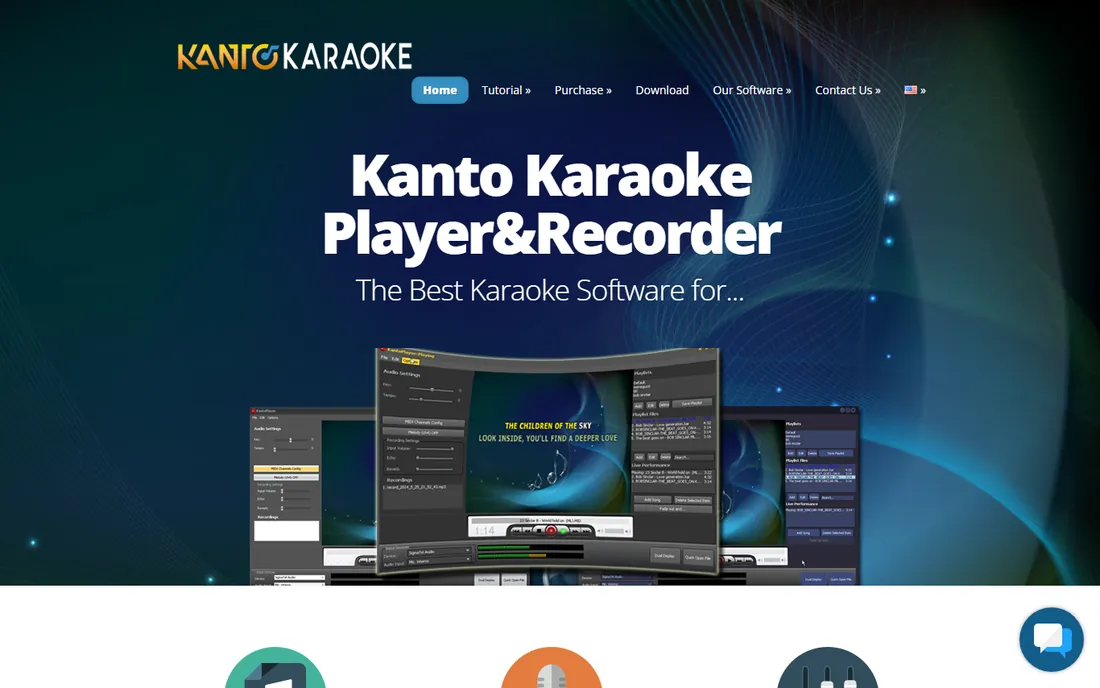
Kanto Karaoke keeps the job simple: open a karaoke file, see the lyrics, sing, and optionally record yourself over the backing track. It handles an unusually wide set of formats, including MIDI, KAR, MP3, CD+G and MP4 video karaoke, and it can convert MIDI files to MP3. The live performance mode, dual-display lyrics output and playlist tools cover the basics of a small party without a learning curve.
The free version is genuinely usable for trying it out, though it caps playlists at five songs and recordings at one minute. Standard costs $49 and Professional costs $69.95, both as one-time payments with licenses valid for three years, and only the Professional edition includes the singers rotation list for hosting shows. The interface looks its age and occasional users report quirks, but for the price of free it is hard to argue with as a basic player.
What we like- Free version available
- Plays midi, kar, mp3, cdg and mp4
- Dual-screen lyrics and voice recording
Watch out for- Dated interface
- Free version limits playlists and recording length
#9
OpenKJ
Best for: budget hosts who want free open-source software
Visit openkj.org
Starting priceFree
Free planYes
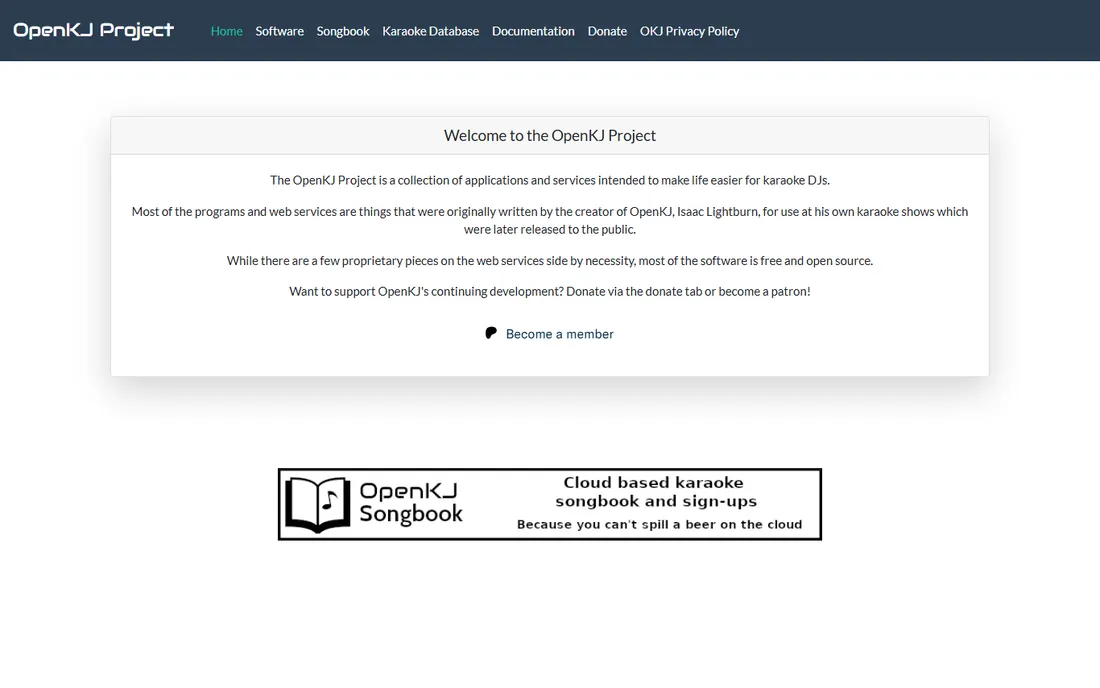
OpenKJ costs nothing, and that is the whole point. It is a fully featured karaoke hosting program maintained as an open-source project: singer rotation with a ticker on the lyrics display, key and tempo changes, EQ, automatic performance recording, break-music fading, and a remote request server so singers can look up and submit songs from their phones. It runs on Windows, macOS and Linux, with Linux installs available through Flathub.
The trade-off is polish and hand-holding. Installation and configuration ask more of you than a commercial installer, documentation lives on a community wiki, and support comes from fellow users rather than a help desk. If you are comfortable with that, OpenKJ does the core KJ job, rotation, lyrics output, and requests, without charging a cent. Donations and Patreon support keep the project going.
What we like- Completely free and open source
- Cross-platform
- Singer rotation, key changer and remote requests included
Watch out for- Setup takes more effort
- Support comes from the community
How we chose
We started with the way people actually buy karaoke software: some need a streaming app with songs included, others need hosting software for a library they already own. We checked each vendor's own site and pricing page in October 2026, kept only products that are still sold and maintained, and read KJ forums and Reddit threads to see which tools working hosts still recommend. We did not install or test the software ourselves. Prices below come from the vendors' own pages, and where a plan changed recently, such as CompuHost moving to V4 or Siglos moving to $119, we used the current figure.
What to check before you buy karaoke software
The biggest mistake is buying the wrong type of product. Decide these three things first and the shortlist picks itself.
Where your songs come from
Streaming apps like KaraFun and Singa include a licensed catalog in the subscription, so you can start singing in minutes. Hosting programs like CompuHost, Siglos, Karaoki, KJams and OpenKJ play files you supply: MP3+G, CD+G, ZIP packs, or video karaoke. If you already own a big collection, hosting software is cheaper long term. If you own nothing, a streaming subscription gets you singing tonight.
Whether you are hosting or just playing
A player shows lyrics and plays songs. Hosting software adds singer rotation, request handling, singer history, and dual-screen output, which matter the moment other people are waiting their turn. Kanto and KaraFun cover playing. Karaoki, Siglos Professional, CompuHost, KJams NightClub, VirtualDJ and OpenKJ cover hosting.
Commercial use
Singing at home and running a paid bar night are legally different. KaraFun Pro, Singa Business, Kanto Professional, and VirtualDJ Pro include or require commercial licensing. If you charge for shows or run karaoke in a venue, buy the tier that covers public performance, or confirm your PRO licenses (ASCAP, BMI, SESAC in the US) separately.
You will see these extensions everywhere, so here is the short version. MP3+G is a pair of files, an MP3 plus a CDG graphics file, and it is the most common digital karaoke format. CD+G is the disc version of the same idea. KAR and MIDI files use your computer's synthesizer for music, which sounds thinner but the files are tiny. MP4 and other video karaoke files have the lyrics baked into the video. ZIP packs usually bundle MP3+G pairs. Every hosting program in this list plays MP3+G, and most play the rest, but check your specific collection before you buy.
Frequently asked questions
What is the best karaoke software for a home party?
KaraFun or Singa. Both give you a big licensed catalog, phone-as-remote features, and a free tier, so guests can queue songs without touching your laptop. If you already own karaoke files, Kanto Karaoke's free version or OpenKJ will play them at no cost.
What is the best karoke app for phones?
The misspelling is common enough that it is worth answering directly. KaraFun and Singa both have well-reviewed phone apps with large catalogs and offline sync, and both offer free tiers. Smule is the other big name in mobile singing, though it leans more social than party-hosting.
Do I need to buy karaoke songs separately?
It depends on the software. KaraFun and Singa include songs in the subscription. PCDJ Karaoki, Siglos, CompuHost, KJams and OpenKJ assume you bring your own files, though PCDJ and CompuHost sell optional streaming catalogs as add-ons.
Can I run karaoke commercially in a bar?
Yes, but buy the right license. KaraFun Pro and Singa Business are built for venues. Kanto Professional and VirtualDJ Pro cover commercial use on their side. You may also need public performance licenses depending on your country and how the music is sourced, so check local rules.
What is the difference between karaoke hosting software and a karaoke player?
A player plays songs and shows lyrics. Hosting software adds everything a KJ needs for a live show: singer rotation, remote song requests, singer history with saved key changes, dual-screen output, and filler music between singers.
Which karaoke software is free?
OpenKJ is completely free and open source. Kanto Karaoke and VirtualDJ have free versions for home use. KaraFun and Singa have free tiers with limited songs. The pro hosting tools offer free trials but require a purchase for full use.
Sources we checked (10)
- https://www.karafun.com/
- https://singa.com/
- https://pcdj.com/karaoke-software/
- https://www.powerkaraoke.com/src/price_main.php
- https://www.karaokeware.com/
- https://karaoke.kjams.com/products/kjams-nightclub/
- https://karaoke.kjams.com/products/kjams-homeparty/
- https://virtualdj.com/
- https://www.kantokaraoke.com/purchase/
- https://openkj.org
Is your product missing or out of date?
We review this list regularly. Vendors can request a listing, send updated pricing or ask about featured placement.

Shihab Mia · Founder, Rankite
Shihab has spent more than a decade helping SaaS and e-commerce brands grow through search. He writes Rankite's software buying guides from pricing pages, documentation and public user reviews. More about Shihab.