How we make this list: we compare pricing pages, product documentation and public user reviews. Rankite is independent; if a vendor ever pays for a featured spot, that listing is clearly labeled Partner.
Key takeaways
- Trello is the simplest kanban tool: free, visual, and instantly understandable.
- Jira serves software teams that need kanban inside a serious development workflow.
- Asana, Monday, and ClickUp offer kanban as one view among many project management features.
- Businessmap (formerly Kanbanize) is the choice for organizations practicing real Kanban methodology.
- KanbanFlow, Kanban Tool, and Notion cover focused, lightweight, and flexible approaches.
Quick comparison
| Tool | Best for | Starting price | Free plan |
|---|
 Trello Trello | Simple visual kanban | Free | Yes |
 Jira Jira | Software team kanban | Free | Yes |
 Asana Asana | Kanban plus project views | Free | Yes |
 Monday Monday | Visual work management | See website | No |
 ClickUp ClickUp | All-in-one with kanban | Free | Yes |
 Businessmap Businessmap | Serious Kanban method | See website | No |
 KanbanFlow KanbanFlow | Focused lean kanban | Free | Yes |
 Kanban Tool Kanban Tool | Simple team kanban | Free | Yes |
 Notion Notion | Flexible docs plus boards | Free | Yes |
Is your product missing or out of date?
We review this list regularly. Vendors can request a listing, send updated pricing or ask about featured placement.
The best kanban board software
Starting priceFree
Free planYes
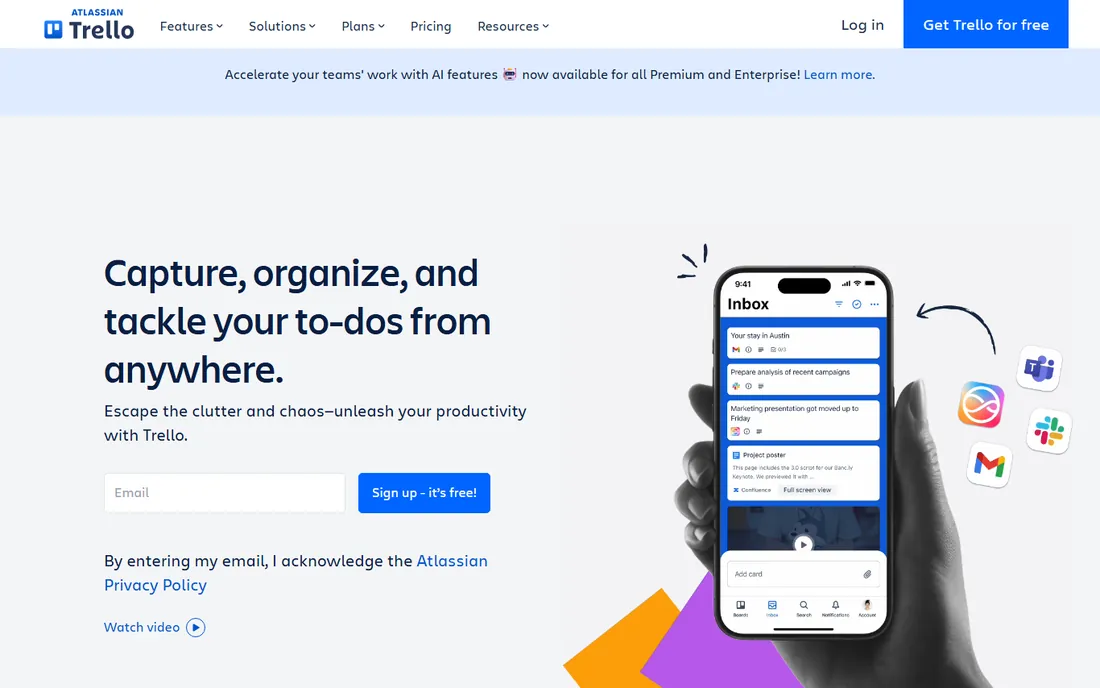
Trello is kanban in its purest digital form: boards, lists, cards, done. Anyone understands it in minutes, which is why it spread through teams that would never touch "project management software." The free tier is genuinely useful, power-ups add integrations, and templates cover everything from editorial calendars to hiring pipelines.
Complex projects outgrow it: dependencies, workload management, and advanced reporting need paid tiers or other tools. But for teams that want a shared visual board without ceremony, Trello remains the default recommendation. Simplicity is the feature.
What we like- Instantly understandable
- Generous free tier
- Huge template library
Watch out for- Limited for complex projects
- Advanced features need paid tiers
Starting priceFree
Free planYes
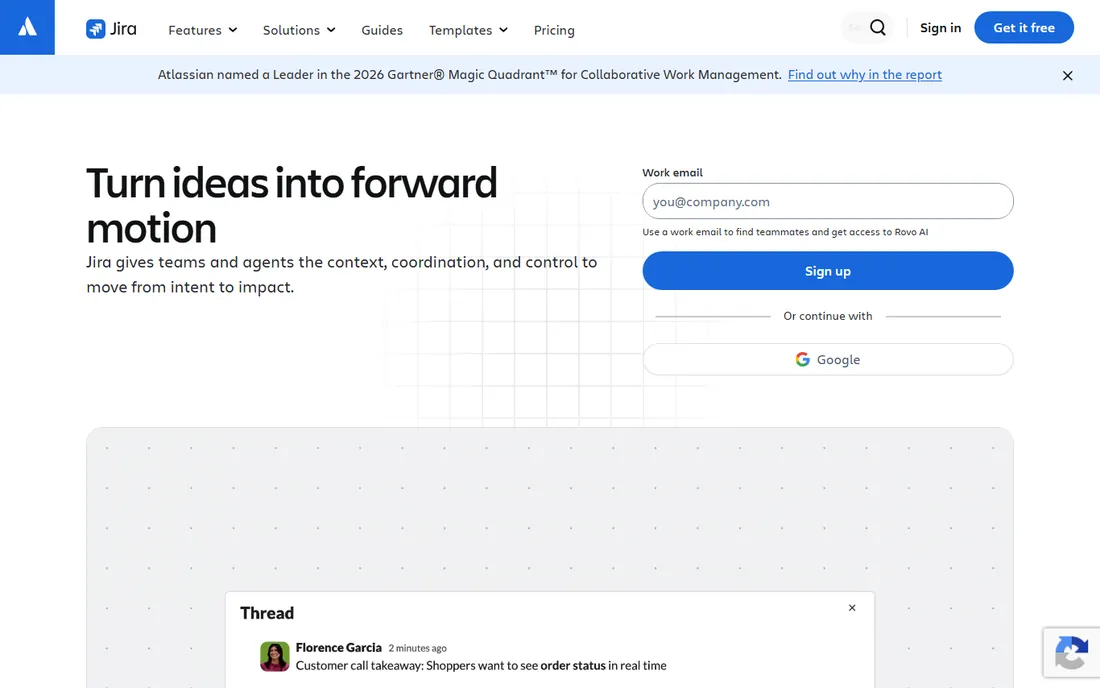
Jira's kanban boards live inside a complete development workflow: issues, sprints, releases, and integrations with Bitbucket and GitHub. Software teams track work from idea to deployment with WIP limits, cumulative flow diagrams, and automation rules. The free tier covers small teams fully.
Non-technical teams often find Jira heavy; the configuration options that developers love become overhead for everyone else. But for software teams practicing kanban (or mixing kanban with scrum), Jira's depth in the development lifecycle is unmatched. It is kanban for teams that ship code.
What we like- Built for development workflows
- Powerful automation
- Free for small teams
Watch out for- Complexity overhead
- Overkill for non-technical teams
Starting priceFree
Free planYes

Asana's board view gives teams kanban alongside list, timeline, calendar, and workload views of the same work. Cross-functional teams (marketing, design, operations) appreciate switching views without switching tools. The design is clean, onboarding is smooth, and the free tier covers small teams.
Kanban purists note that Asana's boards lack some methodology depth (WIP limits are basic, analytics are limited). It is project management software with kanban, not kanban software. For teams that want kanban as their daily view but need other views for planning, Asana's flexibility wins.
What we like- Multiple project views
- Good for cross-functional teams
- Clean design
Watch out for- Kanban is one view among many
- Premium features paywalled
Starting priceSee website
Free planNo
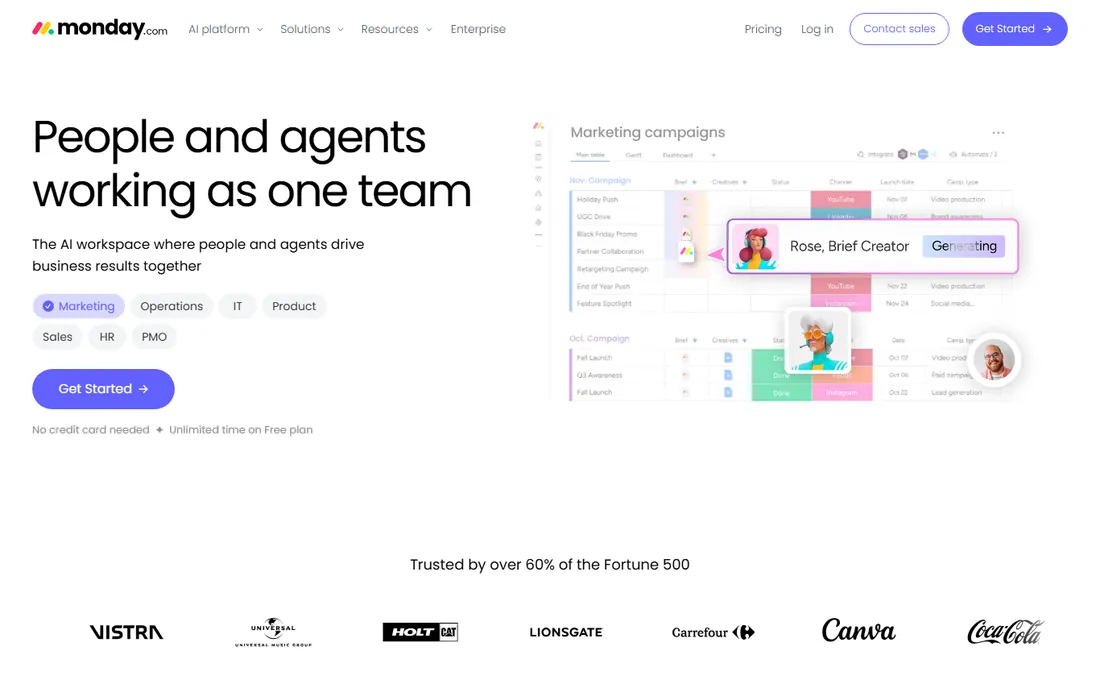
Monday's kanban view sits inside a colorful, highly customizable work platform. Teams build boards that match their exact process, automate status changes and notifications, and view work as kanban, Gantt, calendar, or dashboard. The template library jumpstarts common workflows.
There is no free tier, and per-seat pricing climbs as teams grow. Kanban methodology features (WIP limits, flow metrics) are thinner than dedicated tools. But for teams that want kanban boards as part of a vibrant, customizable workspace, Monday's visual appeal and flexibility are strong draws.
What we like- Highly visual and customizable
- Good automations
- Broad templates
Watch out for- No free tier
- Pricing per seat adds up
Starting priceFree
Free planYes
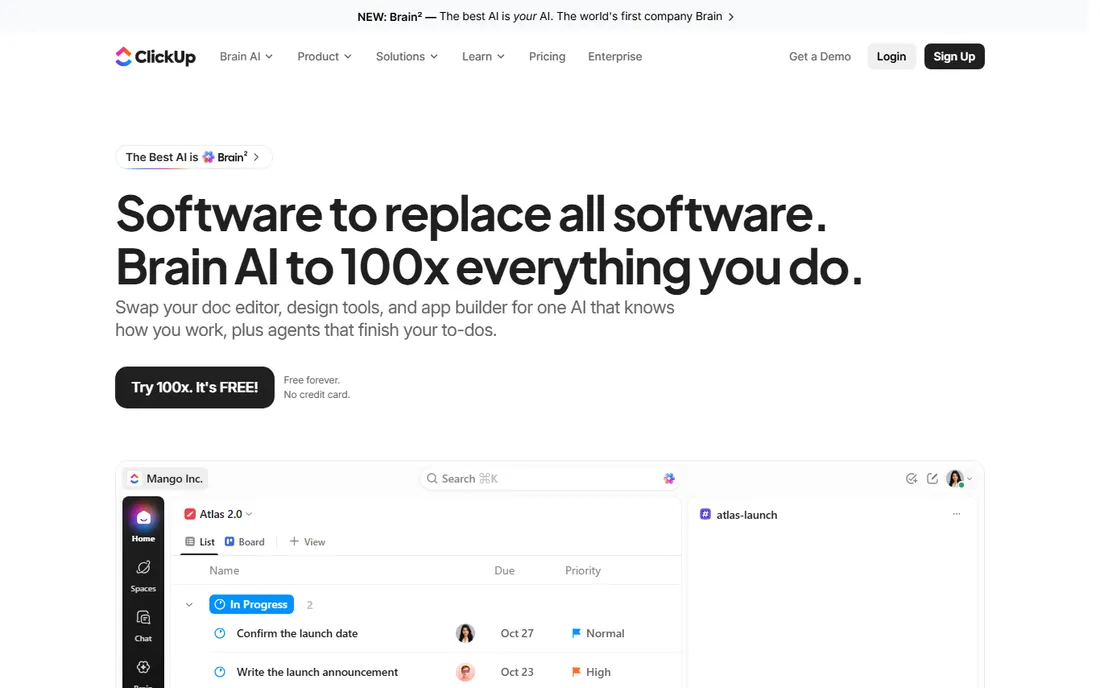
ClickUp packs kanban boards into an all-in-one workspace with docs, goals, time tracking, whiteboards, and more. The free tier is remarkably generous, and the board view supports the kanban essentials. Teams that want one tool for everything find ClickUp's breadth compelling.
The breadth is also the complaint: new users face a wall of features and settings. Large workspaces can feel sluggish. But for teams consolidating tools, ClickUp's kanban-plus-everything approach at a competitive price is hard to ignore. Start simple and expand gradually.
What we like- Enormous feature set
- Generous free tier
- Kanban plus docs, goals, and more
Watch out for- Can feel overwhelming
- Performance with huge workspaces
Starting priceSee website
Free planNo
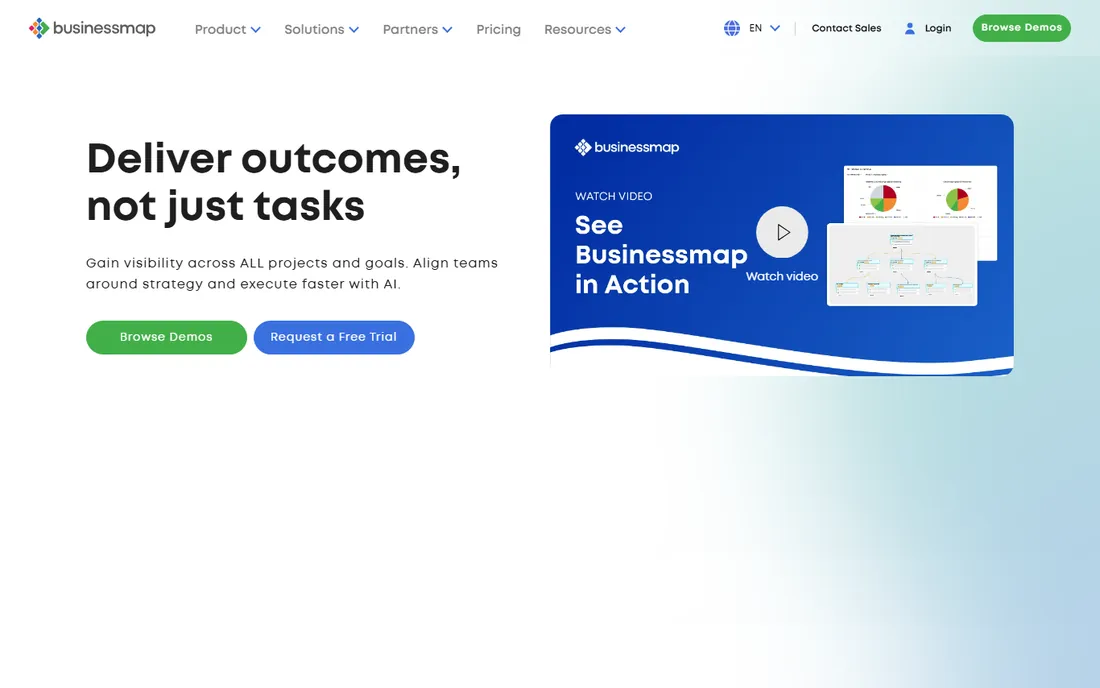
Businessmap (formerly Kanbanize) is built for organizations practicing the Kanban method seriously: WIP limits, classes of service, explicit policies, cumulative flow diagrams, cycle time analytics, and portfolio-level boards connecting team work to business initiatives. This is kanban as a management system, not just a board.
The pricing and depth target organizations, not small teams wanting a simple board. Casual users will find it heavy. But for companies adopting Kanban at scale, with multiple teams and the need for flow metrics, Businessmap is the most methodologically serious tool available.
What we like- True Kanban methodology support
- Portfolio-level boards
- Advanced analytics
Watch out for- Priced for organizations
- Overkill for simple boards
Starting priceFree
Free planYes
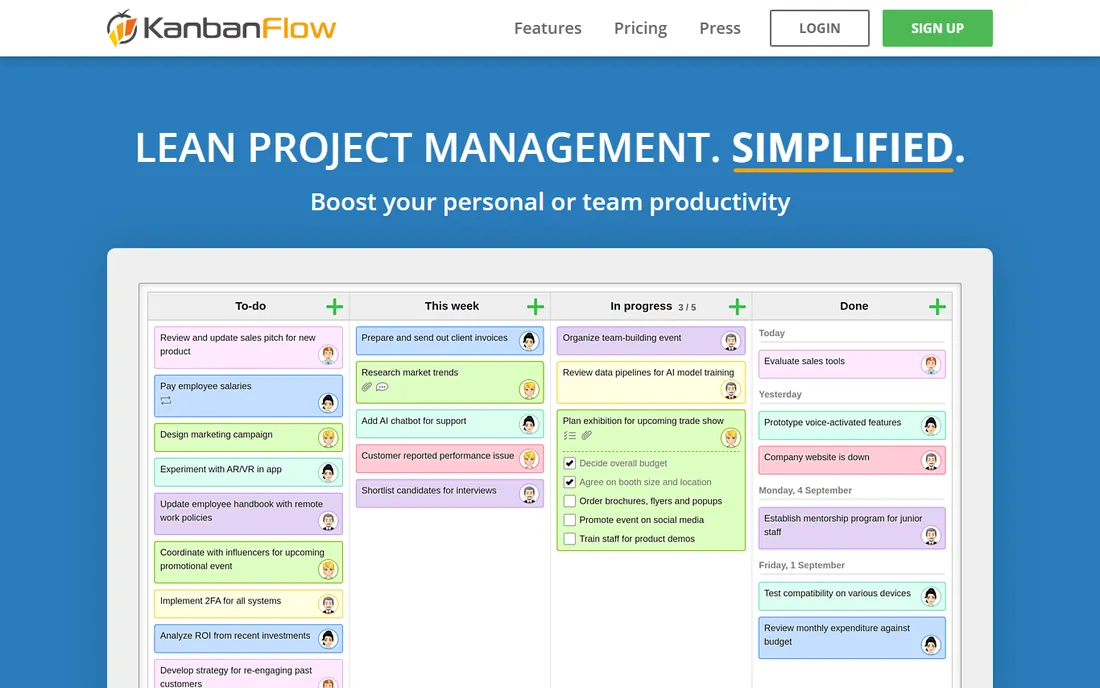
KanbanFlow keeps kanban lean: boards with WIP limits, swimlanes, and a built-in Pomodoro timer for focused work sessions. Time tracking integrates naturally with the board. The free tier is solid, and the premium plan is among the cheapest here. It appeals to practitioners who want the method without the platform bloat.
The design shows its age, and the integration ecosystem is smaller than the big platforms. But the focus is the point: no docs, no goals, no whiteboards, just kanban done well. For individuals and small teams practicing lean workflows, KanbanFlow's simplicity and price are refreshing.
What we like- Clean focused interface
- Built-in Pomodoro timer
- Affordable premium
Watch out for- Dated design
- Fewer integrations
Starting priceFree
Free planYes
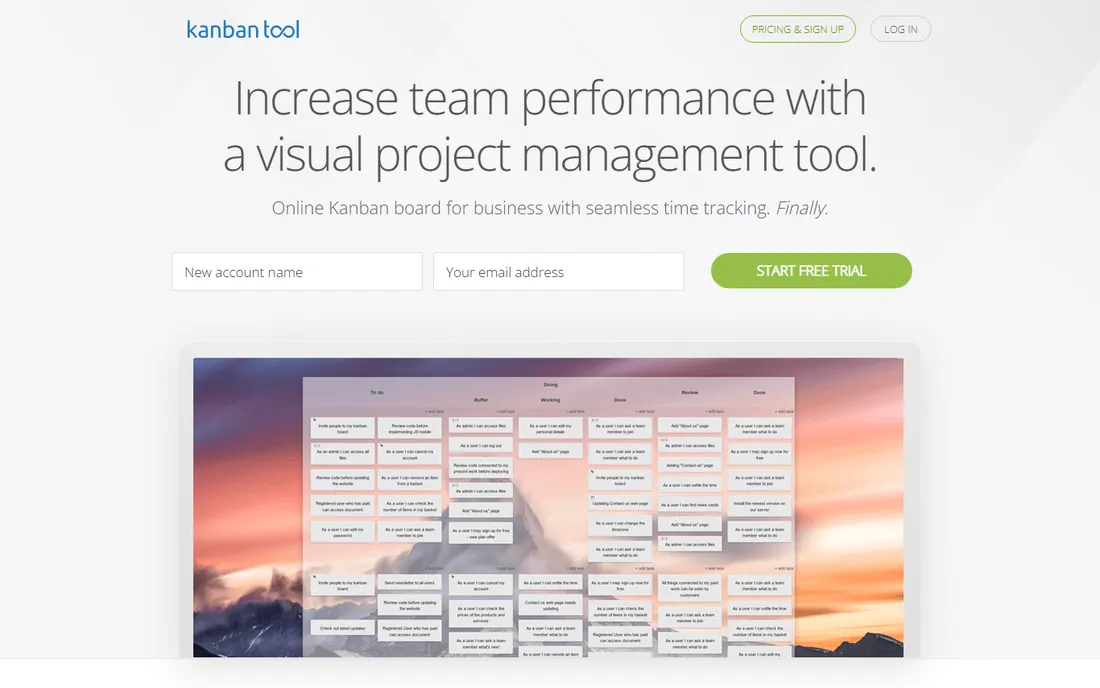
Kanban Tool does what the name says: team kanban boards with time tracking, WIP limits, and basic analytics, without fuss. The interface is straightforward, the pricing is reasonable, and the free tier covers small teams. It has served businesses quietly for years.
It lacks the visual polish and expansive features of the bigger platforms. Teams wanting docs, automation, or deep integrations should look elsewhere. But for businesses that need a dependable shared kanban board at a fair price, Kanban Tool's straightforwardness is exactly right.
What we like- Straightforward and reliable
- Time tracking
- Reasonable pricing
Watch out for- Less modern interface
- Smaller feature set
Starting priceFree
Free planYes
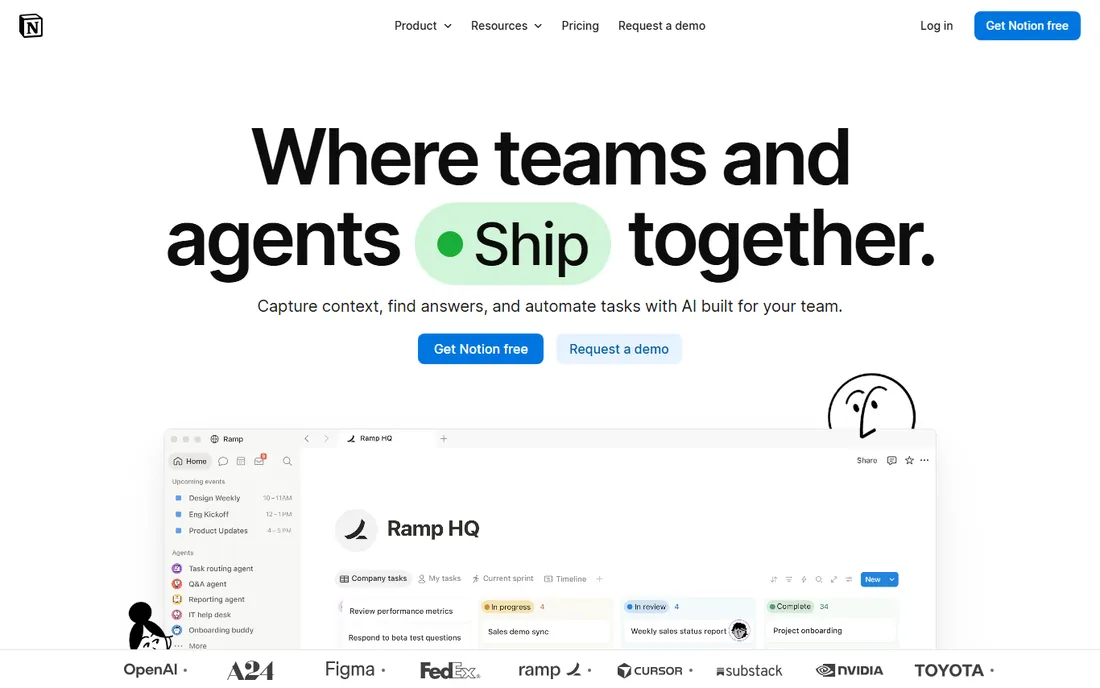
Notion's board view turns any database into a kanban board, living alongside docs, wikis, and project pages. Teams that already run on Notion get kanban without another tool; cards can hold rich content, relations, and rollups. The flexibility is unmatched: your board can be anything.
Dedicated kanban features (WIP limits, flow analytics, swimlanes) are basic or absent. Large boards can feel slow. Notion is a workspace with kanban, not kanban software. But for teams whose work lives in Notion already, the board view covers daily task management well enough that a separate tool is unnecessary.
What we like- Boards inside a full workspace
- Extremely flexible
- Generous free tier
Watch out for- Kanban features are basic
- Performance with large databases
Kanban that actually works
The tool is the easy part; the method is the work. Real kanban needs explicit WIP limits (and the discipline to respect them), defined done criteria per column, and regular attention to blocked cards. The most common failure is a board with no WIP limits that becomes a parking lot of started-but-stuck work. Start with a simple board (To Do, Doing, Done), set WIP limits lower than feels comfortable, and hold a brief daily standup at the board. Measure cycle time (start to finish) rather than individual productivity. The software visualizes the work; the team still has to manage the flow.
What to check before you choose
Methodology depth needed
A simple team task board needs Trello or Notion. A software team needs Jira's development integration. An organization adopting Kanban as a management method needs Businessmap's analytics and portfolio features. Match the tool's depth to your actual practice, not your aspirations.
WIP limits and flow metrics
If you practice real kanban, verify WIP limit enforcement, cumulative flow diagrams, and cycle time reports. Many tools offer boards without the methodology. The difference between a task board and a kanban system is measurement and discipline; the tool should support both.
Integration with your stack
Boards do not live alone. Check integrations with your communication tools (Slack, Teams), development tools (GitHub), and file storage. Native integrations beat Zapier workarounds for reliability. Teams already committed to a platform (Atlassian, Microsoft) should weigh the ecosystem value.
Pricing at your team size
Per-seat pricing punishes large teams; flat or tiered pricing favors them. Model the cost at your actual headcount, including the viewers and stakeholders who need access. Free tiers from Trello, Jira, Asana, ClickUp, and Notion cover many small teams completely.
How we chose
We selected tools with real kanban board functionality and active user bases in 2026, from pure kanban tools to project platforms with board views. We evaluated board features, methodology support, usability, and fit for different team types. We excluded pure task lists without board views and discontinued products. No vendor paid for placement, and we did not run team trials.
Frequently asked questions
What is the difference between kanban and scrum?
Kanban is a continuous flow system: visualize work, limit work in progress, and pull new work as capacity frees up. Scrum organizes work into fixed-length sprints with defined roles and ceremonies. Kanban suits ongoing operational work; scrum suits project-based development. Many teams blend both.
Is Trello still good in 2026?
Yes, for what it is: the simplest shared kanban board available. It has not tried to become everything, which keeps it fast and understandable. Teams that outgrow it usually need reporting, automation, or development integration, at which point Jira, Asana, or Monday make sense. But countless teams never outgrow it.
Do I need WIP limits?
Yes, if you want kanban rather than a task list. Work-in-progress limits force focus, expose bottlenecks, and keep work flowing instead of piling up. Start with a limit that feels slightly too low; the discomfort reveals where your process actually breaks. Tools that enforce WIP limits help build the habit.
Can kanban work for non-software teams?
Absolutely. Marketing teams track campaigns, HR tracks hiring pipelines, editorial teams track content, and sales teams track deals on kanban boards. The method (visualize, limit WIP, manage flow) applies to any knowledge work. The software does not care what the cards represent.
How many cards should be on a board?
Fewer than you think. A board with fifty cards is a database, not a workflow. Active work in progress should fit the team's capacity (roughly one to two cards per person in Doing). Archive done cards regularly and keep the backlog in a separate list or a dedicated backlog tool. A clean board that the team actually looks at beats a comprehensive board that everyone ignores. If the board is overwhelming, the WIP limits are too high or the columns are wrong.
Sources we checked (9)
- https://trello.com
- https://www.atlassian.com/software/jira
- https://asana.com
- https://monday.com
- https://clickup.com
- https://businessmap.io
- https://kanbanflow.com
- https://kanbantool.com
- https://www.notion.so
Is your product missing or out of date?
We review this list regularly. Vendors can request a listing, send updated pricing or ask about featured placement.

Shihab Mia · Founder, Rankite
Shihab has spent more than a decade helping SaaS and e-commerce brands grow through search. He writes Rankite's software buying guides from pricing pages, documentation and public user reviews. More about Shihab.