How we make this list: we compare pricing pages, product documentation and public user reviews. Rankite is independent; if a vendor ever pays for a featured spot, that listing is clearly labeled Partner.
Key takeaways
- Jira remains the default for software teams running Scrum or Kanban, but Linear is winning over smaller engineering teams that want speed without the admin overhead.
- For IT teams that also manage non-technical work, Asana, monday.com and ClickUp cover projects, requests and goals in one place, with real free plans.
- Enterprise IT organizations with portfolios, demand management and compliance needs should shortlist ServiceNow, Smartsheet and Wrike, not the team-level tools.
- Per-user pricing looks cheap until you add 200 people: model the three-year cost before you commit.
Quick comparison
| Tool | Best for | Starting price | Free plan |
|---|
 Jira Jira | agile software and IT teams | See website | Yes |
 Asana Asana | cross-team projects and goals | $10.99 per user/month (billed annually) | Yes |
 monday.com monday.com | visual no-code workflows | See website | Yes |
 ClickUp ClickUp | feature depth for the price | $9 per user/month (billed annually) | Yes |
 Smartsheet Smartsheet | spreadsheet-style enterprise planning | See website | No |
 Wrike Wrike | complex workflows and approvals | See website | Yes |
 ServiceNow ServiceNow | enterprise portfolio management | See website | No |
 Zoho Projects Zoho Projects | budget-friendly IT project tracking | See website | Yes |
 Teamwork.com Teamwork.com | client-facing IT services work | See website | Yes |
 Linear Linear | fast issue tracking for product teams | See website | Yes |
Is your product missing or out of date?
We review this list regularly. Vendors can request a listing, send updated pricing or ask about featured placement.
Starting priceSee website
Free planYes
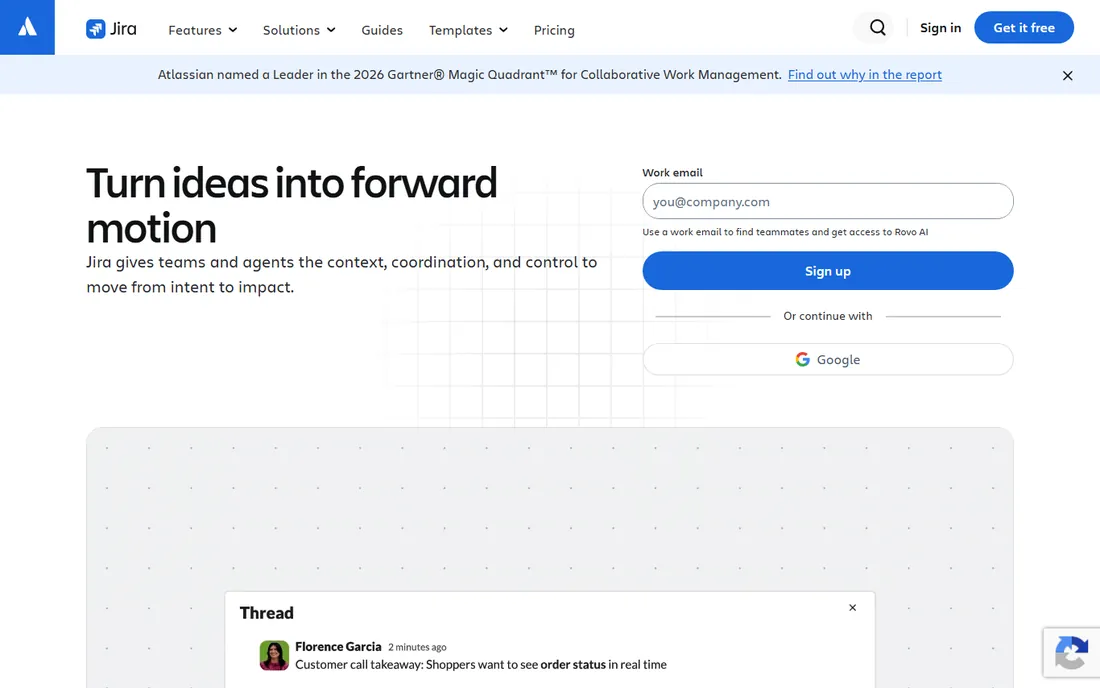
Jira is the tool most IT teams compare everything else against. Built by Atlassian for agile software development, it handles backlogs, sprints, kanban boards, releases and incident-linked work with a depth that general project tools cannot match. The workflow engine is extremely flexible: custom issue types, fields, screens and automation rules let you model anything from bug triage to change management.
The ecosystem is the real moat. Thousands of marketplace apps extend Jira into test management, time tracking, portfolio planning and ITSM, and the native integration with Bitbucket, GitHub and CI pipelines ties work items to code automatically. The free plan covers up to 10 users, which makes it easy for a small team to start.
The honest catch is administrative weight. Jira instances grow complex, and somebody has to own the configuration, permissions and cleanup. Teams that just need shared task lists will find it heavy. It also assumes an agile mindset; IT operations teams running ticket queues sometimes fit ServiceNow or a simpler tool better. Pricing is per user per month with Standard and Premium tiers, so check the current rate on the pricing page.
What we like- The industry standard for Scrum and Kanban
- Deep agile reporting
- Huge integration ecosystem
Watch out for- Configuration can become a full-time job
- Non-technical users often struggle with it
Starting price$10.99 per user/month (billed annually)
Free planYes
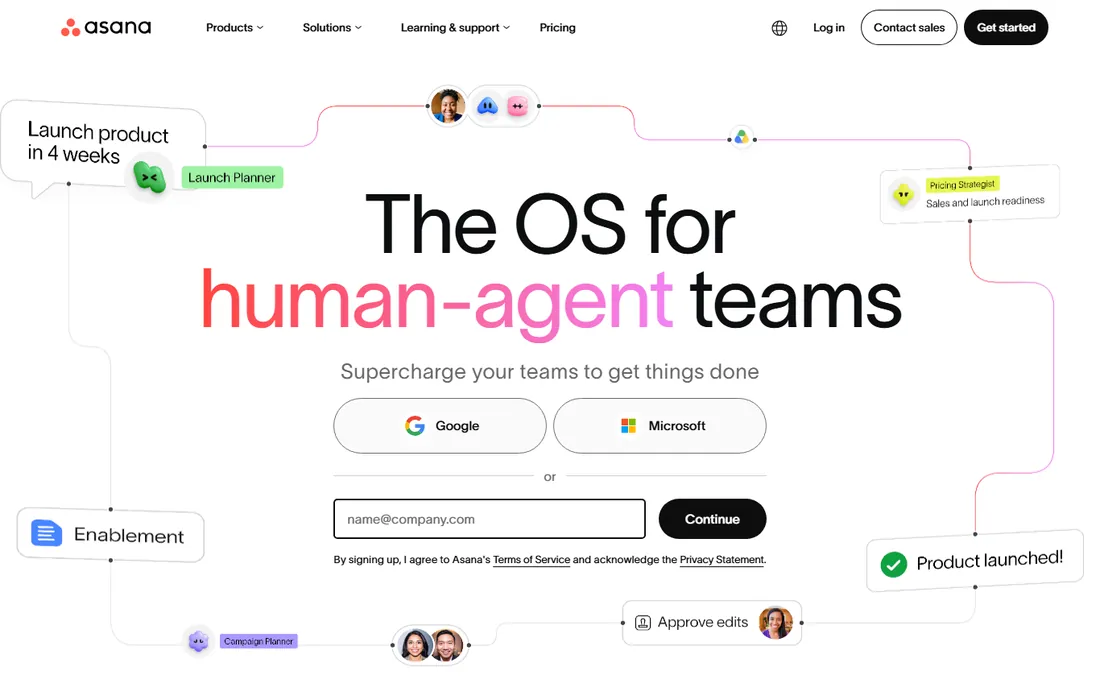
Asana is the work management platform IT teams pick when the work spans engineering, marketing, operations and leadership. Projects can be viewed as lists, boards, timelines or calendars, and the Goals and Portfolios features connect daily tasks to company objectives. The interface is polished enough that non-technical stakeholders adopt it without training.
For IT specifically, Asana works well for project intake, sprint-adjacent planning and cross-functional initiatives like system migrations where half the participants are not engineers. The two-way Jira Cloud sync lets engineering stay in Jira while everyone else works in Asana. Automations, forms and custom fields cover most workflow needs without code.
The drawback is the pricing ladder. Starter begins at $10.99 per user per month billed annually, and features like resource management, approvals and advanced integrations require the $24.99 Advanced tier. At 100-plus users that adds up quickly. The free Personal plan is genuinely useful for small teams, so start there and upgrade when a specific limit bites.
What we like- Clean interface non-technical staff actually use
- Goals and portfolios tie work to strategy
- Generous free Personal plan
Watch out for- Advanced features sit behind higher tiers
- Per-user cost climbs fast at scale
Starting priceSee website
Free planYes
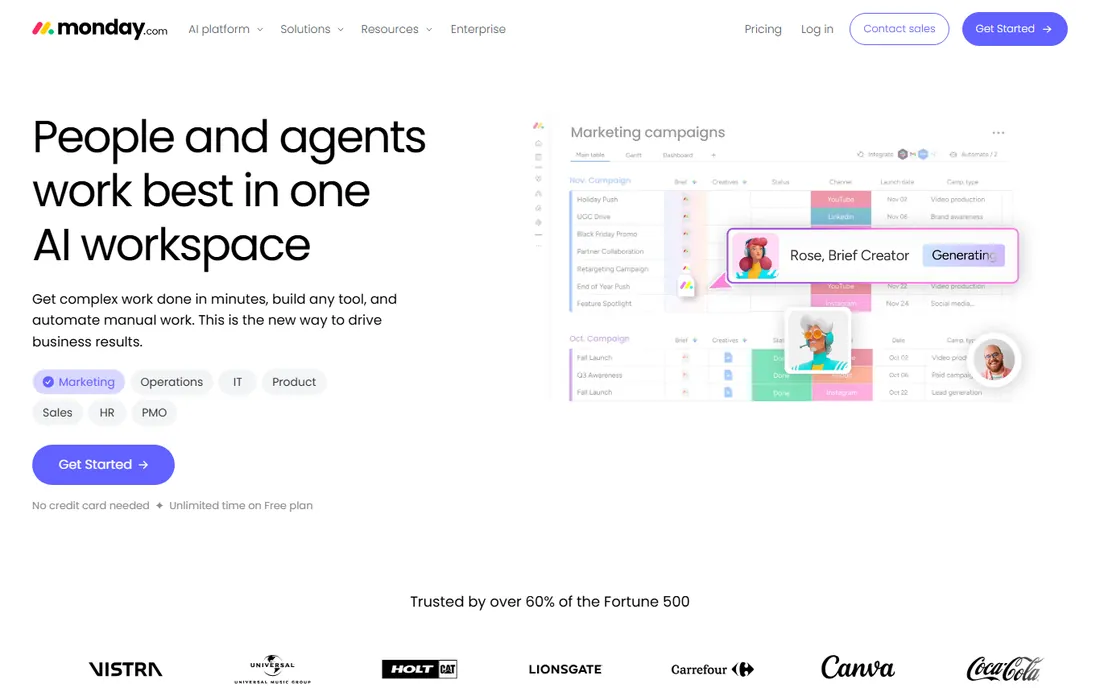
monday.com sells itself as a work operating system, and for IT teams that means one platform for project tracking, request intake, asset onboarding and team dashboards. Boards are visual and configurable without admin help, which is why non-technical departments adopt it fast. Automations handle status changes, notifications and handoffs, and the dashboard views roll up work across teams.
IT departments use it for everything from sprint tracking to IT request queues to vendor onboarding checklists. The template library gives you starting points for common workflows, and integrations cover the usual suspects like Slack, Teams, Jira and GitHub. The free plan supports small teams getting started.
The honest catch is pricing structure. Paid plans have seat minimums and the per-seat cost rises with the tiers that add automations, integrations and advanced reporting. Enterprise IT buyers should model the cost at their real headcount, not the starter price. It is also less opinionated than Jira about agile process, which is a pro for flexibility and a con for teams that want Scrum enforced.
What we like- Highly visual boards anyone can configure
- Strong automations and dashboards
- Broad template library
Watch out for- Pricing minimums and seat rules add up
- Can get expensive for large IT orgs
Starting price$9 per user/month (billed annually)
Free planYes
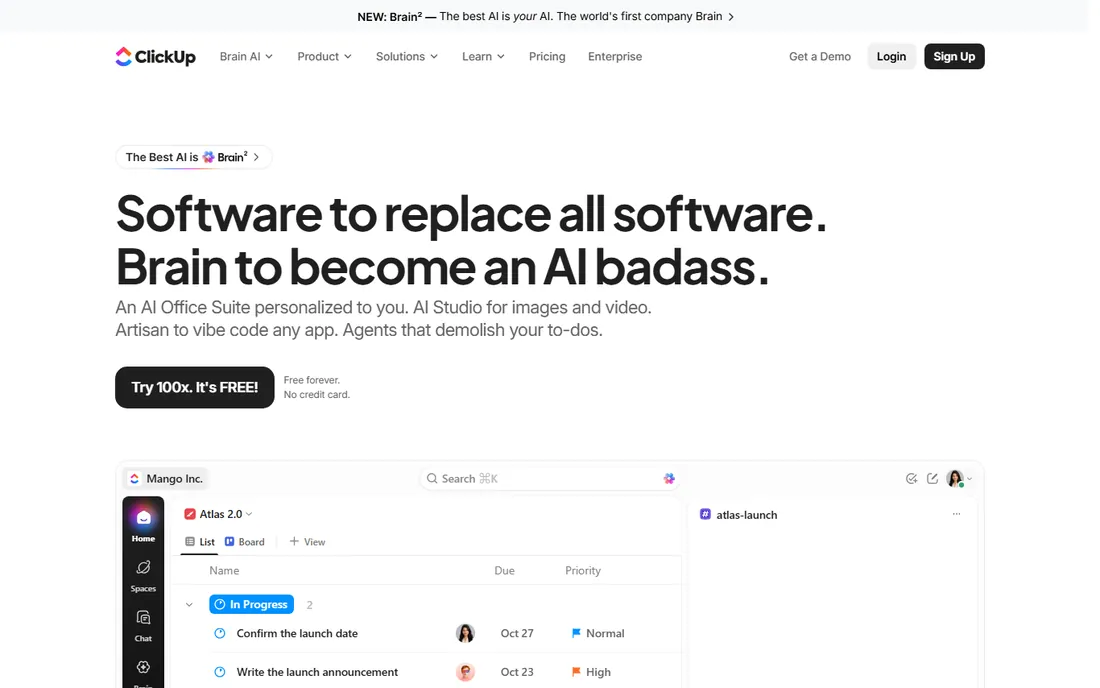
ClickUp's pitch is simple: everything in one app for less money. Tasks, docs, chat, goals, time tracking, sprint management and dashboards all live in one workspace, and the free plan includes unlimited tasks, unlimited members and core views. Paid plans start at $9 per user per month billed annually for the Core tier, with Business at $17.
For IT teams on a budget, that value is hard to beat. You can run sprints, track bugs, document runbooks and manage goals without buying four tools. Custom fields, task types and automations let you model IT-specific workflows like incident tracking or release checklists. The integrations list is long and the API is solid.
The trade-off is complexity. ClickUp has so many features that new teams spend weeks configuring it, and the interface can feel busy. Performance with very large workspaces has been a historical complaint, though it has improved. If your team wants a tool that works out of the box with minimal setup, Asana or Linear will get you there faster. If you want maximum capability per dollar, ClickUp wins.
What we like- Enormous feature set for the money
- Docs, chat and goals built in
- Genuinely useful free plan
Watch out for- The breadth creates a learning curve
- Setup takes real time
Starting priceSee website
Free planNo
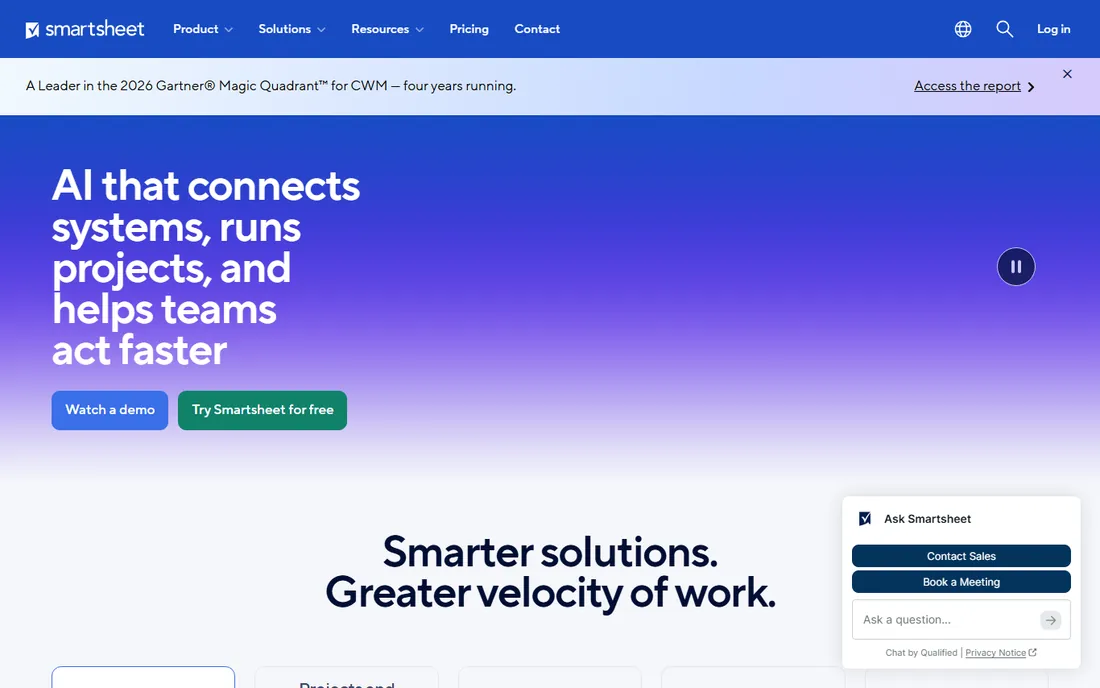
Smartsheet looks like a spreadsheet and acts like a project platform, which is exactly why large IT organizations adopt it. Teams that live in Excel can build project plans, Gantt charts, card views and dashboards without learning a new paradigm. Underneath, it offers automation, resource management, proofing and portfolio-level reporting through Control Center.
For IT PMOs, the governance features matter: standardized project templates, approval workflows, audit trails and integrations with enterprise systems. It fits organizations that need formal scheduling, resource planning and executive reporting more than they need developer-centric agile tooling. There is no free plan, but trials are available.
The honest drawback is cost structure. The base license is only the start; premium apps for resource management, dynamic views and advanced reporting add 20 to 50 percent to the contract. IT buyers should negotiate the full package, not just the headline seat price. It is also weaker than Jira for pure software development workflows.
What we like- Familiar grid interface speeds adoption
- Strong for portfolio reporting and governance
- Enterprise controls
Watch out for- No free plan
- Premium add-ons inflate the contract
Starting priceSee website
Free planYes
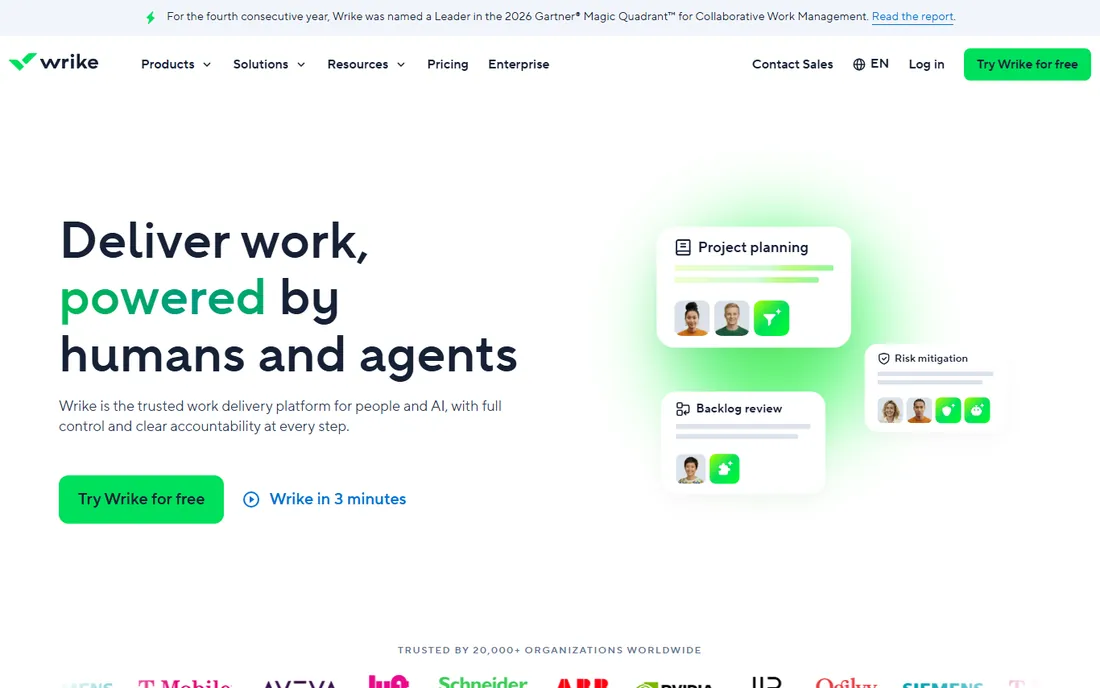
Wrike sits between team task tools and enterprise PPM. Its strengths are custom workflows, dynamic request forms and approval chains, which suit IT teams that deliver projects for internal clients with formal intake. Resource management, time tracking and proofing are built in, and the reporting works across projects and portfolios.
IT service delivery teams like the request-to-delivery pipeline: a form captures the request, automation routes it, and the project runs with approvals at each gate. The free plan covers basic team use, and paid plans scale to enterprise with SSO, audit and advanced security. Integrations include the standard development and communication tools.
The catch is the pricing jump between tiers. Teams often outgrow the Team plan quickly and find the Business tier significantly more expensive. The interface, while powerful, is denser than Asana or monday.com. Evaluate it against Smartsheet if your need is PMO-grade governance, or against Asana if your need is team-level delivery.
What we like- Powerful custom workflows and request forms
- Strong resource management
- Good for cross-functional delivery
Watch out for- The jump from Team to Business tier is steep
- Interface takes time to master
Starting priceSee website
Free planNo
ServiceNow Strategic Portfolio Management is a different category from the tools above. It is built for enterprises that need to manage demand, portfolios, resources, roadmaps and financials across hundreds of projects, with deep ties into ServiceNow's ITSM, ITOM and asset management modules. If your IT organization already runs on ServiceNow, the portfolio layer connects project delivery to operations data naturally.
The capabilities are enterprise-grade: scenario planning, resource capacity management, project financials, agile-at-scale support and executive dashboards. For CIOs who need one view of all technology investment, it is the short-list option alongside Planview and Clarity.
The honest reality is that this is a major enterprise purchase. Pricing is quote-based and implementations run as formal programs with consultants. A 20-person IT team should not buy ServiceNow SPM; it is for organizations where portfolio governance is a full-time function. Get the implementation scope fixed in the contract.
What we like- Full strategic portfolio management
- Ties projects to ITSM, assets and finance
- Enterprise scale
Watch out for- Quote-based enterprise pricing
- Implementations are major programs
#8
Zoho Projects
Best for: budget-friendly IT project tracking
Visit zoho.com
Starting priceSee website
Free planYes
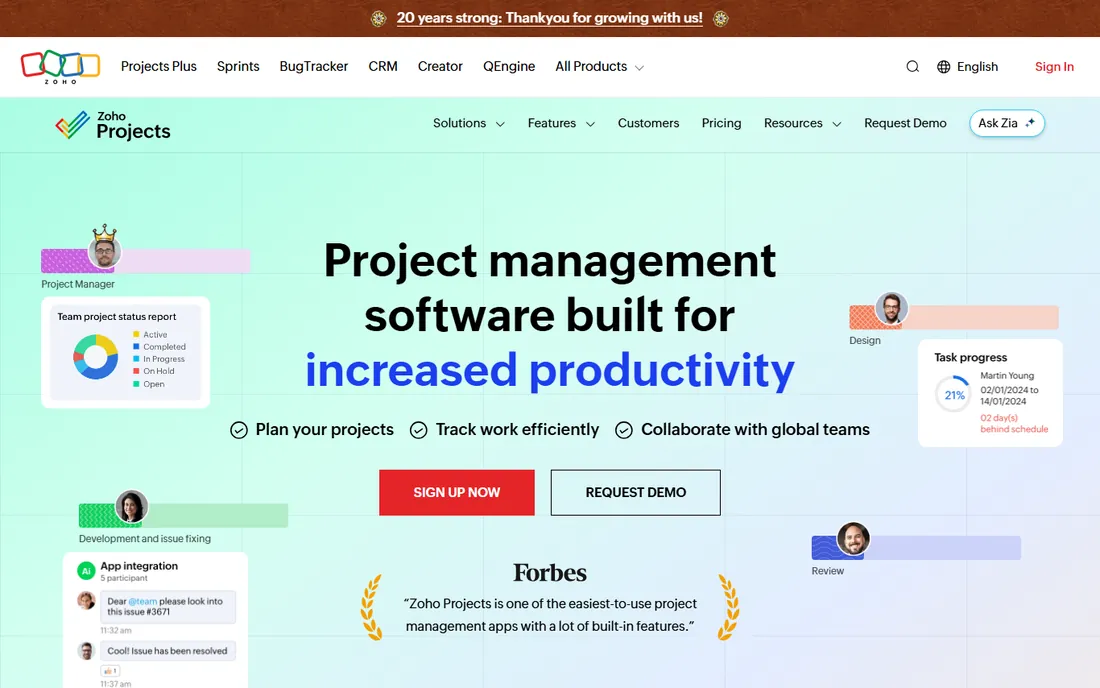
Zoho Projects is the value pick for IT teams that need proper project management without the per-seat prices of the bigger names. It covers tasks, milestones, Gantt charts, timesheets, issue tracking and project dashboards, and the free plan is usable for small teams. Paid plans are among the cheapest in the category.
The feature set punches above the price. You get critical path, baselines, resource utilization charts and automation rules that competitors reserve for higher tiers. If your company already uses Zoho for CRM, mail or helpdesk, the native integrations make it an easy choice. It handles both agile-style boards and traditional waterfall planning.
The trade-off is polish and depth. The interface is functional rather than delightful, and power users will miss the advanced reporting and ecosystem of Jira or the visual flair of monday.com. Support experiences vary. But for a cost-conscious IT team that needs the fundamentals done right, it is hard to argue with the price.
What we like- Real project features at a low price
- Gantt, milestones and timesheets included
- Integrates with the Zoho suite
Watch out for- Interface less polished than rivals
- Advanced reporting is basic
Starting priceSee website
Free planYes
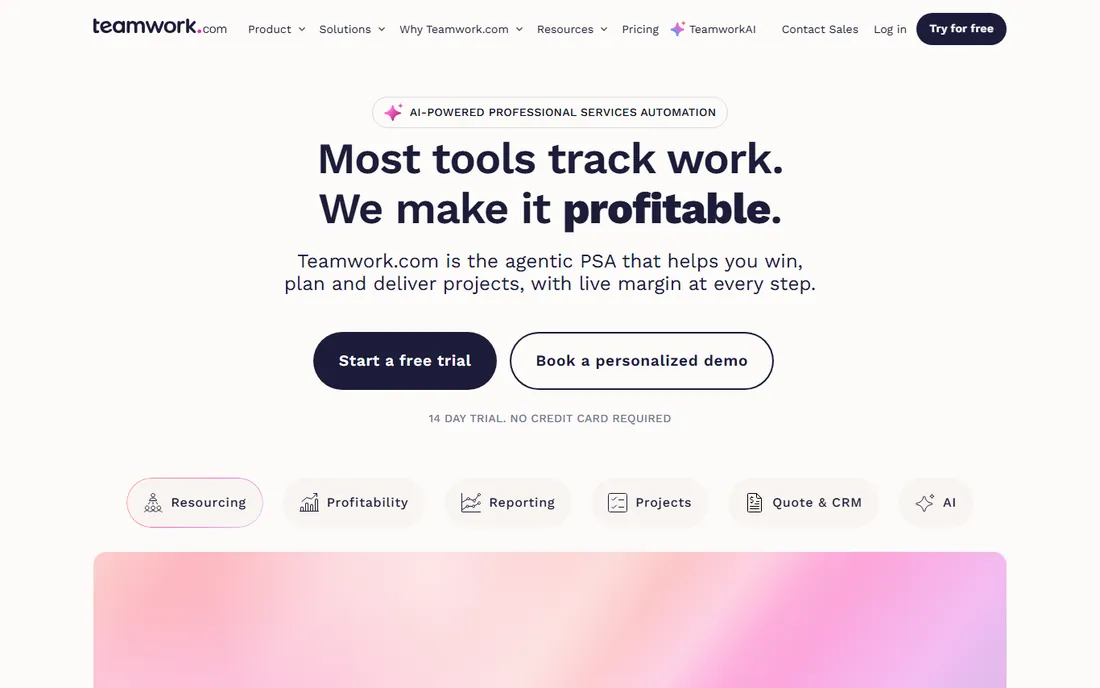
Teamwork.com is built for teams that deliver work for clients: MSPs, IT consultancies and internal IT shops that bill back to business units. Projects, tasks, milestones, time tracking and invoicing connect in one system, so the hours your engineers log flow straight into client billing. Client users get limited, branded access without seeing internal workings.
The workload and profitability views help services leaders see which projects make money and which do not. Templates standardize delivery across clients, and the free plan lets small teams start. Integrations cover the usual communication and file tools.
The limitation is focus. If you are an internal IT team with no clients and no billing, much of Teamwork's differentiation is irrelevant, and Asana or ClickUp will feel more natural. Some reporting and automation features sit behind higher tiers. But for IT services businesses, the project-to-invoice pipeline is the reason to choose it.
What we like- Built for agencies and client services
- Time tracking and billing tie to projects
- Client-friendly permissions
Watch out for- Less suited to pure internal IT
- Some features need higher tiers
Starting priceSee website
Free planYes
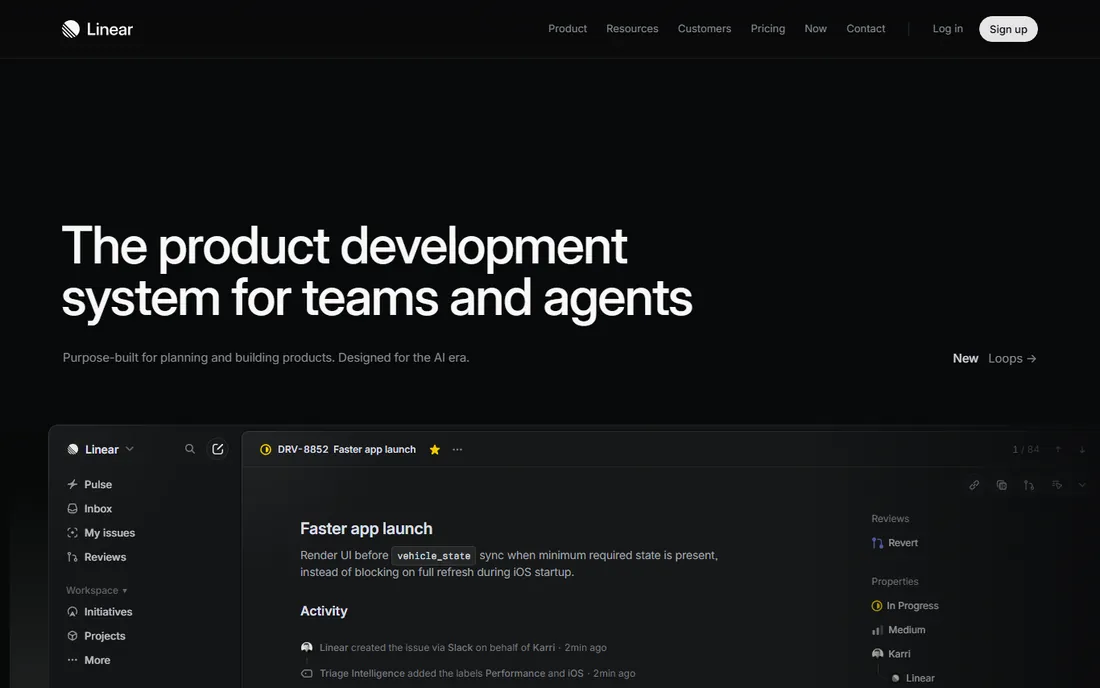
Linear is the issue tracker that engineering teams switch to when Jira feels slow and heavy. It is fast, keyboard-driven and opinionated: cycles instead of sprints, triage flows, and a clean interface that developers actually enjoy. Sync is instant, the command palette handles most actions, and integrations with GitHub, GitLab and Slack are first-class.
The product philosophy is to do issue tracking brilliantly rather than everything adequately. Product and engineering teams run their whole delivery process in Linear, from bug reports to roadmap planning. The free plan covers small teams, and paid plans are straightforward per-user pricing.
The honest catch is scope. Linear is built for product development; it is not a general project management tool for marketing campaigns or facilities projects, and it lacks the enterprise governance, portfolio reporting and compliance features of ServiceNow or Smartsheet. If your IT team is really a product team, it is the best tool here. If you need cross-functional work management, pair it with something broader.
What we like- Extremely fast and keyboard-driven
- Beloved by engineering teams
- Clean, opinionated workflow
Watch out for- Less flexible for non-engineering work
- Fewer enterprise governance features
How IT teams actually choose: a pricing reality check
Per-user pricing dominates this category, which means the headline number lies. A tool at $10 per user per month costs $24,000 a year for 200 people, and that is before the tier upgrades that include the features you actually need. Always model three years at your real headcount, including the tier that has your must-have features.
Free plans are genuinely useful in this category but have sharp edges. Asana's free plan caps at a small team, monday.com's free tier is limited, and ClickUp's free plan is the most generous. Enterprise tools like ServiceNow and Smartsheet have no free tier at all. The other cost is administration: Jira and ServiceNow need owners, while Linear and Asana mostly run themselves. Factor in the admin headcount when you compare.
What to check before you buy
Start with methodology fit. A Scrum team needs sprints, backlogs and velocity charts; an IT operations team needs request queues and change workflows; a PMO needs portfolios and resource planning. Buying a great tool for the wrong methodology is the most common failure.
Second, test with real work, not a demo project. Import an actual sprint or project, configure your real workflow and run it for two weeks. Third, check integrations with your stack: source control, CI/CD, chat, ITSM and identity provider. A project tool that cannot talk to your engineering systems creates manual status updates forever. Finally, verify the security and compliance story: SSO, SCIM, audit logs and data residency matter the moment you scale past a single team.
How we chose
We compared vendor pricing pages, product documentation and public review sources, then confirmed every homepage was live in October 2026. We verified Asana's and ClickUp's current prices directly on their pricing pages; where we could not verify a vendor-published price we say so instead of repeating third-party estimates. We excluded generic to-do apps and focused on tools with real project structure: timelines, dependencies, reporting and team collaboration. Nothing here reflects hands-on testing; assessments come from documentation, feature lists and public user feedback.
Frequently asked questions
Which tool is best for an IT team running Scrum?
Jira is the standard for Scrum and Kanban in software teams. Linear is the faster, simpler alternative that many product teams prefer. If your Scrum team is small and wants minimal admin, trial Linear first.
Do we need Jira if we already use Asana?
Not necessarily. Many organizations use Jira for engineering and Asana for everything else, connected by the two-way sync. If your IT work is mostly cross-functional projects rather than software sprints, Asana alone may be enough.
What is the cheapest good option for a small IT team?
ClickUp's free plan is the most generous, and its paid plans start at $9 per user per month. Zoho Projects is the cheapest paid option with real project features. Both beat spreadsheets without the enterprise price tag.
How long does it take to roll out a project management tool?
Team-level tools like Asana, monday.com, ClickUp and Linear can be productive in days to weeks. Jira takes weeks to configure properly. Enterprise platforms like ServiceNow and Smartsheet are multi-month programs with formal implementation.
Should IT and business teams use the same tool?
It depends on the work. Shared tools like Asana or monday.com improve visibility across departments. But forcing engineers into a general tool, or forcing marketers into Jira, usually fails. The two-tool pattern with an integration between them is common for a reason.
Sources we checked (14)
- https://www.atlassian.com/software/jira
- https://asana.com
- https://asana.com/pricing
- https://monday.com
- https://clickup.com
- https://clickup.com/pricing
- https://www.smartsheet.com
- https://www.wrike.com
- https://www.servicenow.com
- https://www.zoho.com/projects/
- https://www.teamwork.com/
- https://linear.app
- https://www.itechguides.com/best/project-tracking-software/
- https://www.celoxis.com/article/clickup-alternatives
Is your product missing or out of date?
We review this list regularly. Vendors can request a listing, send updated pricing or ask about featured placement.

Shihab Mia · Founder, Rankite
Shihab has spent more than a decade helping SaaS and e-commerce brands grow through search. He writes Rankite's software buying guides from pricing pages, documentation and public user reviews. More about Shihab.