How we make this list: we compare pricing pages, product documentation and public user reviews. Rankite is independent; if a vendor ever pays for a featured spot, that listing is clearly labeled Partner.
Key takeaways
- Free starts: Notion is free to start, Nuclino is free up to 50 items, and Confluence and Slab are free for teams of up to 10 users.
- Cheapest paid plans per user: Tettra Basic at $4 per user per month, Nuclino Starter at $5, and Confluence Standard at $5.42.
- Dedicated wikis (Confluence, Slite, Document360, Guru) add verification workflows so docs do not go stale; all-in-one workspaces (Notion, Superhuman Docs) trade some of that for flexibility.
- Guru no longer sells per-seat plans: pricing is now a tailored engagement, so enterprise buyers should budget for a sales process.
Quick comparison
| Tool | Best for | Starting price | Free plan |
|---|
 Notion Notion | Teams that want a wiki plus docs, databases and project tracking in one workspace | Free; Plus $10/user/month (billed annually, $12 month-to-month) | Yes |
 Confluence Confluence | Teams already using Jira or another Atlassian product | Free (up to 10 users); Standard $5.42/user/month | Yes (free forever for up to 10 users) |
 Slite Slite | Teams that want a knowledge base that stays accurate on its own | $10/user/month (Basic; Pro $20) | No (14-day free trial) |
 Nuclino Nuclino | Small teams that want the simplest possible shared wiki | Free (50 items, 2GB); Starter $5/user/month (billed annually, $6 month-to-month) | Yes |
 Tettra Tettra | Teams that need answers they can trust, with named experts behind them | $4/user/month (Basic, 10-user minimum; Scaling $8) | No (30-day free trial) |
 Superhuman Docs (formerly Coda) Superhuman Docs (formerly Coda) | Teams that want their wiki to double as databases, trackers and lightweight apps | See website (per Doc Maker pricing) | Yes |
 Slab Slab | Teams that want a clean, focused wiki without replacing the rest of their stack | $6.67/user/month (Startup, billed annually) | Yes (up to 10 users, per reviewers) |
 Document360 Document360 | Support and product teams publishing customer-facing and internal knowledge bases | See website (custom quote) | No (14-day free trial) |
 Guru Guru | Enterprises that want verified knowledge delivered inside Slack, Teams and AI tools | See website (tailored engagement, scoped per organization) | No (demo on request) |
Is your product missing or out of date?
We review this list regularly. Vendors can request a listing, send updated pricing or ask about featured placement.
The best internal wiki software
A new hire asks in Slack where the PTO policy is. Three teammates reply with three different links, and the doc with the newest date is the one nobody should trust. That scene plays out in companies every day, and it is the problem a company wiki exists to fix: one place for how things work, written down once, kept current by the people who own it.
The best internal wiki software is not always the one with the most features. It is the one your team will actually open, write in and trust six months from now. Some teams get there with a flexible workspace like Notion; others need a purpose-built wiki like Confluence, Slite or Guru that flags stale pages before they mislead anyone. The nine tools below cover both paths, with real pricing from each vendor's own pages.
#1
Notion
Best for: Teams that want a wiki plus docs, databases and project tracking in one workspace
Visit notion.so
Starting priceFree; Plus $10/user/month (billed annually, $12 month-to-month)
Free planYes
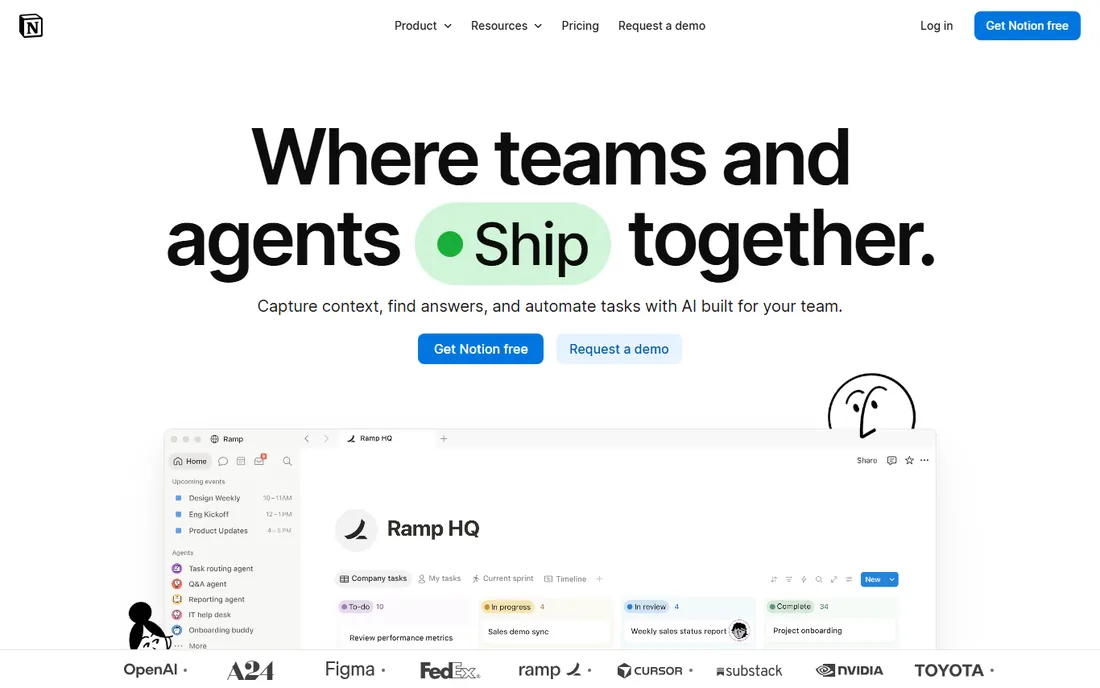
Notion is the default answer for a reason. Your wiki pages, meeting notes, project databases and handbooks all live in one block-based workspace, and the same page can be a doc, a table and a kanban board depending on the view. The free plan covers individuals and small teams, Plus at $10 per user per month billed annually adds unlimited blocks and AI search, and Business at $20 adds the heavier admin controls. Notion AI agents can now answer questions with citations and automate busywork across the workspace.
The risk is the blank canvas. Notion gives you every tool and no structure, so companies without a wiki owner end up with three competing handbooks and a search full of duplicates. It works best when someone owns the information architecture: clear spaces, naming rules and a habit of archiving. If you want a wiki that organizes itself, the dedicated tools further down this list do more of that work for you.
What we like- The free plan is genuinely usable for small teams
- Wikis, databases, docs and AI search live in one place
- Huge template gallery and a massive community
- AI agents and search across connected apps on paid plans
Watch out for- Flexibility becomes sprawl: without governance, workspaces turn messy
- Per-seat pricing adds up fast past 20 users
- Verification workflows are lighter than dedicated wikis
#2
Confluence
Best for: Teams already using Jira or another Atlassian product
Visit atlassian.com
Starting priceFree (up to 10 users); Standard $5.42/user/month
Free planYes (free forever for up to 10 users)
Confluence is the wiki most software teams already know. It connects pages directly to Jira issues, so a product spec links to the tickets implementing it, and spaces give each team its own home with its own permissions. The vendor's pricing page confirms the math: free forever for 10 users, Standard at $5.42 per user per month, Premium at $10.44, with a 7-day trial of the paid plans. Rovo AI now sits across Confluence for search, summaries and agents.
Where Confluence shows its age is the editing and navigation experience. Teams used to Notion or Slite often find the page tree and macros clunky, and sprawling instances get hard to search without curation. Its real advantage is the ecosystem: if your company runs on Jira, the Jira-Confluence link alone justifies the choice, and the Atlassian marketplace fills gaps with add-ons.
What we like- Free forever for 10 users
- Deep Jira integration for linking docs to work
- Live docs, whiteboards, databases and videos in one workspace
- Rovo AI search across the Atlassian stack
Watch out for- Per-user cost climbs past 10 users with no free middle ground
- The page editor and permissions feel dated next to newer rivals
- AI features vary by plan and need a work email to access
#3
Slite
Best for: Teams that want a knowledge base that stays accurate on its own
Visit slite.com
Starting price$10/user/month (Basic; Pro $20)
Free planNo (14-day free trial)
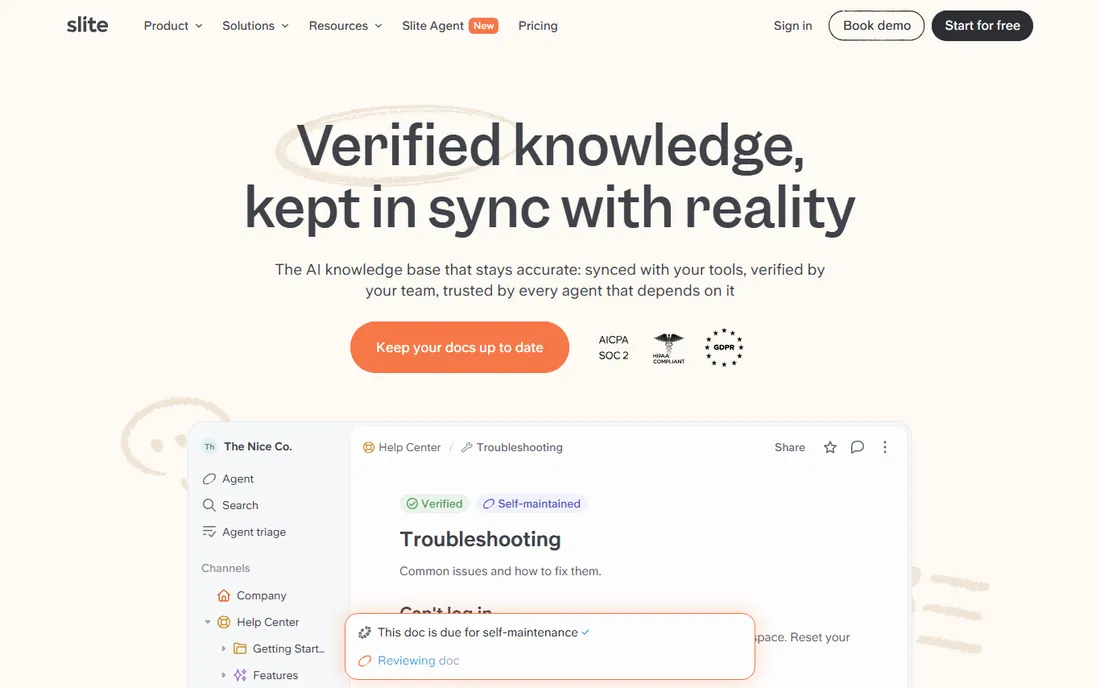
Slite attacks the stale-wiki problem head-on. Its AI agent watches Slack, Linear, GitHub and your codebase; when reality changes (an API merges, a policy updates), it drafts the doc fix and routes it to the right person to approve. Verified docs rank above unverified ones in search, so the team learns to trust what they find. It is, in the vendor's own framing, a knowledge base that maintains itself rather than one you maintain.
The pricing reflects the ambition: Basic at $10 per user per month, Pro at $20, no free tier. For a 30-person team that is $300 to $600 a month, which is real money for a wiki. But if you have ever audited a wiki and found half the runbooks wrong, the price is for the maintenance you no longer do. Teams drowning in Slack answers they cannot find again will feel the difference fastest.
What we like- AI agent detects knowledge drift from Slack, Linear and GitHub and drafts doc fixes for approval
- Verified docs rank first in AI search with trust signals
- MCP access so agents like Claude can query verified knowledge
- SOC 2 Type II, HIPAA and GDPR compliance
Watch out for- No free plan, only a 14-day trial
- Basic at $10 per user per month costs more than Confluence Standard
- Smaller template and integration ecosystem than Notion
#4
Nuclino
Best for: Small teams that want the simplest possible shared wiki
Visit nuclino.com
Starting priceFree (50 items, 2GB); Starter $5/user/month (billed annually, $6 month-to-month)
Free planYes
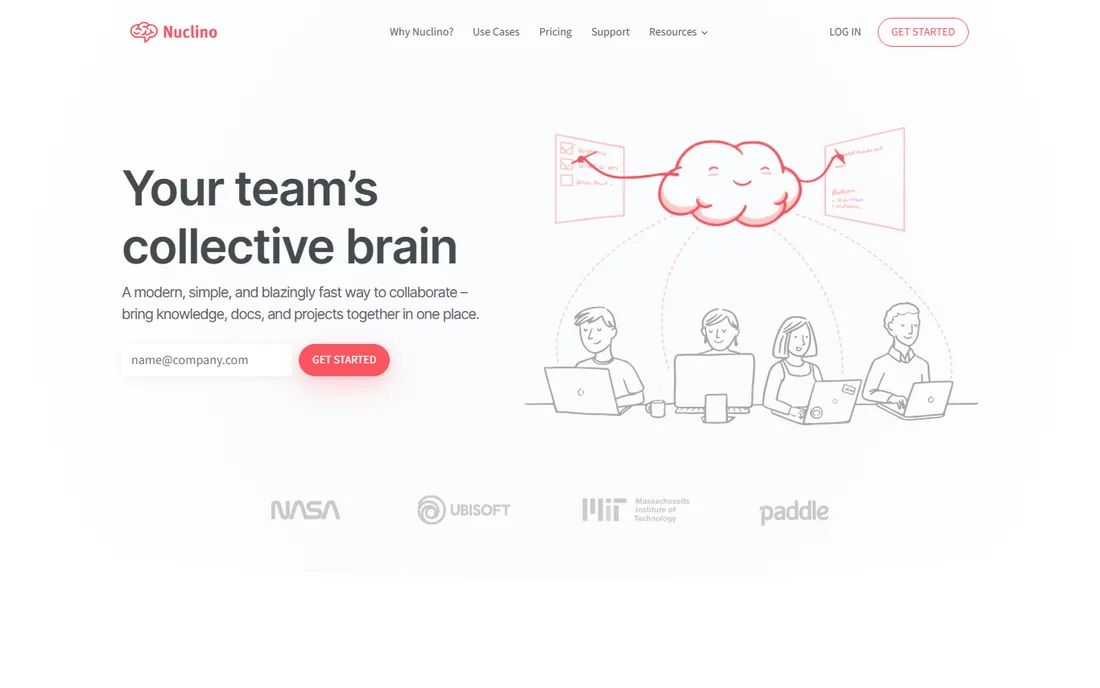
Nuclino is what a wiki looks like when you strip away everything that is not writing and finding. Pages go in a visual tree, search is instant, and a graph view shows how topics connect. The free plan covers up to 50 items and 2GB of storage, and Starter at $5 per user per month billed annually lifts the limits. Setup takes minutes, and teams adopt it because there is almost nothing to learn.
That simplicity is the whole pitch and the whole ceiling. Nuclino will not replace your project tracker, your forms or your automations, and it lacks the verification machinery of Slite or Guru. For a startup that needs a handbook, meeting notes and a product wiki live by Friday, though, it is the fastest path to done.
What we like- The simplest editor in this list: fast, visual, no learning curve
- Free plan covers small wikis
- Instant search and a graph view of how pages connect
- Minimal setup
Watch out for- Fewer integrations and automations than Notion or Superhuman Docs
- The free plan caps at 50 items
- Not built for complex permissions or enterprise governance
#5
Tettra
Best for: Teams that need answers they can trust, with named experts behind them
Visit tettra.com
Starting price$4/user/month (Basic, 10-user minimum; Scaling $8)
Free planNo (30-day free trial)
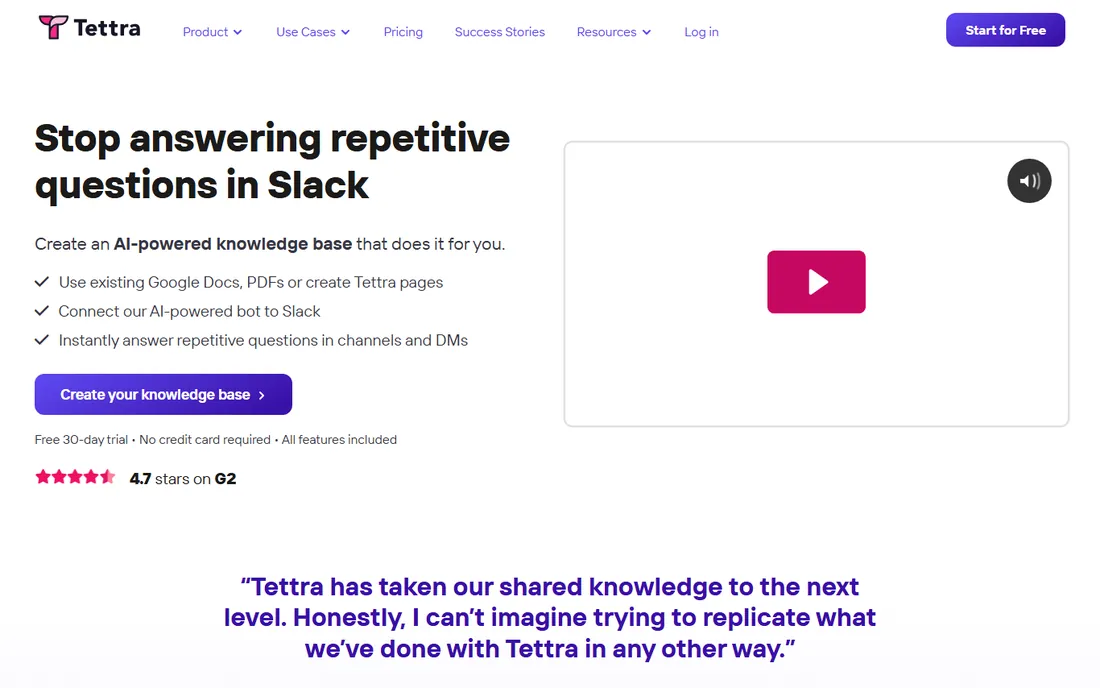
Tettra's answer to wiki rot is accountability: every page gets an owner, and owners re-verify content on a schedule before it goes stale. The Slack integration is the killer feature for support and ops teams: someone asks a question in Slack, Tettra suggests the verified answer, and experts get pinged when no answer exists so the gap gets closed. AI features layer search and drafting on top of that verified base.
At $4 per user per month for Basic (with a 10-user minimum) it is the cheapest paid wiki here, and Scaling at $8 adds the fuller AI and permissions story. There is no free plan, but a 30-day trial gives a real evaluation window. Tettra fits teams where wrong answers cost money: support, operations and anyone onboarding new hires monthly.
What we like- Verification workflows assign every page to an expert who re-verifies on schedule
- AI search grounded in verified content
- Slack integration answers questions where they are asked
- Cheapest paid per-user price in this list
Watch out for- The 10-user minimum means $40 a month is the floor even for tiny teams
- No free tier
- Narrower feature set than all-in-one workspaces
#6
Superhuman Docs (formerly Coda)
Best for: Teams that want their wiki to double as databases, trackers and lightweight apps
Visit coda.io
Starting priceSee website (per Doc Maker pricing)
Free planYes
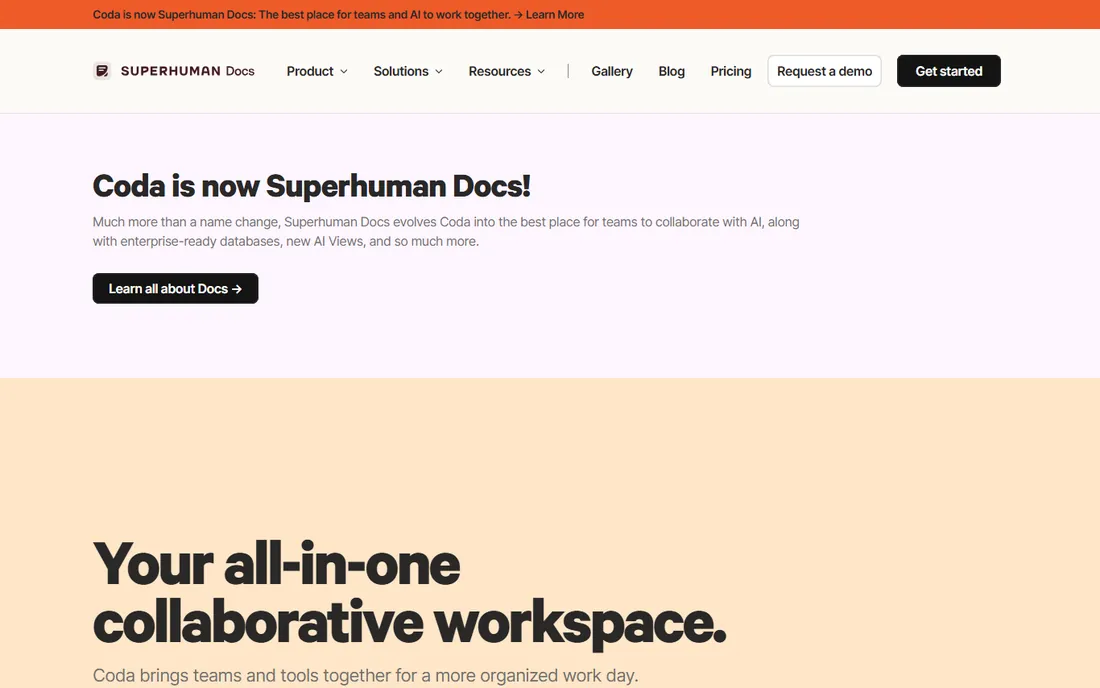
Superhuman Docs is the wiki for teams that outgrow documents. A page can hold text, a synced table, a button that files a ticket and an automation that nudges owners: your runbook becomes the tool that runs the process. Pricing charges per Doc Maker rather than per seat, so a hundred people can read and edit while a handful pay. The free plan is real, and paid tiers add AI features and larger databases.
One note on the name: Coda rebranded to Superhuman Docs in July 2026 after the Grammarly acquisition, with coda.io carrying over as the domain. Everything old still works, but expect some confusion in reviews and help articles written under either name. If your team thinks in spreadsheets and wants a wiki that acts on its own data, this is the most powerful option here by a wide margin.
What we like- Docs merge with relational tables, buttons and automations, so one doc can be a wiki and an app
- Only Doc Makers pay, editors and viewers are free
- 600-plus integrations
- Docs AI builds trackers and summaries from prompts
Watch out for- Steeper learning curve than any other tool here
- The 2026 rebrand from Coda means documentation and reviews are split across two names
- Paid pricing details sit behind the pricing page
#7
Slab
Best for: Teams that want a clean, focused wiki without replacing the rest of their stack
Visit slab.com
Starting price$6.67/user/month (Startup, billed annually)
Free planYes (up to 10 users, per reviewers)
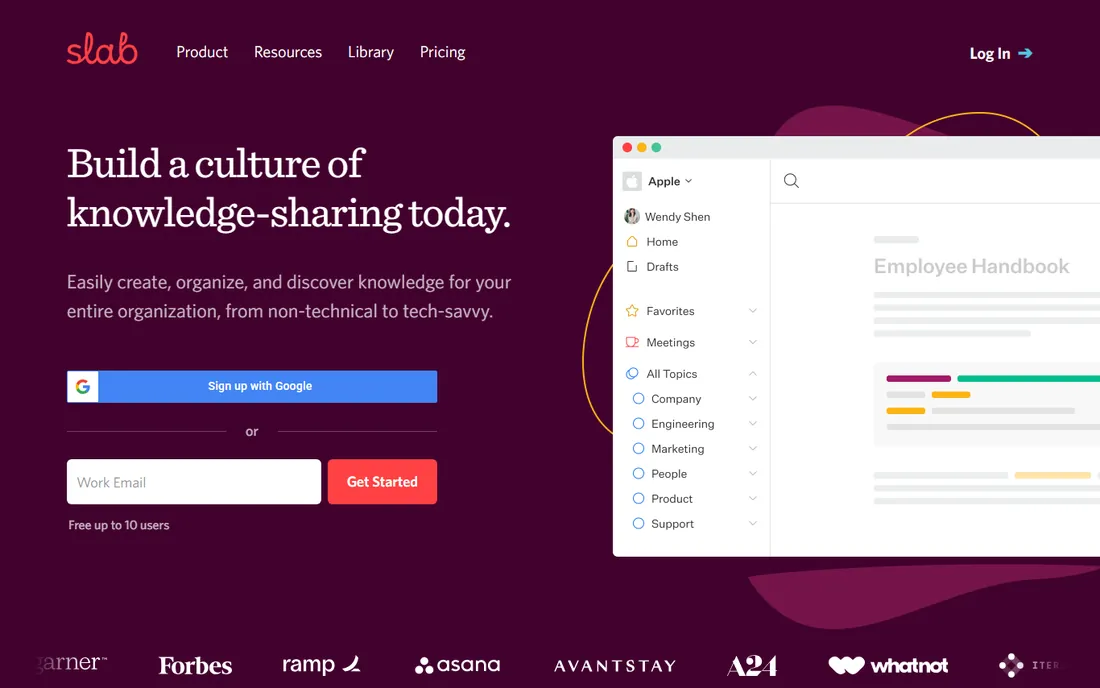
Slab is the anti-bloat pick. It does one thing, being a knowledge base, and it does it well: a modern editor, Topics that give pages context beyond folders and tags, and unified search that pulls answers from Slab and your integrated tools together. The vendor is explicit that it is not trying to replace the rest of your stack; it integrates with it.
Pricing is $6.67 per user per month billed annually on Startup, with a free tier for up to 10 users reported by reviewers. That positions it between the cheap seats (Tettra, Nuclino) and the premium tier (Slite Pro). Slab suits teams that bounced off Notion's blank canvas and Confluence's complexity and just want a wiki that looks good and stays findable.
What we like- Polished editor where content looks good by default
- Unified search across Slab and integrated tools
- Honest positioning as a knowledge base, not a platform
- Topics organize content with context, not just folders
Watch out for- Less powerful databases and automations than Notion or Superhuman Docs
- Paid plans start higher than Confluence Standard
- Smaller community and template library
#8
Document360
Best for: Support and product teams publishing customer-facing and internal knowledge bases
Visit document360.com
Starting priceSee website (custom quote)
Free planNo (14-day free trial)
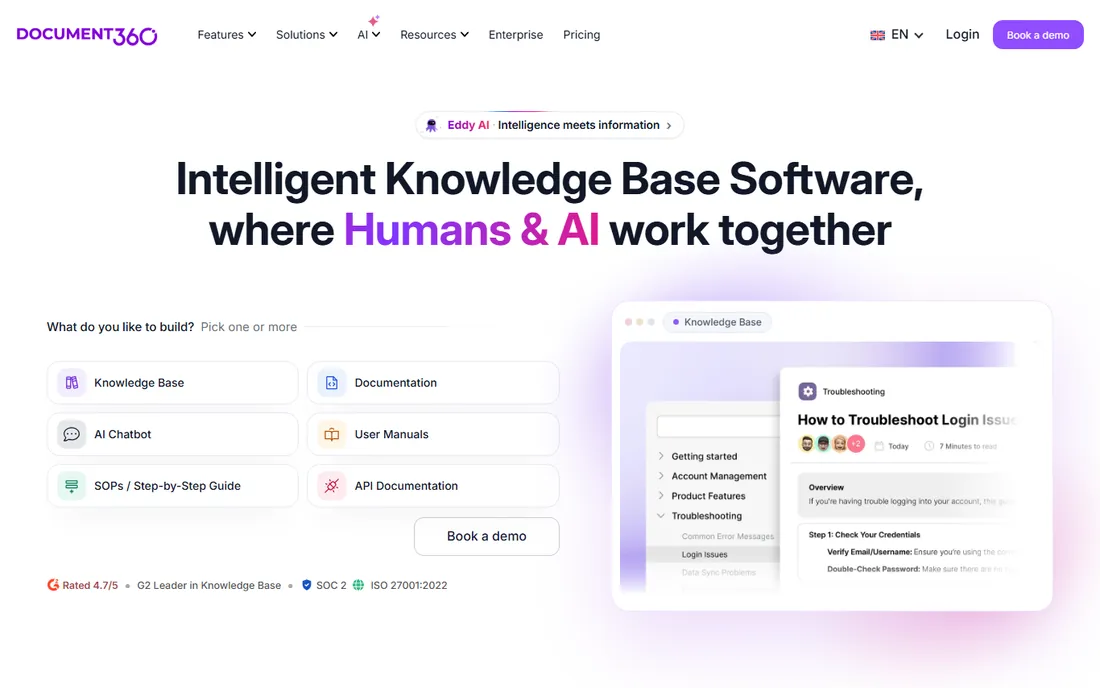
Document360 is the docs-platform pick rather than the team-wiki pick. It is built for teams that publish documentation as a product: support centers, product knowledge bases and internal portals with versioning, analytics, granular permissions and 60-plus integrations. AI search and chatbots sit on top for self-service, and the vendor reports a 4.7 out of 5 rating across 1,400-plus G2 reviews.
The catch is pricing: Document360 went quote-only in late 2024, and a 14-day trial is the only self-serve option. If you need a beautiful internal handbook, the tools above are cheaper and faster. If you need internal docs plus a customer help center on one platform with real governance, Document360 is purpose-built for exactly that.
What we like- Built for polished documentation with 100-plus authoring, search and security features
- AI search and self-service for support deflection
- Versioning and analytics for docs teams
- SOC 2 and ISO 27001 certified
Watch out for- Quote-only pricing since late 2024, so no public price to budget against
- Overkill for a simple internal handbook
- Sales-led buying slows evaluation
#9
Guru
Best for: Enterprises that want verified knowledge delivered inside Slack, Teams and AI tools
Visit getguru.com
Starting priceSee website (tailored engagement, scoped per organization)
Free planNo (demo on request)
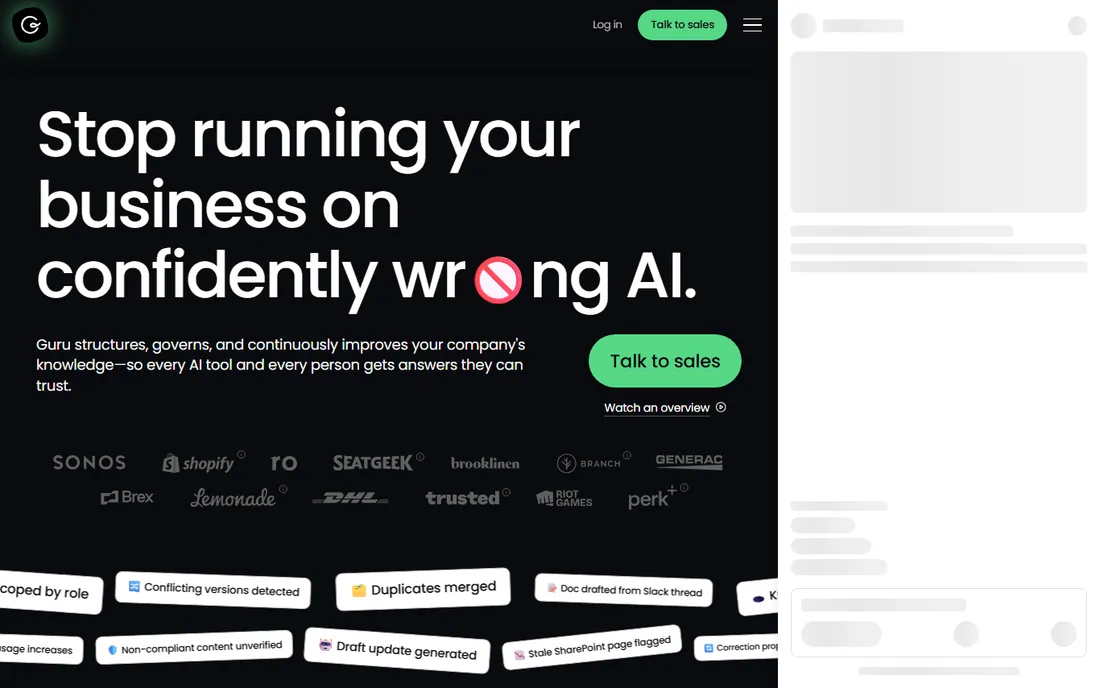
Guru has moved upmarket. The product is now positioned as a governed knowledge layer for enterprise AI: scattered knowledge gets structured, verified and continuously improved, then delivered to every person and AI workflow through 100-plus integrations and MCP. Permission-aware answers carry citations and audit trails, and the vendor bundles AI and knowledge-management strategy expertise with the platform.
That ambition comes with a buying process. The pricing page publishes no plans: investment is tailored to the organization's scale and knowledge complexity, scoped in a first conversation. There is no free tier. Guru fits enterprises whose AI strategy depends on trusted internal knowledge; everyone else will find better value in Slite, Tettra or Confluence.
What we like- Verification workflows keep cards accurate with expert review
- Answers surface inside Slack, Teams, Chrome and AI agents via MCP
- Permission-aware AI with citations and audit trails
- Enterprise compliance including SOC 2 Type II and HIPAA
Watch out for- No published pricing: the current model is a tailored platform-and-expertise engagement
- No free tier or self-serve trial
- Overkill for teams that just need a handbook
How to pick the right wiki for your team
Start with how your team actually works. If everything lives in docs, databases and projects already, an all-in-one workspace like Notion or Superhuman Docs keeps the wiki where the work is. If the wiki is a reference people visit (handbooks, policies, runbooks), a dedicated wiki like Confluence, Slite, Tettra or Slab stays cleaner over time. And if you publish for customers too, Document360 is built for that dual job.
Next, decide who keeps it true. Every wiki rots without maintenance; the question is who does it. Slite's AI drafts fixes when tools change, Tettra and Guru assign experts to re-verify pages, and Notion and Nuclino rely on your team doing it manually. Be honest about whether your team will. A wiki nobody maintains becomes a museum of wrong answers.
Then check the money math against your team shape. Per-seat tools (Notion $10, Slite $10, Confluence $5.42) scale with headcount; per-Doc-Maker pricing (Superhuman Docs) stays flat when most people only read. Free tiers are generous here: Notion, Nuclino, Confluence and Slab all cover small teams at no cost, so a startup may never pay. Finally, test search on day one with your own messy questions; a wiki whose search fails is a wiki nobody opens.
The verification problem: why wikis go stale and how the best ones fight it
Every company wiki follows the same arc: enthusiastic launch, a hundred pages, then slow decay as products change and nobody updates the docs. The cost is quiet but real: new hires learn the wrong process, support answers from outdated pages, and engineers stop trusting the wiki entirely.
The tools in this list fight decay in three ways. The first is human ownership: Tettra and Guru assign each page to an expert and schedule re-verification, so staleness has a named owner and a deadline. The second is automation: Slite's AI watches your tools and drafts updates when reality moves, with humans approving in seconds. The third is social proof: verified badges and trust-ranked search results teach the team which pages are current.
When you evaluate, ask each vendor the same question: what happens to a page nobody touches for six months? The good answers name a mechanism. The bad answers are silence. Pick the mechanism that matches your team's discipline, because the prettiest wiki in the world is worthless if nobody believes it.
How we chose
We searched as buyers do: internal wiki software, company wiki software, knowledge base software and the best wiki for small business. For each candidate we opened the vendor's homepage and pricing page to confirm the current name, URL and prices; where a vendor published no price, we wrote "See website" rather than repeating third-party guesses. We mixed all-in-one workspaces with dedicated wikis, covered free and paid tiers, and weighted verification workflows and search quality because those decide whether a wiki survives its first year. No vendor paid for placement, and we did not claim hands-on testing we did not do.
Frequently asked questions
What is the difference between an internal wiki and a company wiki?
Nothing meaningful: both mean a shared, searchable place where a company documents how it works. "Internal wiki" is the software category name; "company wiki" is how most teams say it out loud. Everything in this list works as either.
How much does internal wiki software cost?
It runs from free to quote-only. Notion, Nuclino, Confluence (up to 10 users) and Slab (up to 10 users) all have free tiers. Paid plans start at $4 per user per month (Tettra), $5 (Nuclino Starter) and $5.42 (Confluence Standard), with Notion Plus and Slite Basic at $10. Superhuman Docs charges per Doc Maker rather than per seat, and Document360 and Guru are custom-quoted.
Should we use Notion or a dedicated wiki like Confluence or Slite?
Use Notion if your wiki lives alongside docs, projects and databases and you have someone to govern the structure. Use a dedicated wiki if the reference content must stay accurate with less babysitting: Confluence for Atlassian shops, Slite for AI-assisted maintenance, Tettra for expert-verified answers, Guru for enterprise governance.
How do I get my team to actually use the wiki?
Make it the path of least resistance. Answer questions in Slack with wiki links instead of typing answers twice, put onboarding checklists in the wiki on day one, and assign page owners so stale content has a name attached. Tools with Slack integrations (Tettra, Guru, Slite) help because the wiki meets people where they already ask questions.
Can a wiki replace SharePoint or Google Docs?
Partly. A wiki replaces the shared-drive folder of "final FINAL" documents with one searchable, versioned source. It does not replace real-time collaborative editing habits overnight, and regulated teams may still need SharePoint's compliance features. Most teams end up with both: the wiki as the source of truth, Docs or SharePoint for drafting.
What happens to our content if we pick the wrong tool?
Less than you fear. Every tool here exports to common formats, and Slite, Notion and Confluence all advertise migration from each other. The expensive part is not moving pages; it is retraining habits. That is why the free tiers matter: run two finalists side by side with a real team for a month before committing.
Sources we checked (18)
- https://notion.so/
- https://www.notion.so/pricing
- https://www.atlassian.com/software/confluence
- https://www.atlassian.com/software/confluence/pricing
- https://slite.com/
- https://slite.com/pricing
- https://nuclino.com/
- https://nuclino.com/pricing
- https://tettra.com
- https://coda.io/
- https://slab.com
- https://slab.com/pricing
- https://document360.com/
- https://document360.com/pricing
- https://getguru.com/
- https://getguru.com/pricing
- https://blog.superhuman.com/introducing-superhuman-docs/
- https://2sync.com/blog/coda-vs-notion
Is your product missing or out of date?
We review this list regularly. Vendors can request a listing, send updated pricing or ask about featured placement.

Shihab Mia · Founder, Rankite
Shihab has spent more than a decade helping SaaS and e-commerce brands grow through search. He writes Rankite's software buying guides from pricing pages, documentation and public user reviews. More about Shihab.