How we make this list: we compare pricing pages, product documentation and public user reviews. Rankite is independent; if a vendor ever pays for a featured spot, that listing is clearly labeled Partner.
Key takeaways
- V-Ray remains the photorealistic standard for interior work at $45 per month, while Corona Renderer offers a friendlier path to similar quality at $34.50 per month.
- Real-time tools changed the economics: Enscape renders inside your CAD model at $47.90 per month, and Twinmotion is completely free for firms earning under $1 million a year.
- Lumion is the fastest route from model to client-ready presentation, but at $1,149 per year with no free tier it is the priciest seat on this list.
- Browser-based options like Homestyler and Planner 5D cost under $7 per month and need no powerful hardware, though they cannot match desktop renderers for final quality.
Quick comparison
| Tool | Best for | Starting price | Free plan |
|---|
 V-Ray V-Ray | Photorealistic interior stills and animations | $45 per month (Solo, billed annually) | Free trial |
 Lumion Lumion | Fast client-ready presentations from CAD models | $1,149 per year (Pro, named user) | Free trial (14 days, no permanent free plan) |
 Enscape Enscape | Real-time rendering without leaving Revit or SketchUp | $47.90 per month (Solo, billed annually) | Free trial (14 days) |
 Twinmotion Twinmotion | Free real-time visualization for small firms and students | Free (for revenue under $1M per year); $445 per seat per year above | Yes (full application, not a limited edition) |
 Corona Renderer Corona Renderer | Artist-friendly photoreal rendering in 3ds Max and Cinema 4D | $34.50 per month (Solo, billed annually) | Free trial (30 days) |
 D5 Render D5 Render | Real-time rendering with a genuinely free tier | $38 per month (Pro) | Yes (free for individuals) |
 SketchUp SketchUp | Modeling interiors with rendering via extensions | $129 per year (Go); Pro $399 per year | Yes (SketchUp Free for personal use) |
 Homestyler Homestyler | Browser-based home design with cloud rendering | $6.80 per month (Pro+) | Yes (Basic plan with unlimited 1K renders) |
 Planner 5D Planner 5D | Easy 2D and 3D home design for beginners | $4.99 per month (Premium, billed annually) | Yes (unlimited projects with a limited catalog) |
 RoomSketcher RoomSketcher | Floor plans with 3D visuals for real-estate listings | $12 per month (Pro, billed annually) | Yes (limited projects and features) |
Is your product missing or out of date?
We review this list regularly. Vendors can request a listing, send updated pricing or ask about featured placement.
Picture the actual job: a client wants to see their living room before a renovation, or an architect needs twenty interior views for a competition board by Friday. The best 3D software for interior design fits that deadline, that budget, and the computer already on the desk. Some tools on this list chase photographic perfection frame by frame. Others trade a little realism for speed, so you can iterate with the client in the room. All ten below are real, buyable products in 2026, with current pricing and the honest catch on each.
#1
V-Ray
Best for: Photorealistic interior stills and animations
Visit chaos.com
Starting price$45 per month (Solo, billed annually)
Free planFree trial
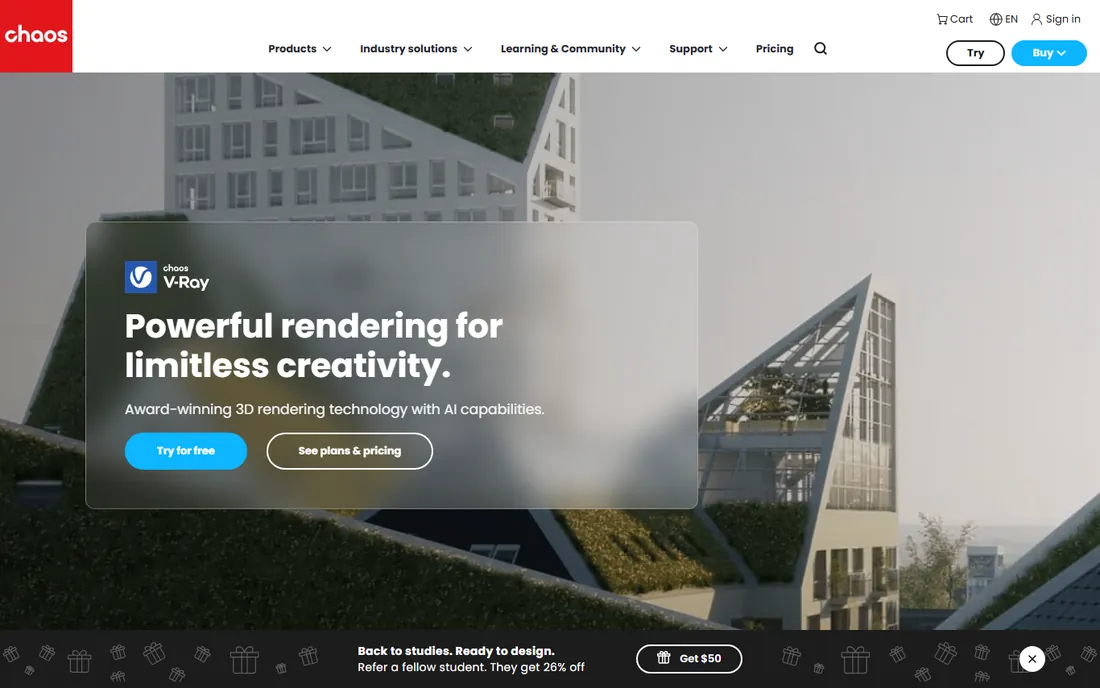
V-Ray is the renderer behind a huge share of the interior imagery in architecture portfolios. It plugs into the modeling tool you already use, so a SketchUp or Revit model becomes photorealistic without exporting elsewhere. The material system, lighting controls, and denoising are the most refined in the business.
That quality comes with demands. V-Ray takes real time to learn, and the Solo plan at $45 per month billed annually is only the start if you add render nodes or the Collection tier. There is no free tier beyond the trial. Choose V-Ray when final image quality is the deliverable; for quick client iterations, pair it with a real-time tool.
What we like- Industry-standard photoreal quality trusted by top architecture firms
- Runs inside SketchUp, Revit, 3ds Max, Rhino, Cinema 4D and Blender
- Huge asset and material libraries plus AI tools
Watch out for- Steep learning curve for beginners
- No permanent free tier
- Demands strong CPU or GPU hardware for fast results
#2
Lumion
Best for: Fast client-ready presentations from CAD models
Visit lumion.com
Starting price$1,149 per year (Pro, named user)
Free planFree trial (14 days, no permanent free plan)

Lumion built its reputation on one promise: import your model in the morning, present rendered images and video in the afternoon. The asset library covers furniture, people, vegetation, and effects, so dressing an interior scene takes minutes. LiveSync keeps the render view updated as you edit in SketchUp, Revit, or Rhino.
The price reflects that positioning. Pro is $1,149 per year for a named user and $1,499 for a floating license, with no free tier and no monthly billing. It also needs a strong NVIDIA GPU. Lumion suits practices where architects produce their own presentation visuals and bill for the speed.
What we like- Extremely fast real-time workflow with a library of around 9,500 built-in assets
- Intuitive enough for architects who are not visualization specialists
- Strong stills and animation output
Watch out for- Most expensive seat on this list
- Windows only
- No free tier, only a 14-day trial
#3
Enscape
Best for: Real-time rendering without leaving Revit or SketchUp
Visit chaos.com
Starting price$47.90 per month (Solo, billed annually)
Free planFree trial (14 days)
Enscape's pitch is simple: you never leave your modeling tool. One click opens a real-time rendered view of the Revit or SketchUp model that updates as you design, and the same scene produces stills, panoramas, video, and VR walkthroughs.
Solo costs $47.90 per month billed annually, with Premium at $670.80 adding more assets and AI features. The 14-day trial is the only free taste. The limitation is control: Enscape is brilliant for design development and client reviews, but photographers chasing magazine-grade stills will still reach for V-Ray or Corona for the final frames.
What we like- Renders directly inside Revit, SketchUp, Rhino, Archicad and Vectorworks with one click
- Walkthroughs and VR from the same model
- Used by most of the top 100 architecture firms
Watch out for- Less fine control than V-Ray for hero stills
- Asset library smaller than Lumion
- No free tier
#4
Twinmotion
Best for: Free real-time visualization for small firms and students
Visit twinmotion.com
Starting priceFree (for revenue under $1M per year); $445 per seat per year above
Free planYes (full application, not a limited edition)
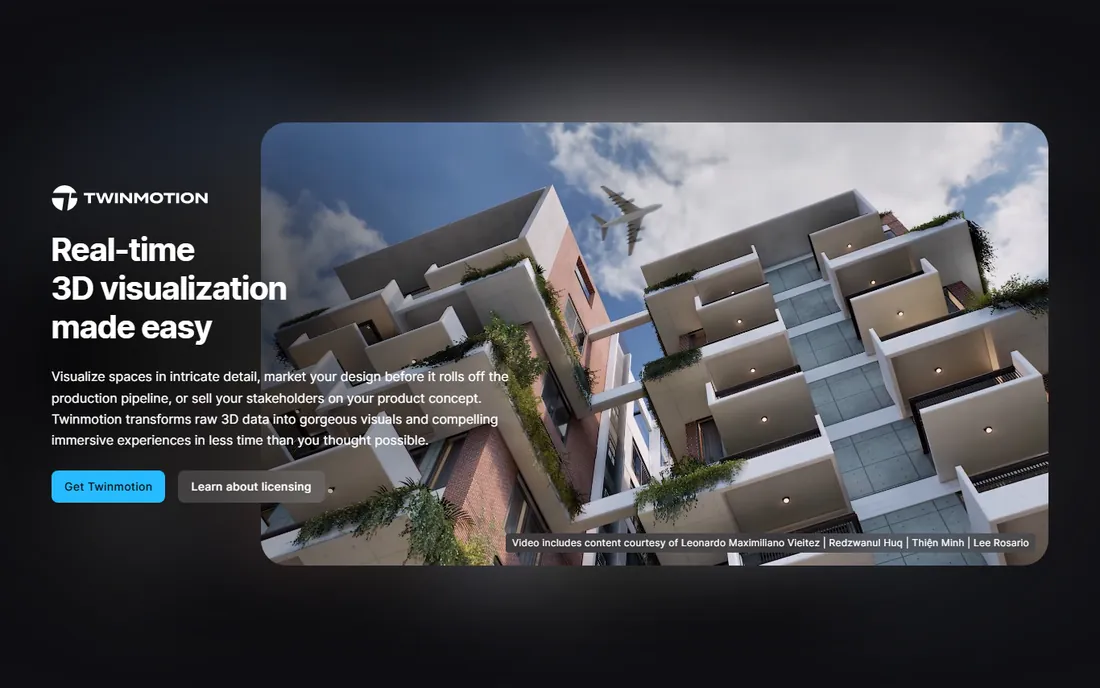
Twinmotion is the best value in rendering, full stop. If you or your firm earned under $1 million in the last year, you get the complete application free: real-time rendering, path-traced stills, animation, and VR. It is built on Unreal Engine, so the underlying technology is serious, and integration with Megascans gives you high-quality materials and vegetation without extra cost.
Above the revenue threshold, seats cost $445 per year, still far below Lumion or V-Ray. The trade-offs are polish-related: the built-in library is thinner, and some archviz-specific workflows take more clicks. For freelancers, students, and small interior practices, Twinmotion removes the budget excuse entirely.
What we like- Completely free for individuals, small firms, and students with no feature restrictions
- Powered by Unreal Engine with a path tracer
- Direct access to Quixel Megascans and Fab assets
Watch out for- Smaller built-in asset library than Lumion
- Interface and workflow less refined for pure archviz
- Paid seats needed once revenue passes $1M
#5
Corona Renderer
Best for: Artist-friendly photoreal rendering in 3ds Max and Cinema 4D
Visit chaos.com
Starting price$34.50 per month (Solo, billed annually)
Free planFree trial (30 days)
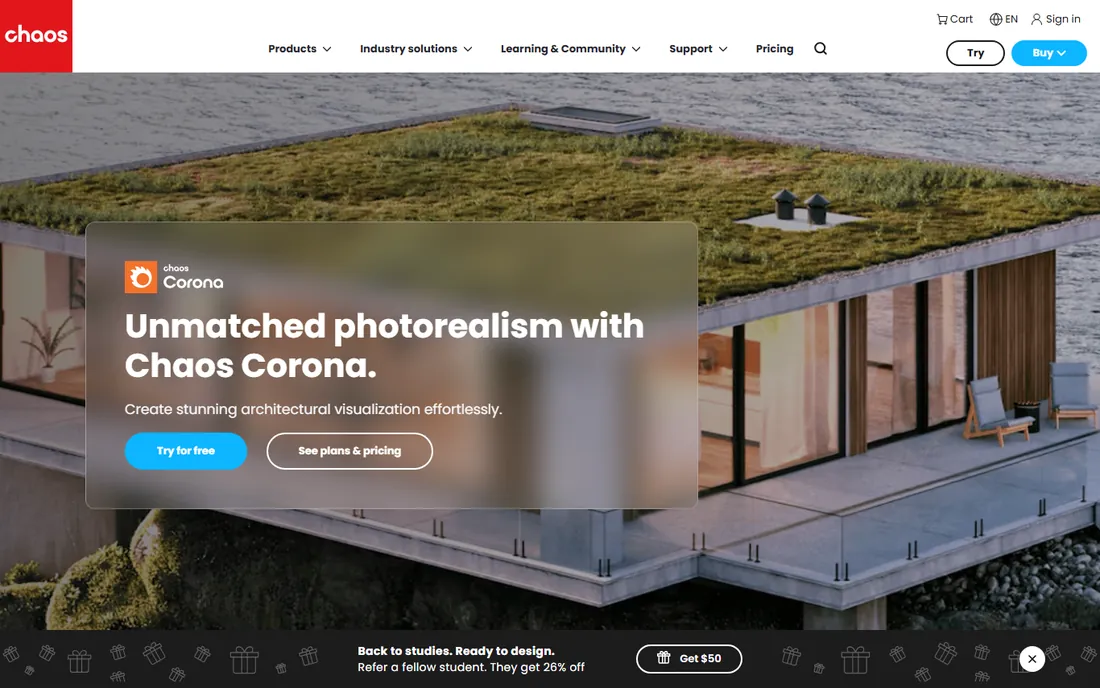
Corona earned its following by being the renderer that does not fight you. Where V-Ray exposes every parameter, Corona ships with defaults that produce beautiful interiors with minimal tuning, and LightMix lets you rebalance every light in the scene after the render finishes.
Solo is $34.50 per month billed annually, undercutting V-Ray with comparable still-image quality. The catch is architecture: Corona renders on the CPU, so preview iteration is slower than real-time tools, and if you model in SketchUp or Revit rather than 3ds Max or Cinema 4D, Corona is not an option.
What we like- Famously easy to learn with smart defaults that look good immediately
- Excellent interior lighting and LightMix for adjusting lights after rendering
- 30-day free trial
Watch out for- CPU-based, so iteration is slower than real-time tools
- Only works in 3ds Max and Cinema 4D
- No free tier
Starting price$38 per month (Pro)
Free planYes (free for individuals)
D5 Render is the tool eating into Lumion's lunch. It offers real-time interior rendering with a modern interface, AI features for materials and lighting, and a free tier for individuals that does not expire after two weeks. Pro at $38 per month adds advanced features, Pro assets, and team workflows.
The main requirement is hardware: D5 wants a real NVIDIA RTX graphics card, and integrated graphics need not apply. Try the free tier on your actual hardware first; if your GPU copes, the value is strong.
What we like- Free tier for individuals with no trial deadline
- Fast real-time results with AI-assisted features
- Syncs with SketchUp, Revit, Rhino, Archicad and more
Watch out for- Demands a capable NVIDIA RTX GPU
- Pro at $38 per month adds up against free Twinmotion
- Windows-focused workflow
Starting price$129 per year (Go); Pro $399 per year
Free planYes (SketchUp Free for personal use)
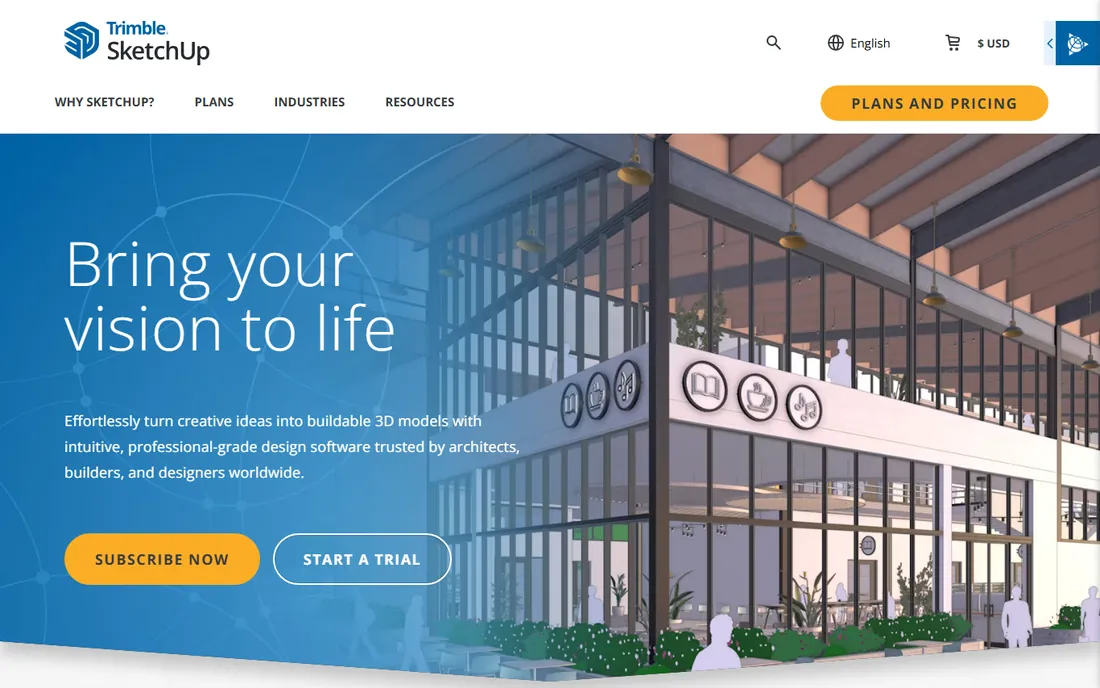
SketchUp belongs on this list because most interior renders start as SketchUp models. The modeling is famously quick: draw a floor plan, push and pull walls, drop in furniture from the 3D Warehouse, and you have a 3D interior in an afternoon. Go at $129 per year covers web and iPad modeling, Pro at $399 adds the desktop app and LayOut, and Studio bundles V-Ray.
The honest framing is that SketchUp is the modeling half of the equation. Out of the box it produces clean illustrative views, not photoreal renders. Budget for a rendering extension on top: V-Ray, Enscape, and D5 Render all integrate directly.
What we like- Fastest way to model an interior from scratch
- Massive 3D Warehouse of furniture models
- V-Ray, Enscape and D5 all plug in directly
Watch out for- Not a renderer by itself, photoreal output needs a paid extension
- Pro rose to $399 per year
- Free version is web-only with limited features
Starting price$6.80 per month (Pro+)
Free planYes (Basic plan with unlimited 1K renders)
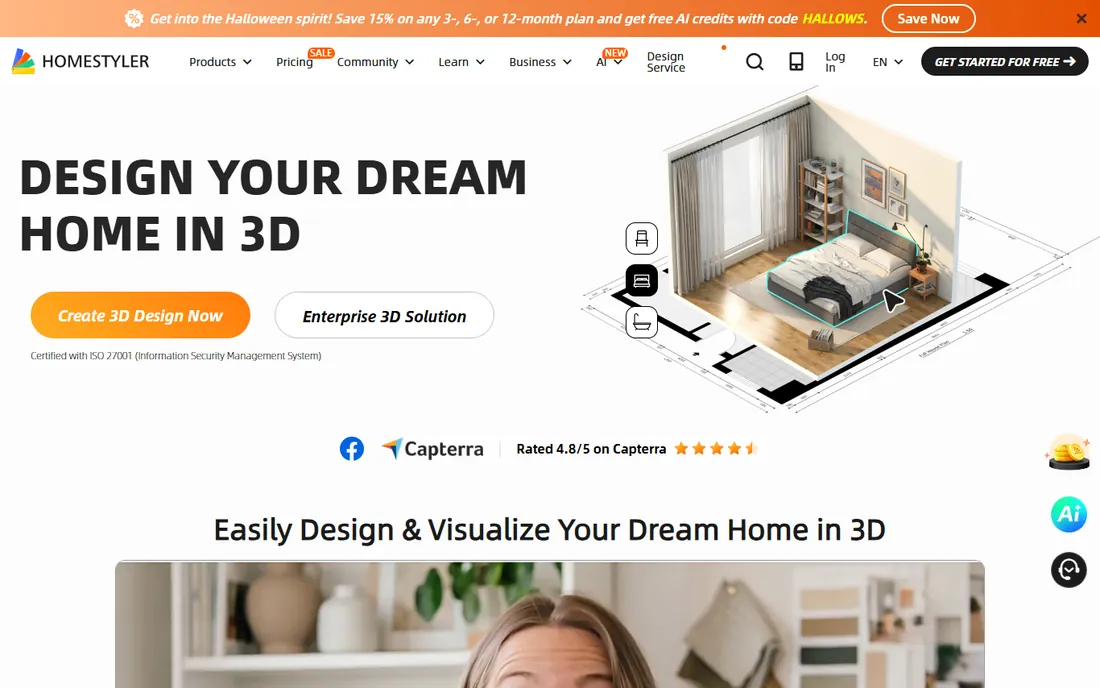
Homestyler is the lowest-friction option for casual users. It runs in the browser, so the graphics card does not matter, and the free Basic plan lets you design rooms and render unlimited 1K images. The AI floor-plan converter turns a sketch into an editable 3D room, and the furniture library leans on real branded products.
Paid tiers are cheap: Pro+ from $6.80 per month adds 2K and 4K renders and watermark removal, Master+ from $11.80 adds unlimited 4K rendering. Know the limits: monthly render quotas and a home-design focus make it wrong for large professional visualization packages.
What we like- Runs entirely in the browser with nothing to install
- Free Basic tier includes unlimited 1K renders and 100,000+ models
- AI converts floor plan sketches to 3D
- Very cheap paid tiers
Watch out for- Cloud rendering quotas on paid plans
- Aimed at home design rather than professional archviz
- High-res renders cost extra or need Master+
Starting price$4.99 per month (Premium, billed annually)
Free planYes (unlimited projects with a limited catalog)
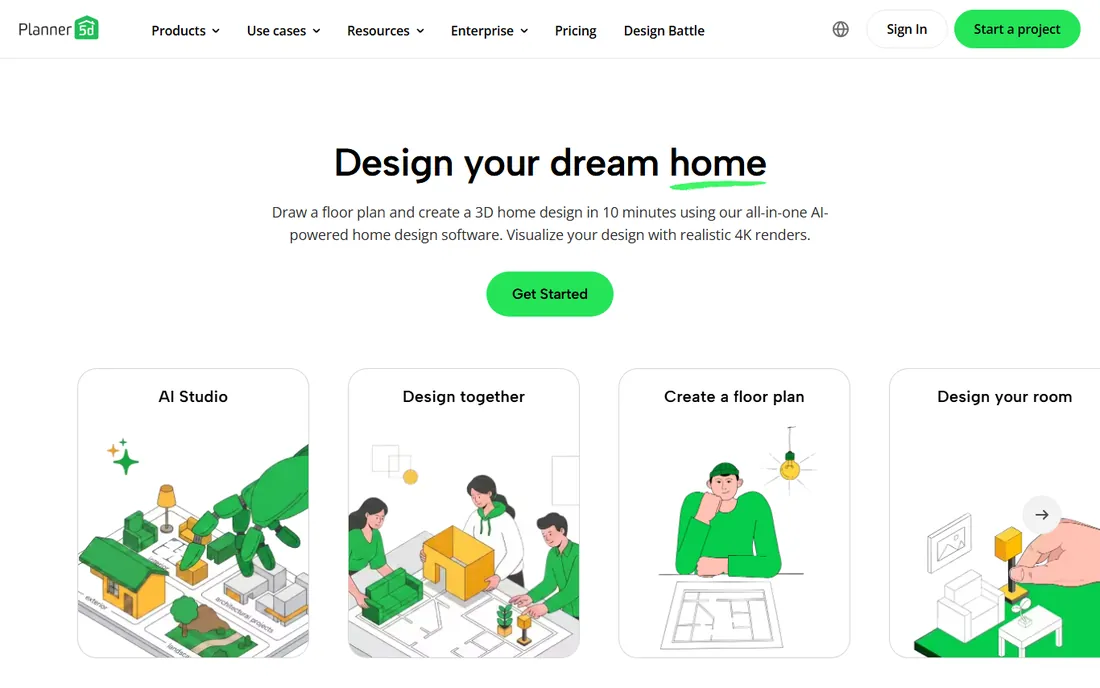
Planner 5D targets the person who has never opened CAD software. Draw walls or start from a template, drag in furniture, and flip between 2D and 3D views on a phone or laptop. The free tier is generous about project count, and the AI Designer can generate a furnished room from a prompt. Premium at $4.99 per month billed annually opens the full 8,000-item catalog and 5 renders per month.
The pricing step to Professional is the thing to examine: $33.33 per month billed annually for unlimited 4K renders, 360 panoramas, and custom model uploads. That approaches Enscape territory for a tool aimed at simpler projects. Most homeowners will be happy on Premium or the free tier.
What we like- Very easy drag-and-drop editor across web, iOS and Android
- Free tier allows unlimited projects
- AI Designer generates rooms automatically
- 4K renders on Professional
Watch out for- Free catalog is limited
- Only 5 renders per month on Premium
- Professional at $33.33 per month is steep for what it offers
Starting price$12 per month (Pro, billed annually)
Free planYes (limited projects and features)

RoomSketcher found its niche where floor plans meet marketing: real-estate listings, rental presentations, and renovation planning. You draw or AI-convert a floor plan, furnish it, and generate 2D plans, 3D views, 360 tours, and walkthroughs without touching CAD software. Agents use it because a furnished 3D floor plan sells a listing better than an empty photo.
Pro is $12 per month billed annually, with Team at $35 per month for multi-user work. The free tier covers trying it out. Watch the credit system: certain outputs consume credits on top of the subscription, so heavy users should model the real monthly cost before committing.
What we like- Draws accurate to-scale floor plans fast
- 2D, 3D, 360 views and Live 3D from one project
- Popular with real-estate agents for listing visuals
- No CAD skills needed
Watch out for- Credit system means some outputs cost extra even on paid plans
- Rendering quality is presentation-grade, not photoreal
- App needed for drawing, browser only manages
Buying guide: match the renderer to the job
Start from the deliverable and work backward. If the job is photorealistic interior stills for a portfolio or a magazine submission, the shortlist is V-Ray and Corona Renderer, with the choice depending on your modeling tool and how much control you want. If the job is iterating with a client in live meetings, Enscape, Twinmotion, or D5 Render win because the image updates as you design.
Count the full cost, not just the subscription
A $45 per month renderer can be cheaper than a $1,149 per year one, but only after counting hardware and time. Real-time tools need strong GPUs; budget the graphics card if the current machine cannot cope. Credit and quota systems matter too: Homestyler, Planner 5D, and RoomSketcher all meter renders or outputs, so estimate monthly volume before choosing a tier.
Check your hardware before you buy
This is where rendering purchases go wrong. Lumion, D5 Render, and Twinmotion want a dedicated NVIDIA GPU, ideally RTX, and they will disappoint on integrated graphics. V-Ray and Corona render on CPU as well, so they run on modest machines, just slower. Browser tools like Homestyler need nothing but an internet connection because rendering happens in the cloud. Match the tool to the machine you have, or budget for both at once.
The hardware question nobody warns you about
Every desktop renderer on this list publishes minimum specs, and buyers routinely ignore them. Real-time tools feel broken on weak GPUs, while CPU renderers feel merely slow. Before paying for Lumion, D5, or Twinmotion's paid tier, check the GPU against the vendor's recommended spec, not the minimum. If a hardware upgrade is not on the table, the browser-based tools are the rational pick: Homestyler and Planner 5D render in the cloud, and their subscriptions cost less per year than a mid-range graphics card.
How we chose
We compared tools that are actively sold and maintained in 2026, verifying each vendor homepage and current pricing page directly. The list spans photorealistic offline renderers (V-Ray, Corona), real-time visualization (Lumion, Enscape, Twinmotion, D5), the modeling foundation most interiors start from (SketchUp), and accessible browser and app options (Homestyler, Planner 5D, RoomSketcher). We did not claim hands-on testing; selections reflect feature lists, documentation, review sentiment on G2 and Capterra, and fit for different budgets and skill levels.
Frequently asked questions
What is the best rendering software for interior design?
For maximum photorealism, V-Ray or Corona Renderer. For speed and client presentations, Lumion or Enscape. For the best value, Twinmotion is free under $1M revenue and D5 Render has a free tier. The right answer depends on your modeling tool, hardware, and whether the deliverable is a hero still or a live walkthrough.
Is there free interior design rendering software?
Yes. Twinmotion is completely free for individuals and firms under $1M annual revenue. D5 Render offers a free tier for individuals. Homestyler's free Basic plan includes unlimited 1K renders, and SketchUp Free covers modeling. Each has limits, but all four produce genuinely usable output at zero cost.
Should I choose V-Ray, Lumion, or Enscape?
Choose V-Ray for the highest still-image quality and deepest material control. Choose Lumion when architects must produce presentation images and video fast. Choose Enscape when the team lives in Revit or SketchUp and wants rendering without exporting. Many firms run Enscape for daily work and V-Ray for final hero shots.
What computer do I need for interior rendering?
Real-time tools (Lumion, D5 Render, Twinmotion) need a dedicated NVIDIA GPU, ideally RTX series, plus 16GB or more of RAM. CPU renderers (V-Ray, Corona) work on modest machines but render slower without strong processors. If your hardware is weak, use browser-based Homestyler or Planner 5D, which render in the cloud.
Can SketchUp produce photorealistic renders by itself?
No. SketchUp models interiors quickly but its native output is illustrative, not photorealistic. Photorealism comes from extensions: V-Ray, Enscape, D5 Render, and Twinmotion all integrate with SketchUp directly. Budget for the renderer on top of the SketchUp subscription, or use SketchUp Free with Twinmotion's free tier for a zero-cost pipeline.
How much does interior rendering software cost per year?
Anywhere from zero to $1,499. Twinmotion and D5's free tiers cost nothing; Homestyler Pro+ is about $82 per year; RoomSketcher Pro is $144; Enscape Solo is $575; V-Ray Solo is $540; Corona Solo is $414; Lumion Pro is $1,149. Hardware is the hidden cost: a capable GPU can exceed every subscription on this list.
Sources we checked (20)
- https://www.chaos.com/vray
- https://www.chaos.com/enscape
- https://www.chaos.com/corona
- https://www.chaos.com/corona/buy-online
- https://lumion.com/
- https://twinmotion.com/
- https://d5render.com/
- https://sketchup.com/
- https://www.homestyler.com
- https://www.homestyler.com/pricing
- https://planner5d.com/
- https://www.roomsketcher.com
- https://www.roomsketcher.com/pricing/
- https://maverickframe.com/blog/lumion-vs-twinmotion/
- https://www.d5render.com/posts/d5-render-lumion-architectural-design-rendering
- https://illustrarch.com/articles/architectural-rendering/78474-lumion-vs-enscape-vs-twinmotion-best-renderer.html
- https://visualizee.ai/blog/sketchup-pricing
- https://www.g2.com/products/sketchup/pricing
- https://www.saasworthy.com/product/planner-5d
- https://www.saasworthy.com/product/roomsketcher
Is your product missing or out of date?
We review this list regularly. Vendors can request a listing, send updated pricing or ask about featured placement.

Shihab Mia · Founder, Rankite
Shihab has spent more than a decade helping SaaS and e-commerce brands grow through search. He writes Rankite's software buying guides from pricing pages, documentation and public user reviews. More about Shihab.