How we make this list: we compare pricing pages, product documentation and public user reviews. Rankite is independent; if a vendor ever pays for a featured spot, that listing is clearly labeled Partner.
Key takeaways
- Topaz Gigapixel is the most capable desktop upscaler for photographers, with models tuned for faces, text and low-resolution files.
- Magnific is the creative pick: its generative engine adds believable detail rather than just sharpening pixels.
- waifu2x, Bigjpg and Upscale.media are genuinely free and cover anime art, quick photo enlargements and everyday use.
- ON1 Resize AI is the only one built around printing, with tiling, gallery wraps and soft proofing for large-format output.
Topaz Gigapixel is the best image enlargement software for most serious users: it runs on your own machine, handles up to 600 percent enlargements with believable detail, and costs $29 a month. If you would rather not install anything, Magnific's browser-based generative upscaler produces the most impressive detail of any web tool, while waifu2x remains the best free option for anime and illustration. Here is the full comparison.
Quick comparison
| Tool | Best for | Starting price | Free plan |
|---|
 Topaz Gigapixel Topaz Gigapixel | Photographers needing maximum quality on desktop | $29/month | See website |
 Magnific Magnific | Creative and generative upscaling in the browser | See website | See website |
 LetsEnhance LetsEnhance | Ecommerce and print-on-demand batch work | See website | Yes (free to start) |
 Upscale.media Upscale.media | Fast, free, no-signup enlargements | Free | Yes (free, no watermark) |
 Bigjpg Bigjpg | Anime and illustration up to 16x | See website | Yes (free tier with monthly limits) |
 waifu2x waifu2x | Free anime-style super-resolution | Free | Yes (fully free, no account) |
 ON1 Resize AI ON1 Resize AI | Large-format printing and Lightroom workflows | $69.99 one-time | Free trial |
Is your product missing or out of date?
We review this list regularly. Vendors can request a listing, send updated pricing or ask about featured placement.
The best image enlargement software
Enlarging an image used to mean stretching pixels and accepting blur. AI upscalers changed the deal: they reconstruct detail that was never in the file, or at least plausible-looking detail, which is what matters for prints, posters and product pages. These seven cover the real options, from professional desktop software to free browser tools.
#1
Topaz Gigapixel
Best for: Photographers needing maximum quality on desktop
Visit topazlabs.com
Starting price$29/month
Free planSee website
Topaz Gigapixel is the benchmark desktop upscaler. The current version ships a roster of specialized models: use Low Res for tiny, compressed files, Text and Shapes when legibility matters, Art and CG for digital artwork, and Face Recovery for portraits. Processing happens locally with unlimited rendering, plus cloud rendering if your machine is slow. Topaz's own pricing page lists the Gigapixel plan at $29 per month, with a broader Studio bundle at $34 per month covering all Topaz apps.
The honest caveat: no upscaler invents real information. Gigapixel's results are the most believable in the category, but tiny faces and fine text can still come out strange. For photographers printing large, recovering crops, or restoring old scans, it remains the tool to beat.
What we like- Multiple AI models for different image types (Standard, High Fidelity, Low Res, Text and Shapes, Art and CG, Face Recovery)
- Unlimited local rendering
- Runs offline on your own GPU
- Cloud rendering included
Watch out for- Subscription-only for the personal plan now
- Needs a decent GPU for comfortable speed
- Overkill for casual one-off enlargements
#2
Magnific
Best for: Creative and generative upscaling in the browser
Visit magnific.ai
Starting priceSee website
Free planSee website
Magnific takes a different approach from every other tool here: instead of faithfully enlarging pixels, its generative AI "reimagines" the image at higher resolution, adding texture and detail that reads as real. For AI-generated art, game assets and creative posters, the results can look astonishing, with upscales up to 10K resolution. You steer it with a natural-language prompt and sliders for Creativity, HDR and Resemblance.
That creativity is also the risk. Turn the sliders up and it will invent facial features, change text and add objects that were never there. Use the Precision-style restraint for anything factual, and reserve the high-creativity mode for art. Pricing is credit-based and has changed several times (the company was acquired by Freepik), so check the current pricing page before committing. And note the vendor's own FAQ: no refunds, because GPU time costs them per image.
What we like- Generative engine that adds rich, plausible detail guided by prompts and a Creativity slider
- Works on photos, AI art and illustrations
- Nothing to install
Watch out for- The hallucinated detail is invented, not real, so it can alter faces and text
- Subscription pricing that changes often
- No refunds per the vendor's own terms
Starting priceSee website
Free planYes (free to start)
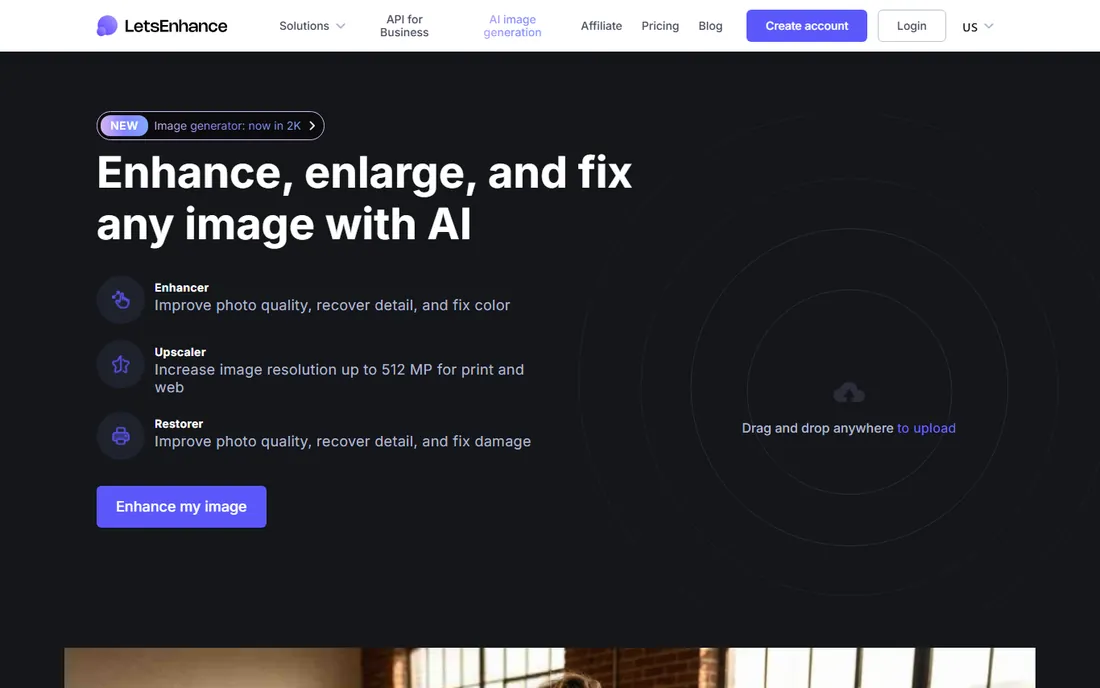
LetsEnhance is the workhorse for people who enlarge images as a business process. Product catalogs, print-on-demand stores and real estate listings get consistent, natural-looking results without the over-processed look some AI tools produce. The upscaler reaches 16x, batch processing handles 20 images at a time, and a Claid.ai-branded API automates the whole pipeline for ecommerce teams.
The vendor's positioning is explicit: recovery of real detail rather than plastic-looking enhancement. For old photo restoration, the Old Photo mode repairs scratches and damage before upscaling. Start on the free tier to test it on your own images, then subscribe only if the volume justifies it.
What we like- Batch processing up to 20 images at once
- Enlargements up to 16x and 512 megapixels
- Dedicated modes for old photos, text preservation and product shots
- API for ecommerce automation
Watch out for- Subscription pricing for serious volume
- Web-only, so large batches depend on your connection
- The free tier is limited
Starting priceFree
Free planYes (free, no watermark)
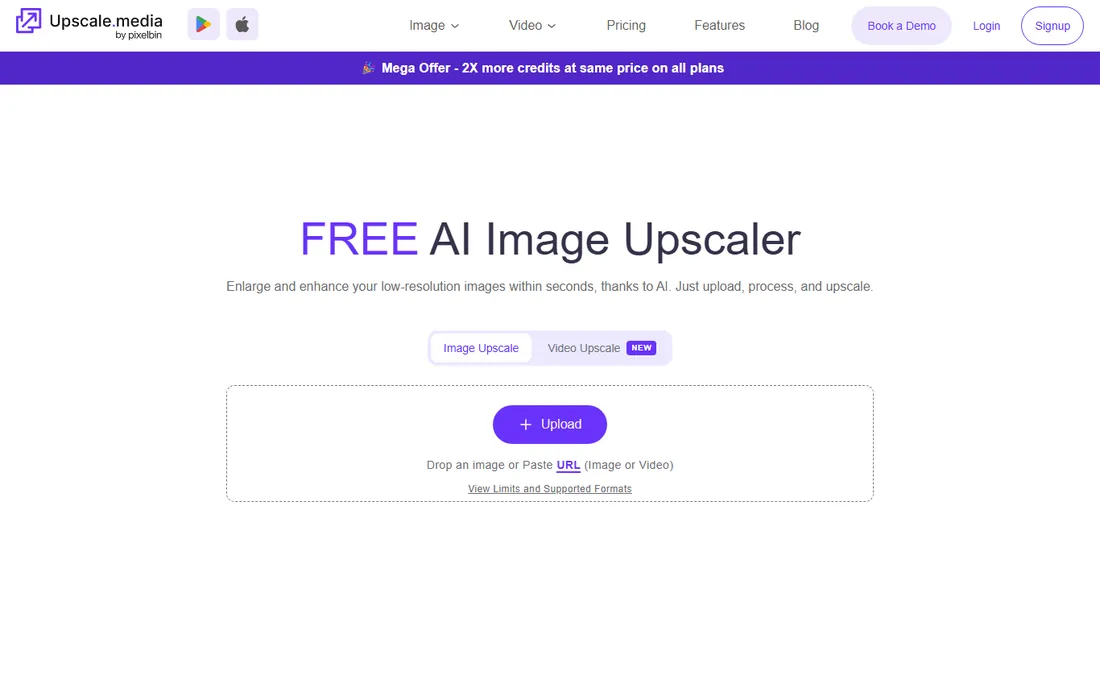
Upscale.media is the easiest tool on this list: drag a photo into the browser, pick 2x, 4x or 8x, and download the result in seconds. No account, no watermark, no payment. It handles JPG, PNG, WebP and HEIC, and the underlying engine does a solid job on everyday photos, social media images and product shots.
It will not match Topaz on difficult files, and signed-up users get higher output limits than anonymous ones. But for the enormous category of "I just need this bigger, quickly," it is the first thing to try. Commercial and bulk users can step up to the vendor's PixelBin platform.
What we like- Completely free with no watermark and no registration required
- Up to 8x enlargement in seconds
- Also ships mobile apps
- Bulk processing via the PixelBin platform
Watch out for- Fewer controls than desktop tools
- Free tier has output resolution limits for non-logged-in users
- Quality ceiling below Topaz and Magnific
Starting priceSee website
Free planYes (free tier with monthly limits)
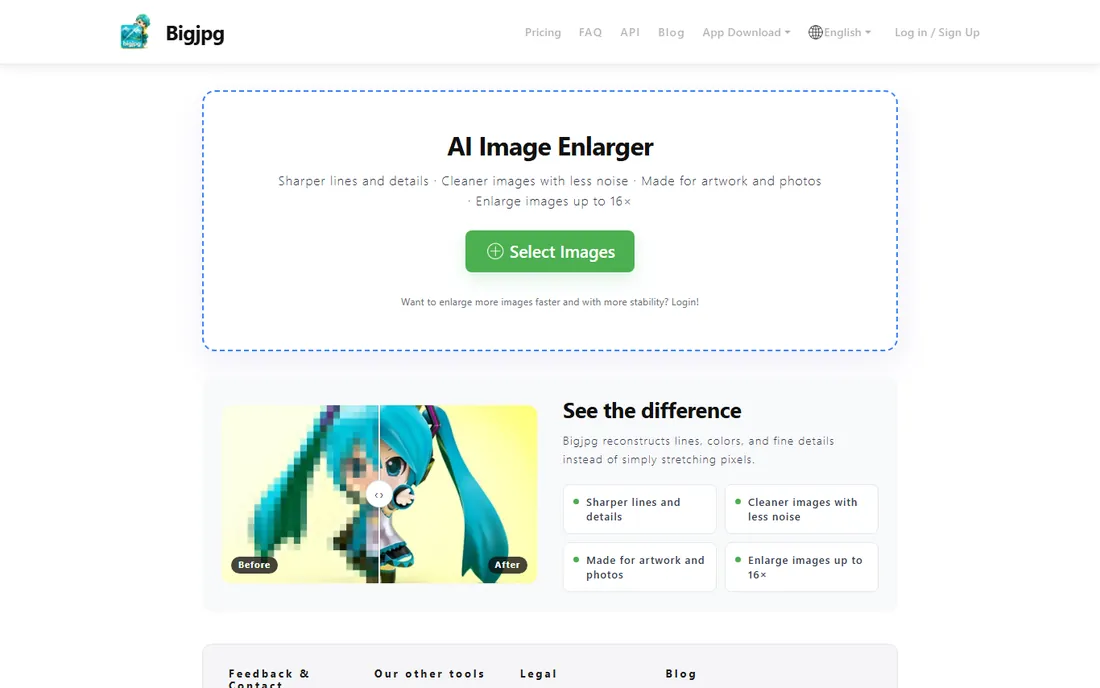
Bigjpg uses deep convolutional neural networks trained specifically on anime-style art, which is why it handles line art, screentones and flat colors far better than general upscalers. Choose the art or photo model, set noise reduction for JPEG artifacts, and enlarge up to 16x. Paid members get faster processing and API access.
The free tier works but throttles heavy users, which is fair for a GPU-intensive service. If your use case is anime, manga, comics or game sprites, this beats the general-purpose tools. For photographs, start with the photo model but expect less than Topaz-level fidelity.
What we like- Purpose-built for anime and illustrated art with separate art and photo models
- Enlarges up to 16x
- Noise reduction levels for JPEG artifacts
- Developer API for paid members
Watch out for- Free tier has monthly enlargement limits and queues
- The interface is bare-bones
- Photo results trail dedicated photo tools
Starting priceFree
Free planYes (fully free, no account)
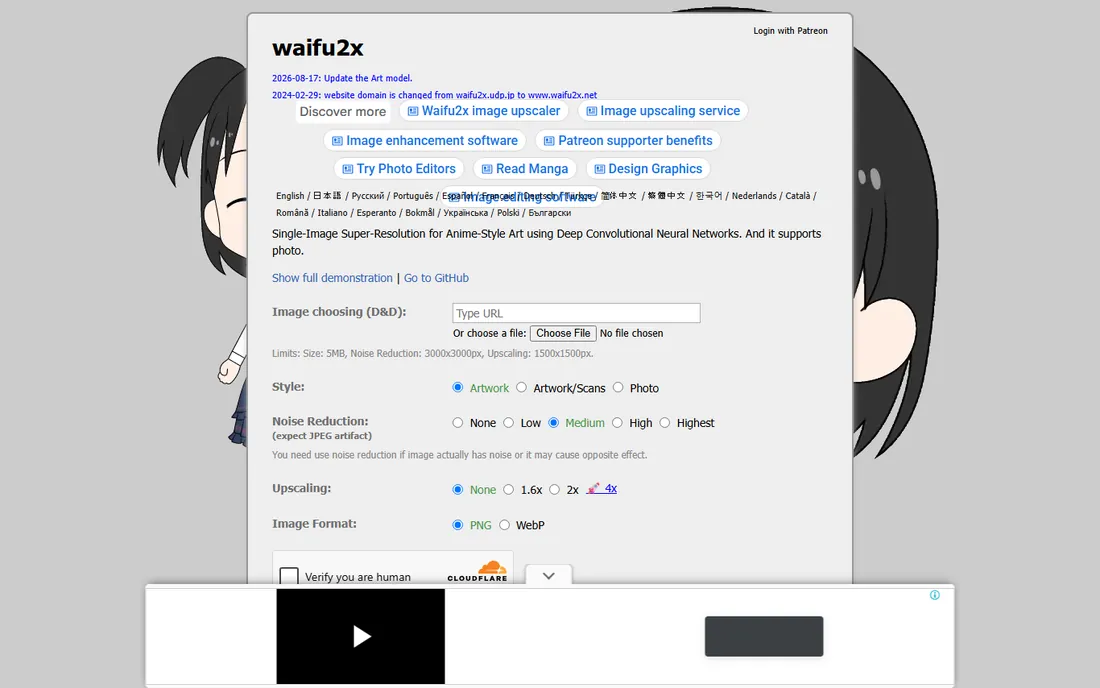
waifu2x is the granddaddy of AI upscaling: an open-source project that pioneered single-image super-resolution for anime art, and it is still maintained, with the art model updated in August 2026. The web app is free, needs no account, and handles noise reduction plus 1.6x and 2x upscaling within its size limits. Note the domain moved from waifu2x.udp.jp to waifu2x.net in 2024; the old domain still redirects.
It is a specialist, not an all-rounder. Photos get a dedicated mode, but the tool's heart is anime and illustration. For quick, free enlargements of exactly that content, nothing is simpler.
What we like- Completely free with no account and no watermark
- The original anime super-resolution tool, still updated (art model refreshed August 2026)
- Open source on GitHub
- Simple and fast
Watch out for- Web version caps uploads at 5MB and 1500x1500px for upscaling
- 4x requires the supporter tier
- Photo support is secondary
#7
ON1 Resize AI
Best for: Large-format printing and Lightroom workflows
Visit on1.com
Starting price$69.99 one-time
Free planFree trial
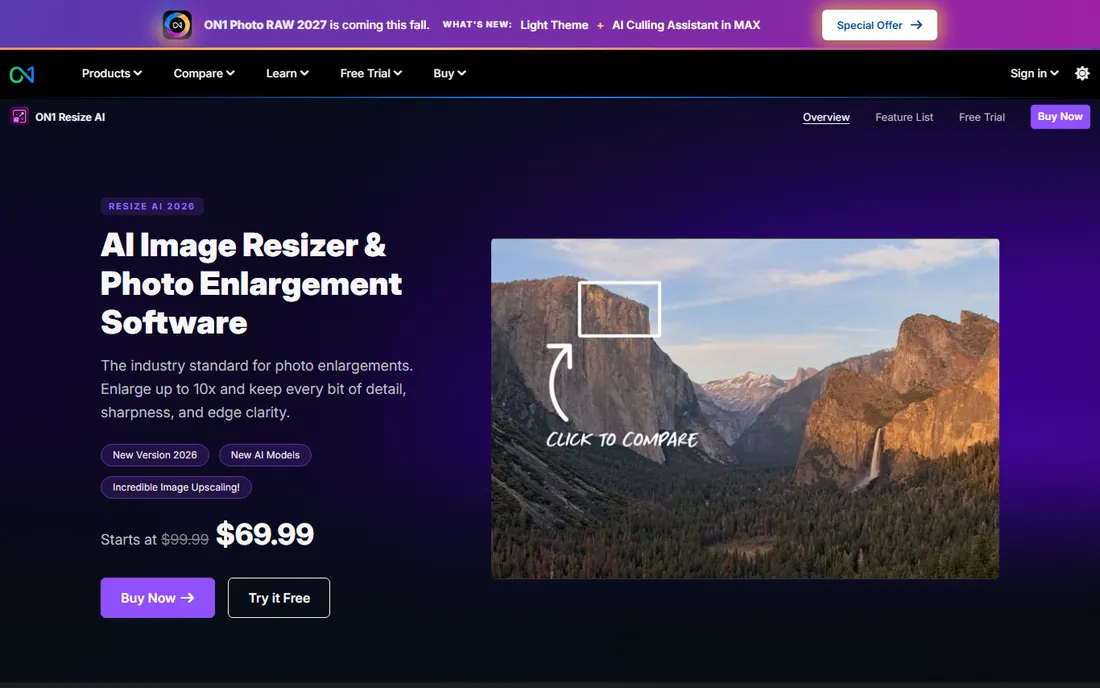
ON1 Resize AI is the photographer's printing tool. Where others stop at "bigger file," Resize AI continues into print production: tile a mural across multiple sheets, add gallery wrap margins for canvas, soft-proof colors before committing ink, and batch-process hundreds of files. The 2026 version adds a diffusion-based Highest Quality model for tight crops and small originals, plus a fast Standard model for volume work.
The pricing stands out: $69.99 as a one-time license you own, down from $99.99, with a free trial and 30-day money-back guarantee. It runs standalone on Mac and Windows or as a plugin for Photoshop and Lightroom Classic. If your enlargements end up on paper, this is the most complete package.
What we like- One-time purchase, no subscription
- Built for printing with tiling for murals, gallery wrap margins, DPI presets and soft proofing
- Works standalone or as a Photoshop/Lightroom plugin
- Batch processing
Watch out for- Photo-focused, less suited to illustration
- The 2026 diffusion model needs a capable GPU
- Paid upgrades between major versions
What to look for when buying image enlargement software
Start with where the image ends up. Prints need clean edges and accurate detail, which favors Topaz Gigapixel and ON1 Resize AI. Screen and social use forgives more, so free tools like Upscale.media and Bigjpg are often enough. Creative projects where invented detail is a feature, not a bug, point to Magnific.
Then check the input limits. Free web tools cap file size, monthly enlargements or output resolution; make sure your actual files fit before relying on one. Desktop tools need a modern GPU for sane processing times. And whatever you choose, test it on your hardest image first: a tiny, noisy, text-containing photo will expose every tool's weaknesses faster than any review.
How we chose
We listed the image upscalers buyers actually search for, from professional desktop software to free browser tools. For each, we opened the vendor's official site, confirmed the current product name and version (Topaz now sells Gigapixel as a subscription plan; waifu2x moved to waifu2x.net; Magnific operates under its own domain after the Freepik acquisition), and took prices only from vendor pricing pages. Where the price was not shown on the vendor's own page, we marked it "See website." Capabilities were cross-checked against public reviews and user discussions. No hands-on testing is claimed.
Generative vs reconstructive upscaling: know which you are buying
The category quietly splits in two. Reconstructive tools (Topaz Gigapixel, ON1 Resize AI, waifu2x, Bigjpg, Upscale.media) try to recover what the original image contained: sharper edges, cleaner lines, less noise. Generative tools (Magnific's creative mode, and to a degree LetsEnhance) synthesize new detail that looks right but was never there.
Neither is better in the abstract. Reconstructive is the safe choice for photographs, products, documents and anything where accuracy matters. Generative wins for art, posters and creative work where richness beats fidelity. The mistakes happen when people use one for the other's job: generative upscaling on a product photo can invent textures your product does not have, and reconstructive upscaling on a tiny AI artwork leaves it looking soft. Match the engine to the intent.
Frequently asked questions
What is the best image enlargement software overall?
Topaz Gigapixel, for most serious users. Its specialized models produce the most believable enlargements on the widest range of photos, and it runs locally with unlimited rendering. For free use, start with Upscale.media; for creative work, look at Magnific.
Can AI upscaling really add detail to a photo?
It can reconstruct plausible detail, not real detail. AI models trained on millions of images predict what the missing pixels probably looked like. The results look convincing at normal viewing sizes, but the added detail is an educated guess, which is why tiny text and faces can come out wrong.
Is there a completely free image upscaler with no watermark?
Yes. waifu2x is fully free with no account, Upscale.media is free with no watermark and no signup, and Bigjpg has a free tier. LetsEnhance is free to start. These cover most casual needs without paying anything.
How large can I enlarge an image without losing quality?
It depends on the source. A clean, high-quality photo can go 4x to 6x with a good AI upscaler before artifacts show. Heavily compressed or tiny images top out around 2x to 4x. Bigjpg and LetsEnhance advertise up to 16x, which works best on clean line art rather than photos.
Which upscaler is best for printing large posters?
ON1 Resize AI, because it is the only one with a full print workflow: tiling for murals, gallery wrap margins, DPI presets and soft proofing. Topaz Gigapixel is the quality alternative if you handle print prep in another application.
Magnific vs Topaz Gigapixel: which should I choose?
Choose Magnific when you want the AI to add rich, creative detail (art, posters, AI generations) and you are comfortable with invented textures. Choose Topaz Gigapixel when fidelity matters (photos, products, restoration) and you want desktop processing with specialized models.
Sources we checked (7)
- https://www.topazlabs.com/
- https://magnific.ai/
- https://letsenhance.io/
- https://www.upscale.media/
- https://bigjpg.com/
- https://www.waifu2x.net/
- https://www.on1.com/products/resize-ai/
Is your product missing or out of date?
We review this list regularly. Vendors can request a listing, send updated pricing or ask about featured placement.

Shihab Mia · Founder, Rankite
Shihab has spent more than a decade helping SaaS and e-commerce brands grow through search. He writes Rankite's software buying guides from pricing pages, documentation and public user reviews. More about Shihab.