How we make this list: we compare pricing pages, product documentation and public user reviews. Rankite is independent; if a vendor ever pays for a featured spot, that listing is clearly labeled Partner.
Key takeaways
- Snort, Suricata, Zeek, Wazuh, OSSEC, and CrowdSec are all free and open source; only SolarWinds SEM and Darktrace require a commercial budget.
- Network IDS (Snort, Suricata, Zeek) watches traffic between machines; host IDS (Wazuh, OSSEC) watches what happens on the machines themselves. Most companies eventually need both.
- Free IDS tools need real administration time; budget staff hours, not just software, or pick a commercial option with support.
- Start with one sensor on your most important network segment rather than trying to monitor everything on day one.
Quick comparison
| Tool | Best for | Starting price | Free plan |
|---|
 Snort Snort | The classic signature-based network IDS | Free | Yes |
 Suricata Suricata | High-speed multi-threaded network detection | Free | Yes |
 Zeek Zeek | Deep network traffic analysis and logging | Free | Yes |
 Wazuh Wazuh | Host IDS plus free SIEM in one platform | Free | Yes |
 OSSEC OSSEC | Lightweight host-based intrusion detection | Free | Yes |
 CrowdSec CrowdSec | Collaborative, crowd-powered IPS | Free | Yes |
 SolarWinds Security Event Manager SolarWinds Security Event Manager | Commercial SIEM with IDS for Windows shops | See website | See website |
 Darktrace Darktrace | AI-driven threat detection for larger networks | See website | No |
Is your product missing or out of date?
We review this list regularly. Vendors can request a listing, send updated pricing or ask about featured placement.
The best IDS software
Starting priceFree
Free planYes
Snort is the name every security textbook mentions first, and for good reason. Created in 1998 and now maintained by Cisco Talos, it is the reference implementation of network intrusion detection: it inspects packets against a ruleset, and when traffic matches a known attack pattern, it alerts. It can run as a passive sniffer, a packet logger for debugging, or inline as a full intrusion prevention system that blocks malicious packets.
The ruleset model is the heart of Snort. The Community Ruleset is free and maintained by the community with Cisco Talos QA; the Subscriber Ruleset, developed and tested by Talos, is a paid option that delivers new rules in real time. For a small business, the community rules plus some custom tuning cover most needs.
The honest limitation is architecture. Snort's single-threaded design means it can struggle on very high-speed links, which is exactly why Suricata exists. Rule tuning is also a genuine skill: out of the box, Snort is noisy, and someone has to decide which alerts matter. If you have a Linux admin comfortable with that work, Snort remains a rock-solid, free foundation.
What we like- The most documented IDS in existence
- Huge community ruleset
- Works as sniffer, logger, or full IPS
Watch out for- Single-threaded design limits throughput on fast networks
- Tuning rules to cut false positives takes real effort
Starting priceFree
Free planYes
Suricata is what you deploy when Snort feels like it is running on one cylinder. Developed by the Open Information Security Foundation, it is a high-performance, open-source threat detection engine that works as an IDS, an IPS, and a network security monitor. The key difference from Snort is multi-threading: Suricata spreads work across CPU cores, so it keeps up with fast networks that would choke a single-threaded sensor.
It does more than match signatures. Suricata logs HTTP, DNS, TLS, SMB, and dozens of other protocols in structured JSON, extracts files from traffic for analysis, and fingerprints TLS clients. That makes it useful for both alerting and forensics: when something happens, you have the logs to understand what it was.
The tradeoff is complexity. The YAML configuration is extensive, rule management takes attention, and you need reasonable hardware to get the performance you are paying for in electricity. But for a company with a real network to protect and someone technical to run it, Suricata is the strongest free network IDS available.
What we like- Multi-threaded engine handles gigabit speeds
- Does IDS, IPS, and network monitoring in one tool
- Protocol parsers written in Rust for safety
Watch out for- Configuration is complex for beginners
- Needs decent hardware to shine
#3
Zeek
Best for: Deep network traffic analysis and logging
Visit zeek.org
Starting priceFree
Free planYes

Zeek does not think like an IDS, which is exactly why security teams love it. Originally developed in the 1990s under the name Bro, Zeek is a passive network monitor that produces detailed, structured logs of everything crossing your network: every connection, every DNS query, every file transfer, every TLS handshake. Instead of just alerting on known bad patterns, it gives analysts the raw material to find the unknown.
The scripting language is the superpower. You write policies that describe what suspicious looks like in your environment, and Zeek enforces them. The community maintains hundreds of packages for everything from detecting specific malware to integrating threat intelligence. Paired with a SIEM or even just good log analysis, Zeek turns a network from a black box into an open book.
But Zeek is a framework, not a finished product. Out of the box it logs far more than it alerts, and turning those logs into detections takes scripting skill and time. Small teams without a security analyst often get more immediate value from Suricata's rules. If you have the expertise, though, nothing matches Zeek's visibility.
What we like- Unmatched protocol analysis and structured logging
- Scriptable for custom detection logic
- Huge community package library
Watch out for- Not a turnkey IDS
- Needs scripting skill and pairs best with a SIEM
Starting priceFree
Free planYes
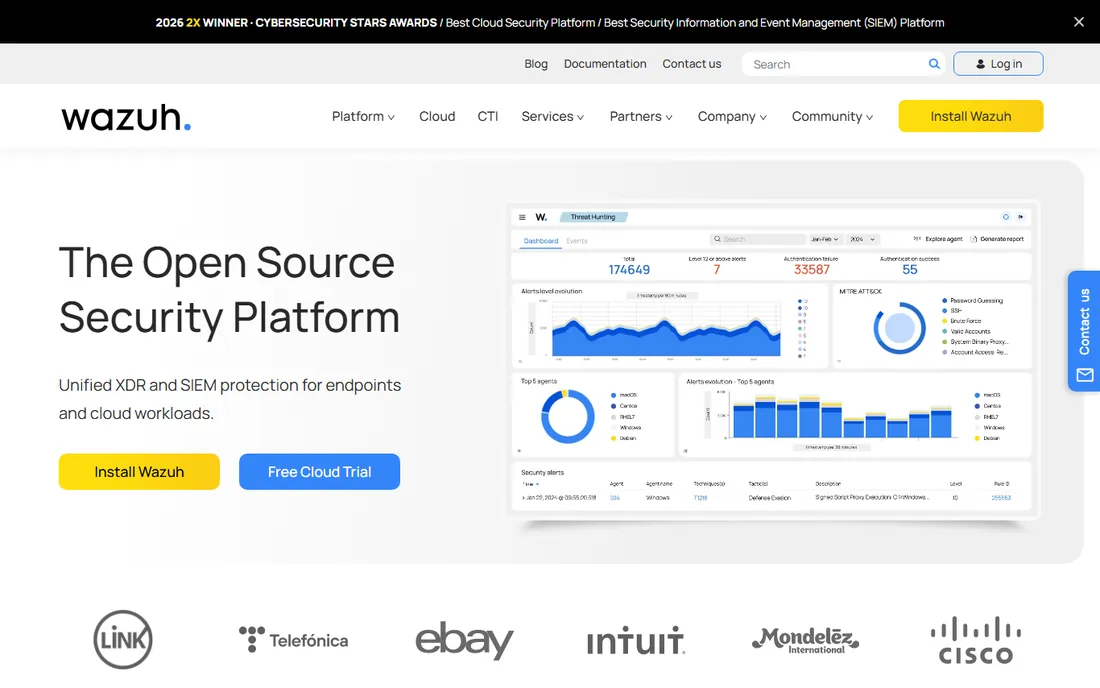
Wazuh is the closest thing to a free SIEM that actually works. It is an open-source security platform that combines host-based intrusion detection with log management, file integrity monitoring, vulnerability detection, and incident response. Lightweight agents on each server report to a central manager, which correlates everything into alerts on a web dashboard.
For a small or mid-size company, the value proposition is hard to beat. Commercial SIEMs charge by data volume, which punishes you for logging more. Wazuh costs nothing for the software, and it covers the compliance checkboxes (PCI DSS, HIPAA, and others) that auditors ask about. The active response feature can automatically block attacking IPs or quarantine suspicious processes.
The cost is infrastructure and expertise. The full stack (manager, indexer, dashboard) wants several gigabytes of RAM and real disk, and a noisy default ruleset needs tuning before the alerts are trustworthy. Wazuh also offers a paid cloud version with a free trial if you would rather not self-host. If you have servers to protect and someone to run it, start here.
What we like- Complete SIEM and XDR platform at zero license cost
- Agents for Windows, Linux, and macOS
- Active response can block threats automatically
Watch out for- Resource-hungry: the full stack wants serious RAM
- Real deployments need tuning and care
#5
OSSEC
Best for: Lightweight host-based intrusion detection
Visit ossec.net
Starting priceFree
Free planYes
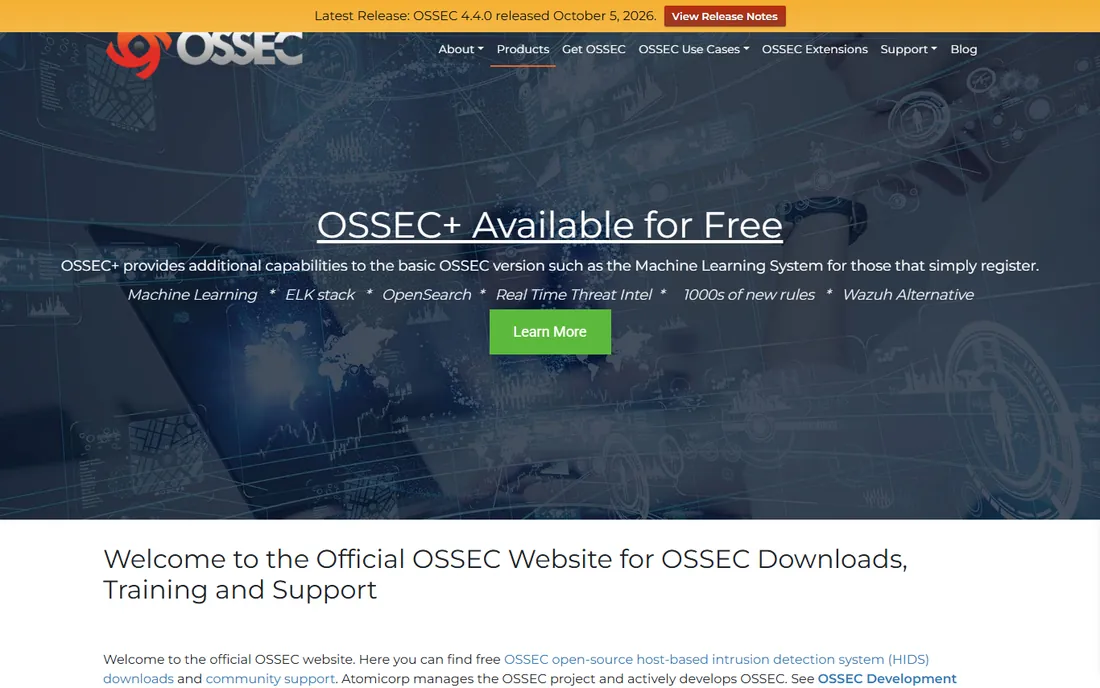
OSSEC is the veteran host-based option, and it is still maintained in 2026. This free, open-source HIDS watches individual machines: it analyzes logs, checks file integrity, monitors the Windows registry, detects rootkits, and can actively respond by blocking attackers. Agents run on Windows, Linux, macOS, and Unix systems, reporting to a central manager.
The footprint is the selling point. OSSEC agents are light enough for old hardware and small VMs where heavier agents would drag. Registration for the free OSSEC+ tier adds hundreds of extra rules and threat intelligence feeds, closing much of the gap with newer tools. For basic host monitoring on a tight budget, it still does the job.
The honest context is that Wazuh began as a fork of OSSEC and has since pulled ahead with a modern stack and dashboard. Most new deployments choose Wazuh. OSSEC makes sense when you want the lightest possible agent, when you already know it, or when you are maintaining an existing deployment. It is not dead, but it is no longer where the momentum is.
What we like- Lightweight agents with tiny footprint
- Log analysis, file integrity, and rootkit detection
- Free OSSEC+ tier adds rules and threat intel
Watch out for- Dated interface and management experience
- Most new deployments pick Wazuh instead
Starting priceFree
Free planYes
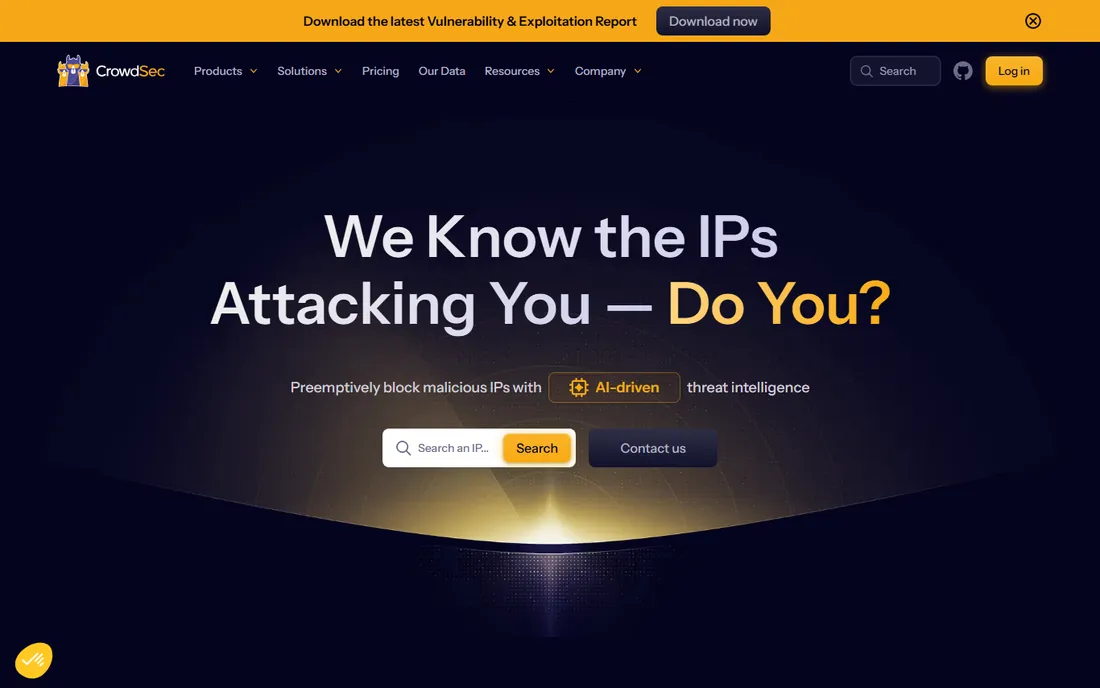
CrowdSec takes the oldest idea in security and gives it a modern, collaborative twist. Like the classic fail2ban, it watches your logs for brute-force attempts, scans, and exploit probes, then blocks the offending IPs. The difference is the crowd: when one user's CrowdSec blocks an attacker, that IP's reputation is shared across the network, so everyone else is protected before the attacker reaches them.
The open-source security engine is free, lightweight, and installs in minutes on a Linux server or in Docker. Bouncers integrate with firewalls, web servers, and CDNs to do the actual blocking. The company reports tens of thousands of active users sharing tens of millions of signals daily, which feeds curated blocklists you can subscribe to.
Understand what it is and is not. CrowdSec is excellent at stopping mass attacks, bots, and brute force before they reach your applications. It is not a deep packet inspection engine like Suricata or a full SIEM like Wazuh. The smart play for many small companies is CrowdSec on the perimeter plus Wazuh on the hosts: free, layered, and effective.
What we like- Community blocklists share attacker IPs across 70,000-plus users
- Lightweight and easy to install
- Modern replacement for fail2ban-style blocking
Watch out for- Focused on blocking known-bad IPs rather than deep detection
- Enterprise features are paid
#7
SolarWinds Security Event Manager
Best for: Commercial SIEM with IDS for Windows shops
Visit solarwinds.com
Starting priceSee website
Free planSee website
SolarWinds Security Event Manager is the commercial pick for teams that want a product, not a project. It is a SIEM with built-in intrusion detection, log collection from hundreds of sources, automated threat response, and compliance reporting templates for PCI DSS, HIPAA, SOX, and more. If your IT team lives in Windows and wants vendor support with a phone number, SEM speaks their language.
The compliance angle is the real draw. Auditors ask for centralized logging, file integrity monitoring, and documented incident response, and SEM packages all of that with reports designed to hand over directly. The automated response features can isolate threats without waiting for a human to click.
The tradeoff is the commercial model. Pricing is quote-based with no public numbers, which makes budgeting a conversation rather than a calculation. It deploys on Windows servers, so factor in that infrastructure. For companies that need compliance evidence and commercial support more than they need free software, SEM is a mainstream choice.
What we like- Purpose-built SIEM with intrusion detection included
- Strong compliance reporting templates
- Familiar to Windows-centric IT teams
Watch out for- Quote-based pricing with no public numbers
- Windows-server deployment adds infrastructure
Starting priceSee website
Free planNo
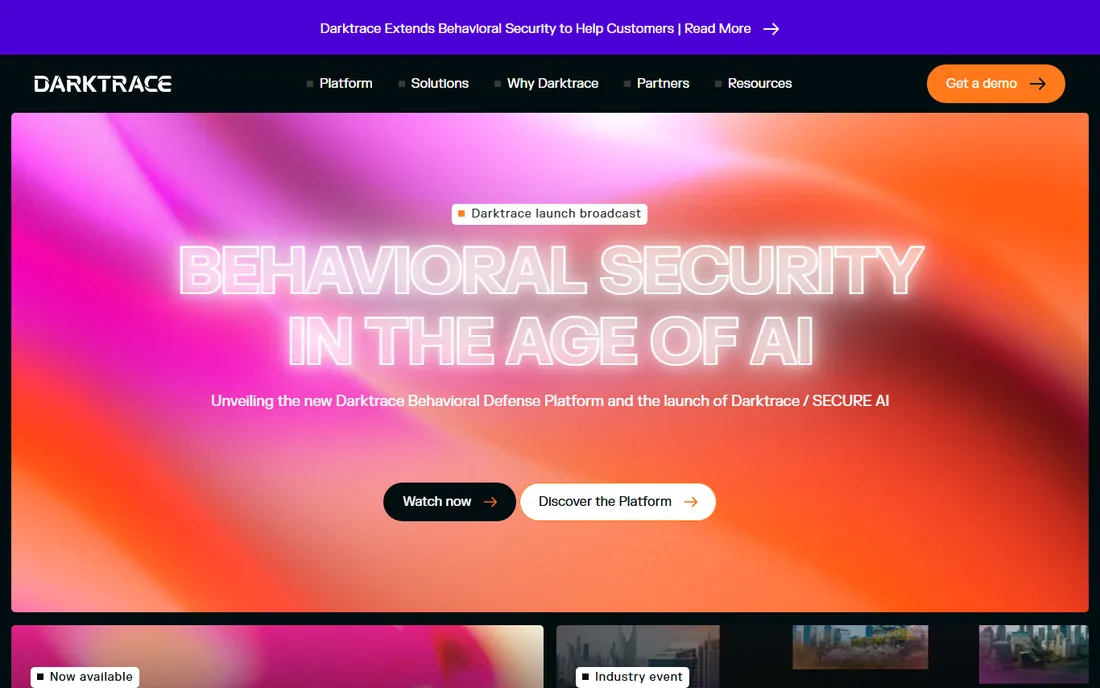
Darktrace plays a different game from everything else on this list. Instead of matching traffic against known attack signatures, its AI learns what normal looks like in your specific environment, then flags deviations. That means it can catch novel attacks and insider threats that signature-based tools miss entirely, and its autonomous response can contain an in-progress attack in seconds without human intervention.
The platform now covers network, email, cloud, and operational technology environments under one AI architecture, with an AI analyst that investigates alerts automatically. For organizations with real security operations, that breadth matters: one platform instead of five disconnected tools.
The reality check is cost and fit. Darktrace is enterprise software with enterprise pricing and no free tier; it is built for companies with security teams, not for a 30-person business with one IT admin. We include it because it defines the high end of the category. If your threat model and budget justify it, talk to their sales team. Otherwise, the free tools above will serve you well.
What we like- Self-learning AI finds novel threats without signatures
- Autonomous response can contain attacks in seconds
- Strong across network, email, and cloud
Watch out for- Enterprise pricing far beyond small-business budgets
- Needs a proper deployment project
How we chose
We started from each vendor's own site: product pages, documentation, and published pricing or licensing terms. We cross-checked against public review sites like G2 and Capterra and against practitioner discussions on Reddit from people who deploy these tools in production. We required every tool to be actively maintained in 2026, and we favored tools with a realistic path for small and mid-size companies, whether free or commercial.
We did not test every product hands-on. Our comparisons come from published documentation, licensing terms, and what verified users report about running these systems day to day. Confirm licensing details on the vendor's site before you deploy.
What to get right before you deploy an IDS
Decide what you are watching
Network IDS sees traffic between machines; host IDS sees what happens on the machines. A network sensor will not catch malware that arrives on a USB stick, and a host agent will not see lateral movement it is not installed on. Most companies end up with both, but start with whichever matches your biggest worry.
Budget people, not just software
Six of the eight tools here are free, and that is genuinely true of the license. What they cost is administration: installation, rule tuning, alert triage, and updates. A free IDS that nobody tends becomes a noisy box everyone ignores. If you cannot dedicate the hours, a commercial tool with support is cheaper than a free tool that fails silently.
Start with one sensor, not the whole network
Put your first network sensor on the segment that matters most: the link between your internal network and the internet, or in front of your critical servers. Get alerting and tuning right there before expanding. The same applies to host agents: servers first, then workstations.
Plan for false positives
Every IDS is noisy at first. The first month is tuning: disabling rules that do not apply to your environment, whitelisting known-good traffic, and setting alert thresholds. Tools with good community rulesets and documentation make this faster. Do not judge any IDS by its first week.
IDS vs IPS vs SIEM: what are you actually buying?
The terms get mixed together, so here is the plain version. An IDS (intrusion detection system) watches and alerts; it tells you something bad is happening. An IPS (intrusion prevention system) sits in the traffic path and blocks it; most network IDS tools, including Snort and Suricata, can run in either mode. A SIEM (security information and event management) collects logs from everything, correlates them, and gives analysts one place to investigate; Wazuh and SolarWinds SEM are SIEMs that include IDS capability.
For a small company, the practical question is scope. If you want to know when someone probes your network, a network IDS is enough. If you need compliance reporting and centralized investigation, you want a SIEM. Many teams run Suricata or Zeek for the network, Wazuh agents on servers for the hosts, and let Wazuh's dashboard tie it together. That combination is free and covers most of what a commercial SIEM sells.
Frequently asked questions
What is the best free IDS software?
Snort and Suricata are the best free network IDS options, Zeek is the best free network analysis platform, and Wazuh is the best free host IDS plus SIEM. All four are open source and production-proven. Pick based on whether you need network visibility, host visibility, or both.
Do small businesses really need an IDS?
If you have servers, customer data, or anything an attacker would want, yes. Firewalls block unwanted traffic at the edge, but they cannot see attacks that come through allowed channels or from compromised accounts. An IDS is the layer that notices when something gets past the perimeter.
What is the difference between Snort and Suricata?
Both are free, open-source network IDS tools with similar rule formats. Snort is the original, maintained by Cisco Talos, with the largest documentation base and community. Suricata is multi-threaded, so it handles high-speed networks better, and it adds deeper protocol logging. Many teams evaluate both and keep the one their admin prefers.
Can an IDS replace my antivirus?
No. Antivirus protects individual machines from malware; an IDS watches for intrusions across your network or servers. They solve different problems and work best together, along with a firewall. Think of it as layers, not alternatives.
How hard is it to set up an IDS?
A basic Snort or Suricata sensor can be running in an afternoon by someone comfortable with Linux. The hard part is not installation but tuning: reducing false positives and building alerting that people actually read. Budget a few weeks of part-time tuning before the system is trustworthy.
Should I choose open source or commercial IDS?
Choose open source if you have technical staff and want full control at zero license cost; Snort, Suricata, Zeek, Wazuh, and CrowdSec are all proven. Choose commercial if you need vendor support, compliance reporting out of the box, or a team that cannot dedicate time to tuning. The right answer depends on your people, not the software.
Sources we checked (8)
- https://www.snort.org/
- https://suricata.io/
- https://zeek.org/
- https://wazuh.com/
- https://www.ossec.net
- https://www.crowdsec.net/
- https://www.solarwinds.com/security-event-manager
- https://darktrace.com/
Is your product missing or out of date?
We review this list regularly. Vendors can request a listing, send updated pricing or ask about featured placement.

Shihab Mia · Founder, Rankite
Shihab has spent more than a decade helping SaaS and e-commerce brands grow through search. He writes Rankite's software buying guides from pricing pages, documentation and public user reviews. More about Shihab.