How we make this list: we compare pricing pages, product documentation and public user reviews. Rankite is independent; if a vendor ever pays for a featured spot, that listing is clearly labeled Partner.
Key takeaways
- Unraid is the easiest path to a working NAS with mixed-size disks, starting at $49 one-time, and its app store covers Plex, file sharing and backups.
- TrueNAS Community Edition is free and the strongest choice for data integrity thanks to ZFS, but it wants matched disks and more RAM.
- Proxmox VE is free and the best pick if your home server will run virtual machines and containers rather than just file storage.
- CasaOS and Umbrel are the friendliest options for beginners: free, install in minutes, and both include one-click app stores.
- Plex Media Server is still the best way to stream your own movies and shows, and the server software itself is free.
Quick comparison
| Tool | Best for | Starting price | Free plan |
|---|
 Unraid Unraid | Mixed disks and easy app installs | $49 one-time (Starter) | Free trial (30 days) |
 TrueNAS TrueNAS | Data integrity with ZFS | Free | Yes |
 Proxmox VE Proxmox VE | Virtual machines and containers | Free (open source); subscriptions from €120/year per socket | Yes |
 OpenMediaVault OpenMediaVault | Lightweight NAS on old hardware | Free | Yes |
 Ubuntu Server Ubuntu Server | Full control and containers | Free | Yes |
 Plex Media Server Plex Media Server | Streaming your media library | Free (server); Plex Pass from $6.99/month | Yes |
 CasaOS CasaOS | Beginners who want an app store | Free (open source) | Yes |
 YunoHost YunoHost | Self-hosting email and web apps | Free (open source) | Yes |
 Umbrel Umbrel | A personal cloud on a mini PC | Free for personal use | Yes |
Is your product missing or out of date?
We review this list regularly. Vendors can request a listing, send updated pricing or ask about featured placement.
The best home server software
Starting price$49 one-time (Starter)
Free planFree trial (30 days)
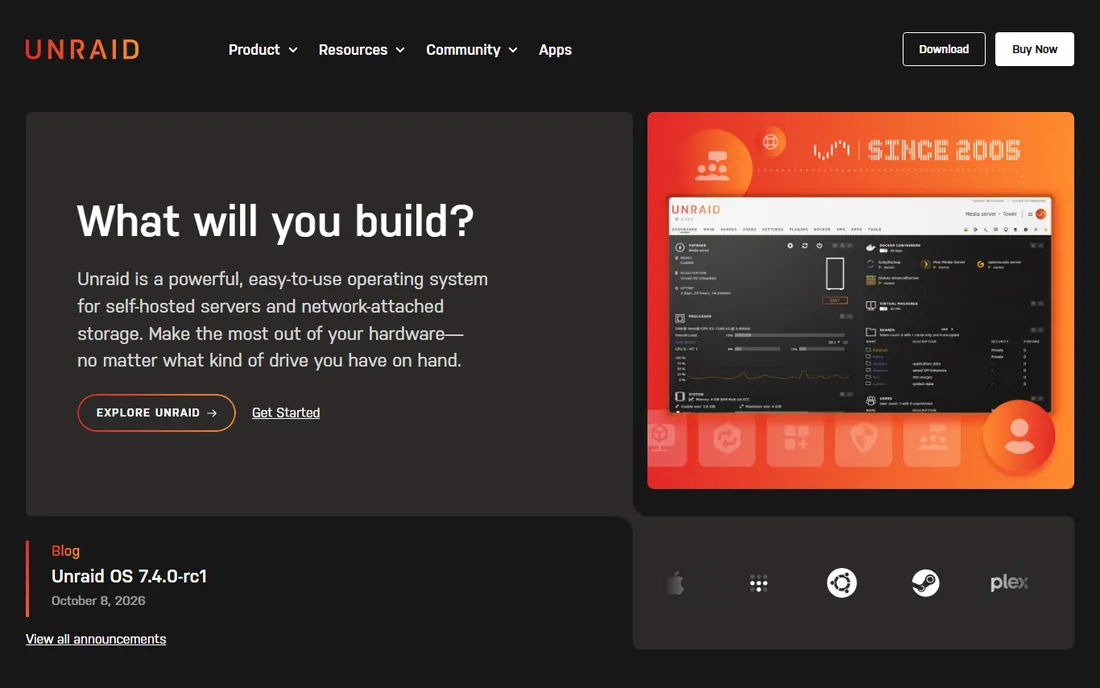
Picture a closet PC with four mismatched hard drives collected over the years. Unraid turns that pile into a proper server. Its parity-protected array accepts disks of different sizes and brands, so you can start with what you have and add drives later without rebuilding anything. The Community Applications store then fills the box with one-click installs: Plex, Nextcloud, backup tools, download managers and hundreds more. For most households this is the shortest path from spare parts to a server the whole family actually uses.
Unraid changed its pricing in recent years. Starter is $49 for up to six attached storage devices, Unleashed is $109 with no device cap, and Lifetime is $249. Starter and Unleashed include one year of software updates, after which a $36 per year extension is optional; the installed version keeps working if you skip it. A 30-day trial lets you test on your real hardware. Note the USB boot requirement: Unraid runs from a USB stick, which is unusual but makes the OS easy to move between machines.
What we like- Mix any disk sizes
- Huge app library
- Simple web dashboard
Watch out for- Paid license
- Boots from USB
- Parity is not a backup
Starting priceFree
Free planYes
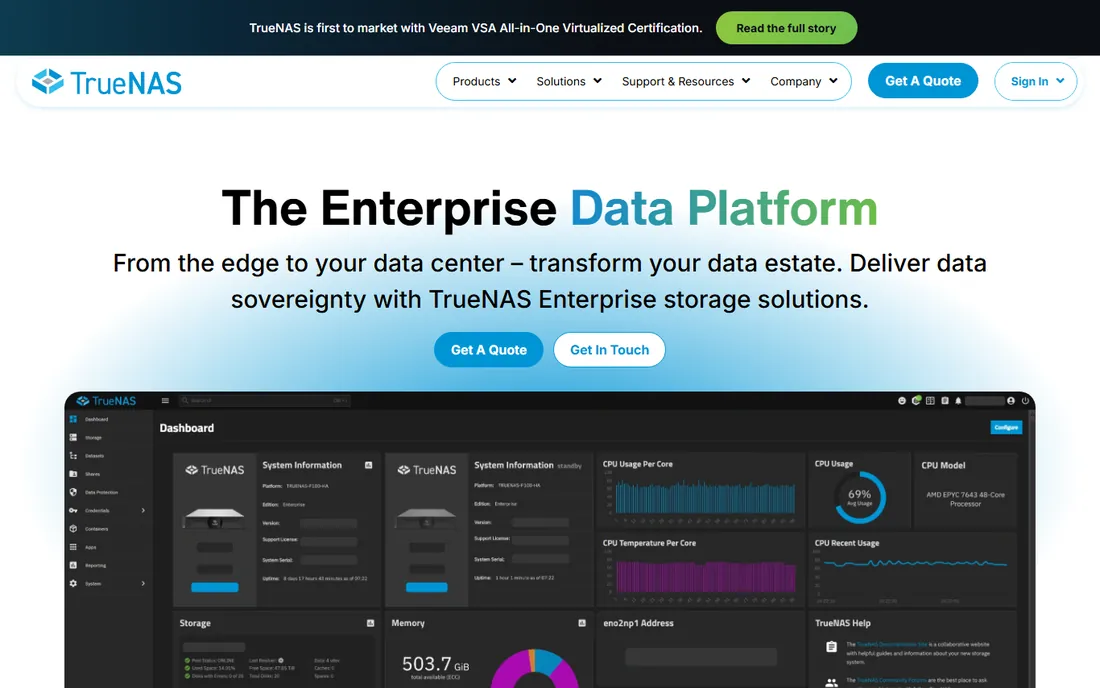
TrueNAS is the choice when your data actually matters: family photos, business documents, anything you cannot afford to lose silently. Its ZFS file system checksums every block and heals corruption automatically, which is protection no other free option on this list matches. The Community Edition is free and now Linux-based, with Docker Compose support for running apps alongside storage. iXsystems also sells enterprise versions, but home users do not need them.
The honest tradeoff is hardware appetite. ZFS performs best with matched disks and generous RAM, and expanding a pool is less flexible than adding a disk to Unraid. TrueNAS is also more opinionated: it expects you to learn its way of doing storage. If you enjoy that depth and your hardware is decent, it is the most trustworthy free NAS software available. If you want to plug in random old drives and be done, look at Unraid or OpenMediaVault instead.
What we like- ZFS protection against bit rot
- Free Community Edition
- Docker app support
Watch out for- Wants matched disks and plenty of RAM
- Steeper learning curve
Starting priceFree (open source); subscriptions from €120/year per socket
Free planYes
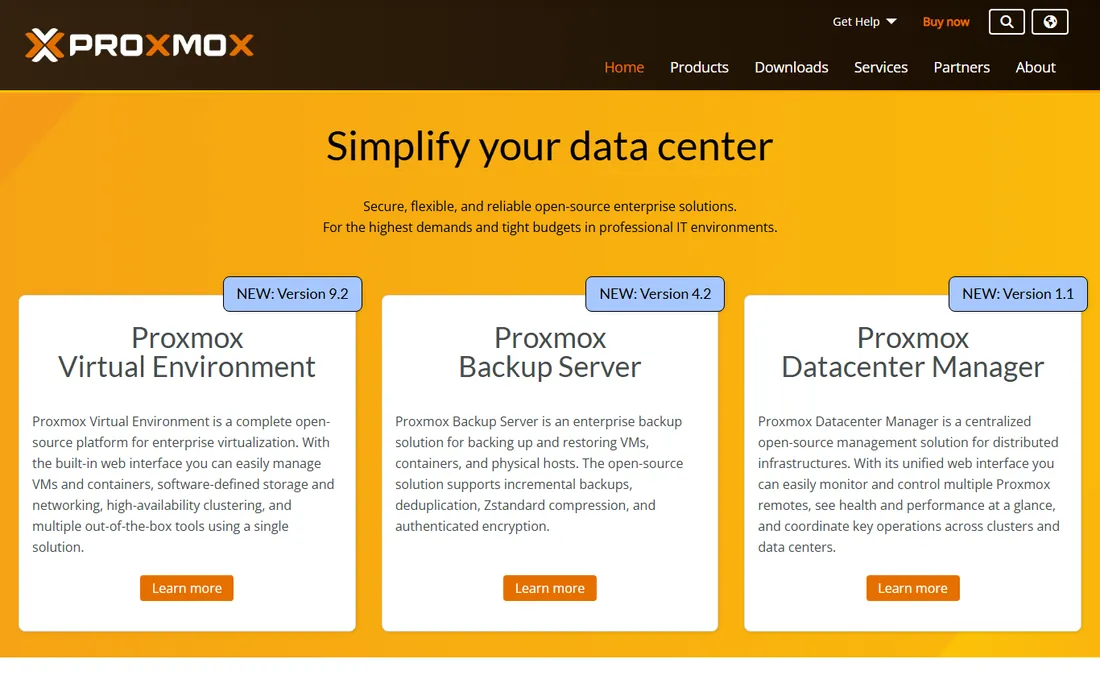
Most home server software is about storage. Proxmox VE is about running things. It is a complete virtualization platform, free and open source, that lets one machine host a dozen services at once: a media server in one container, a test web server in a VM, a Pi-hole for network-wide ad blocking, all isolated from each other. Features like live migration and clustering that used to cost thousands in the VMware world are included free. For a home lab, it is unmatched.
That power comes with a learning curve. Proxmox expects you to understand VMs, containers, storage pools and networking at a basic level, and it is the wrong tool if you only want shared folders. The software itself costs nothing; paid subscriptions (from €120 per year per CPU socket) buy stable update repositories and vendor support, not features. Many home users run it for years without paying. Pair it with a NAS VM or container if you need file storage too.
What we like- Full virtualization free
- Clustering and live migration
- Debian-based and stable
Watch out for- Overkill for simple file storage
- Needs comfort with Linux concepts
Starting priceFree
Free planYes
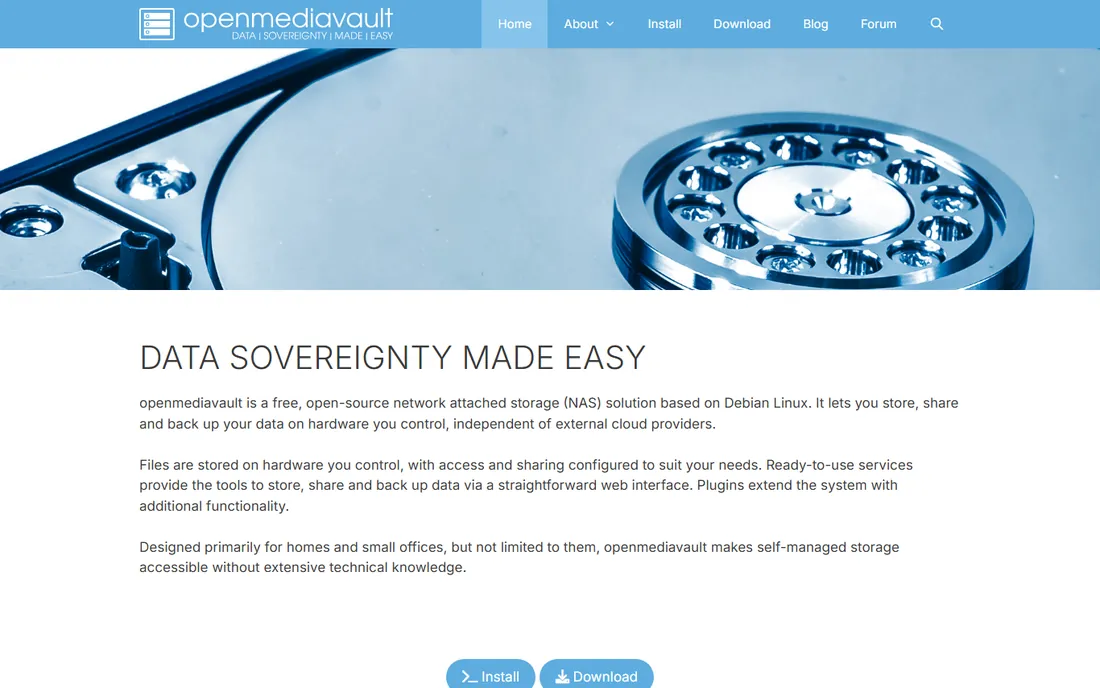
OpenMediaVault takes an old PC or a Raspberry Pi and makes it a tidy NAS with a web interface anyone can learn in an afternoon. It is Debian-based, free under GPLv3, and covers the essentials: SMB and NFS shares, user permissions, scheduled tasks and disk health monitoring. The plugin system adds Docker, ZFS and media servers for users who want to grow into more. Version 8 runs on current Debian, and the project is actively maintained.
The plugin reliance is the thing to know going in. Core OMV is deliberately lean, so capabilities like advanced filesystems arrive via third-party plugins whose maintenance quality varies. Support comes from forums and documentation rather than a vendor. For turning spare or low-power hardware into reliable shared storage, though, OMV is the lightest-weight serious option here, and it costs nothing to try.
What we like- Free and open source
- Runs on Raspberry Pi
- Clean web interface
Watch out for- Advanced features need plugins
- Community support only
Starting priceFree
Free planYes
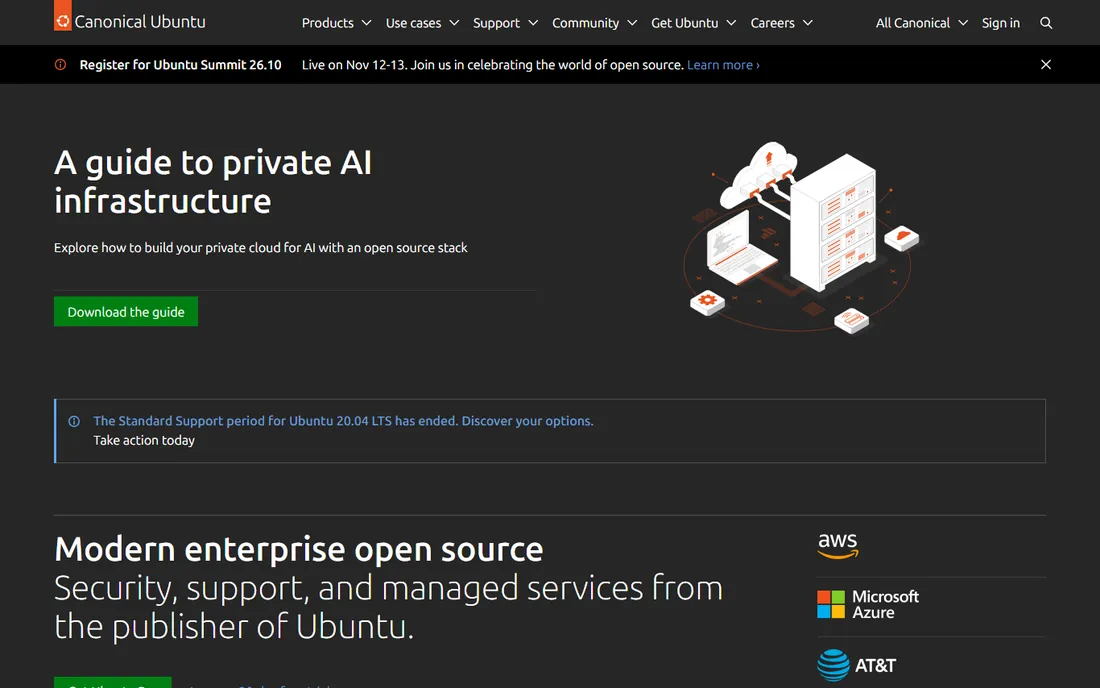
Ubuntu Server is the blank canvas: a free, stable Linux with no web dashboard and no opinions, ready to become whatever you configure. Install Docker and you have a container host. Add Samba and you have file sharing. Add WireGuard and you have a VPN. The documentation is the best in the Linux world, and nearly every self-hosting tutorial on the internet assumes Ubuntu, which makes troubleshooting easy. Optional Ubuntu Pro adds extended security maintenance, but the base OS costs nothing.
This is the pick for people who want to learn or who need something custom. There is no hand-holding: no app store, no storage wizard, no click-to-install NAS. Setup time is measured in evenings, not minutes. But nothing on this list is more flexible, and the skills transfer to professional Linux work. If the other options feel constraining, Ubuntu Server is where you end up.
What we like- Free
- Enormous documentation and community
- Huge software ecosystem
Watch out for- Command line only
- You build everything yourself
#6
Plex Media Server
Best for: Streaming your media library
Visit plex.tv
Starting priceFree (server); Plex Pass from $6.99/month
Free planYes
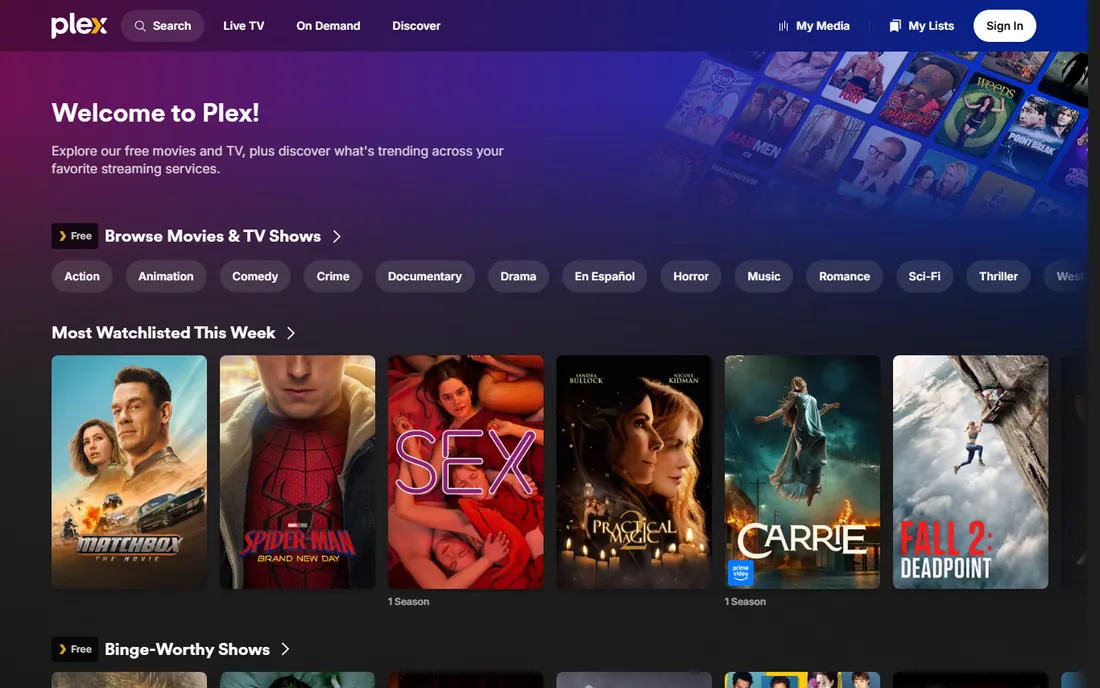
Plex turns a folder of video files into something that feels like Netflix: artwork, descriptions, watch progress and apps on nearly every TV, phone and streaming box. The server software is free and installs on Windows, Mac, Linux, NAS devices or inside Docker on any of the OS options above. Setup takes about ten minutes: point it at your media folders and it matches everything against online databases. For households with a real movie and show library, nothing else is as polished.
The pricing story changed in 2026. The Lifetime Plex Pass jumped to $749.99, which makes the monthly ($6.99) or annual ($69.99) plans the sane choice unless you are certain about a decade of use. Hardware-accelerated transcoding, offline downloads, live TV and DVR all need the Pass. Note that Plex is increasingly a commercial streaming company as well as a self-hosting tool; if that direction bothers you, Jellyfin is the free open-source alternative, though it needs more setup.
What we like- Beautiful apps on every device
- Automatic metadata
- Free server software
Watch out for- Lifetime Pass now $749.99
- Some features need Plex Pass
- Remote streaming rules changed
Starting priceFree (open source)
Free planYes
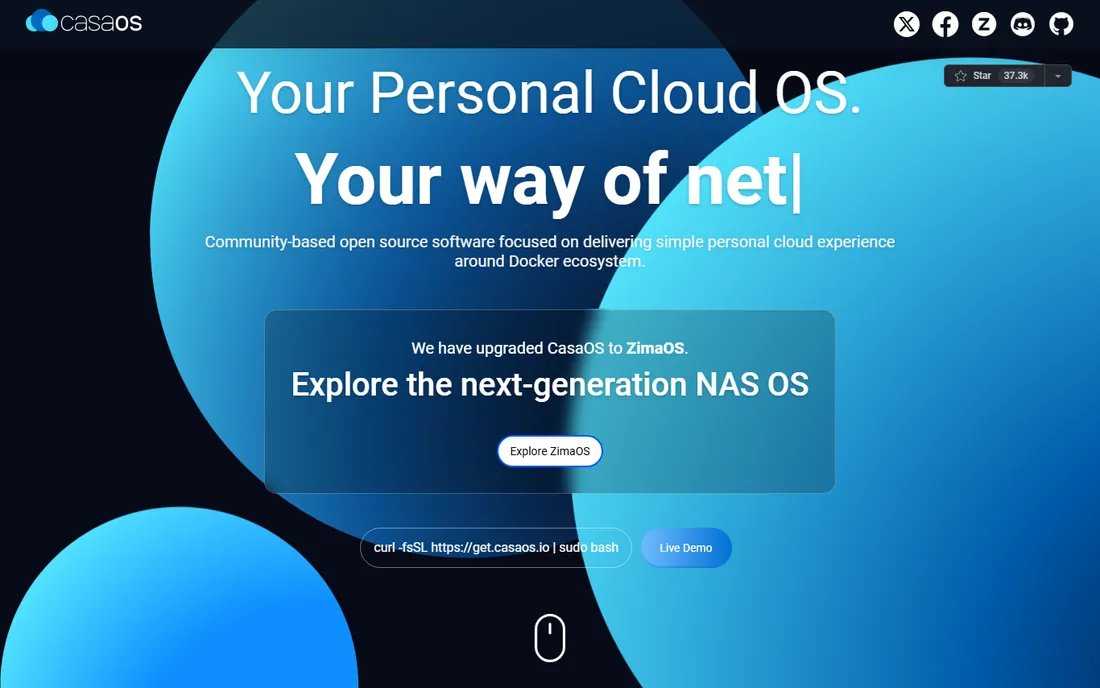
CasaOS is built for people who find TrueNAS intimidating and Ubuntu Server unthinkable. It installs on a Raspberry Pi or any Debian-based system with a single command, then presents a clean dashboard showing system stats, storage and an app store full of one-click installs: Nextcloud, Jellyfin, Home Assistant, AdGuard and dozens more. It feels more like a phone home screen than server software, and that is deliberate.
One thing to know: the CasaOS team has upgraded the project to ZimaOS, a next-generation NAS OS, and the CasaOS site now points new users toward it. CasaOS itself remains free, open source and usable, but expect future development under the ZimaOS name. For a personal cloud, a family file hub or a first self-hosting project, it is ideal. For a multi-terabyte archive you cannot lose, pair it with proper backups or choose TrueNAS.
What we like- One-command install
- Pretty dashboard
- One-click app store
Watch out for- Superseded by ZimaOS
- Fewer advanced storage features
Starting priceFree (open source)
Free planYes
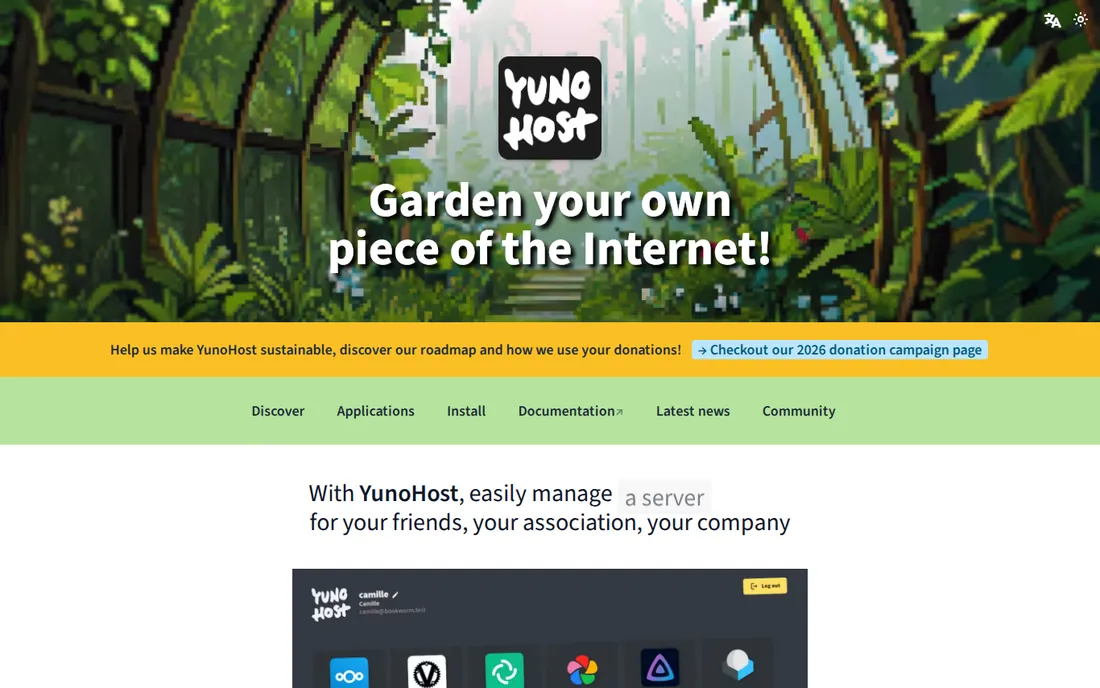
YunoHost answers a different question: what if you want to run your own email, cloud storage, blog and chat instead of renting them from big tech? This free, Debian-based system installs web applications in a few clicks with a shared login across all of them, and unusually for home server software, it includes a full working mail stack. The project is volunteer-run and explicitly motivated by digital independence and privacy.
It is designed for individuals and small groups, not for heavy traffic or large organizations, and despite the friendly web interface, maintaining a server still takes some attention. Email self-hosting in particular demands care with spam filtering and deliverability. But if the goal is replacing Google Workspace or Microsoft 365 with services you control, YunoHost is the most complete free starting point.
What we like- Free
- One-click app installs
- Includes email and single sign-on
Watch out for- Small-scale focus
- Some Linux knowledge still helps
Starting priceFree for personal use
Free planYes
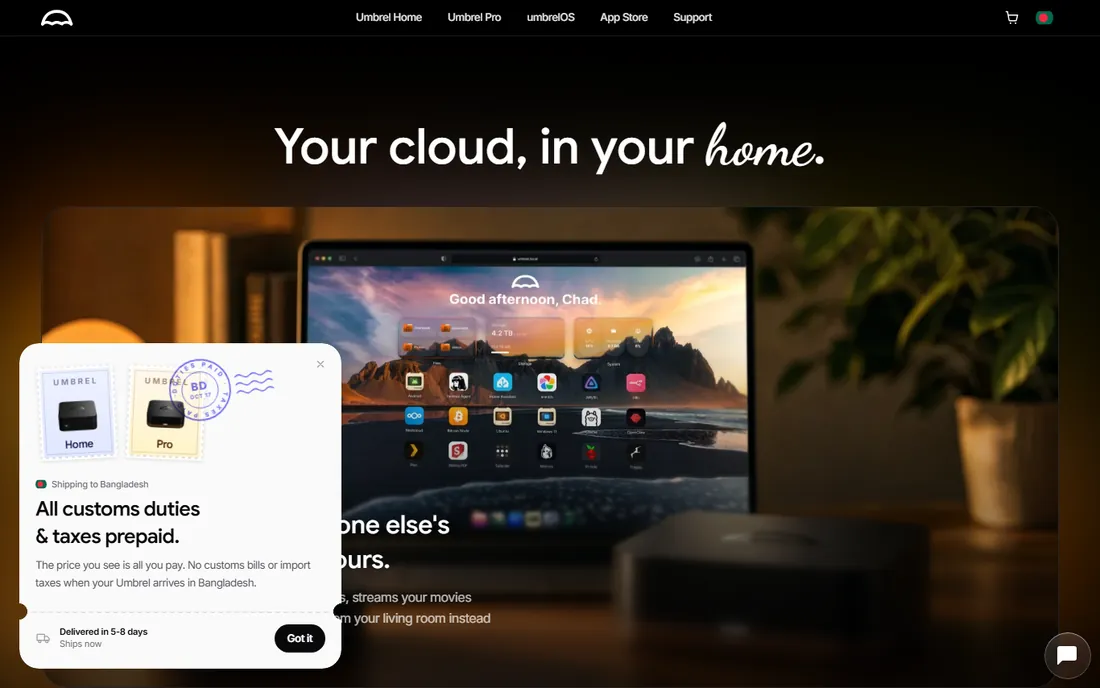
Umbrel turns a mini PC, NAS or Raspberry Pi into a personal cloud with an interface your non-technical family members can actually use. umbrelOS installs as a complete operating system, and the app store covers file sync, photos, media, password management and, in version 2.0, local AI tools like Ollama with automatic GPU detection. It is free for personal use on your own hardware, and the same OS ships on the company's own Umbrel Home devices.
Read the license before deploying it anywhere commercial: umbrelOS uses a non-commercial license, so business use is off the table. Some advanced storage features work best on the company's own hardware. For a home personal cloud that just works, though, Umbrel is the most polished free option here, and the local-AI angle gives it a use case the traditional NAS platforms do not have.
What we like- Polished interface
- 300+ app store
- Easy local AI apps
Watch out for- Non-commercial license
- Company also sells hardware
How we chose
We evaluated home server platforms by reading official documentation, pricing pages and community sources including Reddit and project forums. We verified current pricing for the paid options (Unraid's tiers, Plex Pass, Proxmox subscriptions) and confirmed the free and open-source status of the rest. We looked at what each system actually does well: storage integrity, virtualization, ease of use or media streaming, and we matched each tool to the buyer it genuinely fits rather than ranking them on a single scale.
How to pick the right home server software
Start with the job, not the software. If the goal is shared storage and backups, you want a NAS platform: Unraid for mixed disks, TrueNAS for maximum data safety, OpenMediaVault for old hardware. If the goal is running services like a media server, ad blocker or home automation, you want an app platform: CasaOS or Umbrel for simplicity, Proxmox VE or Ubuntu Server for power. Plex sits on top of any of these as the media layer.
Next, be honest about your tolerance for administration. Unraid, CasaOS and Umbrel can be running the same day you install them. TrueNAS and Proxmox reward a weekend of learning with a system that runs for years. Ubuntu Server and YunoHost sit in the middle: flexible but manual. There is no shame in picking the easy option; a server you actually maintain beats a powerful one you abandon.
Hardware notes that save you money
You do not need new hardware to start. A five-year-old desktop with 8GB of RAM runs OpenMediaVault, CasaOS or Ubuntu Server happily, and a Raspberry Pi 5 handles Umbrel or a light OMV install. TrueNAS is the exception: budget 1GB of RAM per terabyte of ZFS storage as a rule of thumb, and use matched drives. For Unraid, any 64-bit machine with 4GB of RAM works, plus a USB stick for the OS.
Plan your storage before you install. Count your drives, decide what happens when one dies, and set up an off-site or at least off-machine backup for anything irreplaceable; parity and RAID protect against drive failure, not against fire, theft or your own mistakes. A cheap external drive with scheduled backups covers most households. Start small, prove the setup works, then expand.
Frequently asked questions
Do I need to pay for home server software?
No. TrueNAS, Proxmox VE, OpenMediaVault, Ubuntu Server, CasaOS and YunoHost are all free, and Plex Media Server and umbrelOS are free for personal use. The only paid option on this list is Unraid, starting at $49, and even it offers a 30-day trial. Paid tiers elsewhere buy support or extra features, not the core software.
Can I run a home server on a Raspberry Pi?
Yes, for lighter workloads. CasaOS, Umbrel, OpenMediaVault and YunoHost all run well on a Raspberry Pi 4 or 5, handling file sharing, media streaming and a handful of apps. TrueNAS and Proxmox VE need x86 hardware with more RAM. Use an external SSD or hard drive rather than a microSD card for anything you care about.
What is the difference between Unraid and TrueNAS?
Unraid lets you mix disks of different sizes and grows one drive at a time, with an easy app store, but it costs $49 and up. TrueNAS is free and uses ZFS for stronger protection against data corruption, but it prefers matched disks and more RAM. Choose Unraid for flexibility and simplicity, TrueNAS for maximum data safety.
Is Plex still worth it after the 2026 price increase?
The server software is still free, and monthly ($6.99) or annual ($69.99) Plex Pass plans are unchanged; only the lifetime option jumped to $749.99. If you use hardware transcoding, offline downloads or live TV, a yearly Pass remains reasonable. If those do not matter to you, the free tier plus a client app covers basic streaming.
Do I need a static IP or port forwarding?
Not necessarily. Many of these tools work fine on your local network with no extra configuration. Remote access from outside your home is where it gets technical: a VPN like WireGuard or Tailscale is the safe approach, and several of these platforms install it in one click. Avoid exposing management dashboards directly to the internet.
Sources we checked (8)
- https://nascompares.com/guide/unraid-vs-truenas-which-should-you-choose/
- https://github.com/laoujin/atlas/blob/HEAD/research/2026-04-28-replacing-a-synology-nas-in-2026-hardware-os-migration-and-remote-access/os-and-storage-stack-without-lock-in/index.md
- https://Proxmox.com/en/products/proxmox-virtual-environment/pricing
- https://en.wikipedia.org/wiki/OpenMediaVault
- https://smarttvs.org/plex-review/
- https://en.blog.themarfa.name/casaos-review-open-source-file-storage-on-the-raspberry-pi/
- https://www.saashub.com/compare-yunohost-vs-almalinux
- https://github.com/cpiprint/umbrel/blob/HEAD/README.md
Is your product missing or out of date?
We review this list regularly. Vendors can request a listing, send updated pricing or ask about featured placement.

Shihab Mia · Founder, Rankite
Shihab has spent more than a decade helping SaaS and e-commerce brands grow through search. He writes Rankite's software buying guides from pricing pages, documentation and public user reviews. More about Shihab.