How we make this list: we compare pricing pages, product documentation and public user reviews. Ratings come from G2, Capterra or Trustpilot, with the date we checked them.
Key takeaways
- Buildertrend is the best all-round platform for home builders and remodelers, covering sales, projects and client communication.
- Procore suits larger builders and general contractors who need deep project management and field tools.
- Houzz Pro suits small remodelers who want leads, estimates and client communication in one place.
- JobTread and Buildxact suit builders who want strong estimating and job costing without enterprise complexity.
- Change orders, selections and client communication cause more builder headaches than scheduling alone, so weigh those features heavily.
Home building software helps builders manage jobs from first estimate to final walkthrough. The tools below cover estimating, scheduling, change orders, selections, client communication and job costing, though each one leans differently. A custom home builder needs different features than a remodeler or a production builder, so this guide compares tools by the builder type they serve best.
Pricing is usually monthly per user or per project, with tiers for features and users. Prices below are marked "See website" where plans and user counts vary, so confirm the current figure on the vendor's pricing page. Most tools offer a demo or trial, and a trial with a real job is the best test.
Quick comparison
| Tool | Best for | Starting price | Free plan |
|---|
 Buildertrend Buildertrend | All-round home builders | See website | Free trial |
 Procore Procore | Larger builders and GCs | See website | No |
 Houzz Pro Houzz Pro | Small remodelers | See website | Free trial |
 JobTread JobTread | Estimating and job costing | See website | Free trial |
 Buildxact Buildxact | Simple estimating and management | See website | Free trial |
 Contractor Foreman Contractor Foreman | Affordable all-in-one | See website | Free trial |
 Knowify Knowify | Job costing and invoicing | See website | Free trial |
 Sage 100 Contractor Sage 100 Contractor | Established accounting-led jobs | See website | No |
Is your product missing or out of date?
We review this list regularly. Vendors can request a listing, send updated pricing or ask about featured placement.
The best home building software brands
Starting priceSee website
Free planFree trial
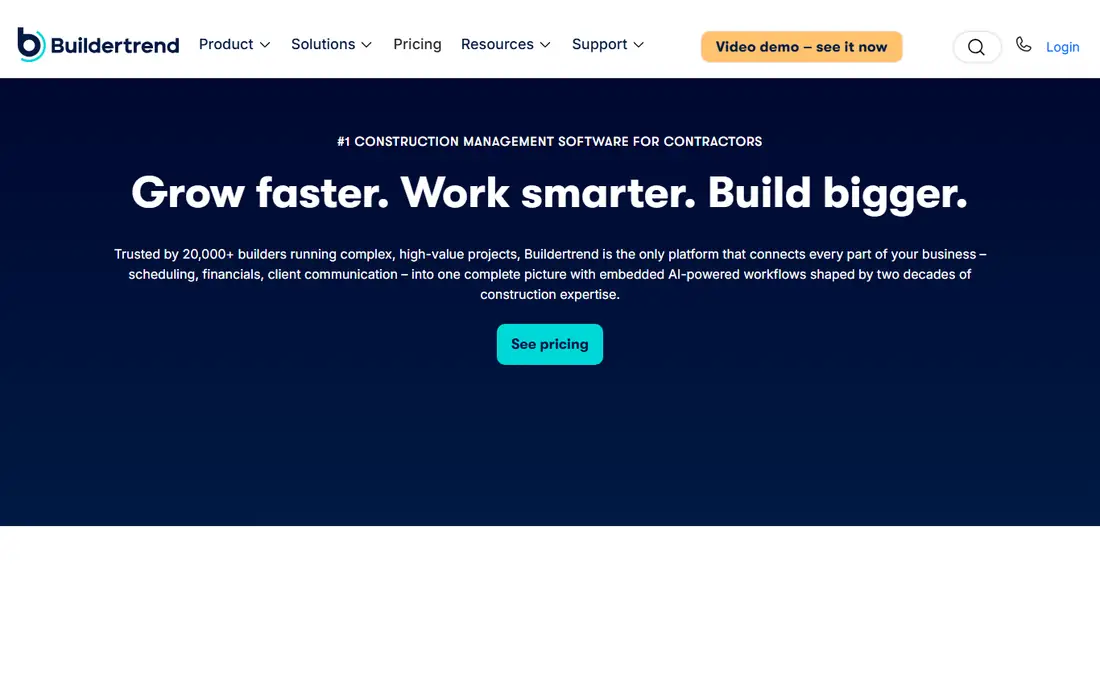
Buildertrend is the most widely used platform for home builders and remodelers, and its breadth is the reason. Sales and CRM, estimating, scheduling, change orders, selections, client communication and payments run in one system, with a client portal that keeps homeowners updated without constant calls. Integrations cover accounting tools and common job-site apps.
Pricing comes by quote for larger teams, and the full feature set takes time to learn. For a builder who wants one system from lead to handover, Buildertrend is the most complete option in this guide.
What we like- Covers sales, estimating, scheduling, selections and client portal
- Widely used by home builders
- Strong integrations
Watch out for- Pricing is quote-based for larger teams
- Learning curve for the full feature set
#2Procore
Best for: Larger builders and GCs4.6/5 on
G2 (4,357 reviews, checked Oct 2026)
Visit procore.com
Starting priceSee website
Free planNo
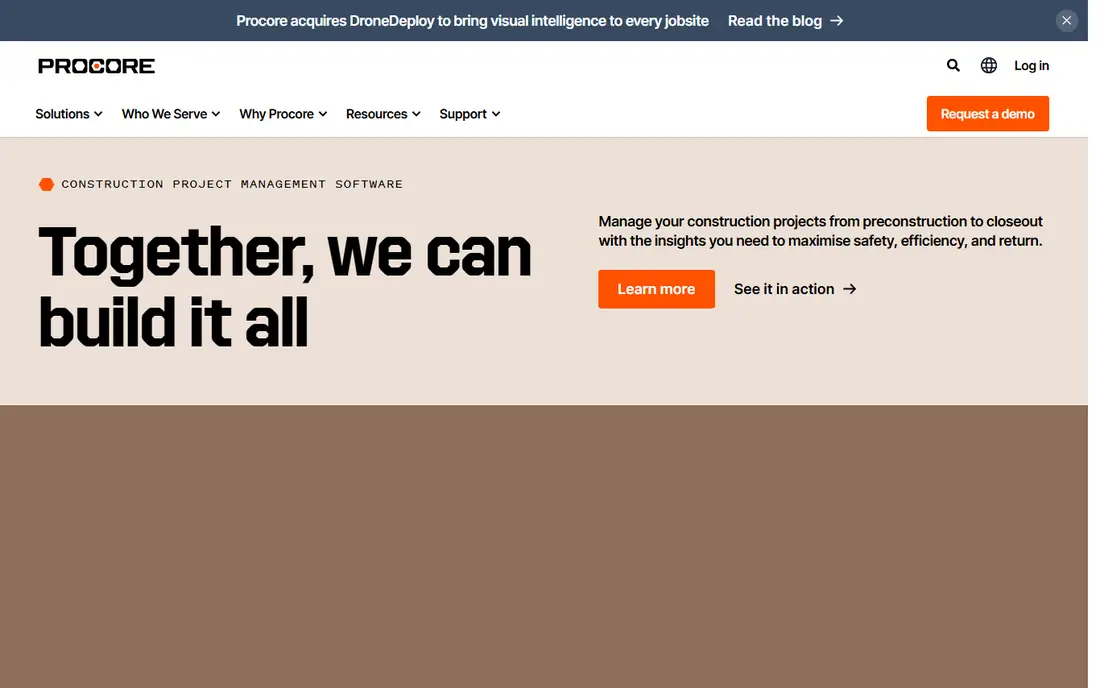
Procore is the construction management platform for larger builders and general contractors. Project management, drawings, RFIs, submittals, daily logs and field tools run at a depth that smaller tools cannot match, and portfolios of many projects stay organised in one system. Integrations cover accounting, estimating and scheduling tools.
The cost and complexity suit larger operations, not a two-person remodeler. For a builder running several large projects with subcontractors and field teams, Procore is the professional standard.
What we like- Deep project management, drawings and field tools
- Strong for multi-project portfolios
- Extensive integrations
Watch out for- Enterprise pricing
- More than a small builder needs
#3Houzz Pro
Best for: Small remodelers4.2/5 on
G2 (76 reviews, checked Oct 2026)
Visit houzz.com
Starting priceSee website
Free planFree trial
Houzz Pro combines the Houzz marketplace with business software for remodelers and small builders. Leads flow from homeowner searches, and estimates, proposals, invoicing and client communication run in the same system. The start is easy, and the client-facing tools look polished, which helps small firms win work.
Project management depth trails Buildertrend and Procore, and lead quality varies by location. For a small remodeler who wants leads plus simple job tools in one subscription, Houzz Pro is a practical choice.
What we like- Leads from the Houzz marketplace
- Estimates, proposals and client communication
- Easy start for small firms
Watch out for- Project depth trails Buildertrend
- Lead quality varies by market
#4JobTread
Best for: Estimating and job costing4.9/5 on
G2 (108 reviews, checked Oct 2026)
Visit jobtread.com
Starting priceSee website
Free planFree trial
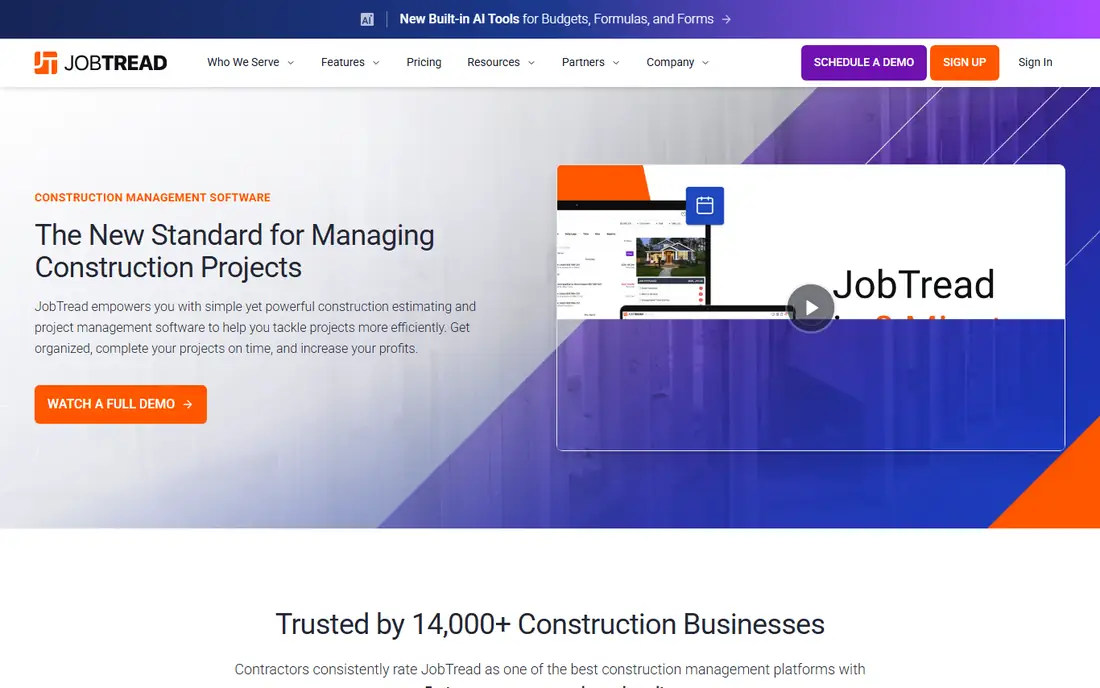
JobTread focuses on the money side of building: estimates, budgets, job costing, change orders and selections, with invoicing and payments built in. Builders can track estimated versus actual costs per job and per cost code, which is where profit leaks show up. QuickBooks integration keeps accounting in sync.
The vendor is newer than Buildertrend, so the community and integration list are smaller, and some scheduling features are thinner. For a builder whose priority is knowing exactly what each job costs, JobTread is the sharpest tool here.
What we like- Strong estimating, budgets and job costing
- Change orders and selections
- Good QuickBooks integration
Watch out for- Newer vendor with a smaller community
- Some advanced scheduling features are thinner
#5Buildxact
Best for: Simple estimating and management4.3/5 on
G2 (66 reviews, checked Oct 2026)
Visit buildxact.com
Starting priceSee website
Free planFree trial
Buildxact is built for small builders and trades who want estimating without a steep learning curve. Supplier price lists feed estimates, takeoffs run from plans, and quotes, orders, scheduling and invoicing follow in one flow. The interface is simpler than enterprise tools, which suits owners who do their own estimating.
Large custom builders will find less depth in selections and client communication than Buildertrend offers. For a small builder or trade contractor who wants fast, accurate estimates and simple job tracking, Buildxact is an easy win.
What we like- Easy estimating with supplier price lists
- Simple job management
- Good for small builders and trades
Watch out for- Less depth for large custom builders
- Client portal is simpler than Buildertrend
Starting priceSee website
Free planFree trial
Contractor Foreman packs a wide feature set into a low monthly price, with some plans offering unlimited users. Scheduling, CRM, estimates, invoices, daily logs, punch lists and client portal cover most builder needs, and the price makes it accessible to small firms that cannot justify Buildertrend or Procore.
The interface packs in a lot, which can feel busy, and support quality varies by plan. For a budget-conscious builder who wants many features for one low price, Contractor Foreman is the value pick.
What we like- Wide feature set at a low price
- Unlimited users on some plans
- Scheduling, CRM and estimates included
Watch out for- Interface can feel busy
- Support quality varies by plan
#7Knowify
Best for: Job costing and invoicing4.5/5 on
G2 (103 reviews, checked Oct 2026)
Visit knowify.com
Starting priceSee website
Free planFree trial
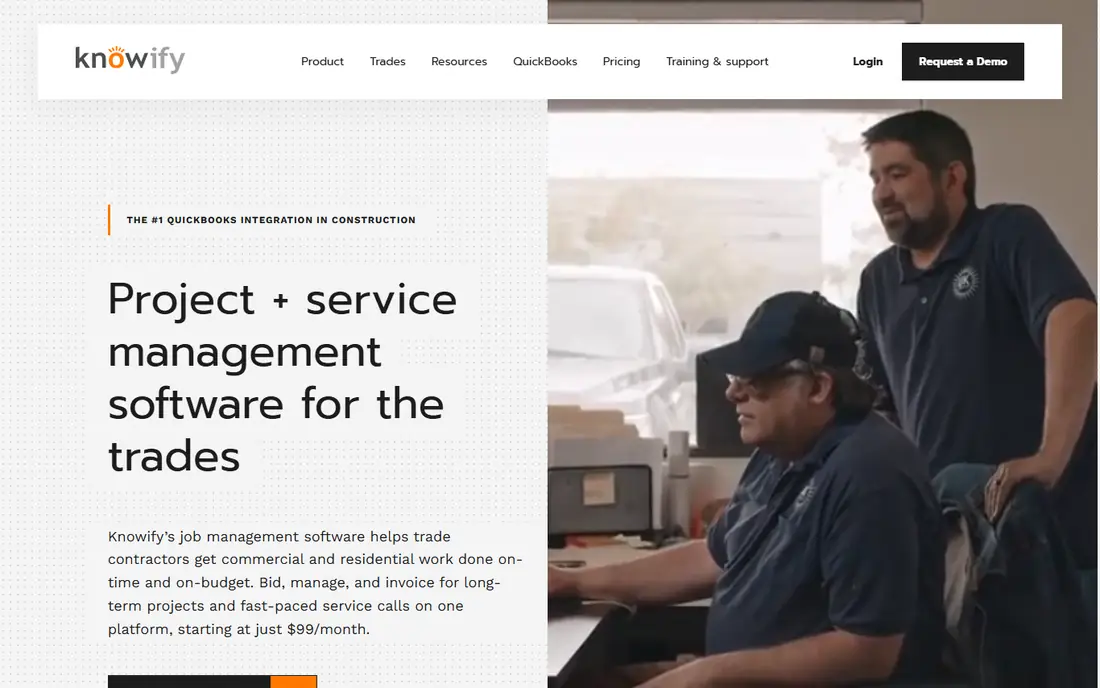
Knowify targets contractors and subcontractors who need tight job costing. Contracts, change orders, purchase orders, invoices and progress billing sync with QuickBooks, so job costs stay accurate without double entry. The system suits trades and specialty contractors who bill by contract and track costs closely.
Client selections and homeowner communication are thinner than Buildertrend, since Knowify leans toward contractor operations. For a contractor whose priority is costing and billing accuracy, Knowify is a strong specialist choice.
What we like- Strong job costing with QuickBooks sync
- Contract and change order tracking
- Good for contractors and subs
Watch out for- Less focus on client selections
- Smaller vendor footprint
#8Sage 100 Contractor
Best for: Established accounting-led jobs3.8/5 on
G2 (24 reviews, checked Oct 2026)
Visit sage.com
Starting priceSee website
Free planNo
Sage 100 Contractor, formerly Sage Master Builder, is the accounting-led construction system that many established builders have used for years. Job costing, payroll, general ledger, billing and reporting run deep, and the system handles the financial complexity of construction well. Firms with an accounting team already on Sage find the fit natural.
The interface shows its age, and implementation plus training take longer than cloud-first rivals. For an established builder who wants construction accounting depth and already runs Sage, it remains a dependable choice.
What we like- Deep construction accounting and job costing
- Long track record
- Payroll and reporting included
Watch out for- Older interface
- Implementation and training take time
How we chose
We compared tools on their published features, pricing pages, documentation and public reviews from builders and remodelers. We favoured tools with estimating, scheduling, change orders, selections and job costing, plus a client portal for homeowner communication. Prices were marked "See website" because plans vary by users and features. We did not claim hands-on testing.
What to test in a trial
Run a real job through the trial, not a demo project. Build an estimate from your price list, create a change order, log a selection choice, and send a client update through the portal. Those four tasks expose most weaknesses quickly, from clumsy estimating to a client portal homeowners ignore.
Also check accounting integration. A builder tool that does not sync cleanly with QuickBooks or Sage creates double entry and reconciliation work every month. Confirm the sync covers invoices, costs and change orders, not just customer names. Finally, ask about data export, since switching tools later should not mean losing job history.
Home builders should trial software on a live job, not a demo project. Enter a real active build with its actual budget, schedule, selections and change orders, and run the trial alongside your current system for two weeks. Watch where the team actually saves time: selection approvals, change order paperwork, client messages or budget tracking, since the biggest saving decides the return on the subscription. Check the mobile experience on site, where foremen work with gloves, dust and weak signals, because a tool that only works well at a desk fails where building happens. Also confirm how client communication works, since builders lose the most time answering "what is happening with my house" messages, and a client portal that answers that question automatically is worth more than another reporting chart.
Budget discipline inside the software matters as much as scheduling. Enter the full budget with allowances for selections, and require change orders to show the revised total before approval, since builders who approve changes without updated totals discover overruns only at completion. Review budget versus actual weekly on active jobs, not monthly, because a framing overrun found in week two can be corrected, while one found in month three cannot. Share a simplified budget view with clients, showing allowances and spent amounts, which reduces disputes over upgrade costs and keeps trust intact through the build.
Frequently asked questions
What is the best software for home builders?
Buildertrend is the best all-round choice for home builders and remodelers, covering sales, estimating, scheduling, selections and client communication. Procore suits larger builders, while Houzz Pro suits small remodelers who want leads. Trial your top two with a real job before deciding.
How much does home building software cost?
Most tools charge monthly per user or per project, with tiers for features. Small builder plans often start in the low hundreds of dollars per month, while enterprise platforms like Procore cost more and quote by project volume. Confirm current pricing on the vendor's page for your team size.
Do I need separate estimating software?
Not necessarily. Tools like Buildertrend, JobTread and Buildxact include estimating, so a separate estimating tool is only needed for complex takeoffs or specialist trades. If your estimates rely on detailed quantity takeoffs, check whether the builder platform handles them or needs a companion tool.
What is a client portal in building software?
A client portal is an online space where homeowners see schedules, selections, change orders, photos and payments for their build. It reduces calls and emails by keeping clients updated in one place. Buildertrend, Houzz Pro and Contractor Foreman all include client portals.
Can building software integrate with QuickBooks?
Yes, most tools in this guide integrate with QuickBooks for invoices, costs and customer data, and several also work with Sage. Confirm the sync covers your key records, including change orders and job costs, before committing, since integration depth varies.
Is Procore only for large construction companies?
Procore is designed for larger builders and general contractors, with pricing and depth to match. Small remodelers usually find it more than they need and more expensive than alternatives. Buildertrend, Houzz Pro or JobTread fit small firms better.
Sources we checked (8)
- https://buildertrend.com
- https://www.procore.com
- https://www.houzz.com/pro
- https://www.jobtread.com
- https://www.buildxact.com
- https://www.contractorforeman.com
- https://www.knowify.com
- https://www.sage.com
Is your product missing or out of date?
We review this list regularly. Vendors can request a listing, send updated pricing or ask about featured placement.

Shihab Mia · Founder, Rankite
Shihab has 5+ years in B2B and SaaS SEO. He writes Rankite's software buying guides from pricing pages, documentation and public user reviews. More about Shihab.