How we make this list: we compare pricing pages, product documentation and public user reviews. Rankite is independent; if a vendor ever pays for a featured spot, that listing is clearly labeled Partner.

Key takeaways
- Planner 5D is the easiest starting point for most beginners, with a real free plan and Premium at $4.99/month billed annually.
- SketchUp Free remains the best free way to learn true 3D modeling, while paid plans start at $129/year for Go.
- RoomSketcher suits anyone who wants measured 2D floor plans plus 3D walkthroughs, with Pro at $12/month billed annually.
- Sweet Home 3D is the only fully free, offline, open-source option on this list, ideal if you refuse subscriptions.
- If you only want to see how new furniture looks in your current rooms, the free IKEA Kreativ beats every general-purpose tool.
Quick comparison
| Tool | Best for | Starting price | Free plan |
|---|
 SketchUp SketchUp | Beginners who want to learn real 3D modeling | $129/year (Go, billed annually) | Yes (SketchUp Free, non-commercial use) |
 Planner 5D Planner 5D | Easy room decorating on web and mobile | $4.99/month (Premium, billed annually) | Yes |
 HomeByMe HomeByMe | Photorealistic room visuals with brand-name furniture | See website | Yes |
 RoomSketcher RoomSketcher | Measured 2D floor plans plus interactive 3D walkthroughs | $12/month (Pro, billed annually) | Yes |
 Sweet Home 3D Sweet Home 3D | Free offline home design with zero subscription | Free | Yes |
 Home Designer Home Designer | DIY builders who want professional-grade construction smarts | See website | Free trial |
 Live Home 3D Live Home 3D | Polished 3D home visuals across Mac, iOS and Windows | See website | See website |
 Floorplanner Floorplanner | Quick floor plans without installing anything | See website | Yes |
 Coohom Coohom | AI-assisted interior design with fast high-quality renders | See website | Yes |
 IKEA Kreativ IKEA Kreativ | Seeing IKEA furniture inside your actual rooms | Free | Yes |
Is your product missing or out of date?
We review this list regularly. Vendors can request a listing, send updated pricing or ask about featured placement.
The best home design software for beginners
You bought the house, or you are about to remodel the kitchen, and now you need the best software to design a house without hiring an architect for every sketch. Most design tools were built for professionals, with toolbars full of jargon and pricing that assumes a studio budget. The ten tools below were picked because a complete beginner can open them and produce something useful in an afternoon.
Starting price$129/year (Go, billed annually)
Free planYes (SketchUp Free, non-commercial use)

SketchUp tops most beginner lists because it teaches you to think in 3D instead of just dragging furniture clip-art around a plan. The free web version runs in your browser with nothing to install, and the famous push/pull tool turns a flat rectangle into a wall in one motion. When you need a sofa or a staircase, the built-in 3D Warehouse offers millions of ready-made models from users and manufacturers.
The catch is that SketchUp is a general 3D modeler, not a house wizard, so it will not auto-generate roofs, stairs, or materials lists. Beginners who stick with it usually move to Go at $129/year for the iPad app, or Pro at $399/year for the desktop software and LayOut documentation. Start free and pay only when you hit a wall.
What we like- Free web version to start
- Millions of ready-made 3D models
- Famously gentle learning curve
Watch out for- Desktop app needs a paid plan
- Photoreal rendering needs extensions
- Free plan is not for commercial work
Starting price$4.99/month (Premium, billed annually)
Free planYes
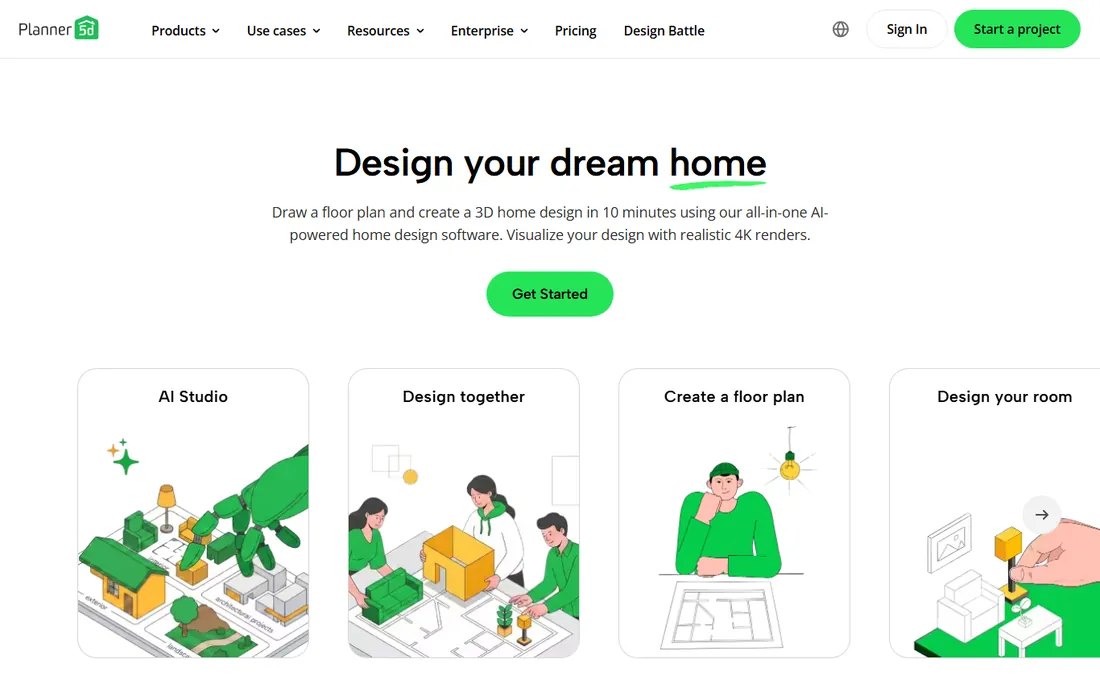
Planner 5D is the app to hand to someone who has never opened design software. Draw a room or upload a floor plan, and its AI recognition converts it into an editable 3D project within minutes. The catalog holds more than 10,000 furniture and decor items, and switching between 2D and 3D takes one tap, which makes experimenting with layouts feel like play.
Pricing is where Planner 5D quietly wins. The free plan allows unlimited projects with about half the catalog, and Premium at $4.99/month billed annually ($59.99/year) opens up the full catalog, AI floor plan recognition, and standard renders. Professionals who need unlimited 4K renders and CAD export step up to Professional at $33.33/month billed annually. For a single renovation, Premium is more than enough.
What we like- Cheapest paid tier on this list
- AI turns floor plans into 3D
- Works across web, iOS and Android
Watch out for- Best renders need the Professional tier
- Big projects can feel sluggish
- Much of the catalog is paywalled
#3
HomeByMe
Best for: Photorealistic room visuals with brand-name furniture
Visit home.by.me
Starting priceSee website
Free planYes
HomeByMe comes from Dassault Systemes, the French company behind professional CAD software, and it shows in the render quality. Where some beginner tools produce flat, game-like 3D views, HomeByMe generates realistic 4K images with believable lighting, which matters when you are deciding between paint colors or showing a contractor exactly what you want. Its catalog leans on brand-name furniture you can actually buy, so the design translates into a shopping list.
The trade-off is a pricing structure with plans, packs, and services sold separately. The free Starter plan covers a handful of projects and a limited number of high-resolution images, and paid tiers raise those caps while adding 4K and 360-degree image packs. Check the current plan limits before committing to a big project, because running out of HD images mid-design is frustrating.
What we like- Stunning 4K image quality
- Catalog includes real brand-name products
- Generous free starter plan
Watch out for- Subscription tiers and add-on packs get confusing
- Unlimited projects need a paid plan
- Requires an internet connection
Starting price$12/month (Pro, billed annually)
Free planYes
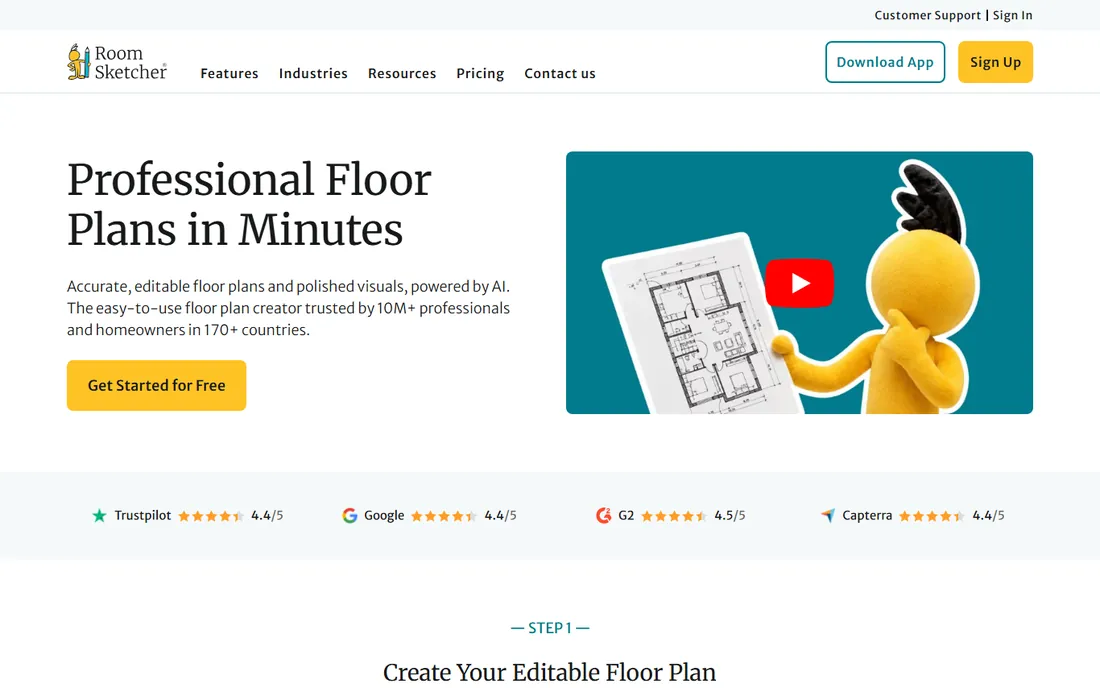
RoomSketcher starts with accurate floor plans and builds the 3D experience on top. Draw walls to exact dimensions, add doors and windows from a proper library, then step into a Live 3D walkthrough of the result. The measurement tools and total area calculator are genuinely useful for real renovations, and you can upload a hand sketch and have professionals redraw it as an editable plan.
Pricing is straightforward. Free covers basic drawing and low-resolution 3D previews, Pro at $12/month billed annually ($144/year) adds the full furniture catalog, measurements, branding, and monthly credits for high-resolution outputs, and Team at $35/month billed annually covers five users. Note that some outputs cost credits even on paid plans, so heavy render users should factor that in.
What we like- Draw in 2D and walk through in 3D instantly
- Precise measurements and area totals
- Optional done-for-you redraw service
Watch out for- High-resolution outputs consume credits
- Drawing happens in the app, not the browser
- Branding needs Pro
Starting priceFree
Free planYes
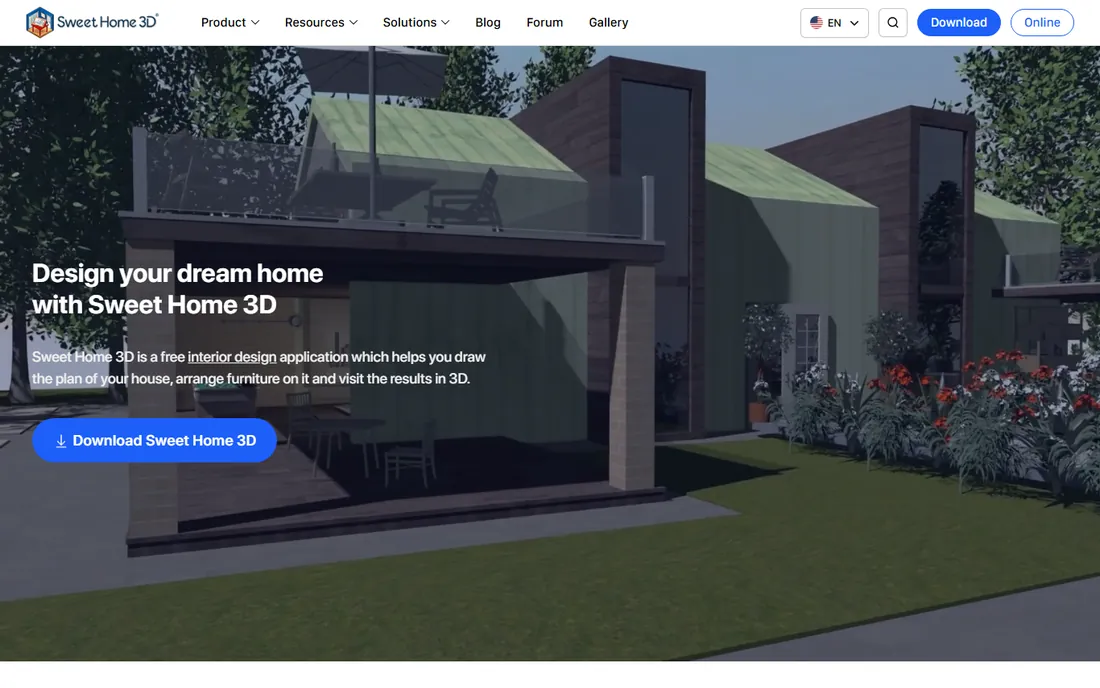
Sweet Home 3D is the quiet workhorse of free home design. It is open-source software under the GPL: it costs nothing, shows no ads, and keeps working even if the project behind it disappeared. You draw walls on a 2D plan, drag furniture from the catalog, and watch the 3D view update live. It imports scanned blueprints to trace over and exports to PDF, SVG, and common 3D formats.
Nobody will mistake its default 3D view for a photograph, and the interface shows its age next to modern web apps. But for planning layouts, testing furniture arrangements, and printing a plan for a contractor, it does the job without a credit card. It is also one of the few tools here that works fully offline.
What we like- Completely free and open source
- Runs offline on Windows, Mac and Linux
- Large community model libraries
Watch out for- Interface looks dated
- Built-in renders are basic
- No cloud sync between devices
Starting priceSee website
Free planFree trial
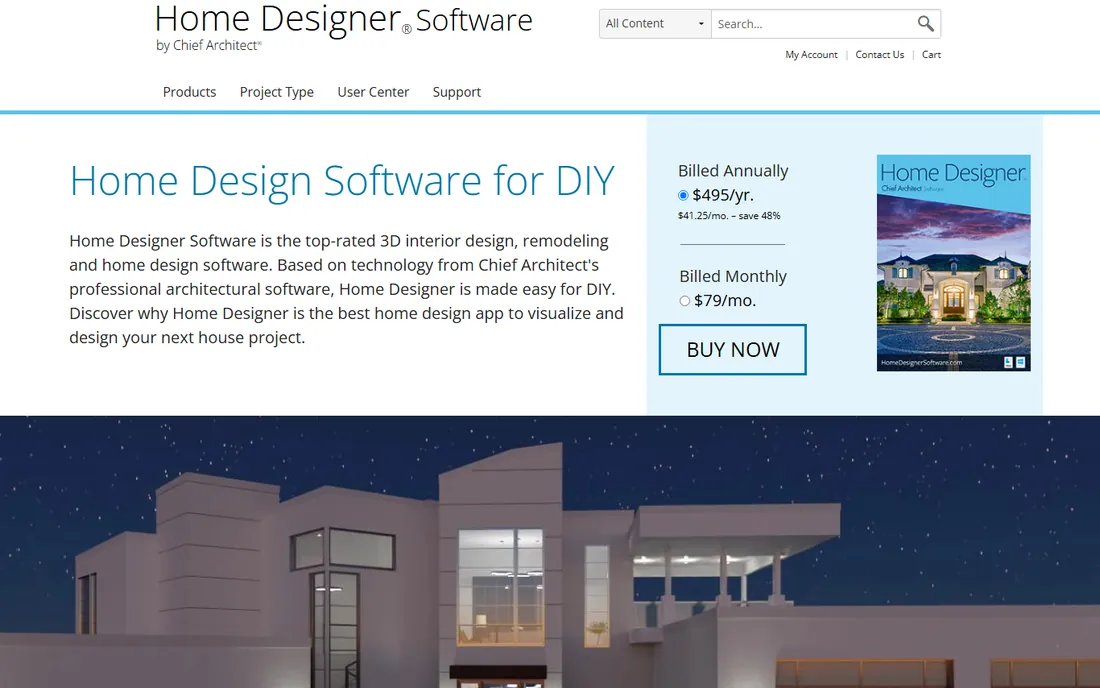
Home Designer is the consumer line from Chief Architect, whose professional software architects use for residential construction, and the family resemblance is the point. Draw walls and the program builds the 3D model automatically, generates the roof and foundation, updates framing as you move things, and keeps a running materials list for cost estimates. The 2026 version consolidated the old Suite, Architectural, and Pro editions into one product called Home Designer, sold by subscription.
This is the tool for projects involving actual construction: moving walls, adding a deck, planning a kitchen gut renovation. The building tools understand how houses go together in a way decorating apps do not. The price of that power is complexity, so expect a real learning curve. Casual users who only want to rearrange a living room will be happier with Planner 5D or HomeByMe.
What we like- Automatic roofs, framing and materials lists
- Built on Chief Architect pro technology
- Free US-based support
Watch out for- Desktop only for Mac and PC
- Now subscription-based
- More than a casual decorator needs
Starting priceSee website
Free planSee website
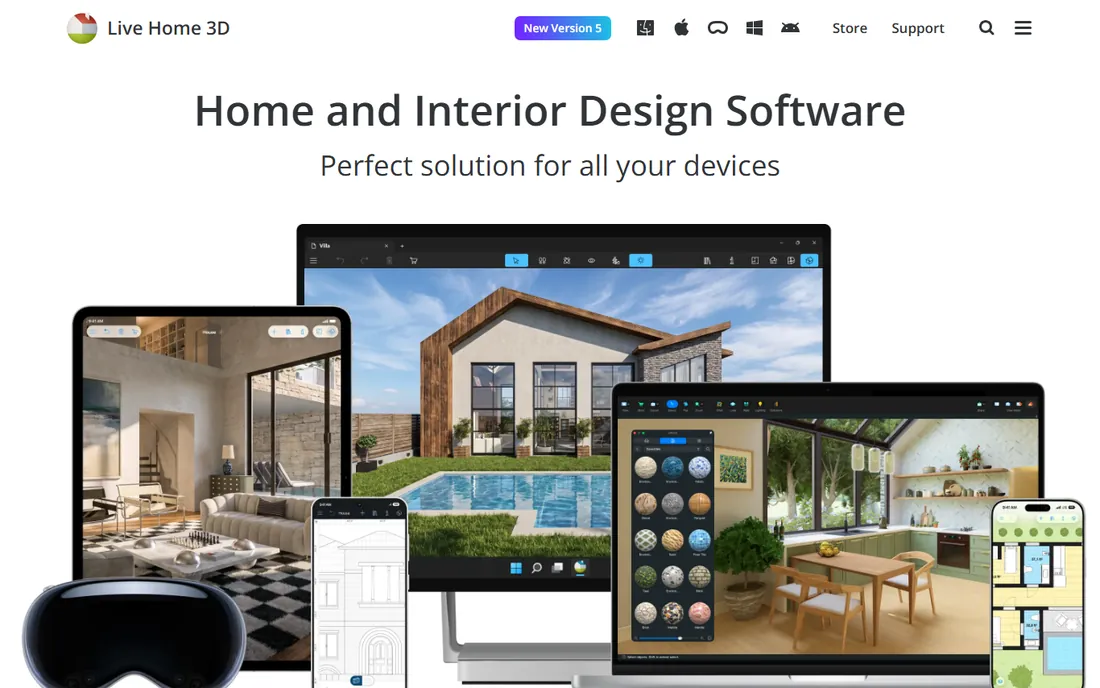
Live Home 3D by BeLight Software sits between decorating apps and pro tools. It runs natively on Mac, Windows, and iOS rather than in a browser, which gives smooth performance and proper offline use, and it covers the whole property including terrain and exteriors. The 3D views are clean and presentation-ready, with video walkthroughs that help when showing a partner or contractor your ideas.
Because it is sold in editions across app stores, the exact price and feature split depend on your platform, so check the current listings before buying. Beginners on Apple devices tend to get the most out of it, since the iOS version supports AR viewing. If you want a purchase rather than another subscription, this is one of the few remaining options, though you should confirm the current model on the vendor site.
What we like- Native apps for Mac, Windows and iOS
- High-resolution renders and video walkthroughs
- Terrain and exterior tools
Watch out for- Smaller user community than the big names
- Advanced features spread across editions
- Best on Apple devices
Starting priceSee website
Free planYes
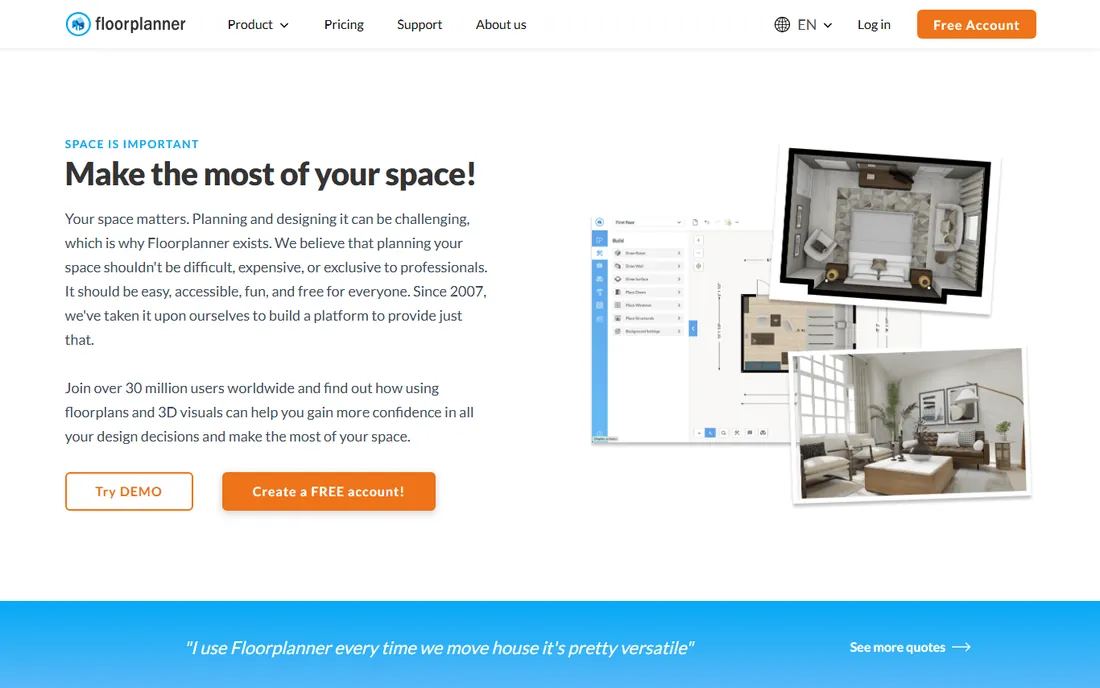
Floorplanner is the fastest way to get a decent floor plan on screen. Everything happens in the browser, so there is no download and no waiting, and most people produce their first 2D and 3D layout within minutes. Real estate agents use it heavily for the same reason: speed. The furniture catalog is large, and the 3D views are respectable for a tool this lightweight.
The business model runs on credits, spent on higher-quality exports and extra projects, with optional subscriptions for regular users. Beginners doing a single project can usually stay on the free Basic tier, but check what an export costs in credits before promising anyone a polished PDF. If you need precise construction measurements, RoomSketcher or Home Designer will serve you better.
What we like- Runs entirely in the browser
- Big furniture library
- Very fast to learn
Watch out for- Exports use a credit system
- Measurement tools are basic
- No dedicated tablet app
#9
Coohom
Best for: AI-assisted interior design with fast high-quality renders
Visit coohom.com
Starting priceSee website
Free planYes
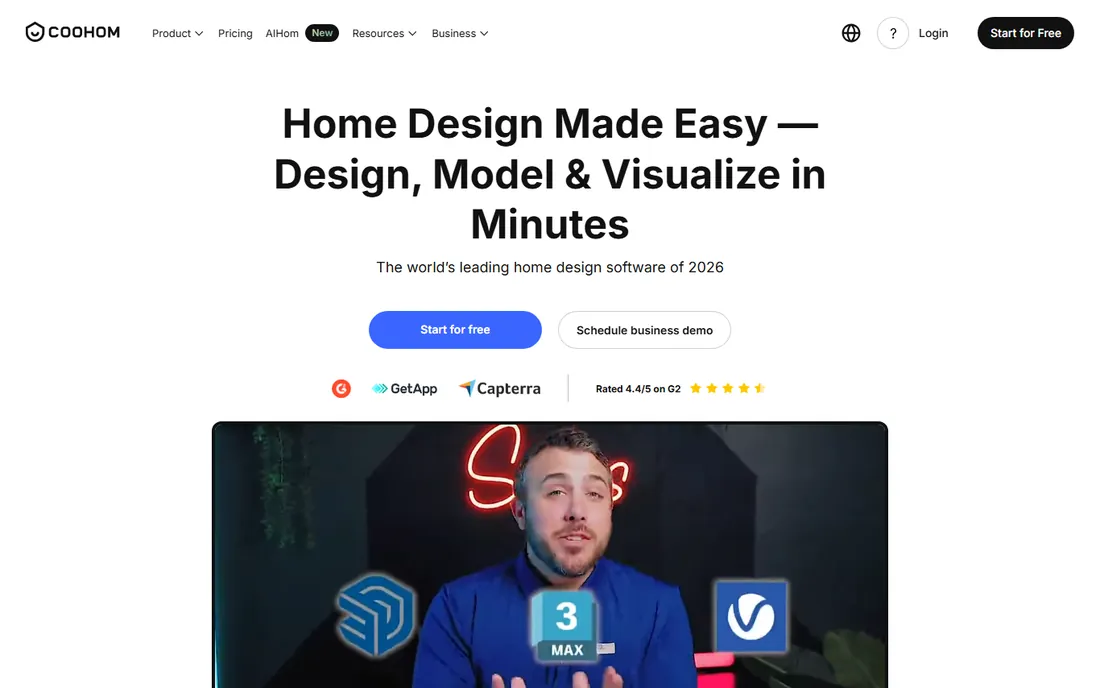
Coohom is a browser-based 3D design platform built for speed: its rendering engine produces photorealistic images far faster than traditional desktop renderers, and AI features help with floor plan creation and layout suggestions. The furniture library holds millions of models including real brands, and you can generate 4K images, panoramas, and video walkthroughs. Beginners see a believable finished room without learning professional software.
The free tier covers the core workflow, while rendering volume and pro features move to paid plans aimed partly at design businesses. The interface packs in a lot, so expect an afternoon of exploration before it feels natural. Shoppers who want to visualize real products before buying will like how closely the catalog mirrors actual furniture lines.
What we like- Enormous library of furniture models
- Very fast photorealistic rendering
- AI tools speed up layout work
Watch out for- Pro features sit behind paid tiers
- The platform pushes business upgrades
- Takes time to learn fully
#10
IKEA Kreativ
Best for: Seeing IKEA furniture inside your actual rooms
Visit ikea.com
Starting priceFree
Free planYes

IKEA Kreativ is not a general home design tool, and that is why it belongs here. Photograph your room in the IKEA app or upload a photo on the web, erase your existing furniture, and drop in IKEA pieces at true scale to see how they look in your actual space. You can also build a 3D room from your dimensions or browse more than fifty virtual showrooms, then buy what you like straight from the design.
Everything is free, which makes it the lowest-risk way to answer the classic beginner question: will this sofa fit and look right in my living room. The limits are clear: IKEA products only, no pendant lamps or curtains yet, and kitchens need the separate IKEA kitchen planner. If your furnishing plan centers on IKEA, start here.
What we like- Completely free
- Places true-to-scale IKEA furniture in photos of your room
- No measuring needed
Watch out for- IKEA products only
- No full kitchen planning
- Some categories like textiles are not supported
How we chose
We started from the way beginners actually shop: search results, Reddit threads, and review sites like G2 and Capterra, then checked each product against its vendor site to confirm it still exists and what it costs today. Prices above come from the vendors own pricing pages wherever we could open them; where a price could not be confirmed, we wrote See website rather than guessing. We favored tools with a real free tier or trial and an interface a non-designer can learn in a day. We did not accept vendor claims at face value and skipped tools that had been shut down or priced purely for professionals.
What to look for before you buy
Match the tool to the job. If you are rearranging furniture and picking colors, a decorating app like Planner 5D or HomeByMe will get you there faster than a construction-grade modeler. If walls are moving or you need a materials list for a contractor, step up to RoomSketcher or Home Designer, which understand dimensions and building structure. Renters and anyone on a tight budget should lean on the free tiers: Sweet Home 3D for offline planning, SketchUp Free for learning 3D, and IKEA Kreativ for the specific question of how new furniture looks in your rooms.
Check three practical things before you commit to a paid plan. First, how the free version limits you: some tools cap projects, others cap render quality, and a few watermark exports. Second, whether your work lives in the cloud or on your machine, because browser tools need a steady connection while desktop apps like Sweet Home 3D work offline. Third, what an export costs, since credits and resolution caps are where friendly pricing often hides its real price.
Free vs paid: when to upgrade
Most beginners should start free and upgrade only when a specific limit blocks them. The free tiers on this list are honest tools, not demos: Planner 5D gives unlimited projects, RoomSketcher draws real floor plans, and SketchUp Free teaches genuine 3D skills. Pay when you need the thing the free tier withholds, usually higher-resolution renders, more projects, or commercial use rights.
A sensible upgrade path looks like this. Start with one free tool and finish a small project, like a single room, to learn the workflow. If renders are the bottleneck, the cheapest fix is Planner 5D Premium at $59.99/year or RoomSketcher Pro at $144/year, depending on whether you value decorating speed or plan accuracy. Only move to SketchUp Pro or Home Designer when projects demand real modeling depth or construction documents.
Frequently asked questions
What is the best home design software for beginners?
For most people, Planner 5D or HomeByMe: both run in the browser, take an afternoon to learn, and produce good-looking results without training. Choose Planner 5D for the cheapest paid tier and phone apps, HomeByMe if photorealistic renders matter most. To learn real 3D skills that transfer to professional work, start with SketchUp Free instead.
What is the best software to design a house from scratch?
For the full structure, walls, roof, and framing, Home Designer by Chief Architect is built for exactly that, with automatic building tools and materials lists. RoomSketcher is a lighter alternative that handles measured plans well. Decorating apps like Planner 5D can sketch a house layout, but they are not construction tools.
Is there completely free home design software?
Yes. Sweet Home 3D is free and open source with no paid tier at all, and it works offline. SketchUp Free, Planner 5D, HomeByMe, RoomSketcher, Floorplanner, and Coohom all offer free plans with limits on projects, renders, or export quality. IKEA Kreativ is completely free but only works with IKEA products.
Can I use home design software on my phone?
Planner 5D, HomeByMe, Live Home 3D, and IKEA Kreativ all have mobile apps for iOS and Android. RoomSketcher works on tablets through its app, and most browser-based tools work on a phone browser in a pinch, though floor plans are much easier to draw on a larger screen.
Do I need a powerful computer for home design software?
Not for most tools on this list. Browser-based options like Planner 5D, HomeByMe, Floorplanner, and Coohom do the heavy lifting on their servers, so a basic laptop works. Desktop apps like SketchUp Pro, Home Designer, and Sweet Home 3D run fine on average modern computers, though complex models and high-resolution renders benefit from more memory and a decent graphics chip.
Sources we checked (9)
- https://sketchup.trimble.com/en/plans-and-pricing
- https://planner5d.com/pricing
- https://www.roomsketcher.com/pricing/
- https://www.sweethome3d.com/
- https://homedesignersoftware.com/
- https://www.homedesignersoftware.com/products/homedesignerpro/
- https://www.livehome3d.com/
- https://home.by.me/en/
- https://www.ikea.com/us/en/customer-service/knowledge/articles/b548fdg1-8c6f-448e-97c5-6f78e114c504.html
Is your product missing or out of date?
We review this list regularly. Vendors can request a listing, send updated pricing or ask about featured placement.

Shihab Mia · Founder, Rankite
Shihab has spent more than a decade helping SaaS and e-commerce brands grow through search. He writes Rankite's software buying guides from pricing pages, documentation and public user reviews. More about Shihab.