How we make this list: we compare pricing pages, product documentation and public user reviews. Rankite is independent; if a vendor ever pays for a featured spot, that listing is clearly labeled Partner.
Key takeaways
- Realtime Landscaping Pro at $279 one-time is the strongest pick for homeowners who want realistic 3D without a subscription, and there is a $149 Plus version for simpler projects.
- SketchUp is the most flexible option overall, with a free web app to start, but it takes longer to learn than garden-specific planners.
- iScape wins for speed: design on a photo of your actual yard from your phone, with AR to see plants in place before you buy.
- Free tools like Gardena myGarden and Garden Planner's trial cover simple layouts, but serious planting plans with growth and spacing need a paid planner.
Quick comparison
| Tool | Best for | Starting price | Free plan |
|---|
 SketchUp SketchUp | Flexible 3D modeling for any project | See website | Yes |
 Realtime Landscaping Pro Realtime Landscaping Pro | Realistic 3D walkthroughs for homeowners | $279 one-time | Free trial |
 iScape iScape | Fast designs on photos of your own yard | See website | Yes |
 Garden Planner Garden Planner | Beginners planning vegetable and flower beds | $48 one-time | Free trial |
 Planner 5D Planner 5D | Easy 3D room and yard layouts on any device | See website | Yes |
 PRO Landscape PRO Landscape | Contractors selling landscape jobs | See website | No |
 VizTerra VizTerra | Designers who need 2D plans and 3D in one file | See website | Free trial |
 SmartDraw SmartDraw | Scaled 2D plans to hand a contractor | See website | Free trial |
 Gardena myGarden Gardena myGarden | Free starter planning from a trusted garden brand | Free | Yes |
 Home Outside Home Outside | Designer-quality planting plans without hiring a designer | See website | No |
Is your product missing or out of date?
We review this list regularly. Vendors can request a listing, send updated pricing or ask about featured placement.
The best garden design software
Starting priceSee website
Free planYes
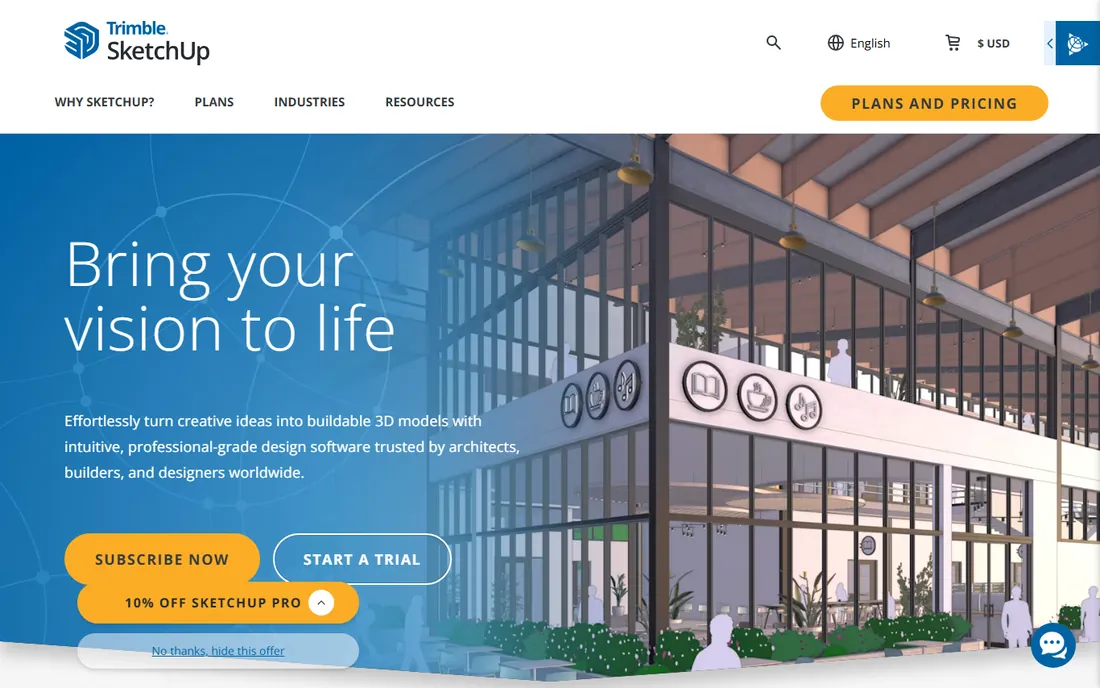
You are standing in your backyard with a tape measure, and you want to know whether the pergola fits before you buy lumber. SketchUp is the tool that answers that question with the least guesswork. It is a general 3D modeler, not a garden app, which is exactly why it handles the awkward stuff: sloped yards, odd lot shapes, and custom decks. The free web version gets you started, and the 3D Warehouse gives you millions of pre-built models so you rarely model from scratch.
The catch is the learning curve. A garden-specific planner hands you plants and beds. SketchUp hands you a blank canvas and expects you to learn push-pull modeling, which takes an evening or two. Plant libraries are thinner than in dedicated tools, so you will do some manual work on planting plans.
What we like- Free web app to start
- Huge 3D Warehouse model library
- Works for gardens, decks, patios and structures
Watch out for- Steeper learning curve than garden-specific tools
- Not built around plant databases
Starting price$279 one-time
Free planFree trial

TechRadar's 2026 pick for most people, and it is easy to see why. Realtime Landscaping Pro 2026 gives you terrain sculpting, outdoor lighting simulation, and a plant library north of 6,000 entries, all for a single $279 payment with no subscription. There is also a Plus version at $149 for simpler projects and an Architect edition at $599 for professionals. A trial version is available that watermarks output and trims the object library, but it is not time-limited, so you can genuinely evaluate it.
What sets it apart is the walkthrough. You design in plan view and walk through the finished garden in 3D, with water and wind animation that makes the scene feel alive. For a homeowner, that is the difference between a diagram and a decision. The 2026 edition adds improved lighting, animations, and curve support.
The honest limits: it runs on Windows 10 and 11 only, so Mac households need another option, and very complex projects can make it lag. If you want the most realistic homeowner garden planner without a monthly bill, this is the one.
What we like- One-time license, no subscription
- Over 6,000 plants in the library
- Walk-through 3D with lighting and water effects
Watch out for- Windows only
- Can lag on very complex projects
Starting priceSee website
Free planYes
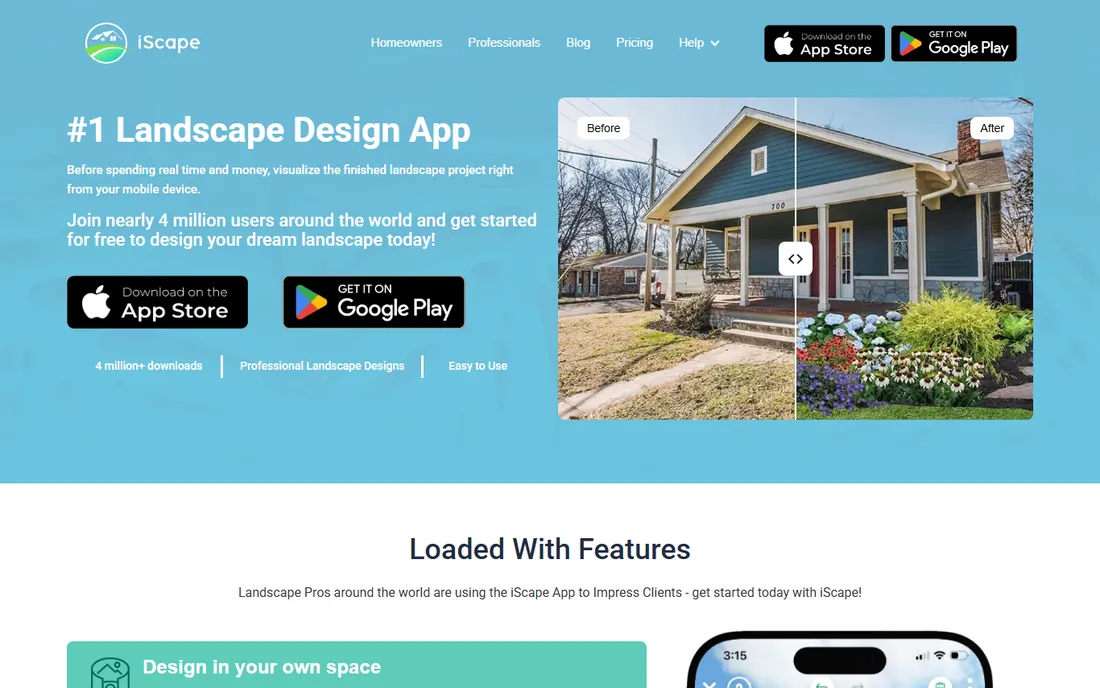
Sometimes you do not want a project. You want to point your phone at the side yard and see whether those hydrangeas look right. iScape is built for exactly that. It is a mobile app for iOS and Android that lets you layer plants, pavers, furniture, and hardscape onto a photo of your actual space, with augmented reality to preview the result in place. Thousands of real-world materials are included, and you drag, drop, and resize everything in photorealistic detail.
For homeowners, the speed is the selling point. You can test a dozen ideas in an afternoon without learning any software. For pros, the paid tier adds real workflow: instant material inventories and customizable PDF proposals with pricing, so a design becomes a quote in a few taps.
The tradeoff is depth. The free version is limited, and a phone screen is no substitute for a desktop planner when you need scaled drawings. Think of iScape as the visualizer in a two-tool setup, paired with something like SketchUp or Realtime Landscaping for the serious planning.
What we like- Mobile-first with AR visualization
- Design directly on a photo of your yard
- Pro tier generates PDF proposals with pricing
Watch out for- Limited free version
- Smaller workspace than desktop software
Starting price$48 one-time
Free planFree trial
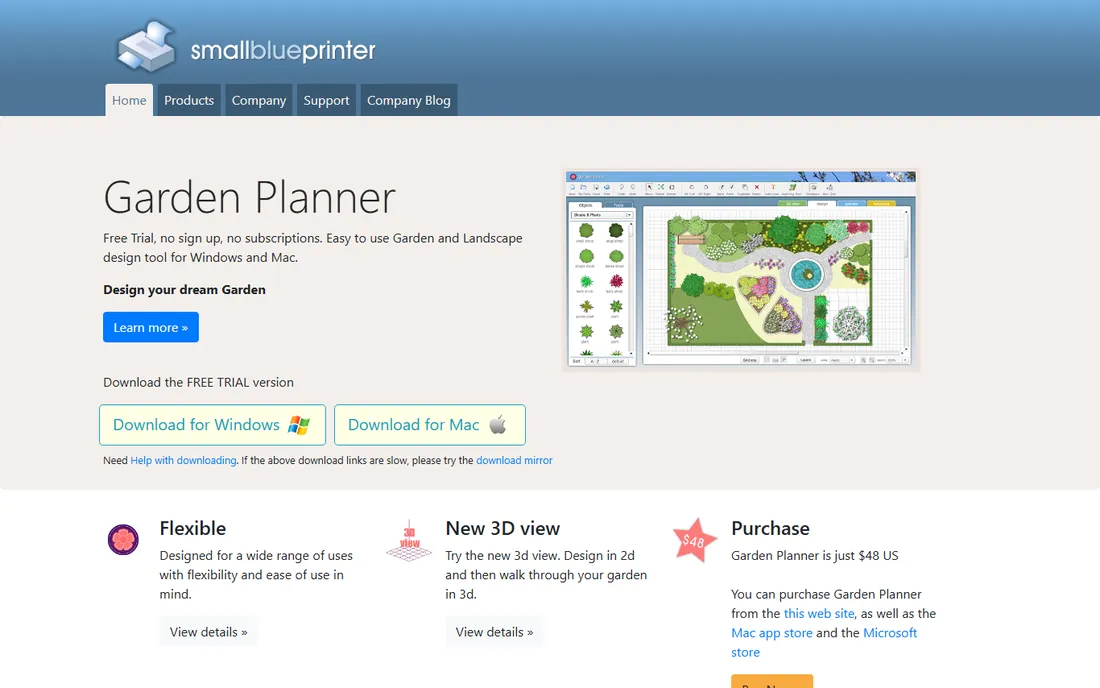
Garden Planner is the anti-intimidation option. It is a small, focused desktop app for Windows and Mac that does one job well: drag plants, trees, and structures onto a plot and see the layout. Version 3.9 adds a 3D view so you can design in 2D and walk through the garden in 3D.
The pricing is refreshingly simple. A free trial needs no sign-up, and the full version is $48 with no subscription, sold from the site and the Mac and Microsoft app stores. There is nothing to configure and no account to manage.
It is not a visualization powerhouse. The 3D view is a nice addition, but the renders will not fool anyone the way Realtime Landscaping or VizTerra can. For planning beds and spacing vegetables before you plant, though, it is one of the best values here.
What we like- $48 one-time, no subscription
- Dead-simple drag-and-drop beds
- New 3D walk-through view
Watch out for- Basic visualization next to 3D-first tools
- Windows and Mac desktop only
Starting priceSee website
Free planYes
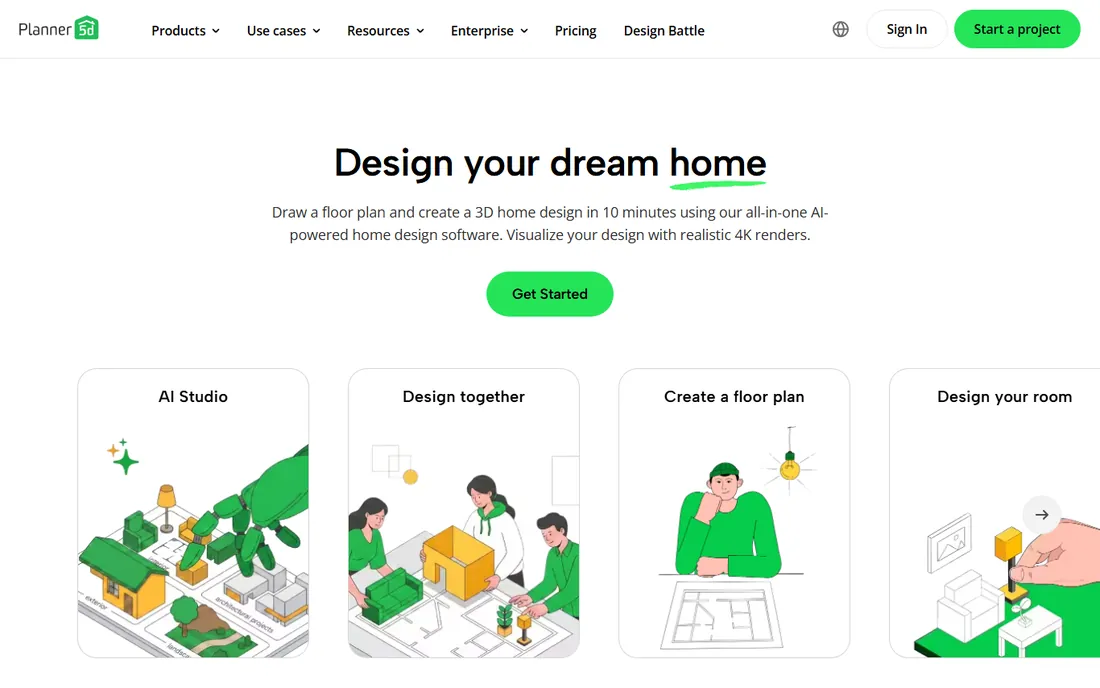
Planner 5D is primarily a home design tool, but plenty of homeowners use it to lay out yards, patios, and outdoor rooms, and it is one of the easiest 3D planners to pick up. You draw a floor plan or start from a template, furnish it from a library of more than 8,000 items, and render the result in 4K. It runs on web, iOS, Android, and Windows, so you can start a design on your laptop and tweak it on your phone at the nursery.
The AI touches are genuinely useful. Floor plan recognition turns a sketch into an editable layout, and the shopping list feature estimates project costs so the design stays attached to a budget. With over 100 million users, the template and community gallery is deep.
The catch is focus. This is an interior design tool with outdoor capabilities, not a garden planner with a plant database. If your project is really about plants and beds, a garden-specific tool serves you better. If it is about the patio and how the yard connects to the house, Planner 5D is a strong, friendly pick.
What we like- Runs on web, iOS, Android and Windows
- 8,000+ item library with 4K renders
- AI floor plan recognition
Watch out for- Home-interior focused, garden features are secondary
- Best features need the paid plan
Starting priceSee website
Free planNo

PRO Landscape is the sales tool disguised as design software. The workflow starts with a photo of the customer's yard: you image the new landscape onto it, build the plan in easy CAD, and generate a proposal with material takeoffs in one click. For a contractor, that before-and-after image is what closes the job. Built-in AI now enhances presentation images while keeping your plant selections and layout intact.
It is subscription-based, with one license covering a computer plus the Companion tablet app, so you can design and bid on site with the customer. Free email and phone tech support plus training webinars are included, which matters for a tool your crew has to learn.
For a homeowner, this is overkill. You are paying contractor money for sales features you will never use. For a landscape contractor, designer, or garden center, it is purpose-built: design in the morning, present at noon, proposal by dinner.
What we like- Photo imaging for before-and-after presentations
- 1-click proposals with material takeoffs
- Free tech support and training webinars
Watch out for- Subscription pricing
- Built for pros, overkill for one backyard
Starting priceSee website
Free planFree trial
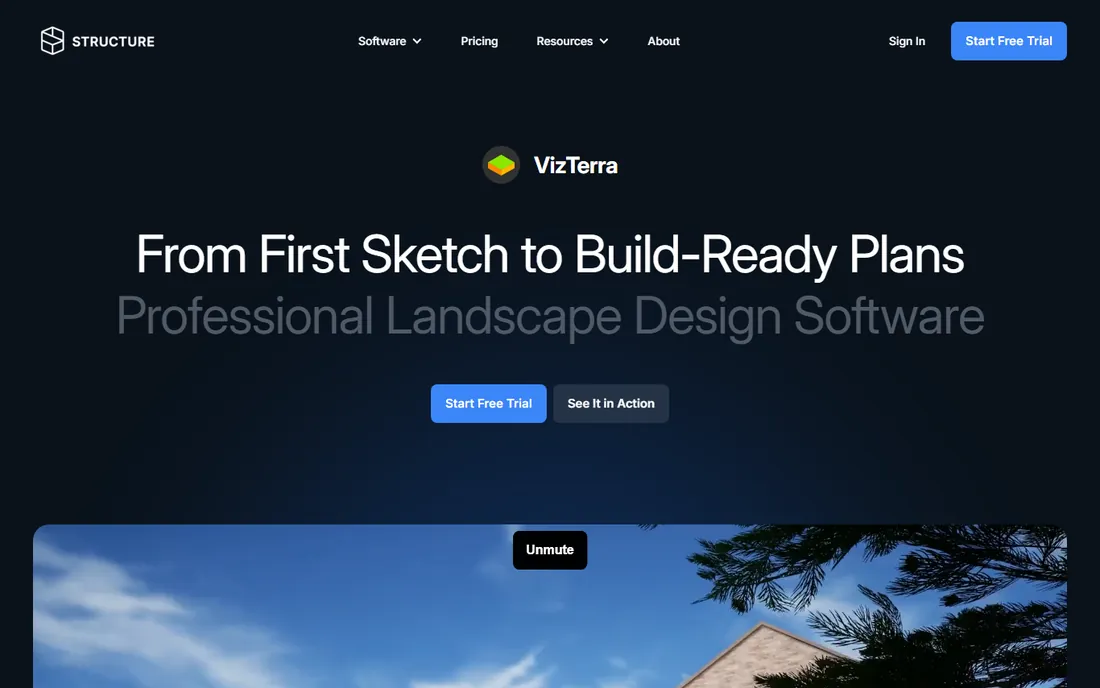
VizTerra, from Structure Studios, is professional software that treats the 2D plan and the 3D presentation as one project. You draw the plan, click once, and you are walking through it in interactive 3D. Change the pergola position during a client presentation and the construction plan updates too, because everything lives in the same file. That no-re-entry workflow is what separates pro tools from pretty visualizers.
It covers landscapes, hardscapes, outdoor kitchens, and decks, with Pool Studio and Vip3D stepping up for pools and high-end outdoor living. Terrain modeling and photorealistic rendering are in the box, and the company says no AutoCAD experience is needed to start designing on day one.
The limits are hardware and price. It runs on Windows only and wants a capable PC, so check the system requirements before you commit. Pricing is quote-based, which puts it in the pro tier. For a design-build firm that presents to clients and hands plans to a crew, it is one of the most complete options here.
What we like- Synced 2D drafting and interactive 3D
- Build-ready construction plans from the same file
- No AutoCAD experience needed
Watch out for- Windows only
- Needs a capable PC for smooth 3D
Starting priceSee website
Free planFree trial
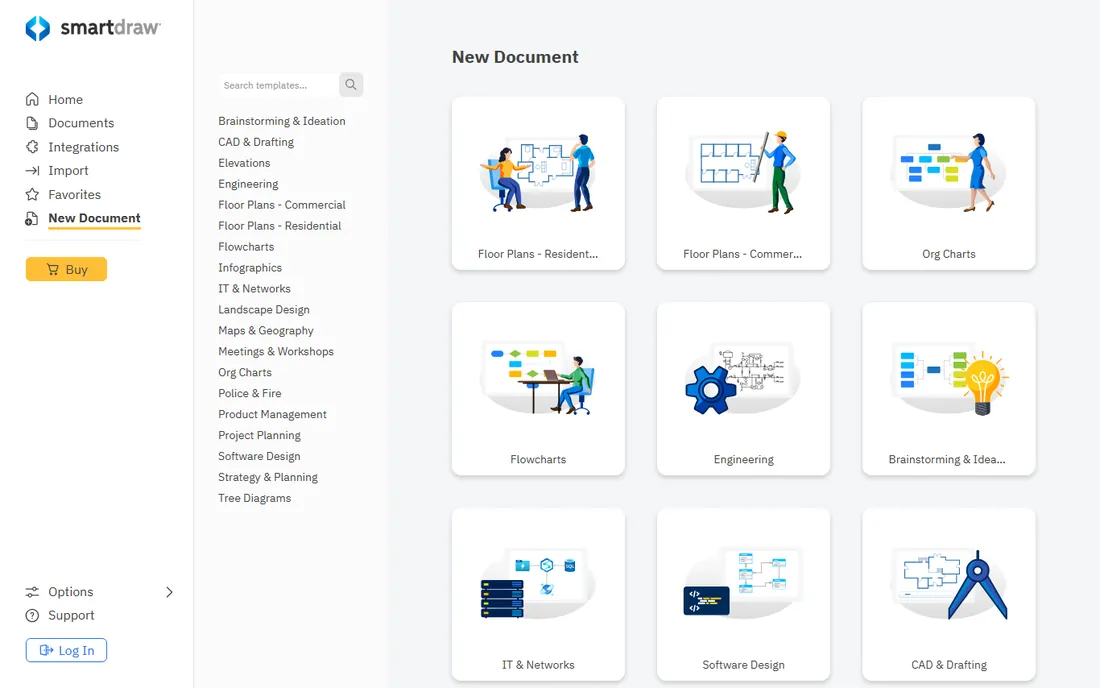
Not every garden project needs 3D. If what you actually need is a clean, scaled plan to hand a contractor or file with a permit office, SmartDraw is the diagram-first option. It ships with landscape and garden plan templates, a drag-and-drop symbol library, and automatic formatting that keeps lines, labels, and dimensions tidy without fiddling.
The strengths are documentation, not dreaming. Plans look professional and are easy to share. Export options cover the formats a builder expects.
The tradeoff is obvious: this is not a visualizer. You will not walk through your garden or see mature plant sizes rendered in 3D. Pair it with a photo-based tool like iScape if you need both the pretty picture and the measured drawing.
What we like- Landscape plan templates included
- Automatic formatting and dimensioning
- Easy export and sharing with contractors
Watch out for- Limited 3D visualization
- Not a plant-focused planner
#9
Gardena myGarden
Best for: Free starter planning from a trusted garden brand
Visit gardena.com
Starting priceFree
Free planYes
Gardena, the German garden tools brand founded in 1961, offers myGarden as a free online planner, and for a simple project it is all you need. Drag beds, lawns, paths, and plants onto your plot, arrange the layout, and get a workable plan without spending anything or installing anything.
The appeal is the price and the lack of friction. No trial clock, no subscription, no learning curve worth mentioning. If you are planning a straightforward vegetable garden or rearranging a flower bed, myGarden gets you from idea to planting plan in an afternoon.
It is basic next to the paid tools here. Do not expect 3D walkthroughs or deep plant databases. And as a brand tool, it naturally leans toward Gardena's world. For a free starting point, it is hard to argue with free.
What we like- Completely free
- Simple drag-and-drop planning
- Backed by a major garden brand
Watch out for- Basic feature set
- Tied to the Gardena ecosystem
#10
Home Outside
Best for: Designer-quality planting plans without hiring a designer
Visit homeoutside.com
Starting priceSee website
Free planNo
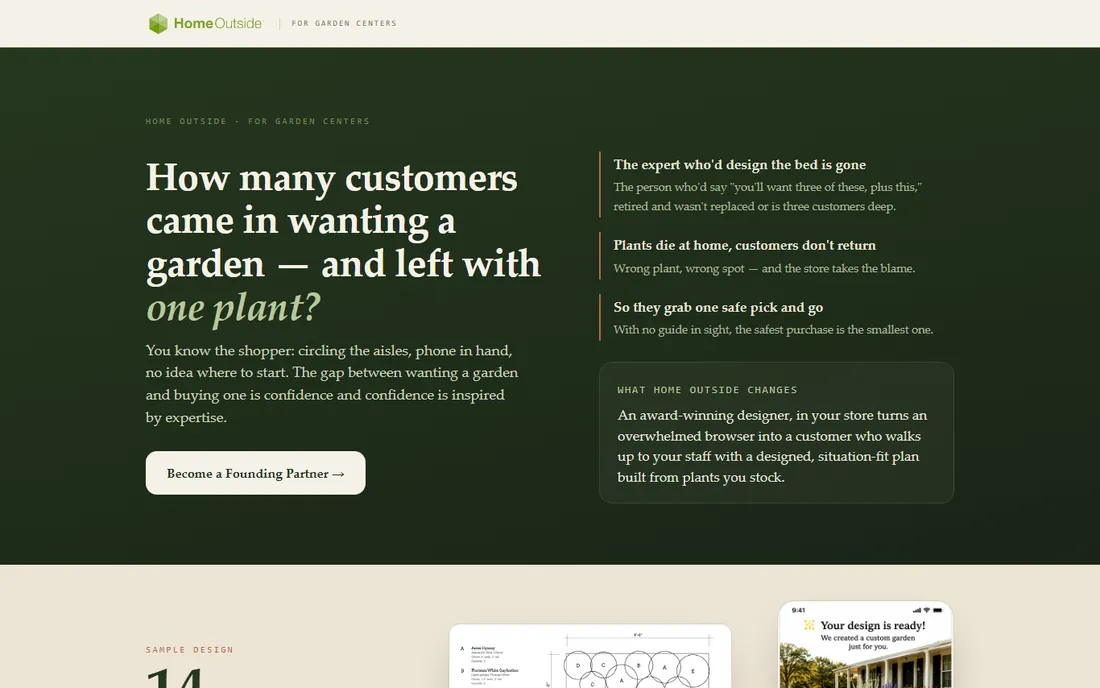
Home Outside started as a consumer app from landscape designer Julie Moir Messervy, built on her actual design methodology rather than generic algorithms. You answer a few questions about sun, soil, and the feel you want, and you get a layered, multi-season planting plan drawn from real design principles, complete with a plant pick list you can take to the nursery.
Note the direction the company has moved: the site now leads with Home Outside for Garden Centers, a B2B offering that puts designer-built plans in stores via phone scans and kiosks.
For a homeowner who wants a credible planting plan without hiring a designer, the methodology-first approach stands out in a field of drag-and-drop sandboxes. Just go in knowing what it is today: closer to a guided plan service than an open-ended design toy.
What we like- Plans built on a real designer's methodology
- Plant pick lists matched to your conditions
- Simple question-based flow
Watch out for- Company has pivoted toward garden-center B2B
- Less of a DIY sandbox than other apps
How we chose
We looked at the tools that working designers and homeowners actually mention: review roundups from TechRadar and TopTenReviews, homeowner discussions on Reddit, and app store reviews for the mobile options. Then we read each vendor's own site for current pricing, platform support, and feature lists. We favored tools a non-designer can learn in a weekend, but kept two pro options for readers who sell landscape work. We did not test these hands-on.
Matching the software to your project
The best garden design software is the one that matches the job in front of you. A vegetable bed, a full backyard redo, and a contractor sales presentation are three different purchases.
For a first garden or a single bed
Start free or cheap. Gardena myGarden costs nothing, Garden Planner is $48 once, and iScape's free tier lets you visualize on a photo of your yard. These cover layout and spacing, which is where beginners make their expensive mistakes.
For a full backyard redesign
This is where the paid planners earn their keep. Realtime Landscaping Pro gives you the most realistic preview for the money. SketchUp is the pick if the project includes structures or slopes, since it models anything but takes longer to learn. Pair either with iScape for quick photo-based experiments.
For contractors and designers
Buy the tool that sells the job. PRO Landscape turns a customer photo into a proposal with material takeoffs, and VizTerra keeps the 2D plan, 3D presentation, and construction documents in one file. Both are priced for businesses and supported like it.
For a scaled plan to hand someone
If the deliverable is a drawing, not a dream, SmartDraw's templates and dimensioning get you a professional plan fast. It will not render your garden in 3D, but the contractor does not need that. They need measurements.
Free garden planners are genuinely useful for layout, and myGarden proves the price can be zero. What you pay for is realism and plant intelligence: 3D walkthroughs, lighting simulation, and libraries with thousands of real plants. Realtime Landscaping Pro's $279 one-time license and Garden Planner's $48 are both pay-once. The honest rule: pay for the planner when the cost of a planting mistake exceeds the price of the software.
Frequently asked questions
What is the best free garden design software?
Gardena myGarden is the best fully free option for simple layouts, and SketchUp's free web app is the best free choice for real 3D modeling. iScape's free tier is best for quick photo-based ideas.
How much does garden design software cost?
Anywhere from free to a few hundred dollars. Garden Planner is $48 one-time, Realtime Landscaping Plus is $149 and Pro is $279, both one-time with no subscription. SketchUp, PRO Landscape, and VizTerra use subscription or quote-based pricing.
Can I design a garden on my phone?
Yes. iScape is the best mobile-first option, with AR that shows plants in your actual yard through the camera. Planner 5D also runs well on phones and tablets.
Do I need 3D, or is a 2D plan enough?
It depends on the deliverable. A 2D scaled plan from SmartDraw or Garden Planner is enough for planting beds and for handing to a contractor. 3D pays off when you need to see how the finished space feels or sell the design to someone else.
Which software do professional landscapers use?
Pros tend toward VizTerra or PRO Landscape for client presentations and construction plans, Realtime Landscaping Architect for residential design at $599 one-time, and SketchUp for custom structures.
Will the software tell me what to plant?
Some of it. Realtime Landscaping Pro and Garden Planner include large plant libraries with placement help, and Home Outside builds plans from a designer's methodology matched to your sun and soil. Check plant choices against your zone and a local nursery before you buy.
Sources we checked (11)
- https://sketchup.com/
- https://ideaspectrum.com
- https://iscapeit.com/
- https://smallblueprinter.com/
- https://planner5d.com/
- https://prolandscape.com/
- https://vizterra.com
- https://smartdraw.com/
- https://gardena.com/
- https://homeoutside.com/
- https://www.techradar.com/best/best-landscape-design-software
Is your product missing or out of date?
We review this list regularly. Vendors can request a listing, send updated pricing or ask about featured placement.

Shihab Mia · Founder, Rankite
Shihab has spent more than a decade helping SaaS and e-commerce brands grow through search. He writes Rankite's software buying guides from pricing pages, documentation and public user reviews. More about Shihab.