How we make this list: we compare pricing pages, product documentation and public user reviews. Rankite is independent; if a vendor ever pays for a featured spot, that listing is clearly labeled Partner.
Key takeaways
- Buildertrend remains the all-in-one default for custom builders and remodelers, but its pricing moved to quote-only, so budget for a sales conversation.
- JobTread and Buildxact are the strongest mid-market picks: transparent flat pricing, real estimating depth, and no per-user games for subs and clients.
- Budget-conscious small shops should shortlist Contractor Foreman ($49/month) and Buildern ($225/month annual), which cover the core workflow at a fraction of enterprise cost.
- If financial control matters more than field tools, Sage 100 Contractor and Jonas Premier bring serious accounting depth, though both hide pricing behind sales.
- Every serious contender now ships a client portal; the differentiator is how change orders, selections, and payments flow through it.
Quick comparison
| Tool | Best for | Starting price | Free plan |
|---|
 Buildertrend Buildertrend | Custom builders and remodelers wanting one system | See website | No |
 Houzz Pro Houzz Pro | Design-build firms that also need leads | $99 per month (Design) | Free trial |
 Buildxact Buildxact | Small builders who sell on accurate estimates | $199 per month (Foundation) | Free trial |
 JobTread JobTread | Builders who want budget-first job costing | $199 per month (monthly plan) | No |
 ConstructionOnline ConstructionOnline | Builders who live in the schedule | $370 per month | Free trial |
 Buildern Buildern | Growing builders wanting modern, transparent software | $225 per month (Starter, billed annually) | Free trial (7 days) |
 BuildTools BuildTools | Custom builders wanting unlimited users and projects | $99 per month | Free trial |
 Contractor Foreman Contractor Foreman | Small contractors watching every dollar | $49 per month (Basic) | Free trial (30 days) |
 Sage 100 Contractor Sage 100 Contractor | Builders who need serious construction accounting | See website | No |
 Jonas Premier Jonas Premier | Growing builders wanting cloud ERP-style control | $249 per user/month | No |
Is your product missing or out of date?
We review this list regularly. Vendors can request a listing, send updated pricing or ask about featured placement.
The 10 home builder software picks for 2026
Picture a custom builder running six homes at once. The framing crew texts schedule changes, the electrician emails an invoice, the homeowner calls about a selection they already approved, and the budget spreadsheet has not been updated in three weeks. Home builder software exists to put it all in one place: estimating, scheduling, budgets, change orders, client communication, and documents tied to the same job.
Starting priceSee website
Free planNo
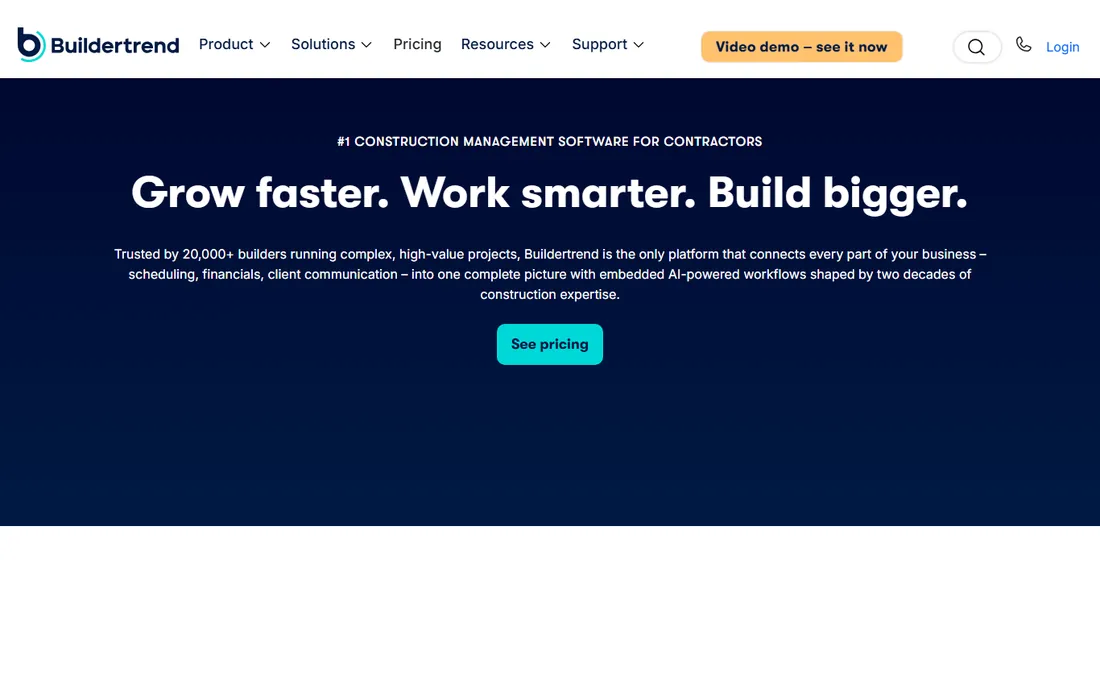
Buildertrend is the name most residential builders hear first, and the product earns the reputation. It covers the full project lifecycle: pre-sale estimating and proposals, Gantt scheduling, subcontractor management, change orders, daily logs, selections, warranty tracking, and a polished client portal. Note that CoConstruct, its longtime residential rival, is now presented as a unified brand with Buildertrend.
The honest catch is cost and complexity. Buildertrend stopped publishing prices in 2025 and now quotes based on annual construction volume, with its last published Essential tier at $499 per month, so get the quote early. Implementation is a project: contractors consistently report that setup and training take real effort before the system pays off.
What we like- Deepest residential feature set (estimating, scheduling, selections, change orders, client portal)
- Unlimited users and projects on paid plans
- Strong QuickBooks and Xero integrations
Watch out for- Pricing is now quote-based, set on a sales call
- Large platform with a real learning curve and onboarding effort
#2
Houzz Pro
Best for: Design-build firms that also need leads
Visit houzz.com
Starting price$99 per month (Design)
Free planFree trial

Houzz Pro is the odd one on this list because it starts from the design side. It bundles studio management essentials, 3D floor plans, mood boards, CRM, estimates and proposals, invoicing, and online payments, with the Pro tier adding takeoffs, bid management, change orders, and scheduling. For design-build firms whose work starts with a Houzz profile and ends with a finished kitchen, the lead flow into project management is a genuine advantage.
The tradeoff is depth. Compared with Buildertrend or JobTread, the construction operations side (scheduling, job costing, sub management) is lighter, and the product is clearly built for smaller residential firms rather than volume builders. Pricing currently starts at $99 per month for the Design plan, with Pro at $199 and Teams from $399, though tier names have shifted recently. If your business is design-led and clients find you on Houzz, it is a natural fit.
What we like- Combines project management with Houzz lead generation and branding
- 3D floor plans, mood boards, and selections built in
- Accessible entry price
Watch out for- Project management depth trails the construction-first tools
- Pricing tiers changed in 2026, so confirm current plan names
Starting price$199 per month (Foundation)
Free planFree trial
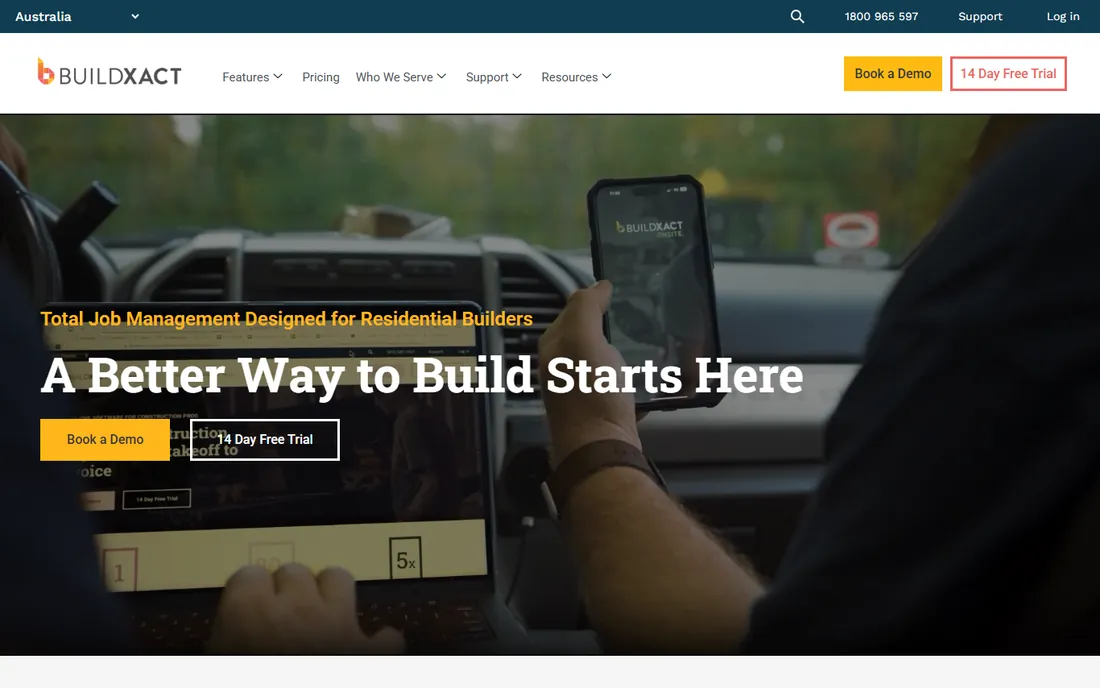
Buildxact grew up as an estimating tool for residential builders, and that DNA still defines it. You upload plans, complete digital takeoffs, generate estimates with dealer-connected material pricing, and the same estimate flows into schedules, purchase orders, cost tracking, and invoices. Its Blu construction assistant helps generate and review estimates and takeoffs.
Pricing is transparent: Foundation at $199 per month ($169 annual), Pro at $399, and Master at $599, with a free tier and trial available. The catch is that real job management, scheduling, and site workflows sit in Pro and above, so the entry tier is an estimating tool first and a project platform second. Builders wanting full project management should budget for Pro.
What we like- Native digital takeoffs with dealer-connected pricing
- Estimate converts directly into schedule, purchase orders, and invoices
- AI-assisted estimating with the Blu assistant
Watch out for- Job management features concentrate in the higher tiers
- Monthly cost does not scale down for very small crews
Starting price$199 per month (monthly plan)
Free planNo
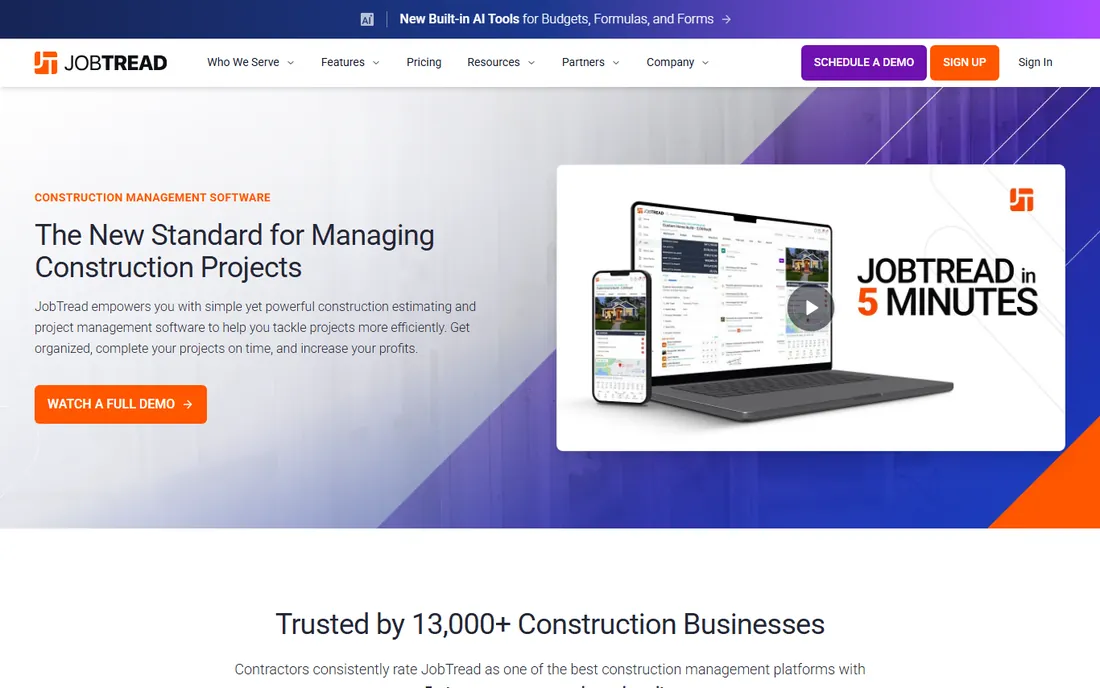
JobTread takes a distinctive approach: everything hangs off the budget. Estimates, proposals, purchase orders, work orders, bills, and actual costs all connect to budget items, so variance analysis happens in real time instead of at month-end. Every plan includes all features and unlimited jobs, and vendors, subcontractors, and customers get free unlimited portal access.
Pricing is published and straightforward: $199 per month on the monthly plan with no long-term contract, or about 20 percent less on annual billing, plus a per-seat charge for additional internal users (starting at $20 per month). There is no free trial; the vendor assigns a customer success manager to every account instead, backed by a 30-day money-back guarantee.
What we like- Budget-first structure ties estimates, POs, bills, and costs together
- All features included at one price with unlimited jobs
- Subs, vendors, and customers use portals free
Watch out for- No free trial (30-day money-back guarantee instead)
- Additional internal users cost extra per seat
Starting price$370 per month
Free planFree trial
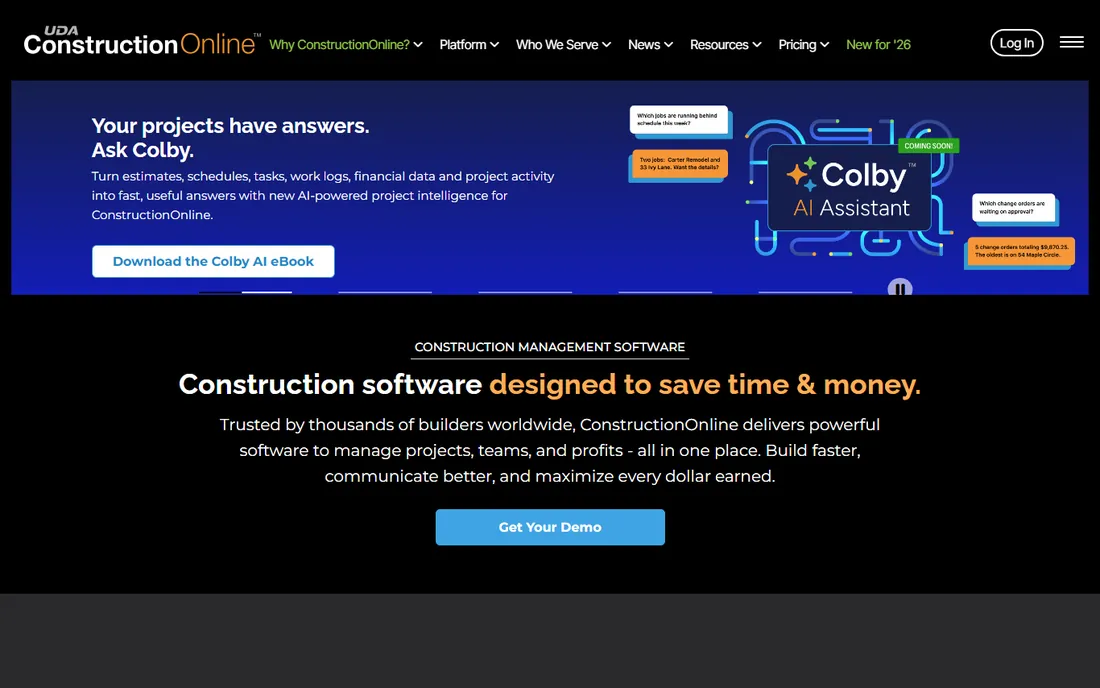
UDA Technologies has been selling ConstructionOnline to residential builders for years, and the product's calling card is still speed: its scheduling engine is widely regarded as one of the fastest for building and updating construction timelines. Around that core sit estimating, on-screen takeoff, project tracking, client portals, and reporting dashboards.
At $370 per month to start with a free trial available, it sits above the newer mid-market tools on price, and some parts of the UI feel like a product with history. What you get for the premium is depth and stability: software that has managed billions in construction volume and has the edge-case coverage to show for it.
What we like- Extremely fast online scheduling with dependency handling
- Estimating, takeoff, and business intelligence in one platform
- Long track record with residential contractors
Watch out for- Higher entry price than newer competitors
- Interface shows its age in places
#6
Buildern
Best for: Growing builders wanting modern, transparent software
Visit buildern.com
Starting price$225 per month (Starter, billed annually)
Free planFree trial (7 days)
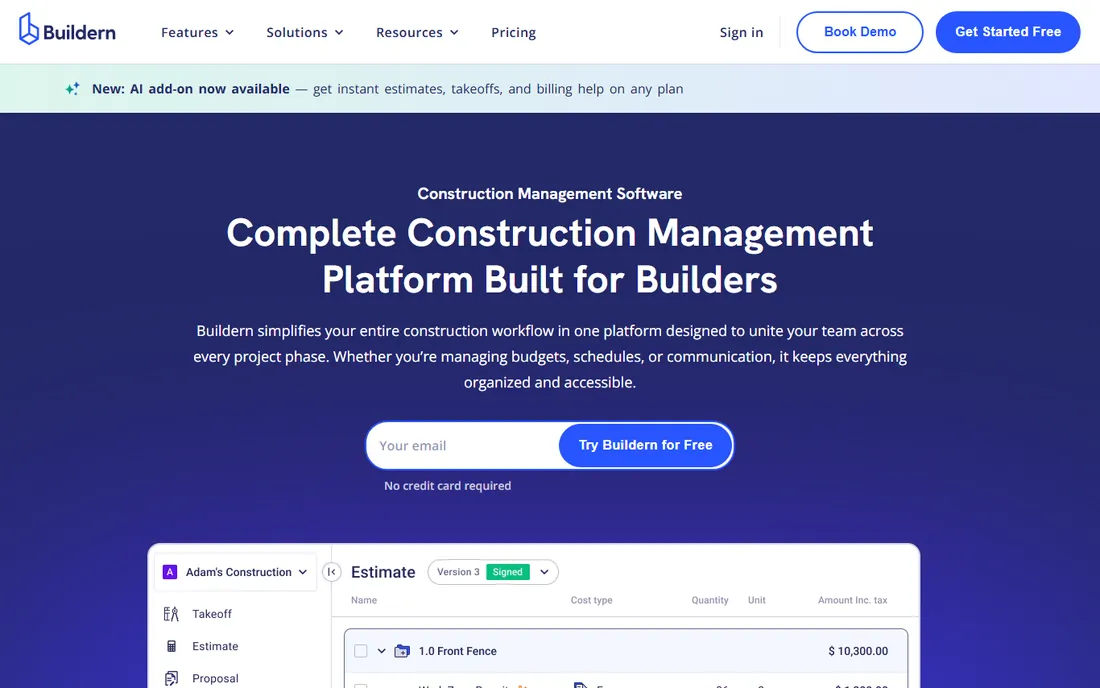
Buildern is the modern challenger done right: transparent pricing published on its website, no contracts, and a workflow designed around how builders actually work. The Starter plan at $225 per month billed annually (2 seats) covers estimates, budgets, POs, bills, invoices, scheduling, takeoff, and QuickBooks or Xero integration, with Professional at $360 adding advanced budgeting and reporting.
The 7-day free trial with no credit card makes evaluation painless, and the end-to-end flow, estimate to budget to schedule to invoice with no duplicate entry, is genuinely well executed. The honest caveats are youth: the integration ecosystem is thinner than Buildertrend's, and a few advanced features are still catching up.
What we like- Clear published pricing with no contracts
- Estimates flow into budgets, schedules, and invoices without re-entry
- Free unlimited access for field workers, subs, and vendors
Watch out for- Younger product with less third-party ecosystem
- Some advanced features still maturing
Starting price$99 per month
Free planFree trial
BuildTools is the quiet veteran of custom home builder software, built specifically for custom builders and remodelers rather than adapted from commercial construction. It centralizes scheduling, budgeting, purchasing, service and warranty management, and client communication, with QuickBooks and Xero integrations to cut double entry. The subscription includes unlimited projects, users, and document storage plus an onboarding coach.
Entry pricing starts at $99 per month with a free trial available, making it one of the cheapest ways to get a real builder-specific platform. The tradeoff is transparency beyond that entry point and the reality of being an ECI Software Solutions product: development priorities follow the parent company's residential portfolio, which also includes MarkSystems and Lasso CRM.
What we like- Unlimited projects, users, and document storage on the subscription
- Built by builders for custom home builders and remodelers
- Includes onboarding coach and unlimited training
Watch out for- Pricing details beyond the entry point are thin
- Owned by ECI, so roadmap follows the parent portfolio
Starting price$49 per month (Basic)
Free planFree trial (30 days)
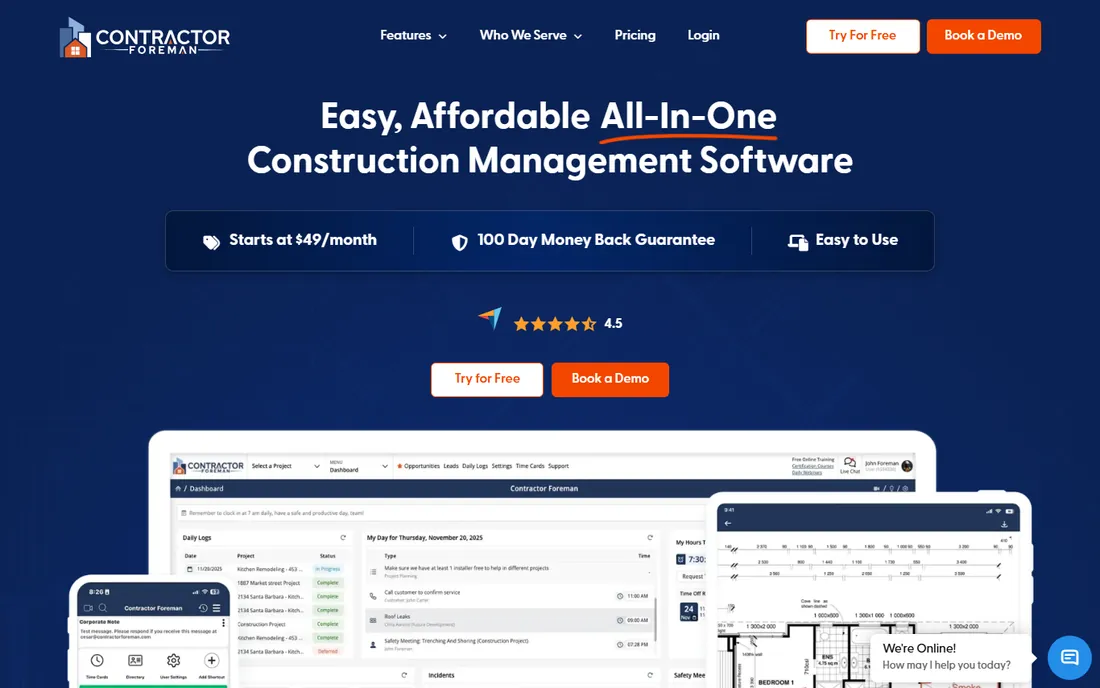
Contractor Foreman's pitch is simple: all-in-one construction management starting at $49 per month. The Basic plan covers estimates, scheduling, time cards, daily logs, change orders, invoices, and document management with unlimited projects, and higher tiers add bid management, client portals, AIA-style invoicing, QuickBooks Desktop integration, and custom reporting.
The compromises are polish and depth. The interface prioritizes function over beauty, and while the breadth is impressive, individual modules are not as deep as Buildertrend's or JobTread's. The 30-day free trial and 100-day money-back guarantee make it nearly risk-free to test.
What we like- Lowest entry price on this list with real depth
- Unlimited projects on every plan
- QuickBooks integration and 30-day trial plus 100-day money-back guarantee
Watch out for- Interface is functional rather than polished
- Advanced features spread across five tiers, so compare carefully
#9
Sage 100 Contractor
Best for: Builders who need serious construction accounting
Visit sage.com
Starting priceSee website
Free planNo
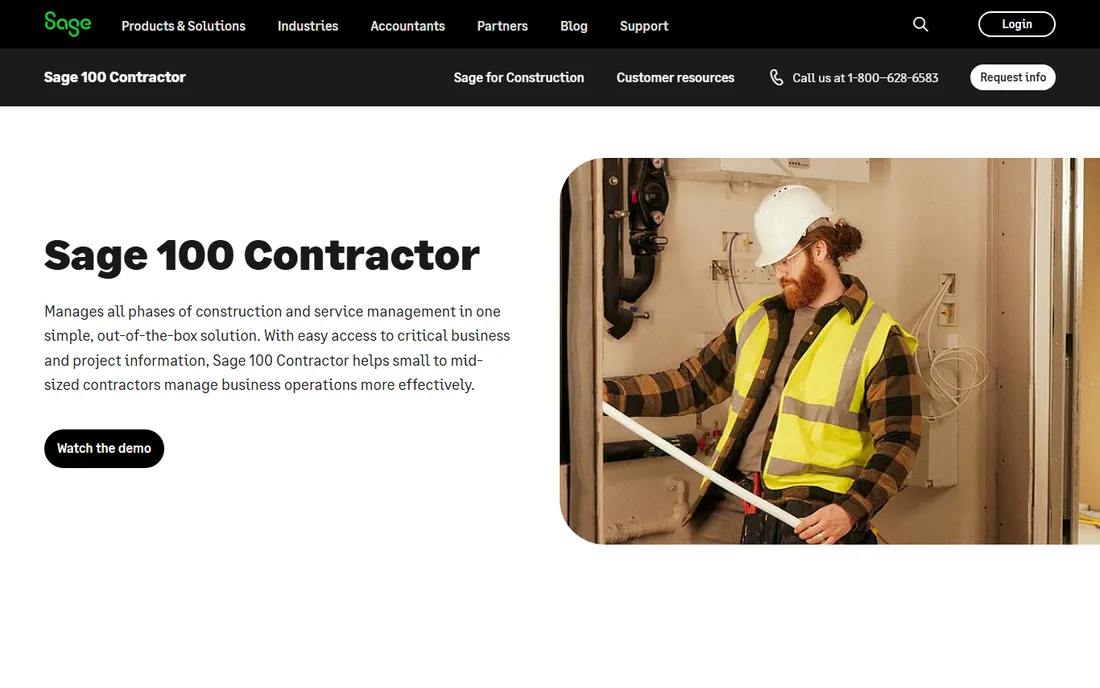
Sage 100 Contractor is the accounting-first answer for builders outgrowing generic bookkeeping. It pairs full construction accounting, general ledger, job costing, payroll, purchase orders, and AIA billing with project management and scheduling, plus more than 1,200 built-in reports. Plans offer unlimited transactions, customers, and vendors.
It is also the most old-school product on this list: a Windows-based application with a dated interface and a learning curve that assumes bookkeeping knowledge. Sage does not publish pricing, so expect a sales conversation. Builders choosing it are buying financial control and depth, not a slick mobile experience.
What we like- Deep construction accounting (job costing, payroll, AIA billing, 1,200+ reports)
- Unlimited transactions, customers, and vendors
- Decades of industry trust
Watch out for- No published pricing, quote only
- Dated Windows-based interface with a real learning curve
Starting price$249 per user/month
Free planNo
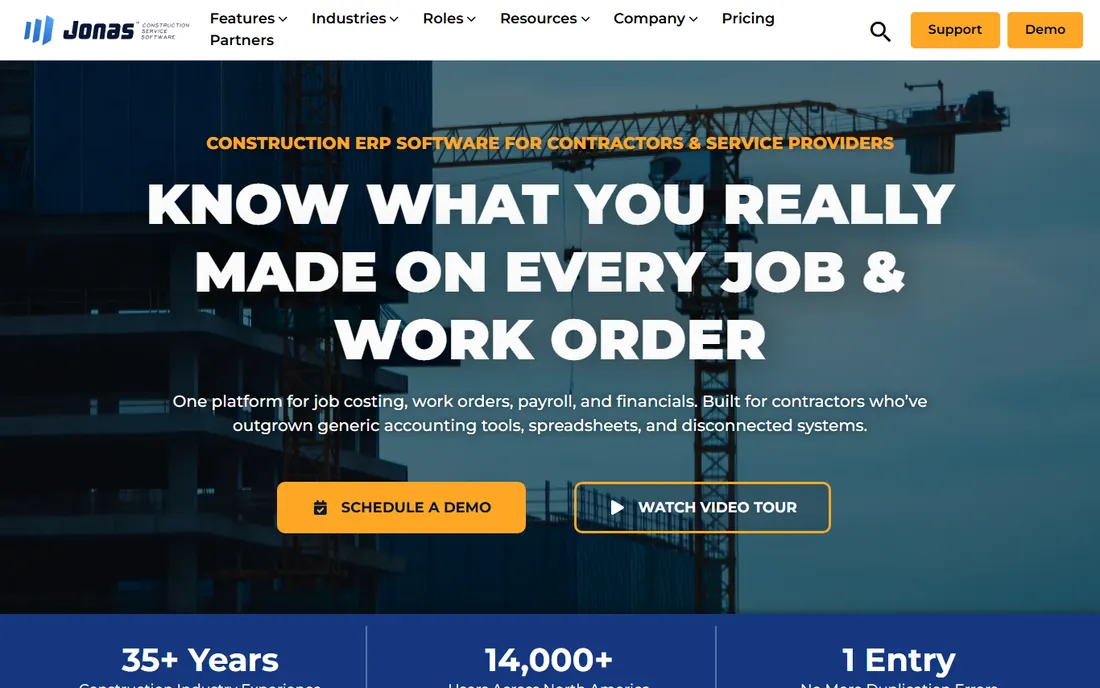
Jonas Premier is Jonas Construction Software's cloud answer for general contractors, home builders, and land developers who have outgrown project tools but are not ready for full enterprise ERP. It combines job costing with drill-down views, forecast models, RFI tracking, submittals, daily logs, and change orders approvable from a phone.
The math needs attention: pricing starts at $249 per user per month, so a 15-person office team runs nearly $45,000 a year before implementation. Users also report a real learning curve and occasional reporting limitations. This is a platform for established builders with the revenue to support it and the operational maturity to use it.
What we like- Cloud-based with strong dashboards, job costing drill-downs, and forecasting
- E-signatures for subcontractors
- Built for general contractors, home builders, and land developers
Watch out for- Per-user pricing gets expensive fast
- Reporting has gaps and implementation takes time
How to match the software to your build volume
The biggest mistake builders make is buying for the company they want to be in five years instead of the one they are now. Start with honest numbers: how many concurrent jobs, how many office users, and whether you bill cost-plus, fixed-price, or both.
For one to five concurrent jobs, Contractor Foreman, BuildTools, or Buildern cover the workflow at $49 to $225 per month, handling estimating, scheduling, and client communication without the overhead of a platform designed for fifty users.
For five to twenty concurrent jobs, the decision sharpens around estimating and financial control. JobTread and Buildxact win when estimating accuracy drives the business; Buildertrend wins when client experience and selections management are the differentiator. Count everyone who needs full access, then model the all-in annual cost, not the headline monthly number.
Above twenty concurrent jobs or multi-million-dollar volume, you are choosing an operating system, not an app. Buildertrend, ConstructionOnline, Sage 100 Contractor, and Jonas Premier all demand real implementation effort and annual commitments. At this scale, insist on a structured trial on live jobs, reference calls with builders of similar size, and a written data-export commitment before you sign.
The client portal test
Every vendor on this list advertises a client portal, and most of them look similar in a demo. The difference shows up in the moments that cause real friction: a change order that needs a homeowner signature tonight, a selection deadline the client keeps missing, an invoice the client questions. Run each finalist through the same three scenarios before you decide.
First, the change order. Create one, send it to a test client login, and approve it from a phone. Time the whole loop. Some portals handle this elegantly; others bury approvals three menus deep, which is where client frustration starts.
Second, selections. Enter a finish schedule with allowances, let the test client pick, and watch what happens to the budget when they exceed an allowance. The tools that update committed costs automatically save your office manager hours every week.
Third, money. Send an invoice, have the test client pay it online, and confirm the payment reconciles against the job budget without manual entry. Payment processing fees and the depth of the accounting integration vary widely, so verify the full loop rather than trusting the feature checkbox. The portal your clients actually enjoy using is worth more than any back-office feature, because it is the one that gets you paid faster and referred more.
How we chose
We evaluated the home builder software market from vendor pricing pages and product documentation, review platforms including G2, Capterra, and Software Advice, and contractor discussions on industry forums. Every product listed is a real, currently sold tool aimed at residential builders, remodelers, or residential general contractors in 2026. We favored tools with transparent pricing, real estimating and job-costing depth, and a client-facing story. We did not test any product hands-on; where vendors do not publish pricing, we say so.
Frequently asked questions
What is home builder software?
Home builder software is project management software built for residential construction. It typically combines estimating and takeoffs, scheduling, budgeting and job costing, change orders, subcontractor management, document storage, and a client portal for homeowner communication. Unlike generic construction tools aimed at commercial contractors, it is designed around the residential workflow of selling, building, and servicing homes.
How much does home builder software cost?
Entry-level tools start around $49 per month (Contractor Foreman) to $99 per month (Houzz Pro Design, BuildTools). Mid-market platforms run $199 to $370 per month. Enterprise and accounting-heavy options are quote-based (Buildertrend, Sage 100 Contractor) or per-user at $249 per user per month (Jonas Premier). Always confirm what counts as a paid user.
Buildertrend vs JobTread: which is better?
They solve different problems. Buildertrend is the broader all-in-one with deeper client-facing tools and selections management. JobTread is stronger on budget-first job costing and publishes transparent flat pricing at $199 per month. Buildertrend's pricing is now quote-based. Demo both on a real past job to decide.
Is there free home builder software?
Not at a professional level. Several tools offer free trials, and JobTread offers a 30-day money-back guarantee instead of a trial. No serious contender offers a permanent free plan with real project capacity. If budget is tight, Contractor Foreman at $49 per month is the cheapest credible option.
Do I need QuickBooks if I use builder software?
Most tools on this list integrate with QuickBooks or Xero rather than replacing them. Sage 100 Contractor and Jonas Premier include deeper native accounting and can reduce dependence on a separate ledger. If an outside accountant runs QuickBooks, keep it and integrate.
How long does it take to implement?
Small tools like Contractor Foreman or Buildern can be running in days to a couple of weeks. Mid-market platforms typically need two to six weeks including data migration and training. Enterprise rollouts often take one to three months with structured onboarding. Budget staff time for the transition, not just the subscription.
Sources we checked (12)
- https://www.jobtread.com/pricing
- http://buildern.com/pricing
- https://contractorforeman.com/
- https://www.buildxact.com/us/blog/construction-crm-software/
- https://www.constructionplacements.com/construction-job-costing-software/
- https://softwareconnect.com/reviews/houzz-pro/
- https://www.selecthub.com/p/construction-erp-software/jonas-premier/
- https://fitsmallbusiness.com/sage-100-contractor-review/
- https://www.g2.com/products/contractor-foreman/pricing
- https://www.capterra.com.au/software/115532/buildtools-construction-mgmt
- https://constructionbids.ai/blog/jobtread-vs-buildertrend-comparison
- https://www.workyard.com/compare/buildertrend-review
Is your product missing or out of date?
We review this list regularly. Vendors can request a listing, send updated pricing or ask about featured placement.

Shihab Mia · Founder, Rankite
Shihab has spent more than a decade helping SaaS and e-commerce brands grow through search. He writes Rankite's software buying guides from pricing pages, documentation and public user reviews. More about Shihab.