How we make this list: we compare pricing pages, product documentation and public user reviews. Rankite is independent; if a vendor ever pays for a featured spot, that listing is clearly labeled Partner.
Key takeaways
- PRO Landscape ($1,495 one-time) is the professional standard for landscape contractors who sell with photo imaging and CAD.
- Realtime Landscaping Pro ($279 one-time) is the best value for realistic 3D hardscape visualization without a subscription.
- DynaScape and Structure Studios serve design-build firms with CAD precision and 3D presentation.
- Land F/X brings landscape architecture into AutoCAD, with a 90-day free trial and perpetual licensing.
- Hardscape-specific needs, pavers, walls, patios, grading, favor tools with real material libraries over generic 3D modelers.
Quick comparison
Is your product missing or out of date?
We review this list regularly. Vendors can request a listing, send updated pricing or ask about featured placement.
Hardscape design is about selling the project
Hardscape, patios, walkways, retaining walls, outdoor kitchens, is sold on visuals. Clients buy the 3D rendering, not the plan. The tools below split between contractor-focused suites with photo imaging and proposals (PRO Landscape, DynaScape) and visualization-first tools (Realtime Landscaping, Structure Studios), plus pro options for landscape architects.
Starting price$1,495 one-time (per user)
Free planNo
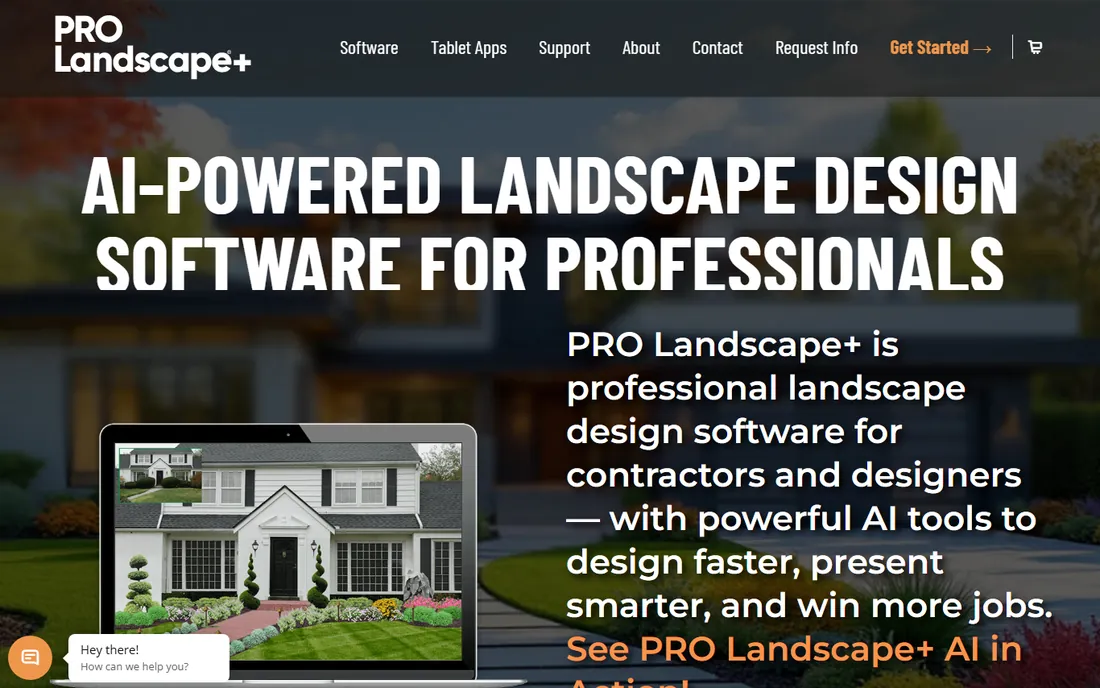
PRO Landscape from Drafix is the contractor's workhorse: photo imaging that drops proposed hardscapes onto a photo of the client's yard, CAD tailored for landscape projects, night lighting views, 3D rendering and customer proposals. Companion iPad and Android apps let you design on-site with the client.
The $1,495 one-time price is a real investment, and the full suite takes learning. But for contractors who close jobs with visuals, it pays for itself in a season.
Setup covers the suite's modules: photo imaging, planner, CAD and proposal tools, each with its own learning curve. Most contractors start with photo imaging, which delivers client-ready visuals fastest. The one-time license covers one user, with tablet apps for on-site design sold alongside. Integrations are limited; PRO Landscape is a self-contained contractor suite rather than an ecosystem. Support includes phone and email help plus video training, and the company has served landscape contractors for decades. Paid upgrades arrive with major versions.
What we like- Photo imaging plus CAD in one suite
- Proposal tools
- Tablet companion apps for on-site design
Watch out for- $1,495 upfront
- Windows-focused
- Learning curve for the full suite
Starting price$279 one-time (Pro)
Free planFree trial
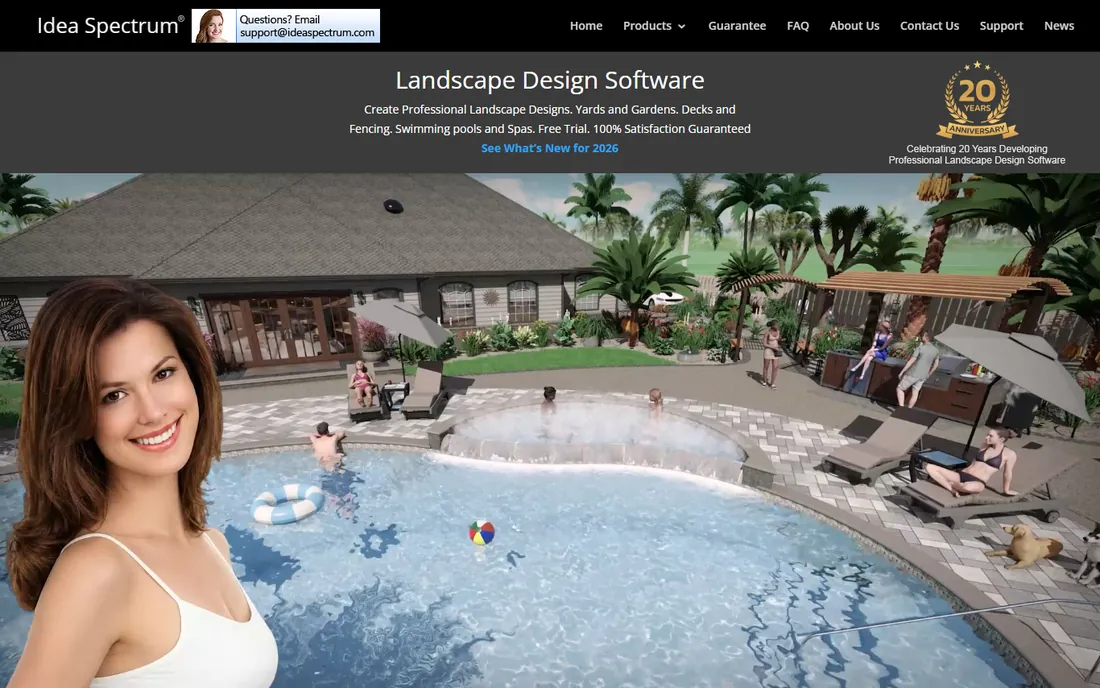
Realtime Landscaping Pro, $279 one-time with no subscription, delivers the most impressive 3D visualization per dollar here: ray-traced style rendering, immersive walkthroughs with running water and moving leaves, seasonal views, and a library of over 21,000 objects including 6,300 plants. The Architect tier at $599 adds CAD-style tools.
It is Windows-only and lighter on CAD precision than PRO Landscape. For designers who sell with beauty shots and videos, the value is outstanding.
Setup is a simple install and a short learning curve; most users produce decent renderings on the first day. The object library is the star: over 21,000 objects, including thousands of plants, hardscape materials and accessories. Rendering quality is high for the price, with water effects, shadows and seasonal changes. Integrations are minimal, though designs export as images and videos for proposals. Support is email and documentation, adequate for the price. The Architect tier at $599 adds CAD-style tools for users who need more precision.
What we like- Photorealistic 3D walkthroughs
- 21,000+ object library
- One-time price, no subscription
Watch out for- Windows only
- The Architect tier costs more
- Less CAD depth than PRO Landscape
Starting priceSee website
Free planNo
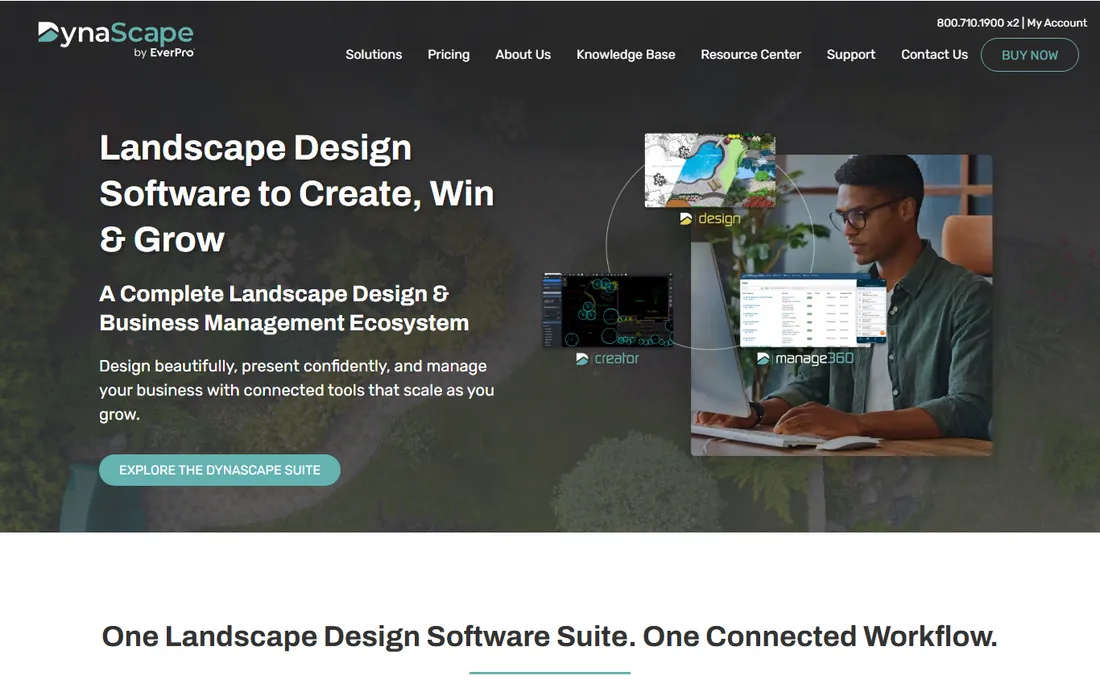
DynaScape is the CAD-first choice for design-build firms: precise 2D landscape CAD with detailed hardscape construction drawings, plus 3D visualization for client presentations. The workflow suits firms that need buildable drawings, not just pretty pictures.
Pricing goes through sales, and the learning curve exceeds the visualization-first tools. For firms where the drawing set matters as much as the rendering, DynaScape's precision wins.
Setup involves installing the CAD software and working through the training materials; plan on a real learning period before production work. The drawing output is the strength: precise hardscape construction details, takeoffs and professional presentation sheets. Pricing goes through sales and is subscription-based for the full suite. Integrations include common file formats for sharing with architects and contractors. Support includes onboarding, training courses and a strong user community of design-build firms.
What we like- Precise CAD-based design
- Professional presentation tools
- Strong contractor community
Watch out for- Pricing not published
- Steeper learning curve than visualization tools
Starting priceSee website
Free planNo
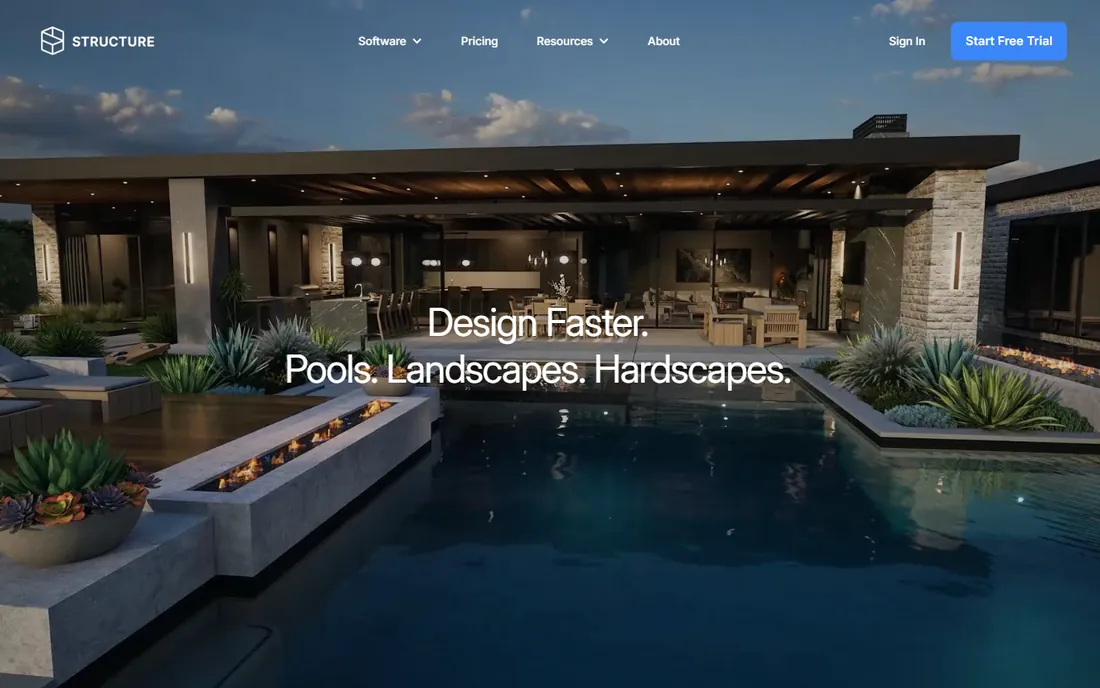
Structure Studios targets pool builders and outdoor living contractors specifically: fast 3D designs of pools, patios, kitchens and hardscapes built for the sales presentation. The workflow is optimized for closing, not for construction documentation.
The niche focus means landscape architects will find it thin. But for pool and hardscape contractors, the purpose-built sales tools beat generic 3D software.
Setup is fast; the software is built around a sales workflow, so contractors produce presentation-ready 3D designs quickly. The product line covers pools, landscape and hardscape, with mobile apps for on-site selling. Pricing is quote-based and aimed at firms, not hobbyists. Integrations are limited to the company's own ecosystem, a deliberate choice for workflow focus. Support includes training and a responsive team, since the product lives or dies on contractor adoption.
What we like- Built for pool builders and hardscape contractors
- Fast 3D proposals
- Strong sales workflow
Watch out for- Niche focus
- Pricing via quote
Starting priceSee website
Free planFree trial (90 days)

Land F/X turns AutoCAD into a landscape architecture workstation: planting plans, irrigation design, hardscape details, site analysis and construction documents, all as an AutoCAD plugin. The 90-day free trial is generous, and perpetual licensing avoids subscriptions.
You need AutoCAD underneath, and it is unapologetically professional software. For landscape architects already in Autodesk's world, it is the deepest toolkit available.
Setup means installing the plugin into an existing AutoCAD or F/X CAD installation, with a generous 90-day free trial to evaluate. The toolkit covers planting plans, irrigation, hardscape details, site analysis and construction documentation. Perpetual licensing avoids subscriptions, a deliberate stance in an industry tired of them. Integrations are AutoCAD-native: the work lives in DWG files your engineers already use. Support includes phone, email and an extensive video tutorial library, well regarded among landscape architects.
What we like- Full landscape architecture toolkit inside AutoCAD
- 90-day free trial
- Perpetual license, no subscription
Watch out for- Requires AutoCAD
- Aimed at professionals, not homeowners
Starting priceSee website
Free planFree trial
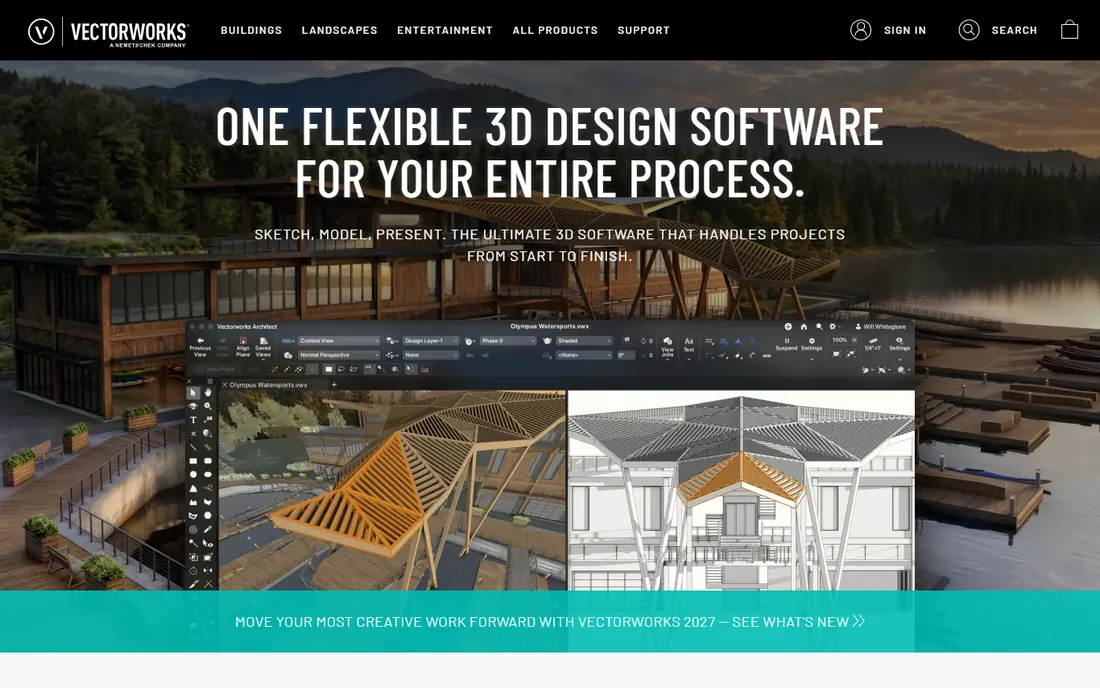
Vectorworks Landmark brings BIM to landscape architecture: intelligent site models, planting databases, grading tools and hardscape objects that carry data through documentation. It runs on Mac and Windows, a rarity here.
Cost and complexity suit firms, not solo contractors. For landscape architects delivering BIM-coordinated projects, it is the professional standard.
Setup is a standard install on Mac or Windows, with educational and trial licenses available. The BIM approach means site models, planting databases and hardscape objects carry data from concept through documentation. Grading and terrain tools are strong, and the software plays well in multi-discipline BIM workflows. Pricing is quote-based and aimed at firms; it is the most expensive option here for small shops. Support includes training, a knowledge base and an active user community.
What we like- True BIM for landscape
- Strong planting and site modeling
- Mac and Windows
Watch out for- Expensive for small firms
- Learning curve
Starting price$399 per year
Free planFree trial
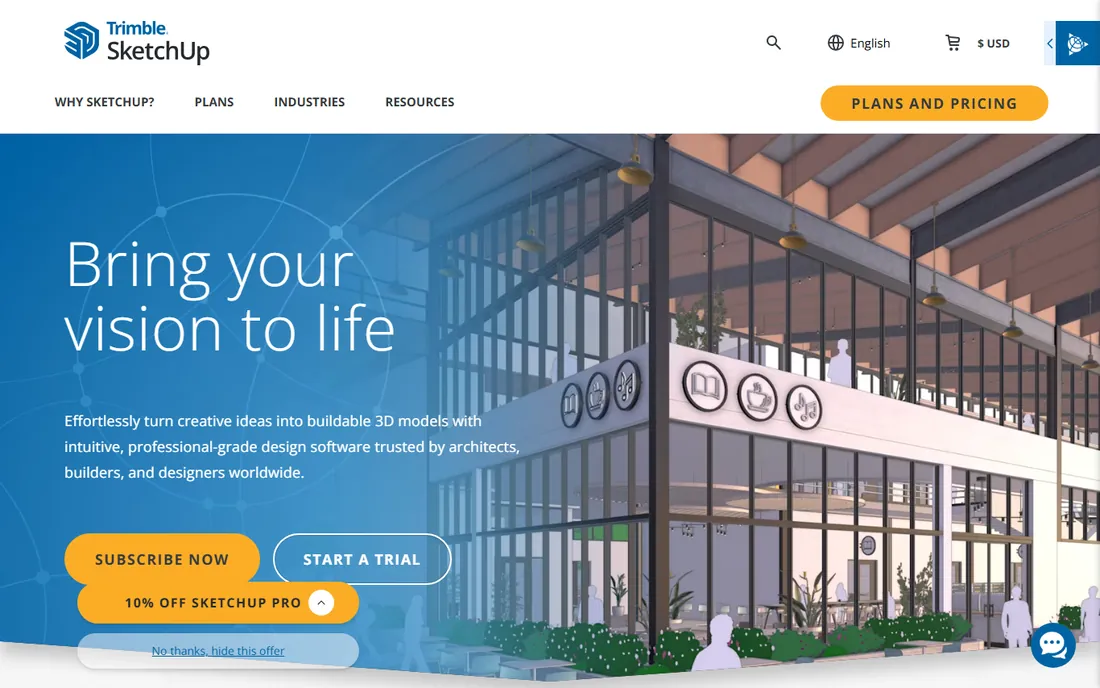
SketchUp Pro is the quick sketch tool for hardscapes: model a patio, wall or outdoor kitchen in an afternoon, pull furniture and materials from the 3D Warehouse, and show the client. At $399 a year, it is affordable and easy to learn.
It knows nothing about hardscape construction; documentation needs LayOut or plugins. Use it for concepts and client communication, then detail elsewhere.
Setup takes minutes, and the learning curve is the gentlest here; most people model their first patio in an afternoon. The 3D Warehouse supplies furniture, materials and entourage, though hardscape-specific content needs hunting. Extensions from the Extension Warehouse add documentation and rendering power, including popular rendering plugins. Integrations are broad: it exports to the formats contractors and architects expect. Support is documentation, forums and a large third-party tutorial ecosystem.
What we like- Fast 3D concept modeling
- Huge 3D Warehouse
- Easy to learn
Watch out for- No hardscape-specific tools
- Needs plugins for documentation
Starting priceSee website
Free planFree trial
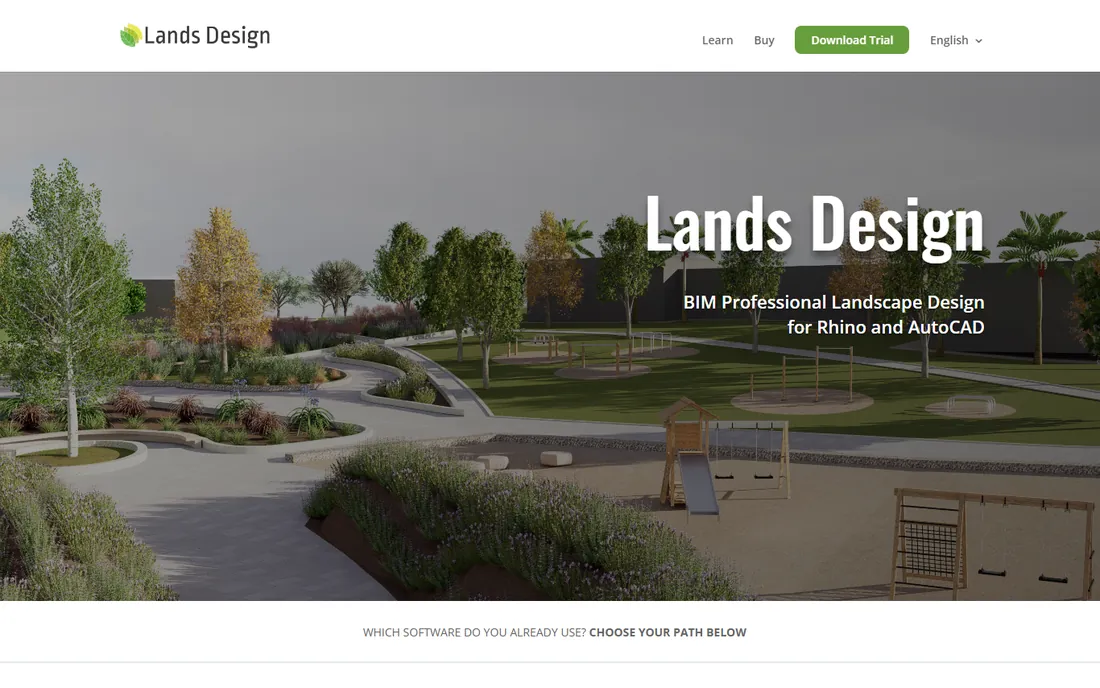
Lands Design adds landscape architecture, including hardscape elements, planting and terrain, to Rhino's powerful modeling environment, with BIM data attached. For designers already in Rhino, it extends a familiar tool rather than demanding a new one.
You need Rhino underneath, and the workflow is niche. But for Rhino-based studios doing landscape work, the terrain and planting tools are genuinely powerful.
Setup is an install into Rhino, with a free trial to test the workflow. The landscape tools add terrain modeling, parametric planting, hardscape elements and BIM data to Rhino's modeling environment. Terrain editing is a particular strength for sites with real topography. Pricing is on the website and is reasonable for a professional plugin, though Rhino itself is a separate purchase. Support is documentation, tutorials and direct help from the developers, who are responsive.
What we like- Landscape BIM inside Rhino
- Powerful terrain modeling
- Parametric planting
Watch out for- Requires Rhino
- Niche workflow
Contractors vs architects: buy accordingly
Contractors sell projects: prioritize photo imaging, fast 3D and proposals (PRO Landscape, Realtime Landscaping, Structure Studios). Landscape architects document them: prioritize CAD precision, BIM and construction details (DynaScape, Land F/X, Vectorworks Landmark). Buying the wrong category wastes both money and months.
A practical way to decide: if you close jobs by showing clients beautiful images, start with Realtime Landscaping or PRO Landscape's photo imaging. If you win work with construction drawings and takeoffs, DynaScape or Land F/X is the better investment. Most firms eventually need both a sales tool and a documentation tool; the question is which one pays for itself first. Trial everything before buying: most tools here offer a free trial or a demo, and a week of real project work reveals more than any feature list.
How we chose
We compared hardscape and landscape design tools cited in 2026 contractor and trade roundups, verifying pricing against vendor and review pages. We weighted hardscape material libraries, visualization quality, proposal tools and value. We did not build test designs in each tool.
Frequently asked questions
What is the difference between landscape and hardscape design software?
Hardscape covers the built elements, patios, walls, walkways, kitchens, while landscape includes planting and softscape. Most tools here handle both, but hardscape-heavy contractors should check paver, wall and material libraries specifically. Contractors who sell mostly patios and walls should test those libraries directly, since generic 3D tools often lack realistic hardscape materials.
How much does hardscape design software cost?
From $279 one-time (Realtime Landscaping Pro) to $1,495 one-time (PRO Landscape) to subscription tools like SketchUp at $399 a year. Contractor suites with CAD precision cost more than visualization tools. Trial periods and demos are available for most of these tools, so test the workflow on a real project before committing.
Can I design hardscapes in SketchUp?
Yes, for concepts and client visuals. SketchUp lacks hardscape-specific libraries and construction documentation, so contractors usually pair it with or replace it by dedicated tools for final drawings. Many contractors start concepts in SketchUp and move to a dedicated tool for final construction drawings and proposals.
Do clients prefer 3D renderings or 2D plans?
3D wins for selling; 2D wins for building. The best contractor workflow produces both: a rendering to close the deal and a plan to build from. Tools like PRO Landscape and DynaScape do both. Video walkthroughs close even better than still renderings; Realtime Landscaping and Structure Studios both produce client-ready video.
Is there free hardscape design software?
SketchUp's free web version handles basic 3D concepts. For professional hardscape work with real material libraries and proposals, the paid tools earn their keep quickly. For homeowners doing a single project, SketchUp's free web version plus a weekend of learning is often enough to plan a patio.
Sources we checked (8)
- https://www.prolandscape.com/
- https://www.ideaspectrum.com/
- https://www.dynascape.com/
- https://www.structurestudios.com/
- https://www.landfx.com/
- https://www.vectorworks.net/
- https://www.sketchup.com/
- https://www.landsdesign.com/
Is your product missing or out of date?
We review this list regularly. Vendors can request a listing, send updated pricing or ask about featured placement.

Shihab Mia · Founder, Rankite
Shihab has spent more than a decade helping SaaS and e-commerce brands grow through search. He writes Rankite's software buying guides from pricing pages, documentation and public user reviews. More about Shihab.
 PRO Landscape
 Realtime Landscaping Architect
 DynaScape
 Structure Studios
 Land F/X
 Vectorworks Landmark
 SketchUp Pro
 Lands Design