How we make this list: we compare pricing pages, product documentation and public user reviews. Rankite is independent; if a vendor ever pays for a featured spot, that listing is clearly labeled Partner.
Quick comparison
| Tool | Best for | Starting price | Free plan |
|---|
 GParted GParted | Linux users, dual-booters and technicians who want a free, trustworthy partition editor | Free ($0, open source under the GNU GPL) | Yes, completely free |
 DiskGenius DiskGenius | Windows users who want partitioning, cloning and data recovery in one program | Free edition; Professional from $69.90 (one-month license; one-year and lifetime available) | Yes, a genuinely useful free edition |
 AOMEI Partition Assistant AOMEI Partition Assistant | Windows users who want a polished, approachable partition manager | See website | Free Standard edition |
 MiniTool Partition Wizard MiniTool Partition Wizard | Beginners who want partition tasks explained as they go | See website | Free Edition for basic disk and partition operations |
 EaseUS Partition Master EaseUS Partition Master | Buyers who want a mainstream brand and the option of a lifetime license | $54.95/year or $69.95 lifetime (Pro, promotional pricing; see website) | Free Edition for home users |
 Paragon Hard Disk Manager Paragon Hard Disk Manager | Users who want partitioning plus full backup and recovery in one suite | $79.95 perpetual (Advanced, 3 PCs); $19.95 for the first year, then $24.95/year | See website (free edition availability varies) |
 NIUBI Partition Editor NIUBI Partition Editor | Users who want a fast, safety-first free partition manager for Windows | Free ($0); Professional from $39 | Yes, 100% free for home users with all functions |
Is your product missing or out of date?
We review this list regularly. Vendors can request a listing, send updated pricing or ask about featured placement.
#1
GParted
Best for: Linux users, dual-booters and technicians who want a free, trustworthy partition editor
Visit gparted.org
Starting priceFree ($0, open source under the GNU GPL)
Free planYes, completely free
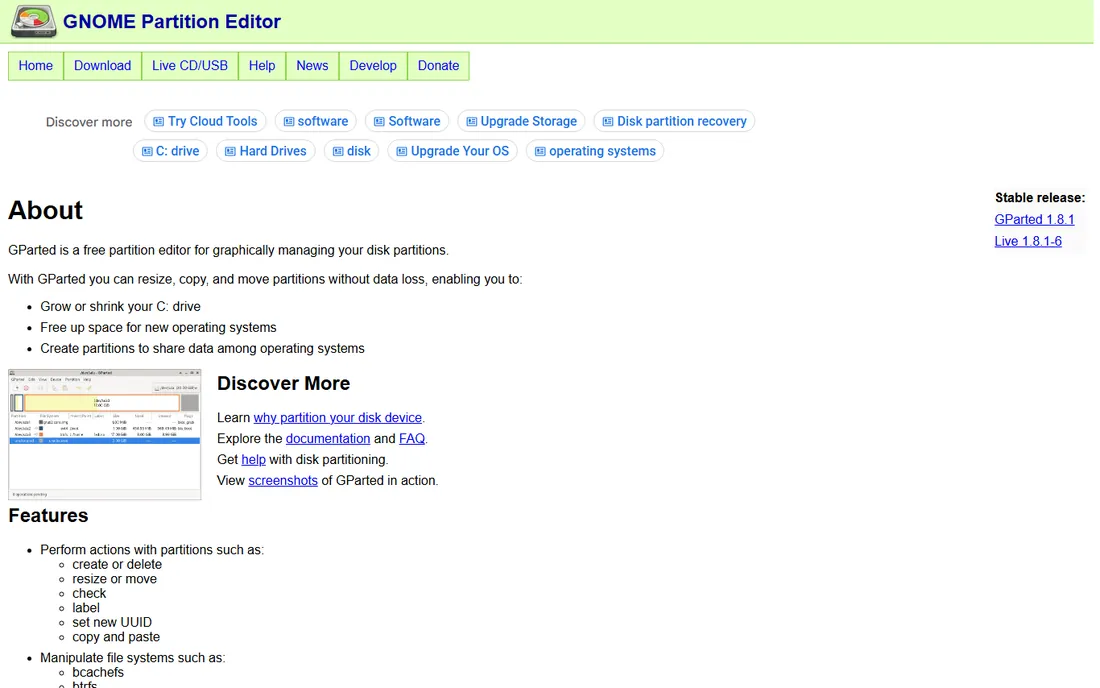
GParted is the free partition editor that technicians have trusted for two decades. It creates, deletes, resizes, moves, checks and copies partitions across an enormous list of file systems, from NTFS and exFAT to ext4, btrfs and xfs. Because it runs from GParted Live bootable media, it works on Windows PCs, Macs and Linux machines alike, and it can modify the system drive that installed tools cannot touch while running.
The trade-off is convenience: there is no slick Windows installer workflow, and the interface assumes you know what a partition table is. For anyone comfortable with that, nothing free does more. Keep a GParted Live USB in your toolkit even if you buy one of the Windows tools below.
What we like- Free with no tiers, ads or upsells
- Supports a huge range of file systems (NTFS, exFAT, ext4, APFS-adjacent HFS+, and more)
- GParted Live boot media works on any x86-64 PC
- Resize, move and copy partitions without data loss
Watch out for- No native Windows application: you boot from USB for most jobs
- Interface is functional rather than friendly
- Beginners should read the docs first
#2
DiskGenius
Best for: Windows users who want partitioning, cloning and data recovery in one program
Visit diskgenius.com
Starting priceFree edition; Professional from $69.90 (one-month license; one-year and lifetime available)
Free planYes, a genuinely useful free edition
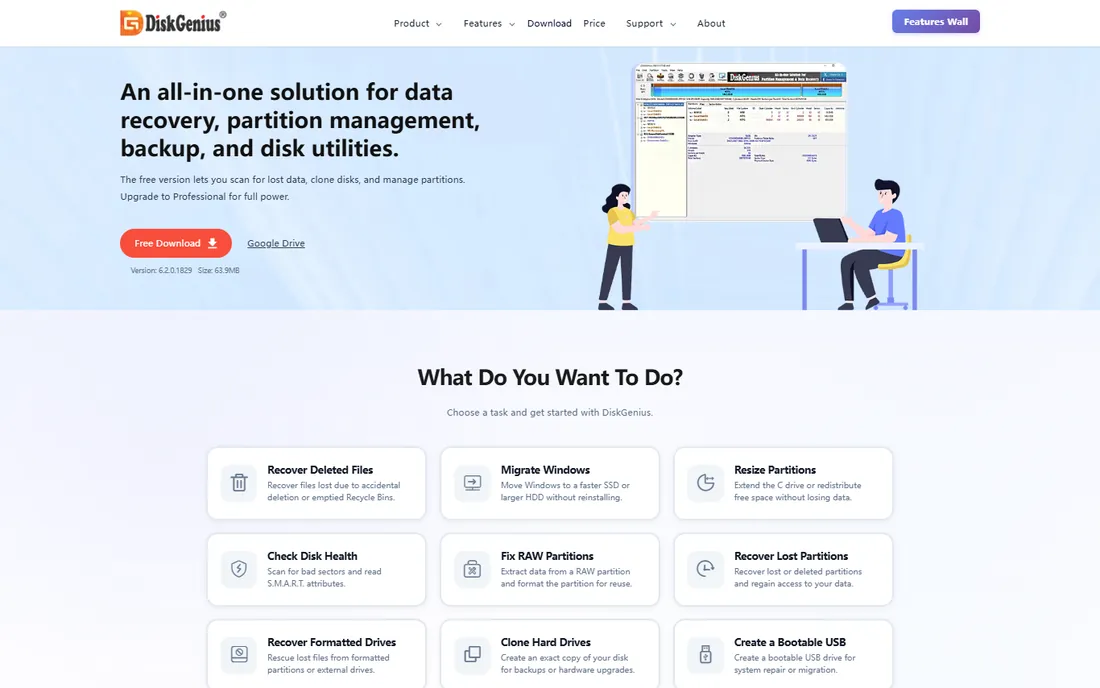
DiskGenius stands out because its free edition is unusually complete: resizing, formatting, deleting and converting partitions, cloning disks and migrating Windows to an SSD all work without paying. On top of that sits data recovery (scan and preview free), lost-partition search, disk health checks, secure erase and boot repair. It is several utilities in one installer.
Professional starts at $69.90 for a one-month license with no auto-renewal, and one-year and lifetime licenses are available; check the pricing page for current rates. If you want one Windows program that handles both routine partitioning and "the drive just died" emergencies, start with the free edition here.
What we like- The free edition covers resize, format, delete, MBR/GPT conversion, disk cloning and OS migration
- Built-in data recovery and partition recovery
- No auto-renewal on paid licenses
- Actively developed (2026 releases)
Watch out for- Data recovery of larger files, dynamic-disk conversion and full backup need Professional
- Windows only
- The breadth of features can overwhelm
#3
AOMEI Partition Assistant
Best for: Windows users who want a polished, approachable partition manager
Visit diskpart.com
Starting priceSee website
Free planFree Standard edition
AOMEI Partition Assistant is the friendly face of Windows partition management. Creating, formatting, resizing, merging, wiping and hiding partitions are all wizard-guided, and extras like migrating your OS from an HDD to an SSD, converting between MBR and GPT, and checking Windows 11 readiness make it a solid general maintenance tool.
A free Standard edition covers the basics; check AOMEI's site for current Professional pricing. It is a good pick for home users who find GParted intimidating and want everything inside Windows with plain-language guidance.
What we like- Clean, guided interface that suits non-technical users
- OS migration to SSD without reinstalling
- MBR/GPT and dynamic/basic disk conversion
- Disk health, defrag and Windows 11 compatibility checker
Watch out for- Pricing not shown on the homepage
- The most useful features sit in paid editions
- Server features need the Server edition
#4
MiniTool Partition Wizard
Best for: Beginners who want partition tasks explained as they go
Visit minitool.com
Starting priceSee website
Free planFree Edition for basic disk and partition operations
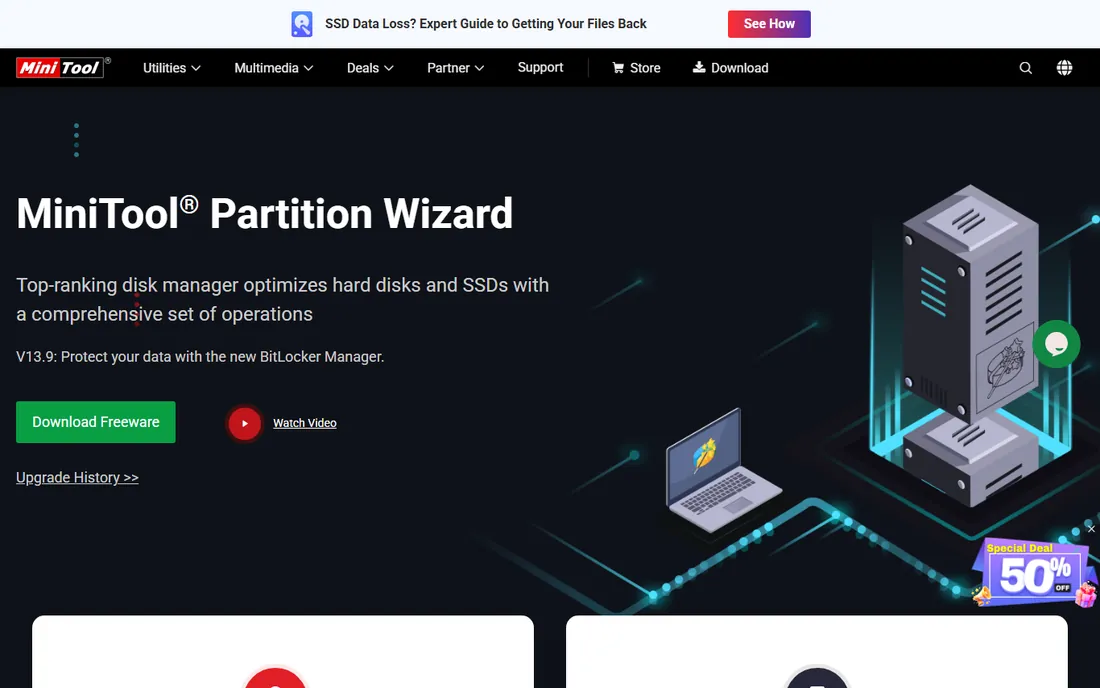
MiniTool Partition Wizard has been around long enough to refine the beginner experience: tasks are laid out plainly, operations queue up for review before anything touches the disk, and the free edition covers creating, formatting, deleting and resizing basic partitions. Business editions extend to Windows Server and technician use.
Check MiniTool's site for current Pro pricing, since it is not on the product page. For a first-time user who is nervous about touching partitions, the guided approach and undo-before-apply workflow are reassuring.
What we like- Very approachable for first-time partitioners
- Free edition handles basic operations
- Bootable media builder for unbootable PCs
- Long-established vendor with server editions for IT pros
Watch out for- Pricing not published on the product page
- Free edition is deliberately limited to upsell Pro
- Some advanced operations need the top-tier Ultimate edition
#5
EaseUS Partition Master
Best for: Buyers who want a mainstream brand and the option of a lifetime license
Visit easeus.com
Starting price$54.95/year or $69.95 lifetime (Pro, promotional pricing; see website)
Free planFree Edition for home users
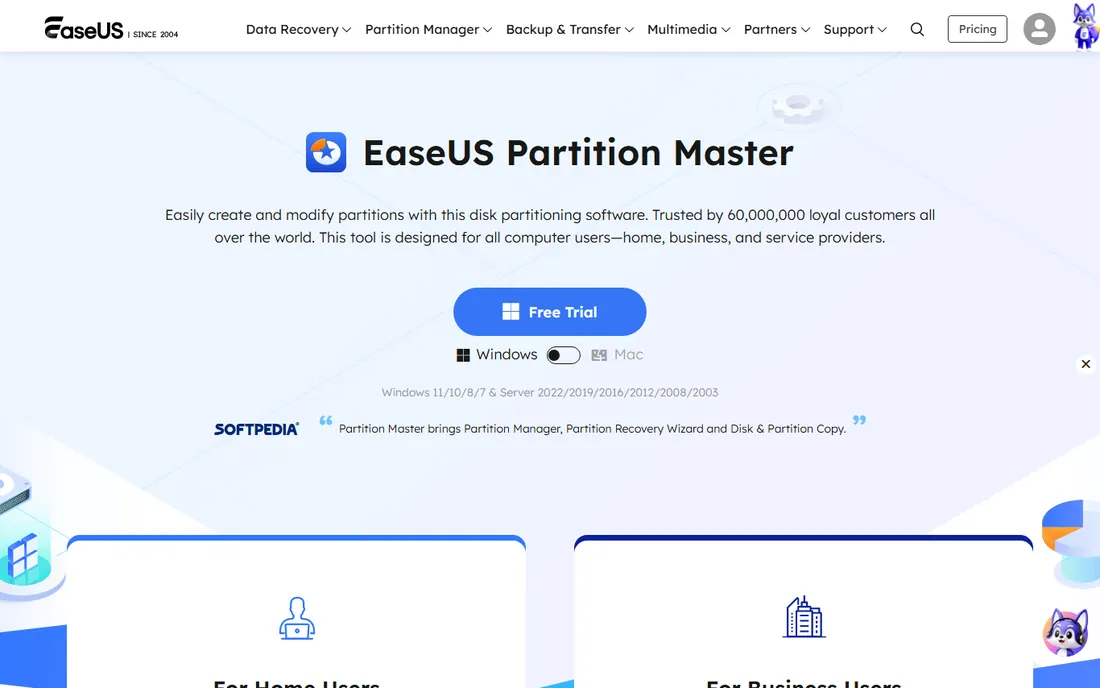
EaseUS Partition Master is one of the best-known names in this category, and its headline feature is pricing flexibility: Pro is offered by the year or as a lifetime license, currently listed at $54.95 for one year or $69.95 lifetime under a promotion, so confirm current pricing on EaseUS's site before buying. The free edition handles everyday jobs like resizing, creating, formatting and merging partitions.
Pro adds OS migration to SSD, full disk cloning, partition recovery and a WinPE bootable environment. If you dislike subscriptions but want commercial support, the lifetime option is the argument for EaseUS over its rivals.
What we like- Lifetime license option avoids recurring fees
- Free edition covers common tasks
- OS migration, disk clone and partition recovery in Pro
- WinPE bootable media creator
Watch out for- Displayed prices are promotional and may change
- The free edition nudges toward paid upgrades
- Windows-focused
#6
Paragon Hard Disk Manager
Best for: Users who want partitioning plus full backup and recovery in one suite
Visit paragon-software.com
Starting price$79.95 perpetual (Advanced, 3 PCs); $19.95 for the first year, then $24.95/year
Free planSee website (free edition availability varies)
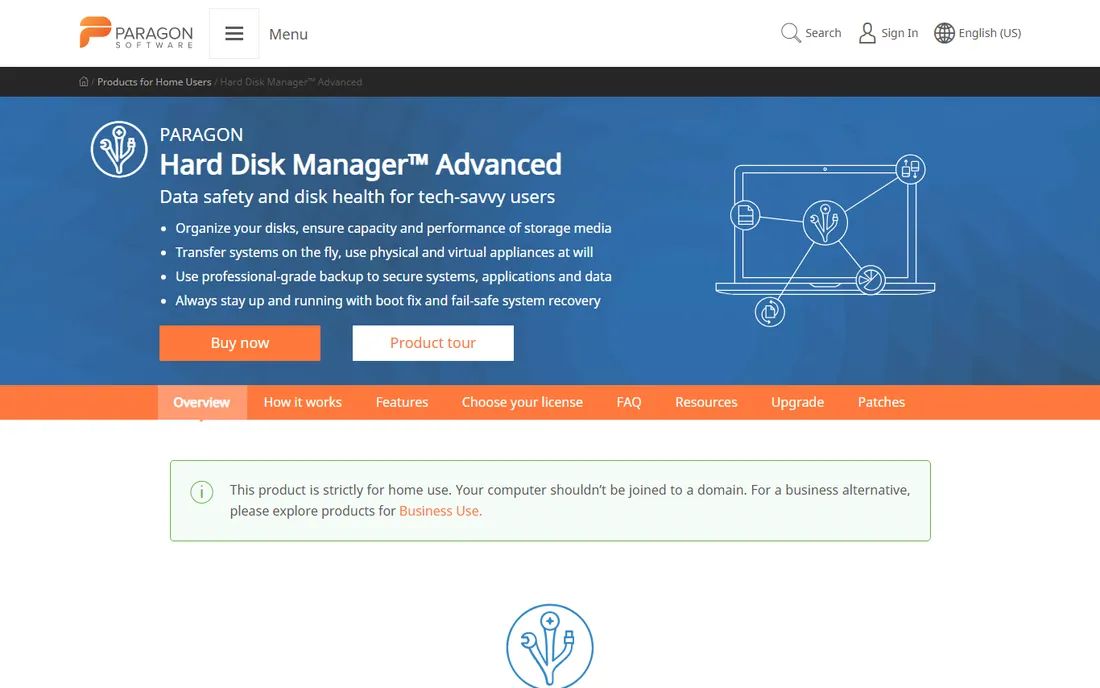
Paragon Hard Disk Manager is the most complete suite here: advanced partitioning (split, merge, undelete, sector editing, MBR/GPT conversion) sits alongside scheduled backup imaging, disk cloning, secure wiping and a recovery media builder for dead systems. It is the tool for someone who wants one purchase covering both disk organization and disaster recovery.
Pricing is published: $79.95 for a perpetual Advanced license covering 3 PCs, or a 1-year license at $19.95 for the first year. Note the subscription model blocks the product if it expires, so the perpetual license is the safer buy. Home use only; businesses need Paragon's business line.
What we like- True all-in-one: partitioning, backup imaging, cloning, wiping and recovery media
- Perpetual 3-PC license available
- WinPE Recovery Media Builder
- Long track record with strong reviews
Watch out for- The subscription version stops working if you let it lapse
- Strictly for home use (no domain-joined PCs)
- More complex than pure partitioners
#7
NIUBI Partition Editor
Best for: Users who want a fast, safety-first free partition manager for Windows
Visit hdd-tool.com
Starting priceFree ($0); Professional from $39
Free planYes, 100% free for home users with all functions
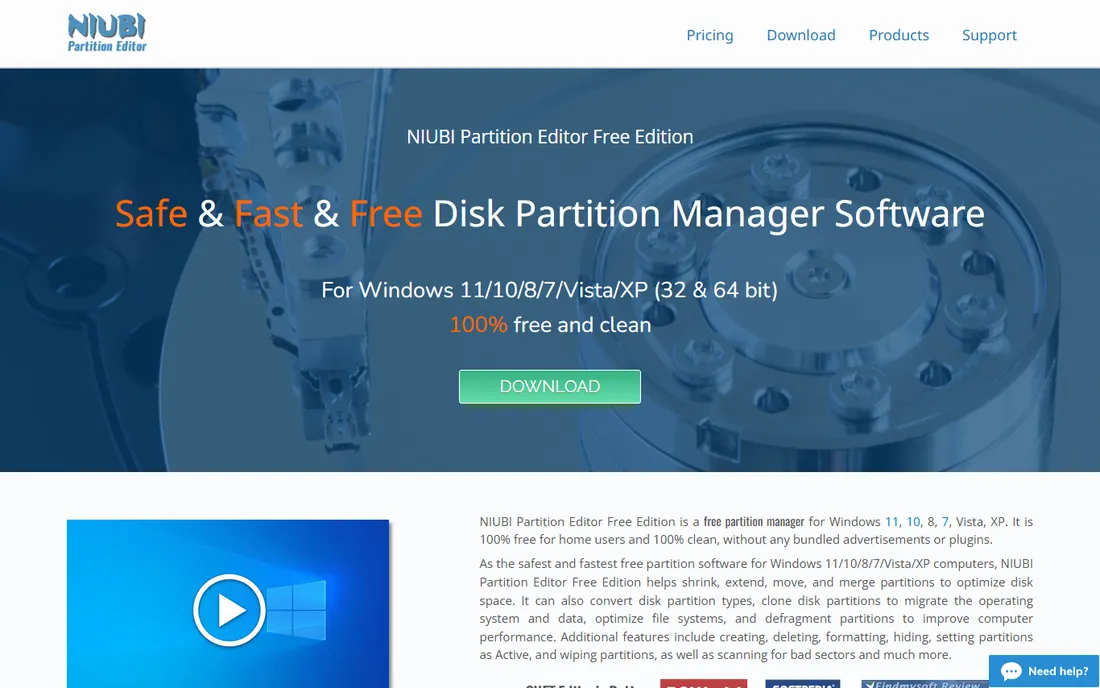
NIUBI Partition Editor's pitch is safety plus speed. The free edition is strikingly complete: resize, move, merge, create, format, delete, hide and wipe partitions, convert disk types, clone disks and migrate the OS, all free for home users with no bundled junk. Virtual mode queues every operation for your review, cancel-at-will stops a running job, and the 1-second rollback technology reverts the disk automatically if an error or interruption occurs.
Professional starts from $39 and adds commercial use, the bootable media builder and rollback on up to 2 PCs. For a free Windows partition manager that takes fewer risks with your data, NIUBI is the strongest pick on this list.
What we like- The free edition includes all functions with no ads or bundles
- 1-second rollback reverts the disk if anything goes wrong
- Virtual mode previews operations before applying
- Fast partition operations
Watch out for- Windows only
- Free edition is for non-commercial home use
- Smaller vendor than EaseUS or Paragon
Key takeaways
- For free, start with NIUBI Partition Editor (Windows, safety features) or GParted (any PC via bootable USB, open source).
- DiskGenius has the most generous free Windows edition, adding data recovery and OS migration at no cost.
- EaseUS Partition Master ($69.95 lifetime, promotional) and Paragon Hard Disk Manager ($79.95 perpetual, 3 PCs) are the buy-once options; confirm current prices on their sites.
- AOMEI and MiniTool suit beginners who want guided, in-Windows workflows; both keep pricing behind their stores.
- Back up before you partition: every tool here can destroy data if misused, and the safety features are a backstop, not a substitute.
These terms get mixed up, and the distinction matters. Formatting prepares a partition with a file system (NTFS, exFAT, FAT32); it erases the file index, and the data is usually recoverable afterward. Partitioning divides a physical disk into logical sections, or resizes and moves those sections; the tools on this list do this without data loss when used correctly. Wiping overwrites every sector so data cannot be recovered, which is what you want before selling or disposing of a drive.
Secure erase standards matter for wiping: a quick format does not prevent recovery, while multi-pass overwrites or the drive's built-in secure erase command do. DiskGenius, Paragon and NIUBI include proper wipe functions; GParted can do it via its live environment. If you are returning a work laptop or selling a used drive, use the wipe function, not the format function.
One more distinction: cloning copies everything bit-for-bit to a new drive (for upgrades), imaging creates a compressed backup file (for recovery), and migration moves just the OS. DiskGenius, EaseUS, Paragon and NIUBI cover all three; GParted covers cloning-style copies. Match the operation to the goal before clicking Apply.
How we chose
We started with the categories buyers search: hard drive formatting software, partition manager and disk partitioning software. For each candidate we opened the vendor's own site and pricing page, checked feature lists and documentation, and compared notes from public reviews on G2 and Capterra and practitioner discussion on Reddit. Where a price could not be verified on the vendor's page we wrote "See website" rather than guessing.
Start with your operating system. On Linux, GParted is the natural choice. On Windows, every other tool here runs natively; GParted still works via bootable USB for system-disk jobs. On macOS, Disk Utility covers basics and GParted Live covers the rest, so Mac-only buyers need less.
Next, list the actual jobs. Simple formatting and repartitioning are free in NIUBI, GParted, DiskGenius Free and MiniTool Free. OS migration to an SSD is free in DiskGenius and NIUBI, paid elsewhere. Data recovery points to DiskGenius. Full backup imaging points to Paragon. Secure wiping for disposal is in DiskGenius, Paragon and NIUBI.
Then decide how you pay. Free covers most home needs. If you buy, prefer perpetual or lifetime licenses (Paragon $79.95, EaseUS $69.95 lifetime, NIUBI Pro from $39) over subscriptions you must remember to renew. And whatever you choose: back up first, verify the backup, and use virtual/preview modes before applying changes to a disk you care about.
Frequently asked questions
What is the best free hard drive formatting software?
NIUBI Partition Editor for Windows (full-featured, with rollback safety) and GParted (open source, runs on any PC from a bootable USB). DiskGenius Free is also strong, adding data recovery and OS migration at no cost.
Will formatting a hard drive erase everything?
A standard format removes the file index, so files disappear but remain recoverable with recovery software. To truly destroy data before selling a drive, use a secure wipe function (offered by DiskGenius, Paragon and NIUBI), not a regular format.
Can I resize my C: drive without losing data?
Yes, with any tool on this list: shrinking, extending and moving partitions preserves data when done correctly. Back up first anyway, keep the PC powered during the operation, and do not interrupt it. NIUBI's rollback and virtual mode add extra safety.
What is the difference between MBR and GPT?
They are partition table formats: GPT is the modern standard, required for boot drives over 2TB and UEFI systems, while MBR is the legacy format capped at 2TB. DiskGenius, AOMEI, EaseUS, Paragon and NIUBI all convert between them without data loss.
Do I need to pay for partition software?
Most home users do not: the free editions of NIUBI, DiskGenius, MiniTool, EaseUS and AOMEI cover formatting, resizing and basic management. Pay when you need OS migration with support, server editions, commercial use, or bundled backup imaging.
Is it safe to partition a drive with data on it?
Generally yes with modern tools, which are designed for non-destructive resizing. The risk is never zero: power loss mid-operation or user error can destroy data. Back up anything irreplaceable first, and prefer tools with preview modes and rollback features.
Sources we checked (10)
- https://gparted.org
- https://diskgenius.com/
- https://diskpart.com/
- https://www.minitool.com/partition-manager/
- https://www.easeus.com/partition-manager/
- https://www.paragon-software.com/us/home/hdm-windows/
- https://www.hdd-tool.com/partition-manager/partition-editor-free.html
- https://www.businesswire.com/news/home/20260212236512/en/Backblaze-Publishes-2025-Drive-Stats-Report-13-Years-of-Data-Show-a-Growing-Healthier-Drive-Fleet
- https://www.g2.com/categories/disk-imaging
- https://www.capterra.com/backup-software/
Is your product missing or out of date?
We review this list regularly. Vendors can request a listing, send updated pricing or ask about featured placement.

Shihab Mia · Founder, Rankite
Shihab has spent more than a decade helping SaaS and e-commerce brands grow through search. He writes Rankite's software buying guides from pricing pages, documentation and public user reviews. More about Shihab.