How we make this list: we compare pricing pages, product documentation and public user reviews. Ratings come from G2, Capterra or Trustpilot, with the date we checked them.
Key takeaways
- Medal and Outplayed are the best dedicated clipping apps, with automatic capture, easy editing and social sharing.
- OBS Studio is free and powerful, but it is a recording and streaming tool first, not an automatic clipper.
- NVIDIA App and Xbox Game Bar are already on many gaming PCs, so try them before installing anything new.
- SteelSeries Moments suits players who already use SteelSeries gear and want clips tied to their setup.
- Automatic clipping saves the best moments, but check storage and performance impact before leaving it on all day.
Quick comparison
Is your product missing or out of date?
We review this list regularly. Vendors can request a listing, send updated pricing or ask about featured placement.
The best game clipping software
Starting priceFree
Free planYes
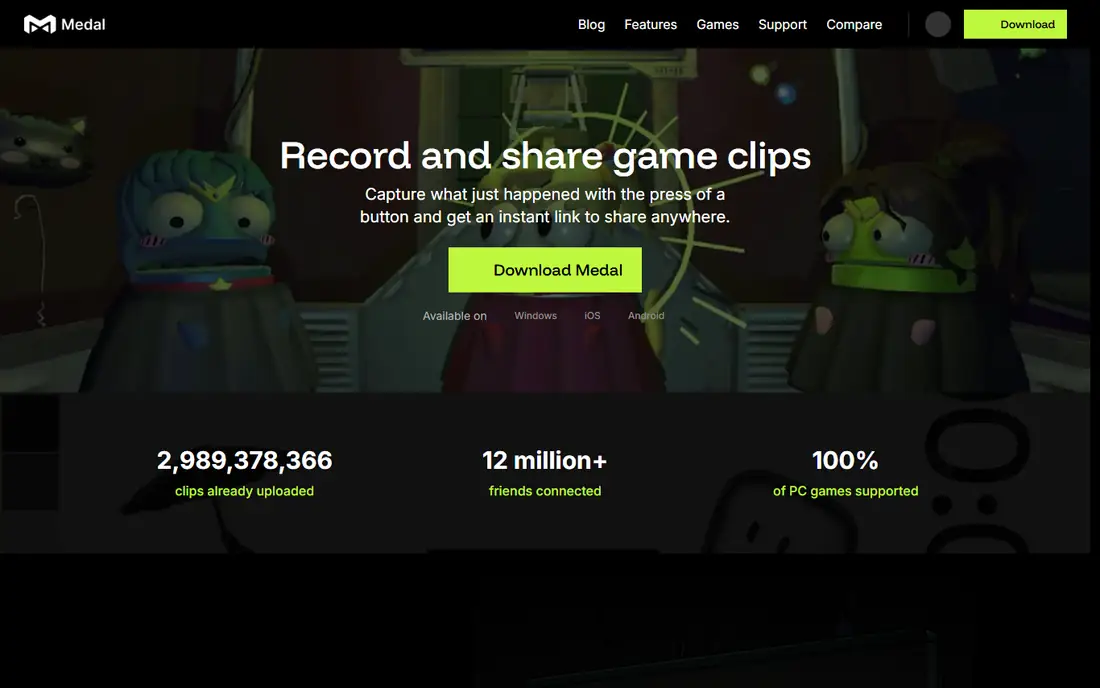
Medal is the most popular dedicated clipping app for a reason: it makes capturing and sharing a great play almost effortless. It records in the background, lets you save the last 15 seconds to several minutes with a hotkey, and offers a built-in editor for trimming, adding text and music, and sharing to the Medal community, Discord, TikTok or YouTube.
Automatic detection works across many popular games, so big moments like kills, wins and goals can be captured without you remembering to press anything. The library organises clips by game, and the mobile app lets you watch and share from your phone. Medal's community features, including following creators and trending clips, make it feel like a social network for gamers.
The free tier covers the core clipping and sharing, while a premium plan adds longer clips, higher quality and more storage. On modest PCs, background recording can cost a few frames, so test your settings in a demanding game before leaving it on permanently.
What we like- Automatic and manual clipping
- Built-in editor and sharing
- Large gaming community
Watch out for- Some features need a subscription
- Can be heavy on lower-end PCs
Starting priceFree
Free planYes
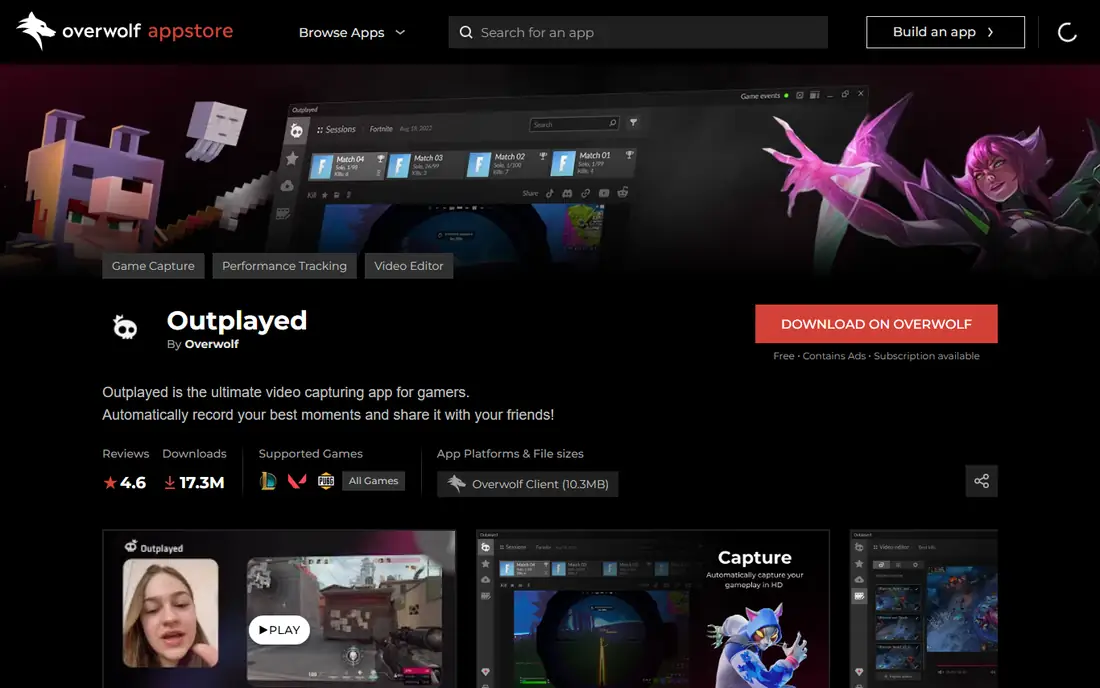
Outplayed, from Overwolf, focuses on automatic capture: it detects in-game events like kills, deaths, wins and assists in supported games and saves them as clips without you touching anything. That is ideal for long sessions where you cannot predict when the highlight will happen. Manual capture with a hotkey is available too, for games or moments the automatic system misses.
The app supports hundreds of games, with new titles added regularly, and clips can be edited, captioned and shared to social platforms or Discord. Because it runs on Overwolf, it shares that platform's app ecosystem, including stats trackers and overlays that some players love and others find cluttered.
Outplayed is free, which makes it easy to try. If you play mainly supported titles and want a set-and-forget clipper, it is the strongest automatic option in this list.
What we like- Strong automatic event capture
- Supports hundreds of games
- Built into the Overwolf platform
Watch out for- Needs Overwolf
- Interface can feel busy

#3OBS Studio
Best for: Free recording and streaming4.6/5 on
G2 (138 reviews, checked Oct 2026)
Visit obsproject.com
Starting priceFree
Free planYes
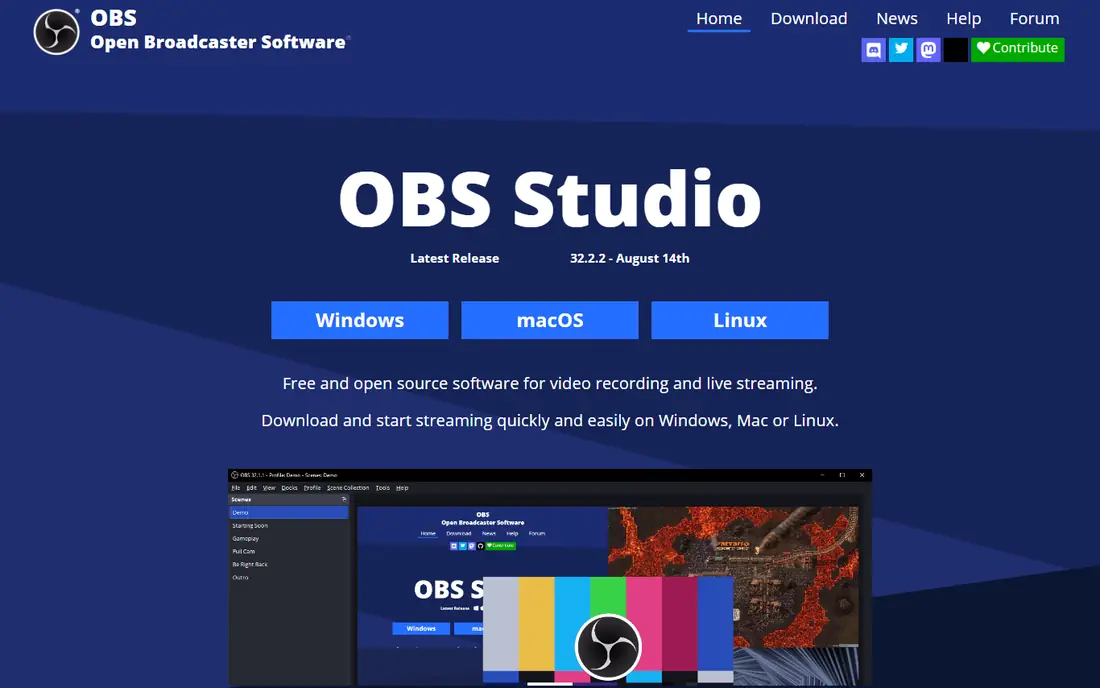
OBS Studio is not a clipping app in the Medal sense. It is a free, open-source recording and streaming studio that lets you capture gameplay, webcam, audio and overlays at exactly the quality you choose, and stream to Twitch or YouTube. For clipping, you use its replay buffer feature: it keeps the last few minutes of gameplay in memory, and a hotkey saves that buffer as a file.
That manual approach suits creators who want full control. You choose the encoder, bitrate, resolution and file format, and you can record for hours without a subscription or watermark. The trade-off is effort: there is no automatic detection of kills or wins, and setting up scenes, sources and the replay buffer takes time to learn.
OBS is the best choice if you already stream or record long sessions and want clips as a by-product. If you only want highlights saved automatically, Medal or Outplayed will suit you better.
What we like- Completely free and open source
- Huge control over quality and sources
- Doubles as a streaming tool
Watch out for- No automatic highlight detection
- Steeper learning curve
Starting priceFree
Free planYes
SteelSeries Moments, part of the SteelSeries GG software suite, captures gameplay automatically or manually and lets you trim and share clips from one place. It is free, and it works whether or not you own SteelSeries hardware, though it integrates most smoothly with SteelSeries headsets, keyboards and mice, where a button can trigger a capture.
The interface is clean and gamer-friendly, with a library organised by game and simple editing tools. Sharing to Discord, TikTok and other platforms is built in, and the app's performance impact is modest on modern PCs.
Moments supports fewer games for automatic capture than Outplayed, and its feature set is narrower than Medal's. But if you already run SteelSeries GG for your gear, Moments is a natural, no-cost addition that keeps your clips in the same app as your device settings.
What we like- Free with automatic capture
- Ties into SteelSeries GG software
- Easy sharing
Watch out for- Best with SteelSeries gear
- Fewer games supported than Outplayed
Starting priceFree
Free planYes
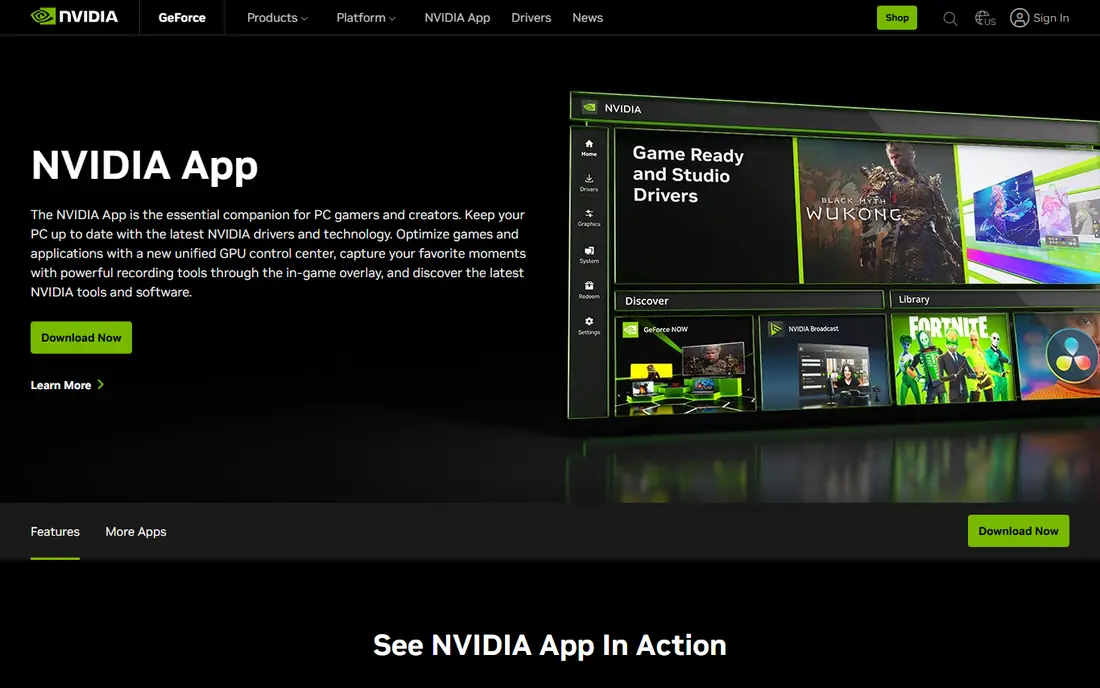
The NVIDIA App, successor to GeForce Experience, includes ShadowPlay, one of the oldest and most reliable clipping tools. Instant Replay keeps a rolling buffer of your gameplay, from 30 seconds to 20 minutes, and a hotkey saves the moment after it happens. Because it uses NVIDIA's NVENC hardware encoder, the performance cost is small, often just a few frames.
Recording quality is excellent, with support for high resolutions and frame rates, and the app also handles driver updates, game optimisation and manual recording. Sharing is more basic than Medal: you save a file and upload it yourself, rather than posting from inside the app.
If you own an NVIDIA graphics card, the NVIDIA App is already available and costs nothing extra, so it is the obvious first clipper to try. Dedicated apps win on automatic highlights and social features, but for pure capture quality and low performance cost, ShadowPlay remains hard to beat.
What we like- Free with NVIDIA GPUs
- ShadowPlay instant replay
- Hardware encoding with minimal performance cost
Watch out for- NVIDIA GPUs only
- Fewer sharing and editing features than dedicated apps
Starting priceFree
Free planYes
Xbox Game Bar is built into Windows 10 and 11, which makes it the easiest clipper to start with: press Win plus G, and you get recording, screenshots, audio controls and performance widgets without installing anything. A hotkey saves the last 30 seconds, or you can record a full session manually.
Clips are saved to your Videos folder and can be shared through the Xbox app or uploaded elsewhere. The tool is deliberately simple, which is both its strength and its limit: there is no automatic highlight detection, no advanced editor and fewer quality options than OBS or Medal.
Game Bar suits casual players who clip occasionally and do not want another app running. If you clip daily or want automatic highlights, move to Medal, Outplayed or the NVIDIA App. But for a quick, free, no-install start, Game Bar is already on your PC.
What we like- Built into Windows, no install needed
- Quick capture with Win plus G
- Simple sharing
Watch out for- Limited editing
- Capture quality and features are basic

#7Eklipse
Best for: AI-generated highlights4.5/5 on
G2 (6 reviews, checked Oct 2026)
Visit eklipse.gg
Starting priceFree
Free planYes
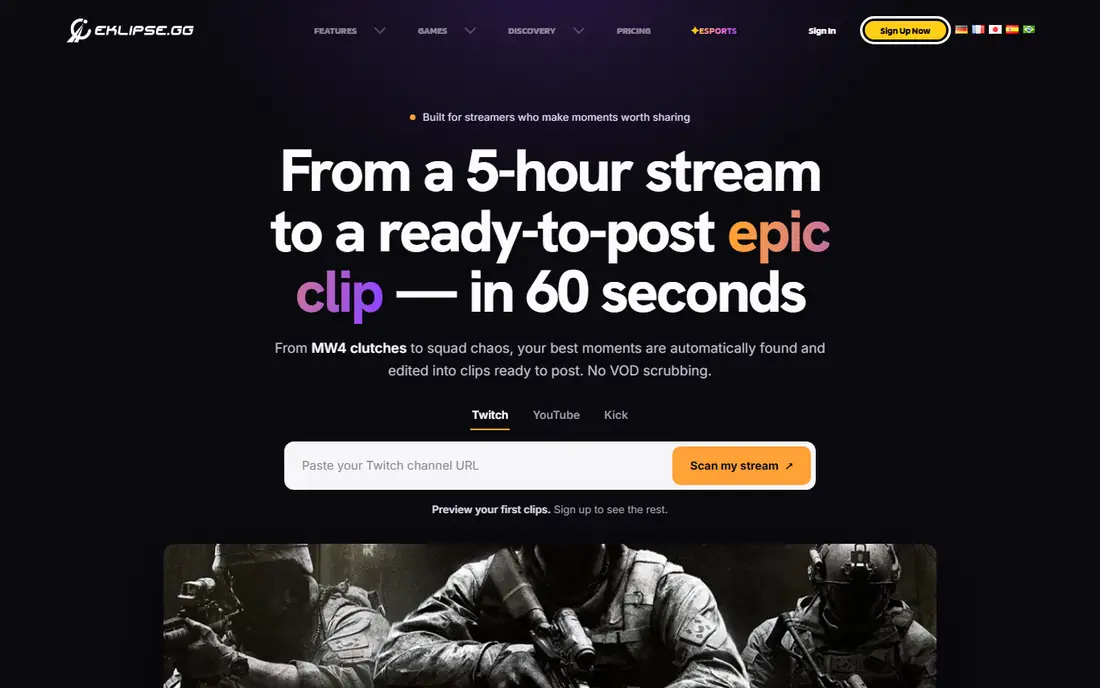
Eklipse takes a different approach: instead of capturing as you play, it uses AI to find highlights in your existing streams and recordings. Connect your Twitch or YouTube account, or upload a video, and Eklipse scans for exciting moments, then cuts them into short vertical clips ready for TikTok, Shorts or Reels.
That workflow suits streamers and creators who already record long sessions and want shareable clips without scrubbing through hours of footage. The AI is good at spotting kills, wins and reactions, though it sometimes misses quieter moments or picks a clip that needs trimming. Editing tools let you adjust the result before publishing.
The free tier covers basic clipping and sharing, with premium plans adding more processing and features. If your goal is social content from streams rather than personal highlights, Eklipse saves more time than any manual clipper.
What we like- AI picks highlights from streams and recordings
- Automatic editing for TikTok and Shorts
- Works with Twitch and YouTube
Watch out for- AI picks are not always perfect
- Best results need streamed or recorded footage
Starting priceFree
Free planYes
Gazoom is a free clipping app with a community twist. It captures highlights automatically in supported games, lets you edit and share clips, and adds community features like challenges, leaderboards and feeds where players show off their best moments. That social layer makes it fun for players who enjoy competing with friends or discovering clips from other players.
Capture quality is good, and the app is straightforward to set up, with hotkeys for manual clips alongside automatic detection. Game support covers many popular titles, though it is not as broad as Outplayed's, so check your main games before committing.
Gazoom's community is smaller than Medal's, which means less audience for shared clips, but the challenges and social features give it a distinct feel. If you want clipping plus a community to share with, Gazoom is worth a try alongside the bigger names.
What we like- Automatic highlights and easy sharing
- Community and challenges
- Works across popular games
Watch out for- Smaller community than Medal
- Some features vary by game
How we chose
We compared tools on automatic capture, manual capture quality, performance impact, editing, sharing and price. Prices were checked against vendor sites, and where premium plans exist we note that the core clipping is free. We also read public user reviews to confirm real-world performance, since a clipper that costs frames in a competitive game is a poor choice no matter how good its editor is.
Background recording always costs something, so set it up carefully. Use hardware encoding if your GPU supports it, keep the recording resolution at or below your game resolution, and limit the replay buffer to a length that covers your highlights without eating disk space. Test in your most demanding game and watch frame rates before trusting the setup in a ranked match.
Organise clips before they pile up
Clips accumulate fast. Delete weak clips weekly, keep only the best in a favourites folder, and back up the ones you want to keep to cloud storage or an external drive. A tidy library makes editing and sharing far easier, and it stops your drive filling up mid-session.
Frequently asked questions
What is the best free game clipping software?
Medal and Outplayed are the best free dedicated clippers, with automatic capture and easy sharing. OBS Studio is the best free option if you also want to stream or record long sessions, and Xbox Game Bar is already free on Windows.
Does game clipping software slow down games?
It can, by a few frames, depending on your hardware and settings. Hardware encoding on NVIDIA or AMD GPUs keeps the cost low, and limiting resolution and buffer length helps. Test in a demanding game before playing competitively.
Can I clip games on console?
Yes. PlayStation and Xbox both have built-in capture: press the Share or Create button on PlayStation, or the Xbox button plus a capture shortcut on Xbox. Clips can be shared to the console's app or transferred to a phone for editing.
How long can a clip be?
It depends on the tool. Instant replay buffers typically cover 30 seconds to 20 minutes, while manual recording can run for hours. Dedicated apps like Medal offer longer clips on premium plans, while OBS has no practical limit beyond disk space.
What is the best clipping software for TikTok and Shorts?
Eklipse is built for this, turning streams and recordings into vertical clips with AI-selected highlights. Medal also offers vertical editing and direct sharing to TikTok, which suits creators who clip as they play.
Do I need a subscription to clip games?
No. Every tool in this list offers free clipping, including Medal, Outplayed, OBS Studio, SteelSeries Moments, NVIDIA App, Xbox Game Bar, Eklipse and Gazoom. Subscriptions add longer clips, more storage or premium features, but the core capture is free.
Sources we checked (8)
- https://medal.tv
- https://www.overwolf.com/app/overwolf-outplayed
- https://obsproject.com
- https://steelseries.com/moments
- https://www.nvidia.com/en-us/software/nvidia-app/
- https://www.xbox.com/en-US/apps/xbox-game-bar
- https://eklipse.gg
- https://gazoom.com
Is your product missing or out of date?
We review this list regularly. Vendors can request a listing, send updated pricing or ask about featured placement.

Shihab Mia · Founder, Rankite
Shihab has 5+ years in B2B and SaaS SEO. He writes Rankite's software buying guides from pricing pages, documentation and public user reviews. More about Shihab.
 Medal.tv
 Outplayed
 SteelSeries Moments
 NVIDIA App
 Xbox Game Bar
 Gazoom