How we make this list: we compare pricing pages, product documentation and public user reviews. Rankite is independent; if a vendor ever pays for a featured spot, that listing is clearly labeled Partner.
Key takeaways
- Medal is the best all-around free clipper, with automatic highlight detection in major titles and share links that play inside Discord.
- If you own an NVIDIA graphics card, the NVIDIA App with ShadowPlay gives you instant replay with almost no FPS cost, and you may already have it installed.
- Xbox Game Bar needs zero installs on Windows, but it caps convenience over quality, so serious creators outgrow it fast.
- OBS Studio is the only option that records anything with full control, but you set up the replay buffer yourself and get no auto highlights.
- Outplayed and Gazoom auto-detect kills and match events, which beats manual clipping if you play supported competitive titles.
Quick comparison
Is your product missing or out of date?
We review this list regularly. Vendors can request a listing, send updated pricing or ask about featured placement.
The best free clipping software
Starting priceFree
Free planYes
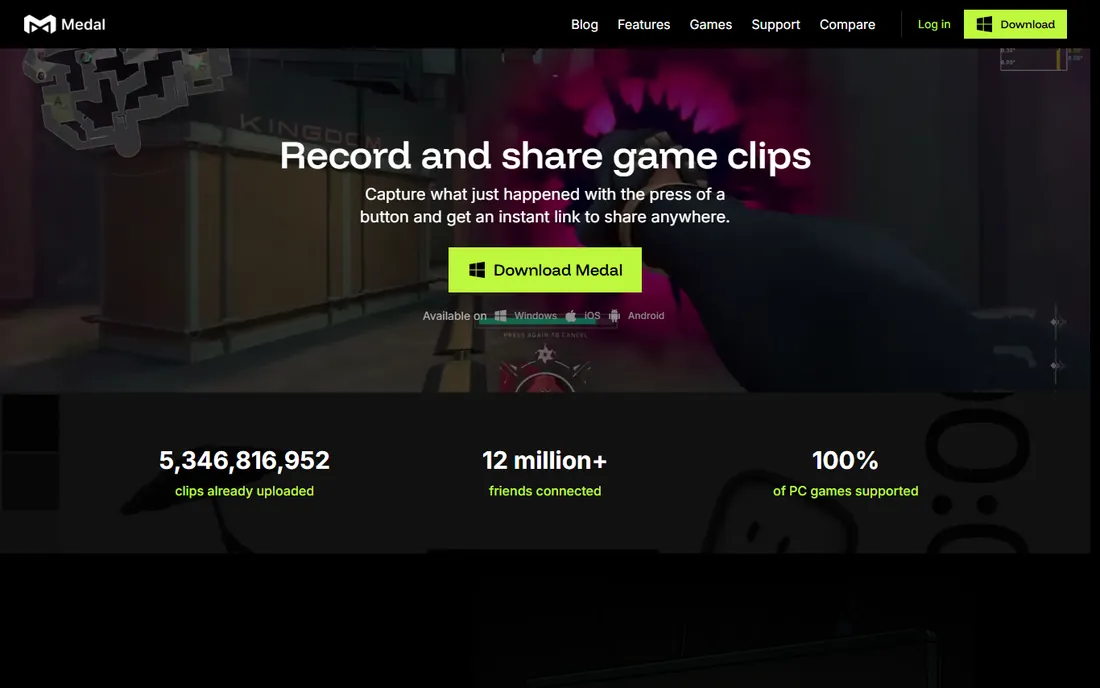
Medal is what most people mean when they ask for free clipping software. Press a hotkey after a big play, or let the app detect kills and round wins automatically in supported titles, then trim in the built-in editor and share a link that embeds directly in Discord. Recording runs up to 4K at 144fps with GPU acceleration, and the app stays light at a few hundred megabytes of RAM.
The free plan covers the core loop completely, which is why Medal tops this list. Optional premium tiers add longer cloud storage and higher quality settings. The real limits are platform, with no Mac or Linux version, and the fact that auto detection only covers major titles, so niche games need manual hotkey clipping.
What we like- Automatic event detection in Fortnite, Valorant, LoL, Apex, and CS
- Share links play natively in Discord
- Records up to 4K at 144fps
Watch out for- Windows only
- Free cloud storage has limits before you pay
Starting priceFree
Free planYes
Outplayed lives inside the Overwolf platform and takes a game-aware approach to clipping. Instead of one generic recorder, it ships profiles tuned per title: it knows what a kill looks like in Valorant versus a goal in Rocket League, and it can capture full matches with an event timeline you scrub after the game. For competitive players who review their play, that timeline is genuinely useful.
The price of admission is Overwolf itself, a separate platform that must run alongside your game. Most users find it lightweight, but some report the overlay interfering with certain titles. If you already run Overwolf for other apps, Outplayed is the obvious clipper. If you want a standalone tool with no platform attached, look at Medal or ShadowPlay instead.
What we like- Per-game capture profiles for kills, deaths, and match events
- Full-match recording with a timeline
- Free with no tier gating the basics
Watch out for- Requires the Overwolf platform running
- In-game overlay annoys some players
Starting priceFree
Free planYes
SteelSeries Moments comes bundled with SteelSeries GG, the utility that manages the company's keyboards, mice, and headsets. If GG is already on your PC, Moments is one toggle away: set a hotkey, tap it after a play, and the last 30 seconds to five minutes are saved. The editor handles trims, audio tracks, text overlays, and montages without a second program.
It is a companion feature, not a standalone product, which shapes the trade-offs. You need the GG app installed and running, there is no Mac version, and five-minute clips are the ceiling. For SteelSeries hardware owners it is the path of least resistance. Everyone else gets more flexibility from Medal or OBS.
What we like- Hotkey clipping from 30 seconds to 5 minutes
- Built-in editor with trim, text, and montages
- Already installed for SteelSeries gear owners
Watch out for- Tied to the SteelSeries GG app
- Windows only
- Clips cap at five minutes

#4
NVIDIA App (ShadowPlay)
Best for: Instant replay on NVIDIA cards
Visit nvidia.com
Starting priceFree
Free planYes
ShadowPlay, now part of the NVIDIA App, remains the most efficient way to clip on a GeForce card. Its killer feature is Instant Replay: the app continuously records into a rolling buffer, and when something amazing happens you press Alt+Z and save the last few minutes retroactively. Because encoding happens on the GPU, the FPS cost is minimal compared with CPU-based recorders.
The obvious limit is hardware. No NVIDIA card means no ShadowPlay, which rules out AMD and Intel GPU owners as well as all Mac users. It is also a recorder rather than a clip manager: files save locally and you handle editing and sharing yourself. If you have the card, though, there is no reason to install anything else for basic clipping.
What we like- Instant Replay buffer saves the last minutes retroactively
- GPU encoding barely touches FPS
- Records up to 8K with HDR
Watch out for- Requires an NVIDIA GeForce GPU
- Windows only
- No Mac or Linux support
Starting priceFree
Free planYes
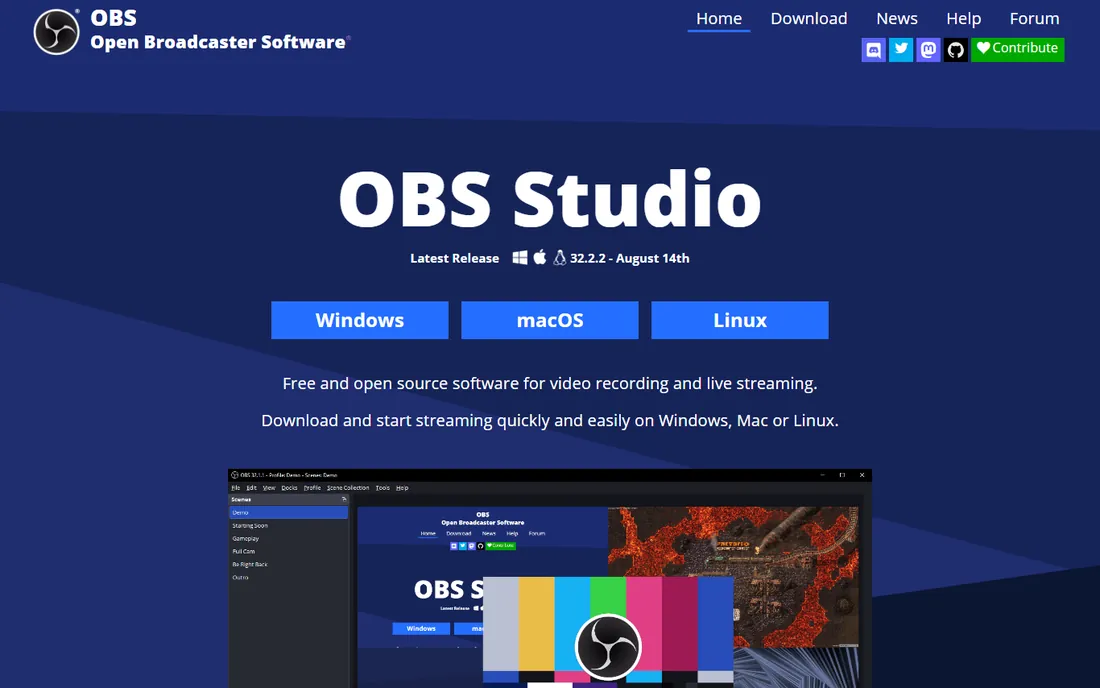
OBS Studio is the professional choice that happens to cost nothing. Its replay buffer works like ShadowPlay's instant replay, continuously recording so you can save the last stretch after a big moment. Beyond that you get scenes, multiple audio tracks, and streaming to any platform, none of which the simpler clippers offer.
The cost is complexity. Setting up the replay buffer, choosing an encoder, and tuning quality settings takes an evening of learning, and there is no AI watching for kills: you press the hotkey yourself or you miss the clip. Streamers and creators who record hour-long sessions or need multi-source layouts should start here. Casual clippers will be happier with Medal's defaults.
What we like- Completely free and open source with no watermark
- Replay buffer for retroactive clips
- Records any source, not just games
Watch out for- Setup takes real configuration
- No automatic highlight detection
Starting priceFree
Free planYes
Every Windows PC already has a clipper. Press Win+G for the overlay or Win+Alt+R to start recording, and background recording keeps the last 30 seconds ready to save. There is nothing to download, no account to create, and no performance-hungry platform running in the background.
The ceiling is low. Resolution tops out below what dedicated tools offer, the default 30fps needs a settings change to reach 60, and editing means opening another app. Game Bar is perfect for the occasional "did you see that" clip and for PCs where you cannot install software. Anyone clipping daily will outgrow it within a month.
What we like- Built into Windows 10 and 11
- Win+Alt+R records instantly
- Background recording captures the last 30 seconds
Watch out for- Limited to 1080p in practice
- Few settings
- No editor to speak of
Starting priceFree
Free planYes
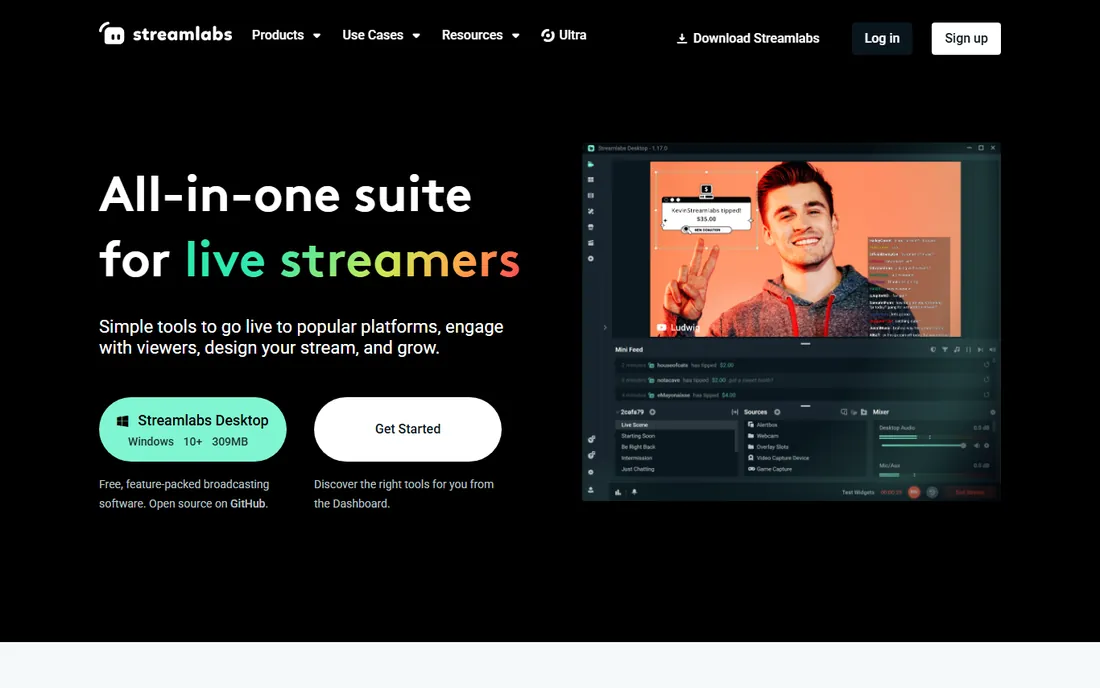
Streamlabs Desktop wraps recording, streaming, and clip repurposing into one free package. If you think you might start streaming later, beginning with Streamlabs means your scenes, alerts, and overlays carry over. Its Cross Clip tool converts stream VODs into TikTok and Shorts format, which overlaps nicely with the auto-clipping workflow.
Compared with OBS Studio it uses more system resources and pushes the Ultra subscription harder. Pure clippers like Medal are lighter for capture-only use. Pick Streamlabs when you want one app that records today and streams tomorrow, not when you want the leanest possible recorder.
What we like- Free recording and streaming in one app
- Cross Clip turns VODs into vertical shorts
- Huge theme and overlay library
Watch out for- Heavier than OBS Studio
- Constant upsells for the paid Ultra tier
Starting priceFree
Free planYes
Gazoom is the quiet alternative in the Overwolf family. It watches your gameplay and clips highlights automatically, then makes sharing to friends simple across PC, Xbox, and Twitch. Players on forums recommend it specifically as a low-friction option when Medal causes stutters on weaker hardware, since it stays light while running.
The trade-off for being lightweight is coverage. The supported game list is shorter than Medal's, and the smaller user base means fewer tutorials when something breaks. It is worth trying if Medal feels heavy on your system or if you want automatic clipping with minimal setup. Keep Medal installed as the backup until Gazoom proves itself on your titles.
What we like- Automatic clipping without manual hotkeys
- Built on the Overwolf platform
- Shares to PC, Xbox, and Twitch
Watch out for- Smaller game support list than Medal
- Less known with a thinner help community
Starting priceFree
Free planYes
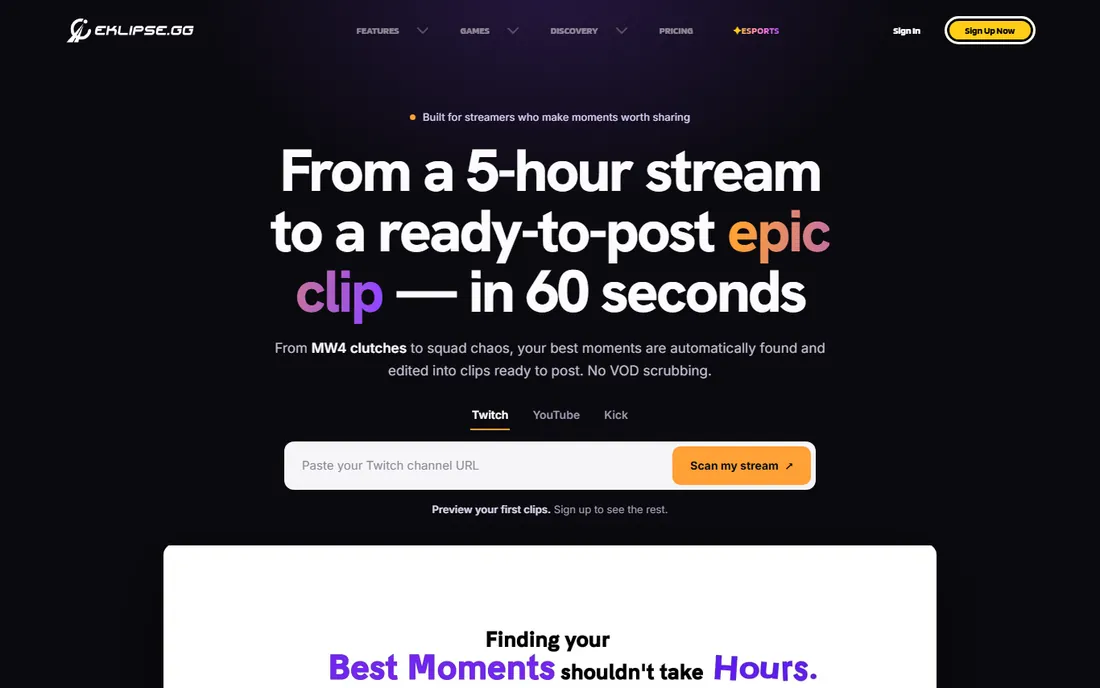
Eklipse takes a completely different angle from everything else here. Instead of recording your screen, it connects to your streaming accounts and uses AI to pull highlights out of VODs after the fact. If you already stream on Twitch or YouTube, your last broadcast becomes a source of TikToks and Shorts with no capture software and no performance cost during the game.
That also defines its limits. Eklipse cannot clip a casual gaming session you never streamed, and the AI works best on talking-heavy or event-dense streams. Pair it with any recorder on this list: capture locally with OBS or ShadowPlay for the raw footage, stream when you want an audience, and let Eklipse mine the VODs for highlights afterward.
What we like- AI pulls highlights from Twitch, YouTube, Kick, and Facebook VODs
- No capture software needed
- Free tier covers the core workflow
Watch out for- Needs existing streams or VODs
- Not a live capture tool
How we chose
We tested the criteria that matter for free clipping: actual cost with no hidden paywalls, automatic versus manual capture, performance impact during gameplay, game and platform support, and sharing options. We read vendor documentation, checked system requirements, and cross-checked real-world performance reports from Reddit and gaming forums. Every tool on this list captures gameplay free without a watermark on the core workflow.
Picking the right free clipper for your setup
The best free clipping software depends on your hardware and your habits more than on feature lists.
Match the tool to your GPU
NVIDIA owners should start with the NVIDIA App, since GPU-encoded instant replay costs the least performance. AMD and Intel GPU owners do not have that option, so Medal or Outplayed with their adjustable encoding settings are the better first try. Integrated graphics or older cards point toward Xbox Game Bar or OBS with conservative settings.
Decide between automatic and manual
Automatic highlight detection, in Medal, Outplayed, and Gazoom, captures moments you would miss while focused on the game, but only in supported titles. Manual hotkey clipping works in every game but demands that you remember to press the key. Competitive players in major titles should prioritize auto detection. Everyone else should pick the recorder with the most comfortable hotkey setup.
Check where your clips go
A clip you cannot share easily is a clip wasted. Medal's Discord-native links, Eklipse's direct social exports, and Gazoom's cross-platform sharing all beat dumping MP4s into a folder. If your friends live on Discord, prioritize tools with embed support. If you post to TikTok, look for vertical export or a companion tool like Cross Clip.
Every recorder costs something, and the currency is frames per second. GPU-encoded capture through ShadowPlay or NVENC in OBS typically costs low single-digit FPS on modern cards. CPU-encoded capture can cost far more, especially on older processors, which is why Medal's adjustable settings matter on budget PCs. Background recording and replay buffers add a constant small load even when you are not saving clips. If your game already runs near your monitor's refresh rate limit, test with the recorder on before trusting it in a ranked match. The honest answer is that free clipping is never literally free: you pay in FPS, and the tools above simply charge less than the rest.
Frequently asked questions
What is the best free clipping software for PC?
Medal is the best all-around free clipper for most PC gamers, with automatic highlight detection and easy Discord sharing. NVIDIA GPU owners should also try ShadowPlay in the NVIDIA App for its near-zero performance cost.
Does clipping software lower FPS?
Yes, but usually by a small amount. GPU-encoded recorders like ShadowPlay cost only a few frames per second on modern cards. CPU encoding costs more, so use GPU encoding in your recorder's settings whenever your hardware supports it.
Can I clip on console without a capture card?
On Xbox, the built-in capture and the Xbox mobile app handle basic clips, and Gazoom can pull from Xbox captures. PlayStation has its own capture button with similar limits. For longer or higher-quality clips, a capture card feeding OBS on a PC is still the standard setup.
How do I automatically clip kills and highlights?
Use a tool with event detection: Medal, Outplayed, and Gazoom all detect kills, deaths, and round events automatically in supported titles. Check that your specific game is on the supported list before committing, since detection only works where the vendor built a profile.
Where should I share my clips?
Discord is the default for friend groups, and Medal links embed there natively. TikTok, YouTube Shorts, and Instagram Reels want vertical video, so use a tool with vertical export or reframe in an editor. Eklipse and Streamlabs Cross Clip specialize in turning stream moments into vertical posts.
Is free clipping software safe to install?
The tools on this list come from established vendors: Microsoft, NVIDIA, SteelSeries, Overwolf, and open-source OBS. Download only from the official sites linked above, since fake "free clipper" downloads are a common malware vector. Overwolf-based apps run inside a sandboxed platform, which adds a layer of isolation.
Sources we checked (12)
- https://medal.tv/learn/best-clipping-software
- https://www.makeuseof.com/best-game-recording-software-for-windows-10/
- https://www.pcworld.com/article/402765/nvidia-shadowplay-review.html
- https://www.techradar.com/news/the-best-free-streaming-software
- https://www.vlr.gg/75231/good-software-for-clippng
- https://medal.tv/
- https://overwolf.com/
- https://steelseries.com/
- https://www.nvidia.com
- https://www.xbox.com
- https://streamlabs.com/
- https://eklipse.gg
Is your product missing or out of date?
We review this list regularly. Vendors can request a listing, send updated pricing or ask about featured placement.

Shihab Mia · Founder, Rankite
Shihab has spent more than a decade helping SaaS and e-commerce brands grow through search. He writes Rankite's software buying guides from pricing pages, documentation and public user reviews. More about Shihab.
 Medal
Medal Outplayed by Overwolf
 SteelSeries Moments
 OBS Studio
 Xbox Game Bar
 Streamlabs Desktop
 Gazoom
 Eklipse