How we make this list: we compare pricing pages, product documentation and public user reviews. Rankite is independent; if a vendor ever pays for a featured spot, that listing is clearly labeled Partner.
Key takeaways
- Two excellent FTP servers cost nothing: vsftpd and ProFTPD are free and open source, and both remain staples on Linux systems.
- For Windows environments, Wing FTP Server, CompleteFTP, and Cerberus FTP Server cover the range from a $199 one-time license to enterprise compliance tiers.
- Prices in this category are mostly one-time perpetual licenses, not monthly subscriptions, which changes the total cost math compared to most software.
- If you handle regulated data, shortlist tools with FIPS-validated cryptography and detailed audit trails, such as Cerberus or Titan SFTP Server.
Quick comparison
| Tool | Best for | Starting price | Free plan |
|---|
 Wing FTP Server Wing FTP Server | Cross-platform server with web administration | $199 one-time (Standard) | Yes (Free edition, non-commercial) |
 Cerberus FTP Server Cerberus FTP Server | Compliance-heavy Windows environments | $1,599 per year (Professional) | Free trial (25 days) |
 CompleteFTP CompleteFTP | Windows shops wanting a free tier | $369 one-time (Standard) | Yes (Free edition) |
 CrushFTP CrushFTP | Affordable multi-protocol server for any OS | $70 one-time (Small Business) | Free trial (30 days) |
 Titan SFTP Server Titan SFTP Server | Simple secure transfers in regulated industries | From $1,499.95 one-time | Free trial |
 vsftpd vsftpd | Fast, secure, free server for Linux | Free (open source) | Yes (open source) |
 ProFTPD ProFTPD | Highly configurable FTP on Unix systems | Free (open source) | Yes (open source) |
Is your product missing or out of date?
We review this list regularly. Vendors can request a listing, send updated pricing or ask about featured placement.
The best FTP server software
Starting price$199 one-time (Standard)
Free planYes (Free edition, non-commercial)
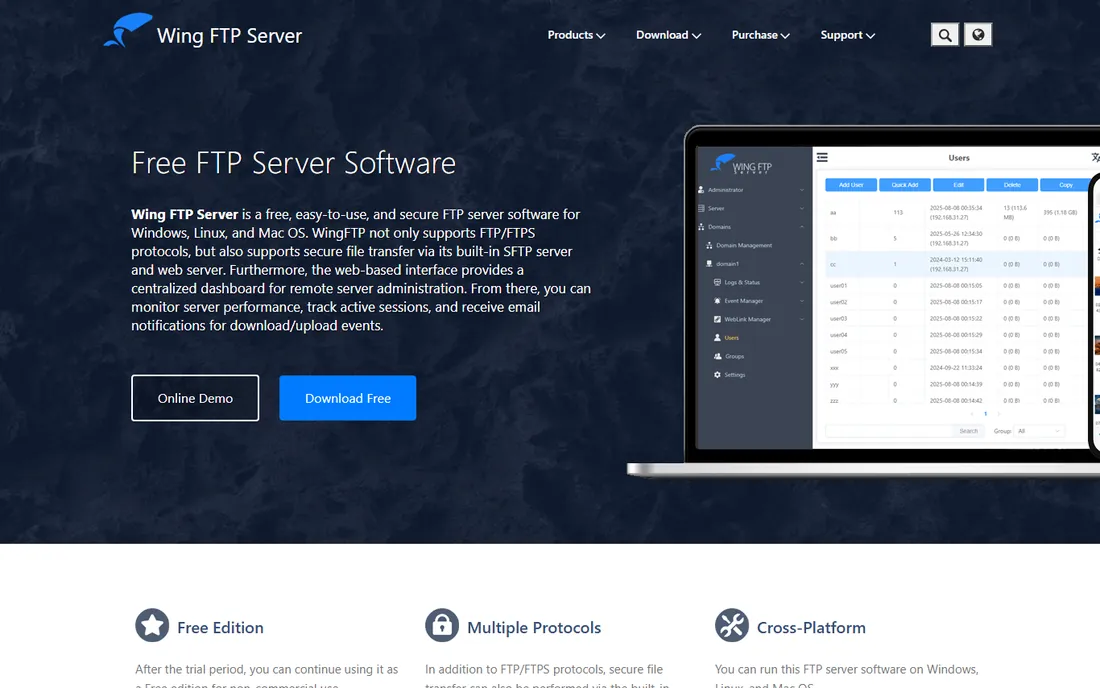
Wing FTP Server covers the middle ground between free daemons and enterprise suites. It runs on Windows, Linux, and macOS, supports FTP, FTPS, SFTP, and HTTP/S, and its web-based administration console lets you manage users, watch active sessions, and get email alerts about transfers from anywhere. The Event Manager can run Lua scripts or trigger third-party programs when files arrive, which is handy for feeding uploads into another system automatically.
Licensing is shareware with a 30-day fully functional trial, after which it drops to a Free edition for non-commercial use. Paid licenses start at $199 one-time for the Standard edition, with Secure at $569 adding encrypted protocols and Corporate at $1,299 adding high-availability clustering, database user storage, and Active Directory authentication. Prices include two years of upgrade protection, and the software itself never expires. The main limitation to know upfront is that the cheapest edition does not include SFTP or FTPS, so budget for Secure if encryption is a requirement.
What we like- Runs on Windows, Linux, and macOS
- Web-based administration console
- Lua scripting and event automation
Watch out for- Free edition is non-commercial only
- Secure protocols require the Secure edition
Starting price$1,599 per year (Professional)
Free planFree trial (25 days)
Acquired by Redwood Software in 2023, Cerberus FTP Server remains one of the most compliance-focused FTP servers on Windows. It supports FTP, FTPS, SFTP, SCP, and HTTP/S, validates cryptography to FIPS standards, and builds in IP auto-banning, detailed auditing, and a customizable web portal for sharing files with people outside your network.
The Professional edition costs $1,599 per year and includes the core secure protocols, Active Directory and LDAP integration, server replication, and phone and email support. Enterprise at $3,499 per year adds the HTTP/S web client, event automation, file retention policies, and ad hoc sharing, while Enterprise Plus at $7,949 per year is aimed at organizations that need round-the-clock severity-1 support. There is a 25-day free trial with no credit card required, but no permanent free tier. Cerberus is the pick when auditors, not just admins, will be looking at your file transfer setup.
What we like- FIPS-validated cryptography and HIPAA-oriented compliance
- Active Directory and LDAP integration
- Web client portal with branding
Watch out for- Annual subscription only
- The cheapest tier lacks the HTTP/S web client
Starting price$369 one-time (Standard)
Free planYes (Free edition)
CompleteFTP from EnterpriseDT is the Windows-native option with the most approachable pricing. The Free edition supports FTP and FTPS with unlimited users and a virtual file system, which is enough for internal file sharing. Standard at $369 one-time adds SFTP, Windows user integration, auto-banning, and remote administration. Professional at $749 adds SCP, HTTP/HTTPS, Active Directory users, and event automation, while Enterprise MFT at $1,699 adds clustering and high availability.
Licenses are perpetual and sold per server, so there is no annual subscription hanging over your head; each purchase includes 12 months of support and upgrades. The vendor also notes that the Standard edition is ideal for basic secure transfers while most customers land on Professional. The honest catch is the platform: this is Windows-only software, so mixed-OS shops will need a different tool.
What we like- Genuinely free edition with unlimited users
- Perpetual per-server licenses
- Virtual file system that merges folders from multiple sources
Watch out for- Windows only
- SFTP requires the paid Standard edition
Starting price$70 one-time (Small Business)
Free planFree trial (30 days)
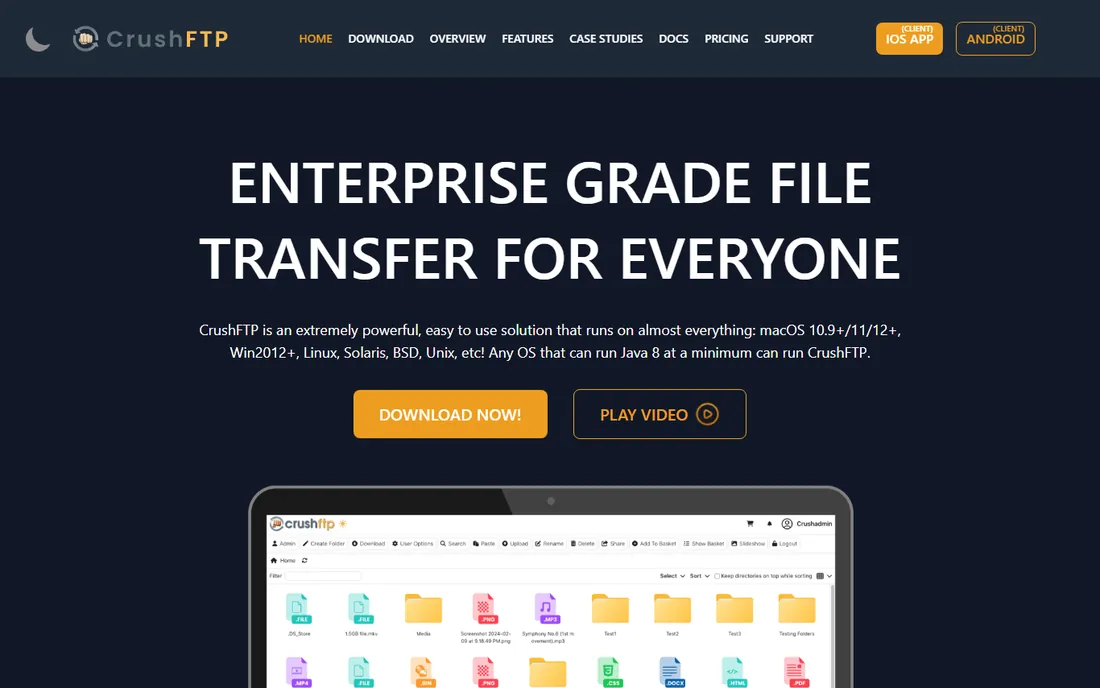
CrushFTP has been around since 1999 and keeps winning on price and platform coverage. It is a Java-based multi-protocol server supporting FTP, FTPS, SFTP, SCP, HTTPS, and WebDAV, and it runs on macOS, Windows, Linux, Solaris, and BSD. The headline feature, ZipStreaming, compresses downloads on the fly or expands received archives in-stream, which can speed up transfers of many small files. It also watches for common attack patterns and automatically bans offending IPs, with DDoS protection built in.
Pricing starts at just $70 one-time for the Small Business license with 50 concurrent connections, or $100 for Professional with unlimited connections. Enterprise tiers add high availability, SAML and RADIUS authentication, and 24x7 phone support, rising to $20,000 for an unlimited-installs site license. You can download it and decide whether to buy later, with a 30-day trial. The trade-off for the low price is a web interface and admin experience that feel older than the competition, and enterprise features that can multiply the bill.
What we like- Very low entry price
- Runs on almost any OS that supports Java
- Automatic banning of attack IPs
Watch out for- Enterprise features push costs up fast
- Interface feels dated next to newer rivals
#5
Titan SFTP Server
Best for: Simple secure transfers in regulated industries
Visit titanftp.com
Starting priceFrom $1,499.95 one-time
Free planFree trial
Titan SFTP Server, from South River Technologies, targets organizations that need reliable encrypted file transfer without a full managed file transfer platform. It handles SFTP, FTPS, and HTTPS transfers, offers a browser-based Web UI so partners can upload and download without installing client software, and provides audit-ready logging with HIPAA, PCI, and SOX-aligned security controls. Granular configuration can be set at the server, group, or user level.
Titan is sold as a one-time purchase starting around $1,499.95, though current pricing is not published directly on the vendor site, so you will need to confirm the exact figure during purchase. A free trial is available. Reviewers consistently praise its reliability and ease of day-to-day use, though some note the initial network configuration can challenge beginners. It is a good fit for healthcare, finance, and legal firms that want secure partner file exchange without workflow automation overhead.
What we like- Straightforward setup for SFTP and web transfers
- HIPAA, PCI, and SOX-aligned controls
- Web UI for partner uploads without client software
Watch out for- Windows focused
- Pricing is not published on the vendor site
- Setup can be complex for networking beginners
Starting priceFree (open source)
Free planYes (open source)
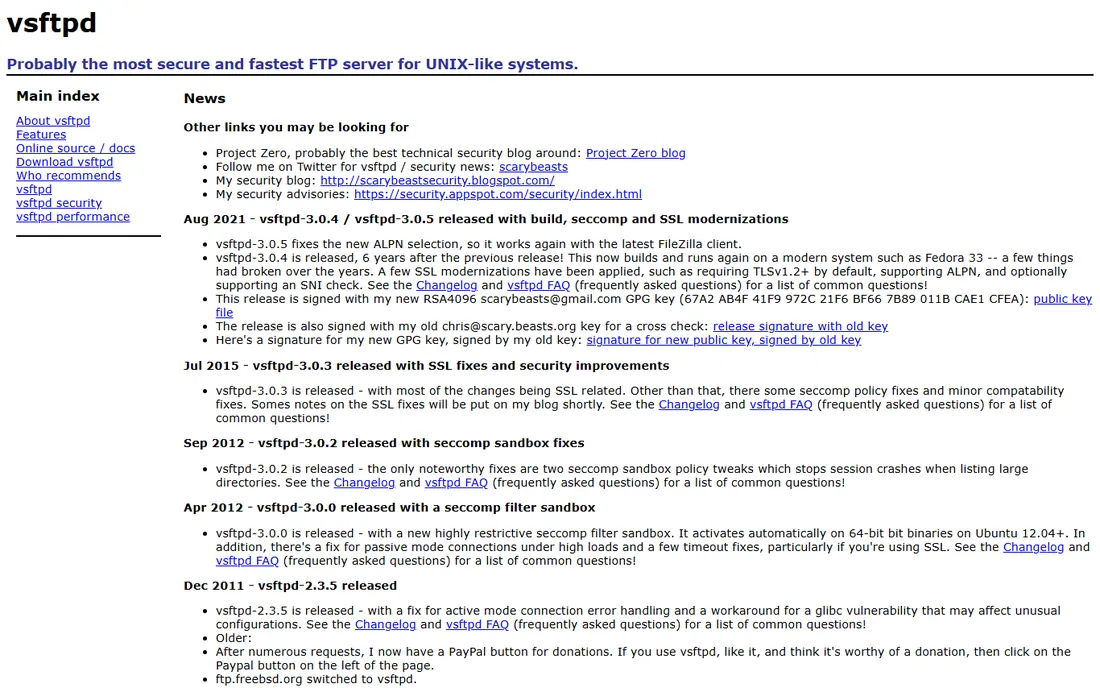
If your servers run Linux, vsftpd is the default answer for a reason. It is a GPL-licensed FTP daemon written with security as the primary design goal, using capabilities, chroot, and careful coding practices, and it has a long record of powering high-traffic public mirrors for Red Hat, Debian, and the Linux kernel project. It supports SSL/TLS encryption, virtual users, bandwidth throttling, and IPv6, and it is tiny and fast.
It costs nothing and ships with most Linux distributions, so setup is usually a single package install. The catch is philosophical: vsftpd deliberately stays small and modular, so advanced features that bloated servers bundle in are left to external tools like PAM or tcp_wrappers. There is also no graphical interface; everything is configured in text files. For admins comfortable on the command line, that is a feature, not a bug.
What we like- Completely free under the GPL
- Designed from the ground up for security
- Very fast and lightweight
Watch out for- Configuration is all text files, no GUI
- FTP protocol features are intentionally minimal
Starting priceFree (open source)
Free planYes (open source)
ProFTPD takes the opposite approach from vsftpd: instead of staying minimal, it aims to be the most configurable FTP server available. Its configuration files borrow Apache's directive style, so anyone who has managed a web server will feel at home, and a large collection of modules adds SQL-backed authentication, LDAP, quota management, and more. It is GPL licensed, free, and still actively maintained, with version 1.3.9 released in March 2025.
The cost of that flexibility is complexity. Getting ProFTPD tuned for a specific setup takes more study than dropping in vsftpd, and it runs on Unix-like systems only. For teams that need fine-grained control over authentication backends, virtual hosts, and per-directory behavior, ProFTPD is the tool that can be bent into whatever shape the requirement demands.
What we like- Free and open source
- Apache-style configuration files
- Huge module ecosystem
Watch out for- Unix only
- The learning curve for its module system is real
How we chose
We evaluated FTP server software against vendor documentation, pricing pages, and feature lists current as of October 2026, along with public reviews on G2, Capterra, and SourceForge. We required support for encrypted transfer protocols, since plain FTP should not carry sensitive data, and we favored tools with transparent pricing and active maintenance. We did not test these servers hands-on, and prices and edition structures change, so confirm details on the vendor's site before purchasing.
What to check before you pick an FTP server
The first decision is which protocols you actually need. Plain FTP sends credentials in clear text, so most buyers today want SFTP or FTPS at minimum, and many partner agreements specifically require SFTP. Check that the edition you are pricing includes the encrypted protocols you need, since several vendors gate SFTP and FTPS behind higher tiers.
Next, match the server to your platform and your team. Linux shops have excellent free options in vsftpd and ProFTPD that a single admin can run indefinitely. Windows environments benefit from graphical administration in Wing, Cerberus, or CompleteFTP. And if partners or clients will upload files themselves, look for a browser-based web client, which Titan, Cerberus, and CrushFTP all provide.
Finally, think about compliance and scale. Regulated industries should shortlist tools with FIPS-validated cryptography, detailed audit logs, and directory access controls, and should plan for the annual cost of compliance-tier editions. Smaller teams can often run for years on a one-time license under $400, but should still enable automatic IP banning and keep the server patched, since FTP servers attract automated attacks.
One-time licenses beat subscriptions here, but read the terms
FTP server software is one of the few categories where perpetual licenses are still the norm. Wing, CompleteFTP, CrushFTP, and Titan sell you the software once, which makes the total cost of ownership easy to predict and often much lower than a comparable subscription over five years. That said, one-time does not always mean everything is included forever: Wing bundles two years of upgrade protection, CompleteFTP includes twelve months of support and upgrades, and CrushFTP charges yearly maintenance on enterprise tiers.
There is also a trend worth watching. Cerberus moved to annual subscriptions after its acquisition, and Titan's pricing is no longer published on its site, which suggests buyers should expect a sales conversation rather than a self-serve checkout. If budget predictability matters to your organization, confirm in writing what the license covers, how long updates are included, and what renewal costs look like before you sign.
Frequently asked questions
Do I still need an FTP server, or should I use cloud storage?
It depends on who you exchange files with. Cloud storage works well for internal teams, but many industries still run on FTP-based workflows with partners, vendors, and EDI systems. If your partners expect an SFTP endpoint with specific credentials and audit logs, an FTP server gives you that control in a way cloud sharing links do not.
What is the difference between FTP, FTPS, and SFTP?
FTP is the original protocol and sends everything, including passwords, unencrypted. FTPS adds TLS encryption to FTP, keeping it compatible with traditional FTP infrastructure. SFTP is a different protocol that runs over SSH and is generally the easiest to secure through firewalls, since it uses a single port. Most buyers today should choose SFTP or FTPS.
Is there really a good free FTP server?
Yes. vsftpd and ProFTPD are free, open source, secure, and proven at enormous scale, though both are Unix-only and configured through text files. On Windows, CompleteFTP offers a free edition with unlimited users, and Wing FTP Server has a free non-commercial edition.
How much should a small business pay for an FTP server?
Most small businesses land between $70 and $400 as a one-time purchase. CrushFTP starts at $70, Wing FTP Server Standard is $199, and CompleteFTP Standard is $369. You only need to spend more if you require compliance features, high availability, or large-scale enterprise support.
What security features matter most in an FTP server?
Start with encrypted protocols, SFTP or FTPS, and disable plain FTP. Then look for automatic IP banning to stop brute-force attacks, virtual users isolated from system accounts, detailed transfer logs, and, in regulated industries, FIPS-validated cryptography. Keep the server updated, since FTP servers are common targets for automated scanning.
Sources we checked (12)
- https://security.appspot.com/vsftpd.html
- https://proftpd.org/
- https://cerberusftp.com/
- https://www.capterra.com/p/163280/Cerberus-FTP-Server/pricing/
- https://wftpserver.com/
- http://www.wftpserver.com/orderserver.htm
- https://enterprisedt.com/products/completeftp
- https://crushftp.com/
- http://www.crushftp.com/pricing.html
- https://titanftp.com
- https://www.g2.com/products/titan-sftp-server/reviews?page=3
- https://en.wikipedia.org/wiki/Cerberus_FTP_Server
Is your product missing or out of date?
We review this list regularly. Vendors can request a listing, send updated pricing or ask about featured placement.

Shihab Mia · Founder, Rankite
Shihab has spent more than a decade helping SaaS and e-commerce brands grow through search. He writes Rankite's software buying guides from pricing pages, documentation and public user reviews. More about Shihab.