How we make this list: we compare pricing pages, product documentation and public user reviews. Rankite is independent; if a vendor ever pays for a featured spot, that listing is clearly labeled Partner.
Key takeaways
- Veeam, Commvault, Rubrik, and Druva lead the enterprise tier, with immutability and cyber recovery as the baseline expectation.
- Acronis suits MSPs and mid-size companies that want backup plus endpoint security in one agent.
- Cove Data Protection is the natural pick for IT providers already in the N-able ecosystem.
- CrashPlan and Backblaze cover endpoint backup at prices small businesses can actually afford.
Quick comparison
| Tool | Best for | Starting price | Free plan |
|---|
 Veeam Veeam | enterprise hybrid environments | See website | Free trial |
 Commvault Commvault | large-scale cyber resilience | See website | Free trial |
 Rubrik Rubrik | zero-trust data security | See website | No |
 Druva Druva | cloud-native SaaS backup | See website | Free trial |
 Acronis Acronis | backup plus endpoint security | See website | Free trial |
 Cove Data Protection Cove Data Protection | MSPs and N-able shops | See website | Free trial |
 CrashPlan CrashPlan | endpoint backup for teams | $7.33 per user/month (billed annually) | Free trial (14 days) |
 Backblaze Backblaze | simple affordable backup | $99 per computer/year | Free trial |
Is your product missing or out of date?
We review this list regularly. Vendors can request a listing, send updated pricing or ask about featured placement.
The best data protection software
Starting priceSee website
Free planFree trial
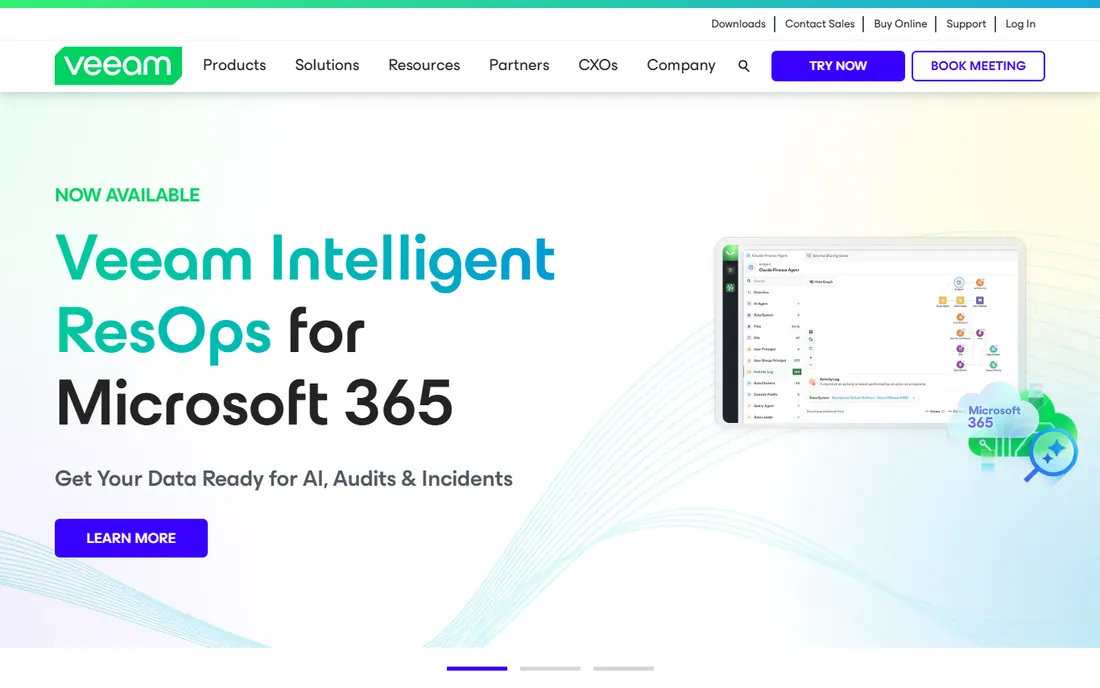
Veeam built its name on virtualization backup and grew into a full data platform covering cloud, physical, SaaS, and Kubernetes workloads. The pitch is radical resilience: immutable backups, clean-room recovery validation, and rapid restores that defeat ransomware. Gartner has placed Veeam as a backup and data protection leader for nine consecutive years, and the installed base spans hundreds of thousands of customers.
The honest catch is commercial rather than technical. Pricing is quote-based and the licensing model takes work to map onto hybrid estates. But for IT teams running mixed infrastructure, Veeam's recovery tooling is the benchmark competitors are measured against. If your environment spans on-premises and cloud, start your evaluation here.
What we like- Broadest workload coverage in the category
- Fast, reliable recovery tooling
- Huge partner and community ecosystem
Watch out for- Quote-based pricing
- Licensing complexity grows with mixed environments
Starting priceSee website
Free planFree trial
Commvault is the enterprise veteran, named a Gartner Magic Quadrant leader for the 15th consecutive time in 2026. The Cloud platform unifies data protection with identity resilience, AI resilience, and cyber recovery operations, including protection for modern workloads like GitHub, BigQuery, and Okta alongside traditional servers and databases.
For large organizations with compliance obligations and complex estates, Commvault's breadth is unmatched. The resilience-operations vision goes beyond backup into recovery orchestration and risk analysis. The trade-off is that this is unapologetically enterprise software: pricing is quote-based, and smaller teams will find simpler tools easier to live with. Buy Commvault when the recovery plan has to satisfy auditors, not just IT.
What we like- Deep enterprise feature set
- Strong cyber recovery and identity resilience
- 15 straight years as a Gartner leader
Watch out for- Enterprise pricing and sales motion
- Can be more platform than mid-size teams need
Starting priceSee website
Free planNo
Rubrik positions itself as a data security company that does backup, rather than the other way around. The platform promises immutable, logically air-gapped backups, pre-calculated clean recovery points, and automated recovery playbooks that assess ransomware blast radius before restoring. Since its 2024 IPO, Rubrik has pushed into identity protection and AI-agent governance as extensions of the same resilience story.
The security-first framing is genuinely differentiated: features like sensitive data discovery inside backups and automated clean-room recovery address what CISOs actually worry about. The catch is price and fit. Rubrik is built for enterprises with security teams, and simple backup needs will find cheaper answers. If the board asks about ransomware readiness, Rubrik is the vendor that speaks their language.
What we like- Security-first architecture with immutable, air-gapped backups
- Strong ransomware remediation workflows
- Public company with momentum
Watch out for- Premium pricing
- Less of a fit for simple file-level backup needs
Starting priceSee website
Free planFree trial
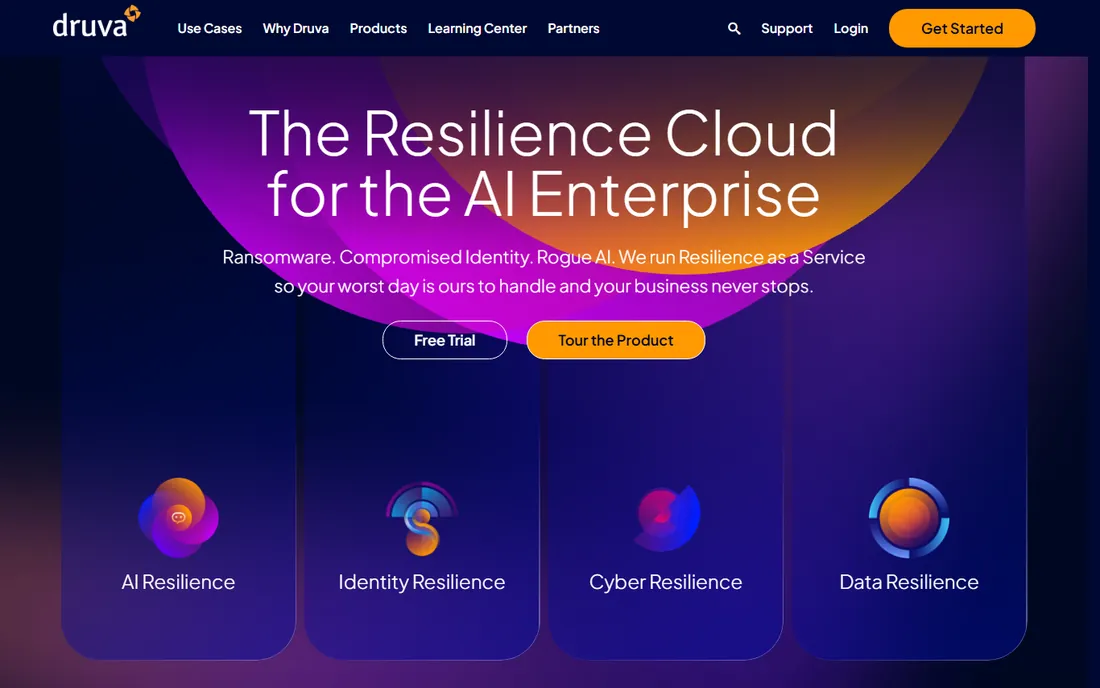
Druva's pitch is zero infrastructure: a fully managed SaaS platform for backup, disaster recovery, and data governance across cloud, on-premises, and edge. No hardware, no software appliances, no capacity planning. Backups land in air-gapped, immutable storage with built-in threat detection, and coverage spans AWS, Microsoft 365, Salesforce, endpoints, and more.
For teams that want backup as a service rather than a system to operate, Druva is the cleanest answer in the enterprise tier. The global deduplication and automated cold-tiering keep storage costs in check. The limitation is philosophical: organizations that want backup infrastructure under their own control will prefer Veeam or Commvault. If you would rather subscribe than administer, Druva fits.
What we like- Fully managed SaaS with no infrastructure to run
- Air-gapped immutable storage
- Strong SaaS app coverage
Watch out for- Quote-based pricing
- Cloud-only model does not suit everyone
Starting priceSee website
Free planFree trial
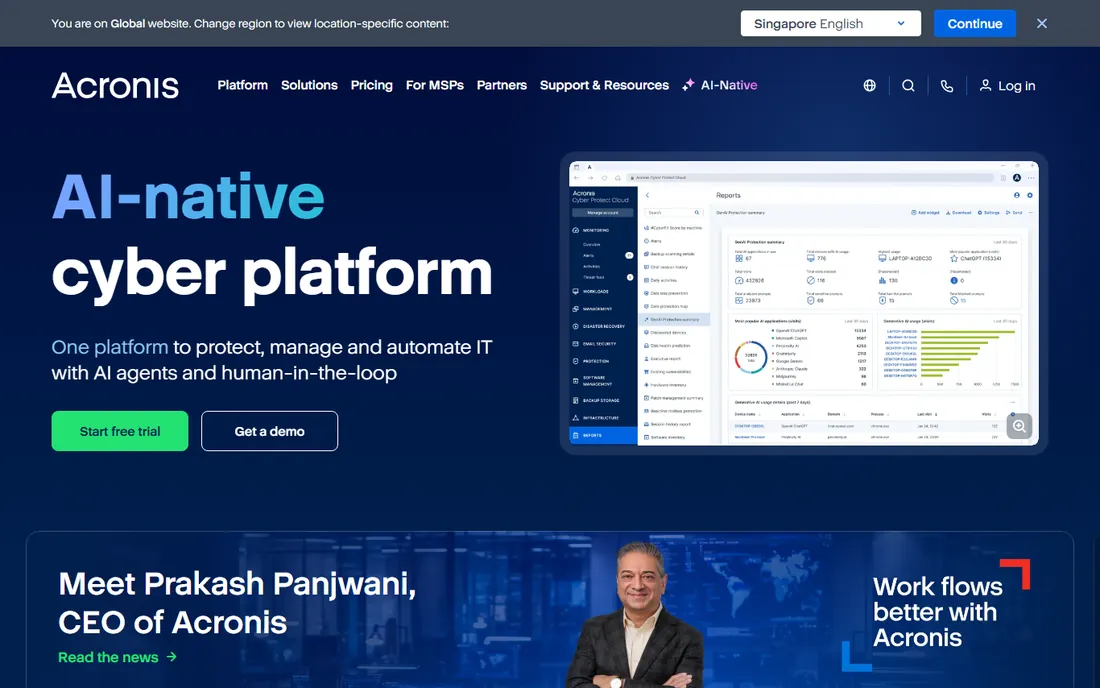
Acronis Cyber Protect unifies backup with cybersecurity: one agent, one console, one license covering backup, anti-malware, and endpoint management. The company serves more than 750,000 businesses largely through its MSP channel, and the multi-tenant management is built for providers protecting many clients.
The integration is the selling point. Backup that knows about malware, and security that can trigger recovery, closes the loop that separate tools leave open. For mid-size companies and MSPs, replacing two or three agents with one is a real operational win. The honest catch is complexity: the product does a lot, and pricing depends on edition and whether you buy direct or through a provider. Get a concrete quote for your workload mix before comparing.
What we like- Backup and anti-malware in one agent
- Huge MSP channel with multi-tenant management
- Broad platform support
Watch out for- Pricing varies by edition and channel
- Interface carries the weight of many features
Starting priceSee website
Free planFree trial
Cove Data Protection, from N-able, is backup built for managed service providers: one dashboard for all customers, all devices, and all data types, with backup storage included in the per-device license. TrueDelta technology backs up only changed bytes, and automated recovery testing verifies backups with screenshot proof.
For MSPs already running N-able RMM, the integration makes this nearly a default choice. The cloud-first design means no backup servers to maintain, and Microsoft 365 protection is priced per user covering Exchange, SharePoint, and OneDrive. The limitation is audience: the packaging and pricing assume an MSP or an IT team managing many endpoints. Single-site small businesses may find CrashPlan or Backblaze simpler.
What we like- Cloud-first architecture with storage included
- True delta technology keeps backups light
- Deep N-able RMM integration
Watch out for- MSP-oriented packaging
- Per-device pricing adds up at scale
Starting price$7.33 per user/month (billed annually)
Free planFree trial (14 days)
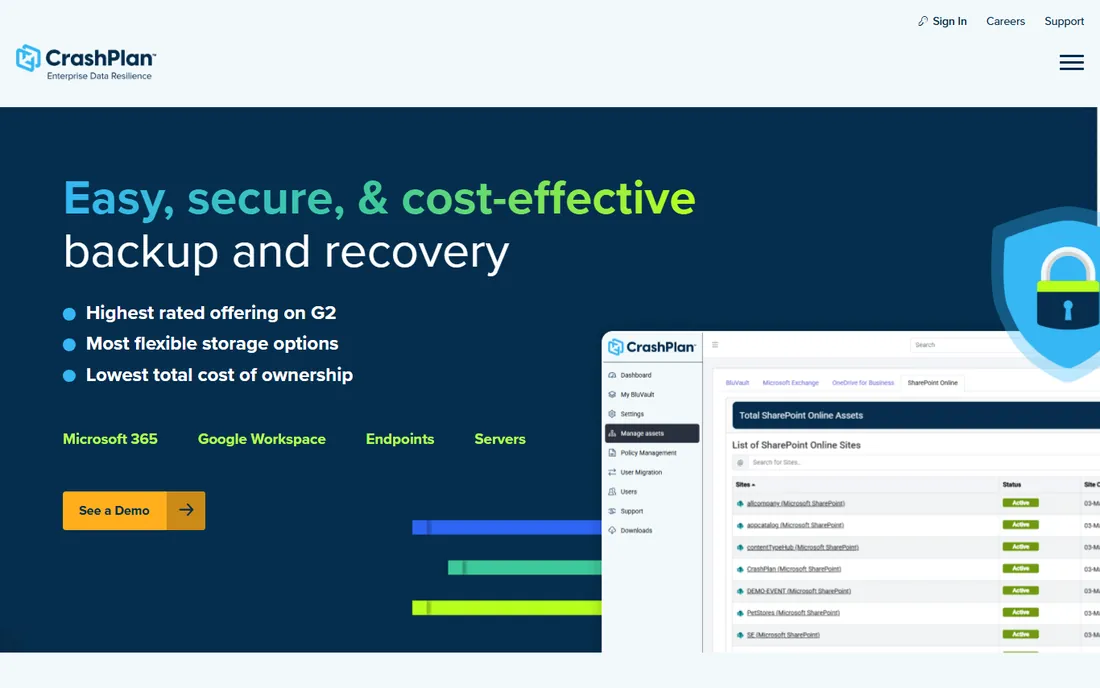
CrashPlan does one thing well: keep every laptop and workstation continuously backed up to its cloud. Backups run every 15 minutes with tunable version retention, restores are self-service so employees recover their own files, and the pricing is refreshingly simple at $7.33 per user per month billed annually. The platform now extends to servers and Google Workspace for small businesses.
For companies whose data lives on endpoints, which is most small and mid-size businesses, CrashPlan is the pragmatic pick. Unlimited storage with no file size restrictions removes the capacity anxiety that plagues other tools. The honest limitation is scope: this is endpoint and SaaS backup, not a full data center protection platform. Pair it with something else if you run significant server infrastructure.
What we like- Continuous endpoint backup with unlimited versioning
- Self-service restore reduces IT tickets
- Straightforward per-user pricing
Watch out for- Endpoint-focused rather than full infrastructure backup
- Advanced features sit in higher tiers
Starting price$99 per computer/year
Free planFree trial
Backblaze Computer Backup is the simplest tool in this guide: install it, and every user-generated file backs up continuously with no file size or type limits. Business Backup runs $99 per computer per year with centralized billing, web-based restores, and even free mailed hard-drive restores for large recoveries. Native Mac and Windows clients keep it light.
The appeal is the absence of decisions. No backup sets to configure, no capacity to plan, no policies to tune for the basic use case. Small teams and companies with remote workers get reliable endpoint protection at a price that needs no approval chain. The trade-off is control: advanced administration, SSO, and lockdown features require the Enterprise Control upgrade, and nobody confuses Backblaze with an enterprise data protection platform. For straightforward computer backup, nothing is easier.
What we like- Dead-simple setup
- Unlimited data per computer
- Free hard-drive restores
Watch out for- Limited admin controls on basic plans
- Not a full enterprise platform
How we chose
We anchored on the ransomware era's requirements: immutability, tested recovery, and coverage across on-premises, cloud, and SaaS. We verified each vendor's current positioning through its own site and 2026 press materials, confirmed pricing from vendor pricing pages where published, and cross-checked against Gartner's 2025 and 2026 Magic Quadrant placements for backup and data protection platforms. Every homepage URL was opened and confirmed directly. We balanced enterprise suites against affordable endpoint tools so different company sizes have real options, and we never claim hands-on testing.
Buying backup software in the ransomware era
The threat model changed, and buying criteria should change with it.
Immutability is non-negotiable
Every vendor in this guide offers immutable or air-gapped backups in some form. If a vendor cannot explain exactly how backups survive an attacker with admin credentials, remove them from the shortlist. The manufacturing company in the opening story survived because the attacker could not reach the off-site copy.
Test the restore, not the backup
Backups are easy to sell and hard to verify. In every evaluation, perform an actual restore: a single file, a full machine, and a simulated ransomware scenario. Measure the time. The vendors with clean-room recovery and automated verification, Veeam, Rubrik, Commvault, and Cove, built those features because customers asked for proof.
Match the tool to the data location
Endpoint-heavy companies should buy endpoint backup: CrashPlan or Backblaze. Infrastructure-heavy companies need platform backup: Veeam, Commvault, Rubrik, or Druva. MSPs should look at Acronis and Cove. Buying an enterprise suite to back up fifty laptops is the most common overspend in this category.
The 3-2-1 rule still applies
Three copies of data, on two different media, with one off-site. Cloud backup made the off-site copy easy, but the rule's spirit matters more than its letter: no single failure, including a compromised admin account, should be able to destroy every copy. Immutable cloud storage is the modern implementation. Whatever you buy, configure it so that deleting backups requires a separate authentication path from the one that manages production systems.
Frequently asked questions
What is the best data protection software?
For enterprise hybrid environments, Veeam and Commvault lead on breadth and recovery depth. Rubrik leads on security-first architecture. For cloud-native simplicity, Druva stands out. Small businesses should look at CrashPlan or Backblaze for endpoint backup and Acronis or Cove for broader coverage.
How much does data protection software cost?
Endpoint backup starts around $99 per computer per year with Backblaze or $7.33 per user per month with CrashPlan. Enterprise platforms are quote-based and typically run into five or six figures annually depending on workload count and retention requirements.
What is immutable backup?
Immutable backup means backup data cannot be modified or deleted for a set retention period, even by administrators. It is the primary defense against ransomware encrypting or deleting backups, and every serious enterprise platform now offers it.
Do I need backup if my data is in Microsoft 365 or Google Workspace?
Yes. SaaS providers protect their infrastructure, not your data against deletion, corruption, or ransomware. Native retention is limited, usually around 30 days. CrashPlan, Druva, Cove, and Veeam all offer dedicated SaaS backup with longer retention and granular restore.
What is the difference between backup and disaster recovery?
Backup is the copy of the data. Disaster recovery is the plan and tooling to restore operations from those copies within a target time. Enterprise platforms bundle both; endpoint tools like Backblaze focus on backup with basic recovery.
How often should backups run?
For endpoints, continuous or near-continuous backup, every 15 minutes like CrashPlan, is the modern standard. For servers and databases, follow your recovery point objective: how much data can you afford to lose. Most businesses land on hourly to daily for infrastructure with continuous protection for critical databases.
Sources we checked (8)
- https://www.veeam.com
- https://www.commvault.com
- https://rubrik.com/
- https://www.druva.com
- https://www.acronis.com/en/
- https://www.n-able.com/products/cove-data-protection
- https://www.crashplan.com
- https://www.backblaze.com
Is your product missing or out of date?
We review this list regularly. Vendors can request a listing, send updated pricing or ask about featured placement.

Shihab Mia · Founder, Rankite
Shihab has spent more than a decade helping SaaS and e-commerce brands grow through search. He writes Rankite's software buying guides from pricing pages, documentation and public user reviews. More about Shihab.