How we make this list: we compare pricing pages, product documentation and public user reviews. Rankite is independent; if a vendor ever pays for a featured spot, that listing is clearly labeled Partner.
Key takeaways
- Veeam remains the reference standard for virtualized environments, with a free Community Edition covering up to 10 workloads.
- NAKIVO and BDRShield are the value picks for small and mid-size firms that want VM backup without enterprise licensing complexity.
- Acronis Cyber Protect is the choice when you want backup and endpoint security in a single agent rather than two vendors.
- MSP360 is the flexible option for teams that want to bring their own cloud storage, such as Wasabi or Backblaze B2, and pay the vendor only for the software.
- Nearly every vendor prices by quote or per-socket licensing, so trial the recovery process, not just the backup, before signing.
Quick comparison
Is your product missing or out of date?
We review this list regularly. Vendors can request a listing, send updated pricing or ask about featured placement.
The best best backup software for servers
When was the last time you actually restored something from your backup? That question separates companies with a backup strategy from companies with a backup subscription. Plenty of businesses pay for backup software for years, then discover during a ransomware attack that the restore takes days, the backups are corrupted, or nobody remembers the encryption password.
The second question is what your servers actually run. A shop with two Hyper-V hosts needs something completely different from a company with VMware clusters, Linux database servers, and Microsoft 365 tenants. The tools below cover the full spread, from free editions for small estates to enterprise platforms that protect tens of thousands of workloads.
Every vendor in this category prices differently, per socket, per workload, or per terabyte, and most hide the final number behind a quote. That is normal here. What matters more than the sticker price is the recovery story: how fast you get back online when something breaks.

#1
Veeam Backup & Replication
Best for: Virtualized environments needing instant recovery
Visit veeam.com
Starting priceSee website
Free planYes
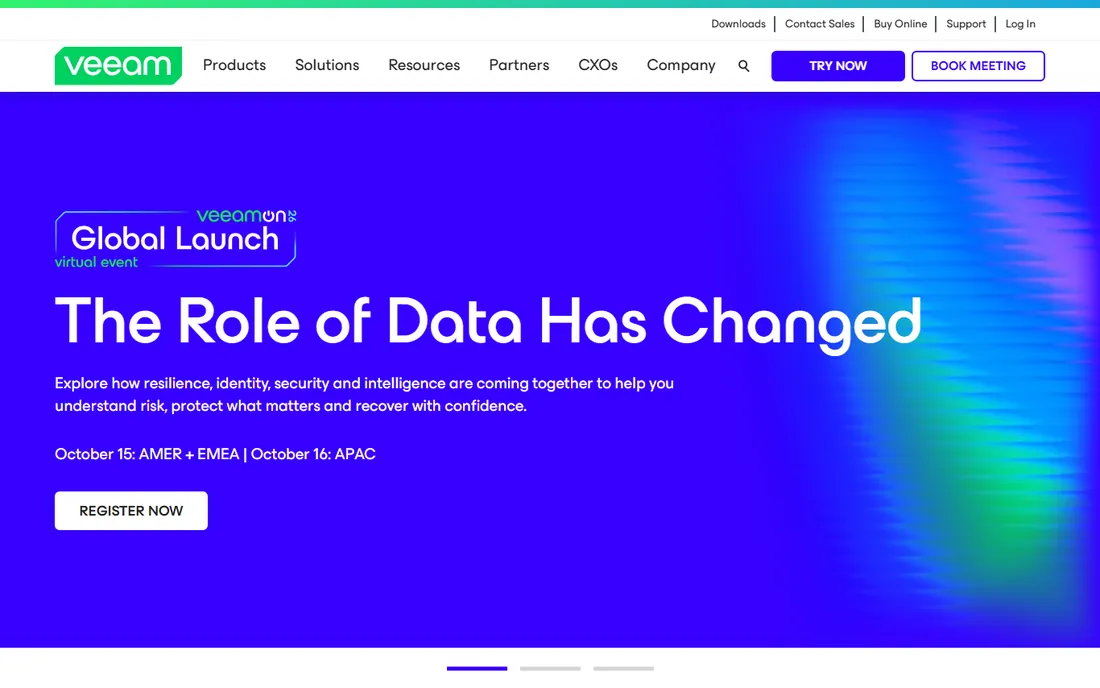
Veeam is the name most backup admins know first, and for good reason. Its instant VM recovery can boot a failed virtual machine directly from the backup file in minutes, which turns a disaster into an inconvenience. The integration with VMware and Hyper-V runs deep, with application-aware processing for SQL Server, Exchange, and Active Directory that keeps databases consistent in backups.
For smaller environments, the Community Edition is genuinely useful: free protection for up to 10 workloads, which covers a two-host shop with room to spare. Paid licensing moved to a per-workload subscription model under the Veeam Data Platform, and the edition you need depends on features like advanced monitoring and ransomware detection.
The honest downside is complexity. Between Community, Standard, Advanced, and Premium editions, plus separate products for cloud and SaaS workloads, figuring out what to buy takes work. If your environment is mostly physical servers or you just need simple file backup, Veeam is more product than you need.
What we like- Instant VM recovery and granular restores
- Deep VMware and Hyper-V integration
- Free Community Edition for 10 workloads
Watch out for- Licensing tiers are complex
- Overkill and overpriced for a handful of physical servers

#2
Acronis Cyber Protect
Best for: Backup plus security in one agent
Visit acronis.com
Starting priceSee website
Free planFree trial
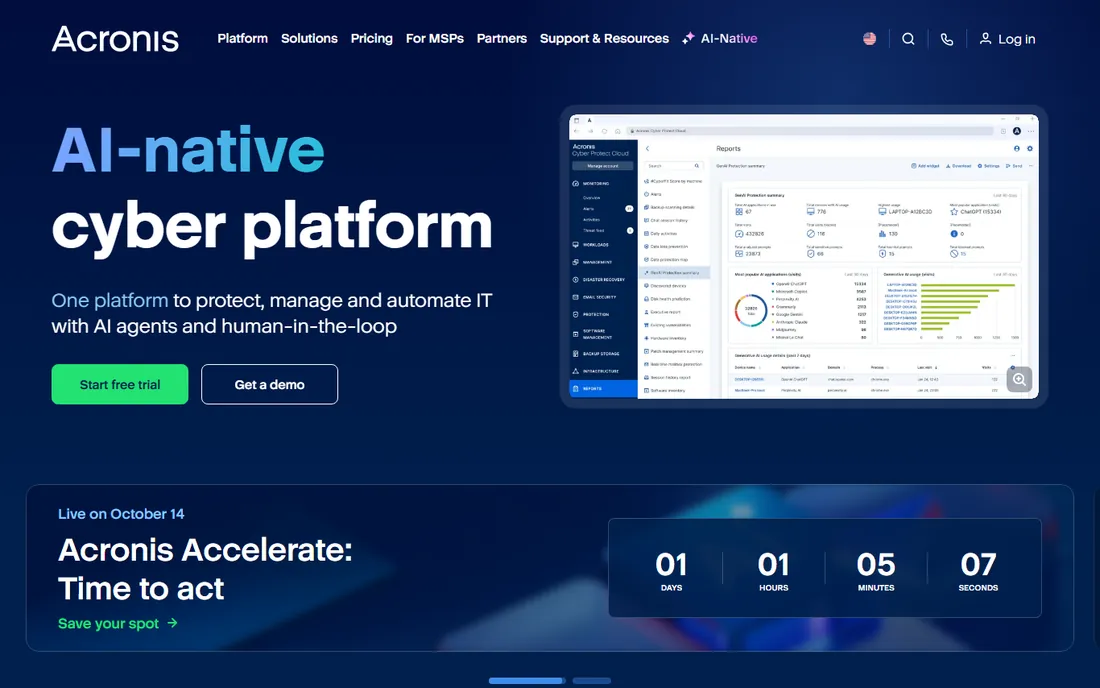
Acronis takes the position that backup and security belong together. One agent handles image-based backup, anti-malware, vulnerability patching, and ransomware defense, so a backup cannot silently capture an infected system. For small IT teams that would otherwise manage two consoles, that consolidation is the whole argument.
Pricing follows a per-workload model with Standard, Advanced, and higher tiers, and server licenses run several times the cost of workstation ones. Cloud storage is metered separately, which keeps the software price predictable but means the total bill depends on how much data you push to Acronis Cloud. A 30-day free trial lets you test the full stack before committing.
The catch is that you pay for breadth whether you use it or not. If you already run a dedicated EDR product, the security features overlap and the backup alone may cost more than a focused alternative. Acronis fits best where the team wants one vendor for both jobs.
What we like- Backup, anti-malware and patching in one agent
- Active ransomware defense
- Per-workload flat pricing
Watch out for- Broad feature set adds complexity
- Cloud storage billed separately
- Server licenses cost far more than workstation ones

#3
NAKIVO Backup & Replication
Best for: Affordable VM backup for mid-size firms
Visit nakivo.com
Starting priceSee website
Free planFree trial
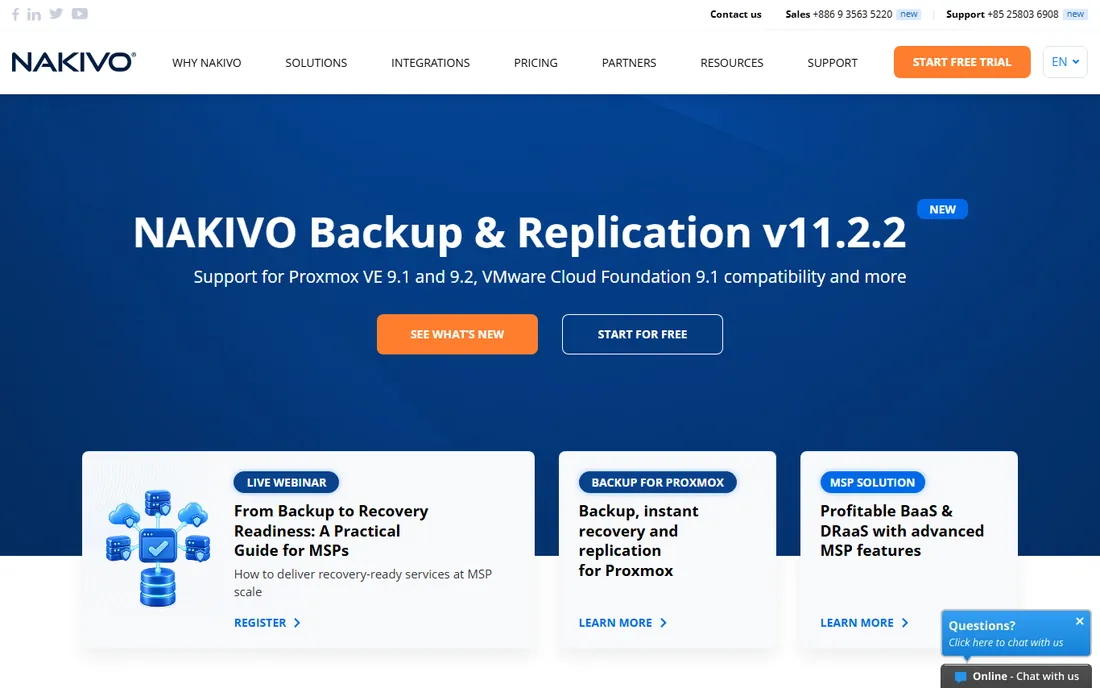
NAKIVO built its reputation as the simpler, cheaper alternative to Veeam for virtualized environments. It covers VMware, Hyper-V, Nutanix AHV, and Proxmox VE from one web console, with backup, replication, and instant recovery for VMs, plus physical and cloud workload support. Deployment is famously quick, often under an hour.
Licensing is flexible: per CPU socket for virtual environments or per workload per year for mixed estates, with subscription and perpetual options. Third-party listings cite figures around $99 per socket or $25 per workload per year, but confirm current pricing directly since NAKIVO adjusts tiers periodically. A free trial and a limited free edition let you validate the fit.
The honest trade-off is ecosystem depth. Veeam has more storage integrations, more community knowledge, and more third-party tooling. NAKIVO covers the core backup and recovery workflows well, and for a mid-size firm that wants reliable VM backup without a licensing project, that is usually enough.
What we like- Per-socket and per-workload licensing options
- Covers VMware, Hyper-V, Nutanix and Proxmox
- Clean web interface
Watch out for- Smaller ecosystem than Veeam
- Advanced features push you to higher editions
- Pricing requires a quote for exact figures
Starting priceSee website
Free planFree trial
Altaro spent years as the backup product recommended specifically for small businesses running Hyper-V or VMware. The pitch was simplicity: install it, point it at your hosts, and get reliable VM backup without learning enterprise backup concepts. That positioning survived its acquisition by Hornetsecurity, and the product is now sold as part of the Hornetsecurity portfolio.
The interface stays approachable, with backup, replication, and offsite copy to cloud storage handled through clear wizards. Pricing is per host per year, which is easy to budget for a shop with a known number of virtualization hosts. Support has a strong reputation in the SMB channel, which matters when the person managing backups also manages everything else.
The limitation is scope. Altaro covers the mainstream hypervisors well but does not match the platform breadth of Veeam or NAKIVO, and physical server backup is not its strength. It is the right pick for a small virtualized shop, not for a mixed estate.
What we like- Built for small teams with no backup specialist
- Straightforward per-host pricing
- Strong customer support reputation
Watch out for- Now part of Hornetsecurity, so the roadmap follows the parent
- Narrower platform support than Veeam
Starting priceSee website
Free planNo
Barracuda Backup takes the appliance route: you buy a physical or virtual appliance sized to your data, back up locally for fast restores, and replicate to Barracuda Cloud for disaster recovery. Pricing is based on appliance capacity with no per-agent or per-server fees, which makes the math simple for a fixed-size environment.
The local-first design is the practical advantage. Restores come from the on-site appliance at LAN speed, and the cloud copy only matters when the building is gone. That two-tier model suits businesses that need fast recovery for everyday incidents and offsite protection for real disasters.
The trade-off is hardware. Appliances eventually need refreshing, and the capacity you buy today limits you tomorrow. Software-only tools scale by license and let you point backups at any storage. Barracuda fits stable environments with predictable data growth, less so for companies whose storage needs double every year.
What we like- Physical appliance plus cloud replication in one purchase
- Simple capacity-based pricing
- No per-agent fees
Watch out for- Hardware refresh cycles to plan for
- Less flexible than software-only tools
- Demos rather than trials

#6
MSP360 Managed Backup
Best for: Bring-your-own-cloud-storage backup
Visit msp360.com
Starting priceSee website
Free planFree trial
MSP360, formerly CloudBerry, separates the backup software from the storage. You buy the software, connect your own cloud storage account, and pay the storage provider directly for what you use. That model shines with cheap object storage: pair MSP360 with Wasabi or Backblaze B2 and the total cost per terabyte drops well below all-in-one vendors.
The platform covers Windows, Linux, macOS, VMware, Hyper-V, and Microsoft 365 from a central managed console, which suits MSPs and IT teams managing multiple clients or sites. Image-based backup, file-level backup, and ransomware protection are included, with the usual scheduling and retention policies.
The honest catch is that you own the storage side. Setting up buckets, lifecycle rules, and immutability is your job, and misconfigured storage is the most common way backups fail silently. If you want someone else to manage the whole stack, an appliance or all-in-one vendor is a better fit.
What we like- Works with AWS, Wasabi, Backblaze B2 and Azure
- Pay for software, storage billed separately
- Central management console
Watch out for- Pricing details require contacting sales
- You manage the storage account yourself
- Feature depth varies by platform
Starting priceSee website
Free planFree trial
Unitrends, now part of Kaseya, sells backup as a complete system: software plus purpose-built appliances plus cloud replication. The appliances handle the heavy lifting locally, and automated recovery testing verifies that backups are actually restorable, which addresses the most common backup failure mode.
The product covers physical servers, VMs, and cloud workloads with ransomware detection baked into the backup process. For IT teams that want one throat to choke, the single-vendor appliance model removes finger-pointing between software and hardware support.
Being inside Kaseya changes the buying dynamic. Pricing is quote-only and increasingly bundled with the broader Kaseya IT management stack, which is convenient if you already use Kaseya products and annoying if you do not. Evaluate it on its own merits, but ask what the price looks like standalone versus bundled before deciding.
What we like- Backup software and purpose-built appliances from one vendor
- Automated backup testing
- Ransomware detection
Watch out for- Now part of Kaseya, with the pricing and bundling that implies
- Quote-only pricing
- Best value inside the Kaseya stack
Starting priceSee website
Free planFree trial
Commvault is the enterprise data protection platform for organizations with real complexity: multiple clouds, on-premises data centers, SaaS applications, and compliance regimes that require provable retention policies. Its policy engine automates backup, archiving, and recovery across all of it from one console.
The breadth is unmatched. Databases, VMs, containers, file servers, and SaaS workloads all get native protection, and the compliance tooling handles legal hold and e-discovery workflows that smaller products never touch. Cyber resilience features like immutable backups and clean-room recovery address ransomware at enterprise scale.
None of that comes cheap or fast. Pricing is quote-only and implementation is a project, not an afternoon. For a company with a few dozen servers, Commvault is the wrong tool. For an enterprise with thousands of workloads and auditors asking hard questions, it is on every shortlist for a reason.
What we like- Covers virtually every workload and cloud
- Policy-driven automation at scale
- Strong compliance and e-discovery tooling
Watch out for- Enterprise pricing and implementation effort
- Far more product than a small team needs
- Quotes required
Starting priceSee website
Free planYes
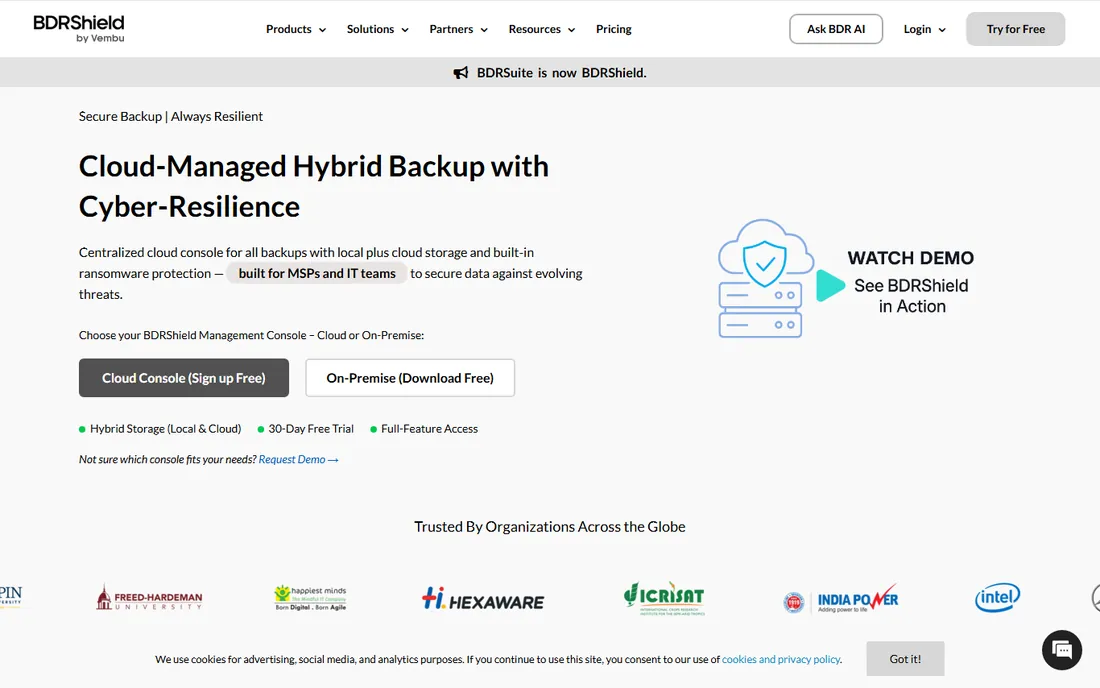
BDRShield, formerly known as Vembu BDRSuite, is the budget entry in this list. The free edition protects up to 10 VMs with no time limit, which makes it a legitimate option for a small virtualized shop that cannot justify any backup spend. Paid editions extend coverage to physical servers, endpoints, databases, and cloud workloads at prices well below the enterprise vendors.
The feature set is broader than the price suggests: backup, replication, granular recovery, and offsite copy are all present. For the core job of getting VMs backed up and restorable, it does the work. The company has been in backup since 2002, so this is not a startup gamble.
The honest limitation is polish and ecosystem. The interface and reporting feel a step behind Veeam and NAKIVO, and there is less community knowledge to draw on when something unusual breaks. If your budget is the binding constraint, those are acceptable trade-offs. If it is not, the mid-market tools earn their premium.
What we like- Free edition covers up to 10 VMs
- Affordable paid tiers
- Covers VMs, servers, endpoints and cloud
Watch out for- Smaller vendor with less third-party ecosystem
- Interface less polished than leaders
- Enterprise features are thinner
Per-socket, per-workload, or per-TB: how backup pricing actually works
Server backup vendors cannot agree on what to charge for, and the model changes the bill dramatically. Per-socket licensing charges by the CPUs in your virtualization hosts, which favors dense hosts with many VMs. Per-workload licensing charges per protected server or VM, which favors small estates. Per-terabyte or capacity pricing charges by data volume, which favors environments with small but numerous servers.
None of these models is a trick, but each one rewards a different architecture. A company with two dense VMware hosts pays less under per-socket licensing than under per-workload. A company with fifty small physical servers pays less per workload than per socket. Before comparing quotes, count your sockets, workloads, and terabytes so you can normalize every proposal to the same unit.
Watch for the add-ons that change the total. Cloud storage is often billed separately, immutability features sometimes require a higher tier, and multi-year commits can cut 20 percent or more off the annual price. Get the three-year total cost in writing, including storage, before you compare vendors.
How to size and test a server backup product
Start with a restore test, not a backup test. Every product on this list can back up a server. The differences show up when you restore: how long a full VM restore takes, whether granular file recovery works without restoring the whole machine, and whether the process succeeds without vendor support on the phone. Run these tests during the trial with a real workload.
Size the trial to your actual environment. Backing up one test VM proves nothing about performance across fifty. Most vendors offer 30-day trials, which is enough to run a full backup cycle, a test restore, and a simulated failure if you plan the evaluation in advance. Assign someone to own the trial, because untended trials expire with no useful data.
Check the ransomware story specifically. Ask how backups are protected from encryption by malware, whether immutability is available on your chosen storage, and how the vendor handles a scenario where the backup server itself is compromised. The answers vary widely, and this is the scenario that actually ends businesses.
How we narrowed this list
We started with the vendors that dominate buyer shortlists and review categories for server backup: Veeam, Acronis, Commvault, Barracuda, and Unitrends, plus the mid-market and value names that reviewers consistently recommend, including NAKIVO, Altaro, MSP360, and BDRShield. We reviewed current pricing pages, product documentation, and public review summaries on G2, Capterra, and Slashdot.
Server backup pricing is mostly quote-based or tiered by sockets and workloads, so vendors without published pricing are marked as See website rather than estimated. We did not run hands-on backup or restore tests; this guide reflects documentation, published pricing, and aggregated user feedback. Confirm licensing terms for your exact environment before purchasing, since socket and workload definitions vary by vendor.
Frequently asked questions
What is the best backup software for a small business with a few servers?
NAKIVO and BDRShield are the most common picks for small virtualized environments, with Veeam Community Edition covering up to 10 workloads for free. If your servers are physical rather than virtual, check that the product you choose handles bare-metal recovery, since some VM-focused tools treat physical servers as an afterthought.
How much does server backup software cost?
It depends on the licensing model. Per-workload pricing typically runs from tens to hundreds of dollars per server per year, per-socket licensing can run a few hundred dollars per CPU socket, and capacity-based appliances are priced by storage size. Most vendors quote rather than publish prices, so budget based on quotes for your exact environment.
Should backups go to the cloud, local storage, or both?
Both, for different reasons. Local backups restore fastest, which matters for everyday incidents like a failed drive. Cloud or offsite copies protect against site-level disasters like fire or ransomware that encrypts the local network. The standard practice is local backup for speed plus an offsite copy for survival.
What is immutable backup and do I need it?
Immutable backups cannot be modified or deleted for a set period, even by an administrator, which stops ransomware from encrypting your backup history. If ransomware is a realistic threat to your business, and it is for most, immutability is worth having. Check whether your chosen storage and backup tier support it, since it is sometimes gated behind higher plans.
How often should servers be backed up?
Critical servers typically get daily incremental backups with weekly full backups, and databases often need more frequent transaction log backups. The right frequency depends on how much data you can afford to lose, measured as your recovery point objective. Define that number with the business owners before configuring schedules.
Can I use the same tool for servers and Microsoft 365?
Many of the tools on this list, including Veeam, Acronis, NAKIVO, and MSP360, offer Microsoft 365 backup as a separate module or product. Microsoft's own retention is limited, so backing up mailboxes and SharePoint is wise. Confirm whether it is included in the server license or priced separately, because it usually is separate.
Sources we checked (10)
- https://www.veeam.com/products/veeam-data-platform.html
- https://www.acronis.com/en-us/products/cloud/cyber-protect/
- https://www.nakivo.com/pricing/
- https://www.altaro.com/pricing/
- https://www.barracuda.com/products/backup
- https://www.msp360.com/managed-backup/pricing/
- https://www.unitrends.com/products/
- https://www.commvault.com/products
- https://www.bdrshield.com/pricing/
- https://www.softwareworld.co/server-backup-software/
Is your product missing or out of date?
We review this list regularly. Vendors can request a listing, send updated pricing or ask about featured placement.

Shihab Mia · Founder, Rankite
Shihab has spent more than a decade helping SaaS and e-commerce brands grow through search. He writes Rankite's software buying guides from pricing pages, documentation and public user reviews. More about Shihab.
 Altaro VM Backup
 Barracuda Backup
 Unitrends
 Commvault Cloud
 BDRShield