How we make this list: we compare pricing pages, product documentation and public user reviews. Ratings come from G2, Capterra or Trustpilot, with the date we checked them.
Key takeaways
- Toggl Track is the timer freelancers actually remember to use, with a one-click timer and a free plan for up to five users.
- Clockify gives unlimited users on its free plan and the cheapest paid seats, which suits budget-conscious freelancers and teams.
- Harvest pairs time tracking with invoicing, so tracked hours flow straight into client bills.
- RescueTime and Timely track automatically, which solves the forgotten-timer problem that sinks manual tracking.
- Everhour suits freelancers already working inside Asana, ClickUp, Jira or Trello, while Hubstaff and TimeCamp cover monitoring and budget needs. Start with the free tier of two finalists for a week before paying, since a tracker you actually open beats a feature list you never use.
Quick comparison
| Tool | Best for | Starting price | Free plan |
|---|
 Toggl Track Toggl Track | Simple timer freelancers use | $9 per user/month | Yes |
 Clockify Clockify | Unlimited free users | $3.99 per user/month | Yes |
 Harvest Harvest | Tracking plus invoicing | See website | Yes |
 RescueTime RescueTime | Automatic focus tracking | $7 per month | Yes |
 Everhour Everhour | Tracking inside project tools | $10 per user/month | Yes |
 Timely Timely | Automatic AI time capture | $9 per user/month | Trial |
 Hubstaff Hubstaff | Monitoring and payroll | $4.99 per user/month | Trial |
 TimeCamp TimeCamp | Budget AI-assisted tracking | $3.99 per user/month | Yes |
Is your product missing or out of date?
We review this list regularly. Vendors can request a listing, send updated pricing or ask about featured placement.
The best freelance time tracking apps
#1Toggl Track
Best for: Simple timer freelancers use4.6/5 on
G2 (1,589 reviews, checked Oct 2026)
Visit toggl.com
Starting price$9 per user/month
Free planYes
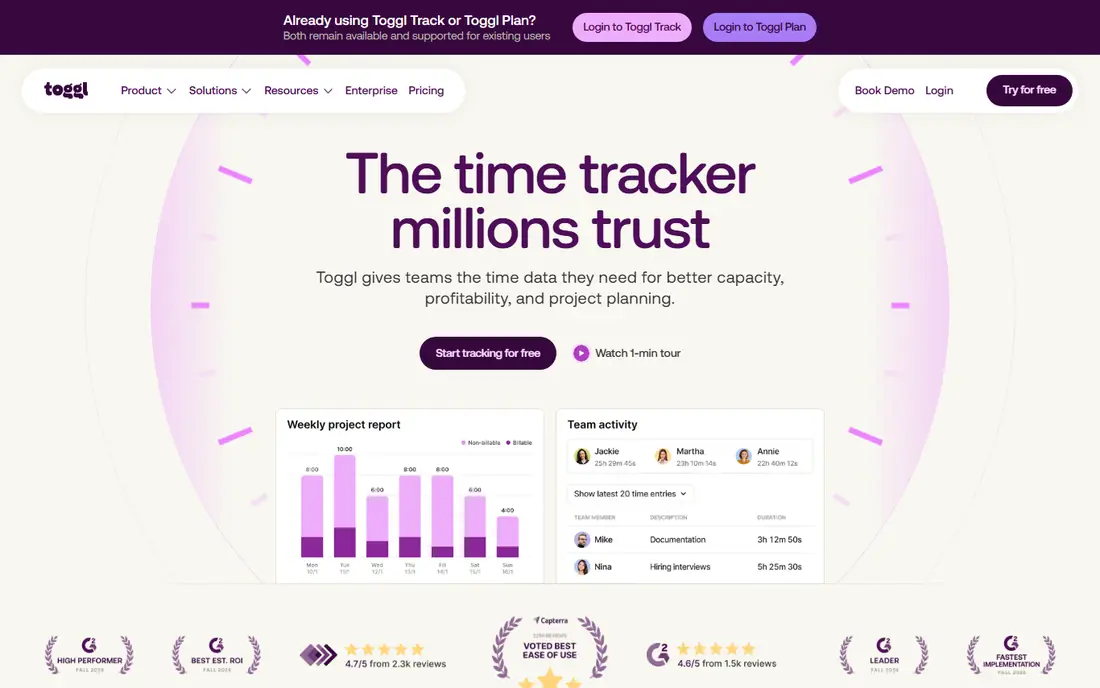
Toggl Track earns its place first because the timer itself gets out of the way. One click starts it, one click stops it, and entries sync across browser, desktop and mobile apps. Reports stay readable, with filters by client, project and tag, plus exports that clients can follow without a walkthrough.
The paid Starter plan at $9 per user per month adds billable rates, rounding and project estimates, while Premium at $18 adds approvals and profitability reporting. That is more than double Clockify for a comparable seat, so Toggl is worth it when simplicity drives adoption. If everyone already logs time reliably, a cheaper tool does the same job.
What we like- One-click timer on web, desktop and mobile
- Clear reports by client and project
- No screenshots or monitoring
Watch out for- Billable rates need a paid plan
- Free plan caps at five users
- Premium at $18 is pricey
#2Clockify
Best for: Unlimited free users4.5/5 on
G2 (204 reviews, checked Oct 2026)
Visit clockify.me
Starting price$3.99 per user/month
Free planYes
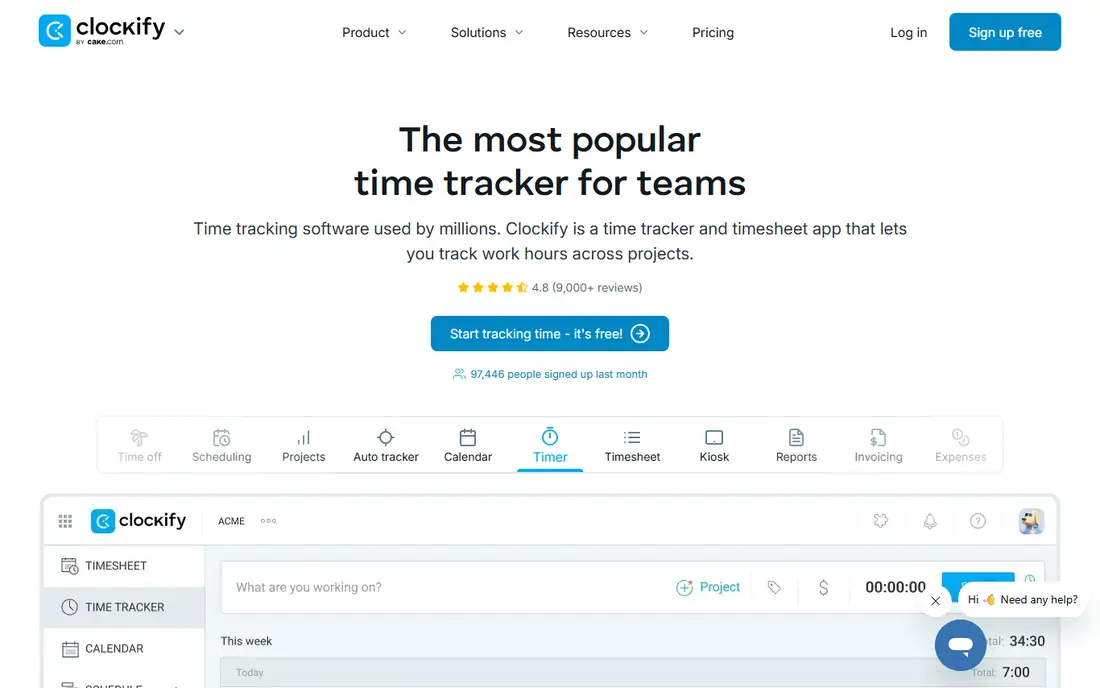
Clockify is the budget pick that does not feel like a compromise. Its free plan covers unlimited users and projects, which no other tool here matches, and paid plans start at $3.99 per user per month. Timesheets, reports, project estimates and team features cover most freelance needs without a subscription.
The interface is busier than Toggl, and some advanced features sit behind paid plans. For a freelancer or small team that wants full tracking at the lowest cost, Clockify is the obvious default, and its paid tiers stay cheaper than Toggl at every comparable level.
What we like- Free plan covers unlimited users and projects
- Cheap paid seats
- Timesheets and reports
Watch out for- Interface is busier than Toggl
- Some features need paid plans
- Support is slower on free tier
Starting priceSee website
Free planYes
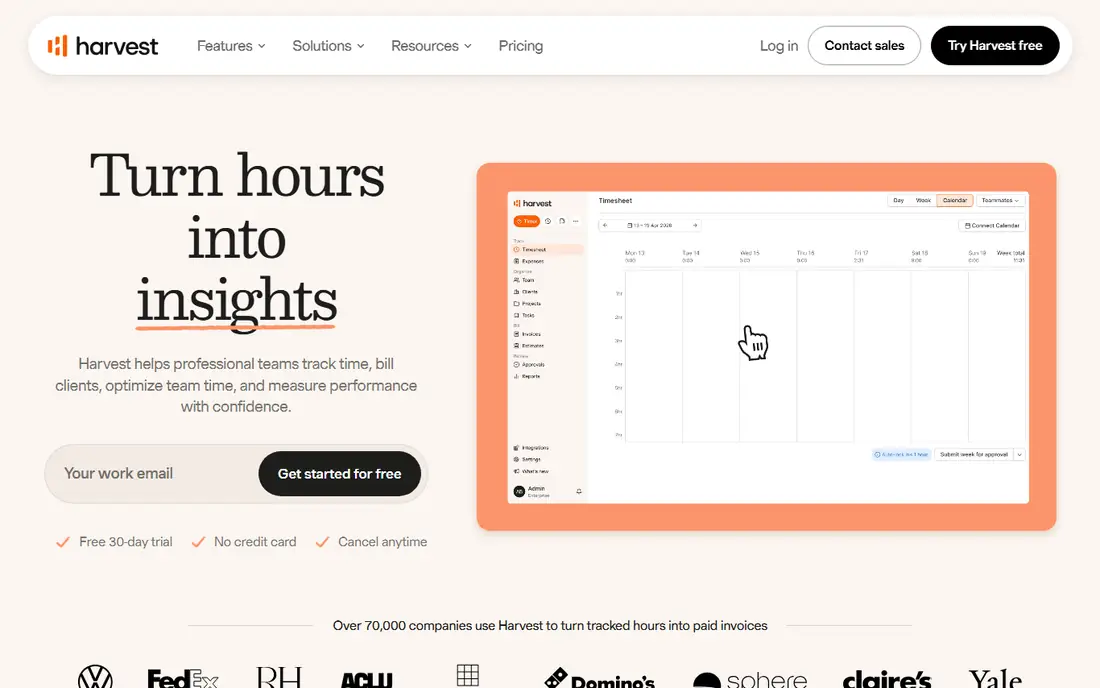
Harvest suits freelancers who bill by the hour, because tracked time flows straight into invoices without retyping. Expense tracking, project budgets and client reports round out a tidy billing workflow, and the interface stays simple for solo users and small teams.
The free plan covers one seat and two projects, so growing freelancers need a paid plan, and published paid prices vary across sources, which is why we wrote See website. For a freelancer whose main pain is invoicing, Harvest removes a weekly chore that Toggl and Clockify handle less directly.
What we like- Time flows straight into invoices
- Expense tracking included
- Clean client reports
Watch out for- Free plan covers one seat and two projects
- Paid pricing varies across sources
- Fewer automation features
Starting price$7 per month
Free planYes
RescueTime solves the number one time tracking failure: forgetting to start the timer. It runs in the background, records app and website use automatically, and produces focus reports that show where the day actually went. Distraction blocking and goals help freelancers protect deep work time.
It is a personal productivity tool more than a billing tool, so client invoicing needs an export step. Pricing listings vary, with $7 per month commonly cited and higher figures elsewhere, so confirm current pricing before subscribing. For freelancers who want to understand their own habits, RescueTime is the best automatic option.
What we like- Runs automatically without timers
- Focus reports and distraction blocking
- Goal tracking
Watch out for- Paid features cost more on some listings
- Categorisation needs review
- Less suited to client billing
Starting price$10 per user/month
Free planYes
Everhour puts the timer where the work already happens, inside Asana, ClickUp, Jira, Trello and similar tools, so freelancers track without switching apps. Budgets, estimates, invoicing integrations and reports suit agencies and freelancers who manage client work in a project tool.
Without a project tool, Everhour loses its main advantage, and published prices vary, with $10 and $8.50 per user per month both cited. For a freelancer already living in Asana or ClickUp, Everhour is the most natural tracking choice.
What we like- Timer inside Asana, ClickUp, Jira and Trello
- Budgets and estimates
- Invoicing integrations
Watch out for- Needs a project tool to shine
- Pricing varies by source
- Standalone use is weaker
#6Timely
Best for: Automatic AI time capture4.8/5 on
G2 (497 reviews, checked Oct 2026)
Visit memory.ai
Starting price$9 per user/month
Free planTrial
Timely, from Memory, records work automatically and uses AI to draft time entries, which the user reviews and assigns to projects. That removes manual timers entirely and produces accurate records for people who forget to start and stop. Project and client views suit agencies and consultancies that bill from tracked time.
There is no permanent free plan, only a 14-day trial, and automatic capture records app use that some users find intrusive, so review privacy settings before adopting it. For freelancers who hate manual entry and want AI to log the day, Timely is the strongest automatic choice.
What we like- AI captures work automatically
- No manual timers
- Strong project and client views
Watch out for- No permanent free plan, only a trial
- Automatic capture needs review
- Privacy concerns for some users
Starting price$4.99 per user/month
Free planTrial
Hubstaff suits freelancers and agencies whose clients want proof of work, with screenshots, activity levels, GPS tracking and payroll features. The entry price of $4.99 per user per month is affordable, and the 14-day trial covers evaluation.
For a solo freelancer, monitoring features are usually unnecessary and can feel intrusive, and there is no permanent free plan. Hubstaff fits best when a client or team requires auditable hours, such as remote teams and field work, rather than personal time management.
What we like- Screenshots and activity levels for client trust
- Payroll and GPS features
- Affordable entry price
Watch out for- Monitoring feels intrusive for solo freelancers
- No permanent free plan
- Setup takes time
#8TimeCamp
Best for: Budget AI-assisted tracking4.7/5 on
G2 (392 reviews, checked Oct 2026)
Visit timecamp.com
Starting price$3.99 per user/month
Free planYes
TimeCamp combines a free plan for unlimited users with AI-assisted tracking, invoicing and attendance features, at a paid entry price of $3.99 per user per month billed annually. That makes it a strong budget alternative to Clockify, with a broader feature set for teams that also need attendance and billing.
The interface is less polished than Toggl, and some features sit behind paid plans. For a freelancer or team that wants free tracking with AI help and invoicing, TimeCamp deserves a trial alongside Clockify.
What we like- Free plan for unlimited users
- AI-assisted entries
- Invoicing and attendance features
Watch out for- Interface is less polished than Toggl
- Some features need paid plans
- Smaller community
How we chose
We compared tools on timer ease, billing features, automatic capture, free tier generosity and price, using vendor pages and current comparisons. Toggl leads on adoption, Clockify on free value, Harvest on invoicing, and RescueTime and Timely on automatic capture. Where published prices conflicted, such as Harvest and Everhour, we wrote See website or noted the range rather than picking a disputed figure. We did not claim hands-on testing, and we weighted freelancer needs, such as invoicing and simplicity, above enterprise monitoring features. Price alone should not decide the pick, since a tracker nobody opens costs more in lost billable hours than any subscription.
Making time tracking stick
The tool matters less than the habit. The most common failure is forgetting to start or stop the timer, which leaves gaps that get reconstructed from memory at week's end. Automatic tools solve this, while manual tools need a routine: start the timer with the first task, stop it at lunch, and review entries before closing the day.
Review weekly, not monthly. A Friday review catches errors while the week is fresh, and it turns tracked time into invoices promptly, which improves cash flow. Keep client, project and task names consistent, since messy labels make reports useless. Finally, track non-billable time too, such as admin and marketing, since it reveals the true hourly rate and the work that quietly eats the week. One more habit helps solo freelancers: compare tracked hours against invoiced hours each month. The gap between the two is unbilled work, and shrinking it is often the fastest pay rise available, since it needs no new clients and no rate increase, only better records.
Frequently asked questions
What is the best free time tracking app for freelancers?
Clockify is best for teams, with unlimited users on its free plan, while Toggl Track is best for solo freelancers who want the simplest timer, with a free plan for up to five users. TimeCamp also offers a free plan for unlimited users with AI-assisted entries.
Is Toggl Track or Clockify better?
Toggl Track is simpler and easier to adopt, while Clockify is cheaper and more generous on its free plan. Choose Toggl when simplicity drives use, and Clockify when budget or team size matters most.
Does Harvest include invoicing?
Yes, Harvest turns tracked time into invoices directly, with expense tracking and client reports. Its free plan covers one seat and two projects, so growing freelancers need a paid plan, with pricing that varies across sources.
What is automatic time tracking?
Automatic tracking, offered by RescueTime and Timely, records app and website use without manual timers, and the user reviews and assigns entries afterward. It solves forgotten timers but needs privacy review, since it records work activity.
Should freelancers track non-billable time?
Yes, since admin, marketing and learning time affects your true hourly rate. Tracking it reveals where the week goes and helps price future work realistically, rather than billing only the hours clients see.
How do I invoice from tracked time?
Export tracked hours by client and project, review them for errors, and generate an invoice in Harvest, or export to an invoicing tool from Toggl, Clockify or TimeCamp. A weekly review keeps invoices accurate and prompt. Attach the time report to the invoice when a client questions hours, since a clean breakdown settles most disputes faster than a summary total, and it builds trust for the next project.
Sources we checked (10)
- https://toggl.com
- https://clockify.me
- https://www.getharvest.com
- https://www.rescuetime.com
- https://everhour.com
- https://memory.ai
- https://hubstaff.com
- https://www.timecamp.com
- https://www.freshbooks.com/hub/payroll/best-time-tracking-app-for-freelancers
- https://rankite.com/blog/best-time-tracker-app
Is your product missing or out of date?
We review this list regularly. Vendors can request a listing, send updated pricing or ask about featured placement.

Shihab Mia · Founder, Rankite
Shihab has 5+ years in B2B and SaaS SEO. He writes Rankite's software buying guides from pricing pages, documentation and public user reviews. More about Shihab.