How we make this list: we compare pricing pages, product documentation and public user reviews. Rankite is independent; if a vendor ever pays for a featured spot, that listing is clearly labeled Partner.
Key takeaways
- If you transcribe meetings every week, Otter.ai and Notta give you the most free minutes before you hit a paywall.
- Descript and Kapwing are the picks when you want to edit the video itself by editing its transcript.
- Riverside is built for remote recordings, where clean local audio makes the transcript far more accurate.
- OpenAI's Whisper costs nothing and has no minute cap, but you run it on your own machine.
Quick comparison
| Tool | Best for | Starting price | Free plan |
|---|
 Otter.ai Otter.ai | weekly meeting transcription | From $19.99/user/month (billed annually) | Yes, monthly transcription minute limit |
 Descript Descript | editing video by editing text | From $16/month (billed annually) | Yes, limited transcription hours |
 VEED VEED | fast subtitles for online video | From $9/month (billed annually) | Yes, limited monthly exports |
 Notta Notta | multilingual meeting transcription | From $8.17/month (billed annually) | Yes, 120 minutes/month |
 Kapwing Kapwing | social video creators | From $16/member/month (billed annually) | Yes, limited exports |
 Riverside Riverside | remote interviews and podcasts | From $24/month (billed annually) | Yes, limited recording and transcription hours |
 TurboScribe TurboScribe | simple bulk transcription | From $10/month (billed annually) | Yes, 3 transcripts per day |
 Whisper Whisper | unlimited transcription at zero cost | Free (open source, MIT license) | Yes, fully free with no limits |
Is your product missing or out of date?
We review this list regularly. Vendors can request a listing, send updated pricing or ask about featured placement.
The best free video transcription software
Starting priceFrom $19.99/user/month (billed annually)
Free planYes, monthly transcription minute limit
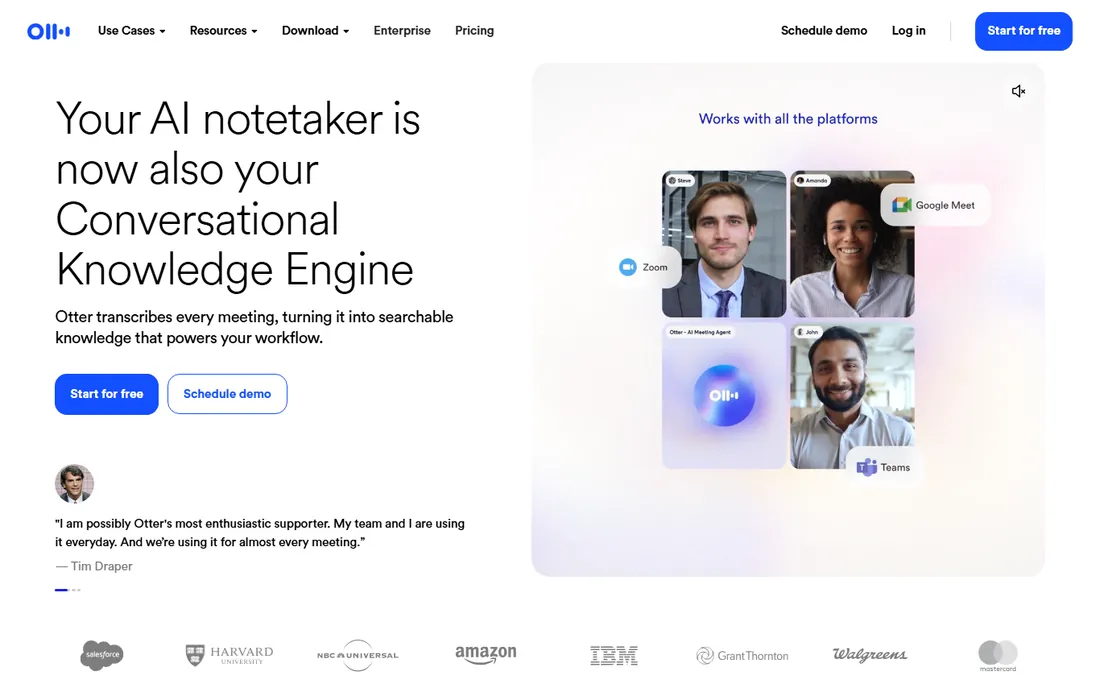
If your calendar is full of Zoom and Teams calls, this is the transcription tool built for you. Otter can join meetings automatically, transcribe in real time, and label speakers as people talk. After the call, the transcript lives in a searchable workspace where you can highlight key moments and share notes with teammates.
Setup takes minutes because there is no desktop software to install. Connect your calendar, and the assistant shows up in scheduled calls on its own. The free plan covers light use, roughly a few meetings a week, which suits freelancers and small teams testing the workflow.
The honest catch is accuracy on messy audio. Clean laptop mics produce clean transcripts, but overlapping voices and background noise still confuse the speaker labels. Plan a quick skim of the transcript before you quote it anywhere important.
What we like- Live transcription during meetings
- Auto-joins Zoom, Teams and Meet
- Searchable transcript archive
Watch out for- Free tier caps monthly minutes
- Speaker labels need manual fixes on noisy calls
Starting priceFrom $16/month (billed annually)
Free planYes, limited transcription hours
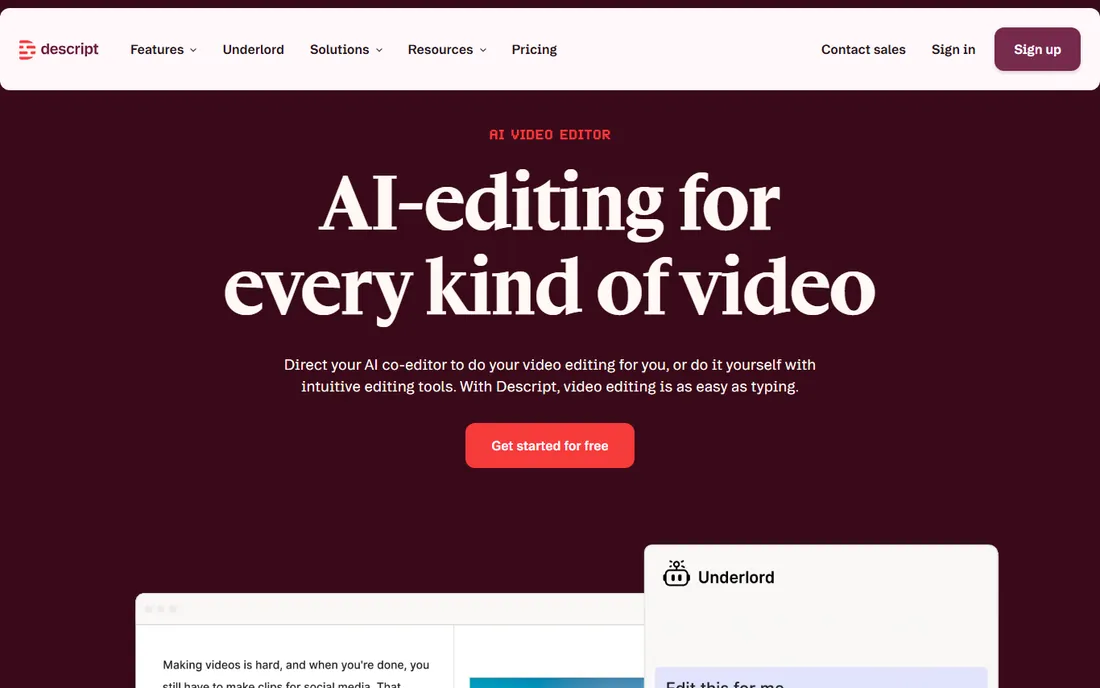
Descript looks like a text editor and behaves like one, until you press play. The transcript and the timeline are the same thing, so deleting a sentence from the text cuts it from the video. For creators who edit talking-head content, this removes the most tedious part of the editing process.
The transcription itself is strong, with speaker detection and automatic filler word removal that cleans up "um" and "uh" without you touching anything. Export options cover captions, subtitles and plain text, so the transcript can feed a blog post, show notes or a repurposed article.
Free hours are the limiting factor. You get enough to try the workflow and finish a short project, but a regular publishing schedule pushes you to a paid plan fast. Descript is also a full desktop app, so it asks more of your computer than a browser tool does.
What we like- Delete a word in text and the video edit follows
- Filler word removal
- Solid export options
Watch out for- Free hours run out quickly
- Heavier app that wants a fast machine
Starting priceFrom $9/month (billed annually)
Free planYes, limited monthly exports
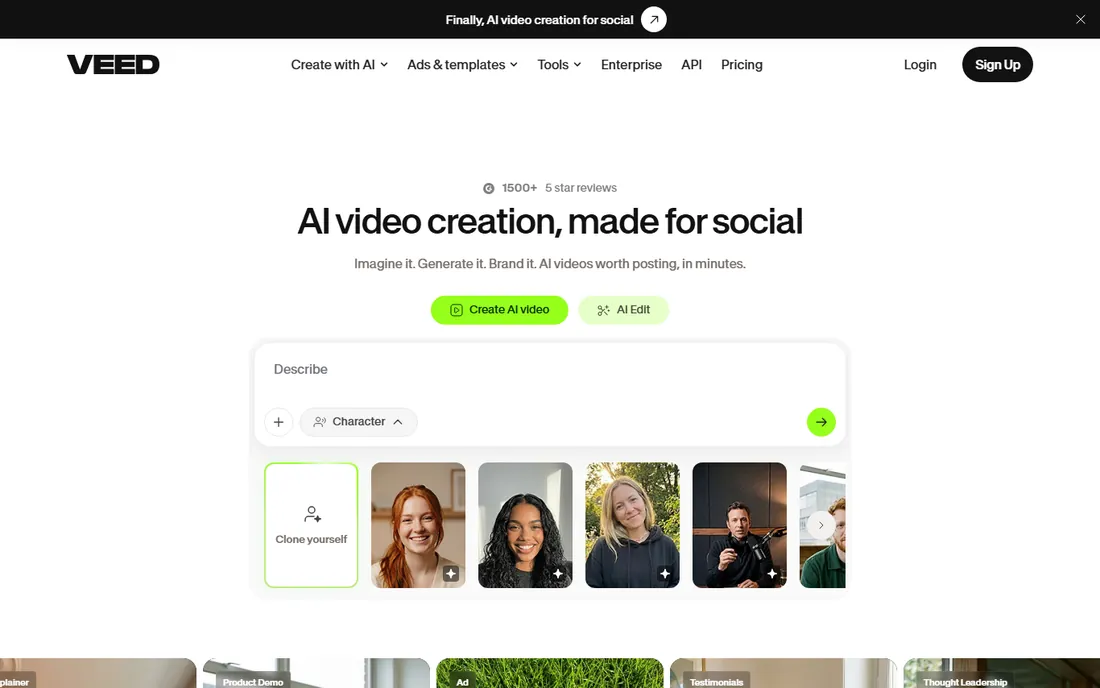
Most people meet VEED through its subtitle button, and that is a fair introduction. Upload a video in your browser, click one button, and you get timed subtitles synced to the speech. It is the fastest path from raw footage to a captioned clip on this list.
Because it runs entirely online, there is nothing to install and it works the same on any computer. Templates resize your captioned video for YouTube, TikTok and Instagram without manual reformatting. Short clips for social media are clearly the use case VEED was designed around.
Free exports carry a watermark, which makes the free tier better for testing than publishing. Transcription quality is good on clear English speech but slips on strong accents or fast overlapping dialogue. Paid plans remove the watermark and raise the limits.
What we like- Runs fully in the browser
- Auto-subtitles with one click
- Templates for social formats
Watch out for- Free plan watermarks exports
- Transcription accuracy drops on heavy accents
Starting priceFrom $8.17/month (billed annually)
Free planYes, 120 minutes/month
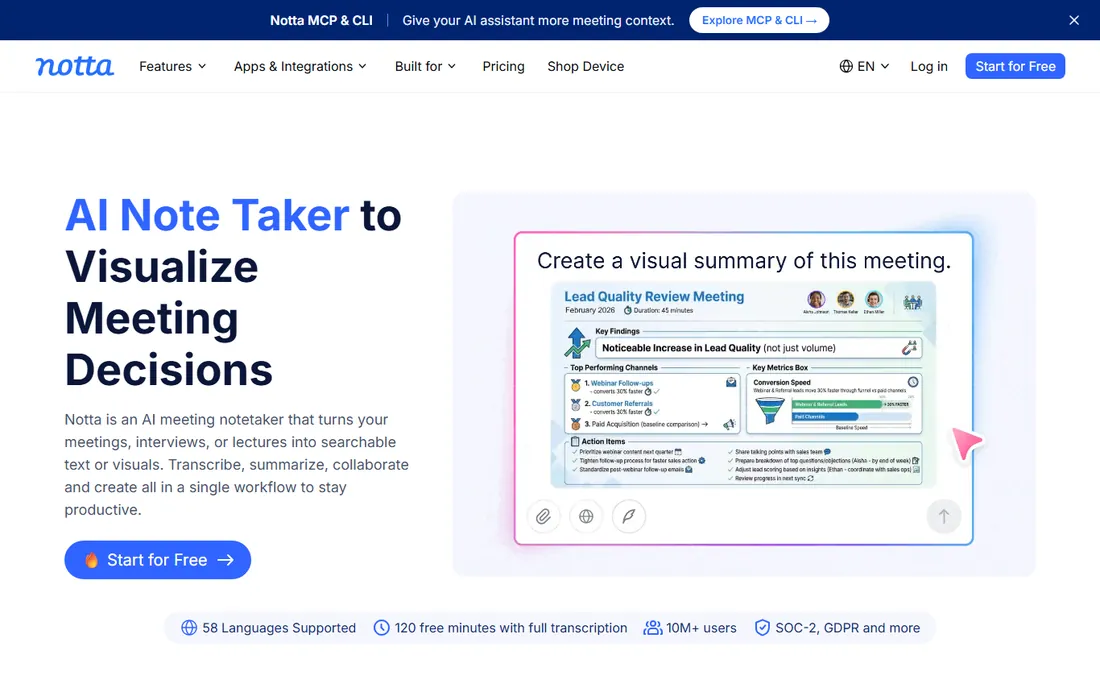
Notta does not try to be a video editor. It tries to be the best listener in the room. The free plan includes 120 transcription minutes per month, which is one of the more generous free allowances here, and it covers meetings, uploaded files and screen recordings.
Language support is the standout feature. Notta transcribes in dozens of languages, which matters for teams with international clients or bilingual staff. A Chrome extension captures audio from any browser tab, handy for transcribing webinars and browser-based calls without extra setup.
Once the free minutes are used up, you wait for the monthly reset or upgrade. The AI summaries and action-item extraction sit on paid tiers, so free users get the transcript itself without the extras. For straightforward transcription in multiple languages, that is usually enough.
What we like- Supports dozens of languages
- Chrome extension for browser audio
- Clean sharing links
Watch out for- 120 free minutes go fast
- Advanced summaries are paid features
Starting priceFrom $16/member/month (billed annually)
Free planYes, limited exports
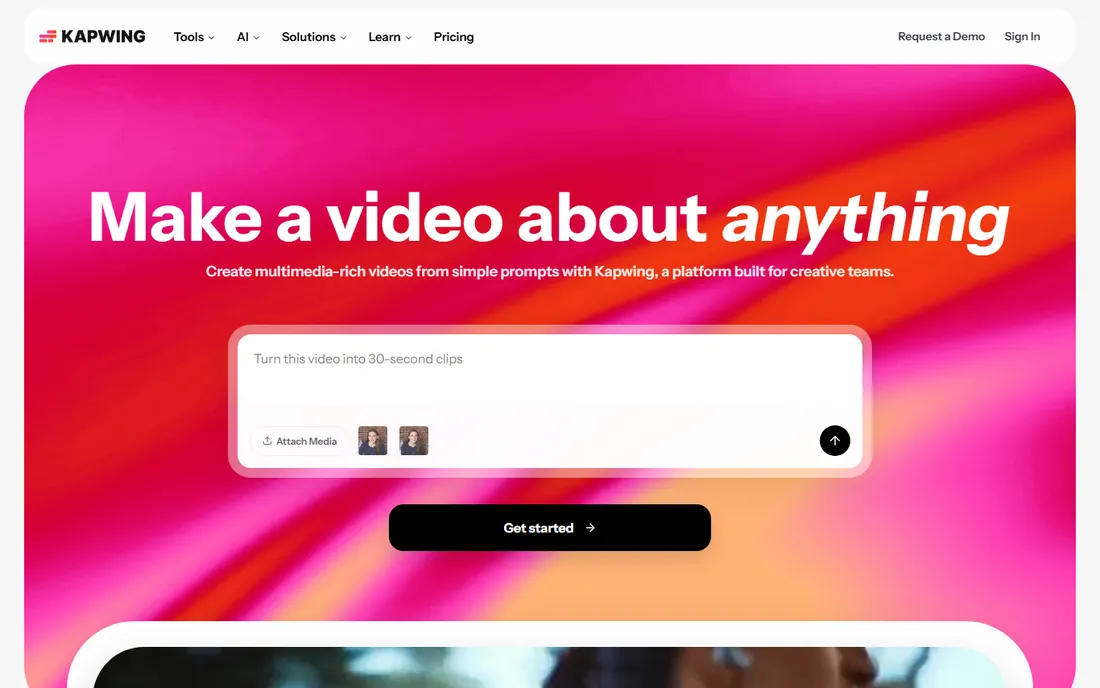
Kapwing grew out of quick meme-making tools, and its transcription workflow still feels that fast. Upload a video, generate captions automatically, restyle them with a couple of clicks, and export a clip that looks native to TikTok or Reels. The whole flow happens in the browser.
For small marketing teams, the shared workspace matters as much as the transcription. Team members can comment on drafts, reuse brand templates and keep projects in one place. Transcription is one part of a broader editing toolkit rather than the entire product.
The free tier works for experimenting and low-volume posting. Watermarked exports and limited transcription hours mean regular creators upgrade quickly. If you publish captioned video weekly, budget for the Pro plan from the start.
What we like- Browser-based editor with transcription built in
- Auto-captions styled for social
- Team workspaces
Watch out for- Free exports are watermarked
- Transcription hours limited on free tier
Starting priceFrom $24/month (billed annually)
Free planYes, limited recording and transcription hours
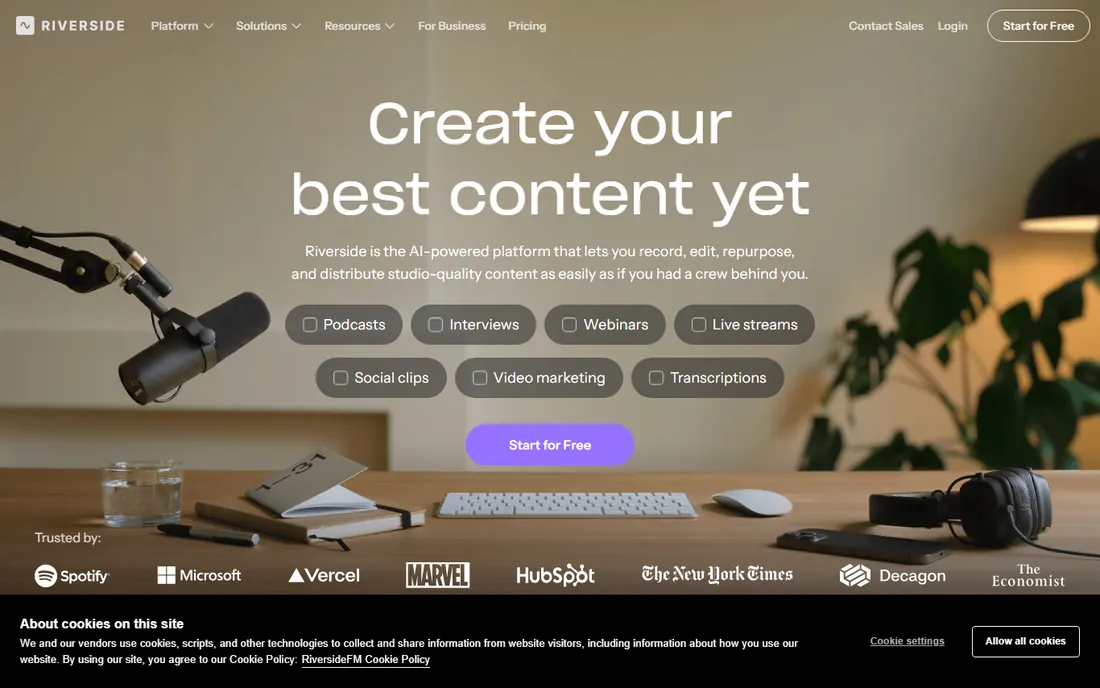
Riverside starts from a different place than the other tools here: recording comes first. It records each remote guest locally on their own device, then uploads the high-quality files. Because the audio is clean, the automatic transcription is noticeably more accurate than on compressed meeting recordings.
The text-based editor lets you cut the recording by editing the transcript, similar to Descript. Separate tracks for each speaker make it easy to fix levels or remove one person's cough without touching the rest. Podcasters and interview shows get the most from this setup.
The free plan gives you a taste with limited hours. Riverside makes sense as a transcription tool mainly if you record with it, since the transcript is generated from your recordings automatically. If you only need to transcribe existing files, the other tools here give you more free minutes.
What we like- Records each guest locally in high quality
- Separate audio and video tracks
- Text-based editing
Watch out for- Free hours are tight
- Best value only if you also use it for recording
Starting priceFrom $10/month (billed annually)
Free planYes, 3 transcripts per day
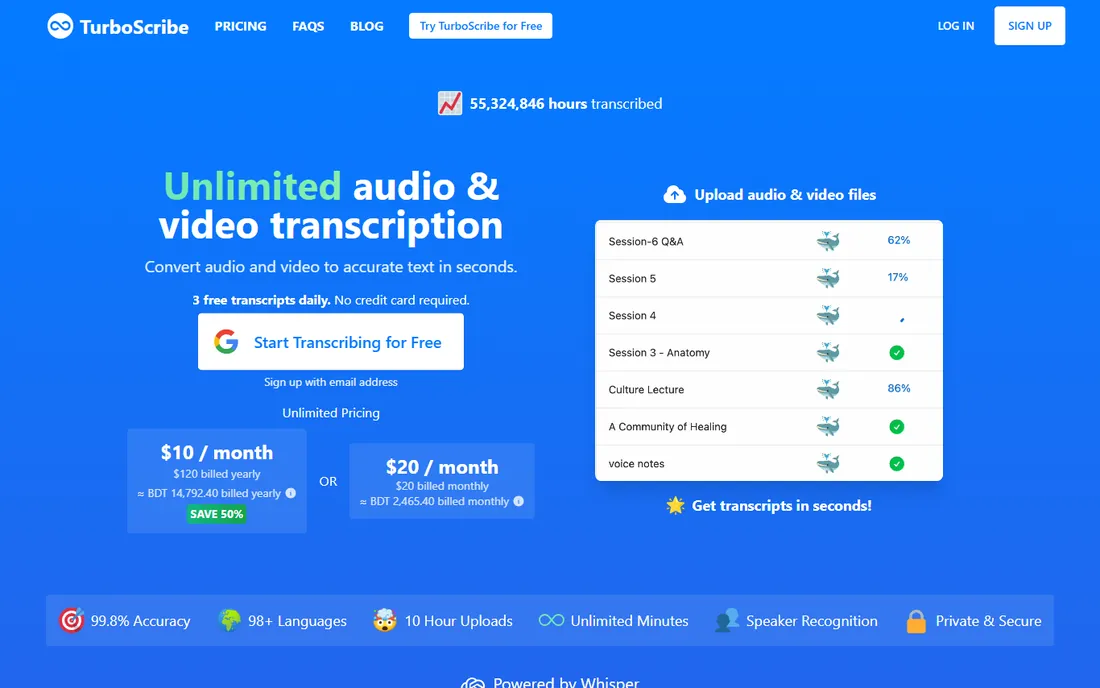
TurboScribe is the newest name on this list, and it keeps things deliberately simple. Upload an audio or video file, and you get a transcript back quickly. There is no timeline editor, no subtitle styling, no meeting bot. For people who just need the words, that focus is a strength.
The free tier allows three transcripts per day, which covers occasional use well. The paid plan is a flat $10 per month with unlimited use, one of the lowest prices in this category. That pricing makes it attractive for researchers, students and journalists who transcribe in bursts.
What you give up is everything around the transcript. There is no video editing, no caption export styling and no collaboration workspace. If your workflow ends with a readable text document, TurboScribe does the job for less money than almost anything else here.
What we like- Very fast turnaround
- Simple upload and go workflow
- Low flat-rate paid plan
Watch out for- Minimal editing features
- No built-in video editing
Starting priceFree (open source, MIT license)
Free planYes, fully free with no limits
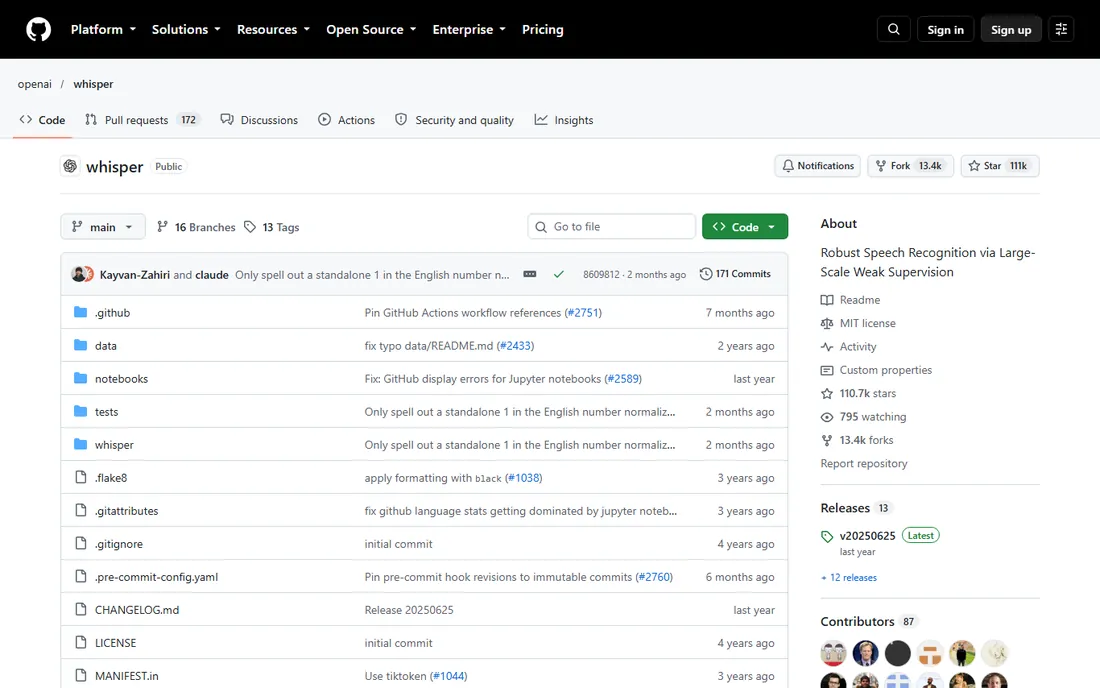
Whisper is not a website. It is open-source software you run yourself, and that changes the economics completely. There are no minute limits, no subscriptions and no watermarks. Transcribe a thousand hours if you want; the only cost is your computer's time.
Accuracy is genuinely strong across many languages, which is why so many paid tools build on Whisper under the hood. Because it runs locally, your files never leave your machine, a real advantage for sensitive interviews or client work under confidentiality agreements.
The tradeoff is setup. You need to be comfortable with a command line or find a community-built interface to wrap it. There is no built-in editor, no sharing links and no support team. For technical users and privacy-conscious teams, it is the most capable free option available.
What we like- No minute caps or paywalls
- Strong accuracy in many languages
- Runs offline
Watch out for- Requires technical setup
- No web interface or editor included
How we chose
We picked these eight by checking what each tool actually gives away for free, not what its marketing page implies. For every candidate we opened the vendor's own pricing page, confirmed the free tier or trial still exists, and read the limits that matter: monthly minutes, export watermarks, language support and file upload caps.
We also weighed who each tool serves. A podcaster, a course creator and a sales manager all need transcripts, but they need them in different shapes. Public reviews on G2, Capterra and Reddit helped us spot where accuracy claims hold up and where free plans frustrate real users. No vendor paid for a place on this list, and we did not claim hands-on testing we did not do.
Free plans differ in the details that decide whether a tool fits your week. Read the fine print on these four points before you commit your workflow to one.
Minute limits and how they reset
Most free tiers reset monthly, but the amounts vary widely. Notta gives 120 minutes per month, while TurboScribe allows three transcripts per day with no stated minute cap. Estimate your real usage first: one weekly hour-long meeting is about 240 minutes a month, which already exceeds some free plans.
Accuracy on real-world audio
Marketing pages demo clean studio audio. Your audio has room echo, laptop fans and people talking over each other. Tools that record locally, like Riverside, produce cleaner source audio and therefore better transcripts. If your recordings are messy, prioritize tools with easy transcript editing over raw accuracy claims.
Export formats and where the text goes
A transcript you cannot export is a transcript you do not own. Check whether the free plan lets you download plain text, SRT captions and Word documents, or whether exports are locked behind payment. If you repurpose content into blog posts or show notes, export flexibility matters more than a polished in-app reader.
Privacy and data handling
Uploading client calls to a cloud service means trusting that vendor with the audio. If you handle sensitive material, Whisper's local processing keeps everything on your machine. For cloud tools, check the privacy policy for data retention terms and whether your files train their models.
How free transcription plans really work
Free transcription is cheap to offer but expensive to run, so vendors design free tiers to convert you, not to serve you forever. The common pattern is a monthly minute allowance that covers casual use but breaks under a real workload. Watermarked exports are the second lever: you can see the quality, but you cannot publish with it.
Paid plans usually remove three things at once: the minute cap, the watermark and the export restrictions. Prices cluster between $8 and $25 per user per month for individual plans. Annual billing typically cuts 15 to 30 percent off the monthly rate, so if you know you will transcribe all year, pay yearly.
One more pattern to watch: some tools count transcription minutes against recording or storage limits too. A plan that advertises generous transcription but tiny storage can still force an upgrade. Add up the whole allowance, not just the headline number.
Frequently asked questions
Is free transcription software accurate enough for professional use?
For clear speech it is, usually around 90 percent or better on clean audio. You should still proofread before publishing quotes or captions, because names, jargon and overlapping speech trip up every engine. Budget five to ten minutes of cleanup per hour of audio for professional output.
What happens when I exceed my free minutes?
Most tools stop transcribing until your allowance resets next month or you upgrade. A few let you buy extra minutes one time. Check whether the reset is monthly or daily, since a daily limit like TurboScribe's three transcripts behaves very differently from a monthly pool.
Can I transcribe videos in languages other than English?
Yes, and this is where tools differ most. Notta and Whisper cover dozens of languages well. Others focus on English and a handful of European languages. If you need a specific language, test it on the free tier before you build a workflow around it.
Do these tools work with videos I already recorded?
All eight accept uploaded files, not just live recordings. Common formats like MP4, MOV and MP3 work everywhere. Very large files can hit upload limits on free plans, so check the maximum file size before you try to push a three-hour 4K recording through a browser uploader.
Is my uploaded video private?
Cloud tools store your files on their servers, and retention policies vary. Most delete files after a set period or let you delete them manually. If confidentiality matters, read the vendor's privacy policy or use Whisper locally so nothing leaves your computer.
Can I get subtitles in SRT format for YouTube?
Yes. VEED, Kapwing, Descript and most others export SRT or VTT caption files on their free or paid tiers. YouTube accepts SRT uploads directly in its subtitle editor. Confirm the export format is available on the free plan if you do not intend to pay.
Sources we checked (8)
- https://otter.ai
- https://www.descript.com
- https://veed.io/
- https://notta.ai/
- https://kapwing.com/
- https://riverside.fm/
- https://turboscribe.ai/
- https://github.com/openai/whisper
Is your product missing or out of date?
We review this list regularly. Vendors can request a listing, send updated pricing or ask about featured placement.

Shihab Mia · Founder, Rankite
Shihab has spent more than a decade helping SaaS and e-commerce brands grow through search. He writes Rankite's software buying guides from pricing pages, documentation and public user reviews. More about Shihab.