How we make this list: we compare pricing pages, product documentation and public user reviews. Ratings come from G2, Capterra or Trustpilot, with the date we checked them.
Key takeaways
- Canva is the most flexible Gamma alternative, because it covers presentations, documents, social graphics, and video in one account with a strong free plan.
- Beautiful.ai and Pitch suit teams that need consistent branding, with layout controls and shared templates that keep every deck looking related.
- Plus AI and SlidesAI are the closest fit for people who already work in PowerPoint or Google Slides and want AI help inside those apps.
- Prezi stands apart from the rest, because its zooming canvas and live audience tools fit teaching and training better than standard slide decks.
- Presentations.AI is the strongest choice for data-heavy business decks that must be refreshed often, with PowerPoint export as the default output.
- Free plans differ a lot in this group, from Canva and Pitch at no cost to Beautiful.ai and Plus AI, which offer trials instead of ongoing free tiers.
Quick comparison
| Tool | Best for | Starting price | Free plan |
|---|
 Canva Canva | All-round design plus presentations | $18 per month | Yes |
 Beautiful.ai Beautiful.ai | On-brand business decks with auto-aligned layouts | $14.50 per month (billed annually) | No |
 Pitch Pitch | Team decks with collaboration and analytics | $13 per month | Yes |
 Plus AI Plus AI | AI drafting inside PowerPoint and Google Slides | $10 per user per month (billed annually) | No |
 Prezi Prezi | Interactive, zooming presentations for teaching | $7 per month (billed annually) | Yes |
 SlidesAI SlidesAI | Fast decks from notes and documents | $10 per month (billed annually) | Yes |
 Presentations.AI Presentations.AI | Data-connected business decks at scale | $20 per month (billed annually) | Yes |
Is your product missing or out of date?
We review this list regularly. Vendors can request a listing, send updated pricing or ask about featured placement.
The best Gamma alternatives for every kind of presenter
#1Canva
Best for: All-round design plus presentations4.7/5 on
G2 (7,678 reviews, checked Oct 2026)
Visit canva.com
Starting price$18 per month
Free planYes
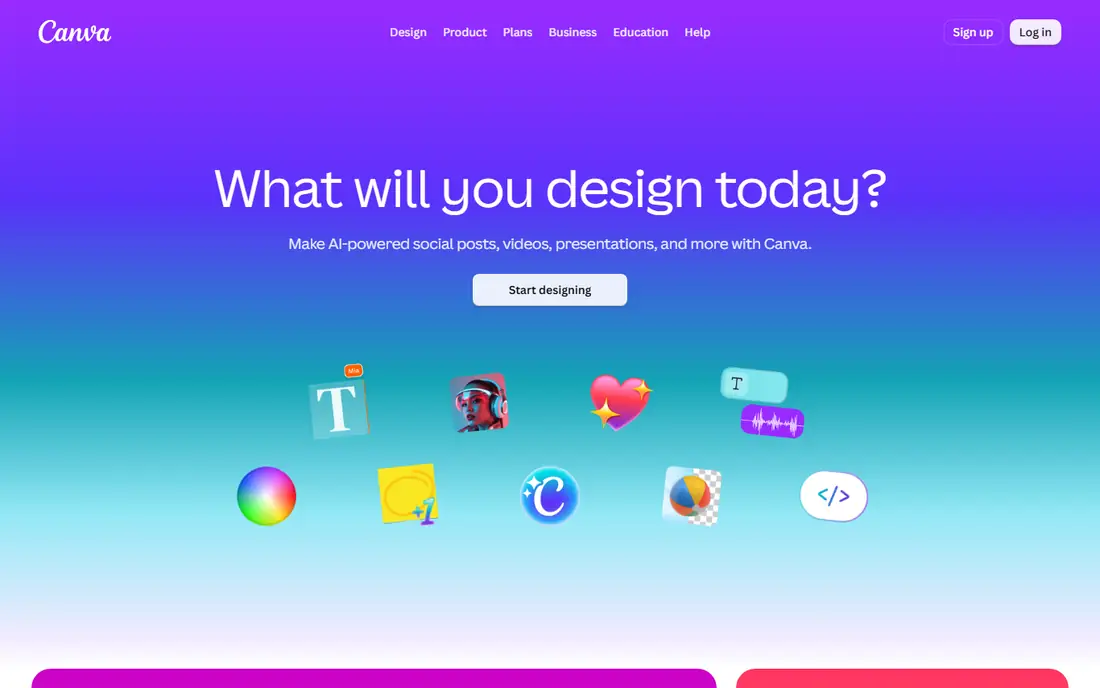
Gamma is known for turning a prompt into a polished, web-first deck in minutes, and Canva matches that speed while adding far more beyond slides. A user can start from a presentation template, ask its AI tools for a draft, then resize the same design for a social post or a one-page handout. The free plan covers a large template set, basic AI tools, and 5 GB of storage, which is enough for occasional decks. Pro, at $18 per month or $144 per year for one person, adds the full template and stock library, Brand Kit, background remover, and a much larger AI allowance.
The compromise is focus. Canva is a general design platform, so its slide tools do not offer the same strict layout system as Beautiful.ai or the same data-refresh features as Presentations.AI. Fine typography control and complex chart work can also feel limited next to a dedicated presentation app. Still, for a solo creator, a small business, or a teacher who needs slides plus everything around them, Canva is the hardest alternative to beat on breadth per dollar. Start on the free plan, and move to Pro only when premium templates, brand tools, or the higher AI allowance become regular needs.
What we like- Huge template library
- Strong free plan
- One account covers slides, documents, and social graphics
Watch out for- AI presentation features sit inside a general design tool
- Precise slide-level control is weaker than specialist tools
#2Beautiful.ai
Best for: On-brand business decks with auto-aligned layouts4.6/5 on
G2 (196 reviews, checked Oct 2026)
Visit beautiful.ai
Starting price$14.50 per month (billed annually)
Free planNo
Beautiful.ai takes the opposite approach to Canva. Instead of giving a blank canvas, it gives more than 300 Smart Slide layouts that resize, realign, and animate themselves as text is added or removed. That discipline is the point. A sales update, a quarterly report, or a strategy deck keeps clean spacing and hierarchy without a designer checking every slide. The newer AI workflow builds a text-first outline first, so the structure can be fixed before design is applied, which avoids the common problem of regenerating a whole deck because one section is wrong.
Pricing is the main barrier. There is no permanent free plan, and the standard way to test it is a 14-day trial that requires a card. Pro costs $14.50 per month billed annually, or $45 month to month, and Team costs $40 per user per month billed annually for 2 to 20 seats. Those figures come from third-party pricing summaries of the vendor pricing page checked in October 2026, so confirm them at checkout. The layout system can also frustrate designers who want pixel-level freedom. For teams that produce recurring business decks and care more about consistency than creative freedom, that trade is worth it.
What we like- Smart Slides realign automatically as content changes
- Strong brand and template controls
- PowerPoint import and export
Watch out for- No ongoing free plan, only a 14-day trial
- Layout rules limit freeform design choices
#3Pitch
Best for: Team decks with collaboration and analytics4.4/5 on
G2 (67 reviews, checked Oct 2026)
Visit pitch.com
Starting price$13 per month
Free planYes
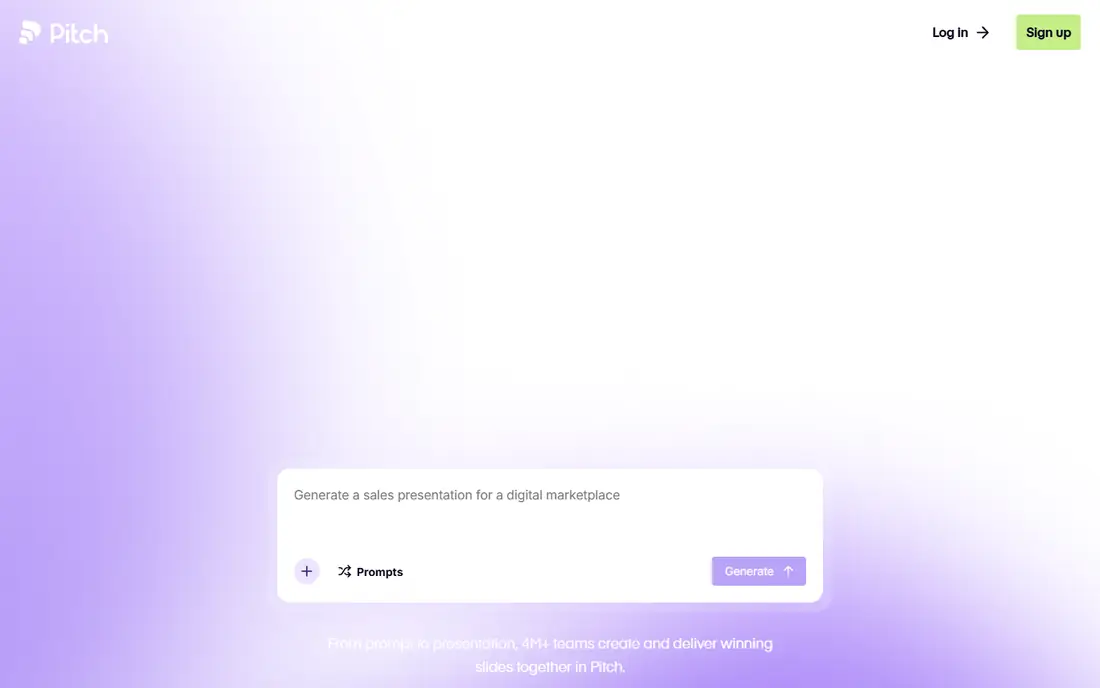
Pitch is built around teams that create, share, and track presentations together. Several people can edit the same deck at once, comment on slides, and work from shared brand assets, templates, and custom fonts. For sales teams, Pitch rooms bundle a deck with related files behind one trackable link, and viewer analytics show who opened the deck and which slides held attention. The AI agent can generate on-brand slides, personalize messaging, and, through its API and MCP support, feed into automated workflows such as building a quarterly review deck from call notes.
The free plan is genuinely useful, with unlimited presentations, custom templates, and 100 one-time AI credits for up to five members. Plus, at $13 per month in recent October 2026 pricing summaries, adds 500 AI credits per month, custom fonts, video uploads, and PowerPoint export without Pitch branding. Team, at $19 per month, adds advanced links and shared pitch rooms. The main limits to note are the credit caps and the fact that detailed slide-level analytics sit behind the Team tier. Pitch fits revenue teams and agencies better than a solo user who only needs one deck a quarter.
What we like- Real-time team collaboration
- Free plan allows unlimited presentations
- Deal rooms and viewer analytics on paid plans
Watch out for- Advanced analytics need Team or higher
- AI credits are capped on lower plans
#4Plus AI
Best for: AI drafting inside PowerPoint and Google Slides3.2/5 on
G2 (5 reviews, checked Oct 2026)
Visit plusdocs.com
Starting price$10 per user per month (billed annually)
Free planNo
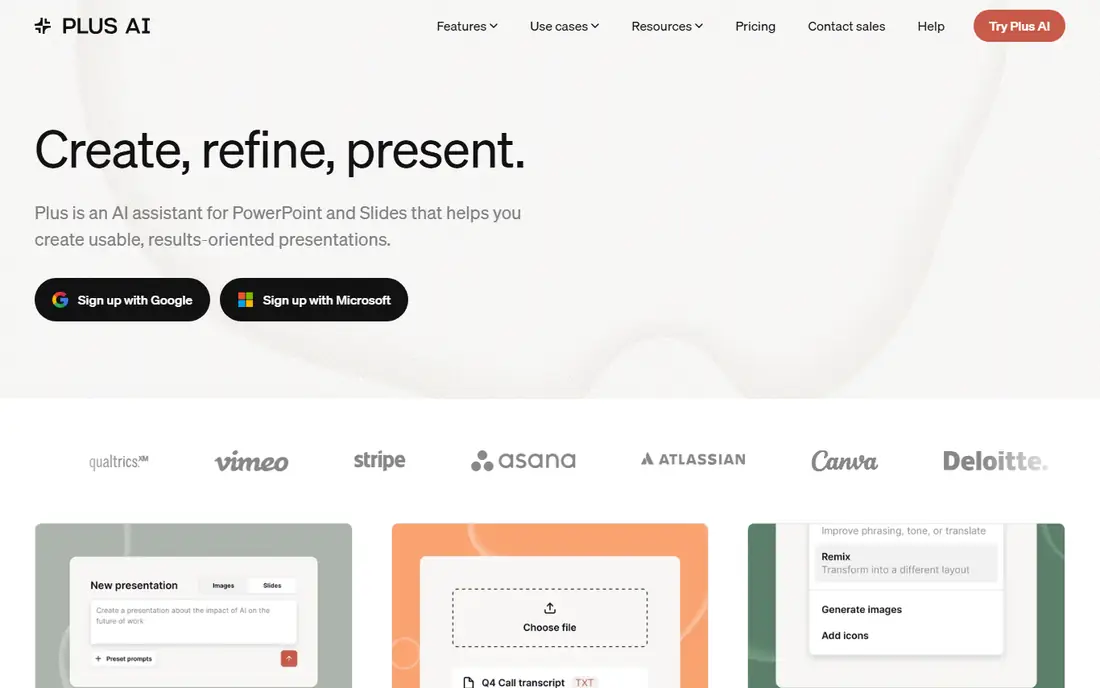
Plus AI answers a different question from the other tools here. It does not ask a user to learn a new editor. It works as an add-on inside PowerPoint and Google Slides, generating new decks from a prompt, rewriting single slides, remixing plain text into a chosen layout, and inserting slides from a preset library. Because output stays in native PowerPoint or Google Slides format, a deck can be handed to a client or a colleague who never uses Plus AI, and the file still opens and edits normally. That compatibility is a real advantage in corporate settings where templates and file formats are fixed.
There is no permanent free plan. New customers get a 7-day trial, and the vendor homepage confirms the trial model while pricing summaries list Basic at $10 per user per month billed annually or $15 month to month, with 1,500 AI credits per month. Pro, at $20 per user per month billed annually, adds document upload and longer prompts. Teams that already live in PowerPoint or Google Slides, and that revise decks several times a month, will get the most from Plus AI. Anyone who only needs one deck a year will find a free plan elsewhere a better deal.
What we like- Works inside PowerPoint and Google Slides
- Produces native, editable files
- Rewrite and remix tools for existing slides
Watch out for- No ongoing free plan, only a 7-day trial
- Document upload needs Pro or higher
#5Prezi
Best for: Interactive, zooming presentations for teaching4.2/5 on
G2 (5,725 reviews, checked Oct 2026)
Visit prezi.com
Starting price$7 per month (billed annually)
Free planYes
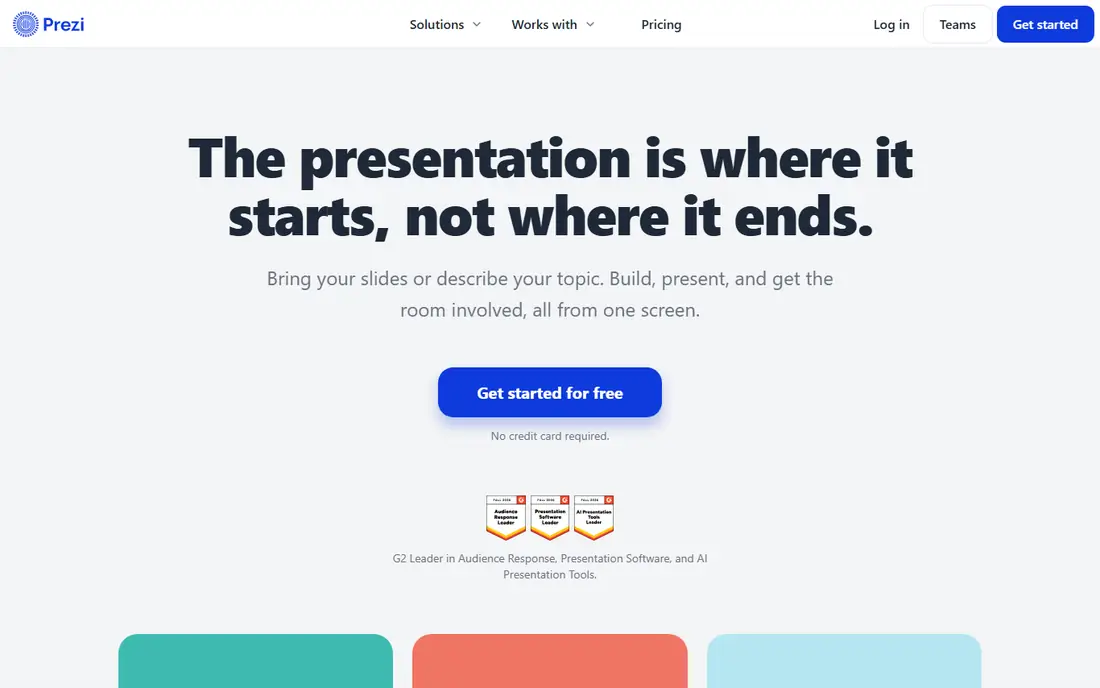
Prezi is the least like Gamma in this list, and that is why it earns a place. Instead of moving slide to slide, a Prezi presentation moves across one large canvas, zooming into topics and back out to the overview. That structure helps an audience follow a narrative, and it is a natural fit for lessons, training sessions, and keynotes where the relationship between ideas matters. The current platform also builds in live participation, with polls, quizzes, Q and A, and word clouds that the audience joins by scanning a code, plus a shareable follow-up page with review material.
The free Basic plan lets a new user start without a card, with 500 AI credits and public presentations. Standard costs $7 per month billed annually and adds privacy controls and unlimited projects, while Plus at $19 per month billed annually adds unlimited AI generation, PDF export, recording, and offline access. The limits matter for business users. Free decks are public, which rules them out for client or internal work, and a PowerPoint export turns zooming frames into static slides. For teachers, trainers, and speakers who present live, Prezi offers something no standard slide tool does.
What we like- Zooming canvas gives talks a clear visual structure
- Live polls, quizzes, and Q and A built in
- Free plan needs no card
Watch out for- Free decks are public
- PDF export and offline access need Plus or higher
- Zoom effects do not transfer fully to PowerPoint
Starting price$10 per month (billed annually)
Free planYes
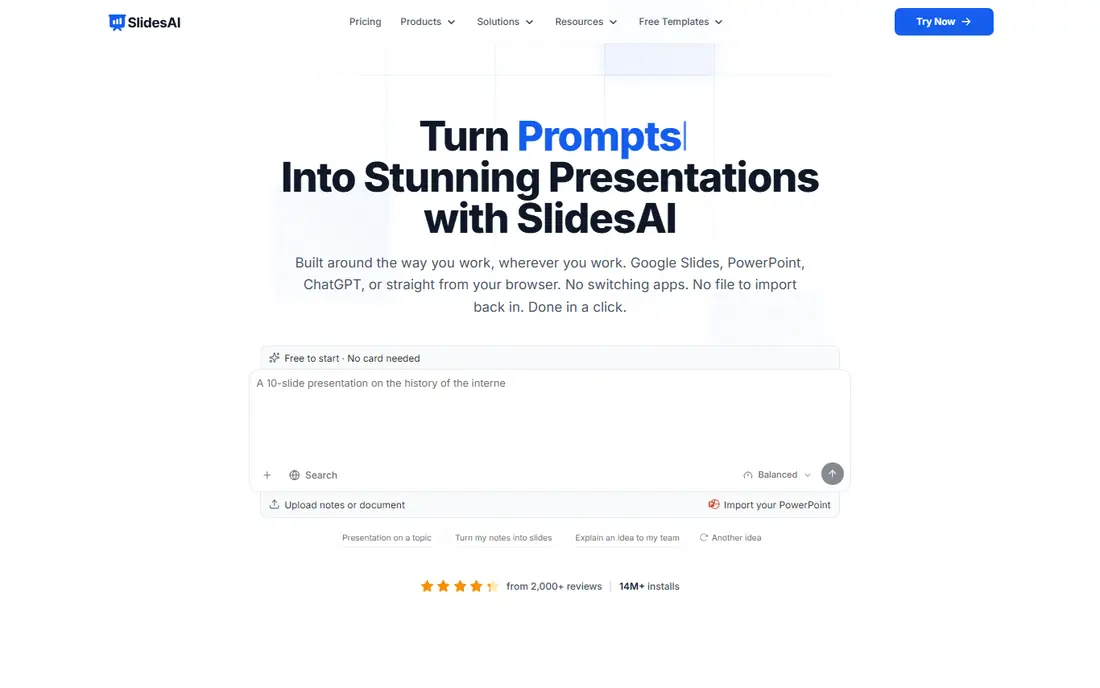
SlidesAI is built for one job, and it does that job quickly. Type a topic, paste notes, or attach a document, review the outline, and SlidesAI writes and designs the deck, which opens in Google Slides, PowerPoint, or its web app. The outline step is a useful control, because a title or line can be rewritten or reordered before the full text is generated. Brand kits import a branded PowerPoint template so colors, fonts, and logos carry across decks, which helps students and professionals who must match an existing style.
The pricing is clear on the vendor homepage. Basic costs $0 per month with 200 AI credits per month, a 2,500 character input limit per presentation, and one brand kit. Pro costs $10 per month billed annually, at $120 per year, with 30,000 AI credits per year, a 50,000 character input limit, document upload, and three brand kits. The free tier is modest, and heavy users will hit its limits fast, but it is a real free plan rather than a timed trial. SlidesAI suits students, teachers, and professionals who turn notes into decks often and want a native file at the end.
What we like- Genuine free Basic plan
- Works in Google Slides, PowerPoint, and ChatGPT
- Brand kits keep decks on-brand
Watch out for- Free plan caps input length and presentations
- Credit bundles differ from other vendors, so compare limits carefully
#7Presentations.AI
Best for: Data-connected business decks at scale4.2/5 on
G2 (9 reviews, checked Oct 2026)
Visit presentations.ai
Starting price$20 per month (billed annually)
Free planYes
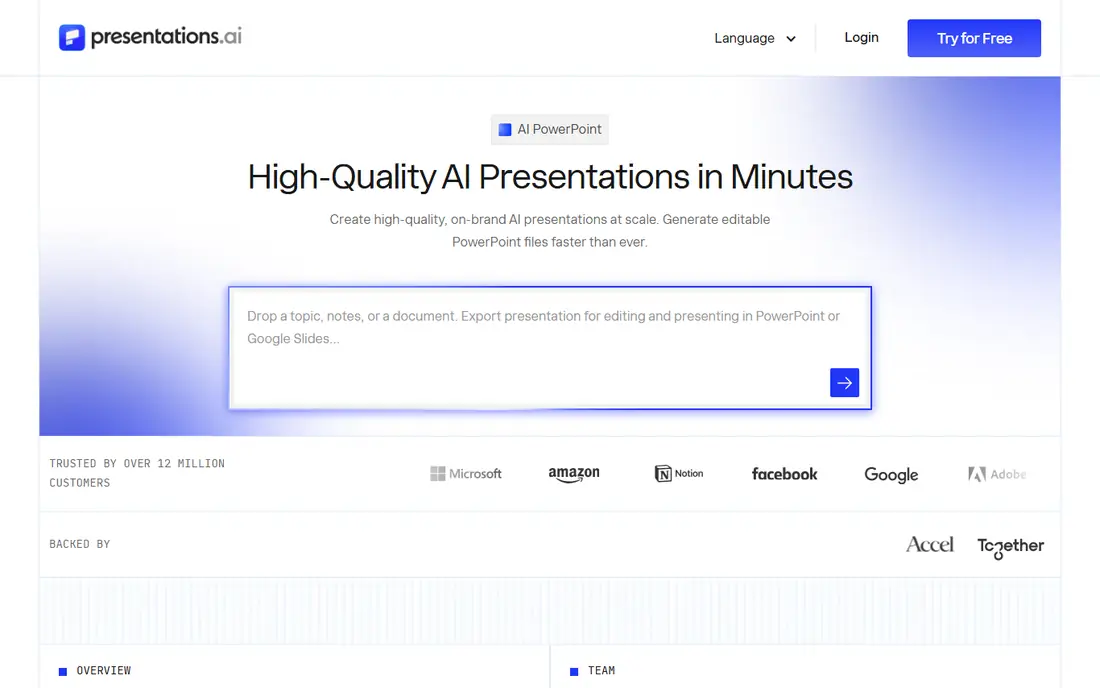
Presentations.AI targets teams whose decks must stay current. Its Refresh feature swaps in new data, a new prospect, or new context while the original design stays locked, which removes the monthly rebuild of a sales or customer success deck. It also offers generation at scale through an API, a library of more than 1,000 full-deck templates, and a slide-by-slide creator for filling a single gap in an existing deck. Export produces a native PowerPoint file, so a deck can move into a normal review and approval flow.
The vendor homepage lists Starter at $0 per month with 200 credits, Pro at $20 per month billed annually with 5,000 credits, and Gold at $100 per month billed annually with 50,000 credits. That puts Presentations.AI above Gamma's entry price, but the comparison is about workload, not only price. A founder who makes one pitch deck will not need its data and API features. A sales, product, or customer success team that refreshes the same deck every month, or personalizes decks for many clients, will feel the difference quickly. Check the credit allowance against real monthly volume before choosing between Pro and Gold.
What we like- Refresh feature updates decks from connected data
- Strong PowerPoint export
- Templates for sales, board, and launch decks
Watch out for- Pro is annual billing only in vendor pricing
- Free Starter credits are limited to 200
How we chose
We compared vendor pricing pages, product documentation, and public reviews on G2, Capterra, and Reddit, and checked each tool against the same questions. Does it generate or shape presentations with AI, or add AI help to an existing slide workflow? Does it still exist and accept new users today? Does it export to a usable format, such as PowerPoint, PDF, or a shareable link? Does its pricing page state a free plan, a trial, or neither? We did not claim hands-on testing, and we did not rank tools by review scores alone, since those scores mix different use cases and plan levels.
We also treated Gamma as the baseline, not as a competitor to beat on every point. Gamma offers a free plan with 400 one-time credits and a Plus plan at $9 per seat per month billed annually, according to an October 2026 pricing comparison. A useful alternative does not need to copy Gamma. It needs to match or improve on the part of Gamma a buyer actually uses, whether that is fast drafting, brand control, team collaboration, live presenting, or working inside PowerPoint and Google Slides. Tools that were discontinued, such as Tome, were left out even though older lists still mention them. Prices change by region and billing choice, so the vendor checkout page is the final check before purchase.
How to pick the right Gamma alternative for your next deck
Start with the file you must deliver, not with the feature list. If the final deck must be a PowerPoint file that a client edits, Plus AI or SlidesAI will cause the fewest surprises. If the deck will be presented from a link and never converted, Gamma-style web tools such as Canva, Beautiful.ai, Pitch, and Presentations.AI are all reasonable, and the choice turns on branding and collaboration needs. If the audience must participate during the talk, Prezi is the only tool here built for that job.
Next, count how many decks you make in a month, and how many of them repeat. A one-off deck favors a free plan, such as Canva, Pitch, Prezi, SlidesAI, or Presentations.AI Starter. A recurring monthly report favors a tool with templates, brand controls, and data refresh, even at a higher price, because the time saved repeats too. A team deck favors shared libraries, roles, and viewer analytics, which usually means a Team tier rather than the cheapest individual plan.
Finally, test with a real deck, not a demo topic. Use your own notes, your own brand colors, and your own data, and check three things before paying. First, does the AI draft keep your facts intact, or does it invent details you must fix? Second, does the export look right in the app your audience will use? Third, does the credit or seat limit cover a normal month, including revisions? A tool that passes those three checks on a real deck is a better buy than a cheaper tool that fails one of them.
Frequently asked questions
Is there a free Gamma alternative?
Yes. Canva, Pitch, Prezi, SlidesAI, and Presentations.AI all offer free plans, though each caps AI credits, features, or privacy in some way. Beautiful.ai and Plus AI offer trials instead of ongoing free plans. The best free option depends on whether you need PowerPoint export, private decks, or team collaboration, since those features usually sit on paid tiers.
Which Gamma alternative is best for teams?
Pitch and Beautiful.ai are the strongest team choices here, for different reasons. Pitch leads on real-time collaboration, deal rooms, and viewer analytics. Beautiful.ai leads on locked themes, shared template libraries, and layout consistency across many decks. Presentations.AI is also strong for teams that refresh data-heavy decks often.
Which Gamma alternative works best inside PowerPoint?
Plus AI works directly inside PowerPoint and Google Slides, so it is the closest fit for a PowerPoint-first workflow. SlidesAI also produces native PowerPoint and Google Slides files. Beautiful.ai, Pitch, and Presentations.AI export to PowerPoint, but the exported file may lose some animations or interactive effects from the original.
Can I use a Gamma alternative for a pitch deck?
Yes. Pitch, Presentations.AI, Canva, and Beautiful.ai all offer pitch deck templates and brand controls. Pitch adds deal rooms and engagement tracking, which help founders see whether an investor opened the deck. Presentations.AI adds a pitch deck generator with the slide order investors expect. Check export format and branding on the free plan before sending a deck to investors.
Do AI presentation tools check facts in my deck?
No, and this matters for every tool in this guide. AI drafting can invent figures, names, dates, or claims that sound plausible. Review every number, quotation, and source before sharing a deck, and keep source documents beside the draft during review. The tools save time on structure and design, but the presenter stays responsible for accuracy.
Sources we checked (7)
- https://www.canva.com
- https://www.beautiful.ai
- https://pitch.com
- https://www.plusdocs.com
- https://prezi.com
- https://www.slidesai.io
- https://www.presentations.ai
Is your product missing or out of date?
We review this list regularly. Vendors can request a listing, send updated pricing or ask about featured placement.

Shihab Mia · Founder, Rankite
Shihab has 5+ years in B2B and SaaS SEO. He writes Rankite's software buying guides from pricing pages, documentation and public user reviews. More about Shihab.