How we make this list: we compare pricing pages, product documentation and public user reviews. Ratings come from G2, Capterra or Trustpilot, with the date we checked them.
Key takeaways
- Toggl Track and Clockify are the best simple time tracking alternatives, with generous free tiers.
- Time Doctor matches Hubstaff most closely on monitoring, including screenshots and activity tracking.
- ActivTrak suits teams that want workforce analytics without invasive screenshots.
- DeskTime, TimeCamp, and Everhour cover automatic tracking, budgeting, and integrations at low cost.
- Monitoring features raise privacy questions, so check local laws and tell your team what is tracked before deploying any tool.
Quick comparison
| Tool | Best for | Starting price | Free plan |
|---|
 Toggl Track Toggl Track | Simple time tracking | Free | Yes |
 Clockify Clockify | Free unlimited tracking | Free | Yes |
 Time Doctor Time Doctor | Closest monitoring match | $7/user/month | Free trial |
 ActivTrak ActivTrak | Workforce analytics | Free | Yes |
 DeskTime DeskTime | Automatic tracking | Free | Yes |
 TimeCamp TimeCamp | Tracking plus invoicing | Free | Yes |
 Everhour Everhour | Tracking with budgets | See website | Free trial |
 Teramind Teramind | Deep monitoring and security | See website | Free trial |
 Monitask Monitask | Affordable monitoring | See website | Free trial |
Is your product missing or out of date?
We review this list regularly. Vendors can request a listing, send updated pricing or ask about featured placement.
The best Hubstaff alternatives
#1Toggl Track
Best for: Simple time tracking4.6/5 on
G2 (1,589 reviews, checked Oct 2026)
Visit toggl.com
Starting priceFree
Free planYes
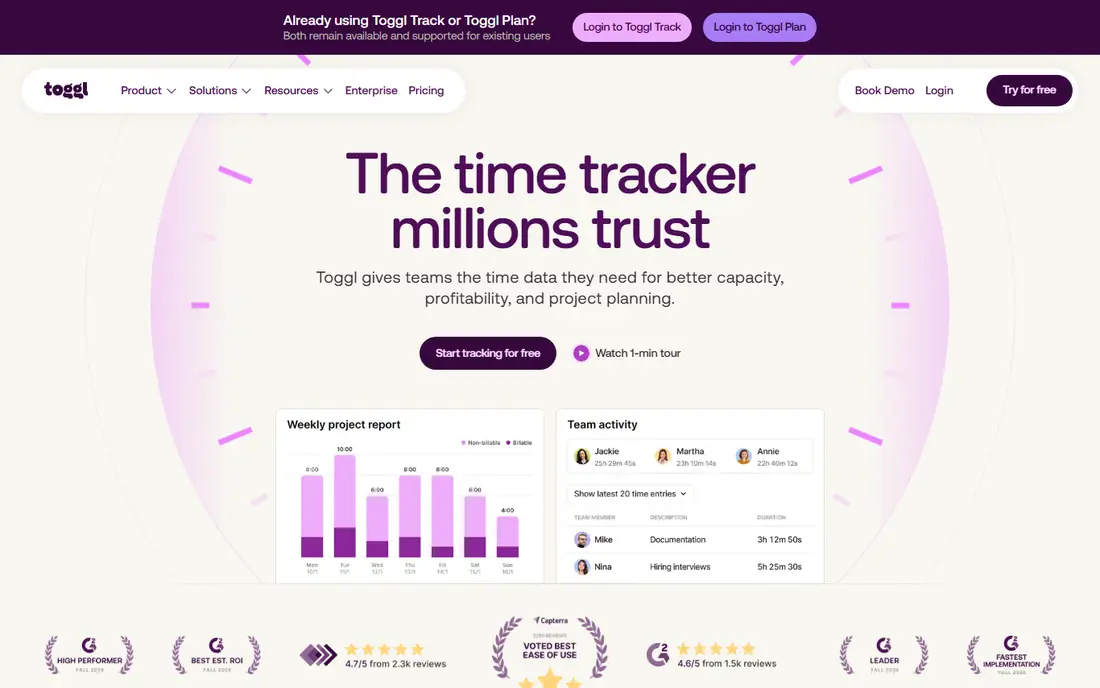
Toggl Track is the simplest time tracking alternative, with a one-click timer, clean reports, and integrations with common project tools. Its free tier covers up to 5 users, and paid Starter plans start around $9 per user per month for larger teams and features such as billable rates and project forecasts.
There is no monitoring: no screenshots, no activity tracking, no app usage reports. That is a feature for teams that want tracking without surveillance, and a deal-breaker for managers who need Hubstaff-style oversight. Toggl suits teams that trust their people and want accurate time data, not monitoring.
What we like- Simplest timer interface
- Free tier for up to 5 users
- Strong reports and integrations
Watch out for- No screenshots or monitoring
- Free tier limited to 5 users
- Advanced features need paid plans
#2Clockify
Best for: Free unlimited tracking4.5/5 on
G2 (204 reviews, checked Oct 2026)
Visit clockify.me
Starting priceFree
Free planYes
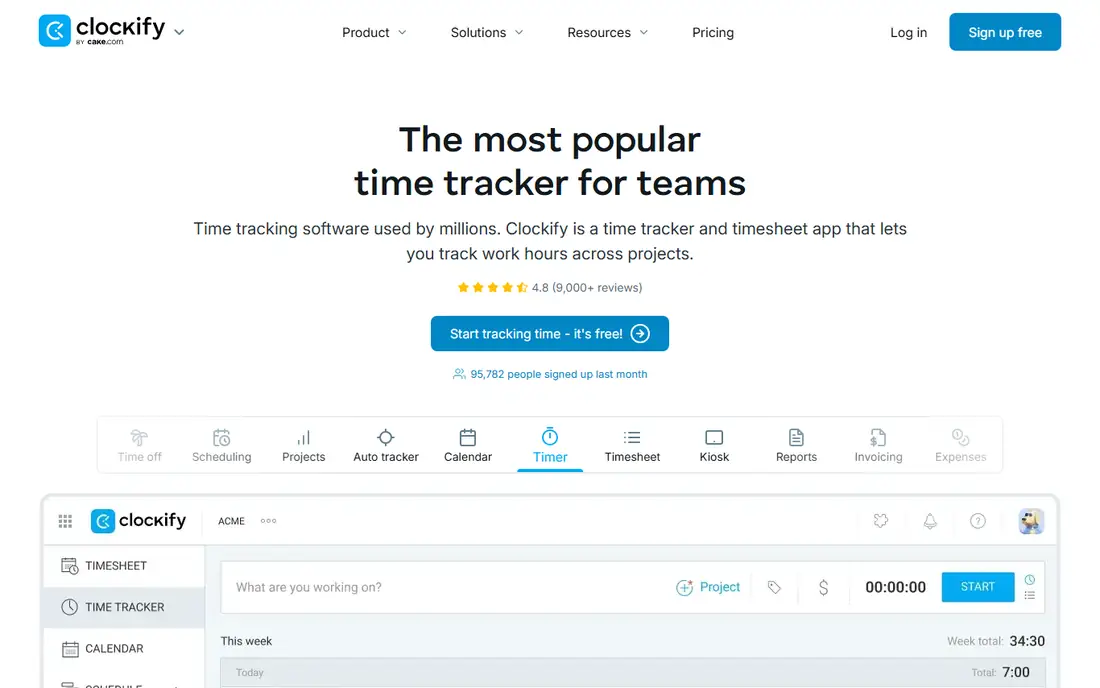
Clockify's free tier is the most generous here, with unlimited users, projects, and tracking, plus timesheets and basic reports. Paid Basic plans start around $3.99 per user per month, adding features such as time off, expenses, and invoicing. For a team that wants free tracking at any size, Clockify is unmatched.
Screenshots and deeper monitoring sit on higher plans or are absent, and the interface is plainer than Toggl's. Clockify suits teams and freelancers who need unlimited free tracking and reporting, with monitoring as an optional upgrade rather than the core product.
What we like- Free tier with unlimited users and projects
- Time tracking, timesheets, and reports
- Affordable paid tiers
Watch out for- No screenshots on free tier
- Interface is plainer than Toggl
- Monitoring features need higher plans
#3Time Doctor
Best for: Closest monitoring match4.4/5 on
G2 (491 reviews, checked Oct 2026)
Visit timedoctor.com
Starting price$7/user/month
Free planFree trial
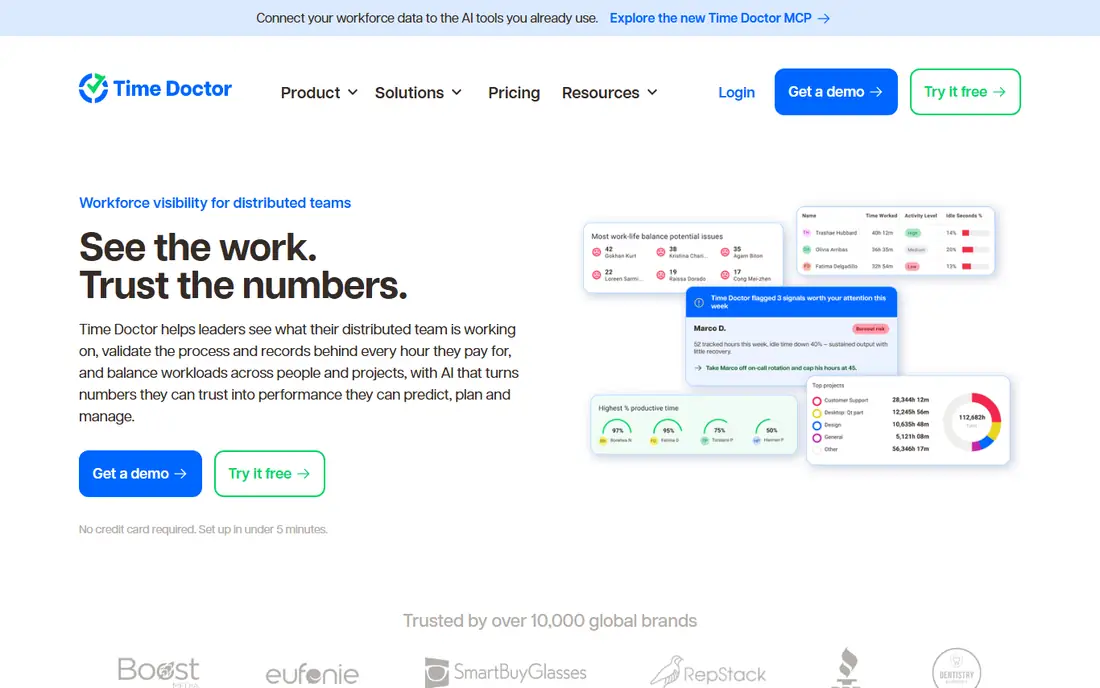
Time Doctor is the closest feature match to Hubstaff, with optional screenshots, mouse and keyboard activity tracking, app and website usage, payroll, and client billing features. Its Basic plan starts around $7 per user per month, with a trial for evaluation.
Monitoring is also its controversy: teams should decide screenshot frequency, blur options, and what is tracked, and communicate those choices clearly. Time Doctor suits managers who need Hubstaff-style oversight and are willing to set transparent policies around it.
What we like- Screenshots, activity tracking, and app usage
- Payroll and client features
- Close Hubstaff feature match
Watch out for- Monitoring can feel invasive
- Paid plans start around $7 per user per month
- Setup needs policy decisions
Starting priceFree
Free planYes
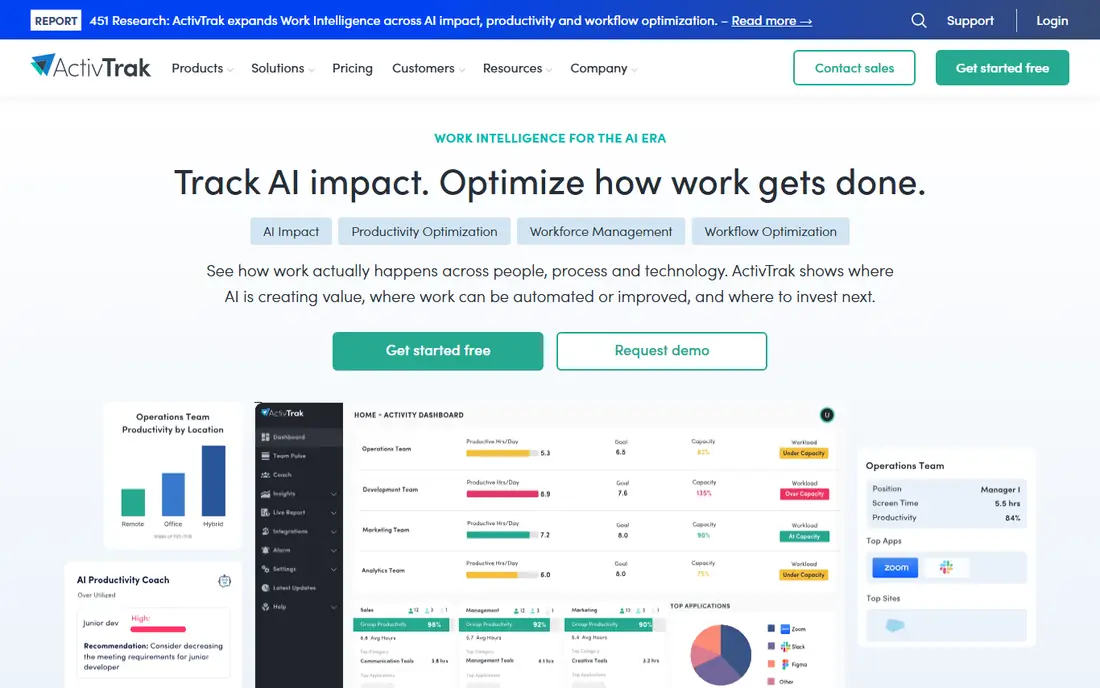
ActivTrak analyzes how teams spend time across applications and websites, producing productivity insights, focus time data, and coaching reports, without screenshots by default. A free tier covers small teams, with paid Essentials plans adding deeper analytics and integrations.
It is an analytics tool rather than a time billing tool, so invoicing and payroll features are thinner than Time Doctor's. ActivTrak suits managers who want to understand work patterns and coach teams, rather than monitor individuals minute by minute.
What we like- Workforce analytics and productivity insights
- Free tier for small teams
- No screenshots by default
Watch out for- Paid plans needed for full features
- Analytics focus rather than time billing
- Larger teams pay per user
#5DeskTime
Best for: Automatic tracking4.5/5 on
G2 (400 reviews, checked Oct 2026)
Visit desktime.com
Starting priceFree
Free planYes
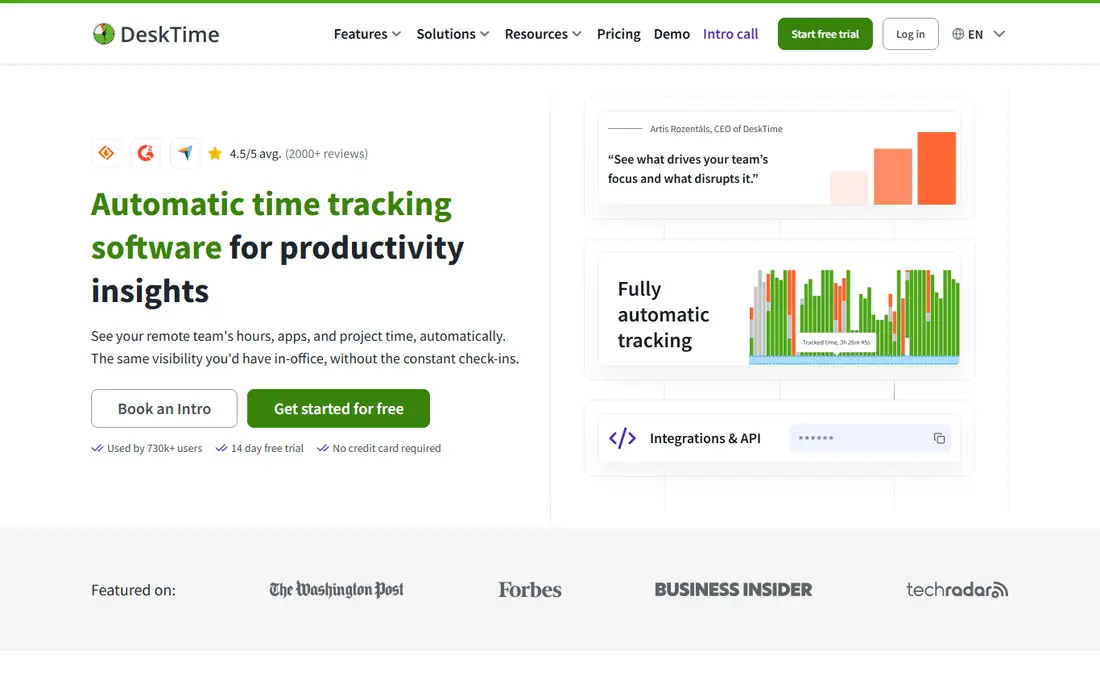
DeskTime tracks time automatically, categorizing applications and websites as productive or unproductive and calculating a productivity score, with a free Lite plan for individuals. That automation suits teams that forget manual timers, since tracking happens without start and stop clicks.
Automatic categorization can mislabel legitimate work, so categories need tuning, and screenshots and shift scheduling sit on paid Pro plans. DeskTime suits teams that want passive tracking with productivity insight, and that accept some manual correction of categories.
What we like- Automatic time tracking with app categorization
- Productivity calculation
- Free Lite plan
Watch out for- Automatic tracking can miscategorize work
- Paid plans needed for screenshots and shifts
- Smaller ecosystem
#6TimeCamp
Best for: Tracking plus invoicing4.7/5 on
G2 (392 reviews, checked Oct 2026)
Visit timecamp.com
Starting priceFree
Free planYes
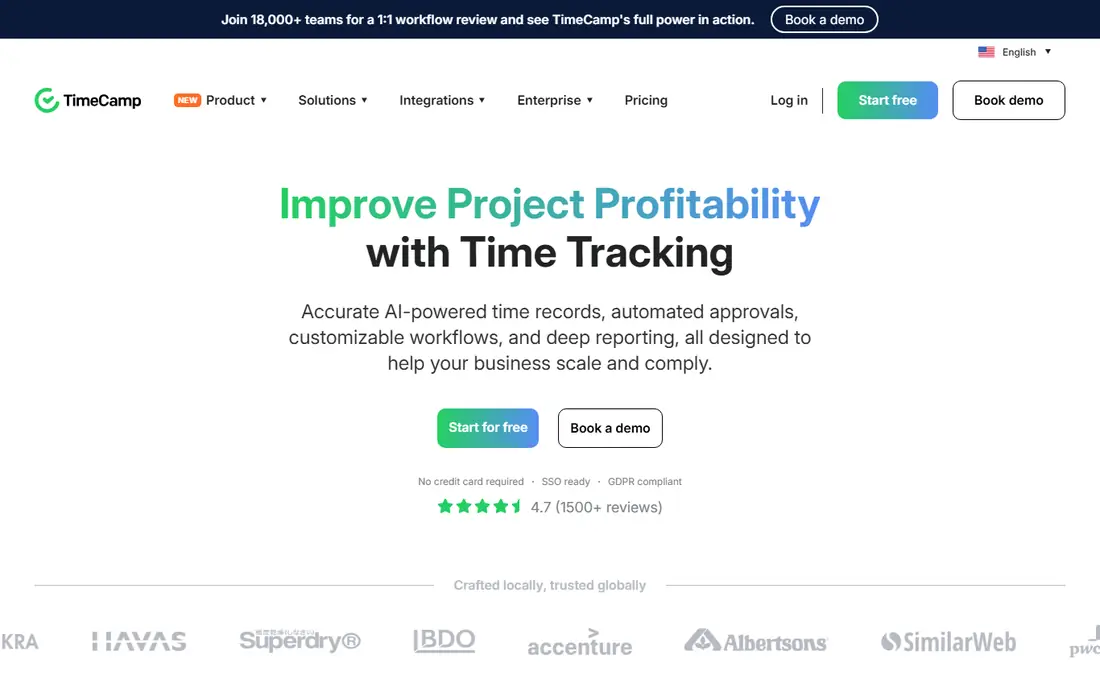
TimeCamp combines time tracking with invoicing and budgeting, which suits freelancers and small agencies that bill by the hour. Its free tier covers solo users, with automatic tracking options and reports, and paid Starter plans add team features and advanced invoicing.
The interface feels dated beside Toggl or Clockify, and monitoring features are limited compared with Time Doctor or Teramind. TimeCamp suits billers who want tracking and invoicing in one tool, rather than managers who need deep monitoring.
What we like- Time tracking plus invoicing and budgeting
- Free tier for solo users
- Automatic tracking options
Watch out for- Interface is dated
- Monitoring features are limited
- Paid plans needed for advanced billing
Starting priceSee website
Free planFree trial
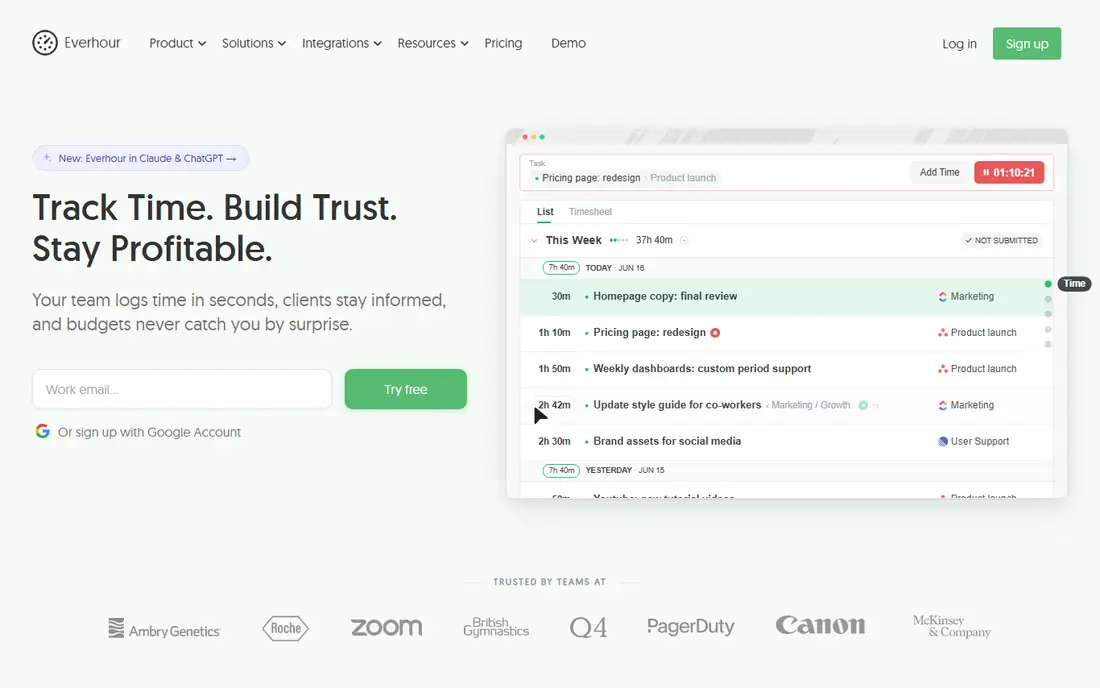
Everhour embeds time tracking inside project tools such as Asana, Trello, and ClickUp, adding budgets, estimates, and reports without forcing teams to switch apps. That integration-first design suits teams already living in a project tool who need time data on top of it.
Pricing is confirmed on the vendor site, there is no built-in monitoring, and Everhour works best as a companion to a project tool rather than a standalone tracker. It suits project-driven teams that want budgets and time data where the work already happens.
What we like- Strong integrations with Asana, Trello, and ClickUp
- Project budgets and estimates
- Clean reports
Watch out for- Pricing sits on the vendor site
- No built-in monitoring
- Best as an add-on to project tools
#8Teramind
Best for: Deep monitoring and security4.6/5 on
G2 (183 reviews, checked Oct 2026)
Visit teramind.co
Starting priceSee website
Free planFree trial
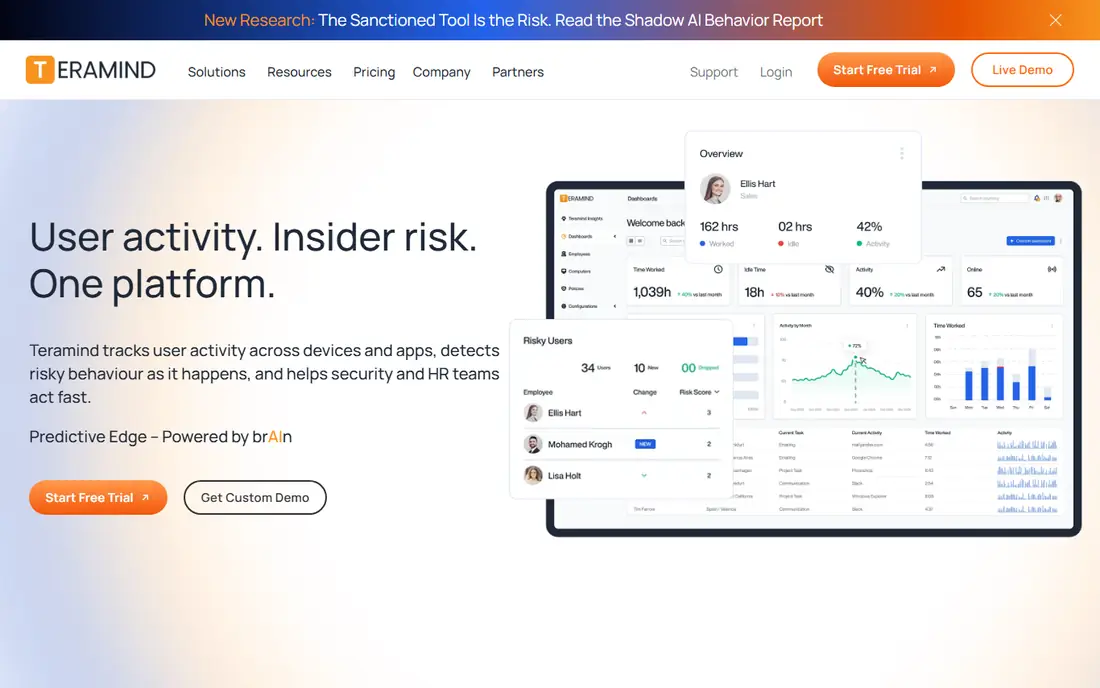
Teramind is the deepest monitoring tool here, with behavior rules, alerts, session recording, and data loss prevention alongside time tracking. That depth suits regulated industries and security-focused teams that need audit trails and policy enforcement, not just hours logged.
Enterprise pricing and the privacy implications of deep monitoring make Teramind overkill for simple time tracking. Teams considering it should review local employee monitoring laws and set clear policies. Teramind fits security and compliance use cases where Hubstaff's monitoring is not deep enough.
What we like- Deepest monitoring including behavior rules and alerts
- Data loss prevention
- Detailed audit trails
Watch out for- Enterprise pricing
- Monitoring depth raises privacy concerns
- Overkill for simple time tracking
#9Monitask
Best for: Affordable monitoring4.8/5 on
G2 (101 reviews, checked Oct 2026)
Visit monitask.com
Starting priceSee website
Free planFree trial
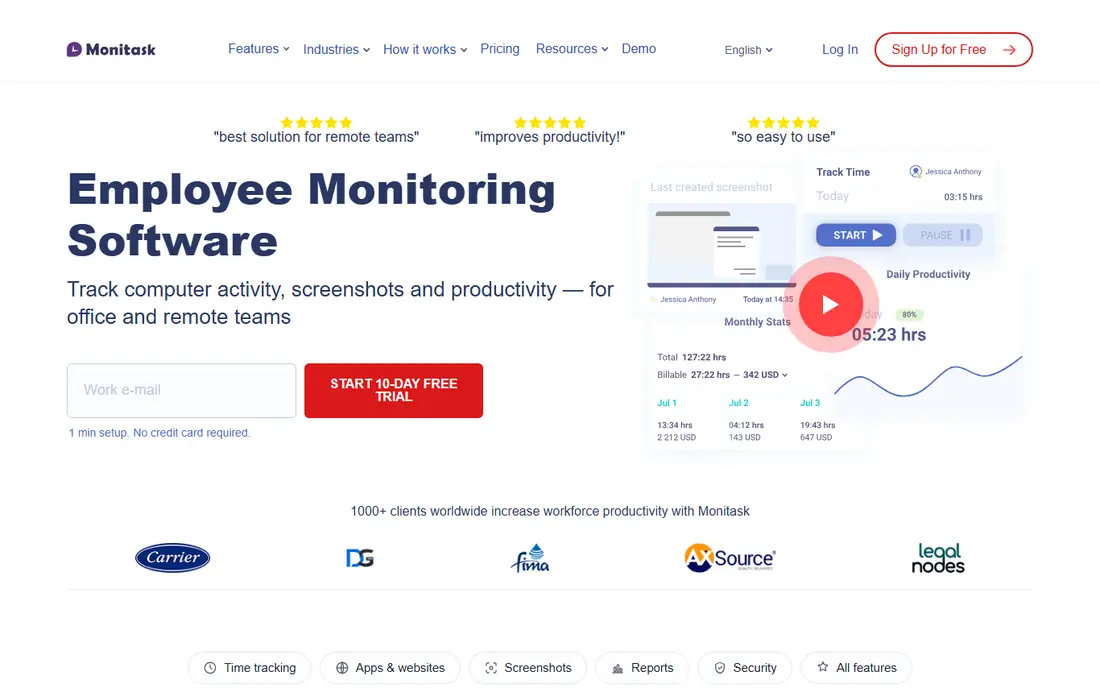
Monitask offers screenshots, activity tracking, and a simple dashboard at a lower price point than Time Doctor or Teramind, with plans suited to small teams and freelancers. Its dashboard keeps monitoring visible without enterprise complexity.
The feature set is smaller than Time Doctor's, integrations are fewer, and pricing varies by plan. Monitask suits small teams that want Hubstaff-style monitoring affordably, without enterprise features they will not use.
What we like- Screenshots and activity tracking at a lower price
- Simple dashboard
- Freelancer-friendly
Watch out for- Smaller feature set than Time Doctor
- Fewer integrations
- Pricing varies by plan
How we chose
We compared time tracking and workforce monitoring tools that record work hours, activity, or both, excluding pure payroll software and project tools without time tracking. Pricing figures come from each vendor's own pricing page, checked in October 2026, and where pricing sits on the vendor site we say so. We weighed tracking simplicity, monitoring depth, reporting, invoicing and payroll features, integrations, and privacy controls.
Set monitoring policy before installing
Monitoring tools can damage trust faster than they improve productivity if deployed without warning. Decide what is tracked, how often screenshots are taken, who sees the data, and how long it is kept, then tell the team in writing before the first tracked day. Check local employee monitoring and privacy laws, since rules vary by country and state, and some jurisdictions require consent.
Start with tracking, add monitoring only if needed
Many teams find that simple time tracking plus clear expectations solves the problem they thought monitoring would fix. Start with Toggl or Clockify, review the data for a month, and add screenshots or activity tracking only if a specific gap remains.
Privacy laws and employee trust
Employee monitoring sits at the intersection of productivity management and privacy law, and the rules differ by country, state, and sometimes city. Some jurisdictions require employee consent before screenshots or keystroke tracking, others require only notice, and works councils in parts of Europe can block certain monitoring entirely. Before deploying any tool on this list, check the rules for every location where tracked employees work, and document the legal basis for each type of data collected. A tool configured identically worldwide will break the law somewhere.
Trust is the practical side of the same issue. Teams that learn about monitoring from a pop-up rather than a conversation usually respond with resentment, workarounds, and attrition, which costs more than any productivity gain. The better pattern is to announce the tool, explain what is tracked and why, show employees their own data, and invite questions before the first tracked day. Some companies even let teams choose between monitoring levels, trading detailed tracking for outcome-based reporting.
Data retention deserves the same attention. Decide how long screenshots, activity logs, and app usage records are kept, who can view them, and how employees can request corrections. Short retention windows and limited viewer access reduce both legal exposure and the sense of surveillance. When monitoring is transparent, limited, and tied to a stated purpose, most teams accept it. When it is secret, broad, or punitive, it fails on both legal and human grounds.
Frequently asked questions
What is the best Hubstaff alternative overall?
It depends on the need. Toggl Track and Clockify lead for simple tracking, Time Doctor matches Hubstaff's monitoring most closely, and ActivTrak leads for analytics without screenshots.
Is there a free Hubstaff alternative?
Yes, for tracking. Clockify's free tier is unlimited, Toggl Track is free for up to 5 users, and DeskTime and TimeCamp offer free tiers. Monitoring features such as screenshots usually need a paid plan.
Which alternative has screenshots like Hubstaff?
Time Doctor and Monitask both offer screenshots and activity tracking. Teramind goes further with behavior rules and session recording, while ActivTrak deliberately avoids screenshots by default.
Do employees need to know they are monitored?
In most jurisdictions, yes, and it is good practice everywhere. Tell your team what is tracked, why, and who sees it, and check local laws on employee monitoring and consent before deploying any tool.
Can I track time without monitoring my team?
Yes. Toggl Track, Clockify, and Everhour focus on time and budgets without screenshots or activity surveillance, which suits teams that value trust and autonomy.
Sources we checked (9)
- https://toggl.com/track
- https://clockify.me
- https://www.timedoctor.com
- https://www.activtrak.com
- https://desktime.com
- https://www.timecamp.com
- https://everhour.com
- https://www.teramind.co
- https://www.monitask.com
Is your product missing or out of date?
We review this list regularly. Vendors can request a listing, send updated pricing or ask about featured placement.

Shihab Mia · Founder, Rankite
Shihab has 5+ years in B2B and SaaS SEO. He writes Rankite's software buying guides from pricing pages, documentation and public user reviews. More about Shihab.