How we make this list: we compare pricing pages, product documentation and public user reviews. Ratings come from G2, Capterra or Trustpilot, with the date we checked them.
Key takeaways
- Notion is the best upgrade for Keep users who want notes to grow into docs, wikis and projects.
- Microsoft OneNote suits Windows and Office users who want a freeform notebook with deep organisation.
- Obsidian and Joplin suit users who want their notes as plain files they own, with optional sync.
- Apple Notes is the easiest switch for iPhone and Mac users, with no new account needed.
- Simplenote is the closest like-for-like Keep replacement: fast, simple and free.
Google Keep wins on speed. Open it, type a note, pin it, set a reminder, done. Its alternatives trade some of that speed for power, organisation or privacy. The eight below cover the main directions Keep users go: bigger workspaces, deeper notebooks, plain-file ownership, or a simpler clone.
Most of these apps are free for core use, with paid tiers for storage, sync or collaboration. Prices below are marked "See website" where tiers vary, and free plans are noted plainly. If your notes live in Keep today, check each app's import path before switching, since moving hundreds of notes by hand is nobody's idea of fun.
Quick comparison
Is your product missing or out of date?
We review this list regularly. Vendors can request a listing, send updated pricing or ask about featured placement.
The best Google Keep alternatives
#1Notion
Best for: Notes that grow into projects4.6/5 on
G2 (13,834 reviews, checked Oct 2026)
Visit notion.com
Starting priceSee website
Free planYes
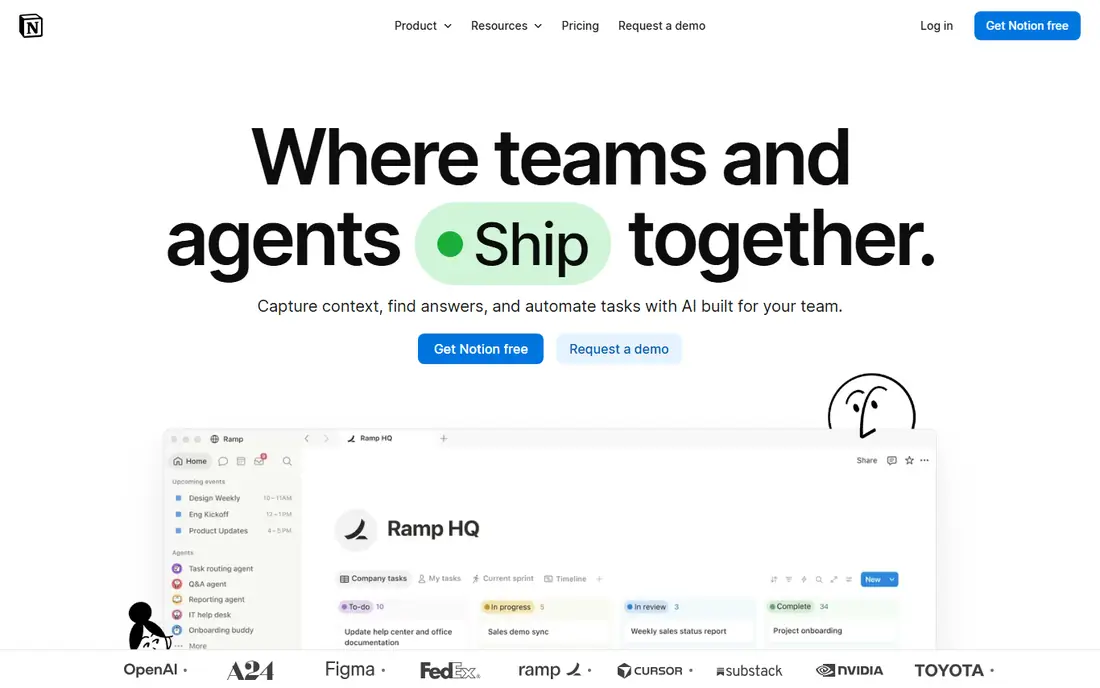
Notion is where Keep notes go when they grow up. A quick note can become a page, a page can become a database, and a database can become a project tracker, all in one workspace. Templates cover meeting notes, reading lists, habit trackers and more, and collaboration lets teams share and edit together. The free plan covers individuals generously.
The trade-off is speed. Opening Notion and finding the right page takes longer than Keep's instant capture, and offline support is thinner. For users whose notes keep turning into projects, Notion is the most capable upgrade.
What we like- Notes, docs, wikis, tasks and databases in one workspace
- Strong templates
- Good collaboration
Watch out for- Slower than Keep for a quick note
- Offline mode is limited
#2Microsoft OneNote
Best for: Freeform notebooks4.5/5 on
G2 (1,872 reviews, checked Oct 2026)
Visit onenote.com
Starting priceFree
Free planYes
OneNote organises notes like a paper notebook, with notebooks divided into sections and pages, and a freeform canvas where text, images, handwriting and files sit anywhere. It suits students and professionals who clip web pages, annotate documents and sketch ideas. Integration with Office and OneDrive keeps notes available across devices.
Sync depends on OneDrive, which suits Microsoft users but adds friction for others, and the interface is heavier than Keep for a two-line note. For Windows and Office users who want a serious notebook, OneNote is free and deep.
What we like- Freeform canvas with notebooks, sections and pages
- Handwriting and drawing support
- Deep Office integration
Watch out for- Sync runs through OneDrive
- Interface can feel heavy for quick notes

#3Evernote
Best for: Structured note organisation4.3/5 on
G2 (2,034 reviews, checked Oct 2026)
Visit evernote.com
Starting priceSee website
Free planYes
Evernote is the veteran note app, built around notebooks, tags and powerful search that reads text inside images and documents. The web clipper saves articles cleanly, reminders and checklists cover task use, and the app runs on every major platform. Long-time users value its organisation depth for large note collections.
The free tier limits the number of devices and monthly uploads, and paid pricing has risen, which pushed some users to rivals. For a user with thousands of notes who needs search and structure, Evernote remains a strong, if pricier, choice.
What we like- Strong search including text in images
- Notebooks, tags and reminders
- Web clipper is excellent
Watch out for- Free tier limits devices and uploads
- Pricing has risen over the years
Starting priceFree
Free planYes
Apple Notes is the easiest switch for anyone on iPhone, iPad or Mac, since it needs no new account and no new app. Capture is fast from the lock screen, share sheet or Siri, and notes support checklists, tables, scanned documents, folders and tags. Collaboration and locked notes cover sharing and privacy basics.
The full experience needs Apple hardware, and exporting notes elsewhere takes effort. For an Apple user who wants Keep-like speed without leaving the ecosystem, Apple Notes is the obvious move.
What we like- Free on Apple devices
- Fast capture from lock screen and share sheet
- Folders, tags and collaboration
Watch out for- Apple devices only for the full experience
- Export options are limited
Starting priceFree
Free planYes
Simplenote is the closest spirit to Keep: open it, type, done. Notes sync across devices, tags organise them, and version history lets you recover earlier drafts. The app is free, lightweight and fast on old phones and computers alike.
The simplicity is also the limit. There is no rich formatting, no notebooks, and no task management beyond checklists. For a Keep user who wants the same speed with a cleaner sync story, Simplenote is the most faithful replacement.
What we like- Very fast and simple
- Syncs across devices
- Tags and version history included
Watch out for- No rich formatting or notebooks
- Fewer features than rivals

#6Obsidian
Best for: Plain-file personal knowledge4.5/5 on
G2 (13 reviews, checked Oct 2026)
Visit obsidian.md
Starting priceFree
Free planYes
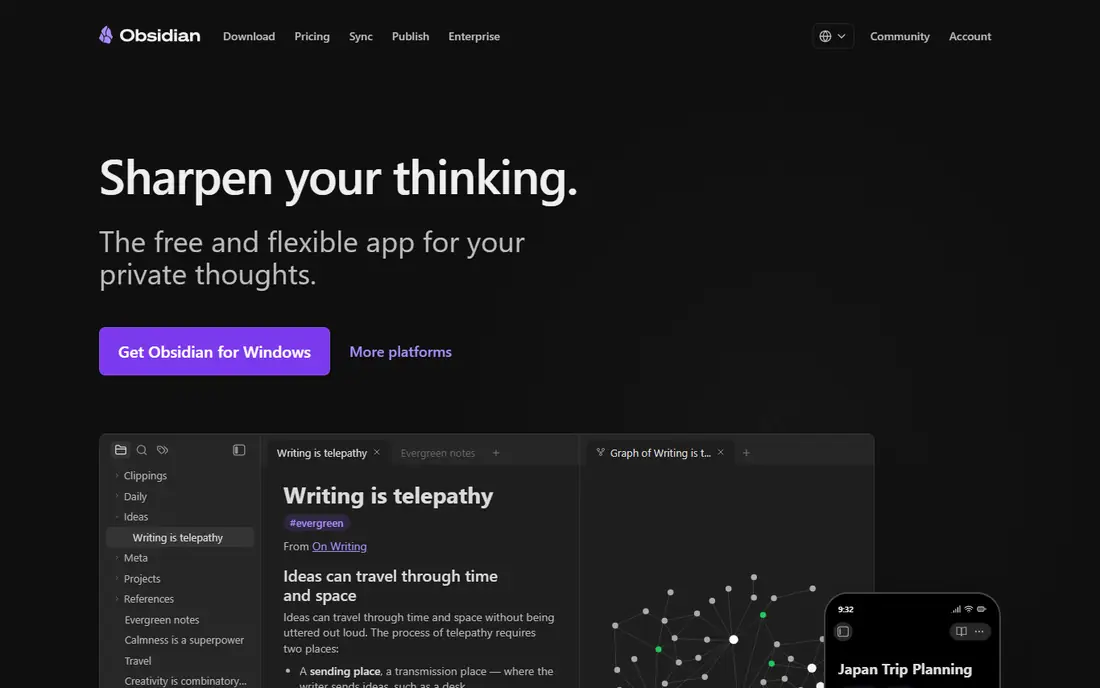
Obsidian stores notes as plain Markdown files on your device, so you own them fully and can open them in any editor. Links between notes build a personal knowledge graph, and a large plugin community adds calendars, kanban boards, spaced repetition and more. The core app is free for personal use.
Setup takes effort. Sync across devices needs the paid Sync service or a third-party method, and the plugin world can overwhelm new users. For a note-taker who values ownership and a growing knowledge base, Obsidian is the most powerful option here.
What we like- Notes are plain Markdown files you own
- Powerful linking and graph view
- Huge plugin community
Watch out for- Learning curve for plugins and setup
- Official sync is paid

#7Joplin
Best for: Open-source notes with sync4.8/5 on
G2 (5 reviews, checked Oct 2026)
Visit joplinapp.org
Starting priceFree
Free planYes
Joplin is the open-source note app that covers the essentials well. Notes support Markdown, attachments and notebooks, sync runs with Dropbox, OneDrive, Nextcloud or Joplin Cloud, and end-to-end encryption protects content. A web clipper saves articles, and the app runs on desktop and mobile.
The interface is plain next to Notion or Evernote, and some features need plugins. For a user who wants a free, open-source Keep replacement with real sync and encryption, Joplin is the best value in this guide.
What we like- Free and open source
- Syncs with many cloud services
- Web clipper and encryption
Watch out for- Interface is plain
- Some features need plugins
Starting priceSee website
Free planYes
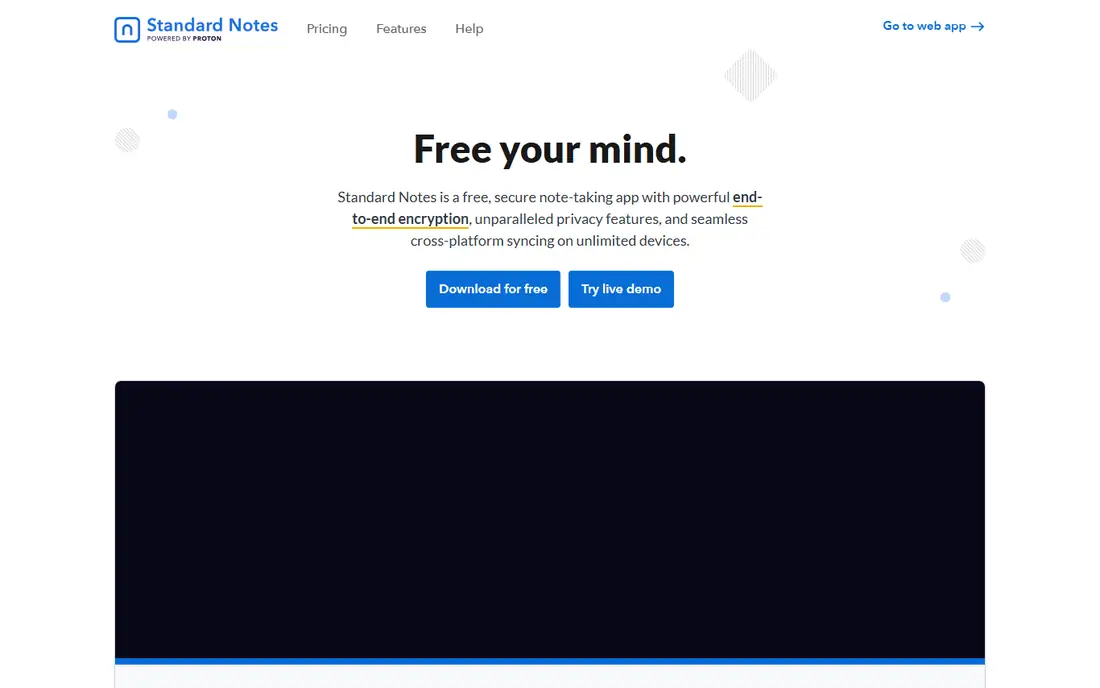
Standard Notes puts privacy first. Every note is end-to-end encrypted, so only you can read it, and the app is designed for notes that last decades rather than days. The free tier covers plain text notes with sync, while paid plans add rich editors, themes and file attachments.
The free tier's plain text limit means markdown and rich text need payment, which frustrates some users. For a note-taker whose priority is privacy and longevity over features, Standard Notes is the most trustworthy choice.
What we like- End-to-end encryption by default
- Simple and focused
- Long-term note durability
Watch out for- Free tier is plain text only
- Rich editors need a paid plan
How we chose
We compared apps on their published features, pricing pages, sync options and public reviews from Keep users who switched. We favoured apps with fast capture, reliable sync, a clear free tier and an import path from other note tools. Prices were marked "See website" where tiers vary. We did not claim hands-on testing.
Moving your notes out of Keep
Google Takeout exports Keep notes, and several apps in this guide offer importers for that format. Notion, Obsidian and Joplin all have community or built-in import paths worth checking before you commit. Test the import with a dozen notes first, since formatting, images and checklists do not always transfer cleanly.
Also decide what you actually need to move. Many Keep users find that half their notes are done lists and reminders that can be deleted rather than migrated. Archive the rest, import the keepers, and start fresh in the new app. A clean start beats a messy import that recreates Keep's clutter elsewhere.
Moving notes between apps works best with a slow, layered migration. Start by exporting your notes and sorting them into three groups: active projects, reference material and archive, then move only the active group first and live with the new app for two weeks before moving the rest. This limits disruption if the new app disappoints, and it forces a useful clear-out of notes you no longer need. Test the features you use daily, such as reminders, checklists, web clipping or voice notes, rather than the feature list on the marketing page, since daily habits decide whether a notes app sticks. Check export options in the new app too, because the next move should be as easy as this one, and an app that locks your notes in is a poor long-term home.
Reminders deserve a weekly review, not just creation. Spend ten minutes each Monday scanning active reminders and notes, deleting finished items, updating dates that slipped, and promoting the week's three priorities to the top of your list. Without this habit, reminder lists grow stale and the app stops being trusted, which is when people abandon notes apps entirely. Archive completed project notes monthly, keeping the workspace focused on current work. A notes app that stays clean through a simple weekly ritual serves you for years, while one that accumulates clutter gets replaced within months.
Frequently asked questions
What is the best alternative to Google Keep?
Notion is the best upgrade for users whose notes grow into projects, while Simplenote is the closest simple replacement for fast notes. Apple Notes suits Apple users, and Obsidian suits users who want to own their notes as files. Pick by whether you want power, speed or ownership.
Can I import my Google Keep notes into another app?
Yes, Google Takeout exports Keep notes, and several apps offer import tools for that export. Notion, Obsidian and Joplin have import paths, though formatting and images may need cleanup. Test with a small batch before importing everything.
Is Notion free?
Yes, Notion's free plan covers individuals with unlimited pages and blocks, though file uploads and collaboration have limits. Paid plans add larger uploads, version history and admin controls. Most solo users find the free plan sufficient for notes.
Does Obsidian sync across devices?
Obsidian's core app is free, and official Sync is a paid add-on that handles encrypted sync across devices. Free alternatives include syncing the notes folder through iCloud, Dropbox or Git, since notes are plain files. Choose the method that fits your devices and privacy needs.
What is the simplest Google Keep replacement?
Simplenote is the simplest replacement, with fast capture, sync and tags in a free app. Apple Notes is equally simple for Apple users. Both trade Keep's colours and reminders for speed and reliability.
Is there a Google Keep alternative with end-to-end encryption?
Yes. Standard Notes encrypts every note end to end by default, and Joplin offers end-to-end encryption with its sync options. Both suit users who want private notes, though Standard Notes' free tier is plain text only.
Sources we checked (8)
- https://www.notion.com
- https://www.onenote.com
- https://evernote.com
- https://www.apple.com/notes/
- https://simplenote.com
- https://obsidian.md
- https://joplinapp.org
- https://standardnotes.com
Is your product missing or out of date?
We review this list regularly. Vendors can request a listing, send updated pricing or ask about featured placement.

Shihab Mia · Founder, Rankite
Shihab has 5+ years in B2B and SaaS SEO. He writes Rankite's software buying guides from pricing pages, documentation and public user reviews. More about Shihab.
 Apple Notes
 Simplenote
 Standard Notes