How we make this list: we compare pricing pages, product documentation and public user reviews. Ratings come from G2, Capterra or Trustpilot, with the date we checked them.
Key takeaways
- diagrams.net is the strongest free option, with no subscription needed for core diagramming and storage in your own Drive, OneDrive, or local files.
- Miro and Whimsical suit teams that mix diagrams with workshops, sticky notes, and live collaboration, while Visio suits teams already committed to Microsoft 365.
- Per-seat pricing adds up fast, so count editors only, not every viewer, and check whether guests and viewers are free on the plan you choose.
- If you exchange files with Visio users, confirm import and export for VSDX files before you commit, since support varies across tools.
Quick comparison
| Tool | Best for | Starting price | Free plan |
|---|
 Miro Miro | Team whiteboarding and workshops | $8 per member/month (billed annually) | Yes |
 diagrams.net diagrams.net | Free diagramming with no subscription | $0 | Yes |
 Microsoft Visio Microsoft Visio | Microsoft 365 shops and formal diagrams | $5 per user/month (billed annually) | Free trial |
 Whimsical Whimsical | Fast, clean flowcharts and wireframes | $10 per editor/month (billed annually) | Yes |
 Creately Creately | Visual planning with templates | $5 per user/month (billed annually) | Yes |
 Gliffy Gliffy | Simple diagrams inside Atlassian tools | $8 per user/month (billed annually) | Free trial |
 EdrawMax EdrawMax | A large template library on desktop and web | $99 per year | Yes |
 SmartDraw SmartDraw | Template-heavy business diagrams | $9.95 per month (billed annually) | Free trial |
Is your product missing or out of date?
We review this list regularly. Vendors can request a listing, send updated pricing or ask about featured placement.
The best Lucidchart alternatives
#1Miro
Best for: Team whiteboarding and workshops4.6/5 on
G2 (13,631 reviews, checked Oct 2026)
Visit miro.com
Starting price$8 per member/month (billed annually)
Free planYes

Miro starts as a whiteboard, not as a strict diagram editor, and that is why many teams pick it over Lucidchart. You can run a workshop, map a process, and leave comments in the same board, without moving work between tools. The template library covers flowcharts, org charts, customer journey maps, and retrospective formats, so a new board rarely starts blank.
The trade-off is structure. Miro is flexible, which means diagrams can drift into messy boards if no one owns the layout. For formal documentation, with strict shapes and data-linked diagrams, a dedicated diagramming tool may give cleaner results. Miro also charges per member, so a team with many occasional editors should check the Business plan before assuming guests can edit for free.
What we like- Very large template library
- Strong live collaboration
- Works for diagrams, workshops, and planning in one place
Watch out for- Free plan limits you to 3 editable boards
- Guest editing requires the Business plan
- Costs rise quickly for large teams
#2diagrams.net
Best for: Free diagramming with no subscription4.4/5 on
G2 (450 reviews, checked Oct 2026)
Visit diagrams.net
Starting price$0
Free planYes
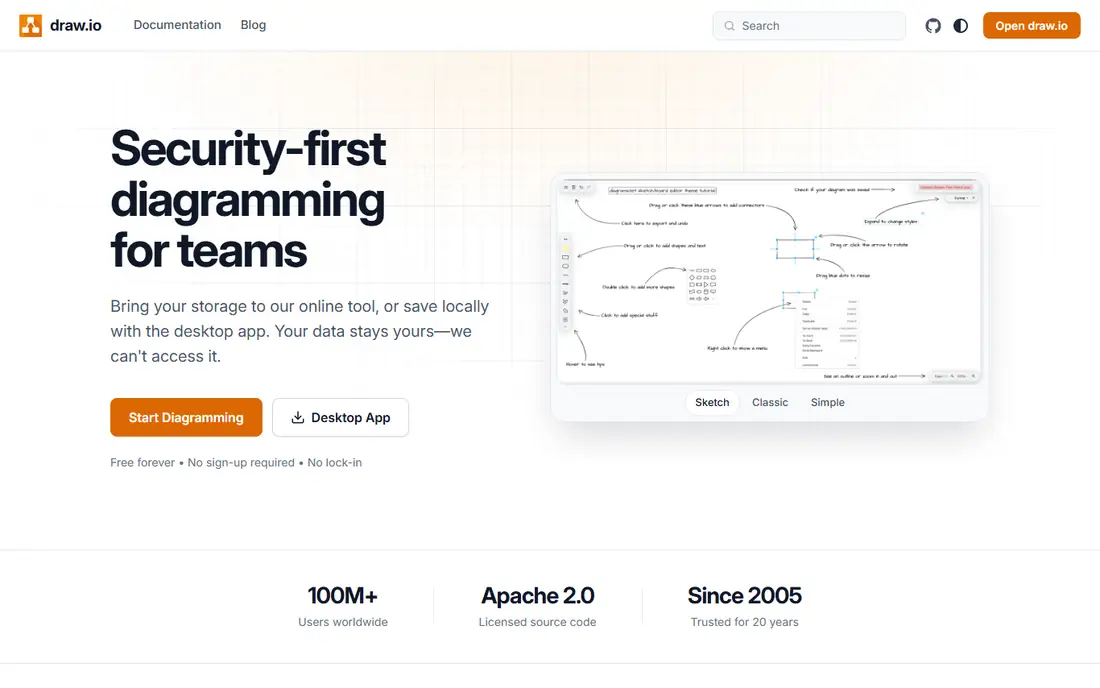
Formerly known as draw.io, diagrams.net is the clear pick when budget matters more than polish. You can open it in a browser, draw a flowchart, and save the file where you already store work. There is no account wall for basic use, and the desktop app lets you work without an internet connection. Shape libraries cover flowcharts, UML, network diagrams, and org charts.
The honest catch is collaboration. Shared editing exists through cloud storage, but it does not feel as smooth as Miro or Lucidchart when several people edit at once. The interface also shows its open source roots, with dense menus and less visual polish. If your main need is clear diagrams at zero cost, those limits are easy to accept.
What we like- Free for core diagramming
- Saves to Google Drive, OneDrive, Dropbox, GitHub, or local files
- Desktop app works offline
Watch out for- Collaboration is weaker than cloud-first tools
- Interface feels plain next to Miro or Whimsical
- No built-in data linking at the level of enterprise tools
#3Microsoft Visio
Best for: Microsoft 365 shops and formal diagrams4.2/5 on
G2 (694 reviews, checked Oct 2026)
Visit microsoft.com
Starting price$5 per user/month (billed annually)
Free planFree trial

Visio makes sense when your organization already lives in Microsoft 365. Diagrams open in Teams, data can link from Excel, and files fit into existing SharePoint and OneDrive habits. Plan 1 at $5 per user per month covers web diagramming, while Plan 2 at $15 per user per month adds the desktop app, BPMN support, and two-way data sync. Some Microsoft 365 business plans also include a basic web version of Visio for viewing and light editing.
The weakness is collaboration. Real-time co-editing exists on the web, but Visio still feels like a desktop-first product compared with Miro or Whimsical. Licensing is another hurdle, since the right plan depends on whether you need the desktop app, data linking, or just web editing. Check who actually needs Plan 2 before buying it for the whole team.
What we like- Deep shape libraries for technical diagrams
- Strong links to Excel, PowerPoint, and Teams
- Desktop app on Plan 2 for offline work
Watch out for- Web-only Plan 1 omits the desktop app
- Collaboration feels less fluid than Miro
- Pricing and licensing take effort to untangle
#4Whimsical
Best for: Fast, clean flowcharts and wireframes4.6/5 on
G2 (189 reviews, checked Oct 2026)
Visit whimsical.com
Starting price$10 per editor/month (billed annually)
Free planYes

Whimsical wins on speed. The editor stays out of the way, connectors snap into place, and a flowchart that takes ten minutes elsewhere often takes five here. Product teams like the mix of boards, docs, and wireframes, since a spec, a flow, and a rough screen can live in the same workspace. Only editors are charged, so reviewers and guests do not inflate the bill.
The free plan is useful for testing, but the monthly object limit will pinch anyone who diagrams every week. Exports carry a watermark until you move to Pro, and teams that need deep engineering diagrams, such as detailed network maps, may find the shape libraries thinner than Visio or EdrawMax. For everyday product and process diagrams, Whimsical is hard to beat on clarity.
What we like- Very fast, minimal editor
- Flowcharts, mind maps, wireframes, and docs in one workspace
- Viewers and guests are free on every plan
Watch out for- Free plan caps board objects at 50 per month
- Export on the free plan carries a watermark
- Fewer enterprise diagram types than Visio
#5Creately
Best for: Visual planning with templates4.4/5 on
G2 (1,394 reviews, checked Oct 2026)
Visit creately.com
Starting price$5 per user/month (billed annually)
Free planYes

Creately positions itself between a whiteboard and a formal diagram tool. Templates cover org charts, SWOT analysis, UML, network diagrams, and project timelines, which helps teams that diagram different things each week. Live editing and comments work well for small groups, and the Business plan uses flat monthly pricing rather than per-seat pricing, which can save money for larger teams.
The free plan is the main limit. Unlimited canvases sound generous until the 45-item cap per canvas stops a detailed diagram. Higher plans raise that cap and add data sync and project tools, so the real cost depends on diagram size, not just headcount. Creately is a good middle ground, but heavy diagrammers should test a full-size diagram on the free plan before relying on it.
What we like- Large template set across business and technical diagrams
- Live collaboration with comments
- Flat-rate Business plan suits larger groups
Watch out for- Free plan caps items at 45 per canvas
- Some exports and features sit behind higher plans
- Interface can feel busy on large diagrams
#6Gliffy
Best for: Simple diagrams inside Atlassian tools4.4/5 on
G2 (222 reviews, checked Oct 2026)
Visit gliffy.com
Starting price$8 per user/month (billed annually)
Free planFree trial

Gliffy keeps diagramming simple on purpose. The editor has fewer controls than Visio, which means new users can build a flowchart or org chart without a tutorial. Its strongest case is inside Atlassian products, where teams already work in Confluence and Jira and want diagrams next to their docs and tickets. Embedding and commenting cover the usual review loop.
The limits are scope and price. There is no permanent free tier, only a trial, so casual users will pay from the start. Teams that need specialized engineering shapes, data-linked diagrams, or very large template libraries will outgrow Gliffy sooner than they would Visio or EdrawMax. For straightforward team diagrams, though, simplicity is the point, and Gliffy delivers it.
What we like- Clean, simple editor for common diagrams
- Strong fit for Confluence and Jira users
- Easy sharing and embedding
Watch out for- No permanent free plan
- Smaller shape library than Visio or EdrawMax
- Less suited to complex technical documentation
Starting price$99 per year
Free planYes
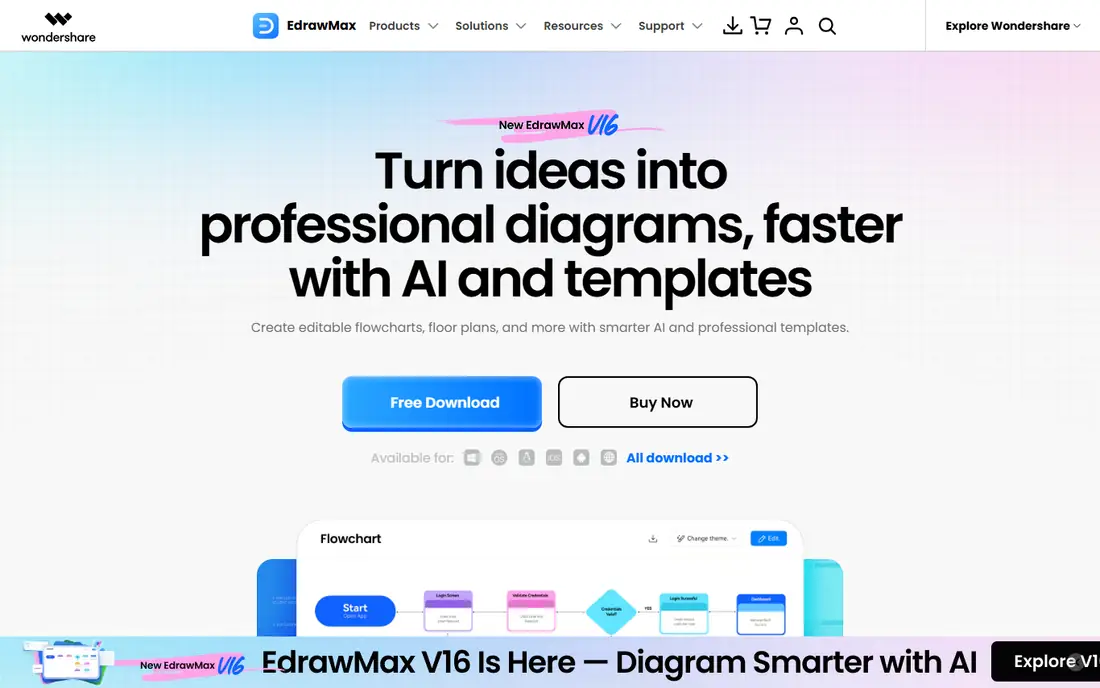
EdrawMax is built for breadth. It covers flowcharts, org charts, floor plans, network diagrams, UML, and many niche diagram types, with thousands of templates to start from. That breadth helps a single user who diagrams many different things, from a business process one day to a home floor plan the next. Desktop apps mean you can work offline, and Visio file support helps when you exchange files with Visio users.
Collaboration is the weaker side. Link sharing and comments exist, but live co-editing does not match Miro or Lucidchart. The free version is usable for trying the tool, yet watermarked exports push most serious users toward the $99 annual plan. If you diagram alone or in a small group and value templates over live workshops, EdrawMax gives a lot for the price.
What we like- Very large template and diagram-type library
- Desktop, web, and mobile apps
- Visio file import and export
Watch out for- Free version adds a watermark to exports
- Collaboration is lighter than Miro or Lucidchart
- Interface packs in many options, which can overwhelm new users
#8SmartDraw
Best for: Template-heavy business diagrams4.5/5 on
G2 (394 reviews, checked Oct 2026)
Visit smartdraw.com
Starting price$9.95 per month (billed annually)
Free planFree trial
SmartDraw has been around for years, and its template depth shows it. Business diagrams, org charts, floor plans, and project visuals all start from ready-made examples, and automatic formatting reduces the fiddling that eats time in other tools. Visio import and export make it a practical swap for teams moving away from Visio without losing old files.
The catch is that SmartDraw feels like a desktop-era product that added cloud features, rather than a cloud-first tool. Live collaboration exists, but it is not the main strength, and there is no free tier to test it long term beyond a trial. Teams that diagram together every day may prefer Miro or Whimsical, while solo users and small teams that value templates will get more from SmartDraw.
What we like- Thousands of templates and symbols
- Automatic formatting keeps diagrams tidy
- Strong Visio import and export
Watch out for- No permanent free plan
- Collaboration features lag behind Miro
- Annual billing only for the individual plan in many listings
How we chose
We compared vendor pricing pages, documentation, and public reviews on G2, Capterra, and Reddit, and we checked features, integrations, and fit for different team sizes. Tools made the list only if they exist today, genuinely cover flowchart and diagram work, and offer a clear way to start, whether that is a free plan, a trial, or a published price. We did not claim hands-on testing, and we left out tools whose pricing could not be checked or whose homepage did not clearly belong to the product.
What to check before you switch
Start with the diagram you actually make most often, not the longest feature list. A tool that handles your weekly flowchart well matters more than one that lists hundreds of diagram types you will never open. Build that diagram in two finalists, share it with a colleague, and export it in the format your team uses. That short exercise reveals more than any comparison table.
Count editors, not viewers
Most tools in this list charge for editors and let viewers in free, but the details differ. Miro restricts guest editing to Business, while Whimsical keeps guests free on every plan. List the people who will actually draw and edit, then price that group, not the whole company.
Check file exchange early
If clients or colleagues send Visio files, test VSDX import and export before you migrate a library of diagrams. diagrams.net, EdrawMax, and SmartDraw handle Visio files better than whiteboard-first tools. A tool that cannot open your old files will cost more in rework than it saves in subscription fees.
Match the tool to the meeting
Workshops, brainstorms, and retrospectives favor Miro. Formal process documentation favors Visio or EdrawMax. Quick product flows favor Whimsical. Picking one tool for every job usually means a compromise somewhere, so it is fine to use a whiteboard for sessions and a diagram tool for final documentation.
Frequently asked questions
Can I replace Lucidchart with a free tool?
Yes, if your diagrams are straightforward. diagrams.net covers flowcharts, org charts, UML, and network diagrams at no cost, and it saves to storage you already use. You give up some live collaboration polish and data-linked diagrams, but for many individuals and small teams that trade is worth it.
Which Lucidchart alternative is best for teams?
Miro suits teams that mix diagrams with workshops and planning, while Whimsical suits product teams that want fast, clean flows and wireframes. Creately sits between the two, with templates and live editing at a lower entry price. The right pick depends on whether your team diagrams together in live sessions or mostly shares finished diagrams for review.
Is Microsoft Visio still worth it in 2026?
Yes, for organizations already committed to Microsoft 365 and for technical diagrams that need deep shape libraries and data links. Plan 1 covers web diagramming at a low price, while Plan 2 adds the desktop app and data sync. Teams outside the Microsoft ecosystem will often get better collaboration value from Miro or Whimsical.
Do these tools open Visio files?
Support varies. EdrawMax and SmartDraw list Visio import and export as core features, and diagrams.net also handles Visio files. Miro and Whimsical focus on their own formats, so test a real file from your library before you commit to either for Visio-heavy work.
What is the cheapest way to start?
Start with diagrams.net if you want a permanent free tool, or with the free plans from Miro, Whimsical, or Creately if you want cloud collaboration. Try your most common diagram in each, check exports, and only move to a subscription plan when a limit, such as board caps or watermarks, actually blocks your work.
Sources we checked (8)
- https://miro.com
- https://www.diagrams.net
- https://www.microsoft.com
- https://whimsical.com/pricing
- https://creately.com
- https://www.gliffy.com
- https://edrawmax.wondershare.com
- https://www.smartdraw.com
Is your product missing or out of date?
We review this list regularly. Vendors can request a listing, send updated pricing or ask about featured placement.

Shihab Mia · Founder, Rankite
Shihab has 5+ years in B2B and SaaS SEO. He writes Rankite's software buying guides from pricing pages, documentation and public user reviews. More about Shihab.