How we make this list: we compare pricing pages, product documentation and public user reviews. Ratings come from G2, Capterra or Trustpilot, with the date we checked them.
Key takeaways
- Obsidian, Anytype, and Logseq suit people who want local files, offline access, and long-term control over their notes.
- Coda, now presented as Superhuman Docs, is the closest like-for-like replacement for Notion docs plus powerful databases and automations.
- ClickUp suits teams that need tasks and projects more than long-form notes, while Airtable suits teams built around structured data.
- Craft is the easiest visual choice for Apple users who want attractive docs without a steep setup.
- AppFlowy suits teams that want an open-source workspace they can self-host, with a free starting tier.
Quick comparison
| Tool | Best for | Starting price | Free plan |
|---|
 Obsidian Obsidian | Personal knowledge bases you own | Free (personal use) | Yes |
 Coda Coda | Teams that want docs plus powerful databases | See website | Yes |
 ClickUp ClickUp | Teams that need projects, tasks, and docs together | $7 per user/month (billed annually) | Yes |
 Anytype Anytype | Private, local-first notes and databases | Free | Yes |
 Airtable Airtable | Teams built around structured data and workflows | $20 per user/month (billed annually) | Yes |
 Craft Craft | Apple users who want attractive, easy docs | See website | Yes |
 Logseq Logseq | Researchers who think in outlines and links | Free | Yes |
 AppFlowy AppFlowy | Teams that want an open-source workspace they control | Free | Yes |
Is your product missing or out of date?
We review this list regularly. Vendors can request a listing, send updated pricing or ask about featured placement.
The best Notion alternatives
#1Obsidian
Best for: Personal knowledge bases you own4.5/5 on
G2 (13 reviews, checked Oct 2026)
Visit obsidian.md
Starting priceFree (personal use)
Free planYes
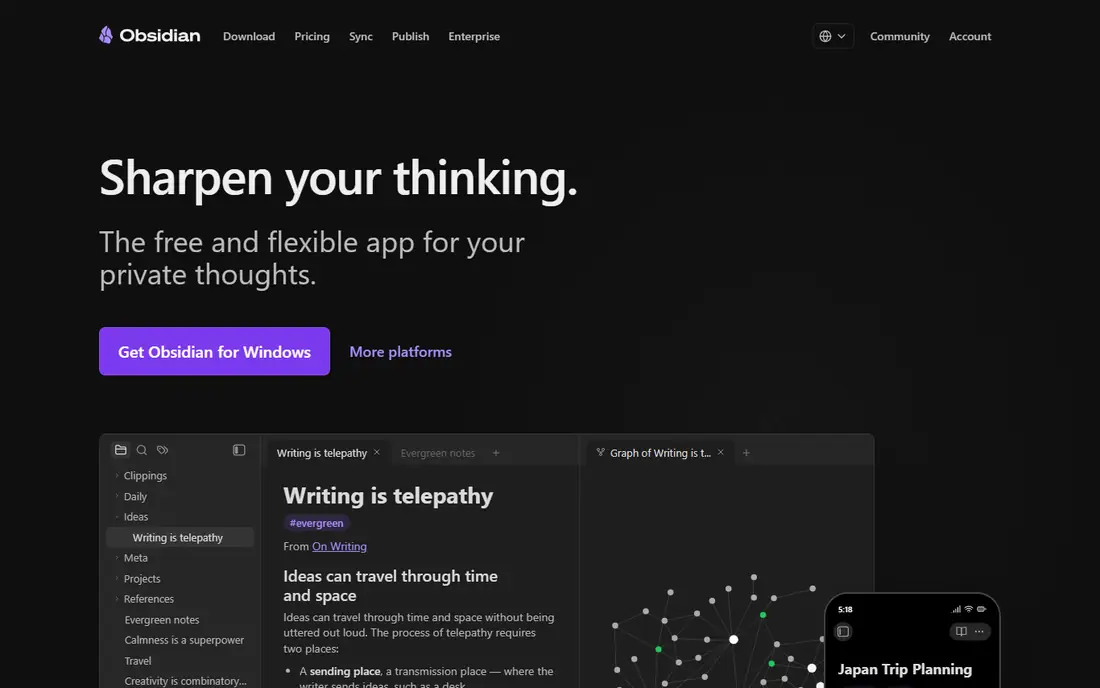
Obsidian starts from a different idea than Notion: your notes live on your device as plain Markdown files, not only inside a vendor cloud. That makes opening, searching, and linking notes fast, even offline, and it means a vault can be backed up, moved, or opened in another Markdown tool later. Links between notes and a graph view help a reader see how ideas connect, which suits researchers, students, and writers building a long-term collection.
The trade-off is collaboration and structure. Obsidian does not offer the same shared databases, permissions, and team wiki setup as Notion, and syncing across devices with end-to-end encryption costs extra through Obsidian Sync. A solo user who values ownership and speed will likely prefer it, while a team that needs shared databases should look at Coda or Airtable instead.
What we like- Notes stored as local Markdown files
- Fast offline access
- Large plugin and theme community
Watch out for- No native team database like Notion
- Sync and publishing are paid add-ons
- Advanced setups take time to configure
#2
Coda
Best for: Teams that want docs plus powerful databases
Visit coda.io
Starting priceSee website
Free planYes
Coda, now presented on its homepage as Superhuman Docs, is the closest direct replacement for Notion in this list. A page can hold text, tables, and interactive controls, and tables can use formulas, buttons, and automations to act like a small app. Teams use it for project trackers, meeting hubs, product specs, and decision docs, often replacing a doc plus a spreadsheet with one page.
Pricing is the detail to check. Coda charges for Doc Makers, while many viewers can read and comment without a paid seat, which can lower cost for a large team with few editors. A free tier covers small use, and paid plans start from figures reported around $10 to $12 per Doc Maker per month depending on billing, so the pricing page should be checked before budgeting. If the main complaint about Notion is weak databases or automations, Coda is the natural next step.
What we like- Docs, tables, formulas, buttons, and automations in one place
- Pricing charges Doc Makers rather than every viewer
- Large template gallery
Watch out for- Learning curve is similar to Notion
- No dedicated Windows desktop app in some setups
- Pricing model needs a careful read
#3ClickUp
Best for: Teams that need projects, tasks, and docs together4.6/5 on
G2 (14,878 reviews, checked Oct 2026)
Visit clickup.com
Starting price$7 per user/month (billed annually)
Free planYes
ClickUp answers a different question than Obsidian: how does a team track work, not just notes. Tasks can carry assignees, due dates, priorities, custom fields, and dependencies, while docs, whiteboards, and goals live in the same workspace. That makes it a good Notion replacement for teams whose Notion use was mainly project tracking, roadmaps, and status updates.
The cost is complexity. A personal user who only wants clean notes may find ClickUp busy, and a team should plan time for workspace design, permissions, and automation rules. Paid plans start at $7 per user per month billed annually, with a free tier for basic use. For a team that wants one place for tasks and docs, ClickUp is stronger than a notes-only tool.
What we like- Tasks, docs, goals, dashboards, and chat in one workspace
- Free tier for unlimited members on basic use
- Many views and automations
Watch out for- Feature breadth can feel heavy for simple notes
- Setup takes longer than a notes app
- Some AI features sit on higher plans
Starting priceFree
Free planYes
Anytype is built around a simple promise: data stays on the device first, syncs peer to peer or through a backup the user controls, and only the user holds the encryption keys. Notes, tasks, and databases are built from objects such as people, projects, and books, with relations that link them together. That structure gives more order than a flat notes app, without handing every note to a central cloud by default.
The limits are maturity and ecosystem. Templates, integrations, and team features are fewer than in Notion or ClickUp, and a new user needs time to learn objects and sets. A free tier covers personal use, with paid storage options for larger needs. For a privacy-focused user who wants Notion-style databases without a cloud-first model, Anytype is the clearest fit.
What we like- Local-first storage with encryption
- Works offline
- Objects, relations, and sets for structured notes
Watch out for- Smaller template and integration range than Notion
- Collaboration is newer than its personal tools
- Some features still feel early
#5Airtable
Best for: Teams built around structured data and workflows4.6/5 on
G2 (3,300 reviews, checked Oct 2026)
Visit airtable.com
Starting price$20 per user/month (billed annually)
Free planYes
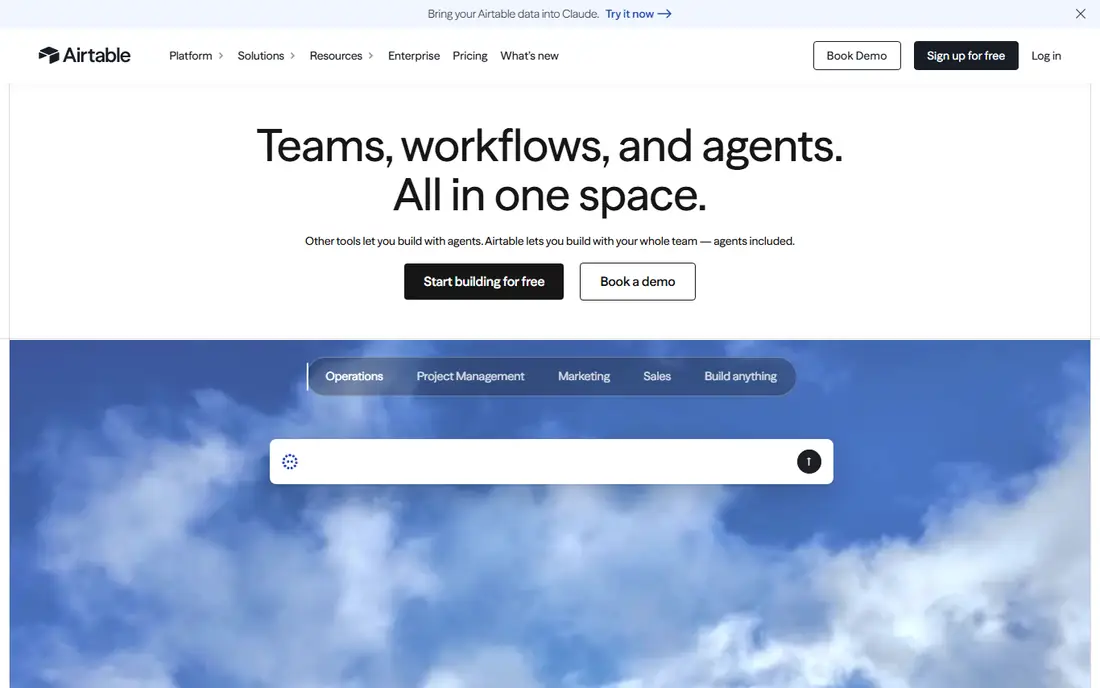
Airtable shines when the work is a table, not a document. A base can track content calendars, product launches, hiring pipelines, or inventory, with linked records, filtered views, forms, and automations that move work forward. Interfaces let a team build a simple app view on top of the same data, without code, which suits operations and marketing teams.
Writing is the weak point. Long-form docs, wikis, and nested pages feel secondary to the database, so a team that mainly writes guides should pair Airtable with a docs tool or choose Coda. Paid plans start at $20 per user per month billed annually, with a free tier for small bases. For data-heavy work, Airtable is more capable than Notion, and that is the reason to switch.
What we like- Powerful relational databases, views, and automations
- Interfaces for non-technical users
- Many integrations
Watch out for- Weaker long-form writing than Notion
- Costs rise per seat
- Record limits apply on lower plans
#6Craft
Best for: Apple users who want attractive, easy docs4.6/5 on
G2 (22 reviews, checked Oct 2026)
Visit craft.do
Starting priceSee website
Free planYes
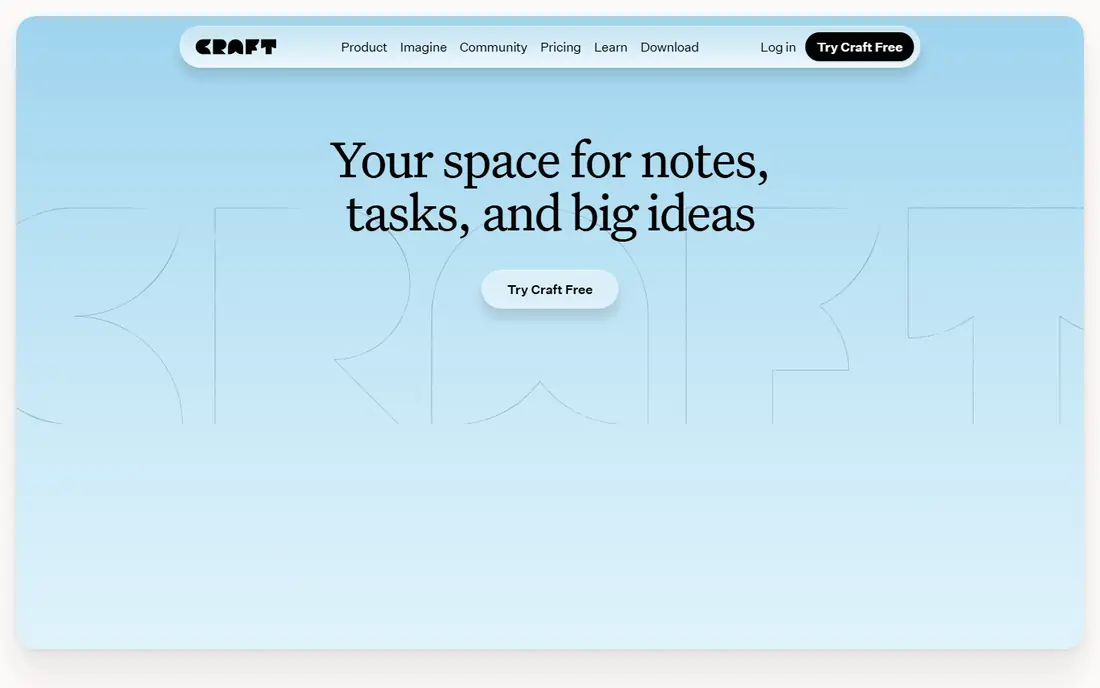
Craft is the easiest switch for a person who found Notion fiddly but still wants good-looking docs. Pages use blocks for text, images, tables, and tasks, and spaces, folders, and tags keep a personal or small-team workspace tidy. Daily notes, calendars, and whiteboards sit alongside docs, so a writer or student can plan a day and draft in the same app.
The platform focus matters. Craft feels most complete on Mac, iPad, and iPhone, with a web version for other devices, and its databases are simpler than Notion or Airtable. A free tier covers occasional use, with a Plus plan for everyday use, and exact paid pricing should be checked on the vendor pricing page. For visual note-taking and personal docs, Craft is faster to learn than the database-heavy options here.
What we like- Clean, visual design
- Docs, tasks, calendars, and whiteboards
- Offline access and publishing options
Watch out for- Best experience is on Apple devices
- Database features are lighter than Notion
- Team features are newer
Starting priceFree
Free planYes
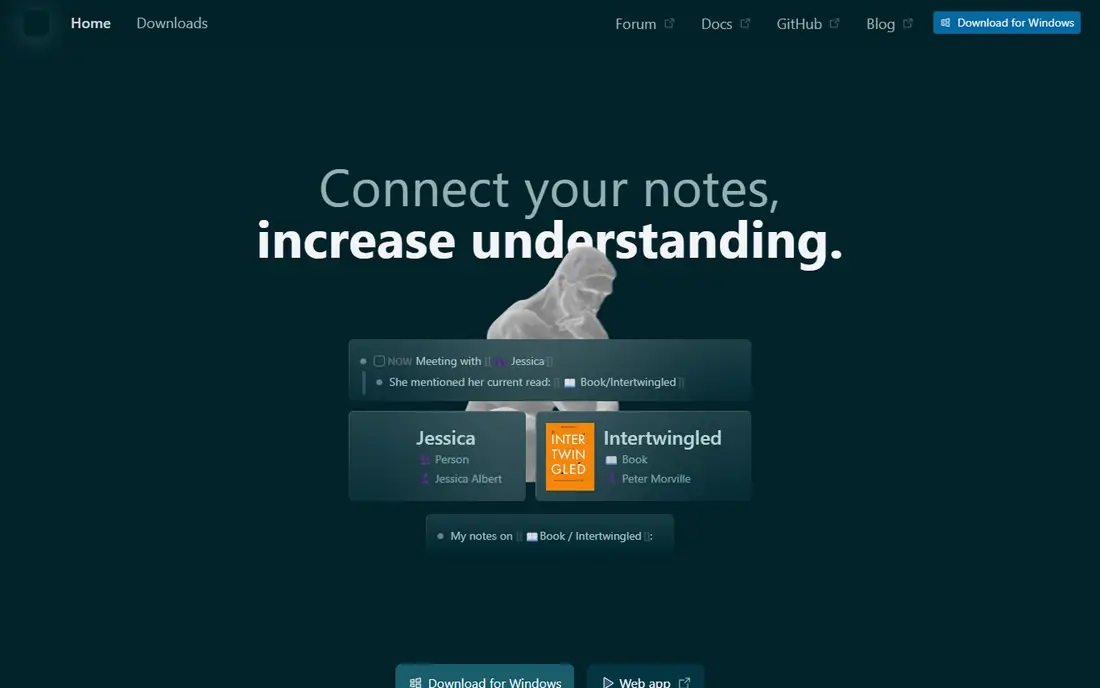
Logseq treats every note as an outline, with bullets that can link, tag, and reference each other. Daily notes give a natural place to capture thoughts, tasks, and meeting notes, and queries can pull together every block tagged with a project or person. Flashcards built from notes help students and researchers review material, which is a feature most general workspaces do not include.
That outline style is also the main barrier. Writers who prefer long prose pages may find Logseq fragmented, and teams should not expect Notion-style shared wikis or permissions. The app is free and open-source, with local files that can be synced through a folder or a third-party service. For a solo researcher who wants linked thinking without a subscription, Logseq is a strong free choice.
What we like- Free and open-source
- Local Markdown and outline storage
- Daily notes, queries, and flashcards built in
Watch out for- Outline-first style does not suit everyone
- Team collaboration is limited
- Interface is plainer than Craft or Notion
#8
AppFlowy
Best for: Teams that want an open-source workspace they control
Visit appflowy.io
Starting priceFree
Free planYes
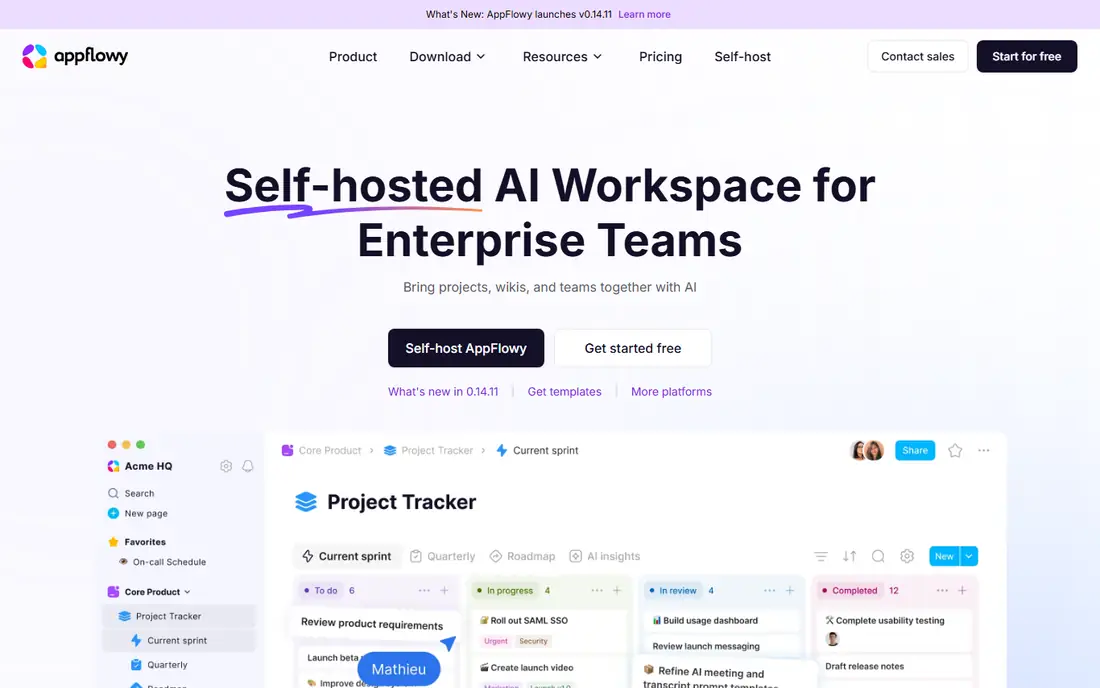
AppFlowy is the closest open-source match to the Notion layout, with pages, boards, calendars, and databases in a workspace that can run in the cloud or on a team's own servers. That self-hosting option matters for teams with data control rules, or for users who want to avoid vendor lock-in while keeping a familiar block editor. A free tier covers personal use, with paid cloud and enterprise options for larger teams.
Maturity is the trade-off. Templates, integrations, and AI features are growing but do not yet match Notion or ClickUp, and self-hosting adds maintenance work that a cloud tool would handle. For a technical team that values control and open code, AppFlowy offers a credible path away from Notion without giving up the workspace model.
What we like- Open-source code and self-hosting option
- Docs, wikis, boards, and databases
- Free tier for individuals and small teams
Watch out for- Ecosystem is smaller than Notion
- Self-hosting needs technical setup
- Some advanced features are newer
How we chose
We compared vendor pricing pages, documentation, and public reviews, and we checked each vendor homepage to confirm the product still exists and matches the category. We favored tools that cover a real reason to leave Notion, such as local ownership, stronger databases, better project tracking, or self-hosting, rather than listing every notes app. Prices above come from vendor pages or recent summaries where pricing varies by billing term, and in uncertain cases the entry says See website instead of presenting a guessed figure as fact.
Moving from Notion without losing work
Export first, then test with a small set
Export a Notion workspace as Markdown and CSV, then import a small sample into the new tool before moving everything. Check that headings, tables, images, and links survive, and note what needs manual repair. A tool that imports Markdown well, such as Obsidian or Logseq, will save hours for a notes-heavy workspace, while a database-heavy workspace needs a CSV test in Coda, Airtable, or AppFlowy.
Match the tool to the main job
A personal knowledge base needs local files and linking, a team wiki needs permissions and databases, and a project team needs tasks and views. No single alternative beats Notion at every job, so choose for the job that takes most of the week. Keep Notion read-only during a trial month, and move fully only after the new tool handles daily notes, shared pages, and search without workarounds.
Check offline access, export, and sharing
Offline access matters for travel and for large notes, and export matters for the next move. Confirm whether the new tool stores files locally, what format export uses, and how guests or viewers are charged. A free tier that limits blocks, records, or storage can look cheap at first and cost more once a real workspace grows, so test with a realistic page count.
Frequently asked questions
What is the best free alternative to Notion?
Obsidian, Logseq, Anytype, and AppFlowy all offer free tiers that cover personal use well. Obsidian suits a personal knowledge base, Logseq suits outlined research notes, Anytype suits private local-first work, and AppFlowy suits a self-hosted workspace. The best free choice depends on whether notes, outlines, privacy, or team control matters most.
Is Coda better than Notion?
Coda is stronger for databases, formulas, and automations, and its Doc Maker pricing can cost less for teams with many viewers. Notion is often easier for simple wikis and personal notes, with a larger template community. A team that needs a doc to act like an app should test Coda, while a team that mainly writes should stay with a simpler docs tool.
Can I import my Notion pages into an alternative?
Most alternatives support Markdown or CSV import, and several offer a direct Notion importer. Markdown imports work best for notes, while databases often need CSV import and manual field mapping. Test a sample export first, and keep the original Notion workspace until the import is checked.
Which Notion alternative works offline?
Obsidian, Anytype, Logseq, and Craft offer offline access, with local files on the device. ClickUp, Coda, and Airtable are mainly cloud tools, with limited offline use. If offline work is a daily need, a local-first tool is the safer choice.
Is there a Notion alternative for Apple users?
Craft is the strongest Apple-focused choice, with a polished design on Mac, iPad, and iPhone. Obsidian and Anytype also run well on Apple devices, with local files and offline access. Windows and Android users should check each vendor's app list, since Craft feels most complete on Apple platforms.
Do Notion alternatives support team collaboration?
Yes, but depth varies. Coda, ClickUp, Airtable, and AppFlowy support shared workspaces, comments, and permissions for teams. Obsidian, Anytype, and Logseq are stronger for personal use, with team features that are newer or more limited. For a shared wiki, choose a tool built for teams from the start.
Sources we checked (8)
- https://www.obsidian.md
- https://www.coda.io
- https://www.clickup.com
- https://www.anytype.io
- https://www.airtable.com
- https://www.craft.do
- https://www.logseq.com
- https://www.appflowy.io
Is your product missing or out of date?
We review this list regularly. Vendors can request a listing, send updated pricing or ask about featured placement.

Shihab Mia · Founder, Rankite
Shihab has 5+ years in B2B and SaaS SEO. He writes Rankite's software buying guides from pricing pages, documentation and public user reviews. More about Shihab.