How we make this list: we compare pricing pages, product documentation and public user reviews. Ratings come from G2, Capterra or Trustpilot, with the date we checked them.
Key takeaways
- The best n8n alternative depends on who builds the workflows. Non-technical teams need a visual builder, while engineers may prefer code steps or self-hosting.
- Zapier has the widest app catalog, but Make usually costs less for multi-step workflows with branches and data handling.
- Self-hosted tools remove per-run fees, yet they add server, update, and security work that a small team must staff.
- Pricing units differ sharply. Compare tasks, operations, credits, and executions for your actual volume, not just the monthly headline.
- AI features are now common, but they are often billed by credits. Check what an AI step costs before building it into a daily workflow.
Quick comparison
| Tool | Best for | Starting price | Free plan |
|---|
 Zapier Zapier | non-technical teams that need many app connections | $19.99 per user/month (billed annually) | Yes |
 Make Make | visual builders who want branching and data tools | $12 per user/month (billed annually) | Yes |
 Activepieces Activepieces | open-source teams that want a no-code builder they can host | $20 per user/month (billed annually) | Yes |
 Microsoft Power Automate Microsoft Power Automate | organizations already running Microsoft 365 and Dynamics | $15 per user/month (billed annually) | Yes |
 Pipedream Pipedream | developers who want code steps inside workflows | See website | Yes |
 Windmill Windmill | engineering teams building internal tools and scheduled jobs | See website | Yes |
 Gumloop Gumloop | AI workflows that read, enrich, and summarize documents | $37 per user/month (billed annually) | Free trial (14 days) |
 Pabbly Connect Pabbly Connect | budget teams running many simple automations | See website | Yes |
 Node-RED Node-RED | free self-hosted flows, IoT, and edge devices | $0 | Yes |
 Kestra Kestra | data engineering and scheduled orchestration | $0 | Yes |
Is your product missing or out of date?
We review this list regularly. Vendors can request a listing, send updated pricing or ask about featured placement.
The best n8n alternatives for workflow automation
#1Zapier
Best for: non-technical teams that need many app connections4.5/5 on
G2 (2,088 reviews, checked Oct 2026)
Visit zapier.com
Starting price$19.99 per user/month (billed annually)
Free planYes
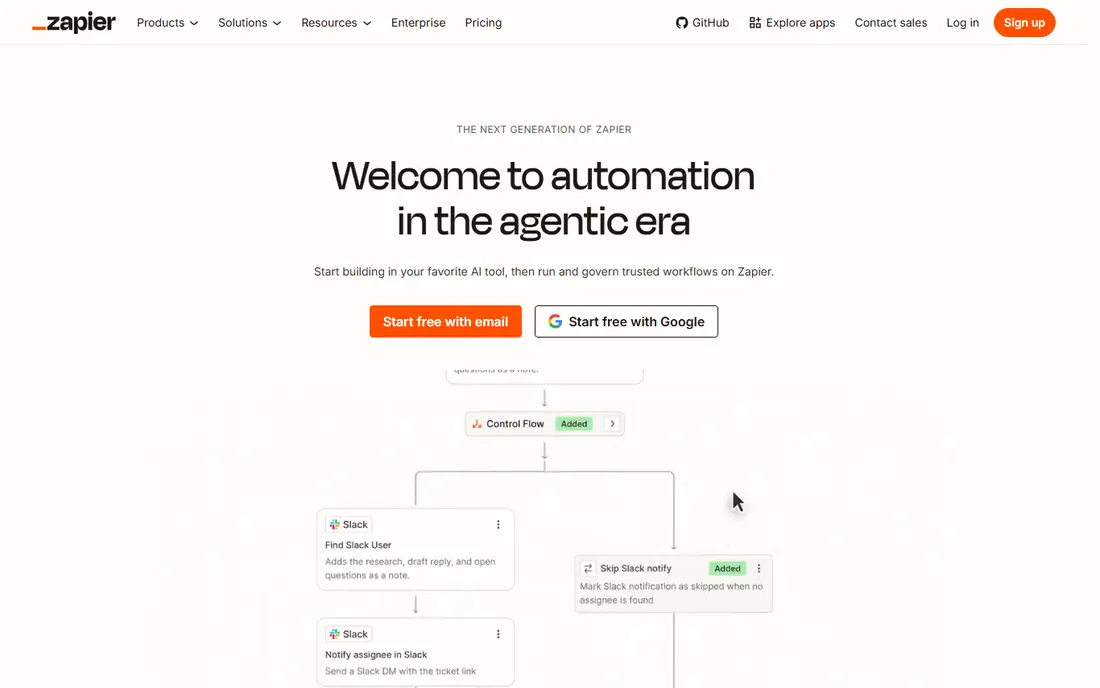
Zapier is the easiest starting point for a team with no engineers. You pick a trigger, such as a new form submission, and an action, such as adding a row to a sheet or sending a message, and the workflow runs without code. Thousands of apps are covered, and templates shorten setup for lead routing, notifications, and file handling. For a marketing or operations team, that breadth often matters more than raw power.
Cost is the honest limit. Zapier bills by task, and each step in a workflow can count separately, so a five-step flow that runs often can burn through a plan quickly. Lower plans also limit polling speed and logic features, which can delay time-sensitive work. Zapier fits best when workflows are simple, volume is modest, and app coverage matters more than complex branching.
What we like- Largest app catalog in this list
- Simple trigger and action setup
- Strong templates for common jobs
Watch out for- Multi-step workflows get expensive fast
- Limited branching and data logic on lower plans
#2Make
Best for: visual builders who want branching and data tools4.6/5 on
G2 (347 reviews, checked Oct 2026)
Visit make.com
Starting price$12 per user/month (billed annually)
Free planYes

Make gives you a canvas where a workflow can split, filter, loop, and transform data in ways that Zapier only handles on higher plans. That makes it a natural step up for teams that outgrow simple trigger and action pairs but still want a visual builder. The free plan includes monthly credits for testing, and the entry paid plan covers a useful volume of operations for small businesses.
New users should expect a learning curve. Concepts like bundles, iterators, and aggregators take time, and a badly designed scenario can consume operations quickly. Documentation and community templates help, but the first complex flow will take longer than the equivalent Zap in Zapier. Make is the better pick when workflows need real logic and you can invest a few hours in learning the canvas.
What we like- Visual canvas with routers, filters, and iterators
- Generous free tier for testing
- Strong value for multi-step flows
Watch out for- Learning curve is steeper than Zapier
- App catalog is smaller
- Error handling needs careful setup
#3Activepieces
Best for: open-source teams that want a no-code builder they can host4.8/5 on
G2 (142 reviews, checked Oct 2026)
Visit activepieces.com
Starting price$20 per user/month (billed annually)
Free planYes
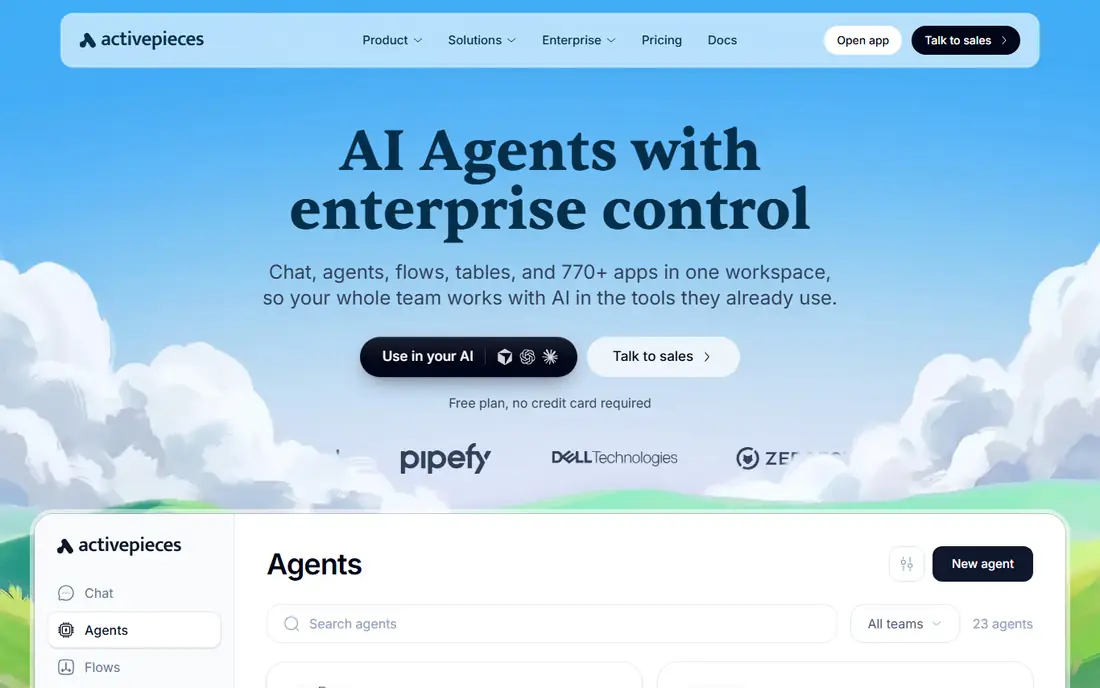
Activepieces is the closest open-source match for teams that like n8n but want a friendlier builder. The interface is visual, flows can include AI steps, and the code is open, so a technical team can self-host and keep data inside its own infrastructure. Cloud plans remove server work for teams that prefer a hosted service, and the free cloud tier is enough for small experiments.
The trade is catalog depth. With fewer native integrations than Zapier or Make, some connections need webhooks or HTTP steps, which adds setup time. Pricing and credit limits have also changed during 2026, so read the current plan page before budgeting. Activepieces suits teams that value openness and self-hosting, and that can accept a smaller catalog in return.
What we like- Open-source code and self-hosting option
- Visual builder with AI steps
- No-code focus with code pieces when needed
Watch out for- Integration catalog is smaller than Zapier
- Cloud pricing changed recently, so confirm current limits
#4Microsoft Power Automate
Best for: organizations already running Microsoft 365 and Dynamics4.4/5 on
G2 (1,092 reviews, checked Oct 2026)
Visit microsoft.com
Starting price$15 per user/month (billed annually)
Free planYes
If your work already lives in Outlook, Teams, SharePoint, and Excel, Power Automate removes a lot of friction. Flows can start from an email, a form, or a file change, and approvals can run inside Teams without a separate tool. Desktop flows also help with older Windows applications that lack APIs, which is a common problem in finance and operations teams.
Outside Microsoft, the experience is thinner. Many popular connectors are labeled premium and need a per-user or per-flow license, and the licensing mix across Microsoft 365 plans confuses even experienced buyers. Power Automate is still the right choice for a Microsoft-centered company, but a team spread across Google, Slack, and other tools will likely get more value from Make or Zapier.
What we like- Deep Microsoft 365, Teams, SharePoint, and Dynamics integration
- Desktop flows for legacy apps
- Enterprise admin controls
Watch out for- Weaker outside the Microsoft stack
- Licensing is confusing across plans
- Premium connectors cost extra
#5Pipedream
Best for: developers who want code steps inside workflows4.6/5 on
G2 (16 reviews, checked Oct 2026)
Visit pipedream.com
Starting priceSee website
Free planYes
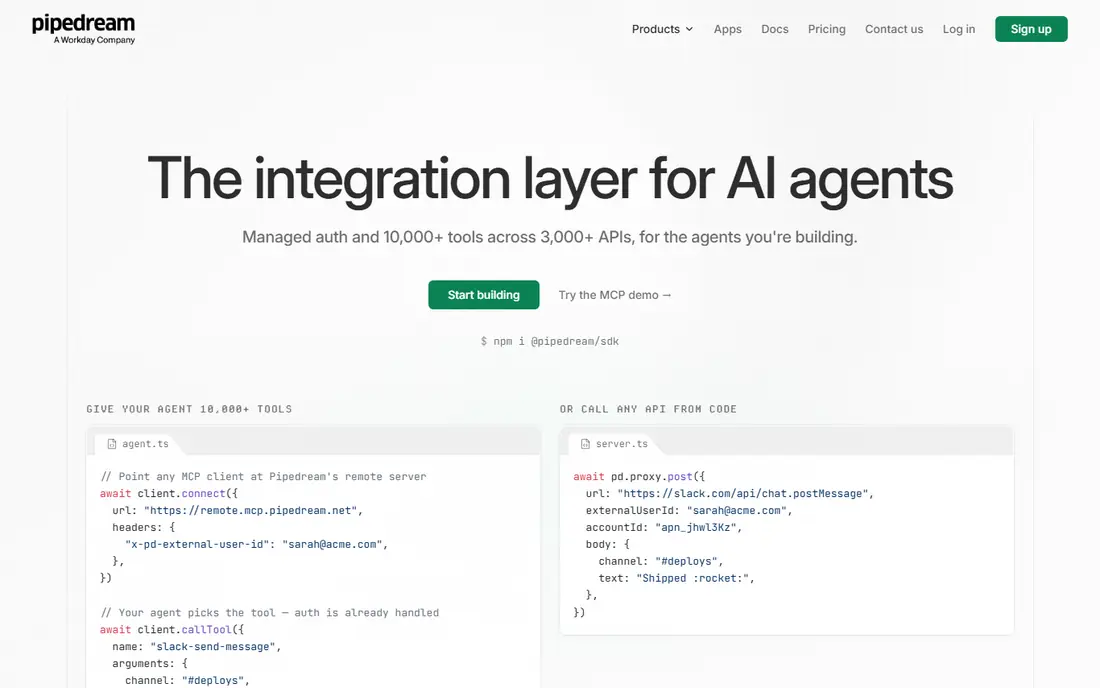
Pipedream is built for people who are comfortable writing code. Instead of relying only on prebuilt actions, you can drop in a code step, call any API, transform data with a library, and control exactly what happens when a request fails. That flexibility makes it strong for API-heavy work, data enrichment, and custom integrations that visual tools handle awkwardly.
It is not a good first automation tool for a non-technical team. There is no simple drag-and-drop canvas for business users, and production use needs a paid plan with clear limits on invocations and compute. Developers will appreciate the speed and control, especially for webhook-driven work. Business teams should pair it with a simpler tool, or assign an engineer to own it.
What we like- Code steps in Node.js and Python
- Huge API coverage through code
- Fast webhook handling
Watch out for- Not built for non-technical users
- Production pricing is higher than the free tier suggests
- Workflow management is developer-oriented
#6
Windmill
Best for: engineering teams building internal tools and scheduled jobs
Visit windmill.dev
Starting priceSee website
Free planYes
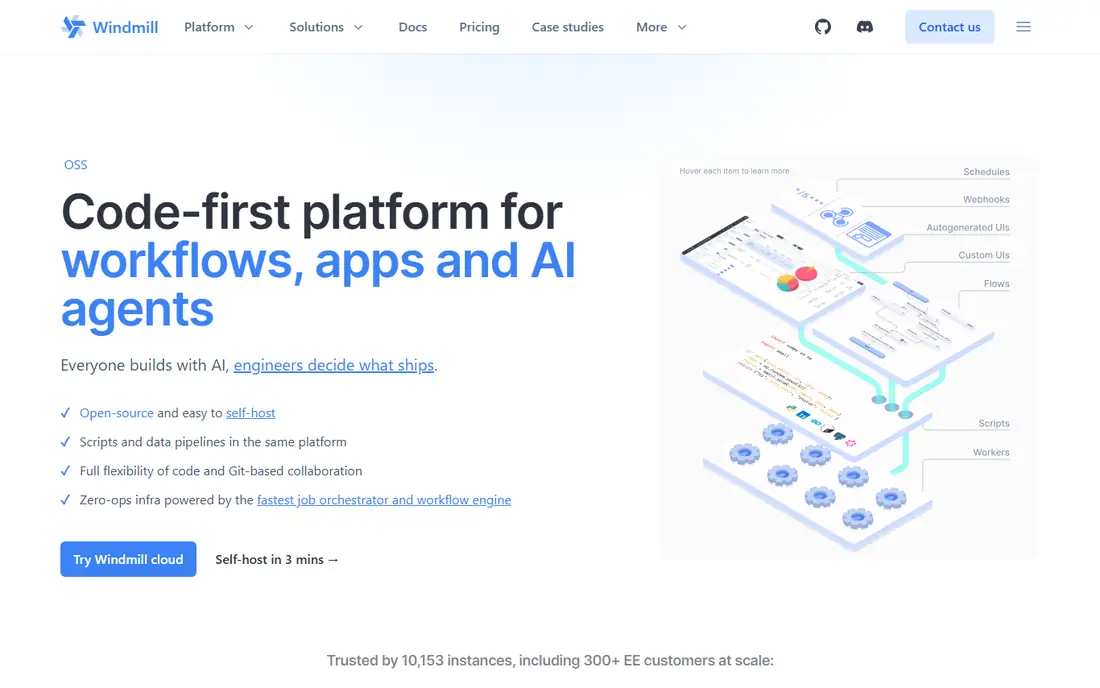
Windmill treats each workflow step as a script, which gives engineers full control over logic, libraries, and performance. Flows can run on a schedule, respond to webhooks, include human approvals, and power internal apps built from the same scripts. Self-hosting keeps costs predictable for high-volume work, and the open-source edition is free to run.
That power comes with a clear audience limit. Windmill is not a Zapier replacement for a marketing team, because there is no large catalog of one-click app actions. You will write code, manage credentials, and maintain scripts over time. For an engineering team that already builds internal tools, Windmill can replace a patchwork of cron jobs and scripts with something easier to audit and reuse.
What we like- Code-first flows in Python, TypeScript, Go, and other languages
- Self-hosting option
- Strong scheduling and approval features
Watch out for- Requires coding skill
- No broad no-code app catalog
- Setup is heavier than hosted visual tools
#7Gumloop
Best for: AI workflows that read, enrich, and summarize documents4.8/5 on
G2 (7 reviews, checked Oct 2026)
Visit gumloop.com
Starting price$37 per user/month (billed annually)
Free planFree trial (14 days)
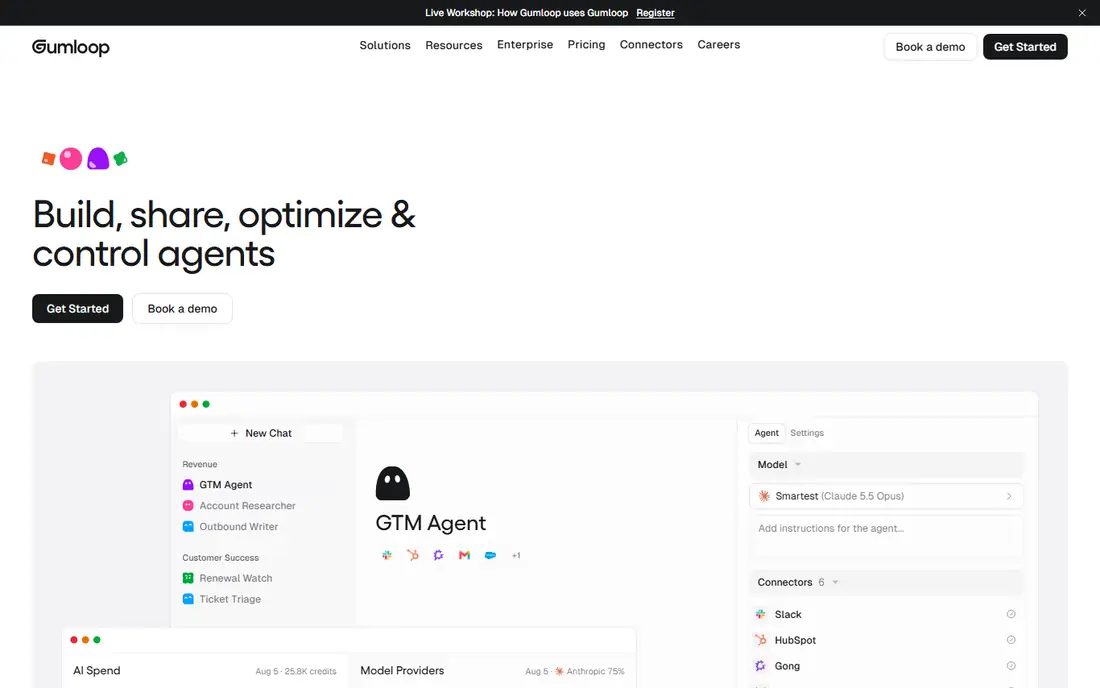
Gumloop is designed around AI work rather than simple app syncing. You can build a flow that pulls a web page or document, extracts structured fields, scores a lead, and writes the result to a sheet or CRM, all in one visual pipeline. For research, content enrichment, and document processing, that focus saves time compared with bolting AI steps onto a general automation tool.
Credit pricing is the risk. AI steps consume credits at rates that depend on the model and the amount of data processed, so a flow that looks cheap in testing can cost more in production. Gumloop removed its permanent free plan during 2026 in favor of a trial, so budget a paid plan from the start. It fits teams with a clear AI use case and a volume estimate, not teams looking for a general Zapier swap.
What we like- AI-native nodes for extraction and enrichment
- Visual builder for AI pipelines
- Useful for research and lead data
Watch out for- Credit-based pricing makes large runs hard to predict
- No permanent free plan
- Smaller app catalog than general tools
#8Pabbly Connect
Best for: budget teams running many simple automations4.1/5 on
G2 (30 reviews, checked Oct 2026)
Visit pabbly.com
Starting priceSee website
Free planYes
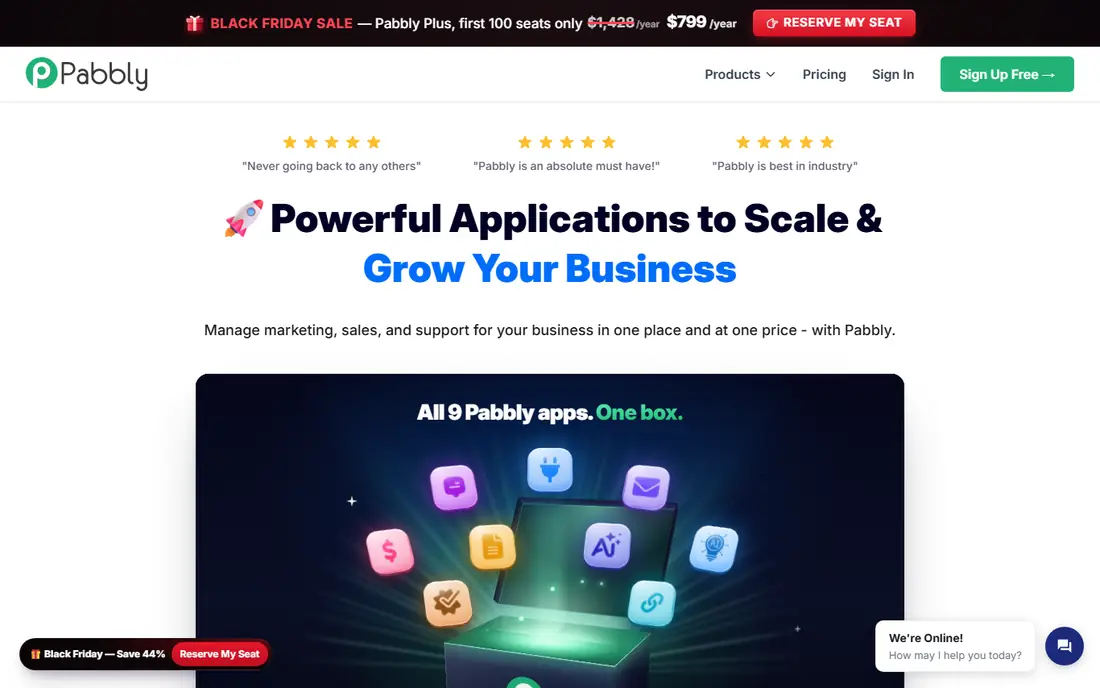
Pabbly Connect appeals to teams that run a lot of simple flows and dislike per-task billing. Its pricing model counts external actions differently from internal steps, which can make high-volume lead routing or form syncing cheaper than on Zapier. Setup is straightforward for standard connections, and the free tier lets a small team test real workflows before paying.
The catalog and polish lag behind the leaders. Some apps need webhooks, and complex branching or data transformation is more limited than in Make. Support and documentation are also thinner, so troubleshooting can take longer. Pabbly is a smart pick for a cost-sensitive team with straightforward automations, and a weaker pick for complex, multi-branch operations.
What we like- Flat pricing with internal tasks often unlimited
- Low entry cost for high volume
- Simple setup for common integrations
Watch out for- Smaller integration library
- Interface feels less polished
- Advanced logic is limited
#9Node-RED
Best for: free self-hosted flows, IoT, and edge devices4.5/5 on
G2 (25 reviews, checked Oct 2026)
Visit nodered.org
Starting price$0
Free planYes
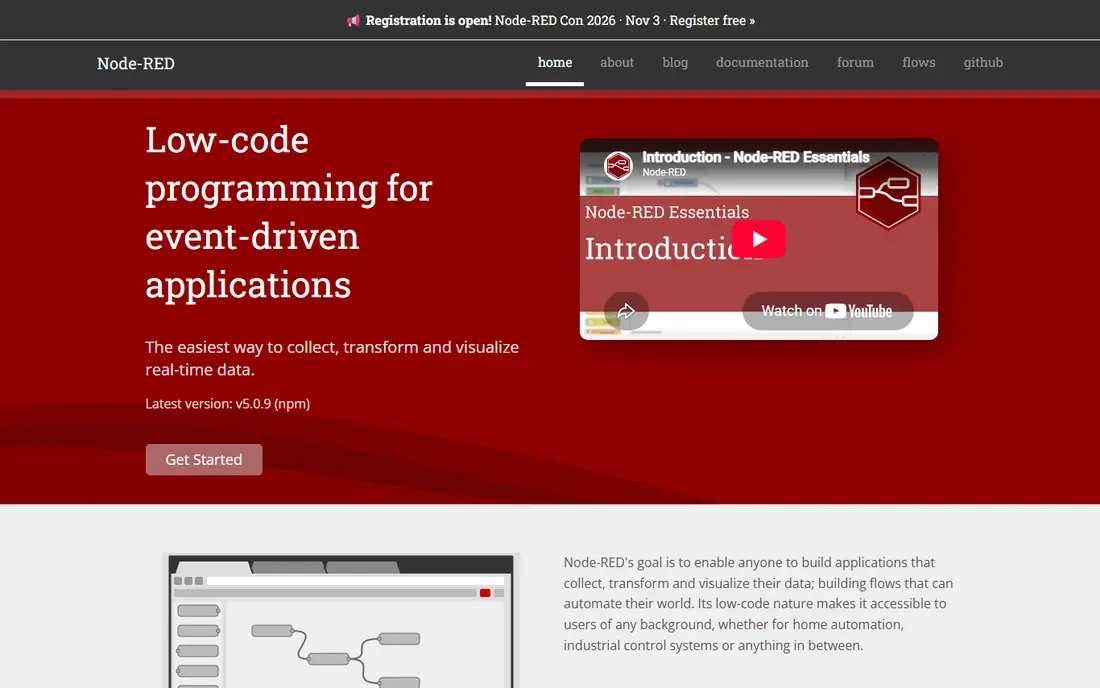
Node-RED is a free, browser-based flow editor that runs on your own server, Raspberry Pi, or edge device. You wire nodes together to read sensors, call APIs, transform messages, and trigger actions, which makes it popular for IoT projects, home and factory automation, and local systems work. There are no per-run fees, and the community offers many contributed nodes.
For general business automation, Node-RED is more work than a hosted tool. You must secure it, back it up, update it, and manage access yourself, and there is no vendor support desk unless you arrange one separately. Business app integrations are also narrower than Zapier or Make. Node-RED shines when the job involves hardware, local networks, or a free self-hosted flow engine, and it is overkill as a simple form-to-sheet tool.
What we like- Completely free and open source
- Visual flow editor
- Strong fit for hardware, sensors, and local systems
Watch out for- No hosted service or support contract by default
- Security and updates are your responsibility
- Business app catalog is limited
#10
Kestra
Best for: data engineering and scheduled orchestration
Visit kestra.io
Starting price$0
Free planYes
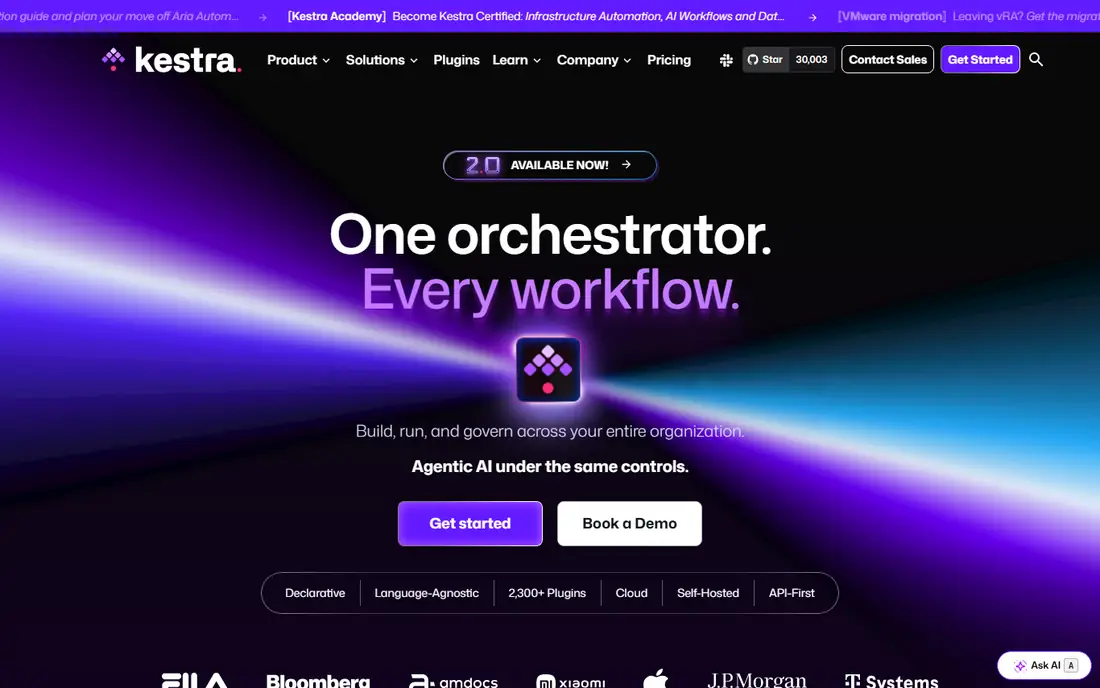
Kestra is an orchestration platform for data and engineering work, not a general business automation tool. Workflows are defined in code, stored in version control, and scheduled with retries, alerts, and clear run history. That model suits data pipelines, ETL jobs, file processing, and internal jobs that must run reliably and be audited.
Business users will find Kestra too technical for everyday automation. There is no simple catalog of SaaS actions for marketing or sales tasks, and setting it up needs server or container skill. If your team already runs data pipelines and wants a free, open-source orchestrator with strong scheduling, Kestra is a strong n8n alternative in that niche. If you need a no-code tool for office apps, start with Make or Zapier instead.
What we like- Declarative workflows stored as code
- Strong scheduling and retries
- Open source with no per-run fees when self-hosted
Watch out for- Built for engineers, not business users
- No broad SaaS app catalog
- Setup needs infrastructure skill
How we chose
We checked vendor pricing pages, documentation, and public reviews on G2, Capterra, and Reddit, and we compared billing units rather than headline prices alone. We included tools across the main buyer types: no-code teams, Microsoft shops, developers, AI-focused teams, and self-hosted engineering teams. We left out tools that shut down during 2026 or that gate all useful features behind a sales call, and we noted where pricing changed recently so readers can recheck before buying.
Choosing by workflow type
Start by writing down who will build and maintain the workflows. A tool that only an engineer can maintain will stall if that person leaves or gets busy, while a tool that is too simple will force workarounds for complex logic. Match the builder to the tool first, then check app coverage for the five apps you use most.
Volume and billing units
Model one month of real volume before you buy. Count runs, steps, tasks, operations, or credits for a typical workflow, then multiply by how often it runs. A plan that looks cheap at 100 runs a month can become the most expensive option at 10,000 runs. Watch for polling delays, too. Cheaper plans may check for new data every 15 minutes, which is too slow for lead follow-up or order alerts.
Hosting, security, and maintenance
Self-hosted tools give control over data and cost, but they move security, backups, and updates to your team. Hosted tools remove that work and add vendor lock-in and per-run costs. For regulated data, check where a hosted vendor stores data, whether it offers single sign-on, and how you export workflow definitions and run history if you leave.
Frequently asked questions
Is n8n free?
n8n offers a free self-hosted edition, and its cloud plans start with a paid starter tier. Self-hosting removes the subscription fee, but you still pay for a server and your own maintenance time, so it is free in license terms rather than free in total cost.
What is the easiest n8n alternative for non-technical users?
Zapier is easiest for simple workflows, and Make is the better next step when you need branching and data handling. Both offer visual builders and templates, while Pipedream, Windmill, Node-RED, and Kestra need coding or infrastructure skill.
Which n8n alternative is best for self-hosting?
Activepieces, Windmill, Node-RED, and Kestra all offer self-hosting. Activepieces is closest to a no-code n8n swap, Windmill and Kestra suit engineering teams, and Node-RED suits IoT and edge work. Compare integration coverage before you pick on hosting alone.
How do I avoid surprise bills with automation tools?
Model your monthly runs, steps, and AI usage before buying, and check whether each step counts as a task, operation, or credit. Set usage alerts where the vendor offers them, and test a high-volume day during the trial rather than only a single run.
Can I migrate workflows from n8n to another tool?
You can usually rebuild the logic, but there is no universal export that moves workflows intact between vendors. Export workflow definitions and notes from n8n first, list every app connection and credential, and rebuild the most critical flow on the new tool before migrating the rest.
Do these tools replace developers for complex integrations?
No. Visual tools handle common integrations well, but custom APIs, complex data transforms, and error handling still benefit from developer input. The best setup pairs a visual tool for routine flows with code steps or a developer-owned tool for the hard cases.
Sources we checked (10)
- https://www.zapier.com/pricing
- https://www.make.com/pricing
- https://www.activepieces.com/pricing
- https://www.microsoft.com/power-automate/pricing
- https://www.pipedream.com/pricing
- https://www.windmill.dev/pricing
- https://www.gumloop.com/pricing
- https://www.pabbly.com/pricing
- https://www.nodered.org
- https://www.kestra.io/pricing
Is your product missing or out of date?
We review this list regularly. Vendors can request a listing, send updated pricing or ask about featured placement.

Shihab Mia · Founder, Rankite
Shihab has 5+ years in B2B and SaaS SEO. He writes Rankite's software buying guides from pricing pages, documentation and public user reviews. More about Shihab.