How we make this list: we compare pricing pages, product documentation and public user reviews. Ratings come from G2, Capterra or Trustpilot, with the date we checked them.
Key takeaways
- Most QuickBooks Time buyers do not need a clone. They need a time clock staff will actually use, plus clean hours for payroll.
- Homebase and Connecteam give small hourly teams a free start, while Deputy and ClockShark add stronger scheduling and job-costing controls.
- Pricing models differ a lot. Some tools charge per user, some per location, and some add a base fee, so compare the total for your headcount.
- GPS, geofencing, and photo clock-ins reduce time theft, but they also need clear policies and staff communication before rollout.
- QuickBooks integration still matters. Check whether hours sync directly, export cleanly, or need manual entry each pay period.
Quick comparison
| Tool | Best for | Starting price | Free plan |
|---|
 Homebase Homebase | small hourly teams that want scheduling and payroll in one app | $24 per location/month (billed annually) | Yes |
 Deputy Deputy | retail and hospitality teams with compliance needs | $5 per user/month (billed annually) | Free trial (31 days) |
 Connecteam Connecteam | deskless teams that need time, forms, and communication together | $29 per month (billed annually) | Yes |
 When I Work When I Work | shift-heavy teams on a tight budget | $2.50 per user/month (billed annually) | Free trial (14 days) |
 Buddy Punch Buddy Punch | small teams that need to stop buddy punching | $19 per month plus $4.99 per user/month (billed annually) | Free trial (14 days) |
 Clockify Clockify | desk and remote teams that need free time tracking | $3.49 per user/month (billed annually) | Yes |
 ClockShark ClockShark | construction and field crews that need job costing | See website | Free trial (14 days) |
 OnTheClock OnTheClock | small teams that want simple GPS-verified punches | $5 per month plus $4 per employee/month (billed annually) | Free trial (30 days) |
 Hubstaff Hubstaff | remote teams that also need activity and project tracking | $4.99 per user/month (billed annually) | Free trial |
 7shifts 7shifts | restaurants that need scheduling, tips, and labor cost control | $49.99 per location/month (billed monthly) | Yes |
Is your product missing or out of date?
We review this list regularly. Vendors can request a listing, send updated pricing or ask about featured placement.
The best QuickBooks Time alternatives
#1Homebase
Best for: small hourly teams that want scheduling and payroll in one app4.6/5 on
G2 (586 reviews, checked Oct 2026)
Visit joinhomebase.com
Starting price$24 per location/month (billed annually)
Free planYes
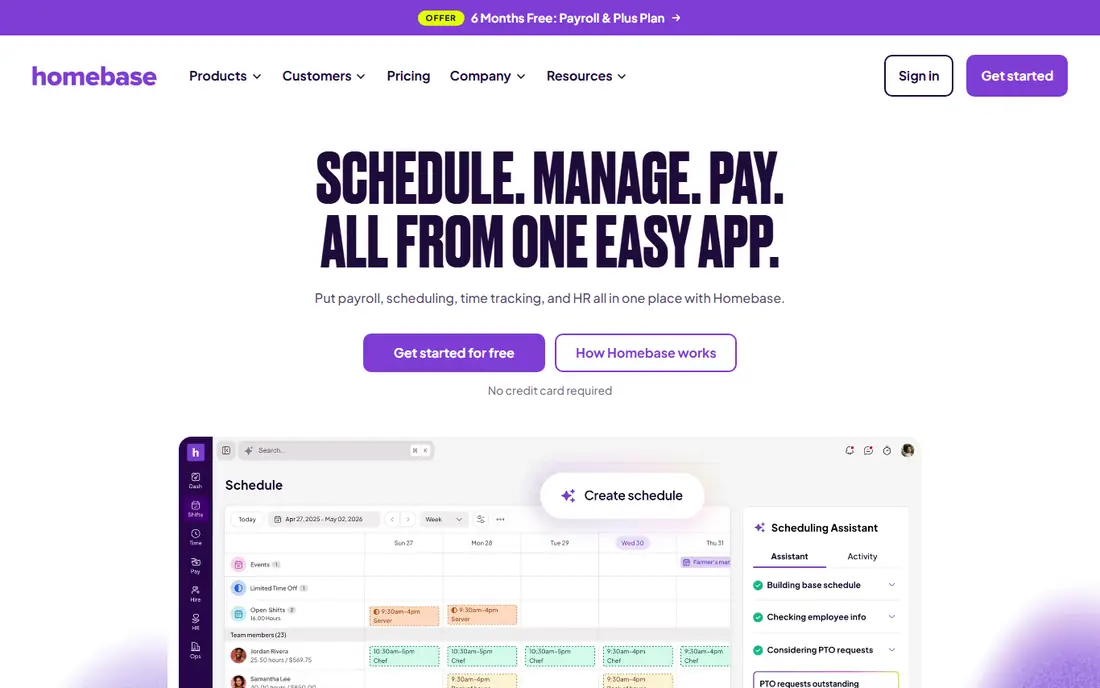
Homebase is a natural first stop for restaurants, shops, and service businesses with hourly staff. The free plan covers scheduling and a time clock for one location with up to 10 employees, which lets a small team run real shifts before paying anything. Managers can post schedules, handle shift trades in the app, and message staff without a separate chat tool. Payroll can be added later, which keeps the early setup simple.
Costs change with locations. Because Homebase charges per location, a business with three sites pays three times the location fee, even if each site is small. Some features, such as paid time off controls and advanced scheduling help, also sit on higher tiers. Homebase fits best for one or two locations that want an all-in-one hourly team app, not for a large multi-site operation counting every dollar per seat.
What we like- Free plan for one location and up to 10 employees
- Scheduling, time clock, and hiring in one app
- Optional payroll add-on
Watch out for- Pricing is per location, so multi-site costs rise
- Payroll and some controls need paid plans
#2Deputy
Best for: retail and hospitality teams with compliance needs4.6/5 on
G2 (666 reviews, checked Oct 2026)
Visit deputy.com
Starting price$5 per user/month (billed annually)
Free planFree trial (31 days)
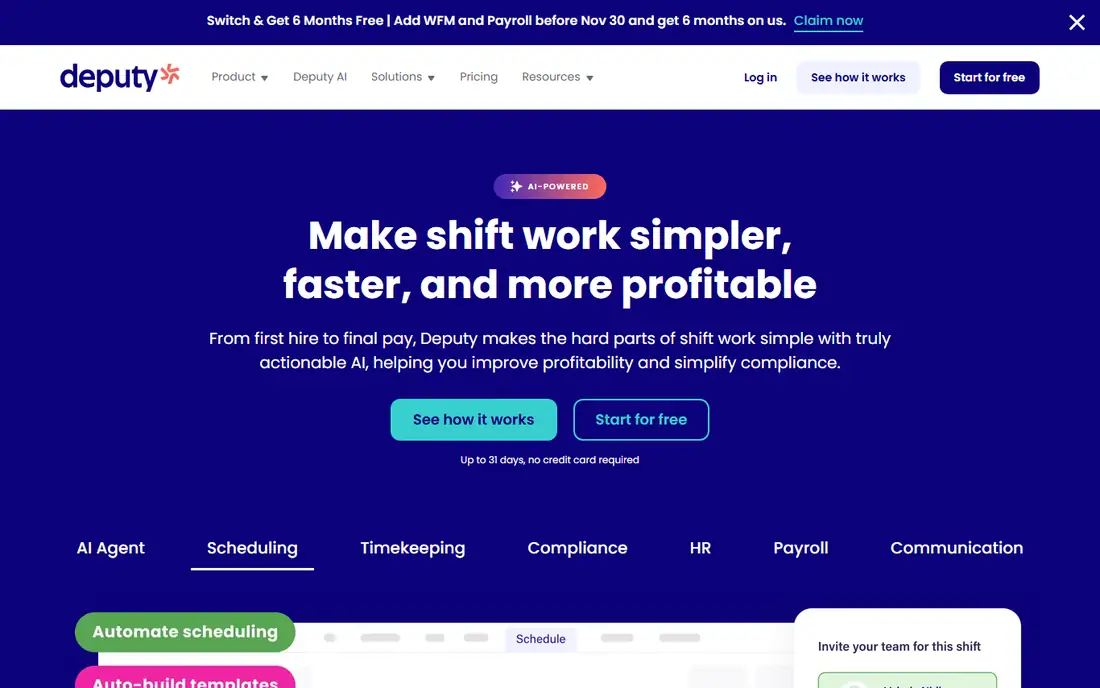
Deputy is built for managers who juggle rotas, labor costs, and local labor rules at the same time. Scheduling can account for availability, training, and forecasted demand, and managers get clearer warnings when a schedule risks overtime or a compliance problem. Integrations with QuickBooks, Xero, ADP, and Gusto help move approved hours toward payroll without retyping them.
The entry plan is affordable, but the fuller compliance and forecasting toolkit needs a higher tier, so buyers should compare Lite against Pro for their actual rules. Offline behavior also needs a check for field teams, since the mobile app is read-only offline in some cases, while kiosk clock-ins handle offline use better. Deputy suits multi-location hospitality and retail teams that need control more than a bare-bones clock.
What we like- Strong scheduling, labor forecasting, and compliance tools
- Good multi-location controls
- Broad payroll integrations
Watch out for- Advanced controls sit on higher plans
- Mobile offline mode is limited to read-only in some cases
#3Connecteam
Best for: deskless teams that need time, forms, and communication together4.6/5 on
G2 (3,506 reviews, checked Oct 2026)
Visit connecteam.com
Starting price$29 per month (billed annually)
Free planYes
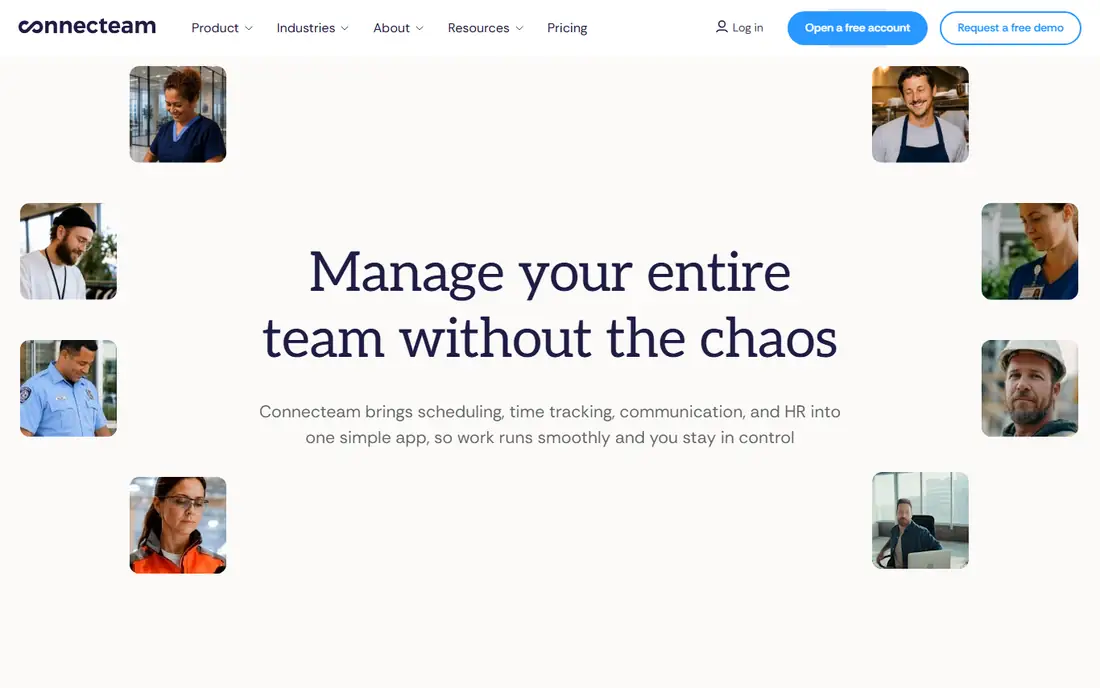
Connecteam is an operations app first and a time clock second, which is its main appeal for field and frontline teams. Staff get one mobile app for clocking in, viewing schedules, filling forms, reading updates, and messaging managers. The Operations hub starts at $29 a month for the first 30 users on annual billing, with a small fee per extra user, which is easy to budget for a growing crew.
The structure needs attention. Connecteam sells separate hubs for operations, communications, and HR, so a team that wants everything will pay for more than one hub. Mobile apps also cannot be used offline, which matters for crews in areas with weak signal. For a connected field team that wants one app for daily work, Connecteam is a strong QuickBooks Time alternative, especially when forms and training matter alongside hours.
What we like- Free plan for up to 10 users
- GPS clock-ins, scheduling, forms, and chat in one mobile app
- Flat pricing for the first 30 users
Watch out for- Hubs are billed separately
- No offline use in the mobile apps
- Some admin tools are web-only
#4When I Work
Best for: shift-heavy teams on a tight budget4.4/5 on
G2 (404 reviews, checked Oct 2026)
Visit wheniwork.com
Starting price$2.50 per user/month (billed annually)
Free planFree trial (14 days)
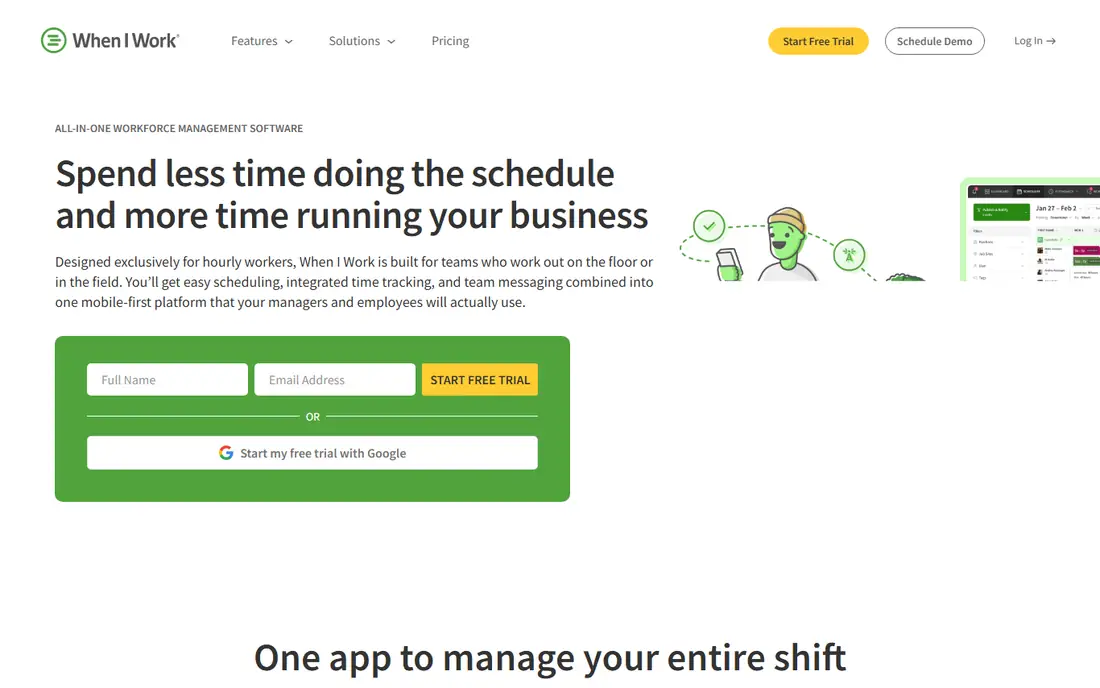
When I Work keeps scheduling simple and cheap, which is why many small service teams start here. Managers can build a schedule from availability, post open shifts, and let staff swap shifts with approval, all from a phone. The entry price is among the lowest in this list, and the interface rarely confuses new users.
Time tracking is the catch. It is an add-on rather than part of the base plan, so the total cost is higher than the headline rate for teams that need a clock. There is also no live GPS tracking, which makes it a weaker fit for field crews that need location proof. When I Work fits best for indoor shift teams where scheduling is the main job and time tracking is a secondary need.
What we like- Very low entry price
- Easy shift posting, swaps, and availability
- Simple team messaging
Watch out for- Time tracking is a paid add-on
- No live GPS tracking
- Advanced controls need higher plans
#5Buddy Punch
Best for: small teams that need to stop buddy punching4.8/5 on
G2 (404 reviews, checked Oct 2026)
Visit buddypunch.com
Starting price$19 per month plus $4.99 per user/month (billed annually)
Free planFree trial (14 days)
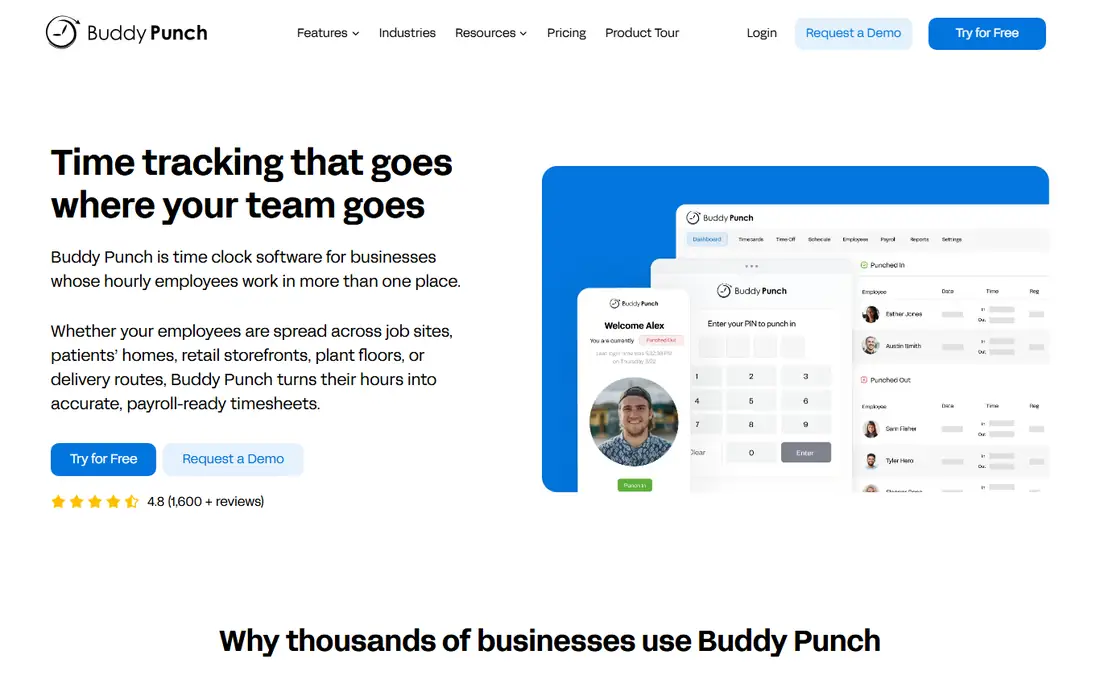
Buddy Punch focuses on one problem and solves it well: making sure the person clocking in is really that employee. Facial recognition, GPS stamps, geofence rules, and optional photos at punch time give managers evidence without constant supervision. Payroll exports are clean, and setup is quick enough for a small business without an IT team.
Pricing is a base fee plus a per-user fee, so a team of three pays proportionally more than a team of thirty. Scheduling and some punch controls also sit on higher plans, and there is no offline mode, so crews without signal need a workaround. Buddy Punch is the right pick when time theft or disputed hours are already costing money, and the controls will pay for themselves.
What we like- Facial recognition, geofencing, and photo clock-ins
- Clear payroll exports
- Simple setup
Watch out for- Base fee plus per-user fee adds up for tiny teams
- Some features need Pro
- No offline mode
#6Clockify
Best for: desk and remote teams that need free time tracking4.5/5 on
G2 (204 reviews, checked Oct 2026)
Visit clockify.com
Starting price$3.49 per user/month (billed annually)
Free planYes
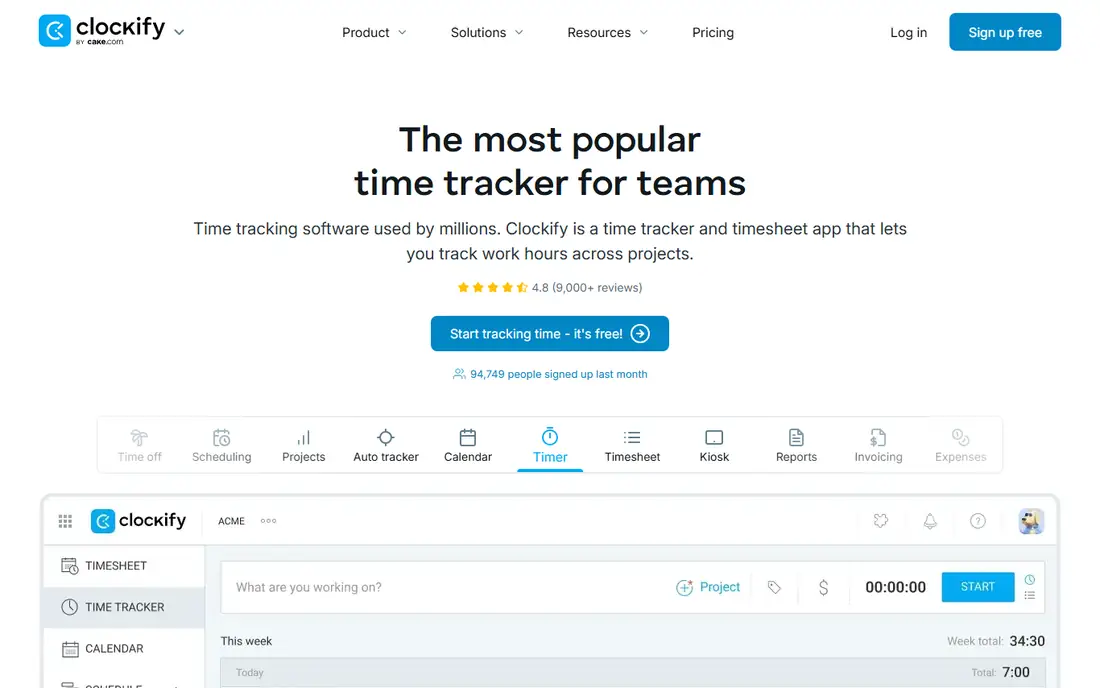
Clockify is the cheapest way to start tracking time, and its free plan covers unlimited users, which no other tool here matches. Staff can start a timer, log hours manually, and managers can review timesheets and reports for billing or payroll. For agencies, freelancers, and remote desk teams, that simplicity is enough, and paid plans add approvals, forecasting, and admin controls at a low price.
It is not a shift-work tool. Clockify lacks the scheduling depth, geofencing, and punch enforcement that hourly field teams need, and its mobile location controls are limited. A restaurant or construction crew will miss those controls quickly. Choose Clockify when the job is tracking billable or project hours for desk workers, not managing hourly shifts in the field.
What we like- Free plan for unlimited users
- Simple timers and timesheets
- Useful reports for billing
Watch out for- Weak location enforcement
- Scheduling and GPS controls are limited
- No strong shift management
Starting priceSee website
Free planFree trial (14 days)
ClockShark is built for crews that move between job sites during the day. Staff can clock into a specific job and task, managers can see who is on site and where crews have been, and hours flow toward job costing and QuickBooks with far less manual sorting. Offline clock-ins help when a site has poor signal, and the live map gives dispatchers a useful view of the day.
That depth comes with cost and setup time. Pricing combines a monthly base fee with a per-user fee, and the full value only appears once jobs, tasks, and customers are set up correctly. An office or retail team will find it heavier than needed. For construction, landscaping, cleaning, and other job-based field work, ClockShark is one of the strongest QuickBooks Time replacements.
What we like- Job, task, and crew tracking with GPS breadcrumbs
- Offline clock-ins
- QuickBooks integration for job costs
Watch out for- Pricing is base fee plus per-user fee
- Overkill for simple indoor teams
- Setup takes more time than a basic clock
#8OnTheClock
Best for: small teams that want simple GPS-verified punches4.4/5 on
G2 (279 reviews, checked Oct 2026)
Visit ontheclock.com
Starting price$5 per month plus $4 per employee/month (billed annually)
Free planFree trial (30 days)
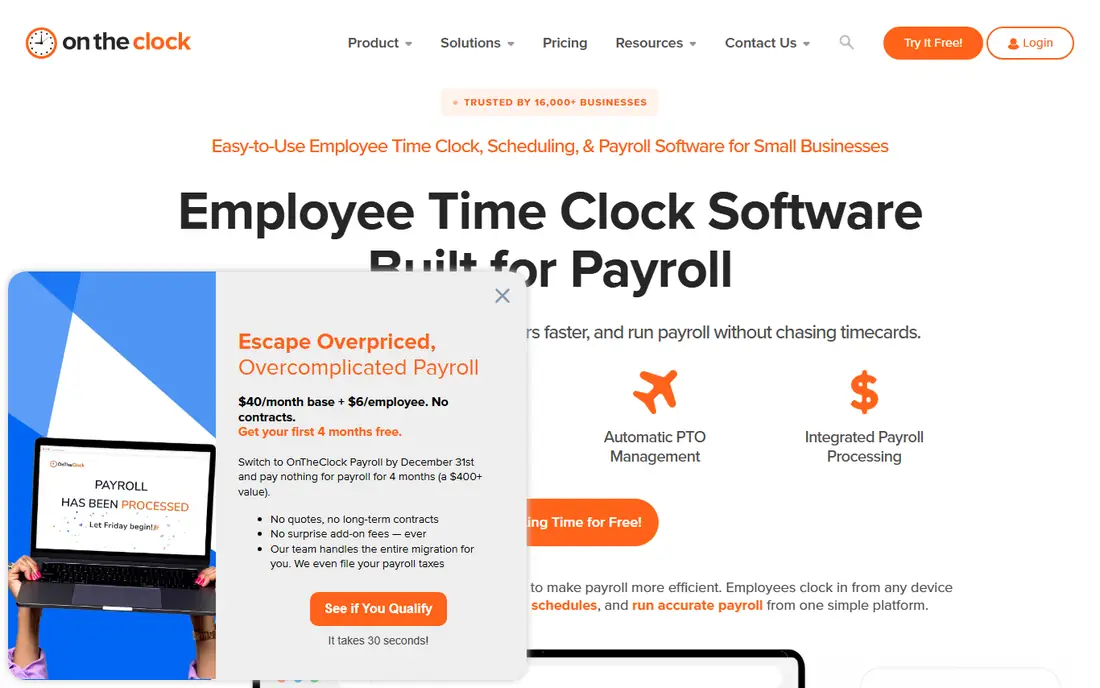
OnTheClock does the basics well and stays out of the way. Employees clock in from a phone or web kiosk with a GPS stamp, managers approve timesheets, and reports export for payroll. The 30-day trial is longer than most rivals, which gives a small team time to run a full pay period before deciding. Support is also geared toward small businesses rather than enterprise buyers.
Scheduling is thinner than Deputy or Homebase, and overtime rules may need a manual review in edge cases. Teams that need demand forecasting, complex shift rules, or deep HR tools will outgrow it. OnTheClock fits a small team that mainly needs trustworthy punches and clean hours, without paying for a full workforce suite.
What we like- Straightforward GPS clock-ins
- Simple pricing
- Payroll-ready reports without a steep learning curve
Watch out for- Limited scheduling depth
- Overtime handling may need manual checks
- Fewer advanced workforce features
#9
Hubstaff
Best for: remote teams that also need activity and project tracking
Visit hubstaff.com
Starting price$4.99 per user/month (billed annually)
Free planFree trial
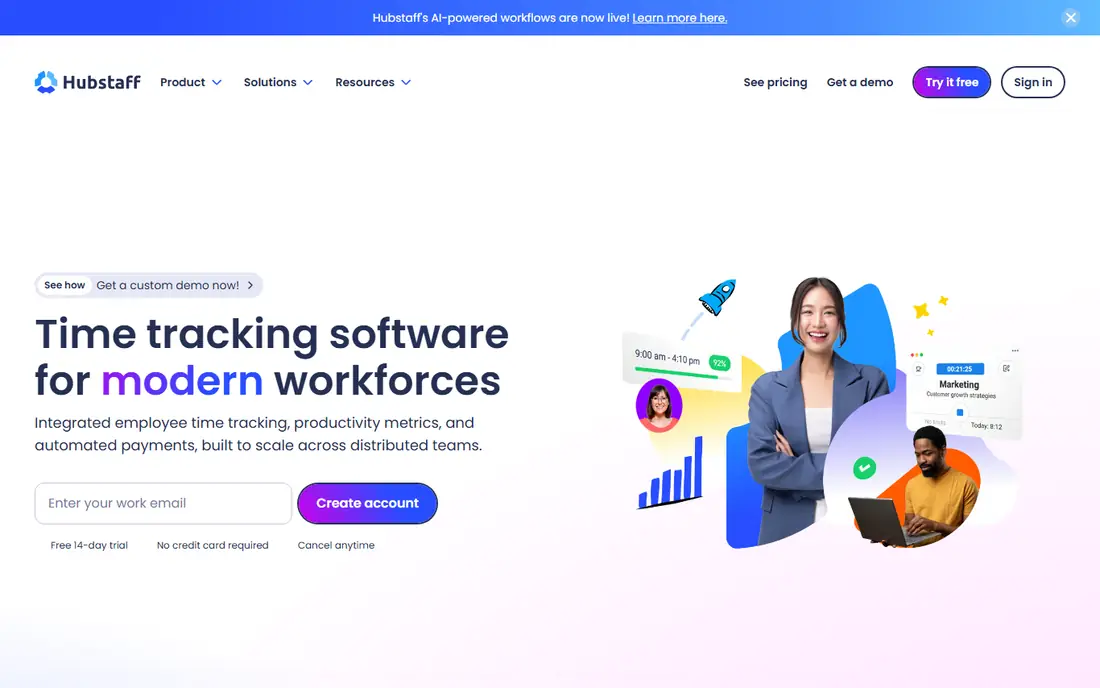
Hubstaff started as a remote work tracker, and that history still shapes it. Beyond timers and timesheets, it offers activity levels, screenshots on some plans, project budgets, and invoicing, which helps agencies and distributed teams bill clients from tracked time. Reports make it easy to see where hours went across projects and clients.
For field crews, geofencing and location enforcement are weaker than ClockShark or Buddy Punch, and mobile admin tools are limited. Activity monitoring also raises trust questions, so teams should agree on policies and explain what is tracked before turning it on. Hubstaff is best for remote and hybrid teams that need project time data, not for hourly field crews that need strict punch controls.
What we like- Time tracking plus optional activity monitoring
- Project budgets and invoicing
- Good remote team reporting
Watch out for- Geofencing is weaker than field-first tools
- Activity monitoring needs clear staff policies
- Mobile admin is limited
#107shifts
Best for: restaurants that need scheduling, tips, and labor cost control4.5/5 on
G2 (129 reviews, checked Oct 2026)
Visit 7shifts.com
Starting price$49.99 per location/month (billed monthly)
Free planYes
7shifts is built for restaurants, and every feature reflects that focus. Schedules account for roles, availability, and labor targets, tip tracking and pooling are handled inside the app, and managers can see labor cost against sales as the week unfolds. The free plan covers one location, which lets a single restaurant test the core workflow before paying.
Outside restaurants, much of that specialization is wasted, and per-location pricing adds up for groups with many sites. Payroll is also a separate product rather than part of the core scheduling plan. For a restaurant group that already tracks tips and labor cost by hand, 7shifts can replace several spreadsheets at once. For a general hourly team, Homebase or Deputy is usually a better fit.
What we like- Restaurant-specific scheduling and tip tracking
- Labor cost forecasting
- Free plan for one location
Watch out for- Pricing is per location
- Less useful outside hospitality
- Payroll is a separate product
How we chose
We compared vendor pricing pages, product documentation, and public reviews on G2, Capterra, and Reddit, with attention to how each tool handles GPS, scheduling, overtime, and payroll exports. We favored tools that serve United States hourly teams, that offer a free plan or a trial long enough to run a pay period, and that integrate with QuickBooks or export hours cleanly. Where pricing combines a base fee and a per-user fee, we showed both parts instead of hiding the base fee.
Buying guidance for hourly teams
Start with the payroll workflow, not the clock. Decide who approves hours, how overtime is calculated, and how hours reach payroll, then test that exact path during a trial. A tool that looks good in a demo can still fail if approvals, edits, or exports add manual work every pay period.
Field controls worth paying for
GPS stamps, geofences, and photo verification help only if they match your sites. Set geofence sizes generously at first, since a fence that is too tight will block legitimate punches at large sites. Explain the controls to staff before launch, and decide how you will handle missed punches, forgotten clock-outs, and phone problems. A clear policy prevents most disputes.
Scheduling, cost, and data export
Check whether scheduling, labor forecasting, and tip or job costing are included or paid extras. Compare the total cost for your headcount and locations, including base fees and add-ons. Before you sign, export a sample timesheet and confirm the format works with your payroll provider. If you switch later, you should also be able to export historical hours without a support ticket.
Frequently asked questions
Can I use these tools without QuickBooks?
Yes. All of the tools here work on their own, and most export hours as a spreadsheet or connect to other payroll providers. QuickBooks integration is a bonus for QuickBooks users, not a requirement for the time clock to work.
Which QuickBooks Time alternative is free?
Homebase, Connecteam, Clockify, and 7shifts all offer free plans, with limits on locations, users, or features. Homebase and Clockify are the most generous for small teams, while Connecteam and 7shifts free plans suit single-location testing.
Do I need GPS tracking for my team?
It depends on where staff work. Field crews benefit most, since GPS stamps and geofences verify site attendance. Indoor teams with a fixed kiosk or computer may not need GPS at all, and a simple web clock can be enough.
How do I stop employees clocking in for each other?
Use photo verification, facial recognition, or a supervised kiosk, and pair the control with a written policy. Buddy Punch and ClockShark offer the strongest punch controls here, while basic clocks rely on trust and manager review.
Will hours sync directly to payroll?
Some tools sync to QuickBooks, Gusto, ADP, or other payroll systems, while others export a file you import each period. Confirm the exact integration for your payroll provider during the trial, and test it with a full pay period before you rely on it.
What is the cheapest option for a small team?
When I Work and Clockify have the lowest entry prices, and Homebase and Connecteam offer free plans for small teams. Compare the total cost for your headcount, since base fees and per-location pricing can change the cheapest option.
Sources we checked (10)
- https://www.joinhomebase.com/pricing
- https://www.deputy.com/pricing
- https://www.connecteam.com/pricing
- https://www.wheniwork.com/pricing
- https://www.buddypunch.com/pricing
- https://www.clockify.com/pricing
- https://www.clockshark.com/pricing
- https://www.ontheclock.com/pricing
- https://www.hubstaff.com/pricing
- https://www.7shifts.com/pricing
Is your product missing or out of date?
We review this list regularly. Vendors can request a listing, send updated pricing or ask about featured placement.

Shihab Mia · Founder, Rankite
Shihab has 5+ years in B2B and SaaS SEO. He writes Rankite's software buying guides from pricing pages, documentation and public user reviews. More about Shihab.