How we make this list: we compare pricing pages, product documentation and public user reviews. Ratings come from G2, Capterra or Trustpilot, with the date we checked them.
Key takeaways
- Google Docs and Microsoft Word Online remain the safest defaults, because most collaborators already have an account and know the commenting flow.
- Notion and Coda suit teams that mix documents with databases, tasks, and wikis, but they need more setup than a plain document editor.
- Confluence is the best fit for engineering and IT teams already using Jira, with a free plan for up to 10 users.
- Per-seat pricing hides the real total: Coda charges Doc Makers while editors are free, and Confluence pricing varies by team size.
- Offline access, export format, and permission controls matter more than extra features once a team grows past ten people.
Quick comparison
| Tool | Best for | Starting price | Free plan |
|---|
 Google Docs Google Docs | Everyday live co-editing | $7 per user/month | Yes |
 Microsoft Word Online Microsoft Word Online | Microsoft 365 teams | $7 per user/month | Yes |
 Notion Notion | Docs, wikis, and databases together | $10 per user/month | Yes |
 Confluence Confluence | Engineering wikis and Jira teams | $5.42 per user/month | Yes |
 Coda Coda | Docs that act like apps | $10 per user/month | Yes |
 Quip Quip | Salesforce teams | $10 per user/month | Free trial |
 Dropbox Paper Dropbox Paper | Lightweight docs for Dropbox users | $9.99 per user/month | Yes |
 Slite Slite | Simple team knowledge base | $8 per user/month | Yes |
 ONLYOFFICE Docs ONLYOFFICE Docs | Microsoft-format editing and self-hosting | See website | Free trial |
Is your product missing or out of date?
We review this list regularly. Vendors can request a listing, send updated pricing or ask about featured placement.
Starting price$7 per user/month
Free planYes
Google Docs is the default for live document work because the friction is so low. Several people can edit the same page at once, see each cursor move, leave comments, and suggest changes without sending files back and forth. Version history lets you restore an earlier draft or see who changed a paragraph, which settles most editing disputes in seconds.
The $7 per user per month Business Starter price covers Docs inside Google Workspace, with custom email and Drive storage included, while a free personal account covers basic Docs for individuals. Complex Word formatting, large tables, and print-perfect layouts can still break in Docs, so teams with strict publishing needs should test those files first. For drafts, meeting notes, and shared specs, Docs remains the fastest path to a finished document.
What we like- Instant multi-user editing
- Strong comments and suggestions
- Version history with named versions
Watch out for- Formatting limits for complex layouts
- Offline mode needs setup
- Business features require Workspace
Starting price$7 per user/month
Free planYes
Word Online, the web version of Word inside Microsoft 365, suits teams that already live in Outlook, Teams, and SharePoint. Multiple people can co-author a document stored in OneDrive or SharePoint, with comments, tracked changes, and version history carried over from desktop Word. Format fidelity is the clear advantage: a document that must stay in Word format for legal, client, or publishing reasons survives round trips better here than in most rivals.
Business Basic starts at $7 per user per month with web and mobile Office apps, email, and Teams, while desktop apps need Business Standard at $14 per user per month. The web editor omits some advanced desktop features, such as certain macros and complex fields, so power users will still open the desktop app for final formatting. For a Microsoft-centered company, Word Online keeps collaboration inside the system staff already use.
What we like- Familiar Word interface
- Strong co-authoring in OneDrive and SharePoint
- Best Word format fidelity
Watch out for- Web version lacks some desktop features
- Requires Microsoft account setup
- Admin controls vary by plan
#3Notion
Best for: Docs, wikis, and databases together4.6/5 on
G2 (13,834 reviews, checked Oct 2026)
Visit notion.com
Starting price$10 per user/month
Free planYes
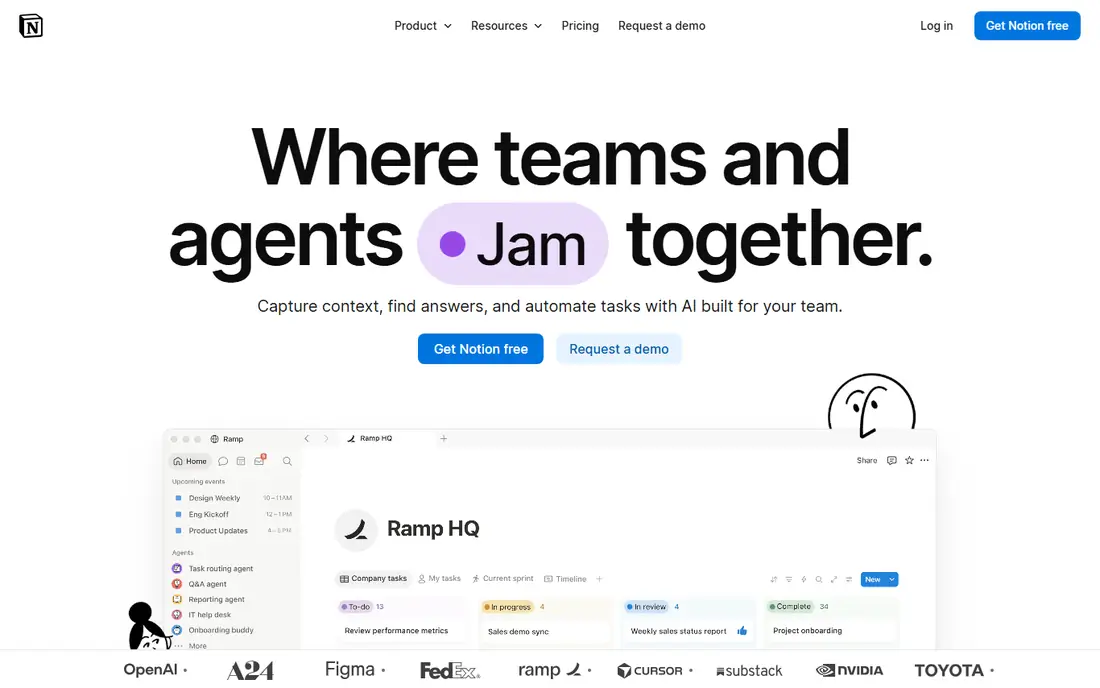
Notion treats a document as one block in a larger workspace. A team can keep a handbook, a project tracker, and meeting notes in the same place, link pages together, and build simple databases for tasks or content calendars. Real-time editing and comments work well for small groups drafting together, and permissions let you share one page with a client without exposing the whole workspace.
Plus starts at $10 per user per month billed annually, with Business at $20, and the free plan suits individuals and tiny teams. The trade-offs are speed on huge pages and the lack of browser offline editing, which matters for travel or poor connections. Notion fits a startup or content team that wants docs and organization in one tool, not a team that only needs a word processor.
What we like- Flexible pages, databases, and wikis
- Real-time comments and page sharing
- Large template library
Watch out for- No true offline mode in the browser
- Performance can slow on very large pages
- AI features cost extra
#4Confluence
Best for: Engineering wikis and Jira teams4.1/5 on
G2 (4,368 reviews, checked Oct 2026)
Visit atlassian.com
Starting price$5.42 per user/month
Free planYes
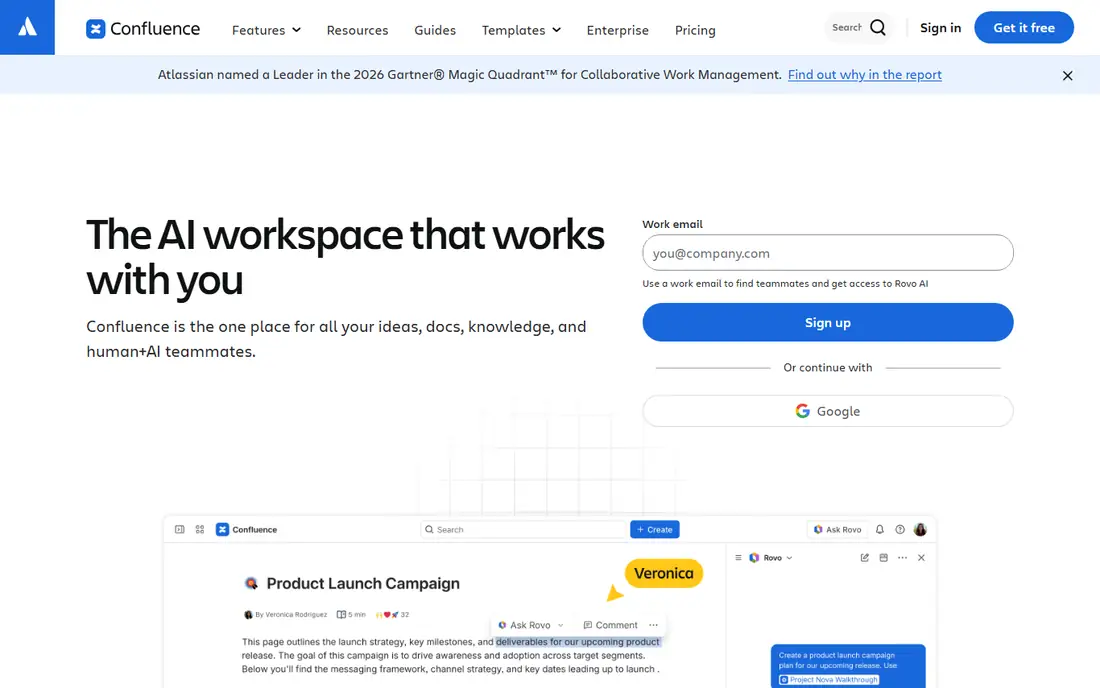
Confluence is a wiki first and a document editor second, which is why engineering teams adopt it. Product specs, runbooks, and decision records live in a structured space with templates, page trees, and version history, and Jira issues can link directly to the pages that explain them. Simultaneous editing covers the drafting stage, while comments and page watches handle review.
Standard pricing is listed around $5.42 per user per month, with Premium higher, and the free plan covers up to 10 users. Costs and exact rates vary by team size on Atlassian's pricing page, so model your headcount before budgeting. Confluence feels heavy for a two-person team writing simple memos. For a growing engineering org that needs durable, searchable documentation, it is a strong long-term home.
What we like- Strong wiki structure and templates
- Deep Jira integration
- Free plan for up to 10 users
Watch out for- Interface feels heavy for simple docs
- Pricing varies by team size
- Search needs good page hygiene
Starting price$10 per user/month
Free planYes
Coda blends a document with a spreadsheet and a small app. A team can build a content tracker, a hiring pipeline, or a client hub inside a single doc, with tables that filter, buttons that change status, and automations that send reminders. Real-time collaboration works across the doc, so editors can update rows while others write the surrounding narrative.
Pricing is the part to read twice. Coda charges for Doc Makers, the people who create and manage docs, while editors and viewers are free, with Pro listed from $10 per Doc Maker per month. That model can be cheap for a team with few builders and many readers, and expensive if everyone builds. Coda suits an operations-minded team that wants one doc to replace a spreadsheet plus a wiki page.
What we like- Tables, buttons, and automations inside docs
- Editors and viewers are free
- Good for trackers and hubs
Watch out for- Learning curve for builders
- Doc Maker pricing confuses first-time buyers
- Performance on huge docs varies
Starting price$10 per user/month
Free planFree trial
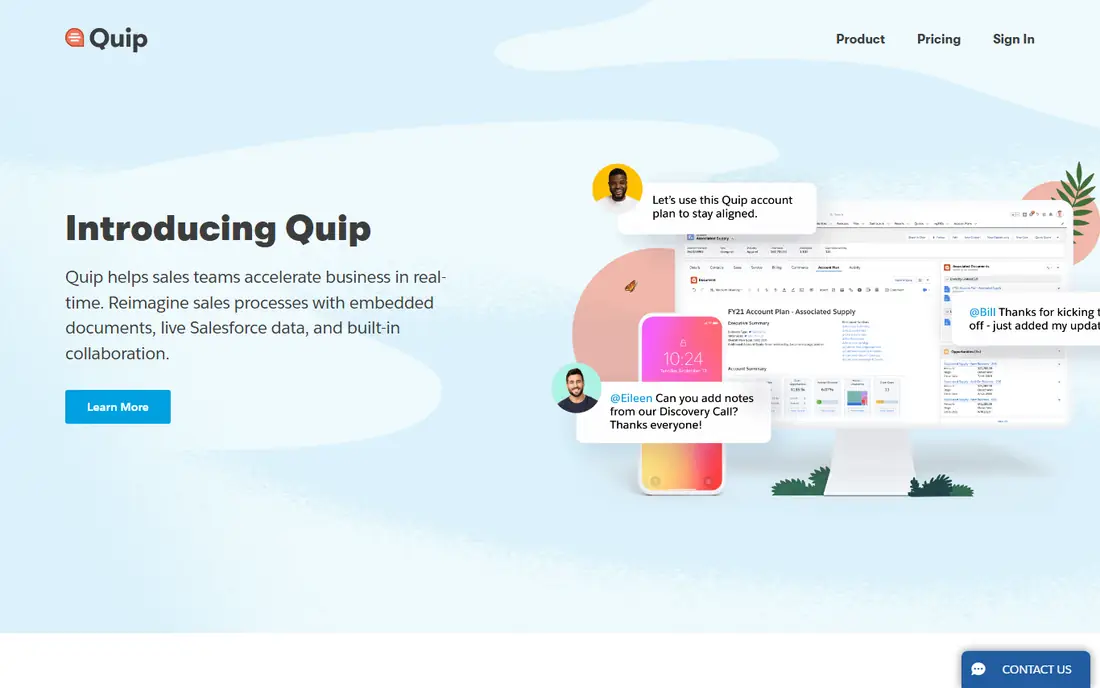
Quip combines documents, spreadsheets, and chat in a single thread, so discussion stays next to the draft it concerns. For a sales or customer team on Salesforce, live data in a Quip spreadsheet is the standout feature: pipeline numbers update inside the doc a team is already reviewing, instead of living in a separate report. Comments and shared editing cover the usual review loop.
Paid plans start around $10 per user per month, with no permanent free plan, only a trial. The ecosystem is narrower than Google Workspace or Microsoft 365, so a team that needs broad third-party integrations may hit limits. Quip fits a Salesforce-centered team that wants docs and conversation together, not a general-purpose replacement for a full office suite.
What we like- Docs, sheets, and chat in one thread
- Live Salesforce data in spreadsheets
- Simple sharing model
Watch out for- No permanent free plan
- Smaller ecosystem than Google or Microsoft
- Future roadmap tied to Salesforce
Starting price$9.99 per user/month
Free planYes
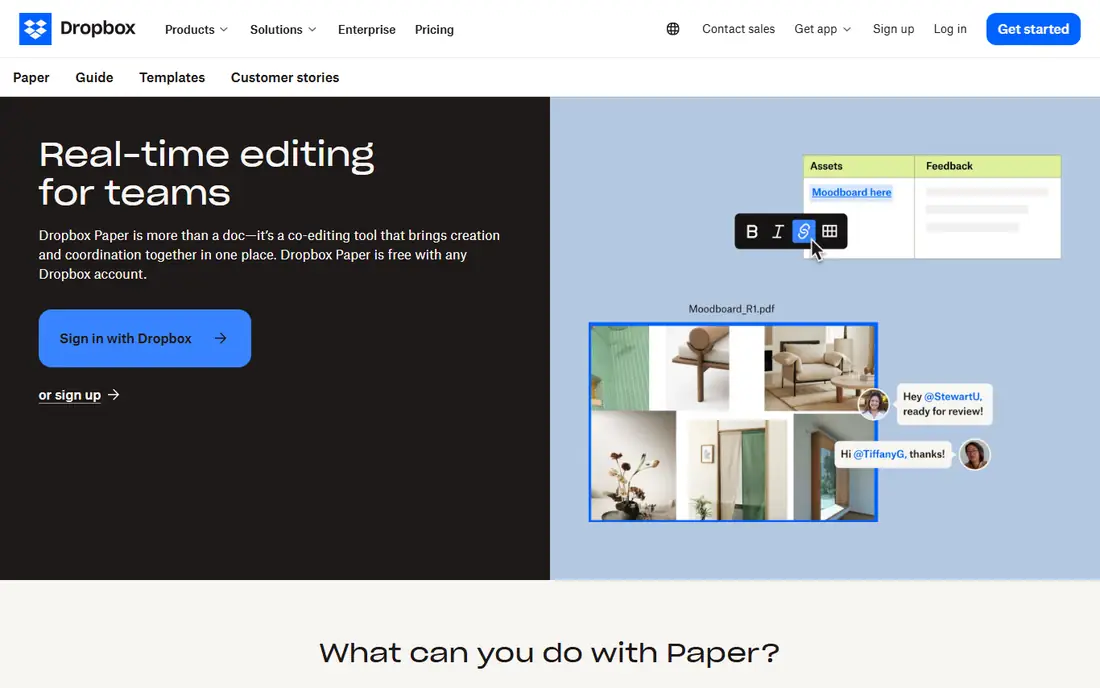
Dropbox Paper is a calm editor for teams that already store files in Dropbox. You can draft a brief, embed images and videos, assign tasks, and comment in real time, then link back to the Dropbox files the doc describes. The interface stays out of the way, which helps for brainstorming notes, creative briefs, and meeting agendas.
Paper itself is part of Dropbox plans rather than a standalone purchase, with paid Dropbox plans from around $9.99 per user per month for individuals and higher team pricing. It lacks the databases of Notion, the wiki structure of Confluence, and the formatting depth of Word. For a creative team that already pays for Dropbox and wants simple shared docs, Paper adds value without a new system to learn.
What we like- Clean, distraction-free editor
- Easy media embeds
- Works naturally with Dropbox files
Watch out for- Fewer advanced features than Docs or Word
- Tied to Dropbox storage plans
- Limited database features
Starting price$8 per user/month
Free planYes
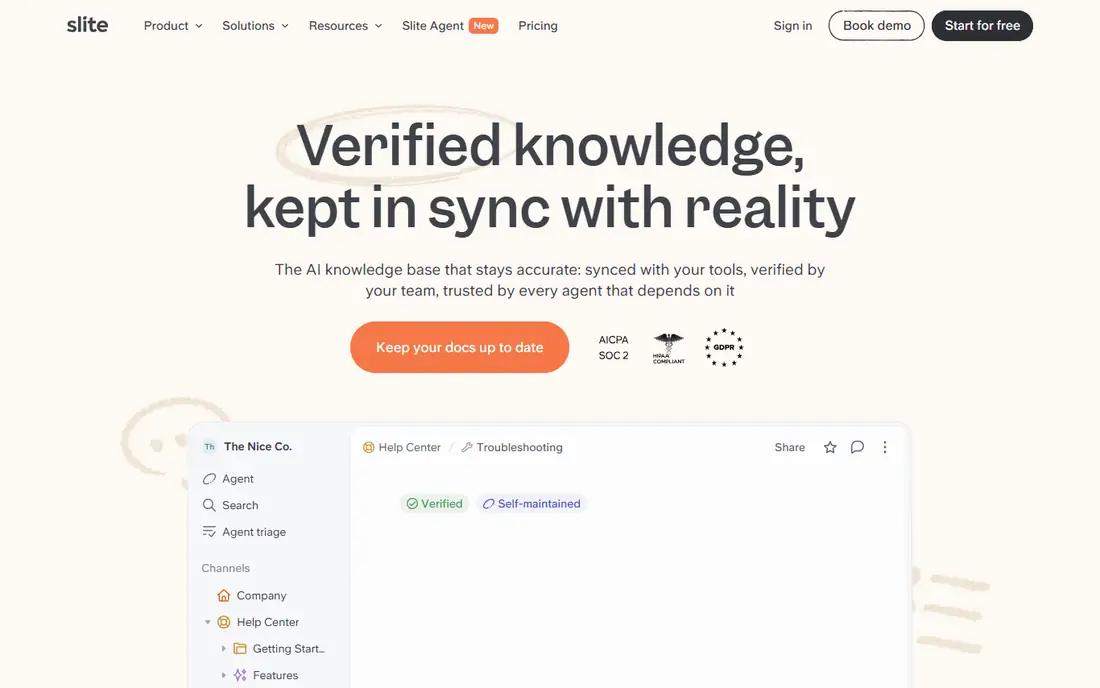
Slite aims at teams that want a knowledge base without a complex workspace. Docs are quick to create, easy to organize into collections, and searchable across the team, with real-time editing and comments for review. New hires can find onboarding guides, process notes, and decision records without asking in chat for a link each time.
Starting pricing is around $8 per user per month, with a free plan for small use. Slite does not match Notion on databases or Coda on automations, and its integration list is shorter than the big suites. That restraint is the appeal for a team of ten to fifty people that needs a tidy, fast wiki and will not use half the features of a larger platform.
What we like- Fast, simple wiki editing
- Good search across docs
- Clean permission controls
Watch out for- Smaller integration library
- Less powerful than Notion for databases
- Limited offline support
Starting priceSee website
Free planFree trial

ONLYOFFICE Docs gives teams a browser editor that stays close to Microsoft formats. Multiple users can co-edit Word, Excel, and PowerPoint files in real time, with comments, tracked changes, and version history, without converting files to another format first. Organizations that need data control can self-host, while smaller teams can use a cloud workspace.
Pricing depends on deployment, user count, and edition, so the vendor pricing page is the only reliable source for a quote, and self-hosted setup needs IT time for updates and backups. The template and AI library is smaller than Google or Microsoft. ONLYOFFICE fits a privacy-conscious team, a school, or a company that must keep Microsoft-format fidelity while hosting its own documents.
What we like- Strong Word, Excel, and PowerPoint compatibility
- Self-hosted option for control
- Real-time co-editing in browser
Watch out for- Pricing varies by deployment
- Setup for self-hosting needs IT time
- Smaller template and AI library
How we chose
We reviewed vendor pricing pages, documentation, and public reviews on G2, Capterra, and Reddit, and we kept only tools with true simultaneous editing, comments, and version history. We weighed format fidelity, permission controls, offline behavior, export options, and pricing model, since a per-seat price, a Doc Maker price, and a bundled suite price do not compare directly. We favored tools that publish clear plan limits, and we noted where a free plan is genuinely usable versus a short trial.
Setting up collaboration that holds up
A tool choice is only half the work. Permissions, naming, and export habits decide whether a shared workspace stays useful after six months.
Decide who can edit, comment, or view
Use view access for clients and stakeholders, comment access for reviewers, and edit access only for authors. That single habit prevents accidental overwrites and keeps version history readable. Review sharing settings quarterly, especially for docs linked from chat, since old links often outlive the project.
Agree on one source of truth
Pick one home for each document type: specs in Confluence, drafts in Docs, trackers in Notion or Coda. Duplicate copies in two tools create conflicting versions, and no search tool fixes that. Name files with a date or version tag when a doc leaves the workspace as a PDF or Word file, so the exported copy does not pretend to be current.
Test export and offline needs early
Export a complex document to Word and PDF during the trial, and test editing on a phone and on a poor connection. If tables break, images shift, or offline work is essential for field staff, that finding should change the shortlist before rollout. A tool that works in the office but fails on a plane will frustrate the people who need it most.
Frequently asked questions
What counts as real-time document collaboration?
It means two or more people can edit the same document at once and see each other's changes, comments, and cursor positions without refreshing or emailing versions. Version history, suggestions, and permission controls complete the picture. A shared folder with file locking is not real-time collaboration.
Is Google Docs free for teams?
A personal Google account includes free Docs, but a business needs Google Workspace for custom email, admin controls, and pooled storage, starting at $7 per user per month. Small teams sometimes start on personal accounts, yet that setup lacks central admin and data controls, so it does not scale well.
Which tool is best for a wiki?
Confluence suits engineering teams on Jira, Notion suits mixed content and startup teams, and Slite suits teams that want a simple, fast wiki. Pick based on structure: Confluence for strict page trees, Notion for linked databases, Slite for speed and simplicity.
Can I keep Microsoft Word formatting?
Word Online keeps Word formatting best, followed closely by ONLYOFFICE Docs. Google Docs handles common formatting well but can shift complex tables, styles, and fields. Always test your most complex template in a trial before migrating a whole library.
Do these tools work offline?
Support varies. Google Docs and Microsoft Word offer offline modes with setup and sync limits, while Notion has limited browser offline support. If offline work matters, test it on the exact devices your team uses, and keep a local backup for critical documents.
How do I migrate documents from another tool?
Export in Word or Markdown where possible, then import in batches and check formatting on a sample before moving everything. Notion and Coda offer importers for common formats, and Confluence offers migration tools from other wikis. Budget time for fixing headings, tables, and links, since no importer is perfect.
Sources we checked (9)
- https://workspace.google.com/pricing
- https://www.microsoft.com/microsoft-365/business/pricing
- https://www.notion.com/pricing
- https://www.atlassian.com/software/confluence/pricing
- https://coda.io/pricing
- https://quip.com/pricing
- https://www.dropbox.com/plans
- https://slite.com/pricing
- https://www.onlyoffice.com/pricing.aspx
Is your product missing or out of date?
We review this list regularly. Vendors can request a listing, send updated pricing or ask about featured placement.

Shihab Mia · Founder, Rankite
Shihab has 5+ years in B2B and SaaS SEO. He writes Rankite's software buying guides from pricing pages, documentation and public user reviews. More about Shihab.