How we make this list: we compare pricing pages, product documentation and public user reviews. Rankite is independent; if a vendor ever pays for a featured spot, that listing is clearly labeled Partner.
Key takeaways
- airSlate and Formstack cover the full journey from form to signature, with plans from $99 and $250 a month.
- DocuSign and PandaDoc dominate the agreement side, starting at $10 and $19 a month respectively.
- Nintex, M-Files and Kissflow serve larger operations with deeper process automation and governance.
- Jotform is the budget route into approval workflows, starting from a free plan at $34 a month for paid.
Nobody buys document workflow software because they love documents. They buy it because a contract sat on someone's desk for three weeks and cost them a deal, or because the same intake form got retyped into four systems. These eight platforms route documents, collect approvals and signatures, and keep an audit trail, from simple approval flows to full enterprise process automation.
Starting price$99 per month (unlimited users)
Free planFree trial
airSlate's workflow platform lets non-technical teams build document processes that run themselves: generate a contract from CRM data, route it through approvers, collect e-signatures, and write the completed data back to connected systems. The no-code builder and ready-made bots keep simple workflows genuinely simple.
The standout is unlimited users from $99 a month, which undercuts per-seat rivals fast at team scale. Every plan includes e-signature with no envelope fees, plus SSO, role-based access and audit trails. It also sits in a wider family with signNow, pdfFiller and DocHub, so document handling beyond workflows is covered.
What we like- Unlimited users on every plan
- No-code bots route documents automatically
- E-signature included with no per-envelope fees
Watch out for- Interface can feel busy for simple needs
- Advanced features take time to configure
- Pricing changes with plan tiers
Starting price$19 per user/month (Starter, annual)
Free planYes (Free eSign)
PandaDoc turns proposal and contract creation into a repeatable process. Reps build documents from templates and a content library, route them through approval workflows, send for e-signature, and watch engagement analytics. Approval routing supports sequential and parallel flows with role-based permissions and conditional logic.
The Starter plan at $19 per user per month covers individuals, but CRM integrations and approval workflows need Business at $49. Unlimited envelopes on paid plans beat DocuSign's envelope caps for high-volume senders. If your workflow starts with selling, PandaDoc is the natural pick.
What we like- Excellent document editor with 1,000-plus templates
- Unlimited envelopes on paid plans
- Content library and approval workflows
Watch out for- Real automation features need the $49 Business plan
- Per-user pricing adds up
- Enterprise features are quote-based
Starting price$10 per month (Personal, annual)
Free planYes (free electronic signature)
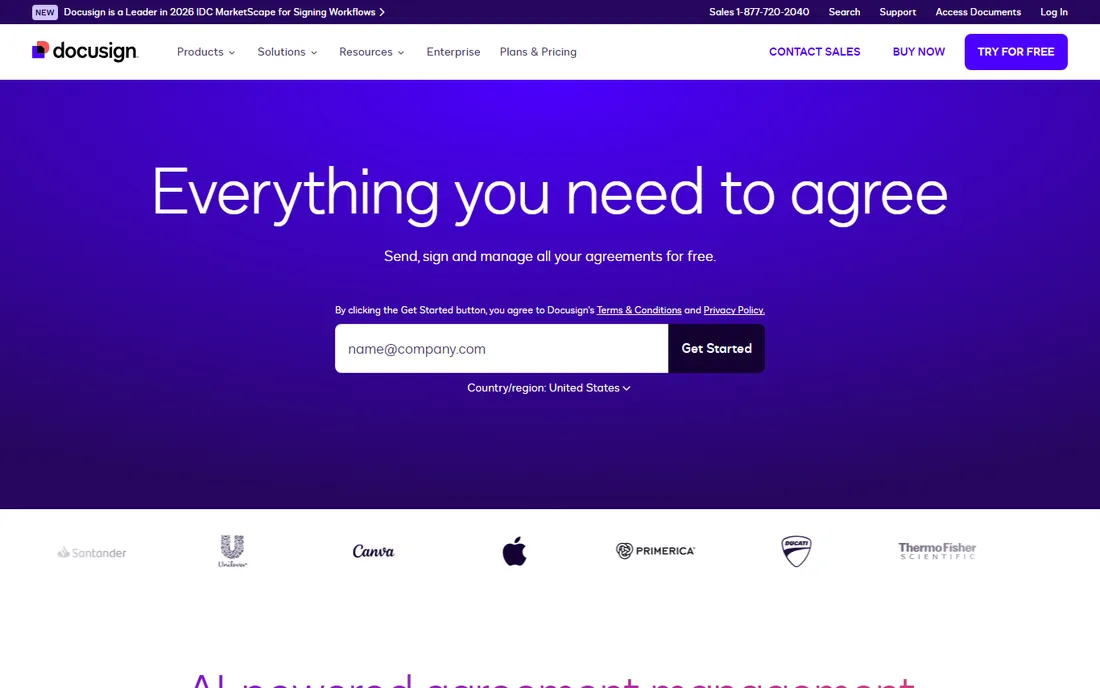
DocuSign is the safe choice for agreements that must hold up: e-signatures with a complete audit trail, templates, conditional routing, and integrations with Salesforce, Microsoft 365 and Google Workspace. It has expanded into full agreement management with AI-powered document handling.
Personal starts at $10 a month for individuals; teams pay $25 per user for Standard or $40 for Business Pro, each with around 100 envelopes per user per year. The envelope model means high-volume senders should do the math before committing. For pure signing reliability and legal acceptance, it remains the benchmark.
What we like- The industry standard signers trust
- 900-plus integrations
- Audit trail and compliance built in
Watch out for- Envelope limits on every plan
- Advanced automation needs Business Pro at $40
- Add-ons like IDV cost extra

#4
Nintex
Best for: enterprise process automation with document generation
Visit nintex.com
Starting priceSee website
Free planFree trial (30 days)
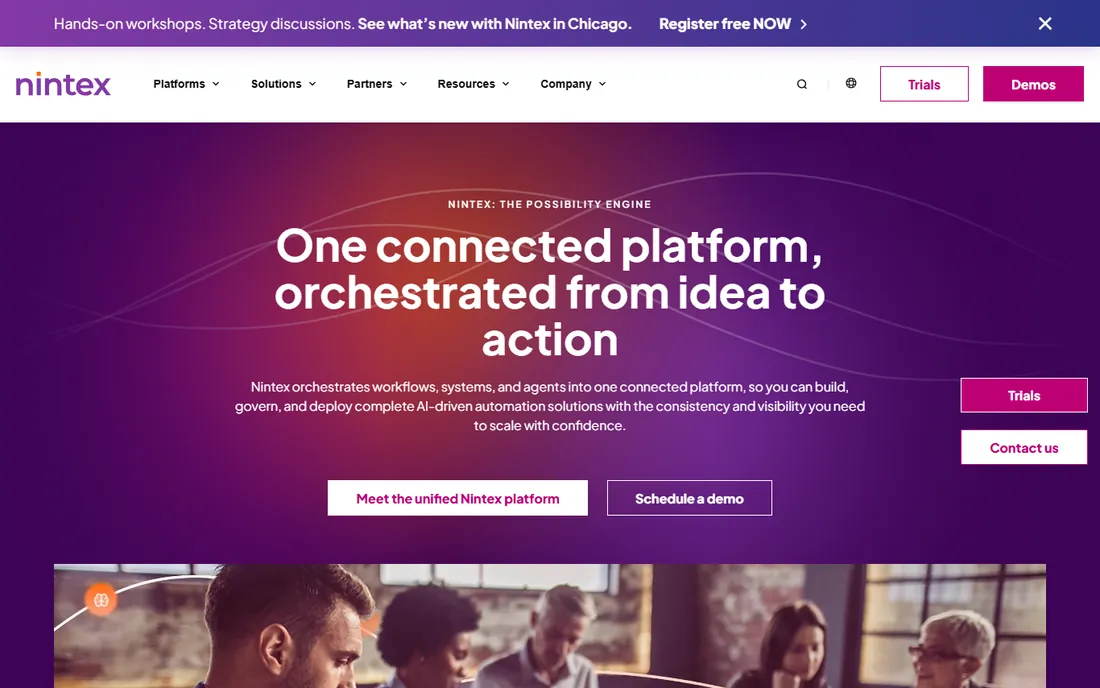
Nintex is the heavyweight for organizations automating processes, not just documents. The platform covers process mapping, workflow, document generation, RPA and e-signature, with deep roots in SharePoint and Microsoft 365 environments. Document generation pulls data straight from systems of record into formatted documents.
There is no public pricing; quotes depend on modules, users and automation volume. Implementation can run weeks to months depending on scope. It is more than small teams need, but for enterprises standardizing complex approval chains across departments, it is a proven option.
What we like- Deep process automation beyond documents
- DocGen generates documents from system data
- Strong SharePoint and Microsoft integration
Watch out for- No public pricing
- Enterprise complexity and implementation time
- E-signature often a separate module
Starting price$250 per month (Suite, annual)
Free planFree trial (14 days)
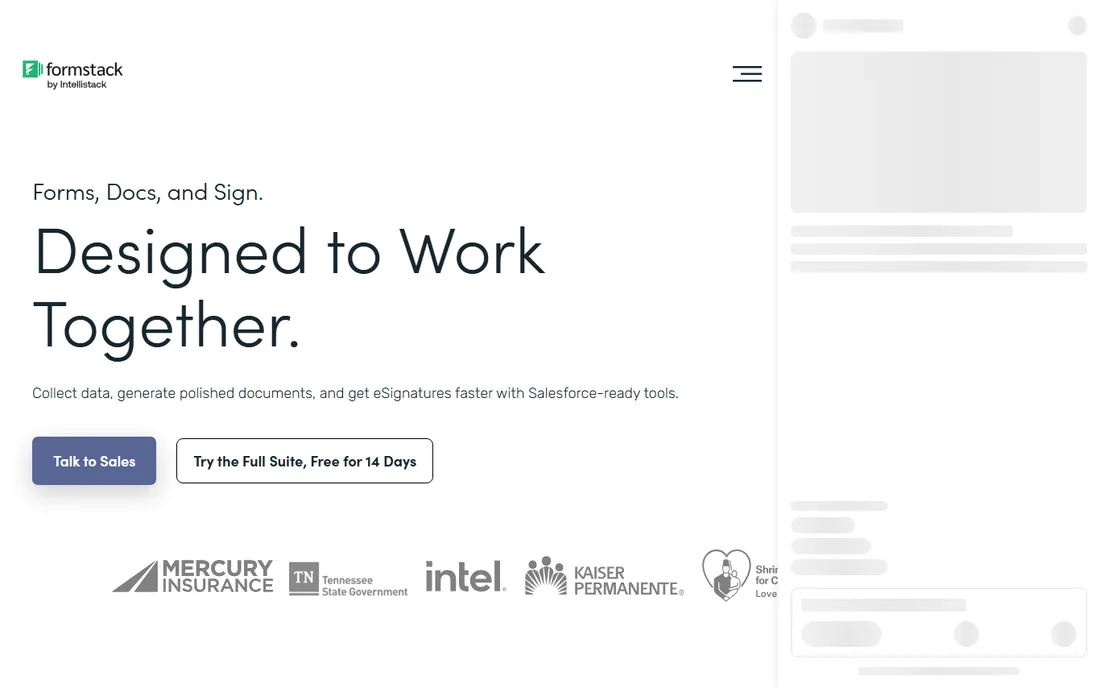
Formstack connects the whole chain: a form collects data, a document generates from it, a workflow routes it for approval, and e-signature closes it. The Suite plan at $250 a month (annual) bundles forms, documents, Sign and Workflows with three builder users and unlimited e-signatures.
The document designer is genuinely powerful, especially pulling Salesforce data into documents, though reviewers note a learning curve. HIPAA compliance is Enterprise-only, so healthcare buyers should budget accordingly. For operations teams living on intake forms, the end-to-end coverage justifies the price.
What we like- Forms, documents, workflows and e-sign in one platform
- Powerful document designer with Salesforce integration
- No per-signature fees
Watch out for- Premium pricing
- Document generation needs the Suite plan
- Learning curve on the document designer

#6
M-Files
Best for: metadata-driven document management with automated workflows
Visit m-files.com
Starting price$65 per user/month (Essentials)
Free planNo (demo available)
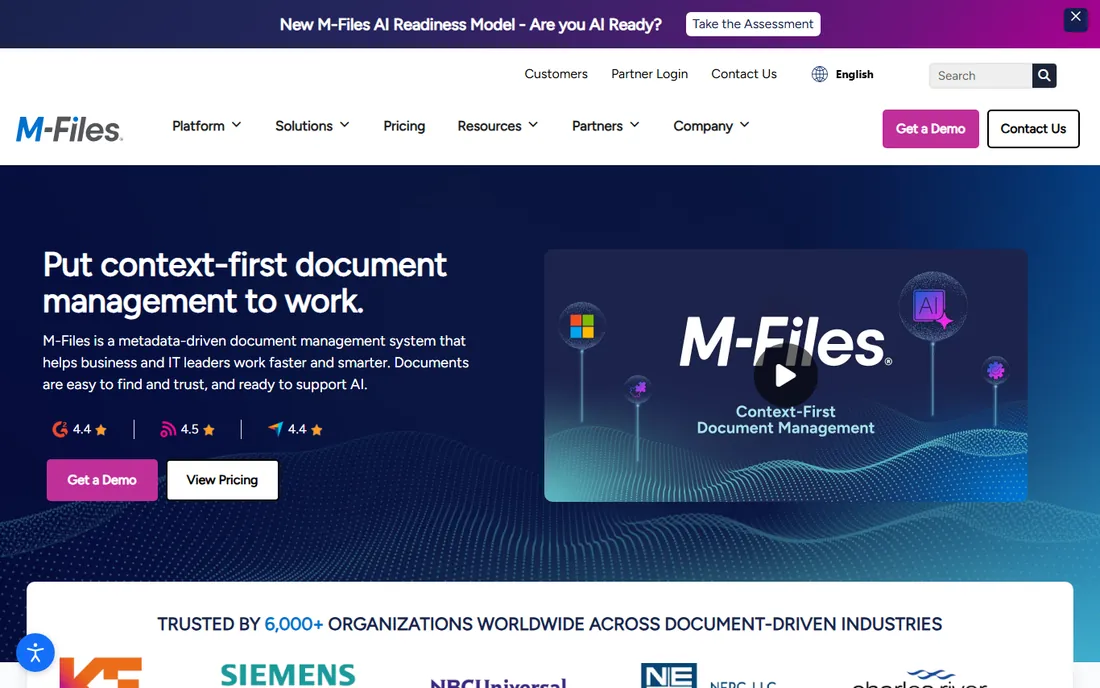
M-Files organizes documents by what they are rather than where they sit, using metadata and AI so staff find the right file without hunting through folders. Automated workflows route documents for review and approval, with version control, lifecycle management and audit trails built in.
The simplified lineup starts at $65 per seat monthly for Essentials, with Enterprise quoted on governance and volume. It fits regulated industries like manufacturing and engineering where document control matters as much as speed. Smaller teams may find it heavy; compliance-driven organizations will find it home.
What we like- Finds documents by content, not folder location
- Automated graphical workflows
- Native Microsoft 365 experiences
Watch out for- Premium per-seat pricing
- Enterprise tier is quote-based
- Setup can require IT expertise
Starting price$34 per month (Bronze, annual)
Free planYes (Starter)
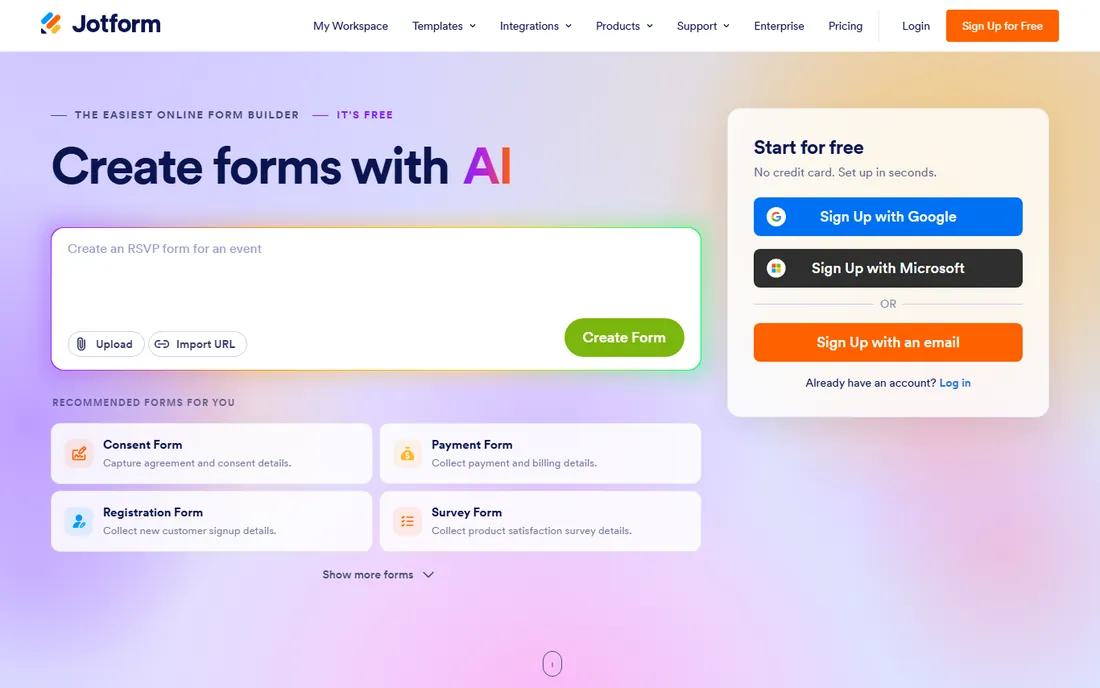
Jotform Workflows turns any form into an approval process: conditional routing, task assignment, notifications and e-signature steps, all drawn visually. The free Starter plan includes unlimited workflow runs, which makes it the cheapest way to test document approvals.
Bronze at $34 a month raises form and submission limits, though paid plans stay single-user until Enterprise. Gold at $99 adds HIPAA features. For HR, operations and education teams running leave requests, purchase approvals and intake processes, it delivers most of what costs ten times more elsewhere.
What we like- Free Starter plan with unlimited workflow runs
- Visual workflow builder with approvals and signature steps
- 20,000-plus templates
Watch out for- Paid plans are single-user until Enterprise
- Submission limits on lower tiers
- Branding on the free plan

#8
Kissflow
Best for: low-code workflow automation for mid-size companies
Visit kissflow.com
Starting price$1,500 per month (50 users)
Free planFree trial
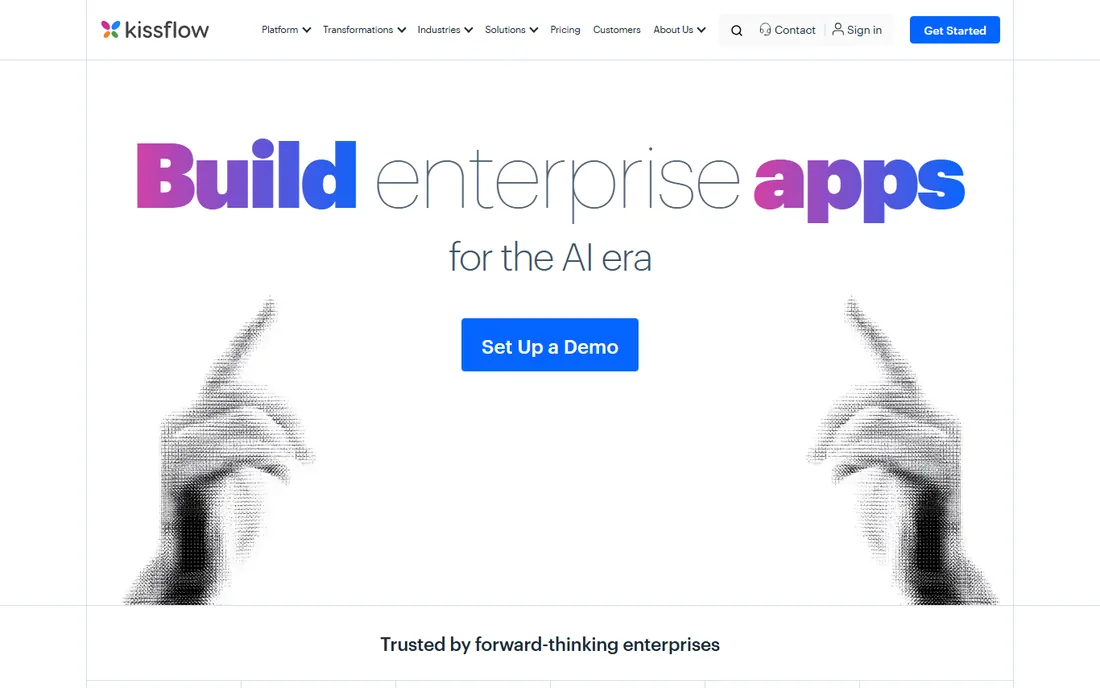
Kissflow gives mid-size companies a low-code platform for automating business processes end to end, with document workflows as a core use case. The drag-and-drop designer, pre-built templates and built-in reporting let operations teams build approval and routing flows without developers.
The Basic plan starts at $1,500 a month for 50 users, so this is not a small-team tool. But per user it undercuts enterprise rivals, and teams that want business-owned workflows rather than IT projects get a platform designed for them. Connectors to 400-plus services through Zapier and open APIs extend it further.
What we like- Drag-and-drop builder business users can run
- Ready-made templates for HR, finance and procurement
- Strong reporting and analytics
Watch out for- High entry price for small teams
- Limited flexibility for deeply custom apps
- Occasional UI quirks reported
Quick comparison
| Tool | Best for | Starting price | Free plan |
|---|
 airSlate airSlate | no-code document workflows with unlimited users | $99 per month (unlimited users) | Free trial |
 PandaDoc PandaDoc | sales teams automating proposals and contracts | $19 per user/month (Starter, annual) | Yes (Free eSign) |
 DocuSign DocuSign | trusted e-signature at the core of a workflow | $10 per month (Personal, annual) | Yes (free electronic signature) |
| Nintex | enterprise process automation with document generation | See website | Free trial (30 days) |
 Formstack Formstack | form-to-document-to-signature workflows | $250 per month (Suite, annual) | Free trial (14 days) |
| M-Files | metadata-driven document management with automated workflows | $65 per user/month (Essentials) | No (demo available) |
 Jotform Jotform | affordable approval workflows built on forms | $34 per month (Bronze, annual) | Yes (Starter) |
| Kissflow | low-code workflow automation for mid-size companies | $1,500 per month (50 users) | Free trial |
Is your product missing or out of date?
We review this list regularly. Vendors can request a listing, send updated pricing or ask about featured placement.
If your workflow centers on agreements, pick DocuSign for signing reliability or PandaDoc for proposal creation. If it starts with data collection, Formstack or Jotform carry forms through to signatures. For company-wide process automation with governance, shortlist Nintex, M-Files or Kissflow depending on your Microsoft footprint and budget. And if you need unlimited users on a flat price, airSlate is hard to beat. Whatever you choose, run a trial with your real documents before committing, because workflow fit shows up in daily use, not in demos.
How we chose
We compared platforms that automate document-heavy processes, from e-signature and proposal tools to full workflow automation suites. We checked current pricing from vendor pages and recent 2026 reviews, read user feedback on G2, Capterra and Slashdot, and weighed workflow depth, e-signature inclusion, integrations, governance and honest fit for small and mid-size companies. No vendor paid for placement, and we did not run hands-on trials.
Frequently asked questions
What is document workflow automation software?
It is software that routes documents through a defined process automatically: generating documents from data, sending them to the right people for review and approval, collecting e-signatures, and filing the finished result with an audit trail.
Do I need e-signature and workflow automation together?
Often yes. Approvals without signatures leave a gap, and signatures without routing create chaos. Platforms like airSlate, Formstack and PandaDoc bundle both; DocuSign adds workflow around its signature core.
Which is the cheapest document workflow platform?
Jotform has a free Starter plan with unlimited workflow runs. Among paid options, DocuSign Personal at $10 a month and PandaDoc Starter at $19 a user are the cheapest entry points, while airSlate's $99 a month covers unlimited users.
Can these tools replace email approvals?
Yes, that is the point. Approval workflows with conditional routing, reminders and audit trails replace reply-all email chains and give managers visibility into what is stuck where.
How long does implementation take?
Simple approval flows in Jotform or airSlate can go live in days. Enterprise platforms like Nintex and M-Files typically take weeks to months depending on scope, integrations and governance requirements.
Sources we checked (10)
- https://www.selecthub.com/c/document-workflow-automation-software/
- https://thedigitalprojectmanager.com/tools/best-document-workflow-software/
- https://www.pandadoc.com/blog/11-best-document-automation-software-platforms/
- https://vantagepoint.io/blog/hs/pandadoc-hubspot-esign-cpq-payments-review
- https://www.esign.ai/blog/docusign-vs-dropbox-sign-api-rate-limits-pricing-tier-review-2026
- https://www.cflowapps.com/nintex-pricing/
- https://blog.9cv9.com/top-10-best-forms-automation-software-to-know-in-2026/
- https://www.business.com/reviews/m-files-dms-document-management-software/
- https://www.jotform.com/google-forms/form-approvals-pricing/
- https://www.clappia.com/blog/power-apps-vs-kissflow-vs-clappia
Is your product missing or out of date?
We review this list regularly. Vendors can request a listing, send updated pricing or ask about featured placement.

Shihab Mia · Founder, Rankite
Shihab has spent more than a decade helping SaaS and e-commerce brands grow through search. He writes Rankite's software buying guides from pricing pages, documentation and public user reviews. More about Shihab.