How we make this list: we compare pricing pages, product documentation and public user reviews. Rankite is independent; if a vendor ever pays for a featured spot, that listing is clearly labeled Partner.
Key takeaways
- Where does your team's knowledge actually live right now? If the honest answer is "scattered across email threads, chat, and five people's desktops," that fragmentation is costing you more than any subscription on this list.
- Google Workspace and Microsoft 365 are the two suites everything else orbits: Google wins on simplicity and real-time editing, Microsoft on desktop apps and enterprise compatibility.
- Notion and Confluence lead the wiki category: Notion for flexible, modern team workspaces, Confluence for structured documentation, especially where Jira already runs.
- Box and Dropbox are the file collaboration layer: Box for security-conscious industries, Dropbox for sync speed and dead-simple sharing.
- Slite and Nuclino are the lightweight wiki challengers: Slite leans into AI-maintained knowledge, Nuclino into speed and simplicity, and Nuclino has a genuinely free plan.
Quick comparison
| Tool | Best for | Starting price | Free plan |
|---|
 Google Workspace Google Workspace | Teams wanting email, docs, and Drive that just work together | $7 per user/month (billed annually) | Free trial (14 days) |
 Microsoft 365 Microsoft 365 | Companies needing desktop Office apps and enterprise compatibility | $7 per user/month (billed annually) | Free trial (30 days) |
 Notion Notion | Teams wanting a flexible wiki plus docs, databases, and AI in one workspace | $10 per user/month (billed annually) | Yes |
 Confluence Confluence | Organizations, especially Jira users, needing structured team documentation | $5.42 per user/month | Yes (up to 10 users) |
 Box Box | Regulated industries needing secure file collaboration with compliance | $5 per user/month (billed annually) | Free trial |
 Dropbox Dropbox | Teams needing fast, reliable file sync and effortless sharing | $15 per user/month (billed annually) | Free trial (30 days) |
 Slite Slite | Growing teams wanting a self-maintaining AI knowledge base | $10 per user/month (billed annually) | Free trial (14 days) |
 Nuclino Nuclino | Small teams wanting a fast, simple wiki with minimal setup | $6 per user/month | Yes |
Is your product missing or out of date?
We review this list regularly. Vendors can request a listing, send updated pricing or ask about featured placement.
The best document collaboration software
Starting price$7 per user/month (billed annually)
Free planFree trial (14 days)
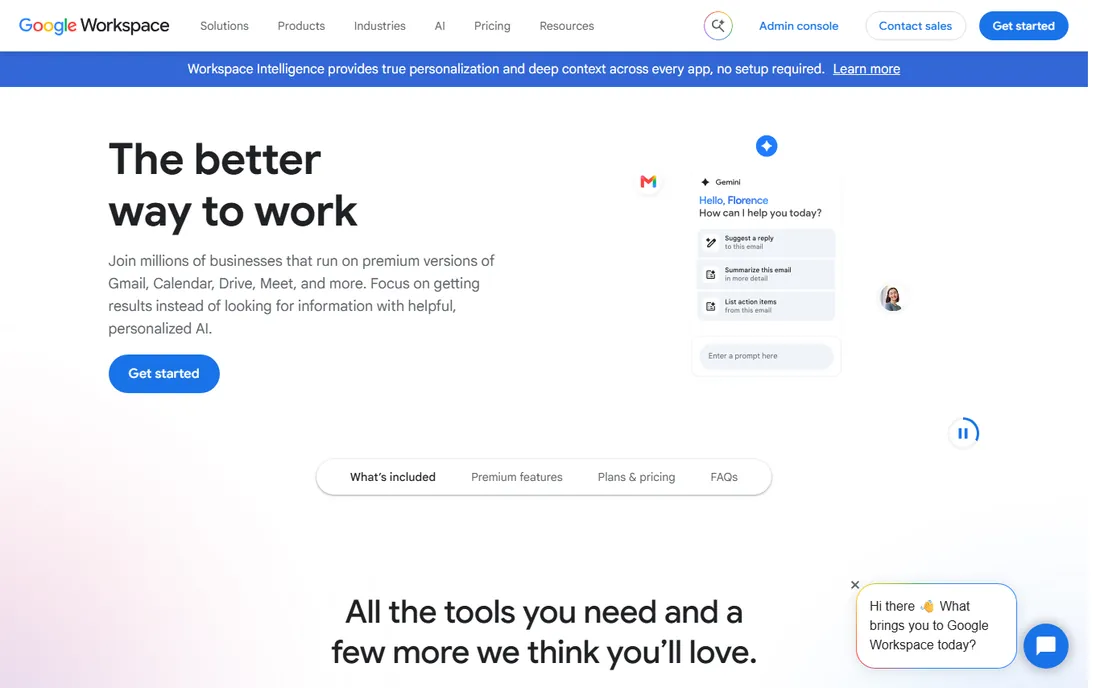
Google Workspace is what most small and mid-size teams mean when they say "we collaborate on documents." Gmail on your own domain, Drive for files, and Docs, Sheets, and Slides for real-time co-editing, all under one login with shared drives that survive employee departures. The collaboration itself is the product's strongest argument: multiple cursors in one document with zero version confusion, which is why so many teams that try it never leave. Every plan includes a 14-day free trial.
The honest catch is depth. If your work depends on complex Excel models, tracked changes in Word, or desktop apps for offline work, Workspace will frustrate you. Storage on Business Starter is 30 GB per user, pooled, which fills fast with video. But for teams that live in the browser and value speed over power, Workspace remains the easiest suite to buy, deploy, and actually get people using.
What we like- Real-time co-editing that still sets the standard
- One login across Gmail, Drive, Docs, Meet, and Chat
- Simplest admin of any suite here
Watch out for- No desktop Office apps
- Offline capabilities are thinner than Microsoft's
- Advanced security sits on higher tiers
#2
Microsoft 365
Best for: Companies needing desktop Office apps and enterprise compatibility
Visit microsoft.com
Starting price$7 per user/month (billed annually)
Free planFree trial (30 days)
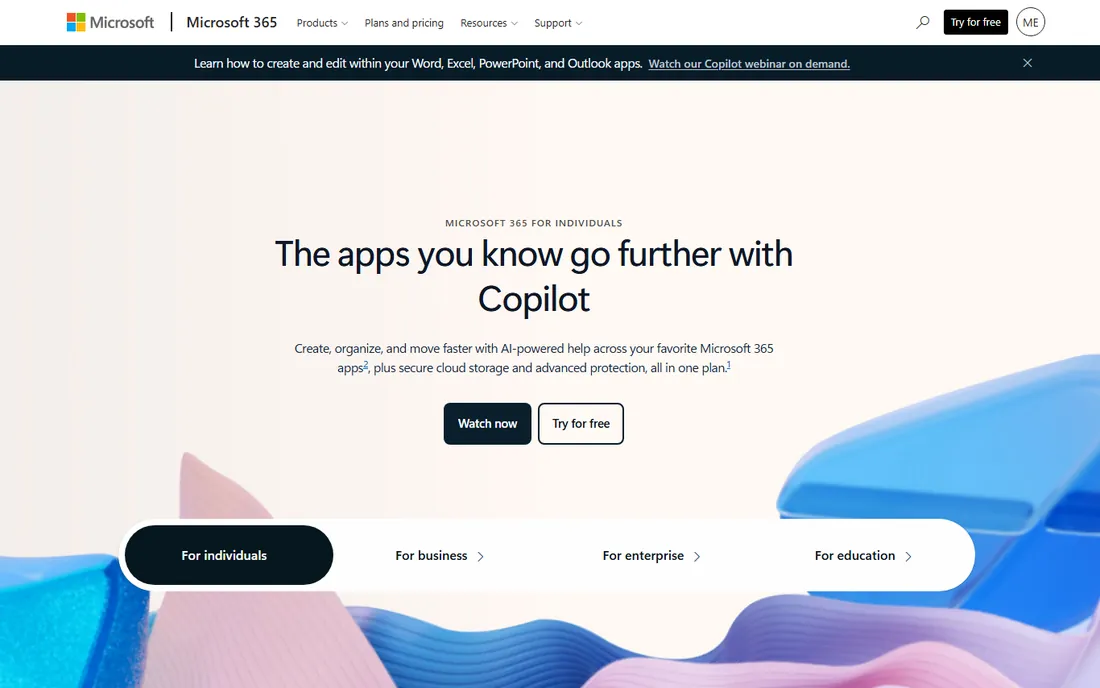
Microsoft 365 is the choice when your documents need to work everywhere, including in the hands of clients, auditors, and partners who live in Office. Business Basic ($7/user/month annually) covers web and mobile apps, Teams, Exchange email, and 1 TB of OneDrive; Business Standard ($14) adds the desktop apps; Business Premium ($22) adds the security and device-management stack. A free trial is available for business plans.
The honest catch is that Microsoft's power comes with weight. SharePoint and Teams governance take real admin attention, and document collaboration across OneDrive and SharePoint confuses new users more than Google Drive does. Microsoft raised Business Basic from $6 to $7 and Standard from $12.50 to $14 on July 1, 2026. If your team needs real Excel or your clients send Office files, that is simply the cost of compatibility.
What we like- Full desktop Word, Excel, and PowerPoint on Standard and up
- Teams, SharePoint, and OneDrive deeply integrated
- Strongest enterprise compatibility
Watch out for- SharePoint complexity can overwhelm small teams
- Real-time co-editing lags Google's fluidity
- July 2026 price increases raised Basic and Standard
#3
Notion
Best for: Teams wanting a flexible wiki plus docs, databases, and AI in one workspace
Visit notion.so
Starting price$10 per user/month (billed annually)
Free planYes
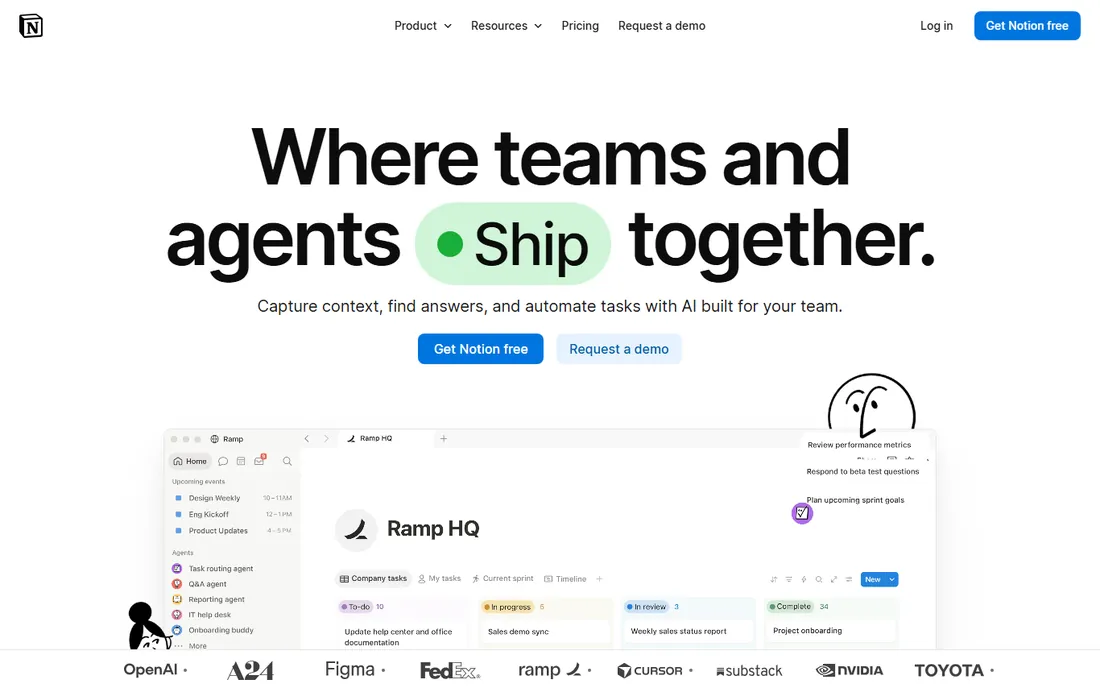
Notion turned the company wiki from a chore into something teams actually enjoy building. Pages, databases, kanban boards, and docs live in one workspace with a block editor anyone can learn, and the free tier gives individuals unlimited pages and blocks. Over 100 million users and adoption by 62% of the Fortune 100 speak to how far it has come. Paid plans start with Plus at $10 per user per month billed annually, with Business at $20 adding the full AI suite: agents, meeting notes, and enterprise search.
The honest catch is governance. Notion's flexibility is its weakness: without naming conventions and an owner, workspaces grow into tangled nests of duplicate pages. Complex databases with heavy relations and rollups can also slow down. It is the best choice for teams that want one flexible system and are willing to appoint someone to keep it tidy.
What we like- One workspace for docs, wikis, databases, and project tracking
- Generous free tier for individuals
- AI agents and meeting notes now bundled on Business
Watch out for- Can become messy without conventions
- Databases get slow at large scale
- Full AI requires the $20 Business tier
#4
Confluence
Best for: Organizations, especially Jira users, needing structured team documentation
Visit atlassian.com
Starting price$5.42 per user/month
Free planYes (up to 10 users)
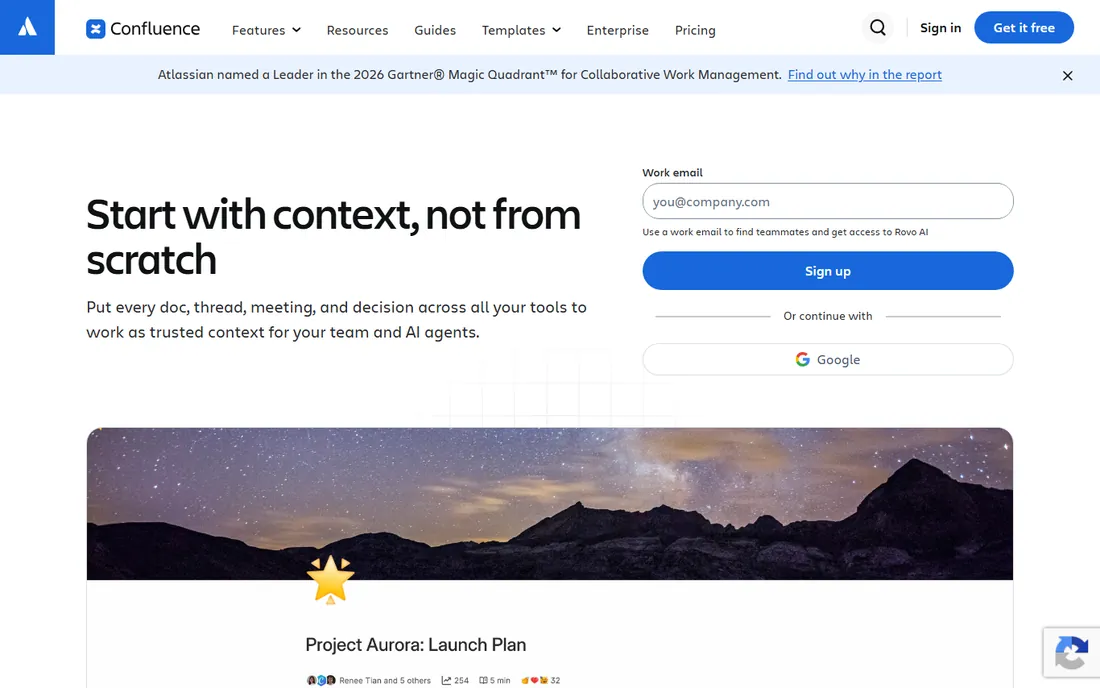
Confluence is the documentation system of the software world, and it shows in both directions. Pages, live docs, whiteboards, databases, and templates are built for structured team knowledge, and the integration with Jira means requirements, runbooks, and retros connect directly to the work they describe. Rovo AI now drafts, summarizes, and answers questions across the workspace. Pricing is free for up to 10 users, with Standard at $5.42 per user per month and Premium at $10.44.
The honest catch is the editor and the ecosystem tax. Writing in Confluence feels clunkier than Notion or Slite, and much of its value appears only if your team already lives in Atlassian products. But for engineering organizations and regulated industries that need permissions, audit trails, and scale, Confluence remains the safe, proven pick.
What we like- Purpose-built for documentation with pages, whiteboards, and databases
- Deep Jira and Rovo AI integration
- Free for up to 10 users
Watch out for- Editor feels dated next to Notion
- Per-seat costs add up fast
- Best value requires the Atlassian ecosystem
#5
Box
Best for: Regulated industries needing secure file collaboration with compliance
Visit box.com
Starting price$5 per user/month (billed annually)
Free planFree trial

Box is the file collaboration platform for companies where security is not optional. Healthcare, financial services, and government-adjacent teams choose it for compliance certifications, granular access controls, and audit logging, plus Box AI for summarizing and extracting data from documents and unlimited e-signatures built in. Business Starter starts at $5 per user per month billed annually (3-user minimum) with 100 GB storage; Business at $15 adds unlimited storage, Box AI, and unlimited e-signatures. A free trial is available.
The honest catch is the user experience. Box feels like enterprise software in a way Dropbox does not, and casual collaborators may need guidance. It is also priced and built for organizations rather than individuals. But when your contracts, patient records, or financial documents need to be shared and co-edited under real compliance requirements, Box is the category leader for a reason.
What we like- Enterprise-grade security with HIPAA, FedRAMP, and GDPR compliance
- Box AI and unlimited e-signatures on Business plans
- 1,500+ integrations
Watch out for- Less intuitive for casual users than Dropbox
- Business Starter's 100 GB storage is modest
- Best features sit on higher tiers
#6
Dropbox
Best for: Teams needing fast, reliable file sync and effortless sharing
Visit dropbox.com
Starting price$15 per user/month (billed annually)
Free planFree trial (30 days)
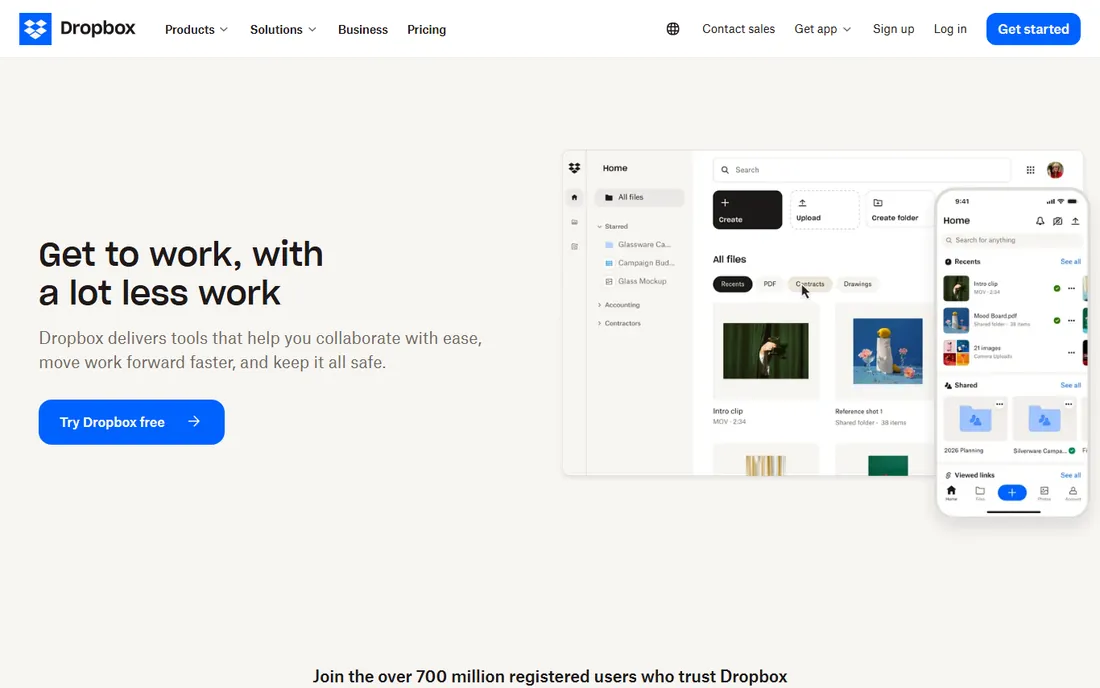
Dropbox earned its 700 million registered users by doing one thing better than everyone: keeping files in sync across devices, instantly and reliably. Dropbox Business adds team folders, admin controls, file recovery, and integrations with Microsoft 365 and Google Workspace. Standard starts at $15 per user per month billed annually with a 3-user minimum, and a 30-day free trial lets teams test before committing.
The honest catch is price and scope. At $15 a seat, it costs more than Google Workspace's Business Starter while offering less: no email, no native docs to speak of. You buy Dropbox for sync quality and sharing simplicity, not as a suite replacement. For creative teams moving large files, agencies sharing with clients, and anyone burned by sync conflicts elsewhere, it is worth it.
What we like- Sync speed and reliability that competitors still chase
- Sharing links anyone can open without an account
- 700 million registered users
Watch out for- Business Standard at $15 per seat is pricey next to Google
- Document editing is weaker than suite rivals
- Storage math favors larger teams
#7
Slite
Best for: Growing teams wanting a self-maintaining AI knowledge base
Visit slite.com
Starting price$10 per user/month (billed annually)
Free planFree trial (14 days)
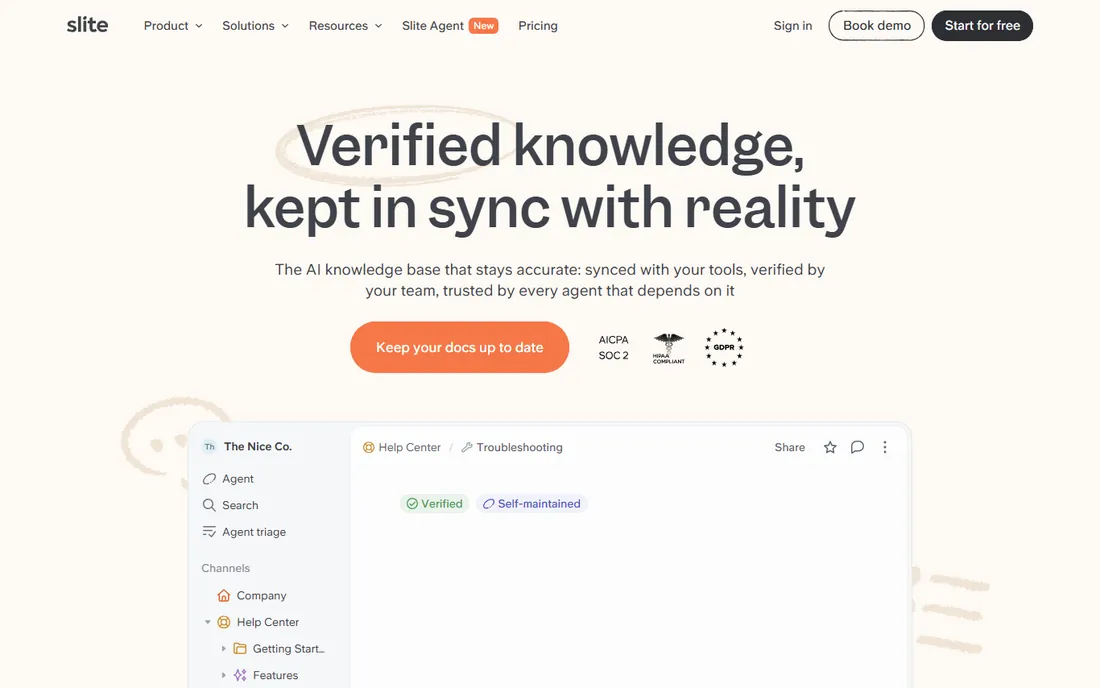
Slite's answer to the wiki maintenance problem is to automate it. Its AI agent watches your tools, detects when documentation has drifted from reality, drafts the fix, and routes it to the right person for approval. Combined with AI search that ranks verified knowledge first and cites its sources, Slite positions itself as the knowledge base that stays accurate instead of going stale. Plans start with Basic at $10 per user per month billed annually; Pro at $20 adds the full agent, AI search across 20+ connected tools, and advanced security. A 14-day trial covers both tiers.
The honest catch is that Slite dropped its free tier, so there is no way to start without paying eventually. It is also a younger, smaller company than its rivals, which matters if vendor longevity is on your checklist. But for teams whose documentation constantly rots, the self-maintaining pitch addresses the actual failure mode of every wiki.
What we like- AI agent detects stale docs and drafts updates for human approval
- AI search across docs and connected tools
- Clean, focused writing experience
Watch out for- No permanent free tier
- Newer and smaller than Notion or Confluence
- Advanced security sits on Pro and Enterprise
#8
Nuclino
Best for: Small teams wanting a fast, simple wiki with minimal setup
Visit nuclino.com
Starting price$6 per user/month
Free planYes
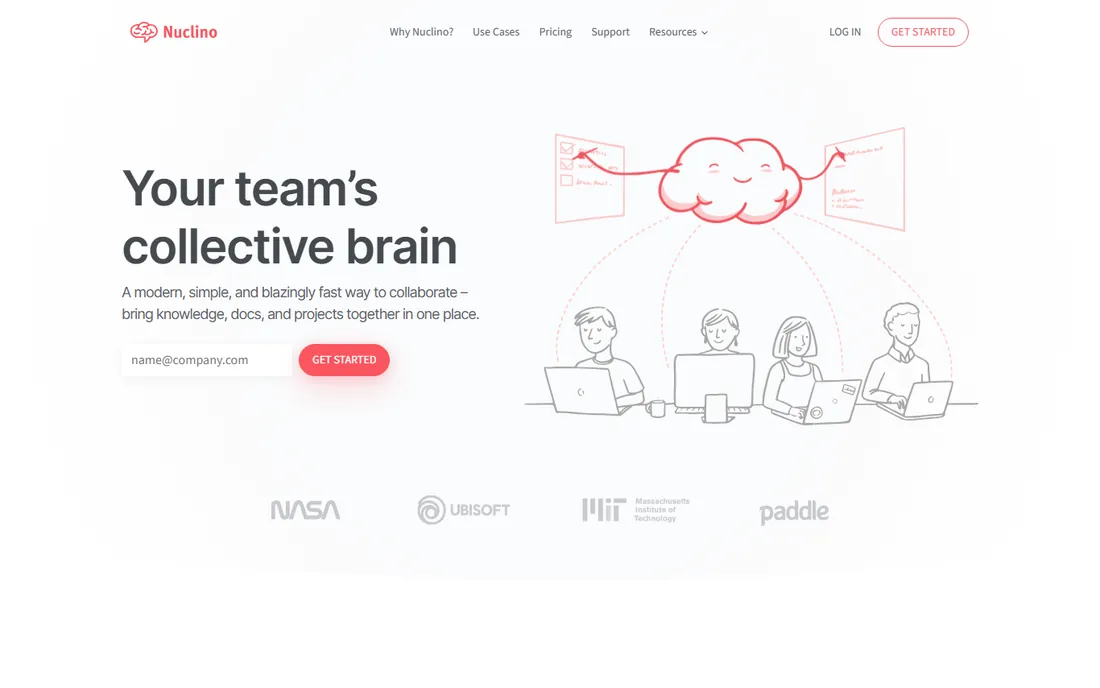
Nuclino is the wiki for teams that looked at Notion and Confluence and thought "too much." Setup takes minutes, pages open instantly, and the editor stays out of the way. The free plan covers up to 50 items with real-time collaboration, and paid plans start at $6 per user per month with unlimited items, version history, and 10 GB storage per user. Trusted by 12,000+ teams, it handles company handbooks, meeting notes, and project docs without any configuration project.
The honest catch is ceiling. Complex database workflows with relations and formulas belong in Notion. The integration list is shorter, and the AI Sidekick costs extra. But if your team has been avoiding documentation because the tools felt heavy, Nuclino removes every excuse, and the free plan means you can prove the habit before spending anything.
What we like- Extremely fast and simple with near-zero learning curve
- Free plan covers up to 50 items
- List, board, table, and graph views in one tool
Watch out for- Limited for complex database needs
- Fewer integrations than rivals
- AI Sidekick is a paid add-on
Suite vs wiki: two kinds of document collaboration
This list contains two different products wearing one label. Suites (Google Workspace, Microsoft 365) give you email, files, and office apps under one roof: they answer "how do we work on documents together day to day?" Wikis (Notion, Confluence, Slite, Nuclino) give you a shared brain: they answer "where does our knowledge live?" Box and Dropbox sit underneath both as the file layer.
Most companies end up with one of each. A team might run Google Workspace for email and daily docs, Notion as the handbook and project wiki, and Dropbox for large design files. The mistake is buying two tools for the same job: Notion plus Confluence, or Workspace plus Microsoft 365, usually means paying twice for overlapping value. Pick your suite, pick your wiki, and make sure everyone knows which is which.
How to choose document collaboration software without doubling up
Start by naming the gap. If documents live in inboxes and desktops, you need a suite or file layer first: Workspace or Microsoft 365, possibly with Dropbox for heavy files. If the problem is knowledge disappearing when people leave, you need a wiki: Notion, Confluence, Slite, or Nuclino. If auditors or regulators are involved, Box moves to the front of the line.
Next, check what your team already uses. A company on Gmail adopts Workspace in a day; a company on Outlook adopts Microsoft 365 the same way. A Jira shop gets more from Confluence than from any rival wiki. Fighting existing habits is the most common reason collaboration rollouts fail.
Then run the seat math honestly. Per-user pricing means a 30-person team on Notion Plus pays $3,600 a year, and on Confluence Standard about $1,950. Free tiers matter here: Confluence is free to 10 users, Nuclino's free plan covers small teams, and Notion's free tier works for individuals. Trial each finalist with a real project, not a demo doc, and watch whether people keep using it after week two. The tool that gets used is the right tool.
How we chose
We selected eight established document collaboration platforms covering office suites, team wikis, and file collaboration. In October 2026 we verified each vendor's homepage and confirmed current pricing, including Microsoft's July 2026 business price increases and Slite's 2026 shift to Basic and Pro tiers with no free plan. We used vendor-published pricing where available. We did not run hands-on trials; assessments reflect vendor-published capabilities and widely reported user feedback.
Frequently asked questions
Should we use Google Workspace or Microsoft 365?
Choose Google Workspace if your team lives in the browser, values simple real-time collaboration, and does not depend on complex Excel models or desktop apps. Choose Microsoft 365 if you need full desktop Office, your clients and partners send Office files, or enterprise compatibility matters. Both now start at $7 per user per month billed annually for business plans, so the decision is about fit, not price.
Do we need a wiki if we already have Google Docs or SharePoint?
Probably, if knowledge keeps getting lost. Docs and SharePoint are good for working on files; wikis are good for organizing knowledge so people can find it later. A company handbook, onboarding docs, and runbooks belong in a wiki like Notion, Confluence, Slite, or Nuclino, not buried in a shared drive. Many teams run both.
What is the cheapest way to get started?
Nuclino's free plan and Confluence's free tier (up to 10 users) cost nothing to start. Notion's free tier works for individuals. Google Workspace and Microsoft 365 both offer free trials but no free business plans. For a small team that just needs a shared wiki, Nuclino or Confluence free can carry you a long way before you pay anything.
How do Box and Dropbox differ?
Box is built for regulated industries: compliance certifications, granular permissions, audit logs, and AI document analysis, starting at $5 per user per month. Dropbox is built for sync speed and sharing simplicity, starting at $15 per user per month for business. Choose Box when security and compliance drive the decision; choose Dropbox when reliability and ease of sharing do.
Can these tools replace email for collaboration?
They reduce it but do not replace it. Comments in Docs, Notion, or Confluence keep discussion next to the document, which cuts down on "see attached v7" email threads. But external communication, formal approvals, and anything needing a paper trail still runs on email. The realistic goal is fewer, better emails, not zero.
What about AI features?
Every vendor now bundles AI: Notion's agents and meeting notes on Business, Rovo AI in Confluence, Box AI for document analysis, Copilot across Microsoft 365, and Gemini in Workspace. Treat AI as a tiebreaker, not a buying reason. The core question is still whether your team will actually write, organize, and maintain documents in the tool. AI cannot fix a wiki nobody opens.
Sources we checked (8)
- https://workspace.google.com/
- https://www.microsoft.com/en-us/microsoft-365
- https://notion.so/
- https://www.atlassian.com/software/confluence
- https://www.box.com/
- https://dropbox.com/
- https://slite.com/
- https://nuclino.com/
Is your product missing or out of date?
We review this list regularly. Vendors can request a listing, send updated pricing or ask about featured placement.

Shihab Mia · Founder, Rankite
Shihab has spent more than a decade helping SaaS and e-commerce brands grow through search. He writes Rankite's software buying guides from pricing pages, documentation and public user reviews. More about Shihab.