How we make this list: we compare pricing pages, product documentation and public user reviews. Ratings come from G2, Capterra or Trustpilot, with the date we checked them.
Key takeaways
- PandaDoc is the best all-around platform for proposals, contracts, and e-signatures.
- Docusign remains the standard for legally binding electronic signatures.
- Templafy suits enterprises needing brand-compliant document generation.
- Qwilr creates interactive, web-based proposals that stand out.
- Proposify streamlines proposal creation for agencies and service businesses.
Quick comparison
| Tool | Best for | Starting price | Free plan |
|---|
 PandaDoc PandaDoc | proposals and e-signatures | See website | See website |
 Docusign Docusign | electronic signatures | See website | See website |
 Templafy Templafy | brand-compliant documents | See website | See website |
 Conga Conga | revenue lifecycle documents | See website | See website |
 Qwilr Qwilr | interactive proposals | See website | See website |
 Proposify Proposify | streamlined proposals | See website | See website |
 Better Proposals Better Proposals | simple proposal software | See website | See website |
 GetAccept GetAccept | sales document engagement | See website | See website |
Is your product missing or out of date?
We review this list regularly. Vendors can request a listing, send updated pricing or ask about featured placement.
The best smart document software
Starting priceSee website
Free planSee website
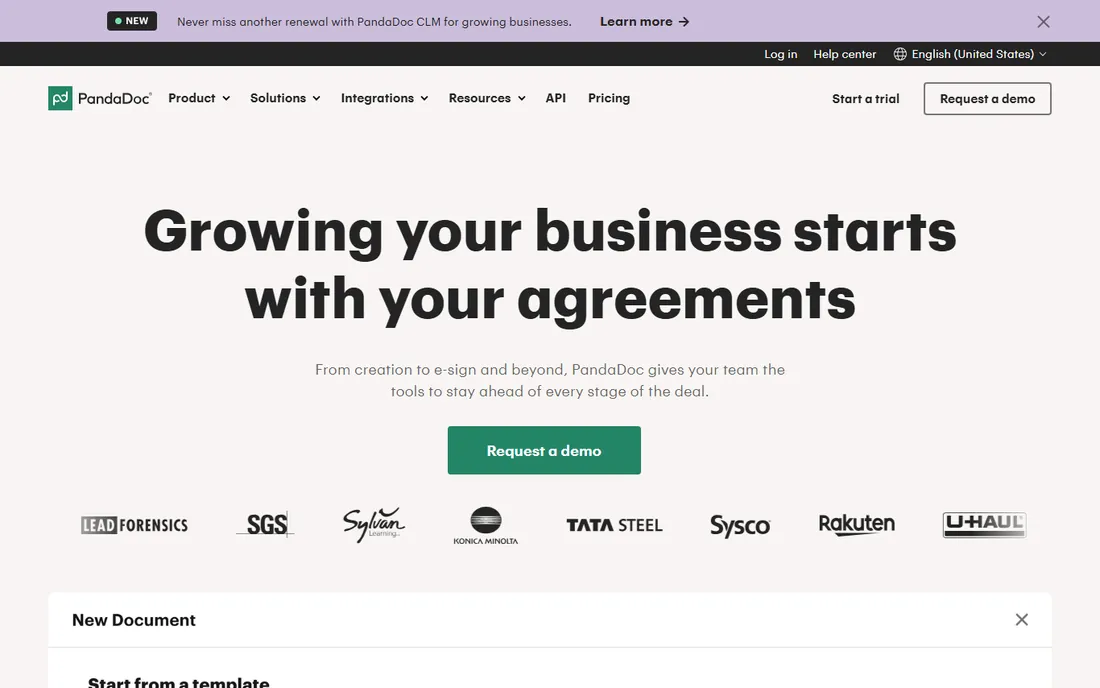
PandaDoc combines proposal creation, contract management, and e-signatures in one workflow: build documents from templates, send for signature, and track everything. Sales teams shorten deal cycles. The content library and approval workflows suit growing organizations that need consistency across reps.
Pricing climbs with features. Some advanced capabilities need higher tiers. But as an all-in-one document platform for sales teams, PandaDoc's breadth is compelling. Its analytics reveal which proposals convert, helping teams refine their approach with data rather than guesswork. Over time, this creates a feedback loop: better templates, higher win rates, and clearer understanding of what prospects value.
What we like- All-in-one document workflow
- Templates
- CRM integrations
Watch out for- Pricing tiers
- Advanced features cost more
Starting priceSee website
Free planSee website
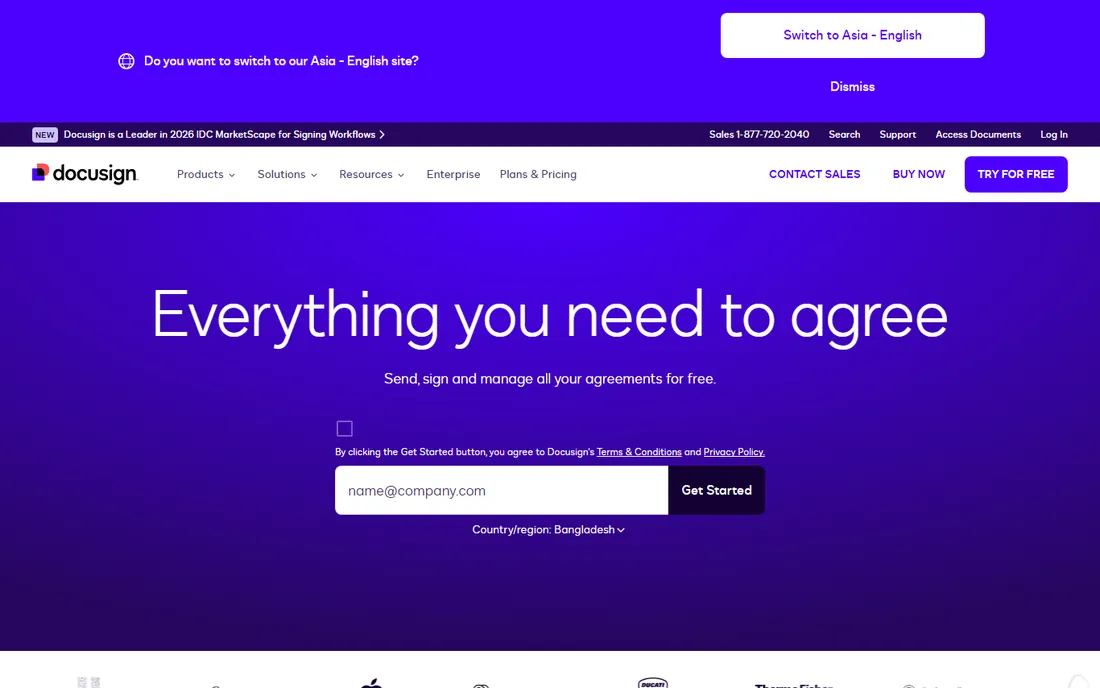
Docusign is the e-signature standard: legally binding signatures trusted worldwide, with compliance across jurisdictions. When contracts must hold up legally, Docusign is the safe choice. Adoption is universal; recipients know how to sign without instructions.
Costs scale steeply with envelope volume. The interface lags newer rivals. But for signature legality and universal acceptance, Docusign remains unmatched. Its audit trails and authentication options satisfy the strictest compliance requirements. For industries like finance and healthcare, where document integrity is non-negotiable, this compliance depth justifies the premium pricing.
What we like- Industry standard
- Legal compliance
- Massive adoption
Watch out for- Expensive at scale
- Interface dated
Starting priceSee website
Free planSee website
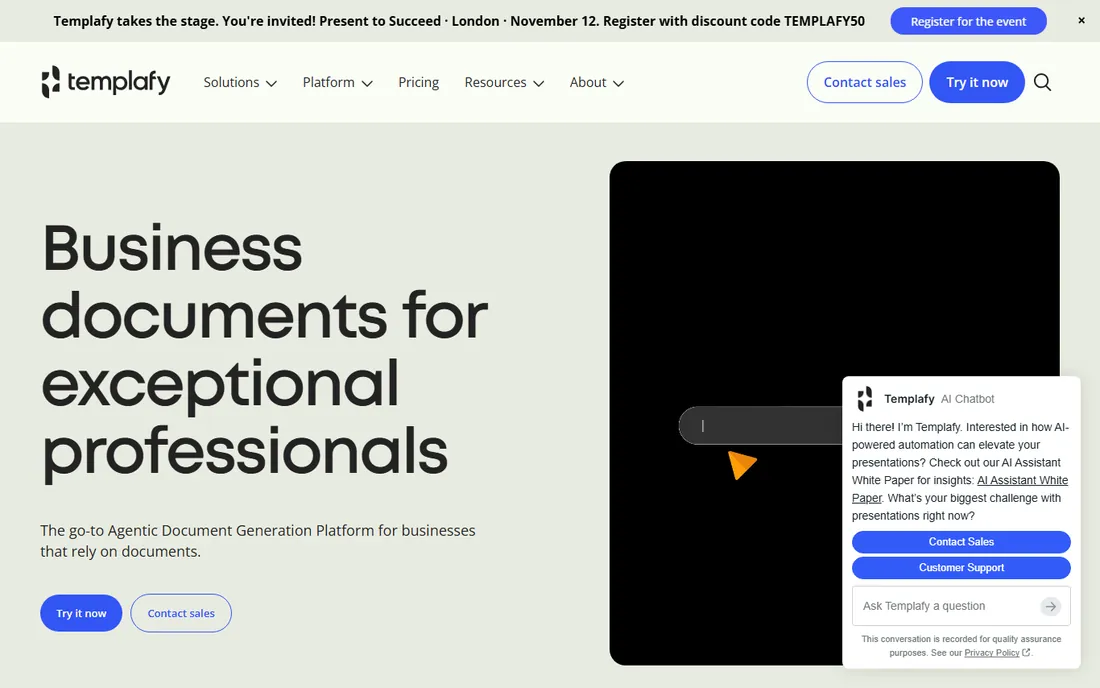
Templafy ensures every document employees create is on-brand and compliant: centralized templates, approved content, and automatic updates inside Microsoft Office and Google Workspace. Enterprises with brand and legal requirements get governance at scale, applied automatically wherever employees work.
It targets enterprise; smaller companies find it heavy. Implementation takes effort. But for brand-compliant document generation across large organizations, Templafy is the leader. The ROI comes from eliminating off-brand documents and the legal risks they create. When thousands of employees generate documents daily, even small inconsistency rates produce significant brand and compliance exposure.
What we like- Brand governance
- Enterprise templates
- Microsoft integration
Watch out for- Enterprise focus
- Implementation effort
Starting priceSee website
Free planSee website
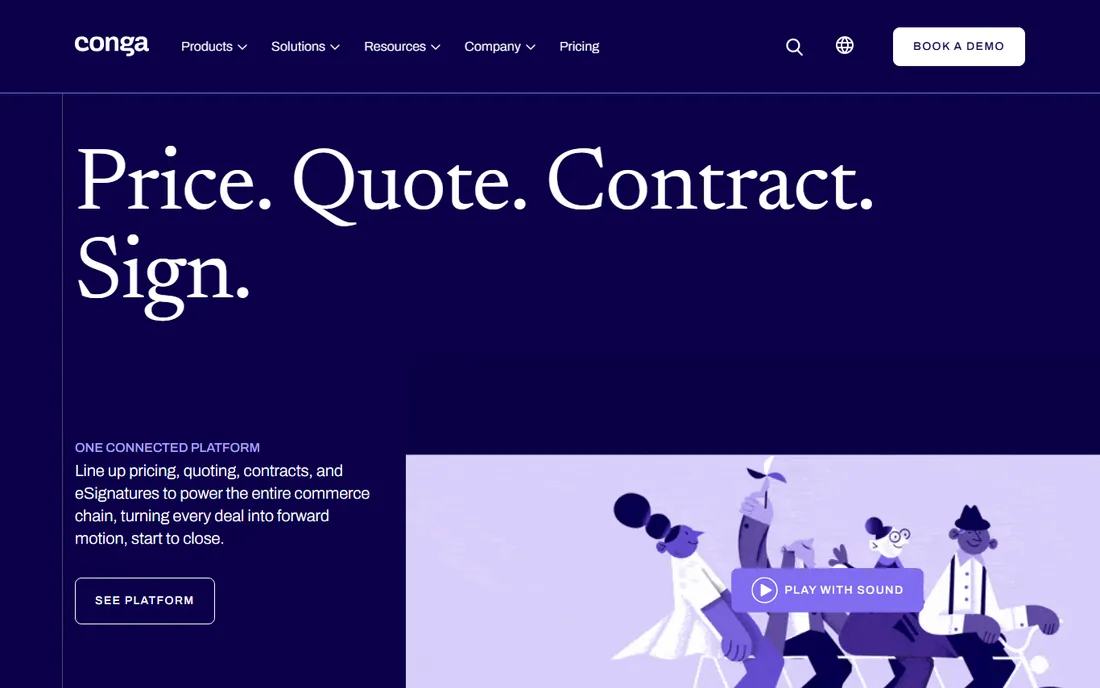
Conga automates document generation, contracts, and e-signatures deeply integrated with Salesforce: quotes, contracts, and renewals flow from CRM data. Sales and legal teams work from single sources of truth, eliminating version confusion that plagues manual processes.
It is Salesforce-centric; other CRMs fit less well. Complexity requires administration. But for Salesforce shops automating revenue documents, Conga's depth is unmatched. Quote-to-cash automation reduces errors that cost real money in enterprise deals. A single pricing error in a large contract can exceed the annual software cost; automation pays for itself through error prevention alone.
What we like- Deep Salesforce integration
- Contract lifecycle
- Automation
Watch out for- Complexity
- Salesforce-centric
Starting priceSee website
Free planSee website
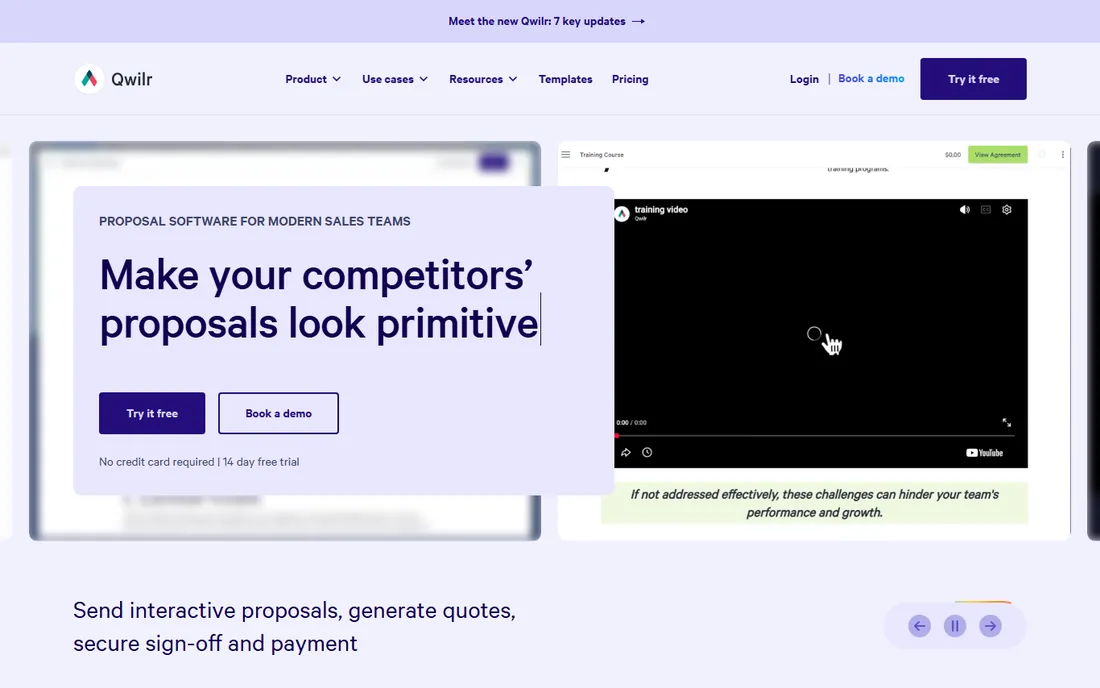
Qwilr turns proposals into interactive web pages: embedded video, expandable sections, and accept buttons that feel modern. Recipients engage more than with PDF attachments. Analytics show what prospects actually read, down to time spent on each section.
It focuses on proposals rather than full contract lifecycle. Pricing is per-user. But for proposals that impress, Qwilr's interactive format stands out. The analytics show exactly which sections prospects linger on, informing smarter follow-up conversations. Reps can open calls referencing the specific pages that held attention, rather than asking generic check-in questions.
What we like- Beautiful interactive proposals
- Web-based
- Analytics
Watch out for- Narrower than all-in-one
- Pricing
Starting priceSee website
Free planSee website
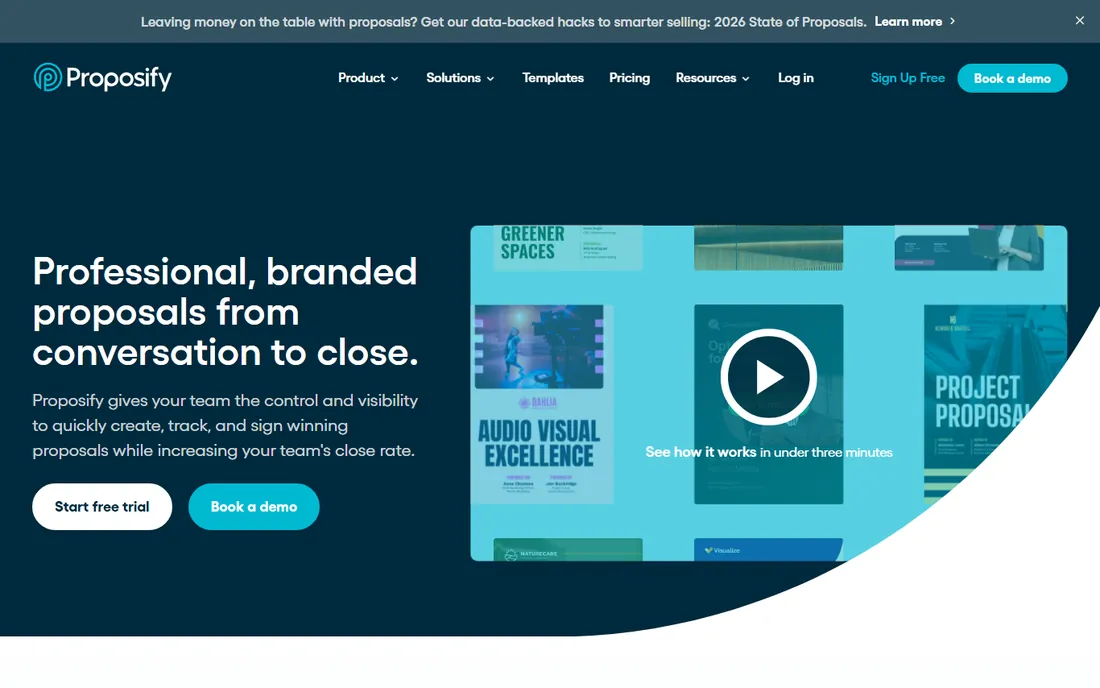
Proposify streamlines proposal creation for agencies and service businesses: templates, content library, e-signatures, and pipeline tracking purpose-built for proposals. Teams produce consistent, professional proposals faster, with brand control that keeps every rep on message.
Complex contract management is not the strength. The ecosystem is smaller than PandaDoc's. But for proposal-centric workflows, Proposify's focus pays off. Agencies report significant time savings once templates and content libraries are established. The upfront investment in template design pays dividends on every subsequent proposal, compounding across the team.
What we like- Proposal-focused workflow
- Templates
- E-signature included
Watch out for- Less for complex contracts
- Smaller ecosystem
Starting priceSee website
Free planSee website
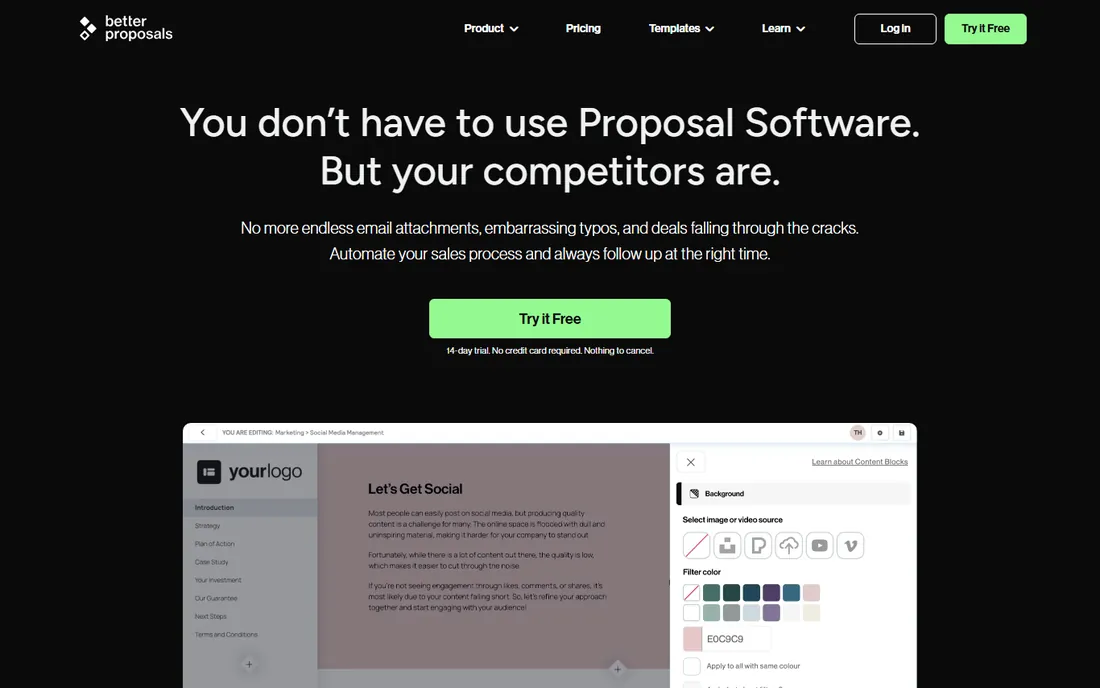
Better Proposals offers straightforward proposal software: create, send, and sign proposals with minimal fuss. Small businesses and freelancers get professional proposals without enterprise complexity. Setup takes minutes, and the learning curve is nearly flat.
Advanced workflow features are limited. It is a smaller vendor. But for simple, affordable proposal software, Better Proposals delivers. Freelancers and small agencies get professional output without learning enterprise software. The affordable pricing means even solo operators can present like larger firms, leveling the competitive playing field.
What we like- Easy to use
- Affordable
- Quick setup
Watch out for- Fewer advanced features
- Smaller company
Starting priceSee website
Free planSee website
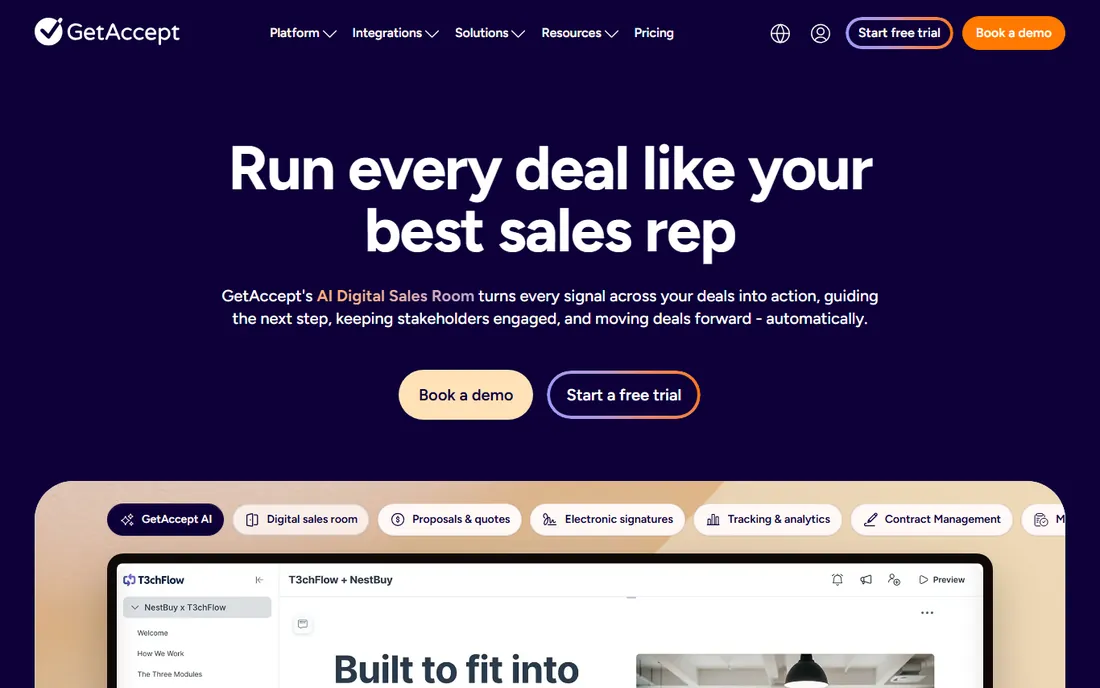
GetAccept adds engagement to sales documents: track when prospects open proposals, add personal video messages, and use nudges to accelerate deals. Sales teams see exactly how prospects interact with documents. The engagement data informs follow-up timing better than guesswork ever could.
It is sales-focused rather than general document management. Pricing reflects the sales tech category. But for deal acceleration through document engagement, GetAccept is distinctive. Knowing exactly when a prospect opens your proposal lets reps time follow-up perfectly. The difference between calling an hour after opening and three days later is often the difference between a conversation and voicemail.
What we like- Engagement tracking
- Video messaging
- Deal acceleration
Proposals vs contracts vs signatures
Smart document software spans three jobs: creating beautiful proposals (Qwilr, Proposify, Better Proposals), managing contract lifecycles (Conga, PandaDoc, Templafy), and capturing legal signatures (Docusign). All-in-one platforms (PandaDoc) cover multiple jobs; specialists excel at one. Understanding which job you are hiring for prevents expensive mismatches.
Map your primary pain. If proposals lose deals, prioritize proposal tools. If contract bottlenecks slow revenue, prioritize CLM. If signature compliance is the issue, Docusign. Buying an all-in-one when you need one job well often disappoints. Audit your last ten lost deals or delayed contracts; the pattern reveals which job matters most.
What to check before you buy
Start with your document workflow. What documents cause the most friction? Proposals, contracts, quotes, HR paperwork? Choose the tool built for that document type. Generic tools handle everything adequately; specialists handle your thing excellently. Audit recent deals to find where documents actually slowed things down. Common culprits: legal review cycles, pricing approval delays, and version confusion from email attachments. The right tool targets your specific bottleneck, not generic document pain.
Then verify integrations. Documents pull data from CRMs, ERPs, and HR systems; manual data entry defeats the purpose. Confirm native integrations with your stack, not just API availability. Test with real data during trials. Pay special attention to field mapping: the integration should populate documents correctly without manual cleanup. Broken field mapping is the most common implementation disappointment; verify it with your actual data before signing.
Finally, check legal validity for your jurisdiction. E-signature laws vary by country and document type. Docusign's compliance coverage is broadest, but verify your specific requirements. For regulated industries, this check comes first, not last. Involve legal early; their requirements often narrow the field quickly. Legal teams care about audit trails, authentication strength, and retention policies; addressing these upfront avoids late-stage vetoes.
Frequently asked questions
What is smart document software?
Software that creates, manages, and signs business documents intelligently: templates with dynamic data, approval workflows, e-signatures, and analytics. It replaces manual document assembly with automated, trackable workflows for proposals, contracts, and forms. The "smart" part is data-driven documents that update themselves and report on engagement. Static documents sit in inboxes; smart documents tell you who opened them, what they read, and when to follow up.
How is this different from Docusign alone?
Docusign focuses on signatures. Smart document platforms (PandaDoc, Qwilr, Proposify) handle the full workflow: creating documents, collaborating, sending, signing, and tracking. Many integrate with Docusign for the signature step while managing everything else. Think of Docusign as the pen; these platforms are the entire signing ceremony. The best setups use each for its strength rather than forcing one tool to do everything.
Are electronic signatures legally binding?
In most jurisdictions, yes, under laws like the US ESIGN Act and EU eIDAS regulation. Requirements vary by document type and country; some documents (wills, certain real estate) may need special handling. Verify your jurisdiction's rules for your document types. When in doubt, consult legal counsel before going fully digital on critical contracts. The cost of legal review is trivial compared to the cost of an unenforceable agreement.
What does smart document software cost?
Typically $20-100+ per user monthly, scaling with features and volume. E-signature pricing often depends on envelope volume. Enterprise contract management is quote-based. Budget for implementation on complex deployments. The ROI usually comes from faster deal cycles: shaving days off contract turnaround pays for the software quickly. Measure your current cycle time before implementation so you can quantify the improvement afterward.
Can these tools integrate with my CRM?
Yes, most integrate with Salesforce, HubSpot, and other CRMs natively. PandaDoc, Conga, and GetAccept have particularly deep CRM integrations. Verify the specific integration depth for your CRM during evaluation; "integration" ranges from basic to bidirectional sync. Ask for a live demo with your actual CRM data. Generic demos hide integration gaps; your data exposes them. The vendors confident in their integrations will welcome the test.
How do I choose between PandaDoc and Docusign?
Choose PandaDoc for all-in-one document workflows (create, send, sign, track). Choose Docusign for pure e-signature needs with maximum legal acceptance. Many companies use both: PandaDoc or similar for creation, Docusign for signatures. There is no rule against using each for what it does best in your workflow.
How we chose
We selected smart document tools that appear consistently in document automation comparisons and sales tech discussions. Each vendor's site was checked to confirm the product is current in 2026. Pricing details come from vendor pages where published. No hands-on document workflows were conducted for this guide; assessments reflect documented capabilities and established market positions today.
Sources we checked (8)
- https://www.pandadoc.com
- https://www.docusign.com
- https://www.templafy.com
- https://www.conga.com
- https://www.qwilr.com
- https://www.proposify.com
- https://www.betterproposals.io
- https://www.getaccept.com
Is your product missing or out of date?
We review this list regularly. Vendors can request a listing, send updated pricing or ask about featured placement.

Shihab Mia · Founder, Rankite
Shihab has 5+ years in B2B and SaaS SEO. He writes Rankite's software buying guides from pricing pages, documentation and public user reviews. More about Shihab.