How we make this list: we compare pricing pages, product documentation and public user reviews. Rankite is independent; if a vendor ever pays for a featured spot, that listing is clearly labeled Partner.
Key takeaways
- DocuWare, Laserfiche and M-Files are the established leaders for archiving with workflow automation.
- Alfresco, now part of Hyland, suits organizations wanting open-source-rooted content management.
- FileHold, Dokmee, DocStar and Square 9 serve mid-size businesses with straightforward archiving needs.
- onPhase, formerly DocuPhase, combines archiving with AP automation for finance teams.
- Retention policies and compliance requirements should drive the choice more than storage features.
Document archiving software stores, organizes and retrieves business documents with retention policies, search and compliance controls. These nine range from enterprise content management to focused archiving tools.
Quick comparison
| Tool | Best for | Starting price | Free plan |
|---|
 DocuWare DocuWare | Archiving with workflow automation | See website | Free trial |
 Laserfiche Laserfiche | Enterprise content services | See website | Free trial |
 M-Files M-Files | Metadata-driven management | See website | Free trial |
 Alfresco Alfresco | Open-source-rooted ECM | See website | Yes |
 FileHold FileHold | Straightforward document management | See website | Free trial |
 Dokmee Dokmee | Simplified enterprise content | See website | Free trial |
 DocStar DocStar | Epicor ECM archiving | See website | No |
 Square 9 Square 9 | Intelligent document processing | See website | Free trial |
 onPhase onPhase | Archiving plus AP automation | See website | No |
Is your product missing or out of date?
We review this list regularly. Vendors can request a listing, send updated pricing or ask about featured placement.
The best document archiving software
Starting priceSee website
Free planFree trial
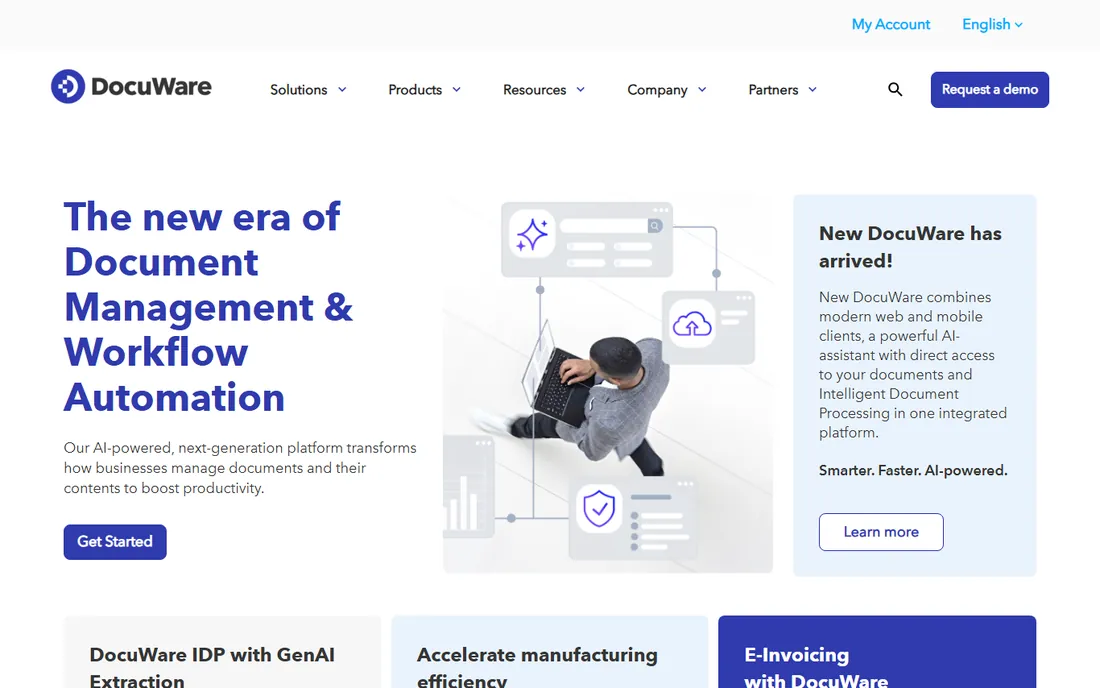
DocuWare combines document archiving with workflow automation: capture, store, route and retrieve documents with retention policies. Mid-size to enterprise organizations use it for AP, HR and operations archiving.
Complex deployments need planning. For archiving tied to real business workflows, it is a proven choice.
DocuWare buyers should pilot with one department's documents before enterprise rollout; AP is the classic starting point. The workflow automation delivers the ROI, so map one real approval process during the trial. Cloud deployment gets you live fastest.
What we like- Strong document management plus workflows
- Cloud and on-premise
- Broad adoption
Watch out for- Pricing not published
- Implementation for complex setups
Starting priceSee website
Free planFree trial
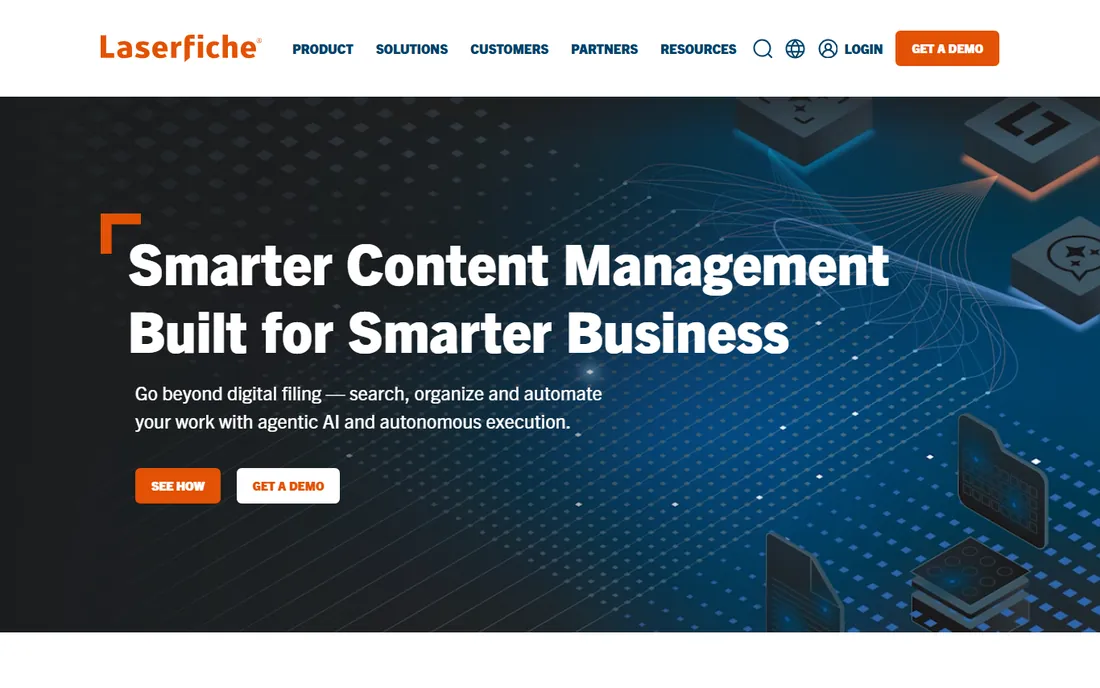
Laserfiche is an enterprise content services platform with document archiving at its core, plus records management and process automation. Government, education and financial institutions are strongholds.
Smaller organizations may find it heavy. Enterprises standardizing content management get depth and compliance.
Laserfiche customers should invest in records management training early; the compliance features need knowledgeable administrators. Government and education users get particular value from the Forms and process automation. Plan the implementation in phases.
What we like- Enterprise content management depth
- Process automation
- Strong government and education base
Watch out for- Enterprise pricing
- Implementation effort
Starting priceSee website
Free planFree trial
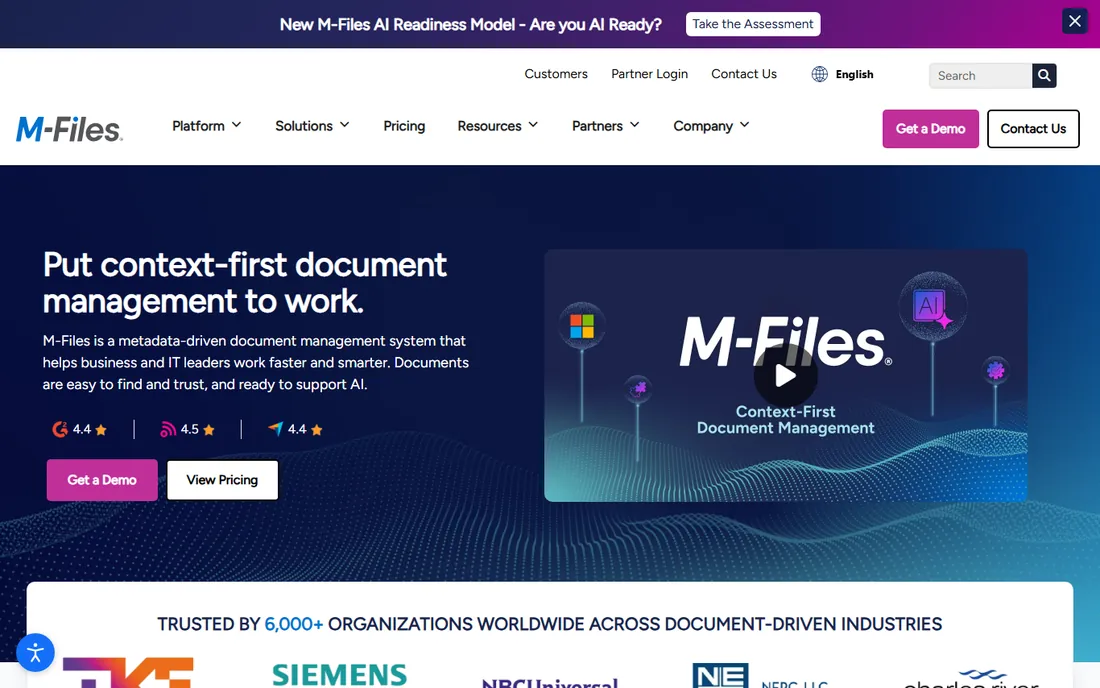
M-Files organizes documents by metadata rather than folder hierarchies, so files surface by what they are, not where someone filed them. AI helps classify and the search is excellent.
Teams attached to folders need retraining. Organizations drowning in shared drives find the metadata approach transformative.
M-Files users should commit to the metadata mindset fully; half-migrated folder structures create confusion. Train staff on finding documents by properties, not locations. The AI classification improves as the system learns your content.
What we like- Metadata instead of folders
- AI-assisted organization
- Strong search
Watch out for- Concept shift for folder-trained teams
- Pricing not published
Starting priceSee website
Free planYes
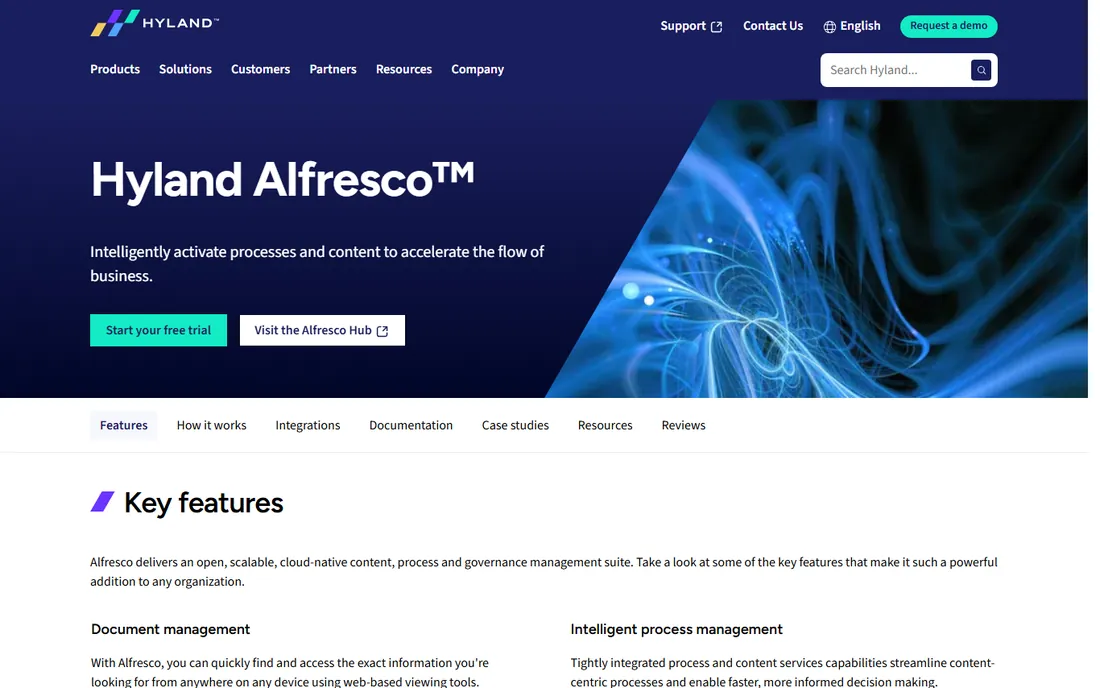
Alfresco, the open-source content management platform now part of Hyland, offers document archiving with process and governance tools. Developers like the extensibility and the community edition.
Enterprise capabilities require paid Hyland tiers. Organizations wanting open foundations with commercial backing should evaluate it.
Alfresco users should decide between community and enterprise editions based on support needs, not just features. Developers get the most from the platform's extensibility. The Hyland backing provides a roadmap worth following.
What we like- Open-source heritage
- Flexible platform
- Now backed by Hyland
Watch out for- Community edition limits
- Enterprise features need paid tiers
Starting priceSee website
Free planFree trial
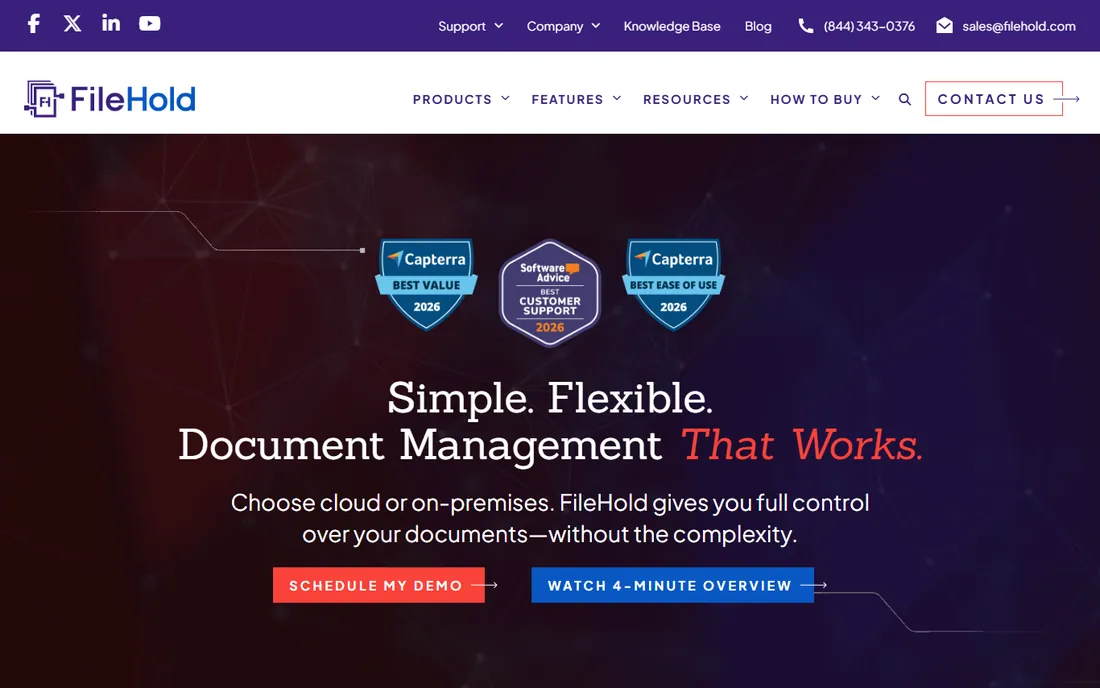
FileHold delivers document management and archiving without enterprise complexity: version control, approvals, search and retention at accessible pricing. Mid-size businesses get organized quickly.
Advanced automation trails the leaders. For straightforward archiving needs, the simplicity and price appeal.
FileHold customers should take advantage of the fast deployment to get quick wins; early success builds adoption momentum. The straightforward approach suits teams without dedicated IT. Keep the folder structure simple from the start.
What we like- Affordable and straightforward
- Fast deployment
- Good for mid-size business
Watch out for- Fewer advanced workflow features
- Smaller vendor
Starting priceSee website
Free planFree trial
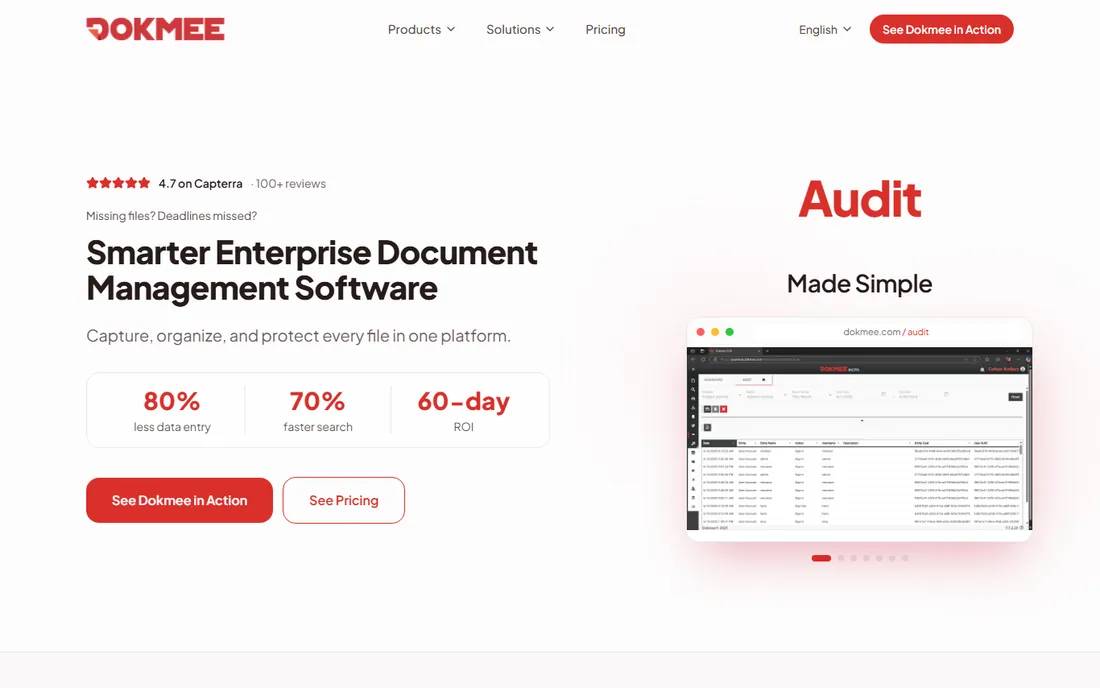
Dokmee offers enterprise content management, capture, archiving and workflow, positioned as simpler than the big ECM suites. Growing companies get ECM capability without ECM overhead.
The ecosystem is smaller. Organizations wanting ECM features at moderate complexity find it a fair middle ground.
Dokmee users should explore the capture automation deeply; reducing manual indexing is where the savings hide. Growing companies get ECM capability that scales with them. Test the workflow designer against your actual approval chains.
What we like- Enterprise content management simplified
- Capture and workflow
- Scalable
Watch out for- Brand profile smaller
- Interface less modern
Starting priceSee website
Free planNo
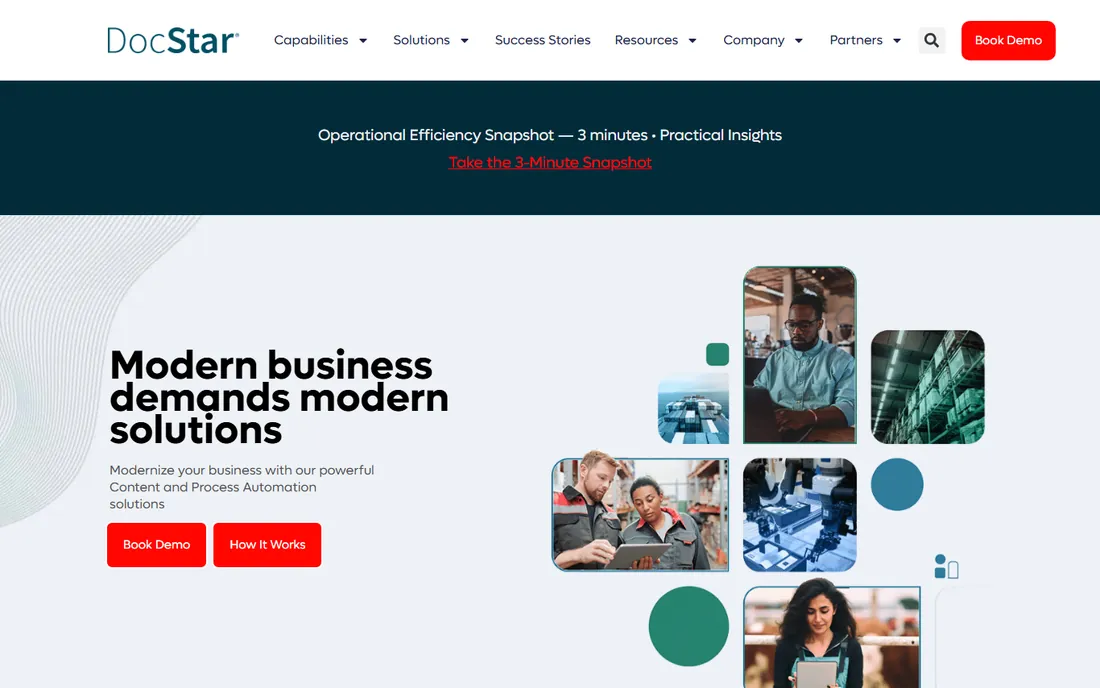
DocStar, Epicor's enterprise content management solution, focuses on document archiving with AP automation strength. Manufacturing and distribution companies on Epicor get native integration.
Standalone buyers get less of the integration value. Epicor customers should evaluate it before looking elsewhere.
DocStar customers on Epicor should use the native integration rather than building custom connections. The AP automation strength shows fastest in invoice processing. Manufacturing document types are well supported.
What we like- ECM from Epicor
- AP automation strength
- Manufacturing and distribution fit
Watch out for- Best inside Epicor ecosystem
- Pricing through sales
Starting priceSee website
Free planFree trial
Square 9 combines intelligent document capture with archiving: AI extracts data from incoming documents into searchable, retained records. Distributed and hybrid teams like the cloud access.
Large enterprises may need more. Mid-size organizations automating document-heavy processes get a capable platform.
Square 9 users should start with the AI capture on their highest-volume document type; the learning curve is quickest there. Distributed teams benefit most from the cloud access. Measure indexing time before and after to prove the ROI.
What we like- AI document capture
- Archiving with automation
- Good for distributed teams
Watch out for- Mid-market focus
- Enterprise depth thinner
Starting priceSee website
Free planNo
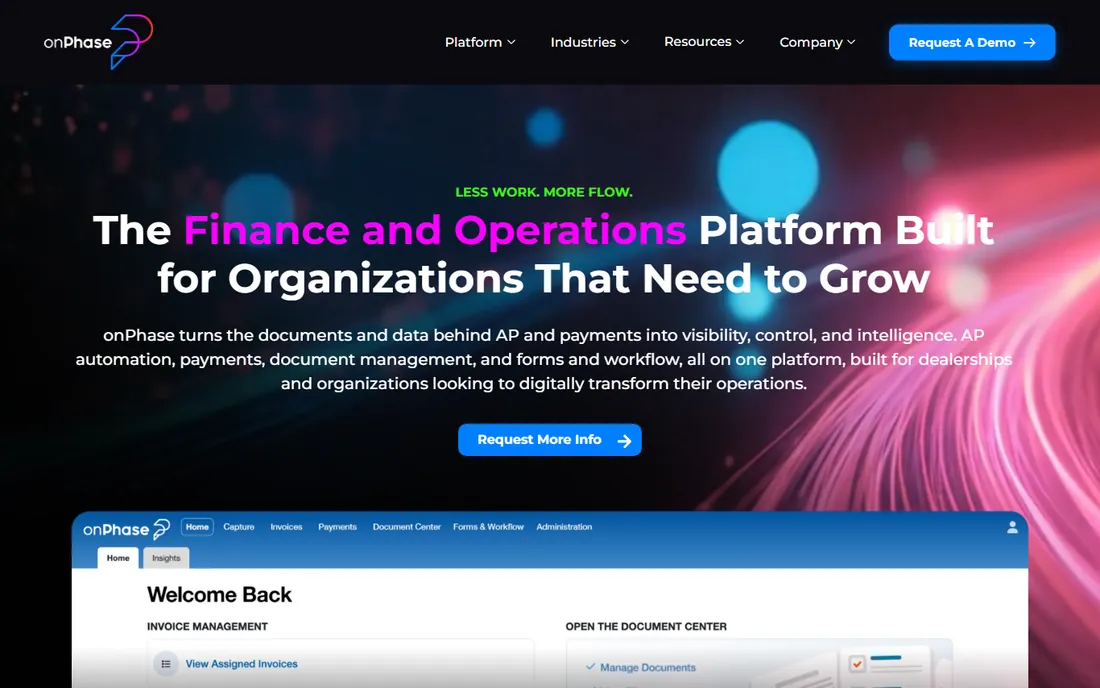
onPhase, formerly DocuPhase before its rebrand, pairs document archiving with accounts payable automation and payments. Finance teams archive invoices with the workflow that processes them.
The scope centers on finance. Organizations whose archiving need is AP-driven get a purpose-built solution.
onPhase customers should connect the payments capability, not just archiving; the combined AP workflow is the value. Finance teams get the most from the automation. Confirm the approval chains match your actual process.
What we like- AP automation with document archiving
- Payments included
- Finance-team focus
Watch out for- Formerly DocuPhase, so older reviews use the old name
- Finance-centric scope
How we chose
We verified each vendor's homepage and current branding, noting DocuPhase's rebrand to onPhase and Alfresco's move under Hyland. We kept tools with genuine archiving capability and excluded pure cloud storage without retention and compliance features. Pricing is rarely public.
What to get right before you buy
Define retention requirements first. Legal and regulatory retention schedules decide features; buy for compliance, not storage.
Plan the migration. Scanning backfiles and importing history is the real project; confirm capture and import tools before signing.
Check the search experience. Archiving fails when people cannot find documents; test full-text and metadata search with your own files.
Frequently asked questions
What is document archiving software?
Software that stores business documents with organization, search, retention policies and compliance controls, keeping records accessible and audit-ready.
How is archiving different from cloud storage?
Cloud storage holds files; archiving adds version control, retention schedules, audit trails, compliance features and advanced search.
How long should businesses retain documents?
It depends on document type and jurisdiction: tax records often seven years, employment records vary. Set retention schedules with legal counsel.
Can I migrate from shared drives?
Yes, but plan it: deduplication, metadata tagging and permission mapping are the work. Most vendors offer migration tools and services.
Do I need on-premise or cloud archiving?
Cloud suits most organizations now; on-premise persists for strict data sovereignty or existing infrastructure investments.
What does intelligent document processing add?
AI capture that reads incoming documents, extracts data and files them automatically, reducing manual indexing.
The migration nobody budgets for
Document archiving projects fail on migration, not software. The backfile, years of shared drives, filing cabinets and email attachments, is always bigger and messier than estimated. Start by auditing what you actually have: duplicate files, outdated versions and personal folders masquerading as company records. The cleanup opportunity is real.
Next, decide what migrates and what does not. Not every file deserves archiving; retention schedules should drive the decision. Purging what you are not required to keep reduces migration cost and future search noise. Get legal to sign off on the destruction criteria before deleting anything.
Then, plan the metadata strategy before importing a single file. Who tags what, with which values, determines whether the archive is searchable or just a digital attic. Controlled vocabularies beat free text; required fields beat optional ones. This unglamorous planning decides the project's success.
Deduplication deserves its own effort. Years of email attachments mean the same document stored dozens of times. Dedupe during migration, not after, or the new system inherits the old mess. Most capture tools include dedup features; use them.
Finally, run old and new systems in parallel briefly, then cut over decisively. Long parallel runs double the work and confuse users about where to file. A short, well-supported transition with training beats a long, uncertain one. Budget the migration as its own project with its own owner, because that is what it is.
Retention schedules by document type
Every archive needs a retention schedule, or it becomes a liability. Financial records typically require seven years in most jurisdictions; tax documents follow similar timelines. Employment records have their own requirements, often extending beyond termination. Check your specific jurisdiction rather than guessing.
Contracts deserve retention beyond their active life. Keep executed contracts for several years after expiration to cover warranty periods and potential disputes. Amendments and correspondence about interpretation should stay with the contract.
Email is the hardest category. Blanket retention of all email is expensive and risky; deletion without policy is worse. Define which emails are business records, typically those documenting decisions, commitments and transactions, and retain those per the relevant schedule.
Personal data complicates everything under privacy regulations. Data you no longer need may become data you must delete. Build privacy review into the retention schedule, with regular purges of expired personal data. The archive should enforce retention, not just store.
Finally, document the schedule and follow it consistently. Courts and regulators treat consistent, documented destruction as responsible; selective or undocumented deletion looks like concealment. Your archiving software should automate retention enforcement once the schedule is defined.
Cloud versus on-premise archiving
The cloud versus on-premise decision shapes the archiving project. Cloud archiving wins on speed and simplicity: no servers to buy, automatic updates, access from anywhere. Small and mid-size organizations get enterprise-grade infrastructure without the IT burden. The subscription cost is predictable.
On-premise wins on control. Regulated industries with strict data residency, air-gapped security requirements or massive existing storage investments keep archives in-house. The control comes with responsibility: backups, updates and security are yours to manage.
Hybrid approaches split the difference. Active documents in the cloud for accessibility, long-term archives on-premise for cost and control. The split needs clear policy about what lives where, or documents end up in both places or neither.
Cost comparisons need honesty about the full picture. Cloud subscriptions versus server hardware, IT staff time, electricity and refresh cycles. Most organizations underestimate on-premise total cost and overestimate cloud cost at scale. Model five years, not one.
Finally, consider exit strategy regardless of choice. Cloud contracts should guarantee data export; on-premise systems should use open formats. The archive will outlive the software vendor relationship. Choose the option your team can actually operate for a decade.
Sources we checked (9)
- https://start.docuware.com/
- https://m-files.com/
- https://www.laserfiche.com/
- https://filehold.com/
- https://www.dokmee.com/
- https://www.hyland.com/en/solutions/products/alfresco-platform
- https://www.docstar.com/
- https://www.square-9.com/
- https://www.onphase.com/
Is your product missing or out of date?
We review this list regularly. Vendors can request a listing, send updated pricing or ask about featured placement.

Shihab Mia · Founder, Rankite
Shihab has spent more than a decade helping SaaS and e-commerce brands grow through search. He writes Rankite's software buying guides from pricing pages, documentation and public user reviews. More about Shihab.