How we make this list: we compare pricing pages, product documentation and public user reviews. Ratings come from G2, Capterra or Trustpilot, with the date we checked them.
Key takeaways
- The biggest myth: document assembly is only for big law firms. Solo lawyers, ops teams and nonprofits all use these tools.
- Two philosophies: Word add-ins you author in (Pathagoras, XpressDox) vs. browser platforms with guided interviews (Gavel, HotDocs cloud, Contract Express).
- Only one is free: Docassemble is open source and runs real court and legal-aid services, but you need a developer.
- Pricing ranges from a $379 one-time license (Pathagoras, reported) to quoted enterprise deals (HotDocs, Contract Express). Most vendors hide the number.
Quick comparison
| Tool | Best for | Starting price | Free plan |
|---|
 HotDocs HotDocs | Large law firms and enterprises with complex document needs | See website (enterprise pricing, quoted) | No (demo available on request) |
 Gavel Gavel | Law firms that want no-code automation with client-facing interviews | See website (from $83/month reported) | No (free trial available) |
 Docassemble Docassemble | Technical teams and legal aid organizations that want free, open-source assembly | Free (open source, self-hosted) | Yes (free and open source) |
 Pathagoras Pathagoras | Solo lawyers who live in Microsoft Word and want a one-time purchase | See website ($379 one-time per user reported) | No (demo version available) |
 XpressDox XpressDox | Firms that want Word-based authoring with browser deployment | See website (quoted pricing) | No (30-day free trial) |
 Formstack Documents Formstack Documents | Businesses that want documents generated from forms and app data | See website (from $29/month reported) | No (free trial available) |
 Contract Express Contract Express | Large firms and corporate legal teams standardizing on Thomson Reuters | See website (enterprise pricing, quoted) | No (demo available on request) |
Is your product missing or out of date?
We review this list regularly. Vendors can request a listing, send updated pricing or ask about featured placement.
The best document assembly software
The biggest myth about document assembly software is that it belongs to big law firms with IT departments. The reality is wider: solo lawyers automating engagement letters, HR teams generating offer packets, nonprofits building intake interviews, and sales ops teams spitting out proposals. Anywhere the same document gets drafted slightly differently fifty times a month, assembly software pays for itself.
What the software does is simple to describe. You turn a template into a smart template by marking the variable parts: names, dates, clauses that appear or vanish based on answers. A guided interview collects the answers. The finished document comes out consistent, formatted and free of copy-paste errors. The tools below differ in where you build the templates, how smart the logic gets, and what the pricing looks like. Seven options, from free open source to enterprise.
#1
HotDocs
Best for: Large law firms and enterprises with complex document needs
Visit hotdocs.com
Starting priceSee website (enterprise pricing, quoted)
Free planNo (demo available on request)
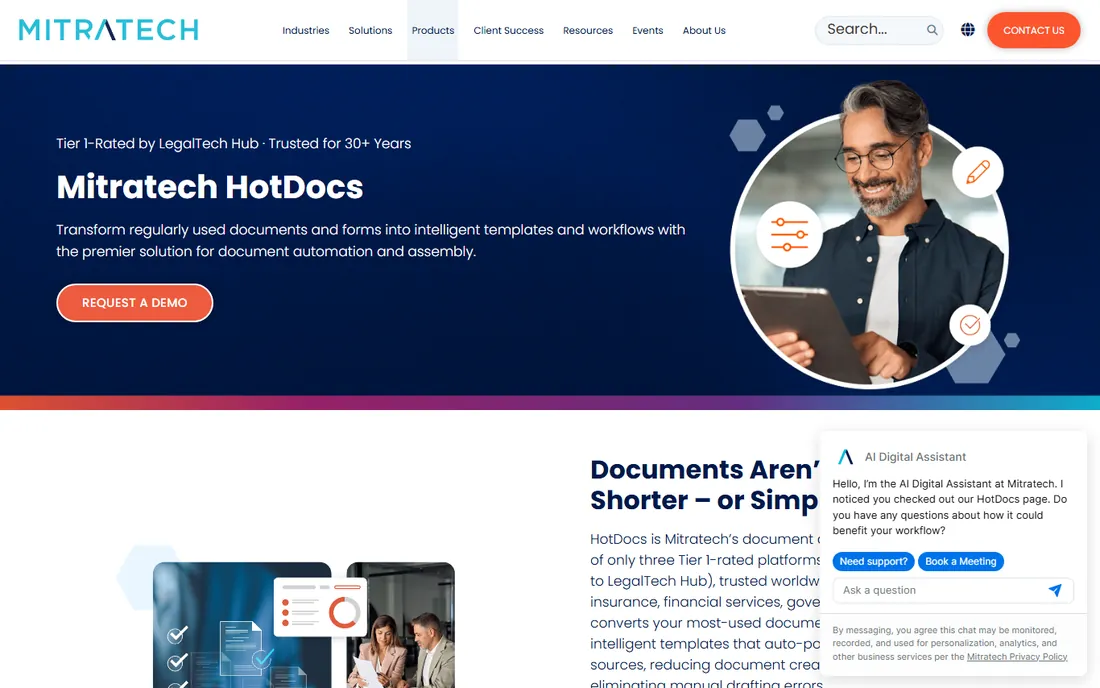
HotDocs invented this category in the late 1970s and still defines its high end. Templates carry serious conditional logic: nested conditions, computed variables, repeating sections, and data pulled from practice management systems. When a document has fifty branching paths and the wrong clause is a liability, this is the engine firms trust.
It is enterprise software sold the enterprise way. Pricing is quoted, implementation is a project, and a solo practice will find it heavy. Note the ownership change: Mitratech acquired HotDocs in June 2024, so ask about the product roadmap before committing. For large firms and banks automating thousands of complex documents, nothing else here matches the depth.
What we like- Deepest template logic on this list
- Desktop, on-premise and cloud deployment
- Decades of precedent in legal and banking
Watch out for- Enterprise sales process with quoted pricing
- Heavy for small teams
- Acquired by Mitratech in 2024, so confirm the roadmap
#2
Gavel
Best for: Law firms that want no-code automation with client-facing interviews
Visit gavel.io
Starting priceSee website (from $83/month reported)
Free planNo (free trial available)
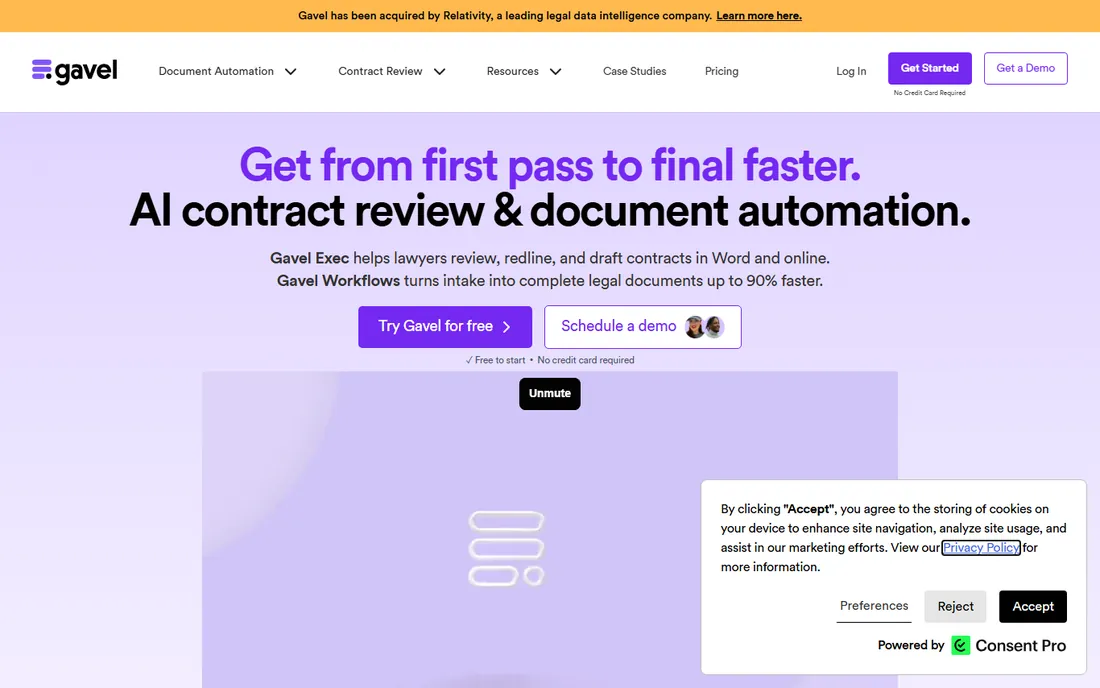
Gavel, formerly Documate, rebranded in 2023 to cover the full legal automation workflow. The pitch is no-code: build a guided interview in the browser, let clients answer questions online, and get a finished document without touching Word fields. Firms also use it to productize services, turning repeat work into automated legal products clients can buy directly.
Third-party listings put pricing from $83 a month with a free trial. The trade is depth for speed: Gavel gets a working automation live fast, but the most intricate HotDocs-style logic is not its game. Integrations with Clio and DocuSign fit the modern small-firm stack. For firms that want client-facing automation without developers, it is the friendliest option on this list.
What we like- No-code browser builder
- Client-facing questionnaires and sellable legal products
- Integrates with Clio and DocuSign
Watch out for- Legal-market focus limits general business use
- Monthly cost adds up
- Logic depth trails HotDocs
#3
Docassemble
Best for: Technical teams and legal aid organizations that want free, open-source assembly
Visit docassemble.org
Starting priceFree (open source, self-hosted)
Free planYes (free and open source)
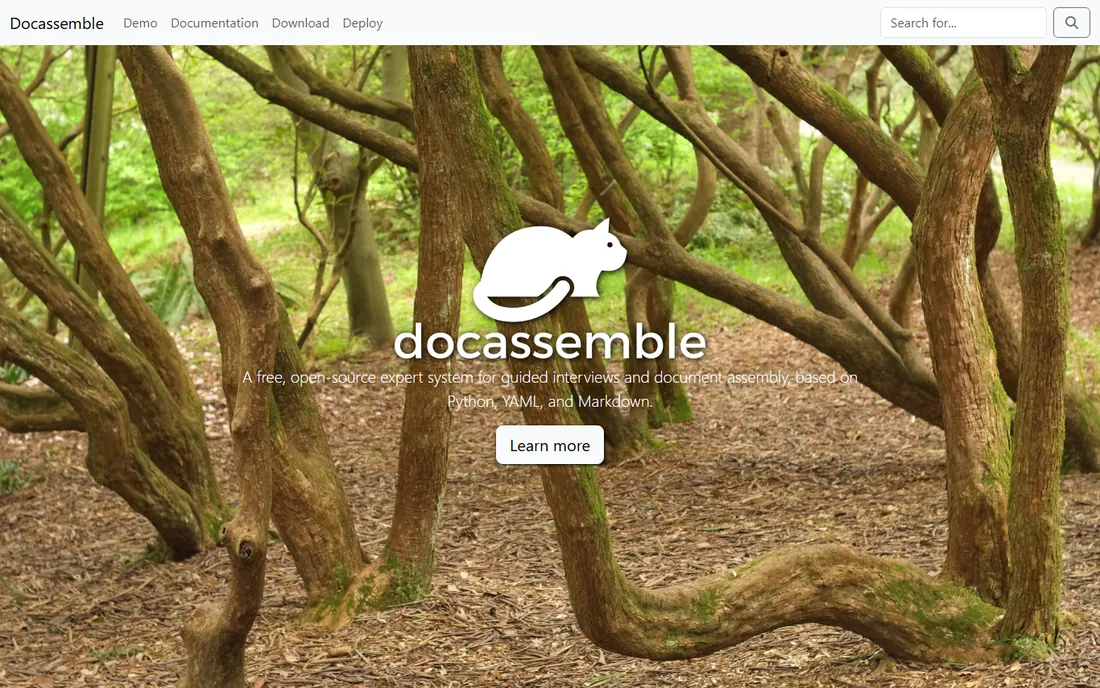
Docassemble is the only free tool on this list, and it is genuinely capable. You define guided interviews in YAML with Python under the hood, and the system assembles Word or PDF documents from the answers. Courts, legal aid organizations and law school clinics run real public services on it, which says plenty about its reliability.
Free means self-hosted and self-supported. You need someone comfortable with YAML, Python and a server, and there is no vendor to call at midnight. The interview screens work but will not win design awards. For a technical team or a nonprofit with developer time, Docassemble delivers serious interview-driven assembly for the cost of hosting.
What we like- Completely free to use
- Guided interviews defined in YAML with Python underneath
- Proven in courts and legal aid
Watch out for- Requires a developer to set up and maintain
- No vendor support contract
- Functional rather than polished interface
#4
Pathagoras
Best for: Solo lawyers who live in Microsoft Word and want a one-time purchase
Visit pathagoras.com
Starting priceSee website ($379 one-time per user reported)
Free planNo (demo version available)
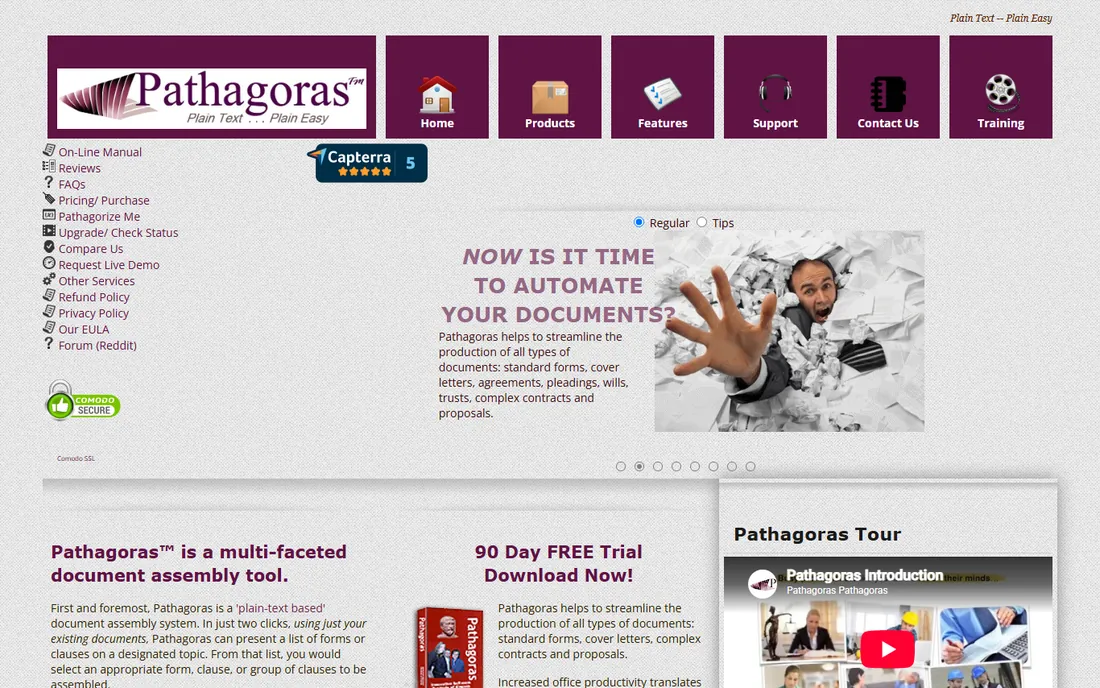
Pathagoras takes the opposite approach from the cloud tools: it lives inside Microsoft Word. You mark up existing documents with plain-English variables, build clause libraries, and assemble by answering questions in a sidebar. For a lawyer who never wants to leave Word, the learning curve is close to zero.
The pricing model is the story. A one-time license around $379 per user, per third-party listings, means no monthly bill. The trade is platform: it is a Word add-in, so browser-first teams and Mac users are out of luck, and the interface shows its age. For a solo practitioner automating their own forms library, the math is hard to beat.
What we like- Works inside Word as an add-in
- One-time license with no subscription
- Plain-English variable system
Watch out for- Word on Windows only
- Dated interface
- One-time model means paying for major upgrades
#5
XpressDox
Best for: Firms that want Word-based authoring with browser deployment
Visit xpressdox.com
Starting priceSee website (quoted pricing)
Free planNo (30-day free trial)
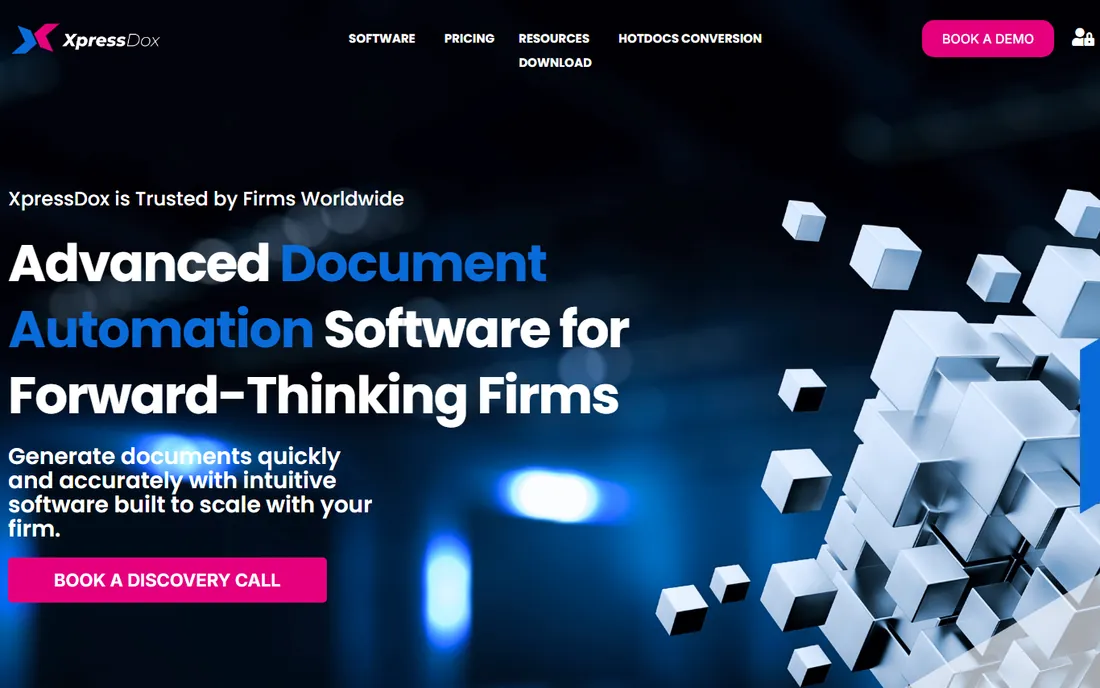
XpressDox splits the difference between desktop and cloud. Authors build templates in Microsoft Word, but end users run the interviews in a browser with nothing installed. Templates can even launch from a hyperlink on a website, so clients fill in their own forms. Bar associations have used its Publisher framework to distribute automated template libraries to members.
It is a smaller company with roots in South Africa, and US buyers will find a thinner community and fewer integrations than the bigger names offer. Pricing is quoted rather than published, with a 30-day trial for evaluation. For firms that want Word authoring without desktop deployment headaches, it is a neat middle path.
What we like- Author in Word, run interviews in a browser
- Templates launch from hyperlinks
- Publisher framework for template libraries
Watch out for- Smaller vendor with less US presence
- Pricing not published
- Fewer integrations than bigger names
#6
Formstack Documents
Best for: Businesses that want documents generated from forms and app data
Visit formstack.com
Starting priceSee website (from $29/month reported)
Free planNo (free trial available)
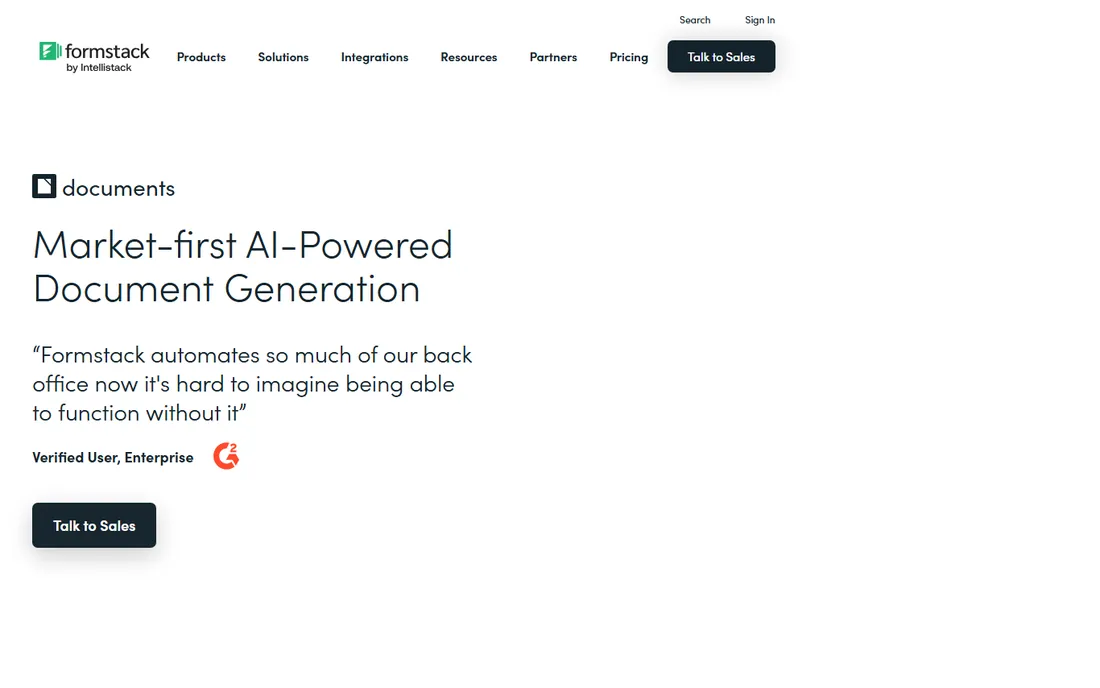
Formstack Documents, formerly WebMerge, approaches assembly from the data side. Connect a form, a CRM or a spreadsheet, map the fields into a template, and finished PDFs or Word files generate automatically. With 100-plus integrations, it fits operations teams producing invoices, proposals, contracts and reports from systems they already use.
This is document generation more than guided legal assembly: the interview and logic depth is lighter than Gavel or HotDocs. Third-party listings put the start at $29 a month with a free trial, and document volume is capped by tier. Note the branding: Formstack now sits under Intellistack, so the name on the invoice may differ. For ops teams rather than law firms, it is the practical pick.
What we like- Merges data from forms, CRMs and 100-plus integrations
- Straightforward conditional logic
- Part of the wider Formstack platform
Watch out for- Generation-focused, with lighter interview depth
- Document volume capped by tier
- Now sold under Intellistack branding
Starting priceSee website (enterprise pricing, quoted)
Free planNo (demo available on request)
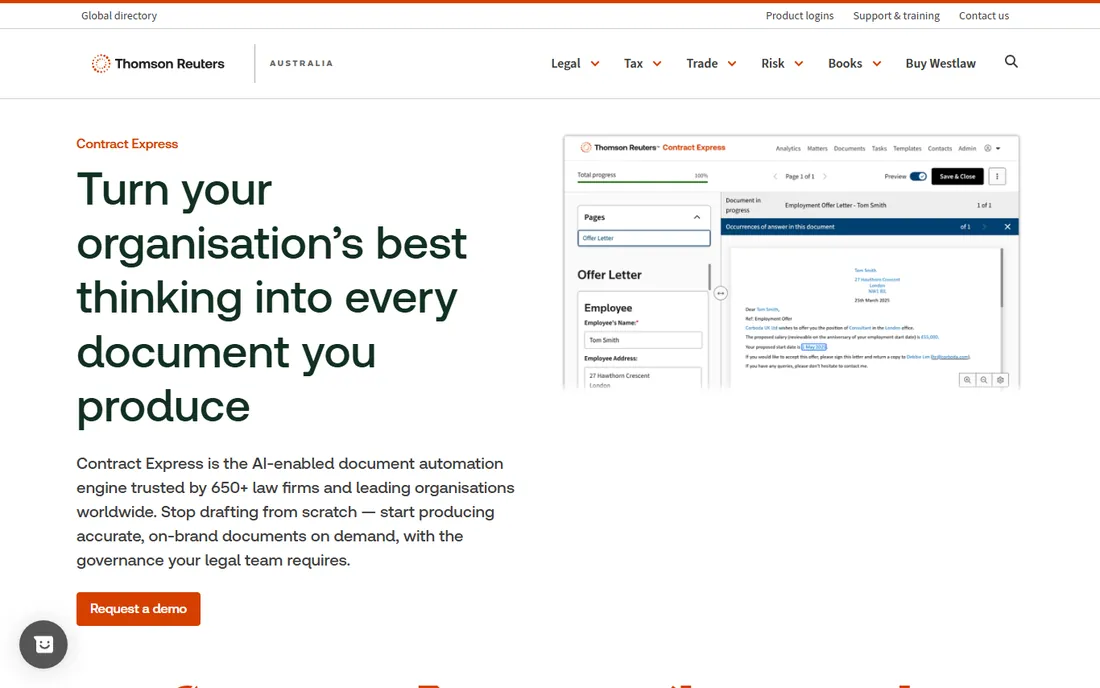
Contract Express is Thomson Reuters' document automation product, and the positioning shows it. AI-assisted authoring turns Word precedents into guided questionnaires, a single interview can generate a whole suite of related documents, and client collaboration portals keep the back-and-forth in one place. Global firms use it to standardize drafting across offices.
Everything about the buying process says enterprise: quoted pricing, demos on request, and a feature set aimed at legal departments rather than small businesses. If your firm already runs Thomson Reuters products, the integration story is compelling. If you are a ten-person firm, the tools above deliver most of the value at a fraction of the friction.
What we like- Word-based authoring with AI-assisted questionnaire building
- Document suites from single interviews
- Ties into the Thomson Reuters legal ecosystem
Watch out for- Enterprise-only sales motion
- Opaque pricing
- Overkill outside large legal teams
Document assembly vs. document generation: the difference matters
Vendors blur these terms, but the distinction decides which tool fits. Document assembly builds a bespoke document through a guided interview: questions, conditional logic, clause choices, and a finished file tailored to the answers. Gavel, HotDocs, Pathagoras and Docassemble are assembly tools.
Document generation merges data into a template: names and figures flow from a form or CRM into fixed slots, and the document comes out. Formstack Documents is the clearest generation tool here. Generation is simpler and cheaper; assembly handles judgment calls.
Most real projects need both. A law firm assembles the retainer agreement through an interview, then generates the monthly invoices from time entries. When evaluating, ask which side the vendor leads with, because an assembly tool forced into pure generation (or the reverse) always feels awkward.
What to check before you buy
Start with where templates get built. If your team lives in Word and will not change, a Word-based tool (Pathagoras, XpressDox, Contract Express) removes the biggest adoption barrier. If you want clients answering questions in a browser, pick a browser-first platform (Gavel, HotDocs cloud, Docassemble).
Test the logic depth on your hardest document, not the demo one. Bring a real template with nested conditions and optional clauses to the trial. Shallow tools handle names and dates fine and choke on the fiftieth "if." This single test separates the enterprise engines from the form fillers.
Check the data connections. Assembly tools that pull client and matter data from your practice management system save the retyping that kills adoption. Ask which integrations are native, which need middleware, and who maintains them when APIs change.
Confirm output and signing. Every tool here produces Word or PDF, but e-signature is the usual gap: some bundle it, some integrate with DocuSign or Adobe Sign, some leave you to handle signing separately. If the document is not signed, the automation is not finished.
Finally, price the whole project. Enterprise tools quote licenses but charge for implementation, training and template building. A one-time license with a week of consultant template work can cost more than a year of a subscription. Ask for the all-in first-year number in writing.
Frequently asked questions
How much does document assembly software cost?
From free (Docassemble, self-hosted) to a reported $379 one-time per user (Pathagoras) to $29-$83 a month for cloud tools (Formstack Documents, Gavel, per third-party listings) up to quoted enterprise deals (HotDocs, Contract Express, XpressDox). Budget for implementation and template building on top of licenses.
Do I need Microsoft Word to use these tools?
Not always, but Word is central to most of them. Pathagoras, XpressDox and Contract Express author in Word. Gavel and HotDocs cloud run interviews in the browser but still output Word files. Only pure generation workflows can skip Word entirely.
Can clients fill in the questionnaires themselves?
Yes, on most cloud tools. Gavel, HotDocs cloud, Docassemble and XpressDox all support client-facing interviews through a browser link. This is one of the biggest time savers: the client does the data entry, and the lawyer reviews the finished draft.
Is open-source Docassemble really free?
The software is free and open source. You pay for hosting, setup and maintenance, which means developer time. For a legal aid organization with technical staff, the total is far below any commercial license. For a firm with no developers, the "free" tool quickly becomes the expensive one.
How long does implementation take?
A simple template library on Gavel or Formstack Documents can go live in days. Word add-ins like Pathagoras take as long as your markup takes. Enterprise HotDocs or Contract Express rollouts run weeks to months, including template conversion, integrations and training. The templates, not the software, set the timeline.
How we chose
We started with the searches buyers use: document assembly software, document automation software, legal document automation and contract automation tools. For each candidate we opened the vendor's own site and pricing page, checked features against public reviews on G2, Capterra and Slashdot and practitioner discussion on Reddit, and compared template authoring, interview logic, integrations, deployment options and fit for firms of different sizes. Where a price could not be verified on the vendor's page we wrote "See website" rather than guessing.
Sources we checked (10)
- https://hotdocs.com
- https://www.gavel.io
- https://rss.globenewswire.com/news-release/2023/01/31/2598772/0/en/Documate-Rebrands-as-Gavel-to-Expand-Its-Platform-for-Legal-Products-Adds-Pierre-Martin-as-CTO.html
- https://docassemble.org
- https://github.com/solversa/docassemble
- https://www.pathagoras.com
- https://xpressdox.com
- https://www.formstack.com/products/documents
- https://www.thomsonreuters.com.au/en-au/products/contract-express.html
- http://en.wikipedia.org/wiki/ContractExpress
Is your product missing or out of date?
We review this list regularly. Vendors can request a listing, send updated pricing or ask about featured placement.

Shihab Mia · Founder, Rankite
Shihab has 5+ years in B2B and SaaS SEO. He writes Rankite's software buying guides from pricing pages, documentation and public user reviews. More about Shihab.