How we make this list: we compare pricing pages, product documentation and public user reviews. Rankite is independent; if a vendor ever pays for a featured spot, that listing is clearly labeled Partner.
Key takeaways
- Box and Egnyte lead on versioning depth for mid-size teams, with long retention and admin controls over version history.
- Microsoft SharePoint is the natural pick for Microsoft 365 shops, with versioning built into every document library at no extra cost.
- Google Drive and Dropbox Business keep versioning simple and automatic, which suits teams that want history without managing it.
- M-Files, Laserfiche and DocuWare are the compliance-grade options, with audit trails and retention policies for regulated industries.
- Revver is worth a look for smaller firms that want a dedicated document management system with unlimited storage rather than a file-sync tool.
Quick comparison
| Tool | Best for | Starting price | Free plan |
|---|
 Box Box | secure content management with deep versioning | $5/user/month | Free trial |
 Egnyte Egnyte | hybrid cloud with strong governance | See website | Free trial |
 Microsoft SharePoint Microsoft SharePoint | Microsoft 365 document libraries | See website | Free trial |
 Google Drive Google Drive | simple automatic version history | See website | Yes |
 Dropbox Business Dropbox Business | fast sync with easy version restore | See website | Free trial |
 M-Files M-Files | metadata-driven management with audit trails | See website | Free trial |
 Laserfiche Laserfiche | records compliance and retention | See website | Free trial |
 DocuWare DocuWare | workflow-driven document control | See website | Free trial |
 Revver Revver | dedicated document management with unlimited storage | See website | Free trial |
Is your product missing or out of date?
We review this list regularly. Vendors can request a listing, send updated pricing or ask about featured placement.
#1
Box
Best for: secure content management with deep versioning
Visit box.com
Starting price$5/user/month
Free planFree trial
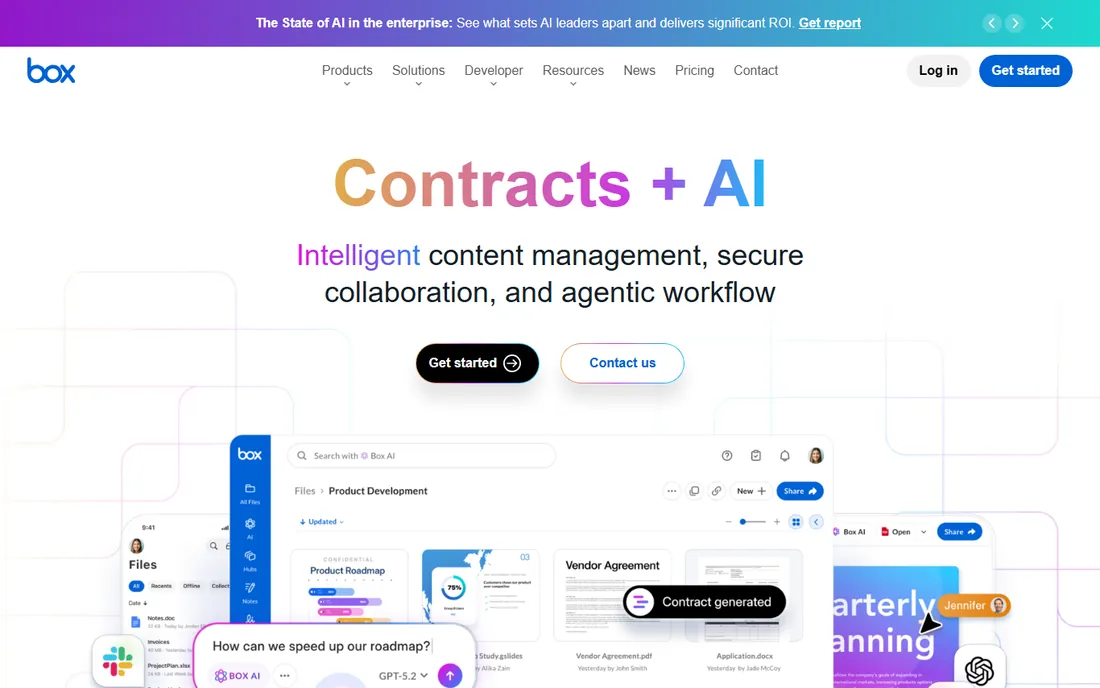
Box treats versioning as a core feature rather than an afterthought. Every file keeps a full version history, Business plans and above retain unlimited versions, and admins can configure how long versions are kept. Restoring an earlier version takes a couple of clicks, and the activity feed shows who changed what and when.
The platform's strength is the combination of versioning with security: granular permissions, compliance certifications and integrations with the tools teams already use. The trade-off is price discipline. Per-user costs climb as teams grow, and the workflow automation that makes document processes sing sits on the higher tiers. For teams that need trustworthy version history with enterprise-grade controls, Box is the benchmark.
What we like- Unlimited versions on Business plans and up
- Configurable retention periods
- Strong compliance certifications for regulated work
Watch out for- Per-user pricing adds up for large teams
- Advanced workflow features need higher tiers
Starting priceSee website
Free planFree trial

Egnyte's versioning story is built around protection. Detailed version history pairs with ransomware recovery features that let admins roll files back to pre-attack states, which is versioning doing its most valuable job. The hybrid model caches files locally for speed while keeping the cloud copy authoritative.
Compared with Box, Egnyte's storage is tiered rather than unlimited, so heavy file users should check quotas against their actual volume. The governance tooling is deep, which is a plus for IT and a learning curve for everyone else. Teams with large files, mixed on-prem and cloud needs, or serious security requirements get the most from it.
What we like- Hybrid storage model keeps large files fast
- Detailed version history with ransomware recovery
- Strong governance and compliance tooling
Watch out for- Tiered storage model is less generous than Box's unlimited
- Interface can overwhelm new users
Starting priceSee website
Free planFree trial
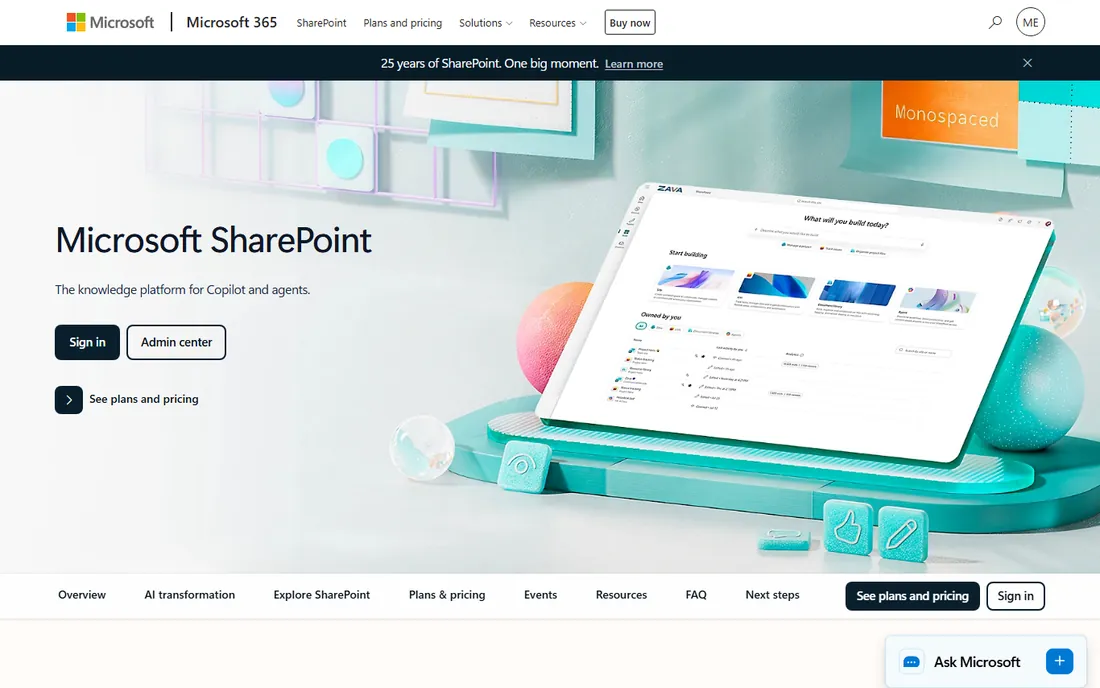
SharePoint is the versioning system most Microsoft shops already own. Every document library keeps version history automatically, with major and minor versions, check-in and check-out, and restore points. If your team lives in Microsoft 365, the versioning is already paid for and integrated with Teams, OneDrive and Office apps.
The catch is administration. SharePoint's power comes with settings that need deliberate configuration: version limits, retention, permissions inheritance and library design. Left on defaults it works fine for small teams; at department scale it needs someone who understands it. The tool is free with your subscription, but the admin time is not.
What we like- Versioning built into every document library
- Deep Microsoft 365 and Teams integration
- No extra cost if you already pay for Microsoft 365
Watch out for- Setup and permissions need real administration
- Versioning settings are easy to misconfigure
Starting priceSee website
Free planYes
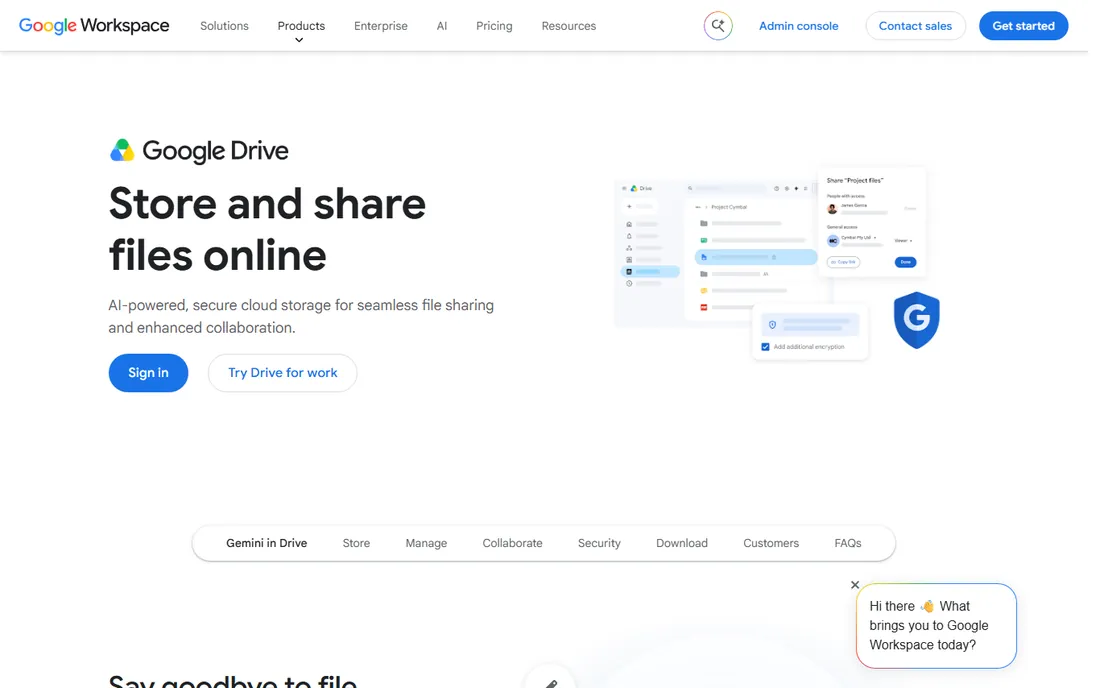
Google Drive keeps a version history of every file without anyone configuring anything. Open version history, pick a timestamp, restore. For Docs, Sheets and Slides, real-time collaboration means conflicting versions rarely happen in the first place, which is arguably better versioning than any restore feature.
The limits show up at organizational scale. Retention windows and admin controls are thinner than in Box or Egnyte, and Workspace plans are priced per user with pooled storage. Drive is the right versioning story for teams that want history to "just work." Teams with compliance requirements around retention and audit trails should look at the dedicated platforms below.
What we like- Version history is automatic and effortless
- Real-time co-editing removes most version conflicts
- Generous free tier for individuals
Watch out for- Version retention on free accounts is limited
- Fewer admin controls than dedicated DMS platforms
Starting priceSee website
Free planFree trial
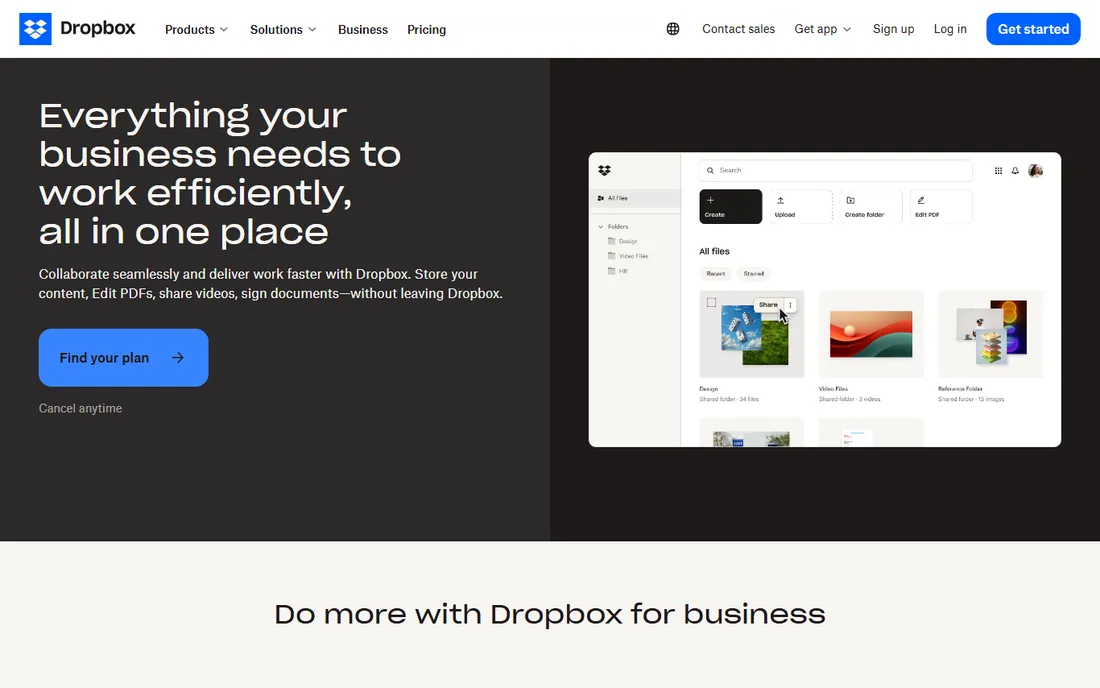
Dropbox Business keeps version history on every file with a straightforward restore flow, plus deleted file recovery for the inevitable accidents. Its sync engine remains the fastest and most reliable in the category, which matters when version history is only useful if the latest version actually reaches everyone's machine.
It is a file sync tool with versioning, not a document management platform. There is no records retention engine, no advanced workflow routing, and compliance tooling is lighter than Box or Egnyte. For teams whose main risk is "someone overwrote the file," Dropbox covers it well. For regulated document lifecycles, it does not.
What we like- Version history with simple restore
- Fastest file sync in the category
- Deleted file recovery included
Watch out for- Versioning depth is basic compared to DMS platforms
- Fewer workflow and compliance features
Starting priceSee website
Free planFree trial
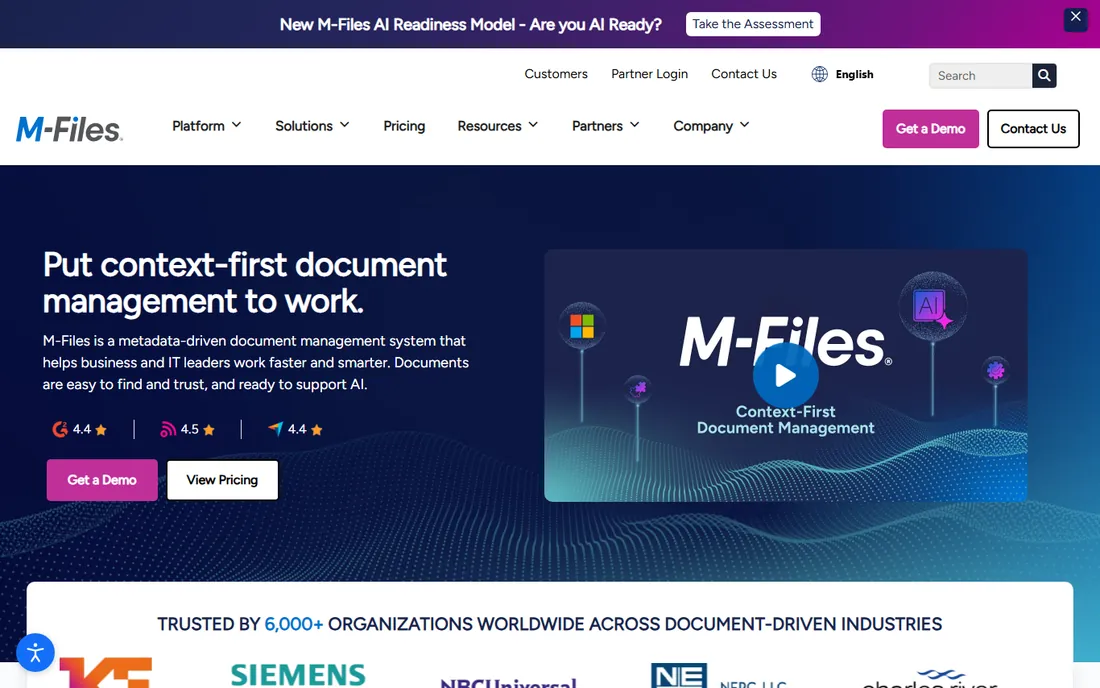
M-Files organizes documents by what they are rather than where they sit, using metadata instead of folders. Versioning rides on top of that model: every version is tracked with a full audit trail of who changed what, and workflows route documents through approvals with the history intact. For knowledge workers drowning in folder structures, the metadata approach is a genuine relief.
Pricing is quote-based and aimed at organizational budgets, not self-serve teams. The bigger cost is adoption: the metadata model requires training and discipline to work. Teams that commit get one of the strongest versioning and compliance stories in the category. Teams that will not do the training should pick something simpler.
What we like- Metadata organization eliminates folder chaos
- Version control with full audit trails
- Strong workflow automation for approvals
Watch out for- Quote-based pricing aimed at business budgets
- The metadata model takes training to adopt
Starting priceSee website
Free planFree trial
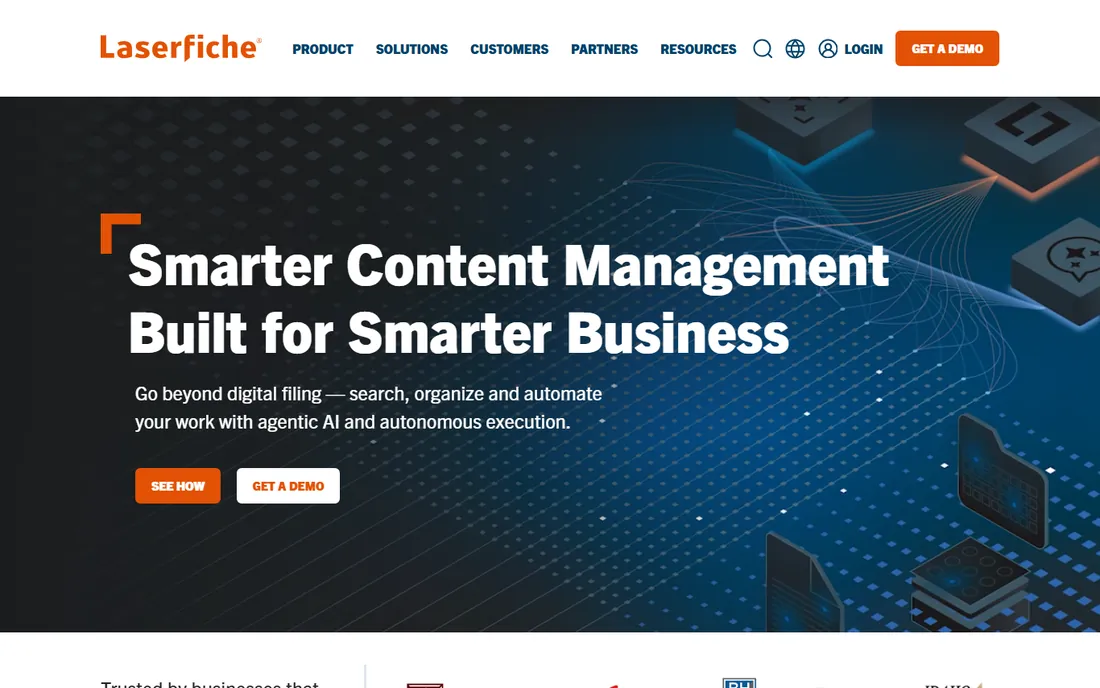
Laserfiche is built for organizations where versioning is a legal requirement, not a convenience. Its records management enforces retention schedules, legal holds and disposition policies, with version history and audit trails that stand up to regulatory scrutiny. Government agencies and financial institutions are its natural habitat.
That focus makes it heavy for ordinary teams. Pricing and implementation are enterprise-grade, and the platform assumes records-management processes that small companies do not have. If your industry requires provable document control, Laserfiche is among the safest choices. If it does not, you are paying for compliance machinery you will never use.
What we like- Records management with defensible retention policies
- Strong workflow and forms automation
- Trusted in government and regulated industries
Watch out for- Enterprise pricing and implementation
- Overkill for teams without compliance needs
Starting priceSee website
Free planFree trial
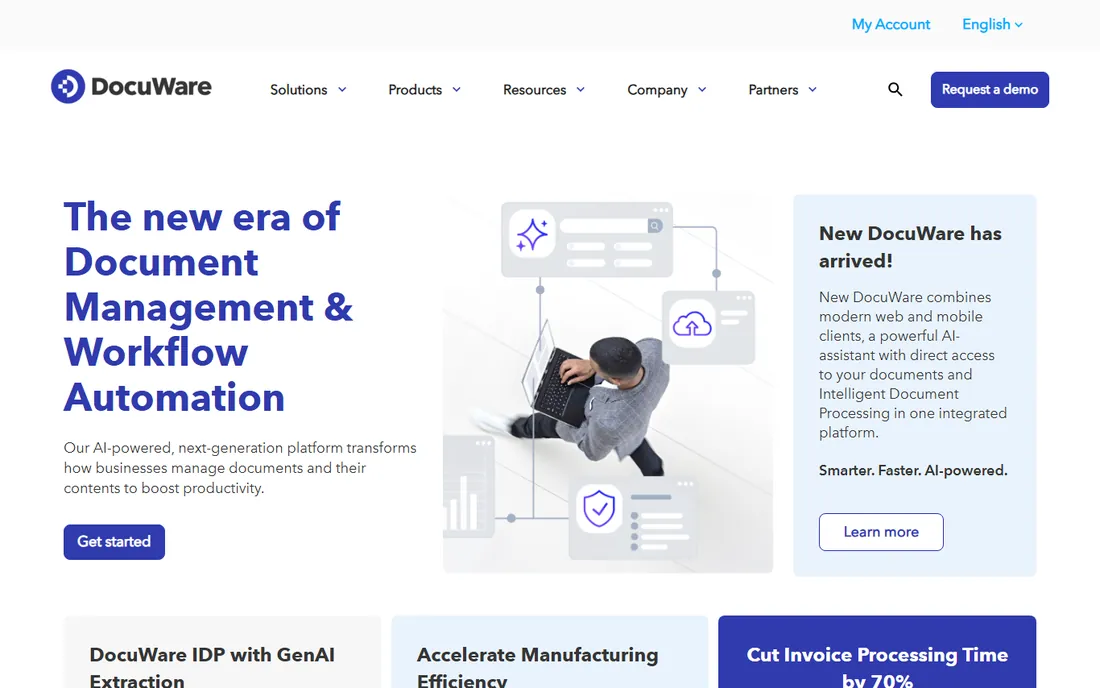
DocuWare pairs versioning with workflow: documents move through approval chains with every version captured and every step logged. Its capture and indexing features handle the paper-to-digital transition that many mid-size firms are still working through, turning scanned documents into searchable, versioned records.
Like most platforms in this tier, pricing is quote-based and implementation takes effort, especially for multi-step workflows. The payoff is document control that auditors understand: who approved which version, when, and what changed. Process-driven teams in finance, HR and operations get the most value.
What we like- Versioning tied to approval workflows
- Strong document capture and indexing
- Good fit for paper-heavy processes going digital
Watch out for- Pricing is quote-based
- Implementation effort is real for complex workflows
#9
Revver
Best for: dedicated document management with unlimited storage
Visit revver.com
Starting priceSee website
Free planFree trial
Revver (formerly eFileCabinet) is a dedicated document management system aimed at small and mid-size firms, particularly in accounting and professional services. Versioning includes check-in and check-out, so two people cannot silently overwrite each other's work, and plans include unlimited storage, which removes the quota anxiety that comes with per-user storage caps.
The ecosystem is smaller than Box or SharePoint, with fewer integrations and a quieter user community. But for a firm that wants a real DMS without enterprise complexity or per-gigabyte storage math, Revver's focus is an advantage. It does document management as its only job, and it shows.
What we like- Purpose-built DMS rather than repurposed file sync
- Unlimited storage on plans
- Versioning with check-in and check-out
Watch out for- Smaller ecosystem than the big platforms
- Fewer third-party integrations
How we chose
We focused on versioning specifically, not document management in general. For each tool we checked how versions are captured, how long they are retained, how restoration works, and whether check-in/check-out or audit trails are included. We read each vendor's pricing page and documentation, weighed third-party comparisons of version retention policies, and read G2 and Capterra reviews for how versioning behaves in daily use. Tools made this list only if their version control goes beyond a simple undo button.
What to check before you sign
Ask about retention first. "Unlimited versions" means little if versions are purged after 30 days on your plan tier. Get the retention window in writing for the exact plan you will buy, and check whether admins can extend it. Regulated teams should also confirm legal hold support.
Then test the restore flow. Some tools restore in two clicks; others bury it in admin panels or restore entire folders when you wanted one file. Run a restore during the trial with a real document. Also check whether you can compare versions side by side, which matters more than most buyers expect during contract negotiations.
Finally, look at permissions around versions. Can former employees' versions be recovered after offboarding? Do external collaborators see version history? Versioning that leaks draft history to clients, or loses history when someone leaves, creates problems that only surface at the worst time.
Versioning specifics worth asking about
Check-in and check-out sounds old-fashioned until two people edit the same proposal simultaneously. Tools like Revver, SharePoint and M-Files lock a document while someone works on it, preventing merge conflicts that automatic versioning cannot fix. If your team edits the same files concurrently, this feature matters more than retention length.
Ask how versions interact with collaboration. Google-style real-time editing avoids conflicts by design; traditional DMS tools manage them through locks and branches. Neither approach is universally better, but mixing them across tools confuses teams. Pick one model and standardize.
Also ask about audit trails. Version history tells you what changed; an audit trail tells you who changed it, when, and from where. Compliance-driven teams need both. The audit trail is also what makes versioning useful for security reviews after an incident, which is when most teams discover whether theirs is adequate.
Frequently asked questions
What is document versioning?
Document versioning automatically saves each revision of a file so you can see its history, compare changes and restore earlier versions. Good versioning captures who made each change and when. It protects against accidental overwrites, bad edits and ransomware, and it provides the audit trail regulated industries require.
How long do cloud tools keep old versions?
It varies widely by tool and plan. Some business plans retain unlimited versions indefinitely, while free tiers may keep versions for only 30 days. Retention is usually configurable by admins on paid plans. Always confirm the retention window for your specific plan before you rely on it.
Is Google Drive versioning enough for a business?
For many small teams, yes. Drive keeps automatic version history and real-time collaboration prevents most conflicts. It falls short when you need long retention guarantees, legal holds, check-in/check-out, or detailed audit trails. Those needs point to Box, Egnyte, M-Files or a similar dedicated platform.
What is check-in and check-out?
Check-in and check-out is a versioning feature that locks a document while one person edits it, preventing others from overwriting their work. When the editor checks the document back in, it becomes a new version. It suits teams that edit the same files concurrently and cannot afford merge conflicts.
Do I need a DMS or is file sync enough?
File sync with versioning (Dropbox, Drive) is enough if your risk is accidental overwrites. A document management system adds retention policies, audit trails, workflow approvals and compliance controls. Choose the DMS when documents have legal, financial or regulatory weight; otherwise file sync is simpler and cheaper.
Can I migrate version history from another system?
Sometimes. Migration tools can often bring files across, but version history transfers only when the migration tooling explicitly supports it. Many migrations bring only the current version. If historical versions matter to you, verify this with the vendor before migration day, not after.
Sources we checked (5)
- https://www.box.com/pricing
- https://clonepartner.com/blog/egnyte-alternatives-2026-features-migration-and-tco
- https://advertiserreview.com/softwares/document-management/
- https://www.suitefiles.com/best-cloud-document-management-software/
- https://www.filecenter.com/blog/best-paperless-document-management-software/
Is your product missing or out of date?
We review this list regularly. Vendors can request a listing, send updated pricing or ask about featured placement.

Shihab Mia · Founder, Rankite
Shihab has spent more than a decade helping SaaS and e-commerce brands grow through search. He writes Rankite's software buying guides from pricing pages, documentation and public user reviews. More about Shihab.