How we make this list: we compare pricing pages, product documentation and public user reviews. Rankite is independent; if a vendor ever pays for a featured spot, that listing is clearly labeled Partner.
Key takeaways
- Clockify and TrackingTime have the most generous free tiers in this roundup, with Clockify free for up to 5 users and TrackingTime free permanently with unlimited projects, tasks, and clients.
- Timer-based tools like Toggl Track and My Hours ask a little daily effort in exchange for simple, trustworthy data, while automatic tools like RescueTime and Timely collect everything in the background.
- Only a few of these tools include employee monitoring features such as screenshots. Hubstaff does, while most of the others either avoid it entirely or keep it off by default.
- Paid plans generally start around $4 per user per month, but watch the fine print: seat minimums, free-plan user caps, and add-on features can change the real cost.
Quick comparison
| Tool | Best for | Starting price | Free plan |
|---|
 Clockify Clockify | Small teams wanting a full free tracker | $3.99 per user/month (billed annually) | Yes (up to 5 users) |
 Toggl Track Toggl Track | Freelancers who want a simple timer | $9 per user/month (billed annually) | Yes (limited users) |
 RescueTime RescueTime | Automatic tracking and distraction blocking | $7 per month (billed annually) | Yes (Lite, limited) |
 TrackingTime TrackingTime | Agencies that bill clients for hours | $3.75 per user/month (billed annually) | Yes (permanent) |
 Paymo Paymo | Small agencies needing projects plus invoicing | $5.90 per month (billed annually, Solo) | Yes (1 user, limited) |
 My Hours My Hours | Straightforward timesheets with no monitoring | $4 per user/month (billed annually) | Yes (up to 5 active users) |
 Timely Timely | Automatic AI timesheets for teams | $9 per user/month (billed annually) | Free trial (14 days) |
 Hubstaff Hubstaff | Remote teams needing activity visibility | $4.99 per seat/month (billed annually) | Free trial (14 days) |
Is your product missing or out of date?
We review this list regularly. Vendors can request a listing, send updated pricing or ask about featured placement.
The best free time management software
Starting price$3.99 per user/month (billed annually)
Free planYes (up to 5 users)
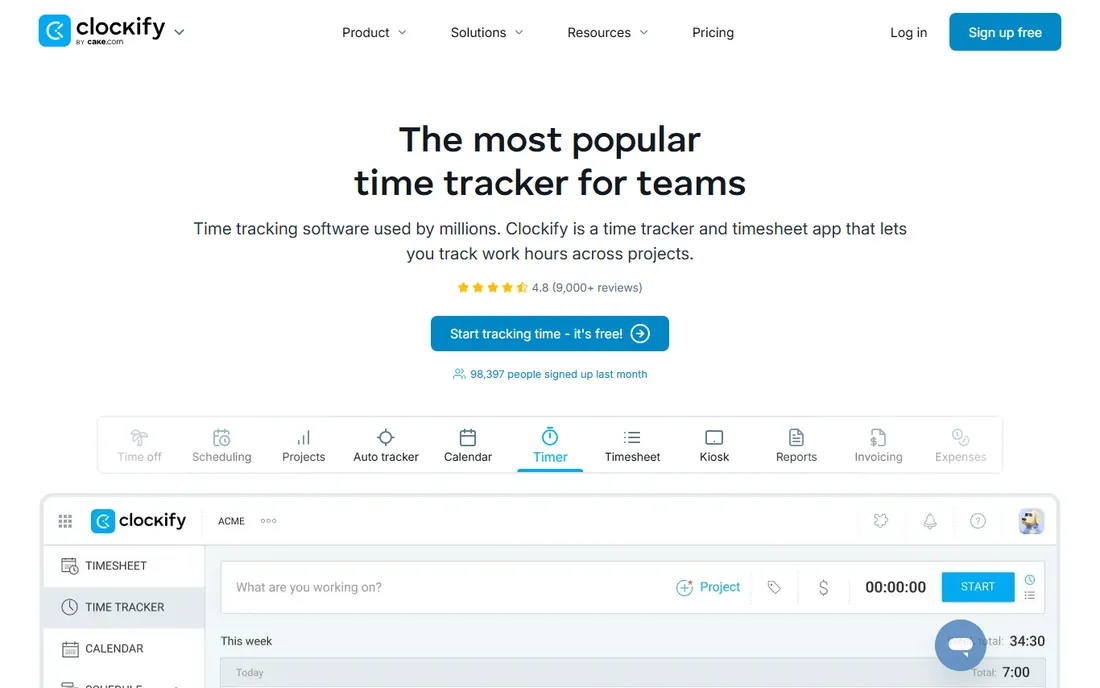
Clockify gives small teams the closest thing to a full time tracking suite for free. You get unlimited projects, unlimited time entries, reports, an auto tracker, and apps for web, desktop, and mobile without entering a credit card. Paid plans start with Basic at $3.99 per user per month on annual billing, which adds things like project templates, bulk editing, and billable rates.
The catch is the free plan limit. It now covers up to 5 users, so it still works well for freelancers and small teams but not for the whole company. Teams that need invoicing, time off management, or GPS tracking will need to step up to Standard or Pro. For what it costs, which is nothing for a small team, Clockify remains one of the easiest recommendations in time tracking.
What we like- Generous free tier for small teams
- Apps for every platform plus browser extensions
- Kiosk mode for shared devices
Watch out for- Free plan now capped at 5 users
- Invoicing and approvals require paid plans
#2
Toggl Track
Best for: Freelancers who want a simple timer
Visit toggl.com
Starting price$9 per user/month (billed annually)
Free planYes (limited users)
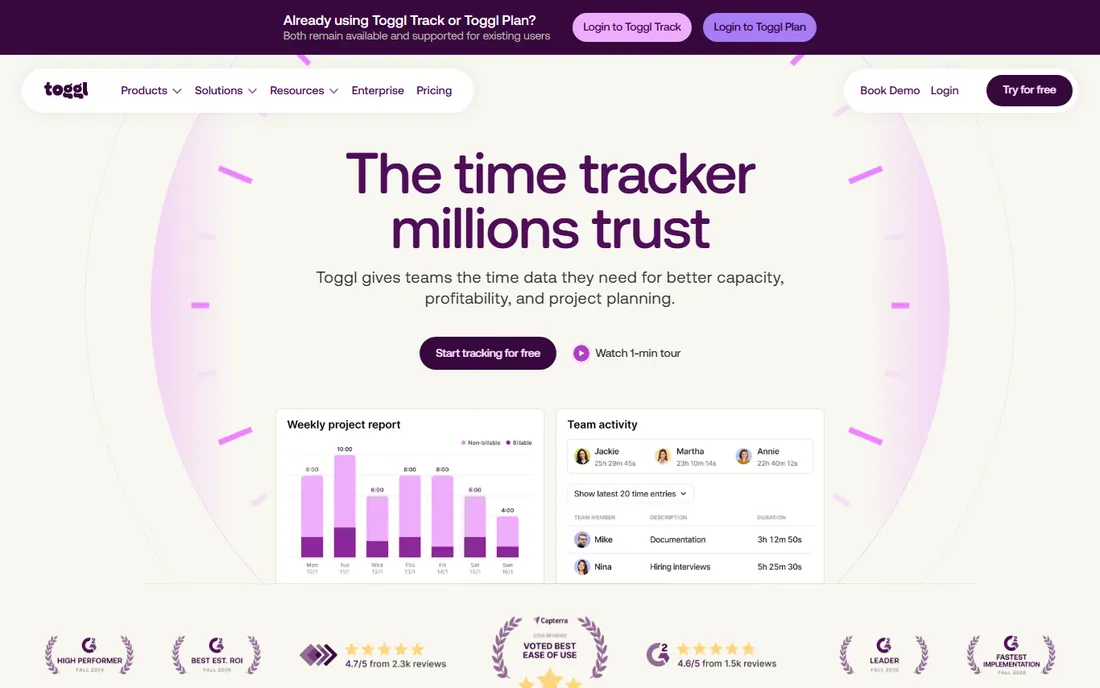
Toggl Track is the tool people usually mean when they talk about a simple time tracker. There is a single start button, a calendar view where you can drag time blocks, and reports that break down hours by project or client. It syncs across web, desktop, mobile, and browser extensions, and the free plan covers unlimited projects.
Pricing starts at $9 per user per month for Starter on annual billing, with Premium at $18 per user per month at renewal for features like fixed-fee projects, labor costs, and approvals. The company also states it does no screenshot, keystroke, or webcam monitoring, which makes it an easier sell to teams that bristle at surveillance-style tracking. The downside is cost at scale, since every paid seat adds up fast.
What we like- Very easy to learn
- Fast one-click timer on every platform
- No screenshot or keystroke monitoring
Watch out for- Paid plans get expensive as teams grow
- Timesheet approvals need the Premium plan
Starting price$7 per month (billed annually)
Free planYes (Lite, limited)
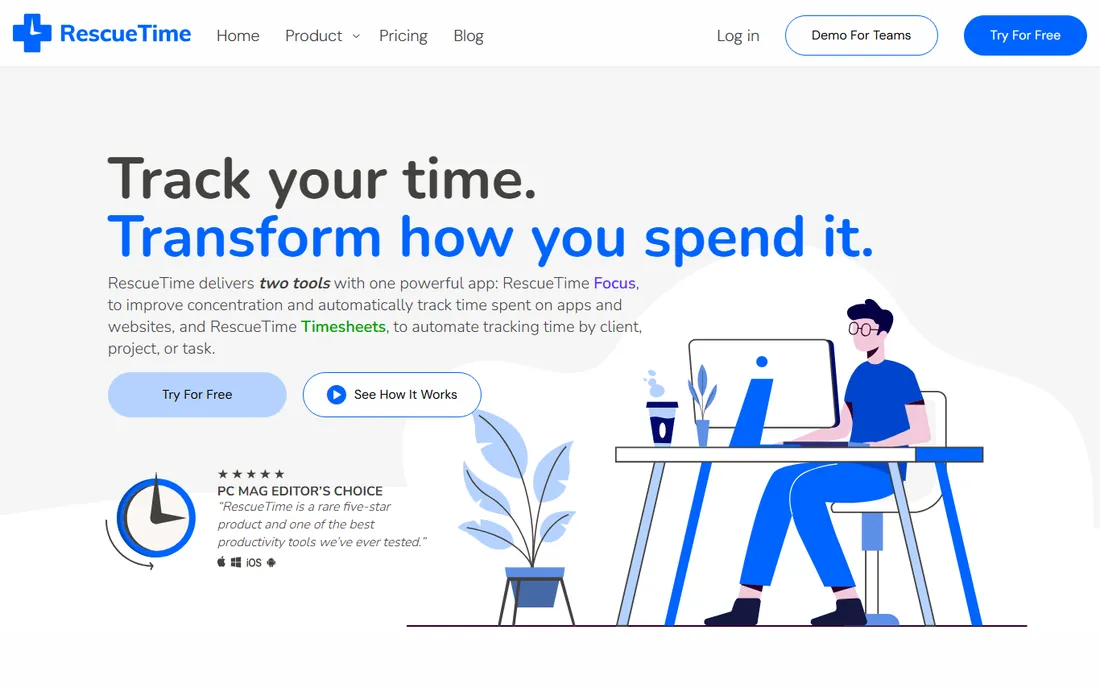
RescueTime takes a different approach from the timer crowd. It runs quietly on your computer, records which apps and websites you use, and builds reports that show where your attention actually went. If you are trying to cut down on social media or endless news scrolling, the Focus Sessions feature blocks distracting sites and the goals feature alerts you before you drift too far.
Solo Focus costs $7 per month on annual billing, while Solo+ adds automatic Timesheets for $12 per month. Teams pay $10 per user per month for Focus or $16 for Team+. A free Lite plan exists with limited reports, and every new signup includes a two-week free trial. One thing to know is that RescueTime is built around automatic capture, so it is less suited to people who want to manually log hours for offline work.
What we like- Runs entirely in the background
- Focus sessions block distracting sites
- Productivity goals and alerts
Watch out for- Weak manual time entry for offline work
- Full timesheets require the Solo+ tier
Starting price$3.75 per user/month (billed annually)
Free planYes (permanent)
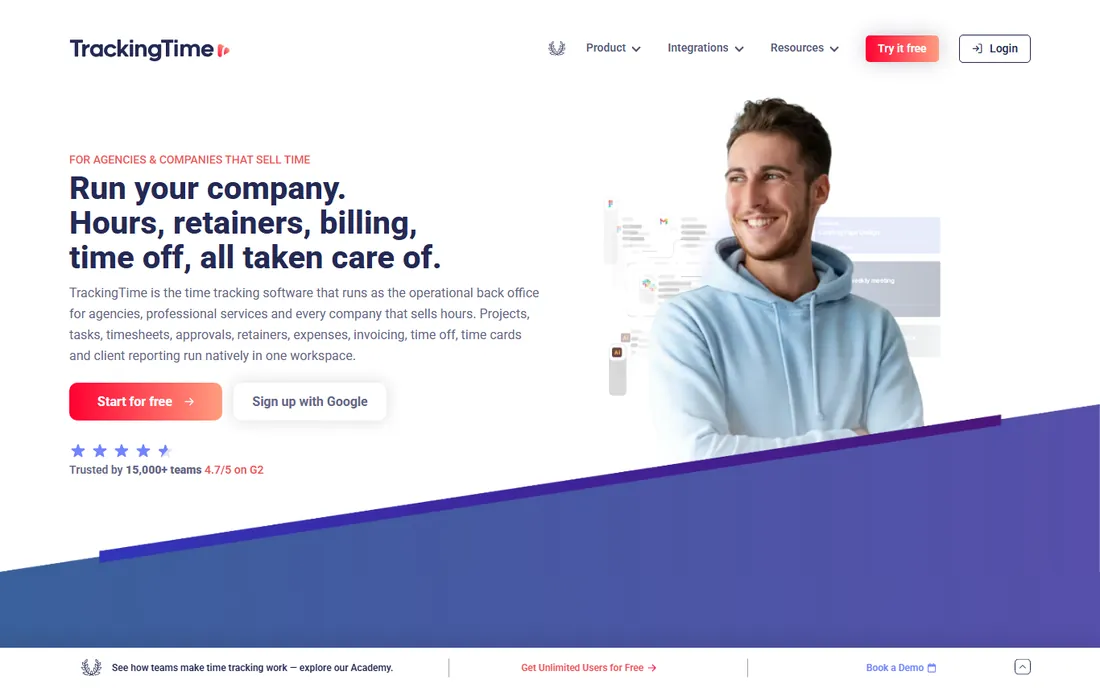
TrackingTime positions itself as the back office for agencies and companies that sell hours. Alongside the usual timers it handles retainers, client reporting with read-only client logins, time off policies, and invoicing. The permanent free plan covers core time tracking with unlimited projects, tasks, and clients, and paid plans start at just $3.75 per user per month for Starter on annual billing.
The company draws a clear line on privacy: it takes no screenshots, logs no keystrokes, and treats time data as self-reported through timers and manual entries. That stance appeals to teams that want accurate billing data without the culture problems of monitoring tools. The trade-off is that convenience features like AutoTrack and saved shared reports sit behind paid plans.
What we like- Free plan has no time limit and unlimited projects
- Client sharing and retainer tracking
- No screenshots or surveillance
Watch out for- AutoTrack and billable rates are paid features
- Agency features may be overkill for solo users
Starting price$5.90 per month (billed annually, Solo)
Free planYes (1 user, limited)
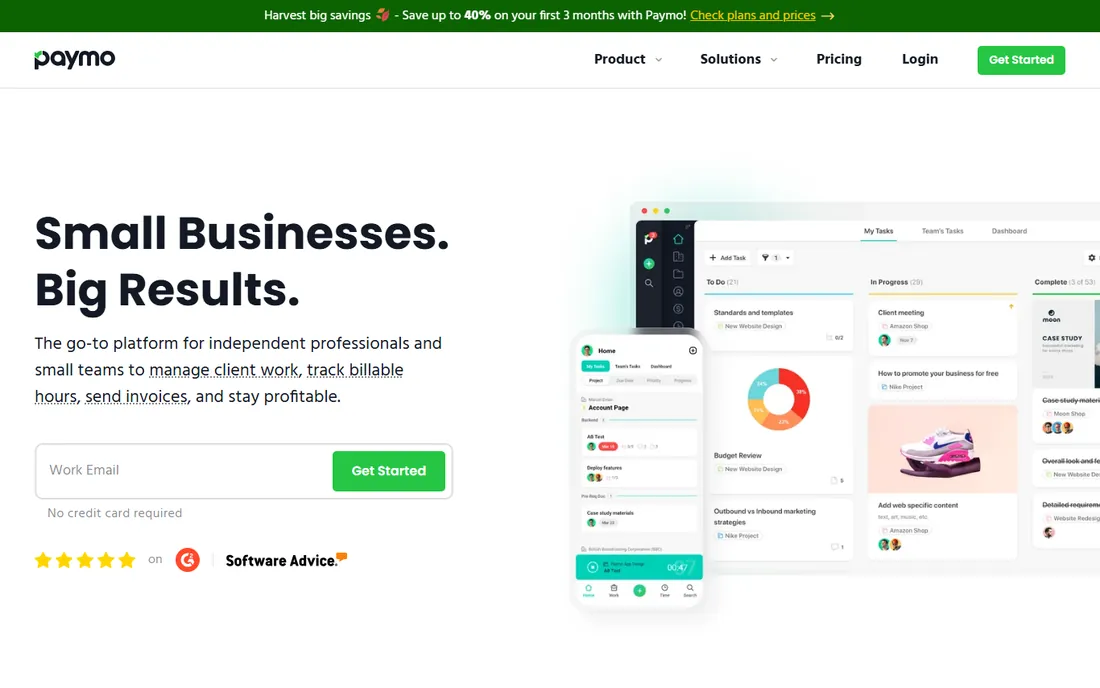
Paymo is a fuller work management platform than most time trackers. It combines time tracking with Kanban boards, Gantt charts on higher plans, expense tracking, and invoicing that converts timesheets into client invoices. Its Paymo Track desktop tool records app and file activity automatically and stores it locally on your device rather than taking screenshots.
The free plan is genuinely free but tight: one user, one client, two projects. Solo costs $9.90 per month, or $5.90 per month on annual billing, while Plus is $10.90 per user per month annually for teams that need unlimited projects and profitability reporting. Paymo makes sense for small agencies that want one tool to run projects and billing, though pure time tracking shoppers may find the project management layers unnecessary.
What we like- Time tracking, task management, and invoicing in one place
- Paymo Track records desktop activity automatically
- Professional invoices from timesheets
Watch out for- Free plan is limited to 1 user and 2 projects
- The useful Solo tier is single-user only
Starting price$4 per user/month (billed annually)
Free planYes (up to 5 active users)
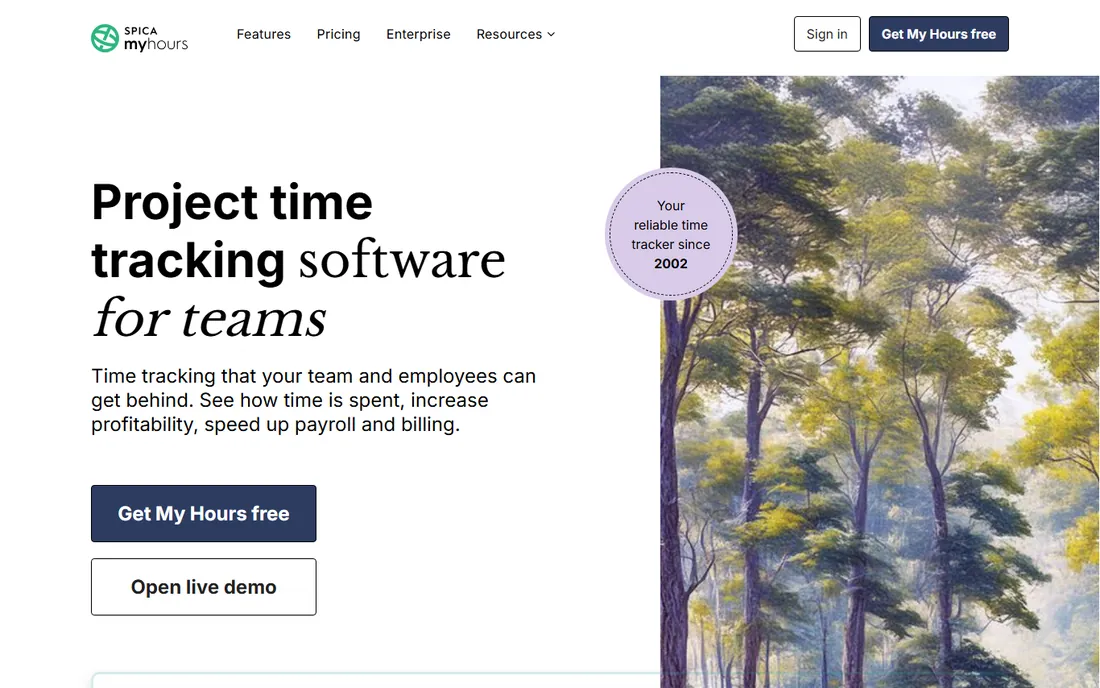
My Hours has been around since 2002 and keeps its focus narrow: track time on projects, approve timesheets, report, and invoice. Time entry works with a stopwatch or a spreadsheet-style weekly view that many teams find faster than timers. Billable rates, budgets, expense logging, and real-time reports are all part of the package.
The free plan covers up to 5 active users, and the paid Basic tier starts at $4 per user per month on annual billing, with Pro at $8 for approvals, permissions, and audit logs. Notably, My Hours states publicly that its software does not include employee monitoring and never will. That is a genuine differentiator for managers who want honest time data without watching their people. The product is less visual than competitors, so teams that want Kanban boards or Gantt charts should look elsewhere.
What we like- Clear spreadsheet-style time entry
- Budgets and billing rates built in
- The company pledges never to add monitoring
Watch out for- No Gantt or Kanban views
- Integration list is smaller than rivals
Starting price$9 per user/month (billed annually)
Free planFree trial (14 days)
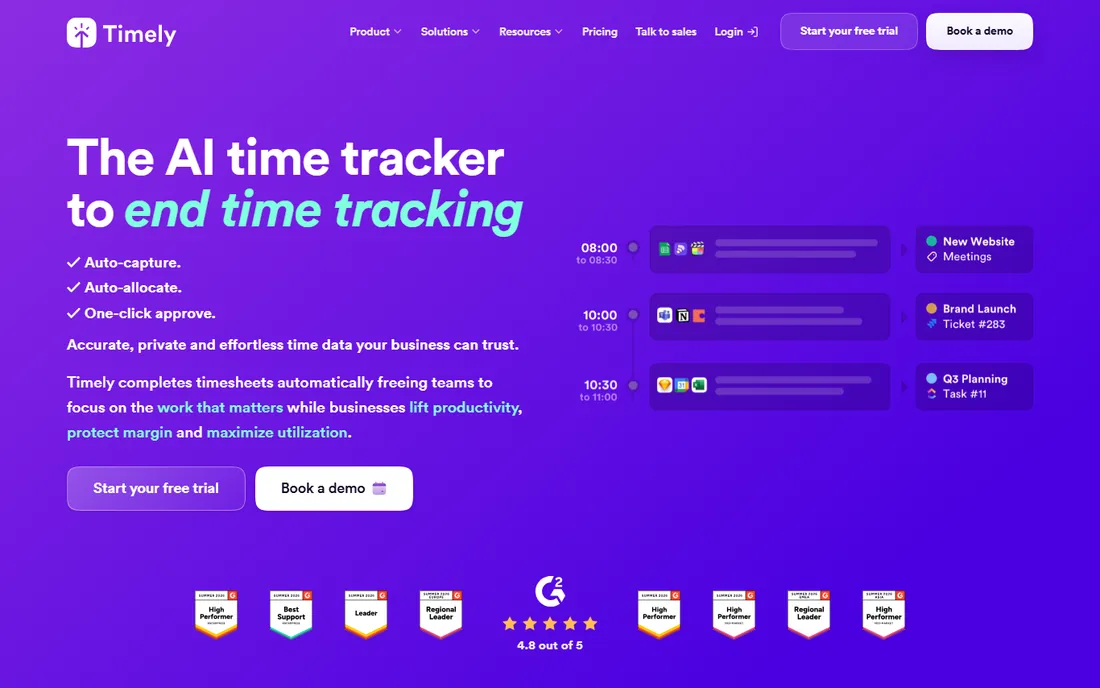
Timely is the most hands-off tracker in this list. Its Memory tool records everything you do across apps and calls automatically, then its AI drafts your timesheet for you to approve with one click. The pitch is that nobody has to remember to start a timer, so the hours billed actually match the hours worked. Managers get utilization and capacity views, and users keep control over which entries are shared.
Timely starts at $9 per user per month on annual billing, and there is no free tier, only a 14-day free trial. It is built privacy-first, with no keystroke logging or screenshots, but teams should still be ready for the cultural conversation that comes with always-on tracking. It suits agencies and consultancies where unlogged billable time is a real revenue leak.
What we like- Fully automatic capture with no manual timers
- AI drafts timesheets for one-click approval
- Strong privacy controls for users
Watch out for- No permanent free plan
- Always-on tracking may concern privacy-minded teams
Starting price$4.99 per seat/month (billed annually)
Free planFree trial (14 days)
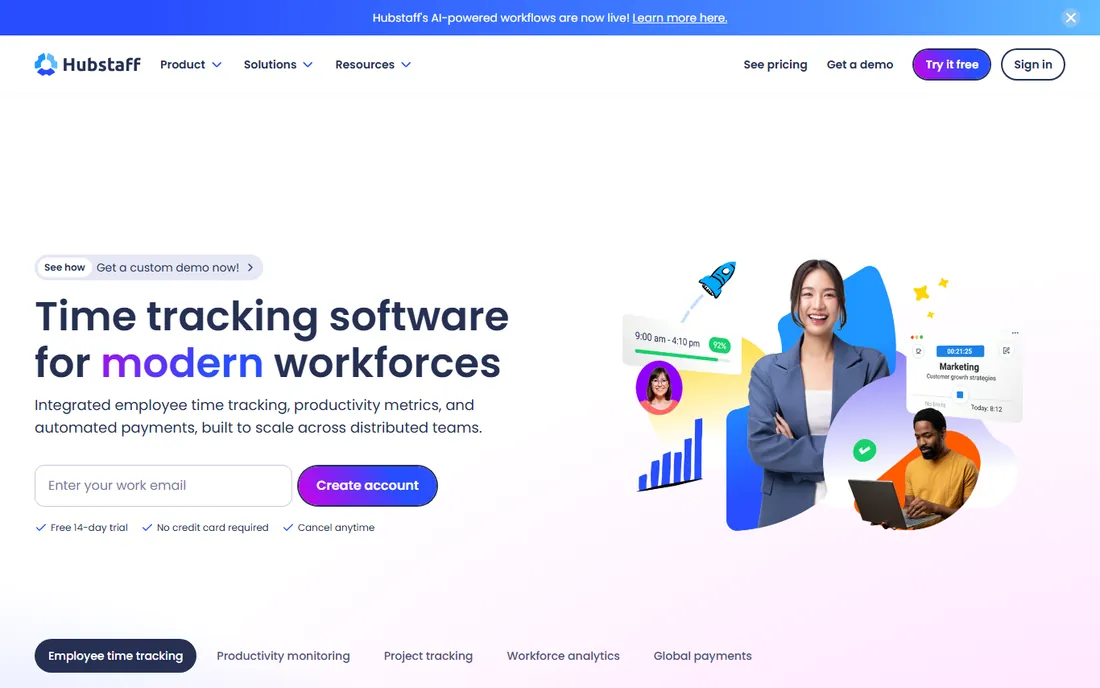
Hubstaff sits at the other end of the spectrum from tools like My Hours. It is built for managers who want to verify remote work, with optional screenshots, keyboard and mouse activity levels, and app and website tracking while the timer runs. It also handles the operational side: timesheets, project budgets, scheduling, time off, and even automated payroll through Wise, PayPal, and Payoneer.
The Starter plan is $4.99 per seat per month on annual billing ($7 monthly), with a two-seat minimum, so a solo user still pays for two seats. There is no permanent free plan, just a 14-day trial. Hubstaff does not log keystrokes, and screenshots can be disabled, but teams should weigh whether the visibility is worth the effect on trust. For remote-first companies that already decided they need monitoring, it is one of the more complete options.
What we like- Optional screenshots and activity levels
- Automated payroll and payments
- Scheduling and attendance built in
Watch out for- No free plan
- Monitoring features can hurt team trust
- Add-ons cost extra
How we chose
We based this roundup on vendor pricing pages, help documentation, and feature lists current as of October 2026, cross-checked against public reviews on G2, Capterra, and Reddit. We looked for tools that a small or mid-size US business could actually adopt without a long implementation: clear pricing, a usable free tier or trial, and reports that answer real questions about where time goes. We did not test these tools hands-on, and prices can change, so always confirm the current plan limits on the vendor's site before you commit.
What to check before you pick a time tracker
Start by deciding whether you want a timer your team clicks or automatic tracking that runs on its own. Timers like Toggl Track and My Hours produce clean, deliberate data but depend on people remembering to use them. Automatic tools like RescueTime and Timely capture everything, including the hours you forgot, but they cost more and raise privacy questions you should discuss with your team openly.
Next, look at what happens around the hours, not just the hours themselves. If you bill clients, features like invoicing, billable rates, and retainer tracking in TrackingTime or Paymo can replace separate accounting steps. If you run payroll or shift work, Hubstaff and TrackingTime handle approvals, time off, and overtime calculations. Solo freelancers usually need far less than this, and a simple free plan often covers the whole job.
Finally, read the plan limits before you fall in love with a free tier. Clockify caps free at 5 users, RescueTime's free Lite plan has limited reports, and Paymo's free plan allows just one user. Seat minimums matter too: Hubstaff bills a minimum of two seats. The cheapest sticker price is not always the cheapest bill, so map the tool against your actual team size and billing needs.
Free plans rarely stay free, so know the limits
It is worth saying plainly: free time management software works best when it matches how you will use it in six months, not just today. A tool that is free for five people becomes a $50 to $100 monthly decision once you hire a sixth. Some tools, like TrackingTime, keep generous free plans with unlimited projects, while others, like Timely and Hubstaff, expect you to pay from the start after a trial.
The good news is that most of these tools let you export your data, so you are not locked in if a plan changes or you outgrow a free tier. Run a short trial with real projects, check that the reports show what your accountant or clients actually need, and confirm pricing on the vendor's current pricing page. Switching trackers is far cheaper than paying for the wrong one for a year.
Frequently asked questions
Is free time tracking software really enough for a small business?
Often, yes. If your main need is knowing where hours go, free tiers from Clockify, TrackingTime, Toggl Track, or My Hours cover timers, projects, and reports for small teams. You typically start paying when you need invoicing, timesheet approvals, scheduling, or team sizes beyond the free cap.
What is the difference between automatic and manual time tracking?
Manual tracking means starting and stopping a timer or filling in a timesheet, which gives you deliberate, clean entries. Automatic tracking tools like RescueTime and Timely record your app and website activity in the background and turn it into timesheets for you. Manual is simpler and cheaper; automatic catches hours you forget but costs more and needs a privacy conversation with your team.
Do these tools monitor employees with screenshots or keystroke logging?
Some do, most do not. Hubstaff offers optional screenshots and activity levels, while Toggl Track, My Hours, and TrackingTime state publicly that they avoid surveillance-style tracking. Timely and RescueTime also skip keystroke logging. Always check the specific plan and settings, since some features can be turned on or off.
Can a time tracker replace my project management tool?
Sometimes. Paymo and TrackingTime include real task management, client portals, and invoicing, so a small agency might consolidate. But timer-focused tools like Toggl Track and My Hours are not project managers, and most teams pair them with a separate tool like Asana or Trello through integrations.
How hard is it to switch time tracking tools later?
Usually not very. Most of these tools export time entries and reports to CSV or Excel, and several offer migration help or integrations that pull projects from your other systems. The main cost of switching is retraining the team, so it is worth running a real trial before you commit the whole company.
Sources we checked (15)
- https://clockify.me/
- https://clockify.me/help/administration/subscription-plans
- https://toggl.com/track/
- https://support.toggl.com/en-us/article/basic-information-on-toggl-track-pricing-1jk9e2l/
- https://www.rescuetime.com/
- https://www.rescuetime.com/pricing
- https://trackingtime.co
- https://www.paymoapp.com/
- https://www.paymoapp.com/blog/gantt-chart-software/
- https://myhours.com/
- http://myhours.com/pricing
- https://timelyapp.com/
- https://www.spotsaas.com/product/timelyapp/pricing
- https://hubstaff.com/
- https://hubstaff.com/hubstaff-pricing-guide
Is your product missing or out of date?
We review this list regularly. Vendors can request a listing, send updated pricing or ask about featured placement.

Shihab Mia · Founder, Rankite
Shihab has spent more than a decade helping SaaS and e-commerce brands grow through search. He writes Rankite's software buying guides from pricing pages, documentation and public user reviews. More about Shihab.