How we make this list: we compare pricing pages, product documentation and public user reviews. Ratings come from G2, Capterra or Trustpilot, with the date we checked them.
Key takeaways
- Google Drive offers 15 GB free in many listings, shared across Google services, with Google One paid plans from $1.99 per month for 100 GB.
- Dropbox offers only 2 GB free, but its block-level sync and deep app integrations still make it a strong pick for teams that share large files often.
- iCloud+ starts at $0.99 per month for 50 GB and is the natural choice for Apple households, though Windows and Android support is thinner.
- pCloud offers a lifetime plan option, with monthly plans from $4.99 per month for 500 GB in many listings, which suits buyers who dislike subscriptions.
- Proton Drive, Sync.com, and MEGA offer end-to-end encryption by default or as a core feature, which matters if privacy is a hard requirement rather than a preference.
Quick comparison
| Tool | Best for | Starting price | Free plan |
|---|
 Google Drive Google Drive | Google Workspace collaboration | $1.99 per month (100 GB, Google One) | Yes |
 Dropbox Dropbox | Reliable sync and sharing | $11.99 per month (Plus, 2 TB) | Yes |
 iCloud Drive iCloud Drive | Apple households | $0.99 per month (50 GB, iCloud+) | Yes |
 Box Box | Business compliance and controls | See website | Yes |
 pCloud pCloud | Lifetime plans and media | $4.99 per month (500 GB) | Yes |
 Sync.com Sync.com | Private everyday storage | See website | Yes |
 Proton Drive Proton Drive | Privacy inside the Proton suite | $4.99 per month | Yes |
 MEGA MEGA | Large free tier with encryption | See website | Yes |
Is your product missing or out of date?
We review this list regularly. Vendors can request a listing, send updated pricing or ask about featured placement.
The best OneDrive alternatives
Starting price$1.99 per month (100 GB, Google One)
Free planYes
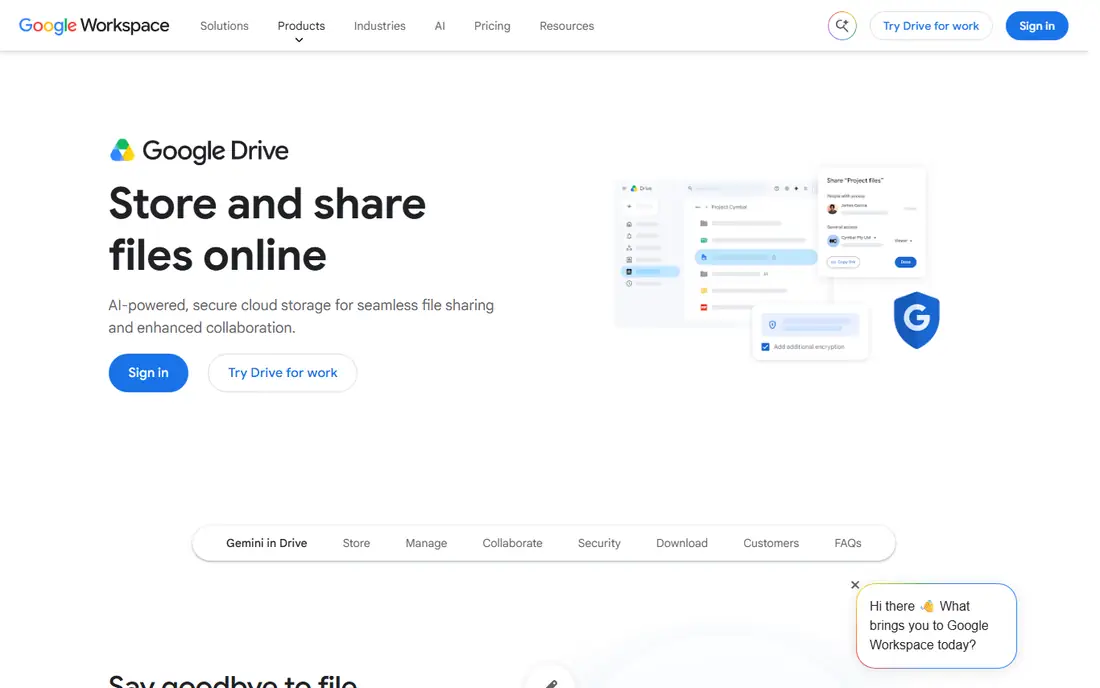
Google Drive is the easiest OneDrive alternative for most people, because it is already tied to a Google account many users have. Docs, Sheets, and Slides open directly in the browser, comments and suggestions work in real time, and sharing a folder with a team takes seconds. That collaboration depth is why Google Drive suits small businesses, schools, and families who edit together, not just store files.
The free tier is generous on paper at 15 GB in many listings, but it is shared across Drive, Gmail, and Google Photos, so heavy email or photo users can fill it faster than expected. Google One paid plans start at $1.99 per month for 100 GB and $9.99 per month for 2 TB in recent listings, which is competitive for personal use. If privacy through end-to-end encryption is a hard requirement, Google Drive is not the right pick, but for everyday collaboration it is hard to beat.
What we like- 15 GB free in many listings, shared across Gmail and Photos
- Docs, Sheets, and Slides built in
- Strong sharing and commenting for teams
Watch out for- Free storage is shared, so Gmail and Photos eat into it
- No end-to-end encryption by default
- Paid plans are subscription only
#2Dropbox
Best for: Reliable sync and sharing4.4/5 on
G2 (31,453 reviews, checked Oct 2026)
Visit dropbox.com
Starting price$11.99 per month (Plus, 2 TB)
Free planYes
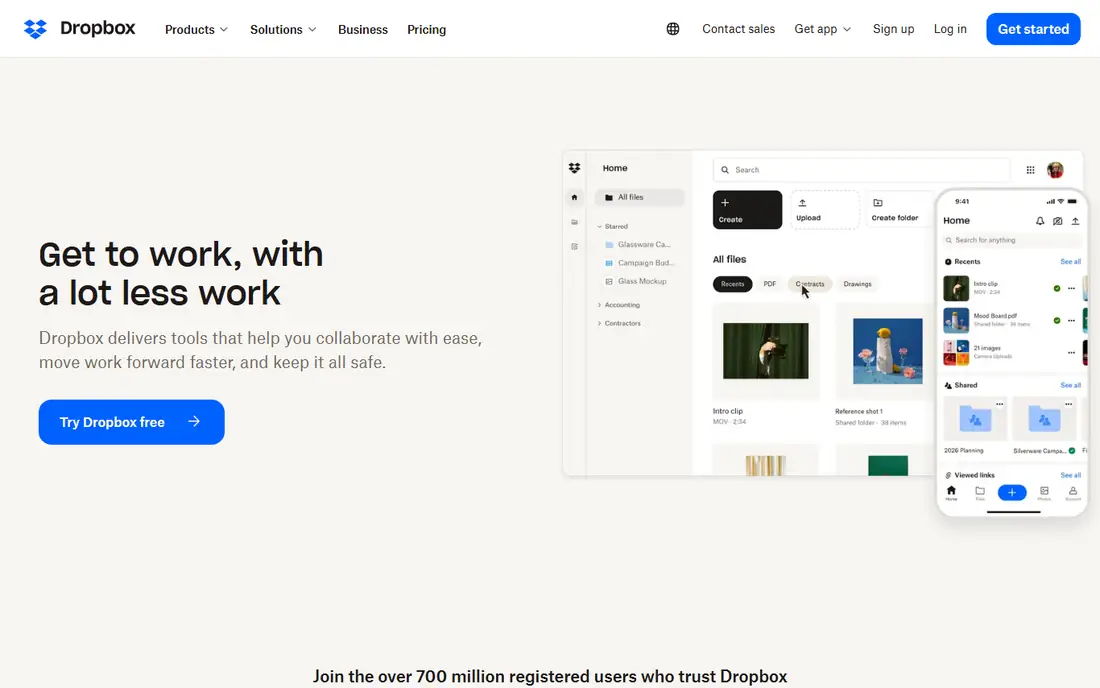
Dropbox earns its price through sync quality rather than storage size. Block-level sync means that editing a large file uploads only the changed blocks, not the whole file, which saves time for video, design, and document teams. Smart Sync lets you see cloud files on your computer without storing every file locally, and integrations with Slack, Zoom, and hundreds of other apps keep Dropbox in workflows where Google Drive or OneDrive would need extra steps.
The weakness is value on paper. The free plan offers only 2 GB, and Plus at $11.99 per month for 2 TB in recent listings costs more than some rivals for the same space, with a three-device limit on free accounts in some terms. Teams that share large files daily will notice the sync speed and reliability, while casual users who only need storage will get more space for less elsewhere. Choose Dropbox for sync and sharing, not for the cheapest gigabytes.
What we like- Fast block-level sync that uploads only changed parts
- Deep integrations with Slack, Zoom, and many apps
- Smart Sync to save local disk space
Watch out for- Free plan is only 2 GB
- Plus costs more than Google One 2 TB in some listings
- No zero-knowledge encryption by default
Starting price$0.99 per month (50 GB, iCloud+)
Free planYes
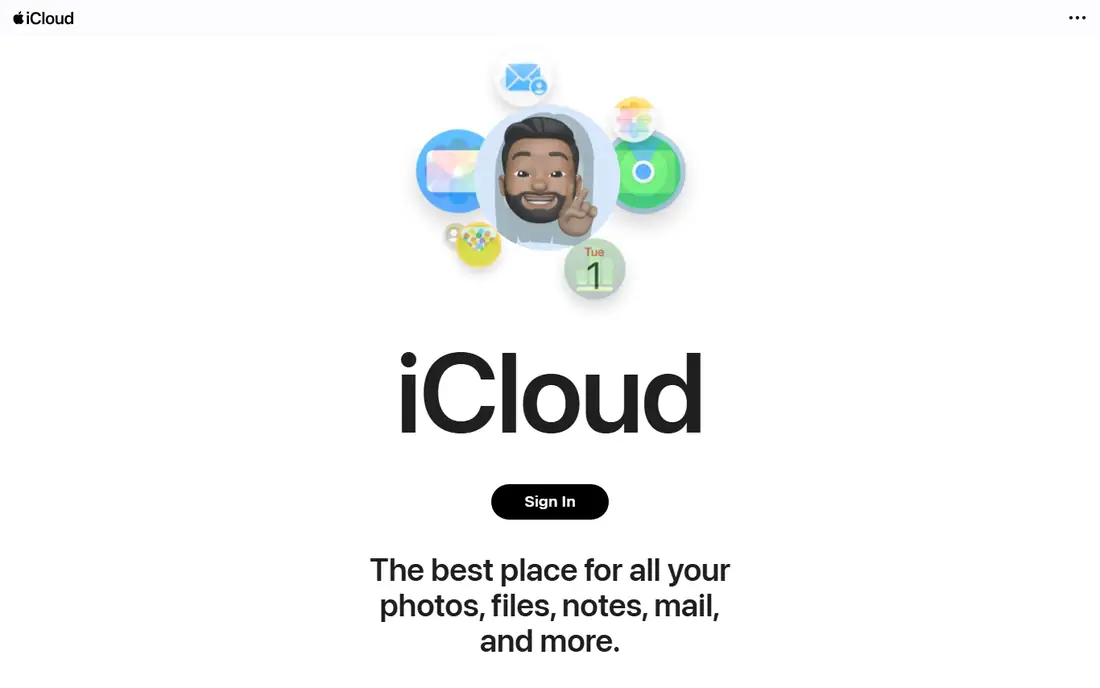
iCloud Drive is the OneDrive alternative that Apple users often already have without realising it. It is built into iOS and macOS, it backs up devices and photos automatically, and files appear in Finder without installing a separate sync client. For a household with iPhones, iPads, and Macs, that integration removes friction that other services add.
The free plan is only 5 GB, which fills quickly once photos and backups are included, so most Apple users need iCloud+ at $0.99 per month for 50 GB, with higher tiers up to 12 TB in some listings. Collaboration in Pages, Numbers, and Keynote works, but it is not as broad as Google Docs for mixed-device teams, and the Windows app is less polished than the Mac experience. If your household is mostly Apple, iCloud Drive is the simplest switch from OneDrive.
What we like- Built into iPhone, iPad, and Mac with no extra app setup
- Automatic device backups and photo sync
- Family sharing for storage plans
Watch out for- Free plan is only 5 GB
- Windows and Android experience is thinner
- Collaboration tools are weaker than Google Workspace
#4Box
Best for: Business compliance and controls4.2/5 on
G2 (5,259 reviews, checked Oct 2026)
Visit box.com
Starting priceSee website
Free planYes
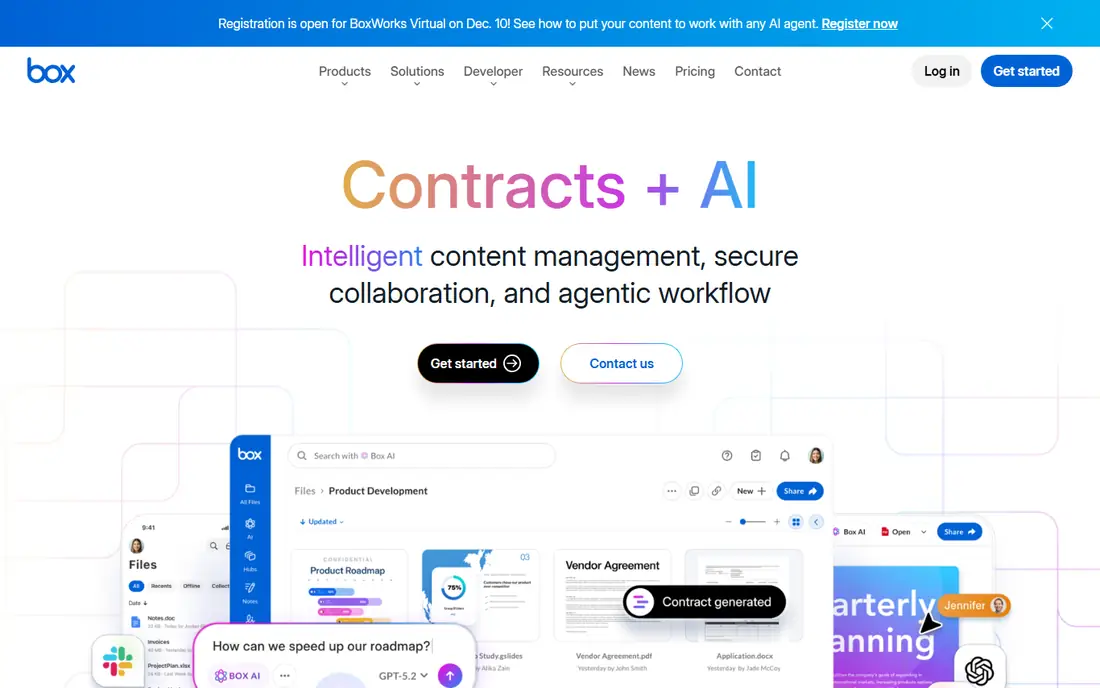
Box is built for companies that need control, not just storage. Admins can set detailed permissions, track who viewed or edited a file, apply retention rules, and meet compliance needs in healthcare, finance, and legal work. Integrations with Microsoft 365, Google Workspace, Salesforce, and Slack mean Box can sit inside existing workflows rather than replacing them.
That business focus makes Box a poor fit for casual personal use. The individual free plan offers 10 GB in many listings, but with a file size limit that makes large video uploads impractical, and business plans are priced per user, which adds up for small teams. If you need audit trails, data loss prevention, and granular sharing controls for client work, Box justifies its price. If you only need personal backup, Google Drive or pCloud will be cheaper and simpler.
What we like- Strong admin controls, permissions, and audit trails
- Compliance features for regulated industries
- Deep integrations with Microsoft 365, Google Workspace, and Salesforce
Watch out for- Individual free plan is 10 GB with a 250 MB file size limit in some listings
- Business pricing is per user
- Overkill for simple personal storage
#5pCloud
Best for: Lifetime plans and media4.3/5 on
G2 (166 reviews, checked Oct 2026)
Visit pcloud.com
Starting price$4.99 per month (500 GB)
Free planYes
pCloud appeals to buyers who are tired of monthly bills. Monthly plans start at $4.99 per month for 500 GB and $9.99 per month for 2 TB in many listings, while lifetime plans, often listed from $199 for 500 GB, let you pay once and keep the storage. That model suits long-term personal archives, photo libraries, and media collections that you do not want to lose if you stop paying a subscription.
The honest catch is encryption. pCloud encrypts files in transit and at rest, but true client-side, zero-knowledge encryption through pCloud Crypto is a paid add-on, not included by default. The media player, file versioning, and rewind features are genuinely useful for creators, but teams that need advanced admin controls will find Box stronger. For personal users who want a one-time payment and good media handling, pCloud is a strong OneDrive alternative.
What we like- Lifetime plans avoid ongoing subscriptions
- 10 GB free in many listings
- Built-in media player and file versioning
Watch out for- End-to-end encryption is a paid add-on, not default
- Lifetime plan price is high upfront
- Business features are thinner than Box
#6Sync.com
Best for: Private everyday storage4.0/5 on
G2 (44 reviews, checked Oct 2026)
Visit sync.com
Starting priceSee website
Free planYes
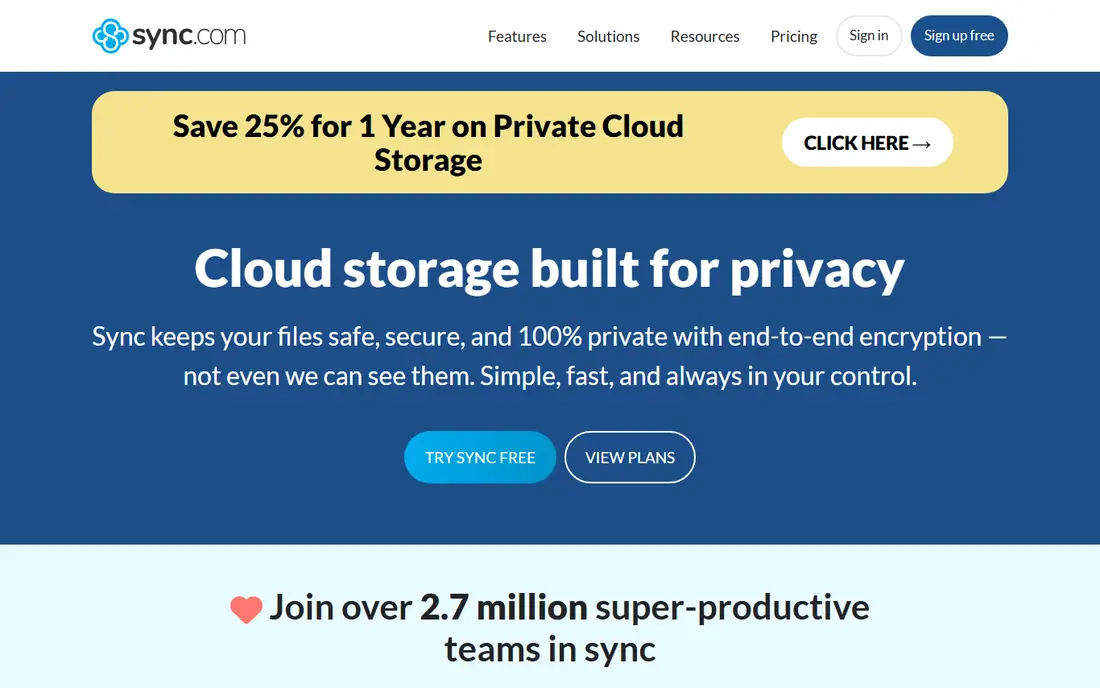
Sync.com is the closest direct swap for Dropbox if privacy is your main reason for leaving OneDrive. Every plan, including the free 5 GB tier, uses end-to-end encryption, which means Sync.com cannot read your files, and sharing links can be protected with passwords and expiry dates. That combination suits freelancers, lawyers, and small teams handling client documents that should stay private by default.
The trade-off is ecosystem depth. Sync.com has fewer integrations than Dropbox and fewer business admin features than Box, so teams that live in Slack, Zoom, and project tools may miss those connections. Paid plans in recent listings start at around $8 per month for 2 TB billed annually, with team plans higher, but promotional prices change, so check the pricing page for your region. For private everyday storage, Sync.com offers a clear privacy gain over OneDrive without a steep learning curve.
What we like- End-to-end encryption on all plans
- 5 GB free
- Simple sharing with password and expiry controls
Watch out for- Paid plan prices and limits change with promotions
- Fewer third-party integrations than Dropbox
- Large team features are thinner than Box
Starting price$4.99 per month
Free planYes
Proton Drive suits users who already trust Proton for email and VPN and want storage under the same privacy model. Files are end-to-end encrypted by default, and Proton's Swiss base and privacy law are part of its pitch for users who want a provider that cannot read their data. Integration with Proton Mail, Calendar, and VPN makes it a suite choice, not just a drive, which is useful if you are moving away from both Microsoft and Google.
The limits are size and collaboration maturity. The free tier starts at 1 GB to 2 GB in many listings, rising to up to 5 GB after setup steps, which is small for photo libraries. Paid plans in recent listings start at $4.99 per month, with bundles including Mail, Calendar, and VPN at higher tiers, so the total cost depends on whether you use the whole suite. If privacy is your top criterion and you already use Proton, Drive is a natural fit. If you need deep real-time document collaboration, Google Drive remains stronger.
What we like- End-to-end encryption by default under Swiss privacy law
- Integrated with Proton Mail, Calendar, and VPN
- Up to 5 GB free after setup steps in some listings
Watch out for- Free tier starts small, at 1 GB to 2 GB before setup steps
- Collaboration features are newer than Google Drive
- Paid bundles can cost more than storage alone
Starting priceSee website
Free planYes
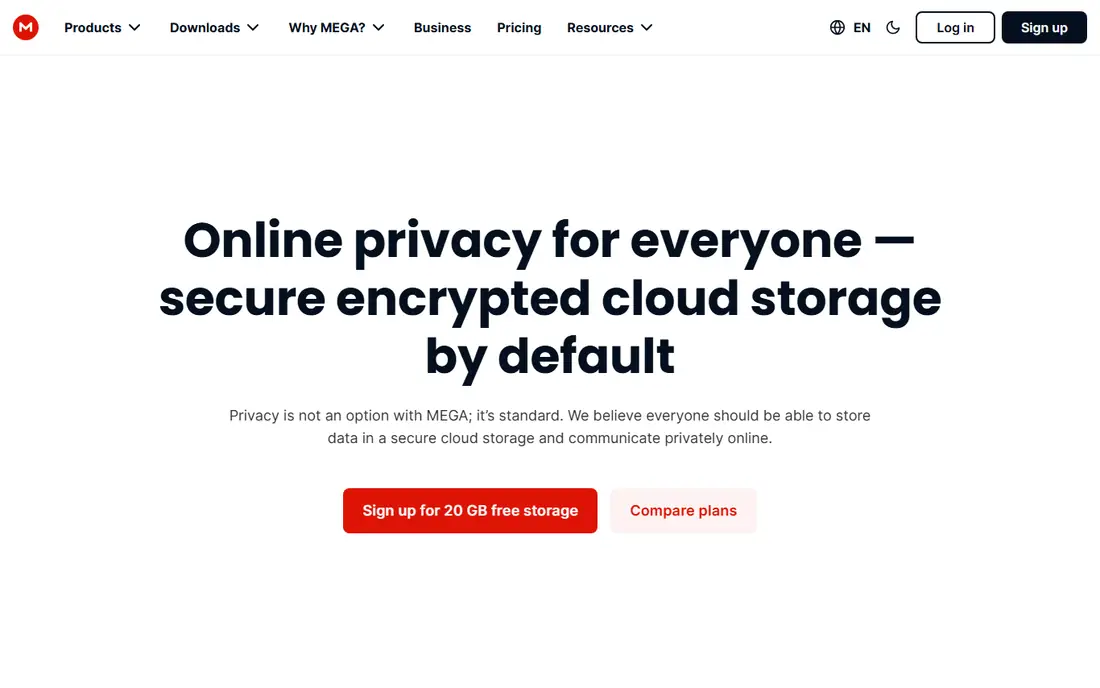
MEGA stands out on two numbers that matter for personal users: 20 GB free and encryption by default. That free tier is larger than Google Drive's shared 15 GB in practice for many users, because MEGA's storage is not shared with email, and it is far larger than Dropbox's 2 GB or iCloud's 5 GB. End-to-end encryption is built in, not an add-on, which puts MEGA alongside Proton Drive and Sync.com for privacy-conscious users.
The weaknesses are pricing clarity and business depth. Paid plans are listed in euros in many regions, with Pro plans starting at around 4.99 euros per month in some listings, so US buyers should check the dollar price at checkout. The interface packs chat, sharing, and sync into one app, which can feel busy, and admin controls for large teams are thinner than Box. For a free, private personal drive with room to grow, MEGA is the best starting point in this list.
What we like- 20 GB free, the largest free tier here
- End-to-end encryption by default
- Chat, sharing, and sync across devices
Watch out for- Paid plans are priced in euros in many listings
- Interface feels busy for new users
- Business admin features are thinner than Box
How we chose
We compared vendor pricing pages, free tier terms, encryption models, file size limits, and public reviews on G2, Capterra, and Reddit, focusing on storage size, sharing controls, platform support, and whether a service fits personal, family, or business use. We checked that each service is live now, offers real cloud storage and sync, and is not a backup-only tool, and we noted where a free tier is shared with email or photos, which changes its real value.
We did not claim hands-on testing, and we did not invent prices, storage sizes, or user counts. Prices and free tiers change by region and promotion, so where a figure could not be verified on the vendor's own pricing page at the time of writing, we listed starting price as See website. Check the vendor page before buying, especially for lifetime plans, team minimums, and file size limits on free tiers.
Moving from OneDrive without losing files
Switching drives is less about picking a winner and more about moving safely. Start by listing what OneDrive holds for you: Office documents, photos, device backups, and shared folders. Each type moves differently, and a rushed move can break sharing links or version history.
Check sharing and Office links first
Shared OneDrive folders and Office links will not transfer automatically to a new service. Make a list of folders shared with clients, colleagues, or family, and recreate sharing on the new service with the same permissions, passwords, or expiry dates where available. For Office documents, test editing in the new service before you cancel OneDrive, because Google Docs, Box, and Dropbox handle Office files differently.
Move in stages, then verify
Upload or sync in batches, starting with the most important folders, and verify file counts and a sample of files before deleting anything from OneDrive. Keep OneDrive active for at least a month after the move, so you can recover a file you missed. For large photo libraries, use the desktop sync client overnight rather than browser uploads, which are slower and more likely to fail.
Privacy versus convenience
End-to-end encrypted services such as Proton Drive, Sync.com, and MEGA protect file contents from the provider, but they can make sharing, search, and third-party integrations less convenient. Non-encrypted services such as Google Drive and Dropbox offer broader integrations and faster collaboration. Choose based on what your files actually need: client documents and personal archives favour encryption, while team editing favours collaboration.
Frequently asked questions
What is the best OneDrive alternative?
Google Drive is the best all-round alternative for collaboration, Dropbox is best for sync reliability, and iCloud Drive is best for Apple households. If privacy matters most, choose Proton Drive, Sync.com, or MEGA, and if you dislike subscriptions, consider pCloud's lifetime plans.
Is there a free OneDrive alternative with more than 5 GB?
Yes. MEGA offers 20 GB free, Google Drive offers 15 GB free shared across Google services in many listings, and pCloud and Box offer 10 GB free in many listings. Check file size limits and sharing terms on free tiers, because they differ even when storage size looks similar.
Can I use OneDrive alternatives on Windows and Mac?
Yes, all services in this guide offer Windows and Mac apps or web access, but integration depth varies. Google Drive, Dropbox, and Box work well on both, while iCloud Drive is strongest on Apple devices and thinner on Windows, so test the desktop app before committing.
Which OneDrive alternative is most private?
Proton Drive, Sync.com, and MEGA offer end-to-end encryption by default, which means the provider cannot read your files. pCloud offers client-side encryption as a paid add-on, while Google Drive, Dropbox, iCloud Drive, and Box encrypt files in transit and at rest but not with zero-knowledge encryption by default.
Is a lifetime cloud storage plan worth it?
It can be, if you plan to keep the files for many years and the provider stays in business. pCloud lifetime plans cost more upfront but avoid monthly bills, while subscription plans offer more flexibility to switch providers. Read the lifetime terms carefully, including what happens to your account if the provider changes its plans.
How do I cancel OneDrive after switching?
First move and verify all files, recreate sharing links on the new service, and keep OneDrive active for at least a month as a backup. Then cancel any Microsoft 365 or OneDrive paid plan in your Microsoft account settings, and check whether cancelling affects Office apps, Outlook storage, or other Microsoft services tied to the same subscription.
Sources we checked (8)
- https://drive.google.com
- https://www.dropbox.com
- https://www.icloud.com
- https://www.box.com
- https://www.pcloud.com
- https://www.sync.com
- https://drive.proton.me
- https://mega.io
Is your product missing or out of date?
We review this list regularly. Vendors can request a listing, send updated pricing or ask about featured placement.

Shihab Mia · Founder, Rankite
Shihab has 5+ years in B2B and SaaS SEO. He writes Rankite's software buying guides from pricing pages, documentation and public user reviews. More about Shihab.