How we make this list: we compare pricing pages, product documentation and public user reviews. Ratings come from G2, Capterra or Trustpilot, with the date we checked them.
Key takeaways
- Foxit is the closest full replacement for Adobe Acrobat, with editing, eSign, and enterprise controls.
- PDFgear is the best free desktop editor for everyday tasks, with no subscription for core features.
- Smallpdf and Sejda are the best browser-first picks for quick tasks without installing software.
- Nitro and PDFelement suit teams that need eSign, redaction, and batch work in one platform.
- UPDF, PDF-XChange Editor, and DocHub cover cross-platform AI editing, Windows value, and Google-integrated signing.
Quick comparison
| Tool | Best for | Starting price | Free plan |
|---|
 Foxit PDF Editor Foxit PDF Editor | Full Acrobat replacement | See website | Free trial |
 Nitro PDF Pro Nitro PDF Pro | Teams and eSign workflows | See website | Free trial |
 PDFelement PDFelement | All-around editing and AI | See website | Free trial |
 Smallpdf Smallpdf | Quick browser tasks | See website | Free trial |
 PDFgear PDFgear | Free desktop editing | See website | Yes |
 UPDF UPDF | Cross-platform AI editing | See website | Yes |
 Sejda Sejda | Occasional web tasks | See website | Yes |
 PDF-XChange Editor PDF-XChange Editor | Windows value editing | See website | Yes |
 DocHub DocHub | Google-integrated signing | See website | Yes |
Is your product missing or out of date?
We review this list regularly. Vendors can request a listing, send updated pricing or ask about featured placement.
The best PDF alternatives for editing, signing, and converting documents
#1Foxit PDF Editor
Best for: Full Acrobat replacement4.6/5 on
G2 (3,783 reviews, checked Oct 2026)
Visit foxit.com
Starting priceSee website
Free planFree trial
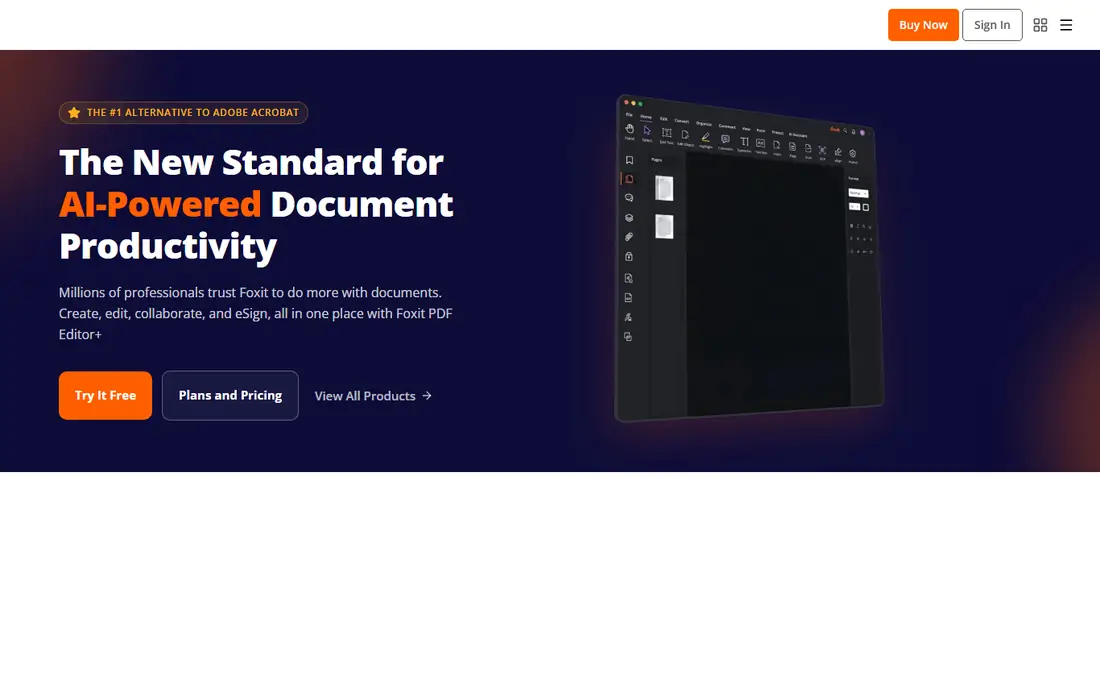
Foxit positions itself directly as the leading alternative to Adobe Acrobat, and its feature list backs that claim. Foxit PDF Editor creates, edits, converts, and protects PDFs, adds comments and shared reviews, and includes eSignatures and AI summarization. Integrations with Office 365, Google Drive, SharePoint, OneDrive, Teams, and Salesforce help business teams keep documents inside their existing workflows.
Foxit pricing is not a single flat rate, so teams should confirm the edition that includes the AI and eSign features they need. For companies that want Acrobat-level capability without Acrobat pricing or complexity, Foxit is the most complete PDF alternative in this list.
What we like- Full editing, conversion, and collaboration
- Built-in eSign and AI tools
- Strong enterprise security controls
Watch out for- Pricing varies by plan and region
- AI features are plan-dependent
#2Nitro PDF Pro
Best for: Teams and eSign workflows4.4/5 on
G2 (391 reviews, checked Oct 2026)
Visit gonitro.com
Starting priceSee website
Free planFree trial
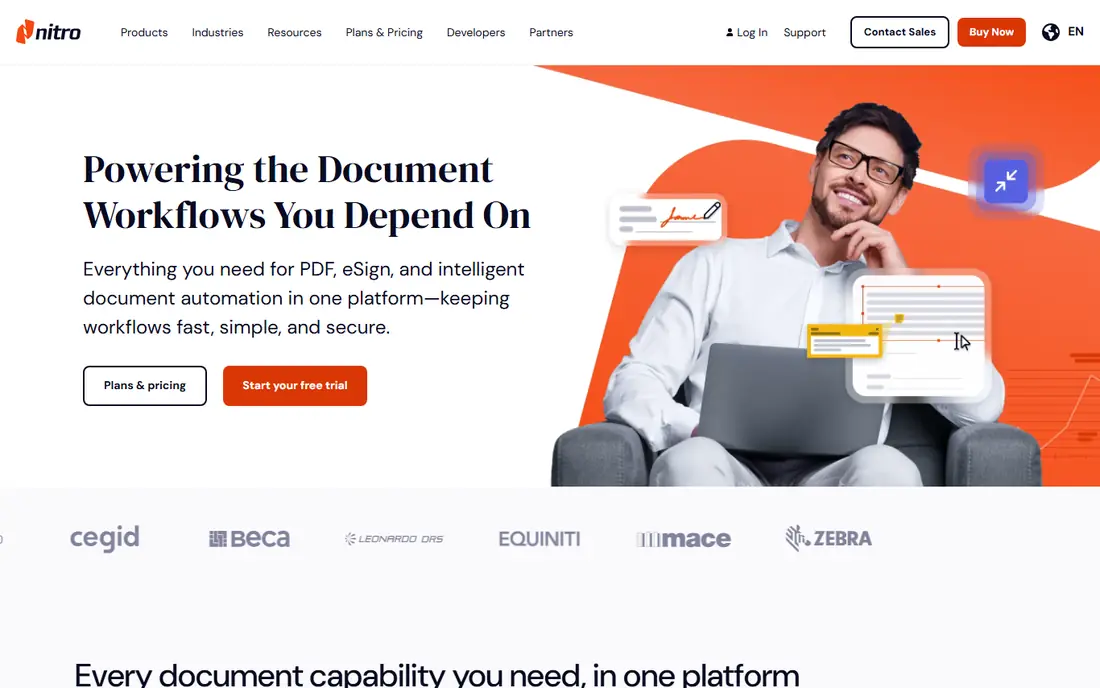
Nitro combines PDF editing with Nitro Sign, smart redaction, and document automation, so teams can edit, sign, and secure documents without separate tools. Nitro PDF Pro converts between PDF and Office formats, handles OCR on scanned documents, and includes AI tools for summaries, data extraction, and redaction. Admin tools let managers provision users and track usage across departments.
Nitro pricing depends on team size and plan, so small teams should start with a trial and compare total cost against Foxit or PDFelement. For companies where signing and redaction are daily work, Nitro's combined platform is a practical PDF alternative.
What we like- PDF, eSign, and redaction in one platform
- AI tools included on plans
- Admin and analytics tools
Watch out for- Quote-based team pricing
- Windows and Mac focus with iOS support
Starting priceSee website
Free planFree trial
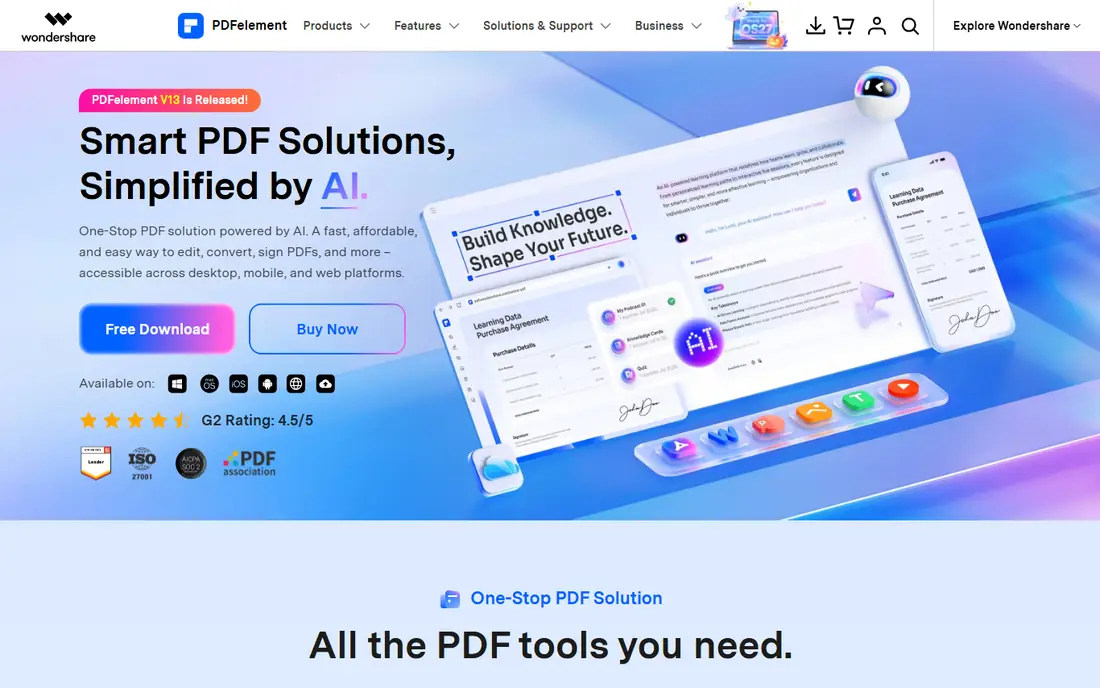
PDFelement from Wondershare covers the full PDF workflow on Windows, Mac, iOS, Android, and the web. It edits text and images, converts files in both directions, runs OCR on scanned documents, creates fillable forms, and protects files with passwords and redaction. Its AI tools summarize long documents, translate content, and answer questions about a PDF, which helps readers who work with reports and contracts daily.
Pricing mixes perpetual licenses and subscriptions, so buyers should confirm whether they want a one-time purchase or a yearly plan. For individuals and small teams that want one tool for editing, OCR, and AI reading, PDFelement offers strong value.
What we like- Edit text like a word processor
- Strong OCR in many languages
- AI summaries, translation, and document chat
Watch out for- Perpetual and subscription options can confuse pricing
- Advanced AI features cost extra on some plans
#4Smallpdf
Best for: Quick browser tasks4.5/5 on
G2 (306 reviews, checked Oct 2026)
Visit smallpdf.com
Starting priceSee website
Free planFree trial
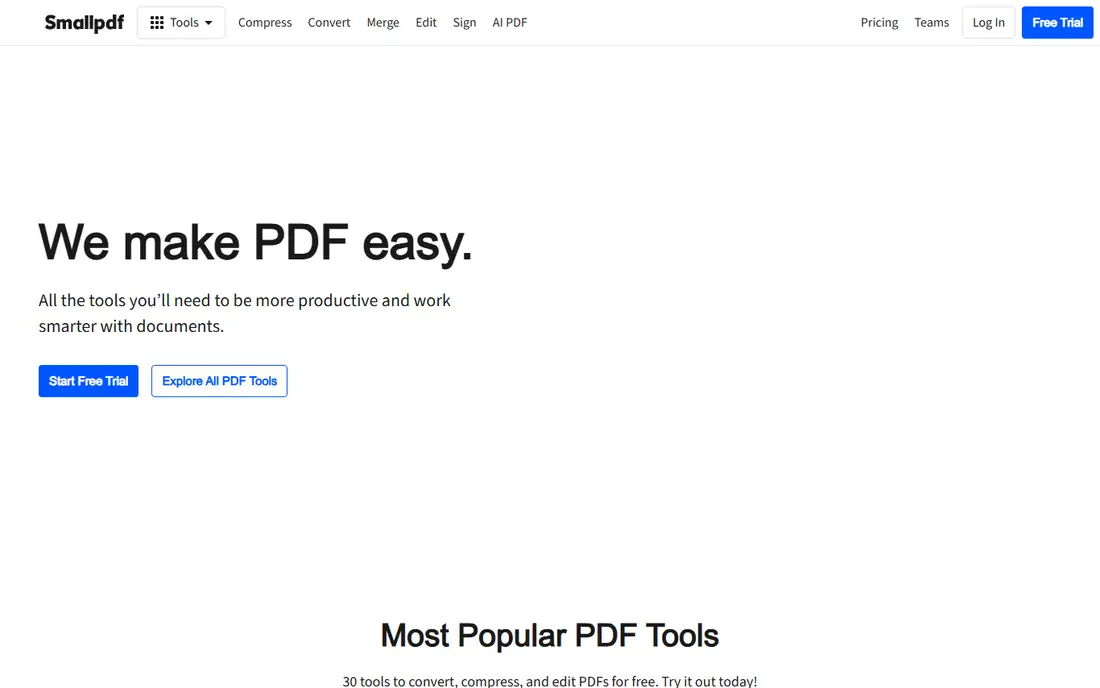
Smallpdf is the browser-first PDF alternative for people who do not want to install software. Its web platform compresses, converts, merges, edits, and signs PDFs, with a mobile app for scanning and organizing documents on the go. The interface is simple enough for occasional users, and integrations with Google Workspace and Dropbox keep files moving between tools.
Smallpdf offers a 7-day free trial for unlimited access, but free use is limited, so frequent users will need a paid plan. For quick tasks such as merging a report, compressing a file for email, or signing a form, Smallpdf is faster than opening a full desktop editor.
What we like- Thirty browser tools for common tasks
- Simple interface
- Mobile app for scanning and sharing
Watch out for- Free use is limited
- Heavy editors need a desktop tool instead
#5PDFgear
Best for: Free desktop editing4.8/5 on
G2 (168 reviews, checked Oct 2026)
Visit pdfgear.com
Starting priceSee website
Free planYes
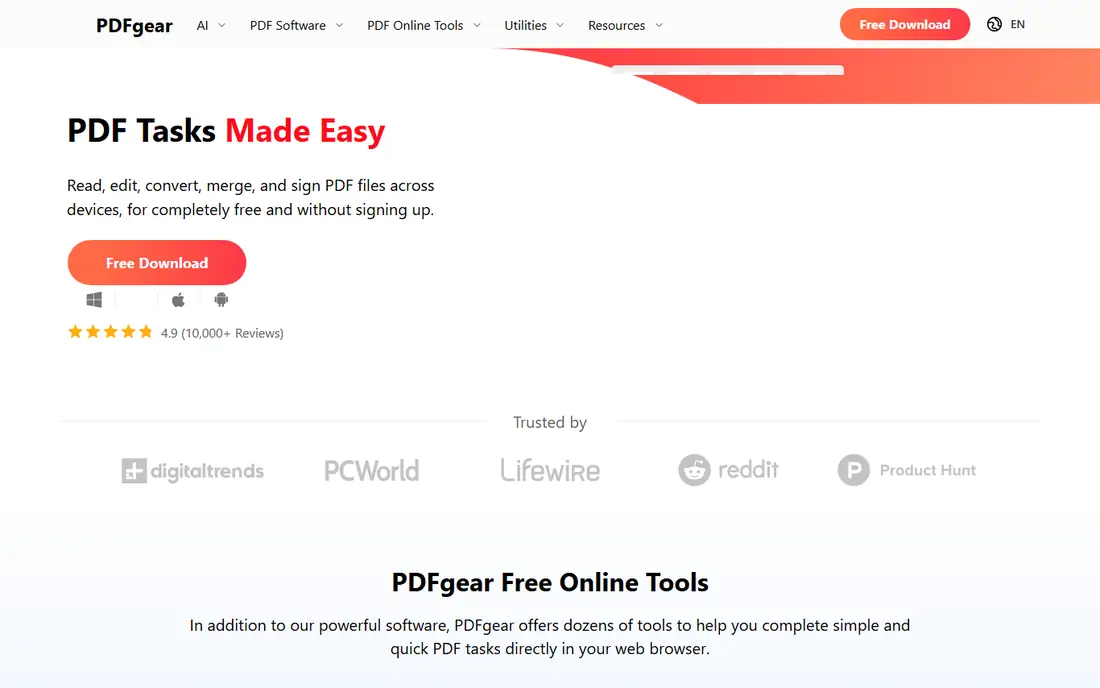
PDFgear stands out because its desktop editor is free, with no subscription for core editing, merging, converting, and signing. It works offline, which suits sensitive documents that should not be uploaded to a web service. AI tools summarize documents and answer questions, and the editor handles annotations, forms, and page organization without a paywall for basic work.
PDFgear lacks the admin, analytics, and enterprise controls of paid suites, so large teams may still need Foxit or Nitro. For individuals, students, and small teams that mainly need a capable free PDF editor, PDFgear is the best value in this list.
What we like- Full desktop editor free of charge
- Offline use
- AI summarization and chat built in
Watch out for- Fewer enterprise admin controls
- Collaboration features are thinner than Foxit or Nitro
#6UPDF
Best for: Cross-platform AI editing4.5/5 on
G2 (506 reviews, checked Oct 2026)
Visit updf.com
Starting priceSee website
Free planYes
UPDF is a modern PDF editor built around AI and cross-platform use. It edits text, images, and links, annotates and organizes pages, and syncs work across Windows, Mac, iOS, Android, and the web. Its AI assistant summarizes long reports, translates content, chats with documents, and uses specialized agents for research, finance, and legal analysis, which helps readers who work with dense documents.
A free version covers basic editing, while AI and advanced features need a paid plan. For readers and professionals who want AI help inside a PDF editor that works the same on every device, UPDF is a strong PDF alternative.
What we like- Consistent experience across desktop, mobile, and web
- AI agents for research and analysis
- Offline tools
Watch out for- Some AI features require a paid plan
- Interface differs from traditional editors
#7Sejda
Best for: Occasional web tasks4.5/5 on
G2 (42 reviews, checked Oct 2026)
Visit sejda.com
Starting priceSee website
Free planYes
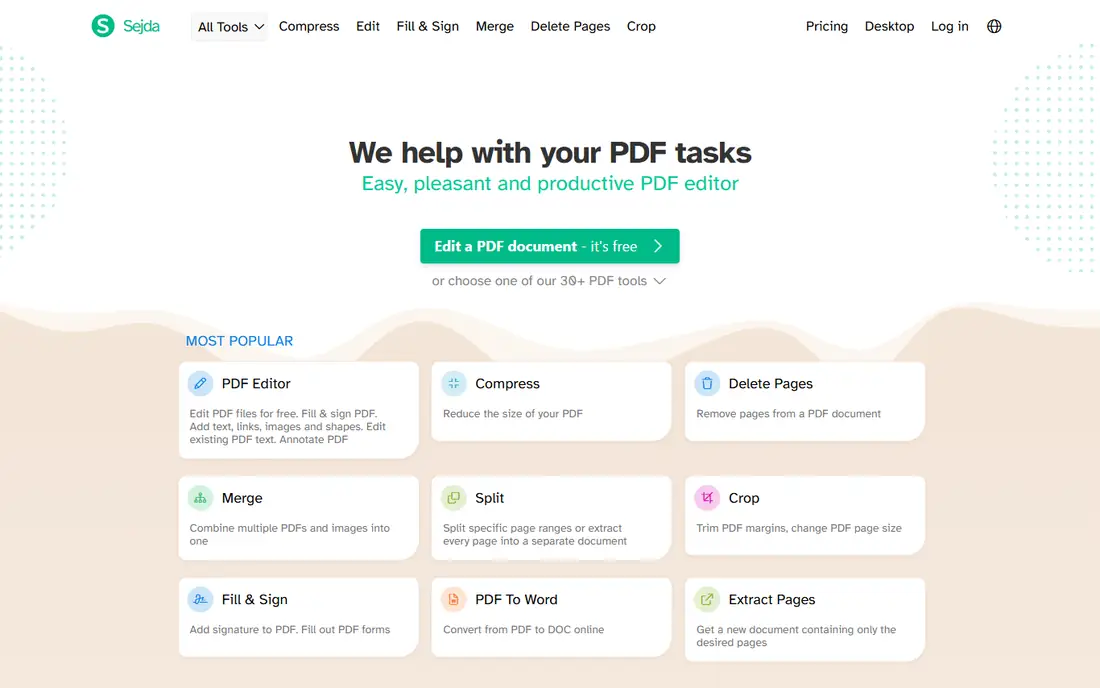
Sejda is a collection of focused PDF tools for the web, covering editing, compression, merging, splitting, conversion, OCR, and protection. Its desktop app mirrors the web tools offline on Windows, Mac, and Linux, so files never leave the computer when privacy matters. That combination suits occasional users who need one specific task done well, rather than a full editor open all day.
Free use has limits on hours and pages, so heavy users will need a paid plan or a desktop editor such as PDFgear. For occasional tasks and for teams that prefer browser tools with an offline option, Sejda is a practical PDF alternative.
What we like- Many focused web tools
- Desktop app for offline work
- Files deleted after online processing
Watch out for- Free use has hourly and page limits
- Not a full desktop editor replacement
#8PDF-XChange Editor
Best for: Windows value editing4.6/5 on
G2 (151 reviews, checked Oct 2026)
Visit pdf-xchange.com
Starting priceSee website
Free planYes
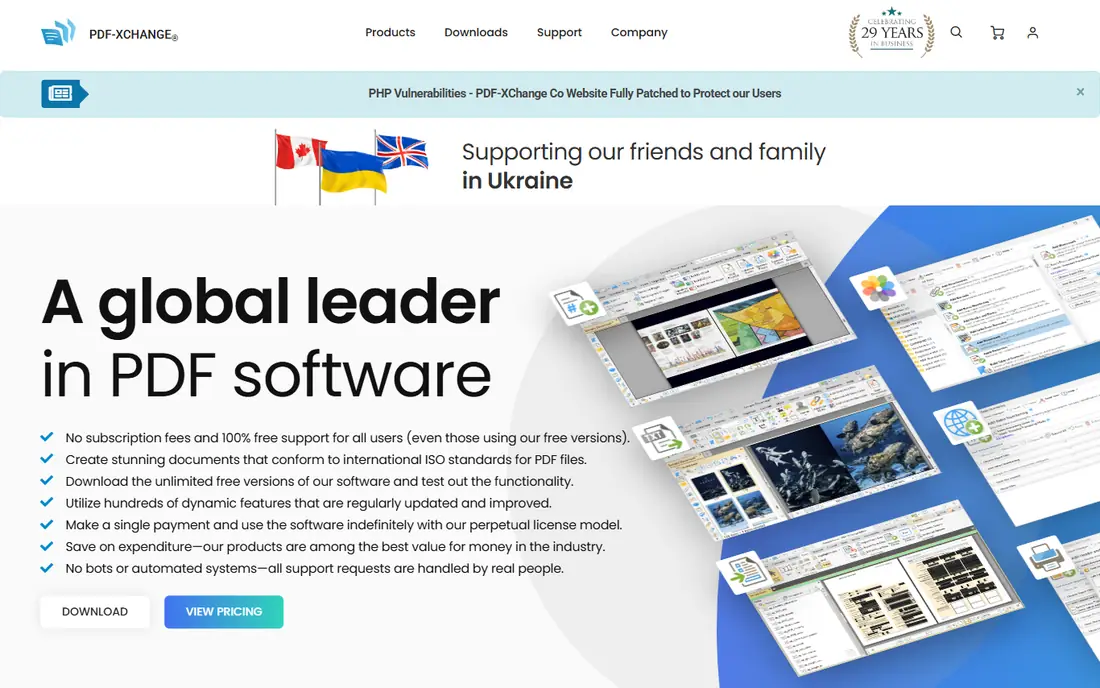
PDF-XChange Editor is a Windows-focused PDF editor with a free version that covers reading, annotation, and basic editing, plus paid editions for full editing and OCR. It creates, edits, and converts PDFs, handles batch processing, and offers a virtual printer for creating PDFs from other Windows applications. Perpetual licensing appeals to buyers who want to avoid subscriptions.
The full editor is Windows-only, so Mac users should look at Foxit, PDFelement, or UPDF instead. For Windows users who want strong value and a one-time purchase option, PDF-XChange Editor remains one of the best PDF alternatives.
What we like- Perpetual licensing option
- Fast Windows performance
- Free OCR and annotation in the free version
Watch out for- Windows-only for the full editor
- Interface feels dated next to newer editors
Starting priceSee website
Free planYes
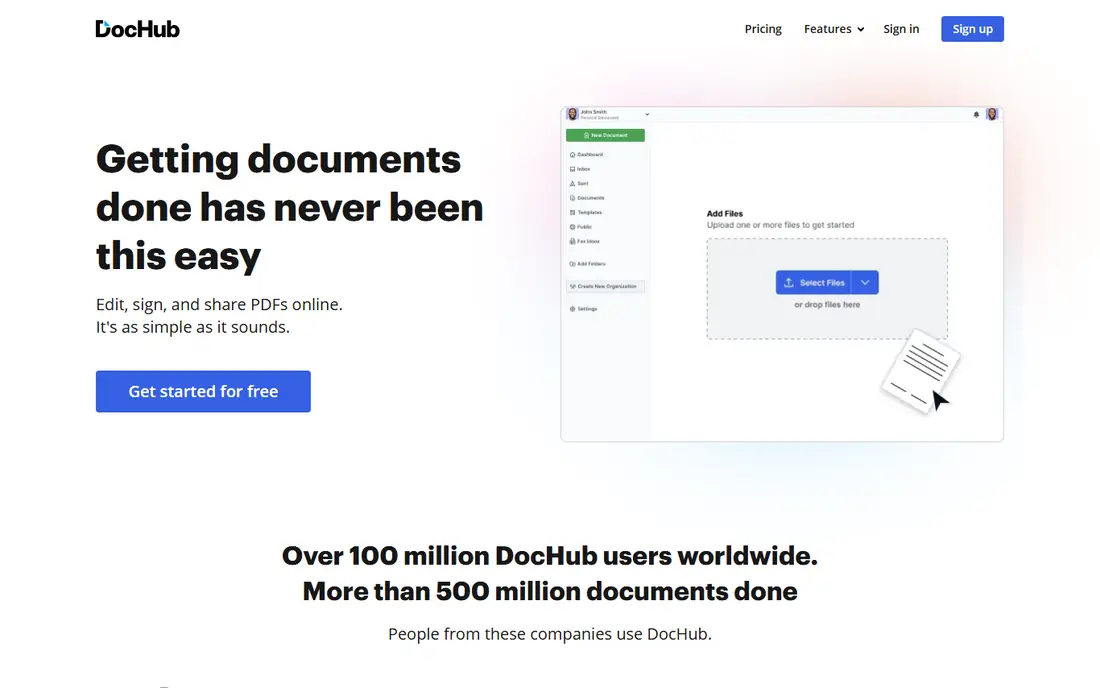
DocHub is a browser tool built for filling, editing, and signing PDFs online, with deep Google integration. Users open files directly from Gmail, Google Drive, or Dropbox, fill forms, add signatures, and request signatures from others, then share documents or publish templates from a personal DocHub address. That workflow suits teams already working in Google Workspace.
DocHub does not replace a full desktop editor for heavy text editing, OCR, or batch work. For signing, form filling, and light annotation inside a Google workflow, DocHub is a fast and affordable PDF alternative.
What we like- Opens files directly from Gmail, Drive, and Dropbox
- Simple signing and form filling
- Shareable templates
Watch out for- Editing depth is thinner than desktop editors
- Advanced features need a paid plan
How we chose
We compared vendor pricing pages, documentation, and public reviews on G2, Capterra, and Reddit, and we checked each vendor homepage to confirm the product still exists and accepts new customers. We favored tools that cover the core PDF jobs, meaning editing, annotation, conversion, signing, and page management, over narrow single-task converters. We also weighed platform support, free plans, offline options, and fit for individuals versus teams.
Choosing the right PDF alternative
Match the tool to your most common task
If you edit text and images daily, choose Foxit, PDFelement, UPDF, or PDF-XChange Editor. If you mainly sign and fill forms, Smallpdf, Sejda, or DocHub may be enough. If you handle scanned documents, confirm OCR quality on your own files before buying, since scanned layouts vary widely.
Decide between browser, desktop, and offline
Browser tools are fastest for occasional tasks, while desktop editors handle large files and batch work better. For sensitive documents, prefer offline tools such as PDFgear, Sejda Desktop, or PDF-XChange Editor, or confirm the web tool's retention policy before uploading. A free tier is enough for occasional use, but frequent users should compare paid plans at their real volume.
Check pricing model before committing
PDF tools use subscriptions, perpetual licenses, and free tiers, sometimes all at once. Confirm whether AI features, OCR, and eSign are included or gated by plan, and whether a perpetual license includes updates. A low monthly price can rise if AI credits or signature envelopes are charged separately.
Frequently asked questions
What is the best overall PDF alternative?
Foxit PDF Editor is the best overall replacement for Adobe Acrobat, thanks to full editing, eSign, and enterprise controls. PDFgear is the best free pick, Smallpdf is best for quick browser tasks, and Nitro is best for teams that sign and redact daily. The right choice depends on platform, volume, and budget.
Is there a completely free PDF editor?
Yes, with limits. PDFgear offers a full desktop editor free of charge, and PDF-XChange Editor, Sejda, DocHub, and UPDF all offer free versions or tiers. Free plans may limit pages, hours, or advanced features, so heavy users should test their real workload before relying on a free tier.
Can I edit PDF text without Adobe Acrobat?
Yes. Foxit, PDFelement, UPDF, and PDF-XChange Editor all edit existing PDF text, images, and links directly. Browser tools such as Smallpdf and Sejda also edit text and add annotations. For scanned PDFs, use a tool with OCR first, since scanned pages are images until converted to text.
Which PDF tool is best for signing documents?
DocHub is best for simple Google-integrated signing, while Nitro and Foxit suit teams that need audit trails, bulk sending, and advanced signature options. Smallpdf and Sejda also handle everyday signing well. For legally binding workflows, confirm signature standards and audit trails on the vendor pricing page.
Are online PDF tools safe for sensitive documents?
Online tools use encryption in transit, but files are processed on vendor servers unless stated otherwise. For sensitive documents, prefer offline desktop editors or check the vendor's retention policy, since some tools delete files after processing and others store them. Sejda states that online files are permanently deleted after processing.
What is the difference between a PDF editor and a PDF converter?
A PDF editor changes text, images, pages, and annotations inside a PDF. A converter changes a PDF into another format, such as Word or Excel, or creates a PDF from another file. Most tools in this list do both, but converter-only tools lack full editing, so check the feature list before buying.
Sources we checked (9)
- https://www.foxit.com/pricing
- https://www.gonitro.com/pricing
- https://pdf.wondershare.com/pricing
- https://smallpdf.com/pricing
- https://www.pdfgear.com/pricing
- https://updf.com/pricing
- https://www.sejda.com/pricing
- https://www.pdf-xchange.com/pricing
- https://dochub.com/pricing
Is your product missing or out of date?
We review this list regularly. Vendors can request a listing, send updated pricing or ask about featured placement.

Shihab Mia · Founder, Rankite
Shihab has 5+ years in B2B and SaaS SEO. He writes Rankite's software buying guides from pricing pages, documentation and public user reviews. More about Shihab.