How we make this list: we compare pricing pages, product documentation and public user reviews. Rankite is independent; if a vendor ever pays for a featured spot, that listing is clearly labeled Partner.
Key takeaways
- 7-Zip is the default free archiver: open source, no ads, handles ZIP, RAR, 7z and dozens more.
- PeaZip is the best cross-platform pick, with 200-plus formats and the same interface on Windows, Mac and Linux.
- Bandizip and Ashampoo ZIP Free look the most modern but come with paid editions, so check what the free tier includes.
- IZArc and Zipware are both free for commercial use too, which matters if you unzip files at work.
Quick comparison
| Tool | Best for | Starting price | Free plan |
|---|
 7-Zip 7-Zip | Windows users who want the standard free archiver with no strings attached | Free (open source) | Yes |
 PeaZip PeaZip | Anyone on Windows, Mac or Linux who wants one archiver everywhere | Free (open source, LGPLv3) | Yes |
 Bandizip Bandizip | Users who want a fast, modern-looking archiver on Windows or Mac | Free (free edition; paid editions available) | Yes (free edition) |
 Ashampoo ZIP Free Ashampoo ZIP Free | Beginners who want a friendly free archiver from an established vendor | Free | Yes |
 IZArc IZArc | Free archiving at work as well as home, with no licensing worries | Free | Yes |
 Zipware Zipware | A tiny, fast free archiver with useful extras built in | Free (freeware for personal and commercial use) | Yes |
 NanaZip NanaZip | Windows 10 and 11 users who want 7-Zip's engine in a modern shell | Free (open source) | Yes |
Is your product missing or out of date?
We review this list regularly. Vendors can request a listing, send updated pricing or ask about featured placement.
Windows still cannot open a RAR file on its own
That is the entire reason this category exists. Windows 11 finally added native ZIP and even some TAR support, but RAR, 7z and dozens of other formats still need a third-party tool. The good news: the best ones are free, and they have been free for decades. The bad news: a few bundle ads or push paid editions, so "free" needs a closer look.
All seven tools below open ZIP files and much more. The differences are interface polish, format count, platform support and how the developer makes money. None of them will cost you anything.
#1
7-Zip
Best for: Windows users who want the standard free archiver with no strings attached
Visit 7-zip.org
Starting priceFree (open source)
Free planYes
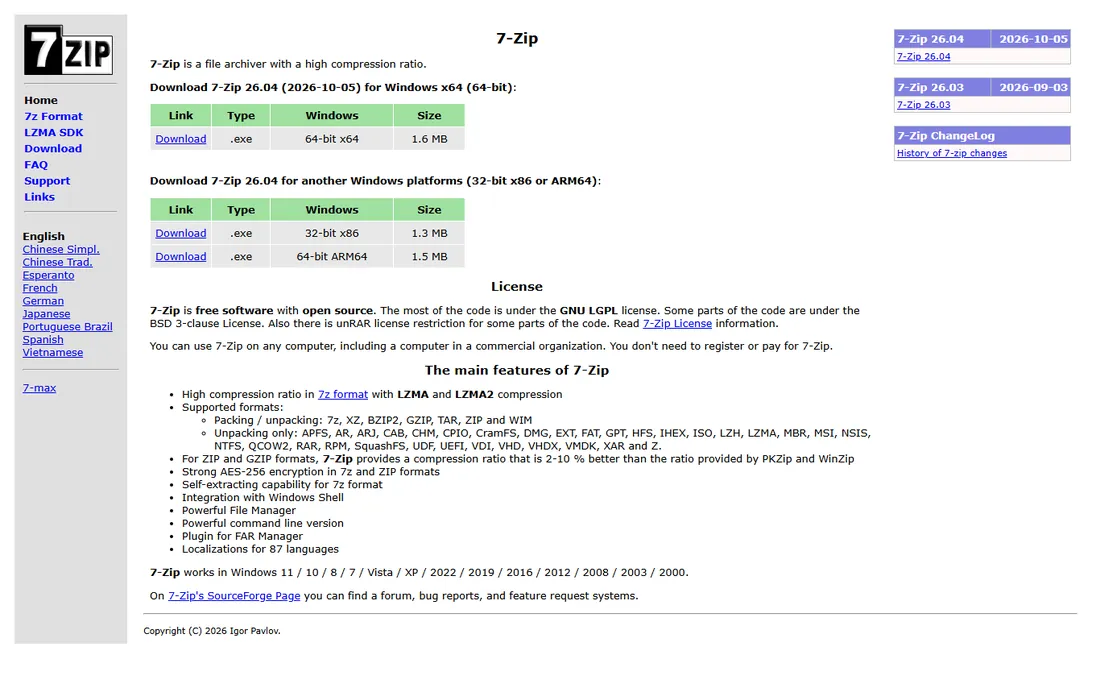
7-Zip is the answer most technicians give when asked. It is free, open-source software from Igor Pavlov that opens and extracts dozens of archive formats and compresses to ZIP and 7z with some of the best ratios available. There are no ads, no bundled extras in the official installer, no premium edition waiting to upsell you. It integrates into the Windows right-click menu and stays out of your way.
The honest catch is the look and the gaps. The interface has not changed much in twenty years, and there is no official macOS build. It also cannot create RAR files (RAR's license forbids it), only extract them, which covers nearly everyone's actual need. If you want free archiving without thinking about it further, install 7-Zip and stop reading.
What we like- Free and open source with no ads, no trials and no upsells
- Excellent compression in its own 7z format
- Handles ZIP, RAR, TAR, ISO, CAB and many more
Watch out for- The interface is famously plain
- No official Mac or Linux build (Linux users get p7zip or PeaZip)
- RAR creation is not supported, extraction only
Starting priceFree (open source, LGPLv3)
Free planYes
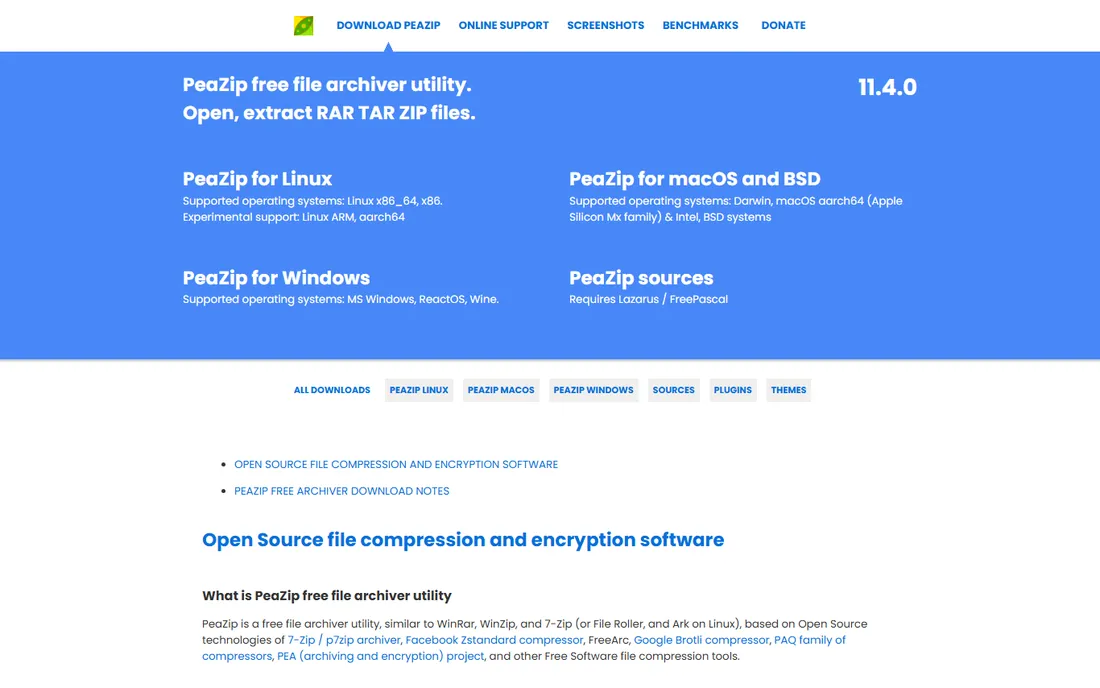
PeaZip is what 7-Zip would be if it cared about other operating systems. Built on open-source technology including 7-Zip's own engine, it opens and extracts over 200 archive formats with the same interface on Windows, macOS and Linux, and portable packages run from a USB stick without installing. The vendor publishes SHA256 hashes for every download and collects no user data, which is a level of transparency the commercial tools do not match.
The honest catch is complexity. PeaZip exposes everything: checksums, duplicate finders, archive conversion, secure delete, scripting exports. Beginners can find it busy. And like 7-Zip, it cannot create RAR files without WinRAR present. For cross-platform households or anyone who wants the most capable free archiver, it is the pick.
What we like- Same full-featured interface on Windows, macOS and Linux
- Opens and extracts 200-plus formats
- Portable versions run without installation
- Strong encryption including optional two-factor with keyfiles
Watch out for- The depth of features can overwhelm beginners
- RAR creation needs WinRAR installed
- Interface is functional rather than beautiful
#3
Bandizip
Best for: Users who want a fast, modern-looking archiver on Windows or Mac
Visit bandisoft.com
Starting priceFree (free edition; paid editions available)
Free planYes (free edition)
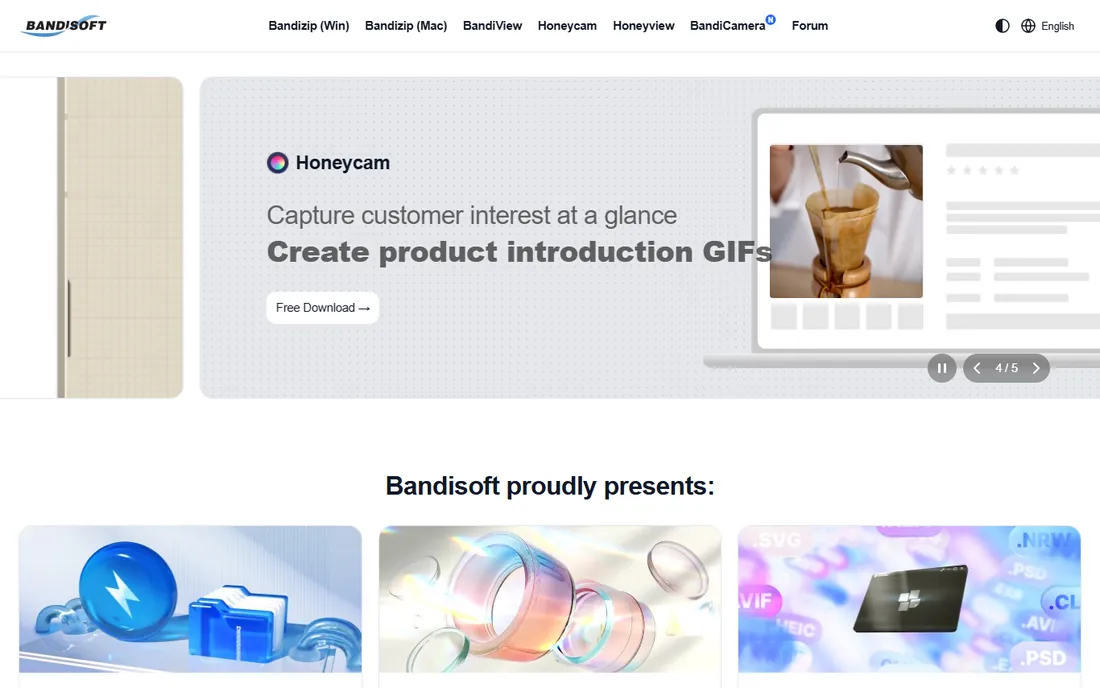
Bandizip is the pretty one. Made by Bandisoft, it extracts archives fast, looks modern doing it, and runs on both Windows and macOS. The free edition handles the formats most people meet: ZIP, RAR, 7z and friends. For users who bounced off 7-Zip's 2004-era interface, Bandizip is the free archiver that feels like current software.
The honest catch is the business model shift. Bandisoft's homepage now leads with free trials of paid editions, and the free edition exists alongside them rather than as the whole product. Check what the free tier includes before you commit, and note the licensing: unlike 7-Zip and PeaZip, this is commercial software with a free edition, not open source.
What we like- Fast extraction with a polished, modern interface
- Available for Windows and macOS
- The free edition covers everyday ZIP, RAR and 7z needs
Watch out for- The vendor's homepage now pushes free trials of paid editions, so confirm the free edition's limits
- Commercial use terms are stricter than the open-source tools
#4
Ashampoo ZIP Free
Best for: Beginners who want a friendly free archiver from an established vendor
Visit ashampoo.com
Starting priceFree
Free planYes
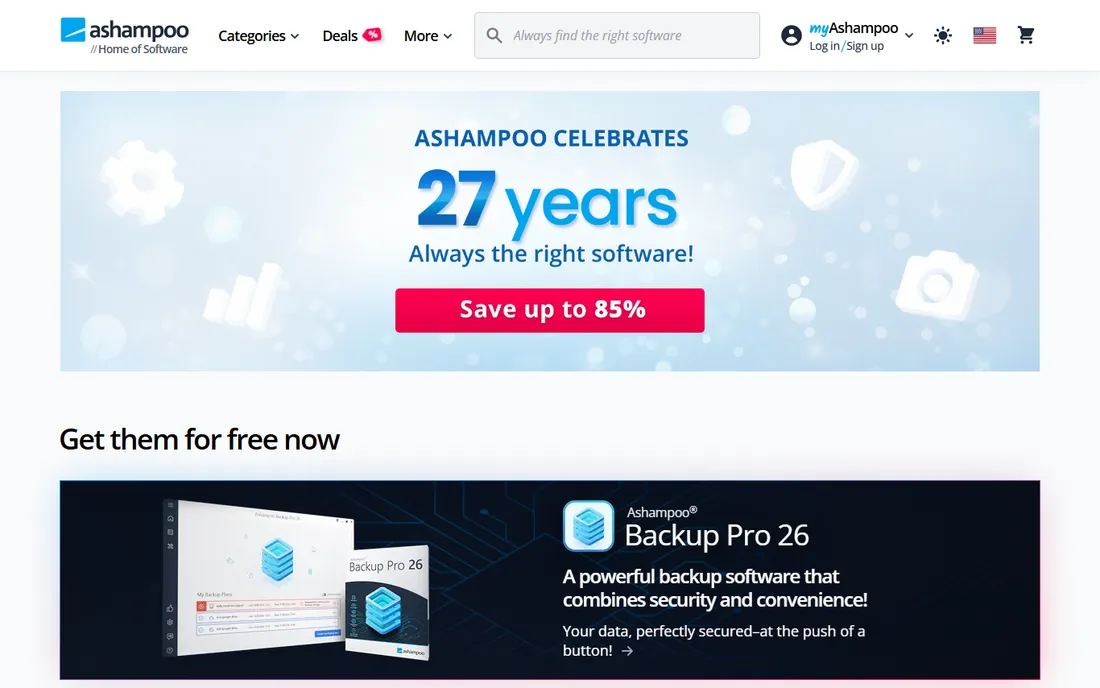
Ashampoo ZIP Free is the gentle introduction to archiving. The vendor describes it plainly as free Windows software to extract and compress your files, and the interface follows through: big tiles, clear labels, Explorer integration, AES encryption for the security-conscious. It handles 30-plus formats, which covers everything a normal user encounters.
The honest catch is the upsell architecture. Self-extracting archives, cloud support, ZIP repair and deeper Office integration live in the paid Pro version. Ashampoo also likes you to register and hear about its other products. If you want the friendliest free archiver and do not mind the occasional nudge toward Pro, it is a comfortable choice.
What we like- Free Windows software to extract and compress files, per the vendor's own product page
- Clean tile-based interface aimed at non-technical users
- Supports 30-plus formats with Windows Explorer integration
Watch out for- Advanced features (SFX creation, cloud support, ZIP repair) are Pro-only
- Ashampoo's installer and account prompts can annoy minimalists
#5
IZArc
Best for: Free archiving at work as well as home, with no licensing worries
Visit izarc.org
Starting priceFree
Free planYes
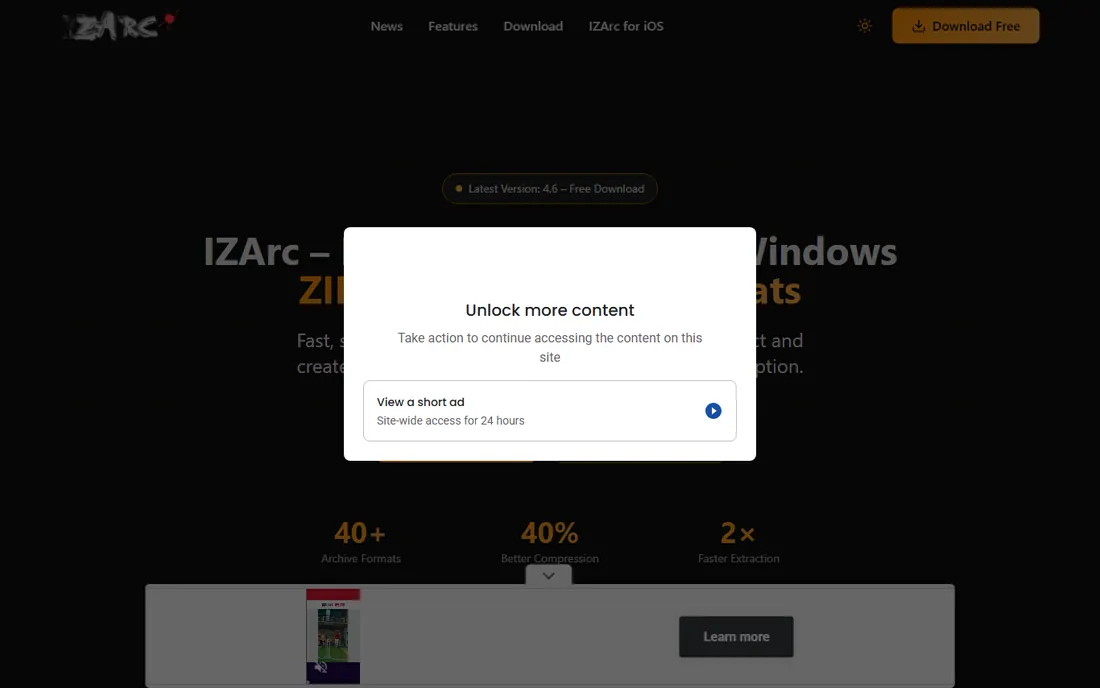
IZArc's headline feature is its license: free for personal and commercial use, no account, no registration. That makes it the safe install on office PCs where 7-Zip's informality or Bandizip's commercial terms raise questions. Beyond licensing, it is genuinely capable: 40-plus formats, AES-256 encryption, archive repair, format conversion, CD image handling and self-extracting archives.
The honest catch is that it is Windows-only and visually unremarkable. It does everything on a long checklist without doing any of it beautifully. But checklists matter at work, and IZArc's is complete. Version 4.6 is current and the download is a few megabytes.
What we like- Free for personal and commercial use with no registration, per the vendor
- 40-plus formats with 256-bit AES encryption
- Repairs damaged ZIP archives and converts between formats
Watch out for- Windows only
- The feature list is long but the interface is utilitarian
- A smaller community than 7-Zip or PeaZip
#6
Zipware
Best for: A tiny, fast free archiver with useful extras built in
Visit zipware.org
Starting priceFree (freeware for personal and commercial use)
Free planYes
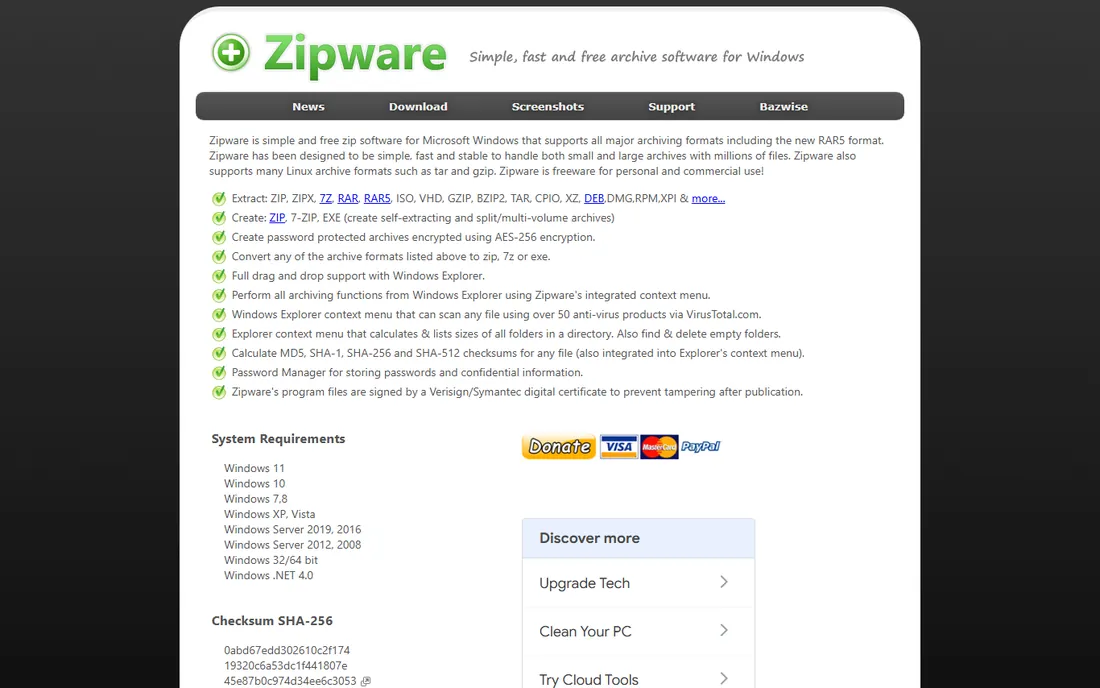
Zipware is the lightweight with hidden talents. The 3.3 MB download opens ZIP, 7z, RAR and RAR5, creates password-protected AES-256 archives, and then keeps going: right-click any file to scan it with 50-plus antivirus engines via VirusTotal, calculate checksums, or store passwords in the built-in manager. The installer is digitally signed, and the vendor declares it freeware for personal and commercial use.
The honest catch is the date: version 1.6 released in 2018, and nothing since. It still works on Windows 11, but unmaintained software deserves caution, especially with archive parsers that face hostile files. For everyday unzipping on a personal PC it remains fine; for a business, prefer maintained tools.
What we like- Freeware for personal and commercial use, per the vendor
- Only 3.3 MB
- Extras include VirusTotal scanning, checksum calculation and a password manager
- Digitally signed installer
Watch out for- Last release was 2018, so it is effectively unmaintained
- Windows only
- Smaller format list than PeaZip or IZArc
#7
NanaZip
Best for: Windows 10 and 11 users who want 7-Zip's engine in a modern shell
Visit github.com
Starting priceFree (open source)
Free planYes
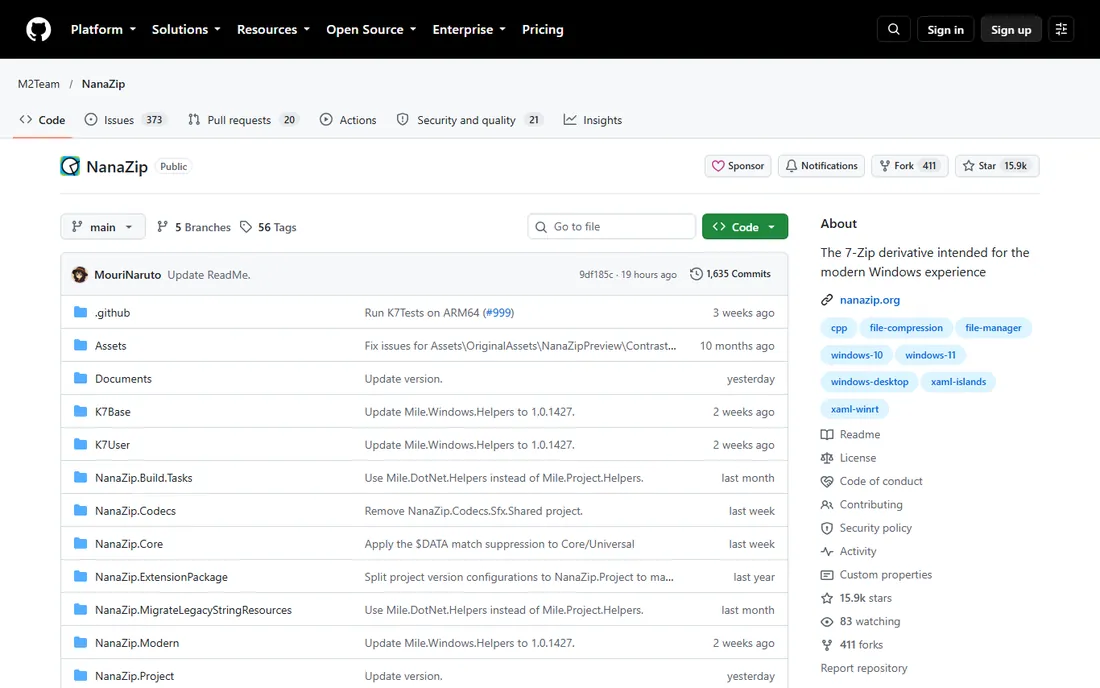
NanaZip answers the one complaint about 7-Zip: the interface. It is a modern fork of 7-Zip's engine wrapped in a Fluent-style interface that fits Windows 10 and 11, including the new context menu. It is free and open source, available on GitHub and in the Microsoft Store, which makes installation and updates painless.
The honest catch is youth and range. NanaZip is newer than the tools above, supports only modern Windows, and inherits 7-Zip's limitations (no RAR creation). But if you like 7-Zip's honesty and want it to look like it belongs on your desktop, this is the upgrade.
What we like- A modern fork of 7-Zip with a Windows 11-style interface and context menu
- Free and open source
- Distributed through the Microsoft Store as well as GitHub
Watch out for- Windows only, and newer Windows versions only
- A younger project than 7-Zip, so the track record is shorter
- RAR creation limits inherited from 7-Zip
Why "free" archivers still exist
Archiving is a solved problem, and solved problems do not need subscriptions. 7-Zip's author gives it away, PeaZip's project is community open source, and the commercial vendors (Bandizip, Ashampoo) use free editions as marketing for paid tiers. The result is a category where free is the norm and paying is the exception.
That also means the business models deserve a glance. Open-source tools have no reason to bundle extras or nag you; commercial free editions do. When a free archiver's installer offers you a "recommended" browser toolbar or a Pro trial, that is the price. The official installers linked here are clean, but download portals are not always: get these tools from their vendor sites.
Frequently asked questions
Do I still need unzip software on Windows 11?
For ZIP files, no: Windows 11 opens them natively. For RAR, 7z and most other formats, yes. One of the tools above covers everything Windows cannot.
Can free tools open RAR files?
Yes. All seven extract RAR and RAR5. None can create RAR files except with WinRAR installed, because RAR's license restricts creation. Extraction is what most people need.
Is 7-Zip safe?
Yes, from its official site. It is open source, contains no ads, and has a decades-long track record. Download it from 7-zip.org, not from download portals that wrap it in their own installers.
What is the best unzip software for Mac?
PeaZip and Bandizip both run on macOS. macOS also opens ZIP natively in Finder; for RAR and 7z, either of those two covers you free.
Why does WinRAR say my trial expired but keep working?
WinRAR is not free software: it is a paid product with a 40-day trial that famously never enforces its own expiry. That is why it is not on this list of free tools. If the nag screen bothers you, replace it with 7-Zip.
Can I unzip files on my phone?
Yes, but that is a different category: Android and iOS have their own archive apps. The tools here are desktop software for Windows, Mac and Linux.
How we chose
We searched for free unzip software the way buyers do, then verified each candidate on its vendor's own site: still available, still free, no trial trap. WinRAR was excluded because it is paid software with an unenforced trial, not free software. Prices are not an issue in this category since everything listed is free; the comparison is about platforms, formats and how each developer sustains the product.
Sources we checked (7)
- https://www.7-zip.org/
- https://peazip.github.io/
- https://www.bandisoft.com/
- https://www.ashampoo.com/
- https://www.izarc.org/
- https://www.zipware.org/
- https://github.com/M2Team/NanaZip
Is your product missing or out of date?
We review this list regularly. Vendors can request a listing, send updated pricing or ask about featured placement.

Shihab Mia · Founder, Rankite
Shihab has spent more than a decade helping SaaS and e-commerce brands grow through search. He writes Rankite's software buying guides from pricing pages, documentation and public user reviews. More about Shihab.