How we make this list: we compare pricing pages, product documentation and public user reviews. Rankite is independent; if a vendor ever pays for a featured spot, that listing is clearly labeled Partner.
Key takeaways
- Windows, macOS, and Google Docs all include free dictation that handles everyday typing, emails, and drafts with no install.
- Otter.ai, Notta, and Fireflies.ai offer genuine free transcription plans, but monthly minutes range from 120 to 300 and exports or AI summaries sit behind paid tiers.
- Speechnotes is the closest thing to a free unlimited dictation notepad in the browser, with ads as the tradeoff.
- MacWhisper runs transcription on your Mac with no cloud upload; the free version works and Pro is a €64 one-time purchase.
- Built-in tools keep audio inside your existing accounts, while free cloud tiers fund themselves with usage caps rather than selling your recordings.
Quick comparison
| Tool | Best for | Starting price | Free plan |
|---|
 Google Docs Voice Typing Google Docs Voice Typing | dictating straight into documents | Free | Yes |
 Windows Voice Typing Windows Voice Typing | dictating anywhere in Windows | Free (included with Windows 10 and 11) | Yes |
 Apple Dictation Apple Dictation | Mac and iPhone owners | Free (built into macOS, iOS, and iPadOS) | Yes |
 Otter.ai Otter.ai | meeting transcription on a free plan | $8.33 per user/month (billed annually) | Yes (Basic: 300 transcription minutes per month) |
 Notta Notta | free transcription with translation | $8.17 per month (billed annually) | Yes (120 transcription minutes per month) |
 Speechnotes Speechnotes | free dictation in the browser | Free | Yes |
 MacWhisper MacWhisper | private on-device transcription on a Mac | €64 one-time (Pro) | Yes (free version) |
 Fireflies.ai Fireflies.ai | free AI meeting notes | $10 per seat/month (billed annually) | Yes (free forever) |
Is your product missing or out of date?
We review this list regularly. Vendors can request a listing, send updated pricing or ask about featured placement.
The best free speech recognition software
Starting priceFree
Free planYes
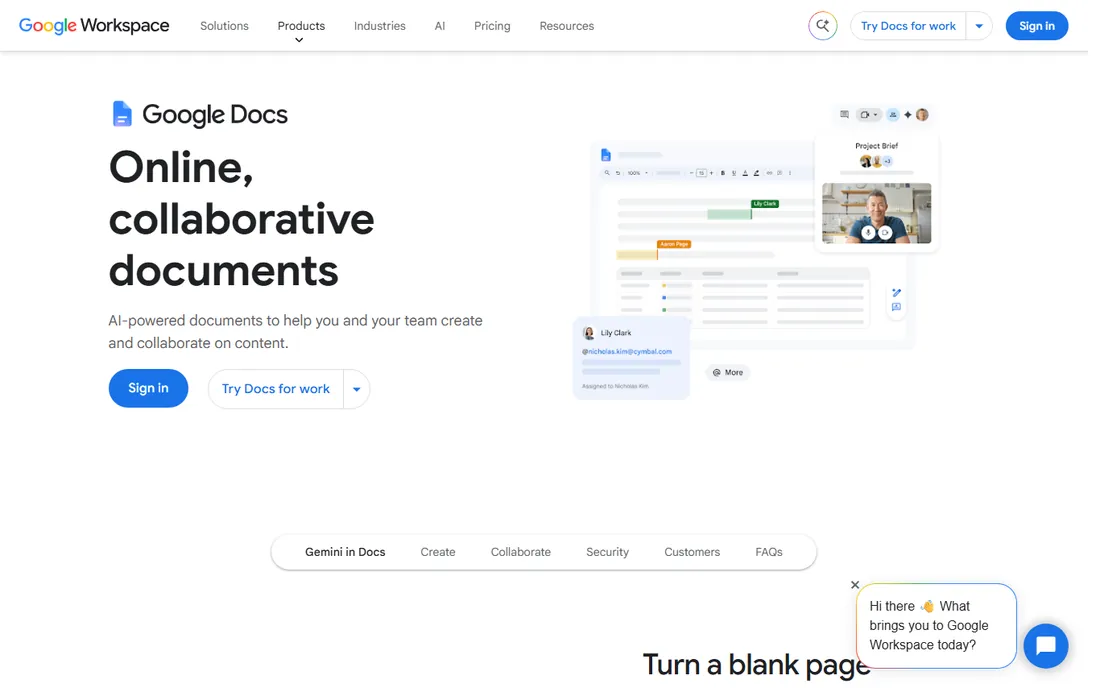
If your drafting already happens in Google Docs, this is the shortest path to hands-free writing. Open a document in Chrome, turn on voice typing from the Tools menu, and start talking. It handles punctuation commands like "new paragraph" and "exclamation mark," which saves a lot of cleanup later.
The audience is students, freelancers, and anyone who writes long first drafts. Accuracy is strong when you speak at a normal pace in a quiet room, and there is nothing to install or configure. The honest catch is the leash: it only works in Chrome, it needs an internet connection, and it cannot transcribe a recording or sit in on a meeting. For document drafting it is excellent. For everything else, look further down this list.
What we like- No install, works inside Google Docs
- Voice commands for punctuation and formatting
- Solid accuracy for clear speech
Watch out for- Chrome-only
- Needs an internet connection
- Not a meeting transcriber
Starting priceFree (included with Windows 10 and 11)
Free planYes
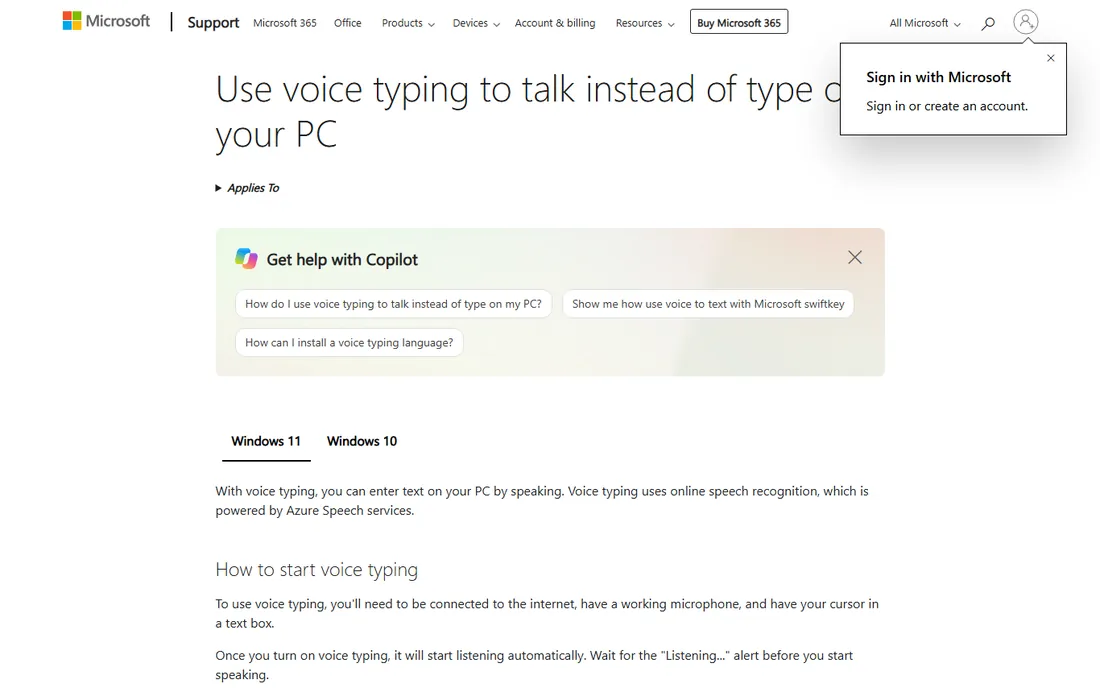
Windows has two speech features and this is the simple one. Press Win+H and a small microphone toolbar appears, ready to type into whatever field is active: email, browser, spreadsheet, chat app. It stays on top while you move between windows, which makes it practical for real work instead of a demo.
Setup takes about two minutes: open Settings, go to the speech section, and let Windows download the language pack. Turning on online speech recognition improves accuracy noticeably, though it means audio is processed by Microsoft's servers. People who dictate notes all day on a Windows laptop usually end here and never look for anything else.
What we like- Works in any text field with Win+H
- Optional auto-punctuation
- Supports many languages
Watch out for- First run downloads a language pack
- Best accuracy needs the online recognition toggle
- Struggles in noisy rooms
Starting priceFree (built into macOS, iOS, and iPadOS)
Free planYes
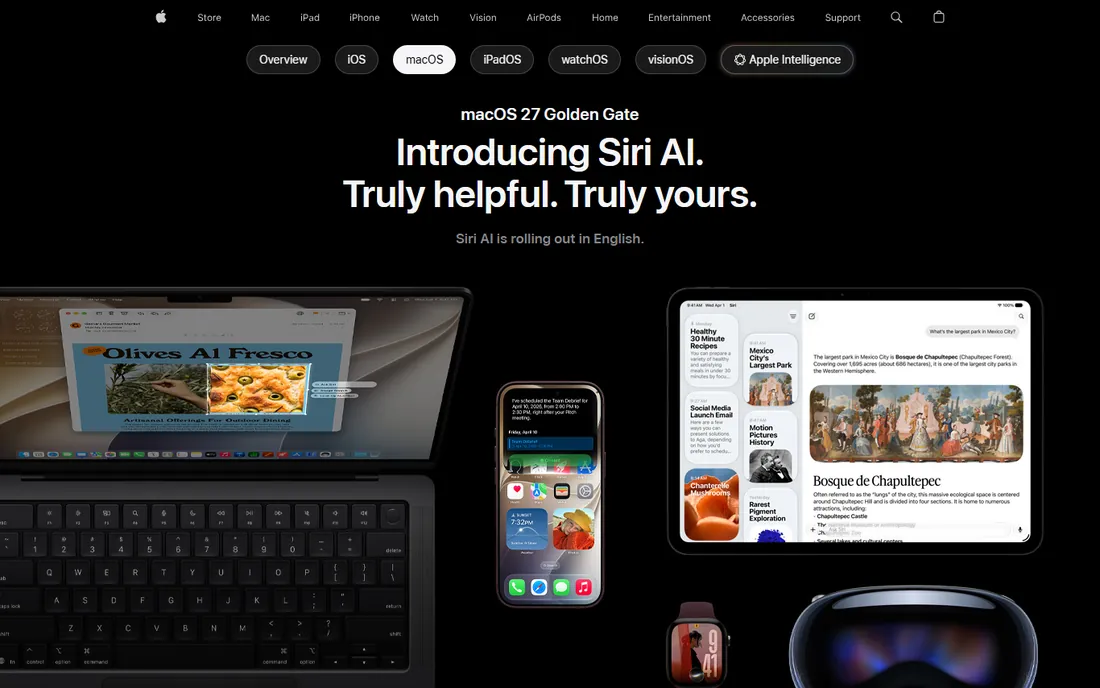
Dictation is one toggle in System Settings on the Mac and a microphone key on the iPhone keyboard. Once enabled, it works everywhere text goes: documents, messages, search fields. There is no account to create and no app to download, which is the whole appeal.
Recent macOS versions handle dictation on-device, so it works offline and your audio stays on the machine. The limitation to know about is history: older macOS releases capped each dictation burst at a short length, so long rambles got cut off. If you keep your system updated, that problem is gone. For Apple households, this plus the iPhone keyboard mic covers most dictation needs.
What we like- Works in any app with no account
- Voice commands for emoji and formatting
- Recent macOS versions process dictation on-device
Watch out for- Older macOS versions capped dictation sessions at short bursts
- Some languages still need a connection
#4
Otter.ai
Best for: meeting transcription on a free plan
Visit otter.ai
Starting price$8.33 per user/month (billed annually)
Free planYes (Basic: 300 transcription minutes per month)
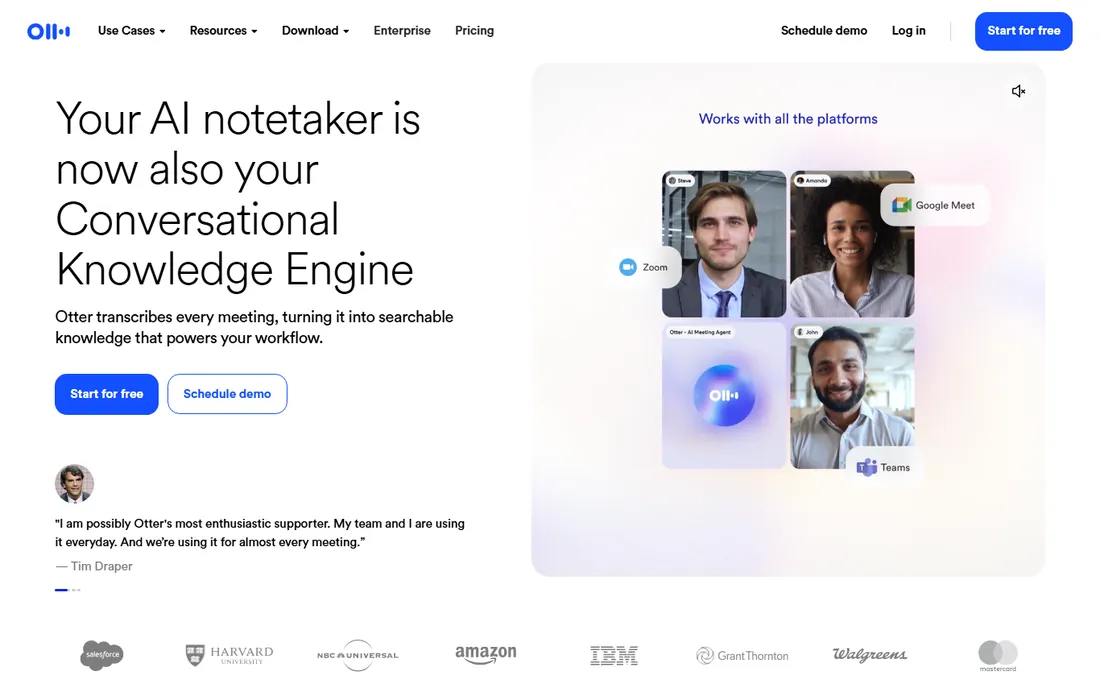
Otter is the best-known free meeting transcriber for a reason. Connect your calendar and its assistant joins your calls, records, transcribes, and hands you a searchable transcript with speakers labeled. The Basic plan is free forever and includes 300 minutes a month, which covers a light meeting schedule comfortably.
The catch is in the fine print of the free tier: each conversation is capped at 30 minutes, and features like AI summaries and longer storage live on Pro at $8.33 per user per month billed annually. Freelancers and small teams with a few meetings a week fit the free plan well. If your calendar is wall-to-wall calls, you will hit the ceiling fast and should budget for Pro or look at the next tools.
What we like- Auto-joins Zoom, Meet, and Teams calls
- Searchable transcripts with speaker labels
- Capable mobile app
Watch out for- Free plan caps conversations at 30 minutes
- AI summaries and extra minutes need Pro
- Per-user pricing adds up for teams
Starting price$8.17 per month (billed annually)
Free planYes (120 transcription minutes per month)
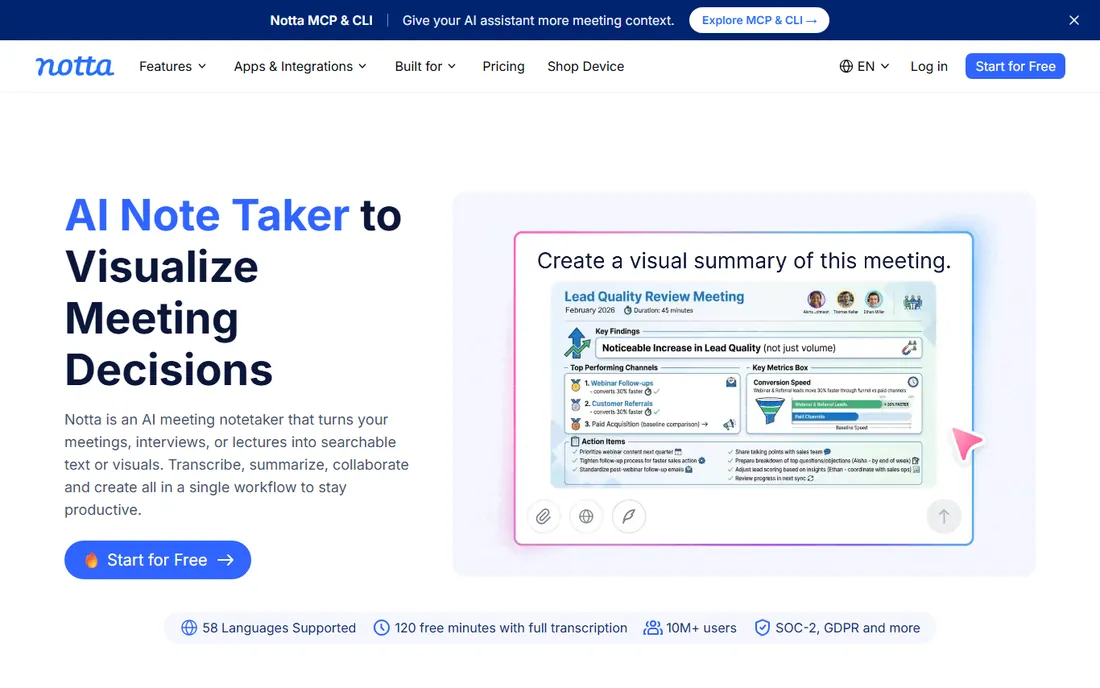
Notta covers more input types than most free tools: live meeting recording, audio and video file uploads, and screen recording with transcription. It also translates transcripts, which is genuinely useful for teams working across languages. The interface is straightforward and the mobile app is solid.
The free plan is the tightest on this list at 120 minutes per month, and conversations are capped at a few minutes each, so it suits short interviews and quick recordings rather than hour-long meetings. Pro costs $8.17 per month billed annually and adds exports, longer conversations, and collaboration. Pick Notta if translation and file uploads matter to you; pick Otter if you want more free minutes.
What we like- Transcribes live meetings and uploaded files
- Built-in translation
- Clean web and mobile apps
Watch out for- Free plan is 120 minutes a month with short conversation caps
- Transcript export needs Pro
Starting priceFree
Free planYes
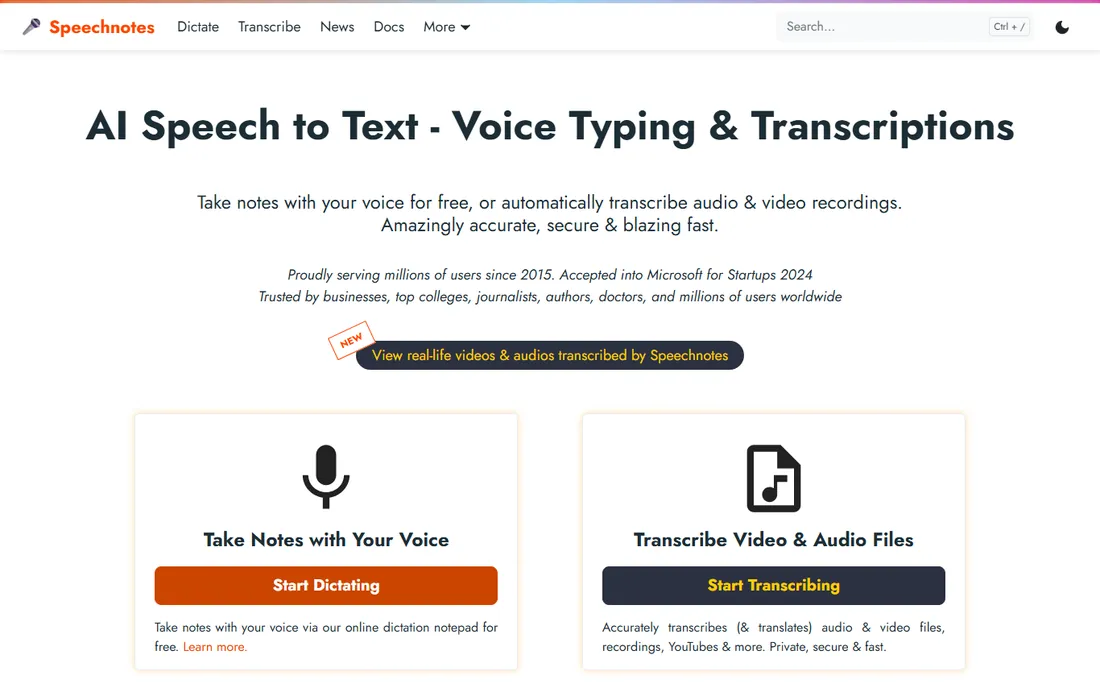
Speechnotes has been around since 2015 and does one thing well: a free online notepad you talk into. Open the site, allow the microphone, and dictate. It also transcribes uploaded audio and video files and can translate. Millions of people use it precisely because there is no signup wall.
The tradeoff is advertising and a no-frills design. A Premium upgrade exists for people who want an ad-free experience and extra features, but the core dictation costs nothing. It is the tool to bookmark when you need to dictate on a computer that is not yours, or when you want a second free option alongside your OS built-ins.
What we like- No account needed to start dictating
- Dictation plus audio and video file transcription
- Long free sessions
Watch out for- Ad-supported
- Some exports and extras need the Premium upgrade
- Plain interface
Starting price€64 one-time (Pro)
Free planYes (free version)
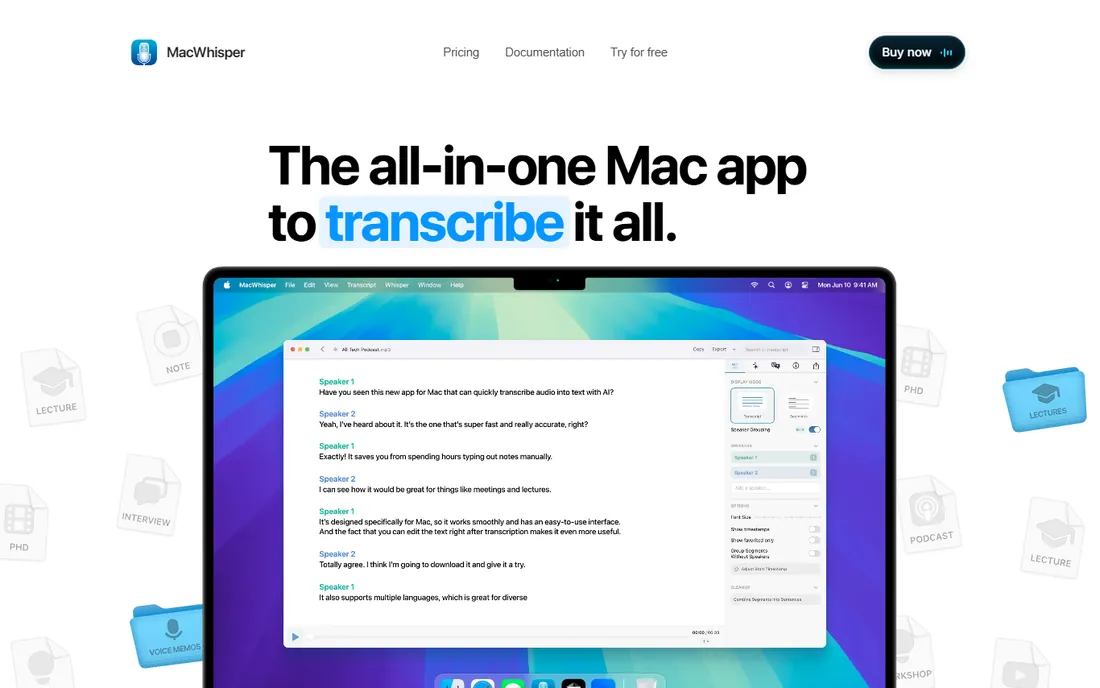
MacWhisper is for people who want Whisper-level transcription without sending audio to anyone. Everything runs on your Mac, which matters for journalists, lawyers, and researchers handling sensitive material. Drag in audio or video files and it transcribes them in batches, fast on Apple Silicon machines.
The free version is genuinely useful and free forever. The €64 Pro is a one-time purchase with lifetime updates, not a subscription, and it switches on the larger, more accurate Whisper models. The obvious limitation is the platform: there is no Windows version. Mac owners who transcribe interviews or lectures should try the free version first.
What we like- Runs OpenAI's Whisper model locally, nothing uploaded
- Fast on Apple Silicon
- Batch transcription of files
Watch out for- Mac only
- Free version uses the smaller models
- Larger models need the €64 Pro
Starting price$10 per seat/month (billed annually)
Free planYes (free forever)
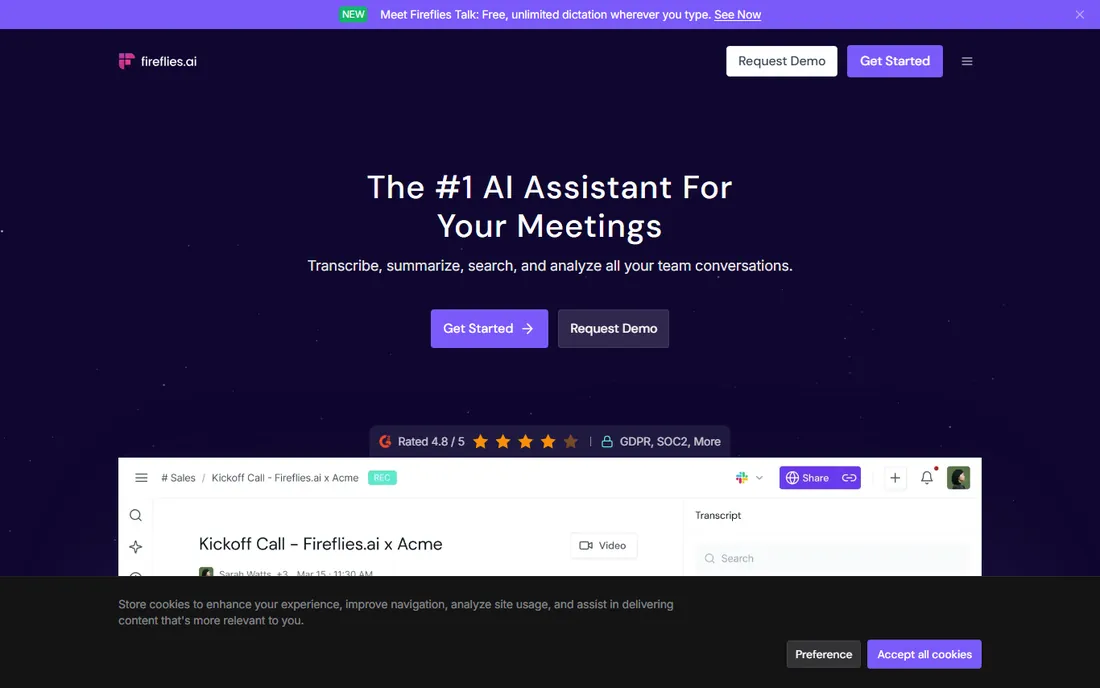
Fireflies competes directly with Otter: an assistant that joins your meetings, transcribes, and produces notes and summaries your team can search later. The free plan is free forever and is enough to test the full workflow on a light schedule. Integrations with CRMs and project tools make it a fit for sales and recruiting teams.
Credits are the limit on the free tier, so heavy meeting loads need Pro at $10 per seat per month billed annually (or $18 month to month). Business runs $19 per seat per month billed annually for larger teams with admin controls. Small teams that live in meetings should compare Fireflies and Otter side by side, since the best fit depends on which integrations and summary styles you prefer.
What we like- Auto-joins meetings and shares notes with the team
- Chrome extension
- Searchable library of past calls
Watch out for- Free tier has limited transcription credits
- Per-seat pricing gets expensive for bigger teams
How we chose
We started from the vendor's own pages: pricing pages for Otter, Notta, Fireflies, MacWhisper, and Speechnotes, and official documentation for the built-in tools from Google, Microsoft, and Apple. We recorded each free plan's minute caps, conversation limits, and which features sit behind paywalls. Then we read public reviews on G2, Capterra, and Reddit to see where real users complain about accuracy, caps, or support, and we judged fit for small companies: no IT department, no enterprise contracts, and a preference for tools that work in minutes. We did not run controlled accuracy tests, so treat the write-ups as comparisons of published specs and user reports.
What to check before you buy
Even free tools have costs: your time, your audio, and the moment you hit a paywall. Check these four things before you commit.
Dictation or transcription
These are different jobs. Dictation turns your live voice into text as you speak, inside an app. Transcription turns a recording or a meeting into text after the fact. Built-in OS tools do dictation. Otter, Notta, and Fireflies do meeting transcription. MacWhisper and Notta handle file transcription. Pick the job first, then the tool.
Where your audio goes
On-device tools like MacWhisper and recent Apple Dictation never upload your voice. Cloud tools process audio on their servers, which is how they afford free tiers. Read the retention policy if you handle client calls, medical discussions, or anything confidential. When privacy matters, on-device wins.
The real free-plan limits
"Free" usually means capped: minutes per month, minutes per conversation, or locked exports. Otter gives 300 minutes a month but 30 minutes per conversation. Notta gives 120 minutes a month. Write down your actual weekly usage and match it to the cap before you build a workflow around a free plan.
Language coverage
All the tools here support English well, but coverage beyond that varies. Check that your working languages are supported, including for voice commands and punctuation, not just raw transcription. This is the number one reason people abandon a dictation tool after a week.
When free stops being enough
You will know it is time to pay when one of three things happens. First, you keep hitting minute caps mid-month and start rationing meetings. Second, you need exports, summaries, or team sharing that the free tier locks away. Third, you need admin controls, SSO, or retention policies for client work. At that point, compare the annual per-user prices above: Otter Pro, Notta Pro, and Fireflies Pro all land within a few dollars of each other, so the decision comes down to which workflow fits your team, not the price tag.
Frequently asked questions
Is free speech recognition software accurate enough for work?
For clear speech in a quiet room, yes. Modern dictation handles emails, notes, and first drafts well, and meeting transcribers produce usable transcripts with speaker labels. Accuracy drops with heavy accents, crosstalk, jargon, or background noise, so expect to proofread. Budget a quick editing pass and you will be fine.
Can I use these tools offline?
Some of them. Apple Dictation on recent macOS versions and MacWhisper run fully on-device with no connection. Google Docs Voice Typing, Windows Voice Typing with online recognition, Otter, Notta, Fireflies, and Speechnotes all need the internet. If you work on planes or in dead zones, pick an on-device option.
Which free tool is best for transcribing meetings?
Otter.ai's free Basic plan gives the most monthly minutes at 300, with automatic meeting join on Zoom, Meet, and Teams. Fireflies.ai is the closest alternative with a similar auto-join workflow. Notta's free plan is smaller at 120 minutes but adds file uploads and translation.
Do free transcription tools sell my data?
The reputable ones fund free tiers with usage caps and paid upgrades, not by selling recordings. Still, read the privacy policy before uploading client or patient conversations, and check how long recordings are retained. For sensitive material, prefer on-device tools like MacWhisper or Apple Dictation.
What is the catch with built-in dictation?
The main catches are platform lock-in and missing features. Google Docs Voice Typing only works in Chrome and online. Windows Voice Typing needs a language pack download and works best with online recognition on. Apple Dictation is Apple-only, and older macOS versions capped session length. None of them transcribe meetings or recordings.
Sources we checked (12)
- https://workspace.google.com/products/docs/
- https://support.google.com/docs/answer/4492226
- https://support.microsoft.com/en-us/accessibility/windows/use-voice-typing-to-talk-instead-of-type-on-your-pc
- https://www.apple.com/os/macos/
- https://otter.ai/
- https://otter.ai/pricing
- https://www.notta.ai/en/
- https://www.notta.ai/en/pricing
- https://speechnotes.co/
- https://www.macwhisper.com/
- https://fireflies.ai/
- https://fireflies.ai/pricing
Is your product missing or out of date?
We review this list regularly. Vendors can request a listing, send updated pricing or ask about featured placement.

Shihab Mia · Founder, Rankite
Shihab has spent more than a decade helping SaaS and e-commerce brands grow through search. He writes Rankite's software buying guides from pricing pages, documentation and public user reviews. More about Shihab.