How we make this list: we compare pricing pages, product documentation and public user reviews. Rankite is independent; if a vendor ever pays for a featured spot, that listing is clearly labeled Partner.
Key takeaways
- Free sound editing splits into two camps: waveform editors (Audacity, Ocenaudio, WavePad, Wavosaur) for recording and cleaning audio, and DAWs (Ardour, LMMS, GarageBand, Waveform Free, SoundBridge) for making music.
- Audacity remains the default free audio editor for podcasts, voiceovers and simple multitrack work on Windows, Mac and Linux.
- GarageBand is the best free option on Apple devices but does not exist for Windows; Windows and Linux users should look at Waveform Free or Ardour instead.
- Every tool here is genuinely free, though a few have paid upgrades or limits: WavePad's free version is non-commercial only, and Ardour's ready-to-run builds are pay-what-you-want.
Quick comparison
| Tool | Best for | Starting price | Free plan |
|---|
 Audacity Audacity | Recording and editing podcasts, voiceovers and multitrack audio on Windows, Mac or Linux | Free | Yes |
 Ocenaudio Ocenaudio | Fast single-file audio editing with live effect previews | Free | Yes |
 Ardour Ardour | Professional multitrack recording, editing, mixing and mastering | Free (open source; official ready-to-run builds are pay-what-you-want) | Yes |
 LMMS LMMS | Making beats and electronic music without spending anything | Free | Yes |
 WavePad Free WavePad Free | Beginners who want guided audio editing with lots of built-in effects | Free (free version for non-commercial use only) | Yes |
 Wavosaur Wavosaur | A tiny, portable audio editor that runs from a USB stick | Free | Yes |
 GarageBand GarageBand | Making music on a Mac, iPhone or iPad with zero learning budget | Free | Yes |
 Tracktion Waveform Free Tracktion Waveform Free | Full music production with unlimited tracks on Windows, Mac or Linux | Free | Yes |
 SoundBridge SoundBridge | Beginners who want a simple DAW with built-in remote collaboration | Free (free tier) | Yes |
Is your product missing or out of date?
We review this list regularly. Vendors can request a listing, send updated pricing or ask about featured placement.
The best free sound editing software
Free audio software comes in two flavors, and picking the wrong flavor wastes your afternoon. Waveform editors like Audacity and Ocenaudio record and edit audio files directly: podcasts, voiceovers, interviews, sound effects. DAWs like Ardour, LMMS and GarageBand are music studios: tracks, virtual instruments, MIDI, mixing. Both are free, but they solve different problems. These nine cover both camps, and every one of them costs nothing to start.
#1
Audacity
Best for: Recording and editing podcasts, voiceovers and multitrack audio on Windows, Mac or Linux
Visit audacityteam.org
Starting priceFree
Free planYes
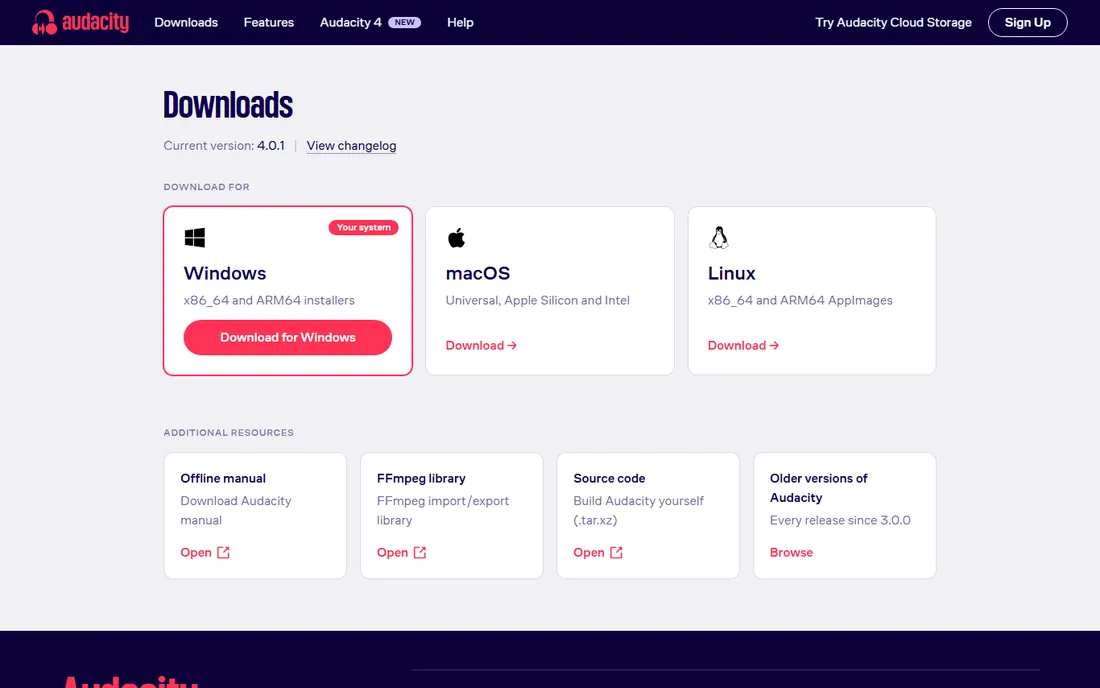
The default answer for a reason. Audacity is the free, open-source audio editor that has outlasted every trend in this space: record from a microphone or line input, cut and splice on multiple tracks, apply noise reduction, compression, EQ and dozens of built-in effects, then export to WAV, MP3, OGG or FLAC. Podcasters, YouTubers, teachers and voiceover artists have built entire workflows on it for two decades, and version 4.0.1 keeps it current on all three desktop platforms.
What it is not: a music production studio. Audacity edits audio destructively (effects are applied to the waveform rather than adjusted live), its MIDI capabilities are minimal, and the interface will not win beauty contests. For recording and cleaning spoken audio, nothing free beats it. For making beats or mixing songs, pick one of the DAWs below instead.
What we like- Free and open source under the GPL with no paid tier at all
- Multitrack recording and editing with a huge library of effects and plugins
- Runs on Windows, macOS and Linux with a massive tutorial community
Watch out for- Destructive editing workflow feels dated next to modern DAWs
- The interface has not kept pace with newer editors, and MIDI support is basic
#2
Ocenaudio
Best for: Fast single-file audio editing with live effect previews
Visit ocenaudio.com
Starting priceFree
Free planYes
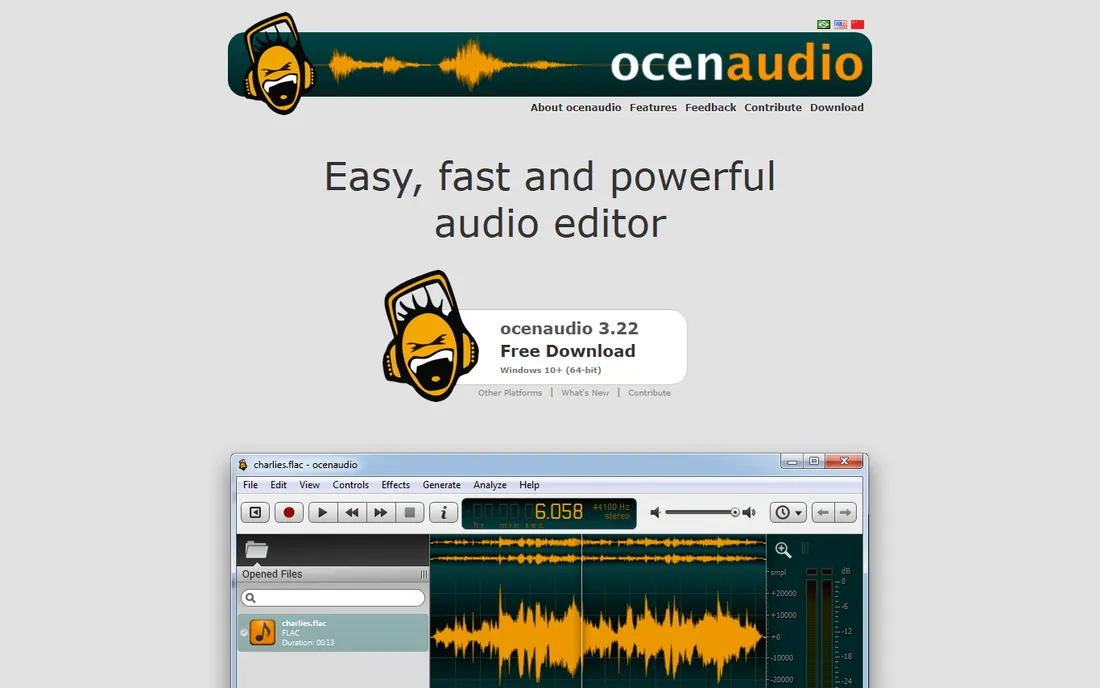
Ocenaudio is what you reach for when Audacity feels like too much. It opens a single audio file, lets you select any portion (including multiple simultaneous selections), and previews effects in real time before you commit. The spectrogram view is genuinely good, VST plugin support extends it, and it handles large files without the sluggishness that plagues heavier editors. It is freeware for commercial use too, which matters for freelancers.
The limitation is structural: one file at a time, no multitrack timeline. If your podcast has three speakers on separate tracks, Audacity or a DAW is the right tool. But for trimming an interview, cleaning a voice recording or mastering a single music file, Ocenaudio's speed and live previews make it the faster choice.
What we like- Completely free for personal and commercial use with no paid tier
- Real-time preview of effects before applying them
- Lightweight, fast with large files, and available on Windows, Mac and Linux
Watch out for- No multitrack editing, it handles one file at a time
- Proprietary rather than open source, so you depend on the developer's roadmap
#3
Ardour
Best for: Professional multitrack recording, editing, mixing and mastering
Visit ardour.org
Starting priceFree (open source; official ready-to-run builds are pay-what-you-want)
Free planYes
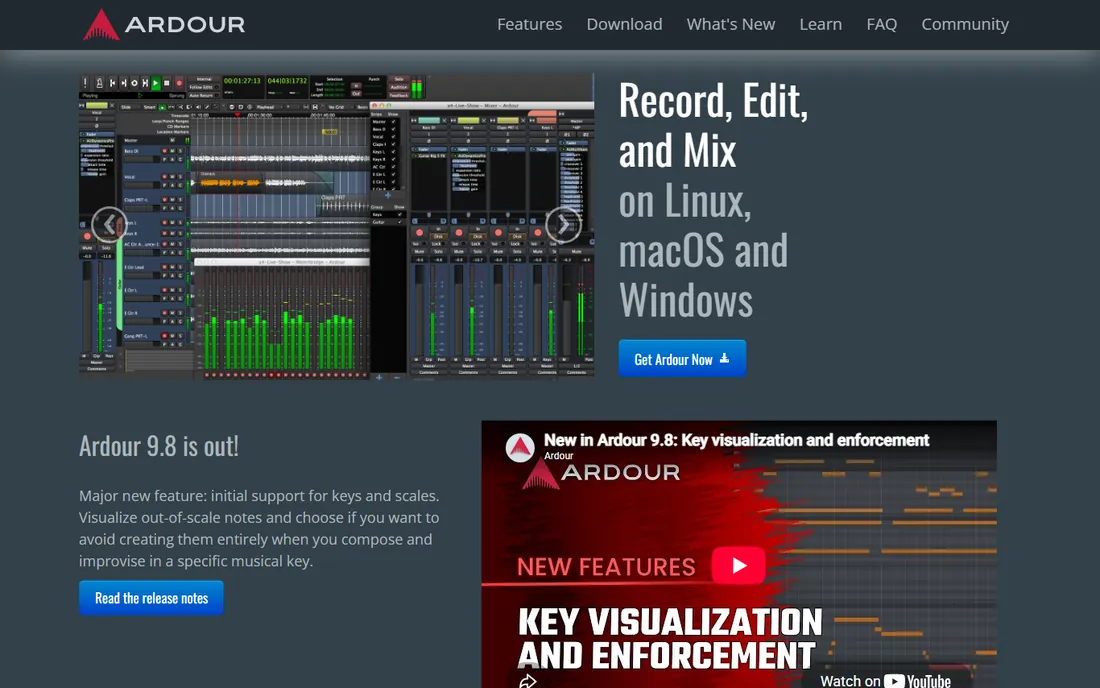
Ardour is the serious answer. This is a professional-grade digital audio workstation used for real records, film soundtracks and radio production: anything-to-anywhere routing, sample-accurate editing, full automation, support for LV2, VST and AudioUnit plugins, and a video timeline for soundtrack work. Version 9.8 added key and scale visualization for composers. It is developed openly by a worldwide team and licensed under the GPL.
Honesty about the price: the source code is free, and Linux users typically install it free from their distro. The official site offers ready-to-run builds on a pay-what-you-want basis (historically starting around a dollar), which funds development. If you want professional tools without a subscription, Ardour is the most capable free option in existence, provided you are willing to learn it.
What we like- Full professional DAW feature set: unlimited tracks, non-destructive editing, automation, plugin support and video timeline
- Open source under the GPL, so it is free forever
- Runs on Linux, macOS and Windows
Watch out for- Steep learning curve that assumes audio engineering knowledge
- The official site's ready-to-run binaries ask for a contribution, so the truly free route is building from source or using distro packages
#4
LMMS
Best for: Making beats and electronic music without spending anything
Visit lmms.io
Starting priceFree
Free planYes
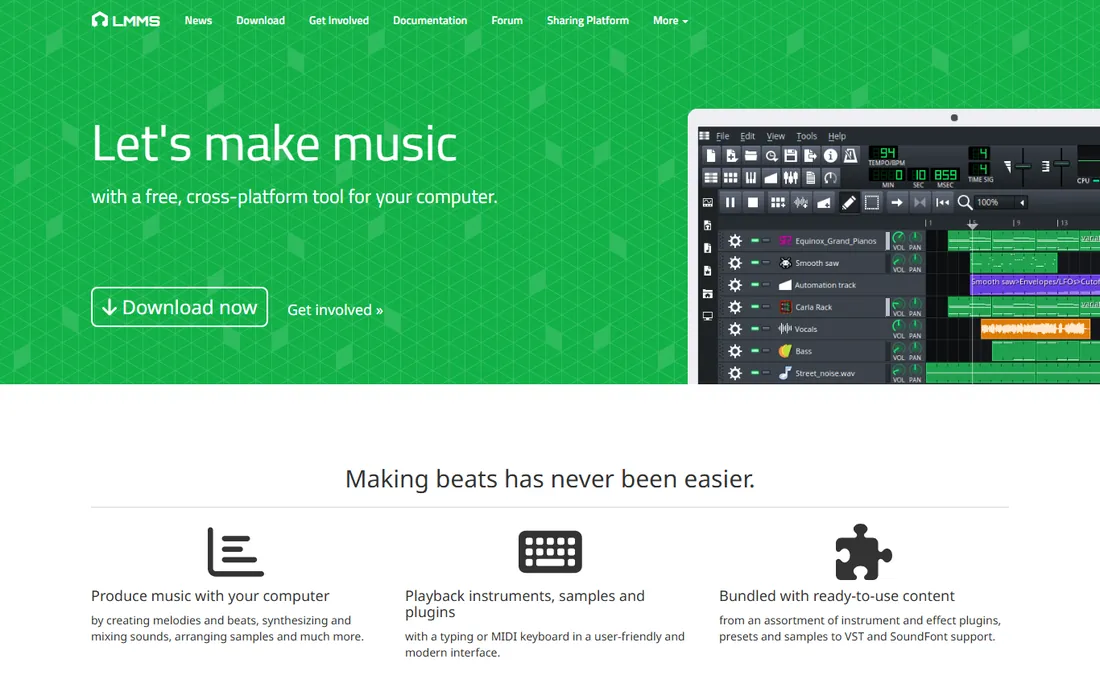
LMMS is the free beat-maker's DAW. Where Ardour targets recording engineers, LMMS targets producers: sequence melodies in the piano roll, program drums in the beat/bassline editor, layer any of 16 built-in synthesizers (including emulations of the Roland TB-303, Commodore 64 SID and Nintendo chips), and mix it all in the FX mixer. The vendor's own site states it plainly: 100% free, open source, community-driven. Export to WAV, FLAC, OGG or MP3 when the track is done.
It is weaker at recording live audio than Ardour or Waveform, and Mac users get fewer plugin options than Windows users. But for electronic music, hip-hop beats and chiptune made entirely in the box, LMMS is the closest thing to a free FL Studio, and the community around it is active and generous with tutorials.
What we like- 100% free and open source with no paid version
- 16 built-in synthesizers including emulations of classic chips, plus piano roll, beat/bassline editor and mixer
- VST and SoundFont support on Windows and Linux
Watch out for- Audio recording is limited compared to full DAWs
- MacOS support lags Windows and Linux for plugins
#5
WavePad Free
Best for: Beginners who want guided audio editing with lots of built-in effects
Visit nch.com.au
Starting priceFree (free version for non-commercial use only)
Free planYes
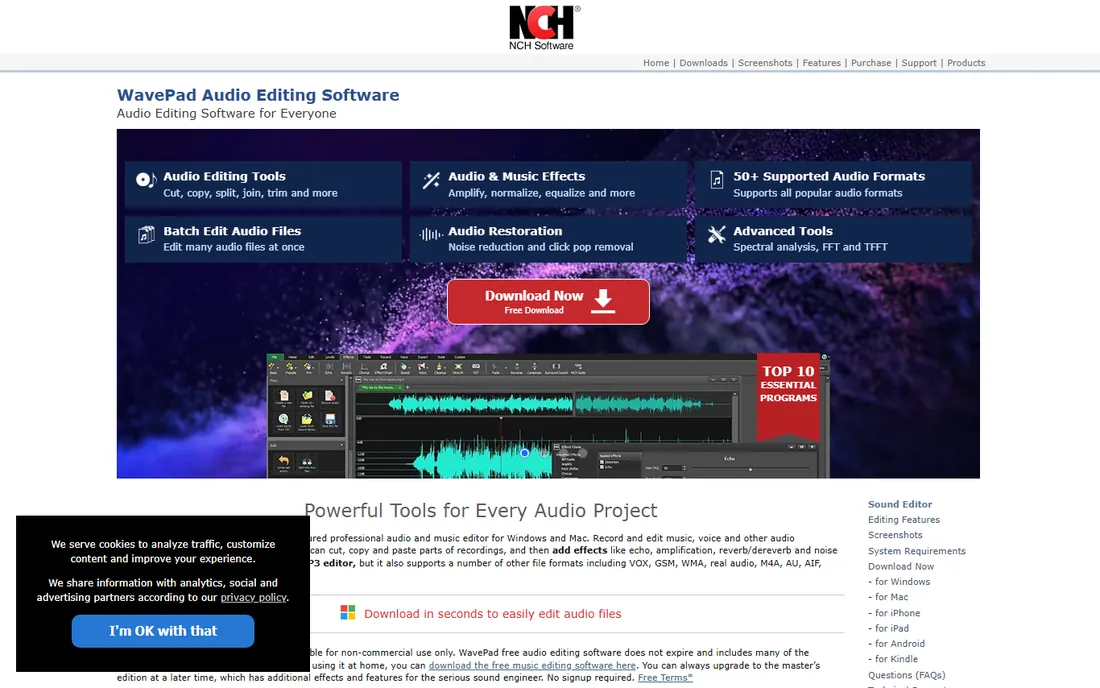
WavePad is NCH Software's long-running audio editor, and its free tier is unusually generous: the vendor's own page says the free audio editing software does not expire and includes many of the features of the paid Master's version. You get cut, copy, paste and trim, a deep effects list (reverb, EQ, compression, echo, reverse), VST plugin support, batch processing for converting thousands of files, and audio restoration tools like noise reduction and click-pop removal.
The catch is the license: free for non-commercial use only. Home users, students and hobbyists are covered; anyone editing audio for paying clients needs the Master's edition. There is also the NCH reputation question: older versions bundled toolbars, though the company removed them years ago. For non-commercial editing with a friendly interface, the free version is one of the easiest on-ramps in this list.
What we like- The free version does not expire and includes most editing features
- Wide format support (MP3, WAV, FLAC, OGG, WMA and more)
- Batch processing, VST support, noise reduction and now AI-powered tools
Watch out for- Free use is limited to non-commercial purposes
- Some advanced features are reserved for the paid Master's edition
#6
Wavosaur
Best for: A tiny, portable audio editor that runs from a USB stick
Visit wavosaur.com
Starting priceFree
Free planYes
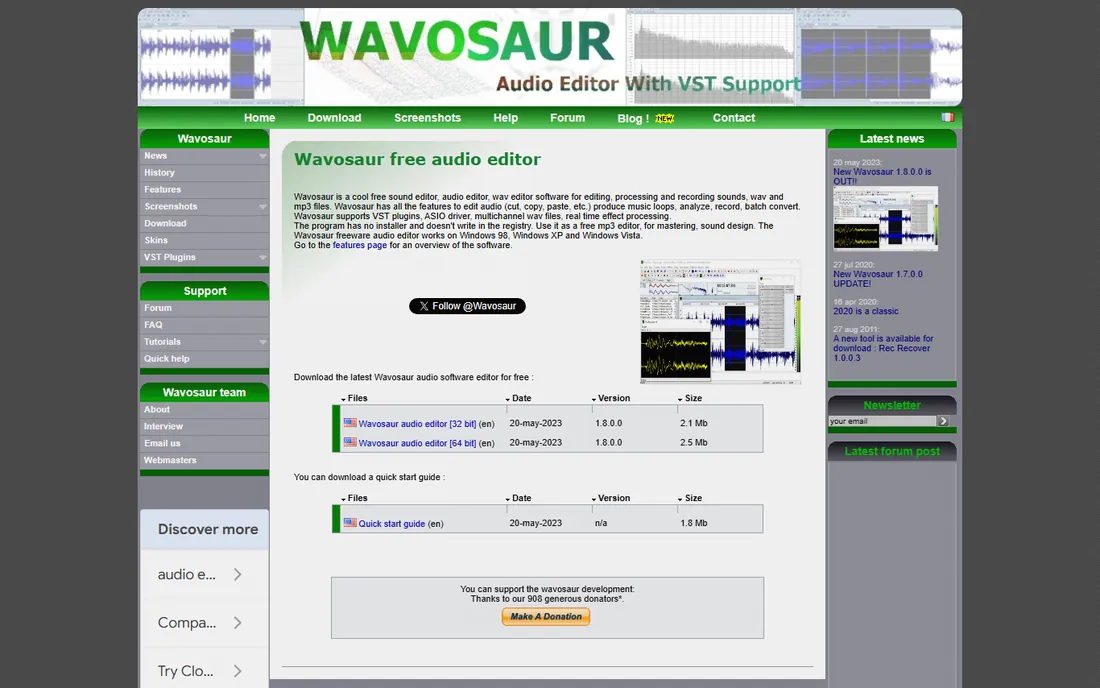
Wavosaur is the minimalist's audio editor: a free program under one megabyte that you unzip and run, no installation, no registry changes. Despite the size it packs real features: cut, copy and paste editing, VST plugin support, ASIO drivers for low-latency recording, batch conversion, loop points for music production, and multichannel WAV support. The developer's blog was still active in 2026, so the project is alive.
It is Windows-only and deliberately plain; nobody picks Wavosaur for its looks. But for a portable editor that lives on a USB drive, for quick edits on a borrowed computer, or for anyone who distrusts installers, it remains a remarkable piece of engineering. Pair it with free VST plugins and it covers a surprising amount of ground.
What we like- Completely free and under 1 MB, with no installer (runs as a single executable)
- VST plugin and ASIO driver support
- Batch processing, loop creation and multichannel WAV support
Watch out for- Windows only
- Development is slow and the interface is minimal by modern standards
#7
GarageBand
Best for: Making music on a Mac, iPhone or iPad with zero learning budget
Visit apple.com
Starting priceFree
Free planYes
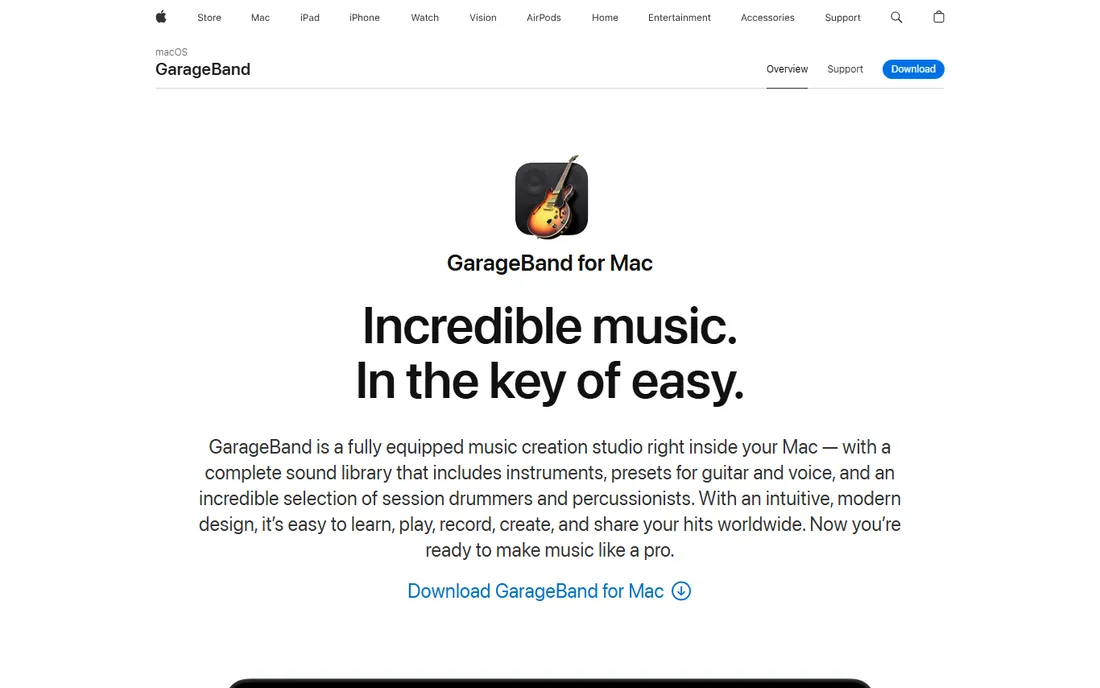
GarageBand is Apple's gift to its hardware owners: a fully equipped music creation studio included free on every Mac, iPhone and iPad. The Mac version offers up to 255 tracks, a complete sound library, 28 virtual session drummers, guitar amps and stompboxes, Flex Time pitch and timing correction, and one-click sharing. It is the easiest path from "I have never made music" to a finished song, and many professional producers sketch ideas in it before moving to Logic Pro.
The boundary is the ecosystem. There is no Windows version and never will be; any "GarageBand for Windows" download is malware. If you live on Apple devices, this is the obvious pick. If you do not, Waveform Free and LMMS cover the same beginner-to-intermediate ground on every platform.
What we like- Completely free with no paid tier or feature limits
- Huge sound library with session drummers, amps and loops
- Up to 255 tracks with Flex Time, Smart Controls and easy sharing
Watch out for- Apple devices only, there is no Windows or Android version
- Projects do not transfer cleanly to non-Apple DAWs
#8
Tracktion Waveform Free
Best for: Full music production with unlimited tracks on Windows, Mac or Linux
Visit tracktion.com
Starting priceFree
Free planYes
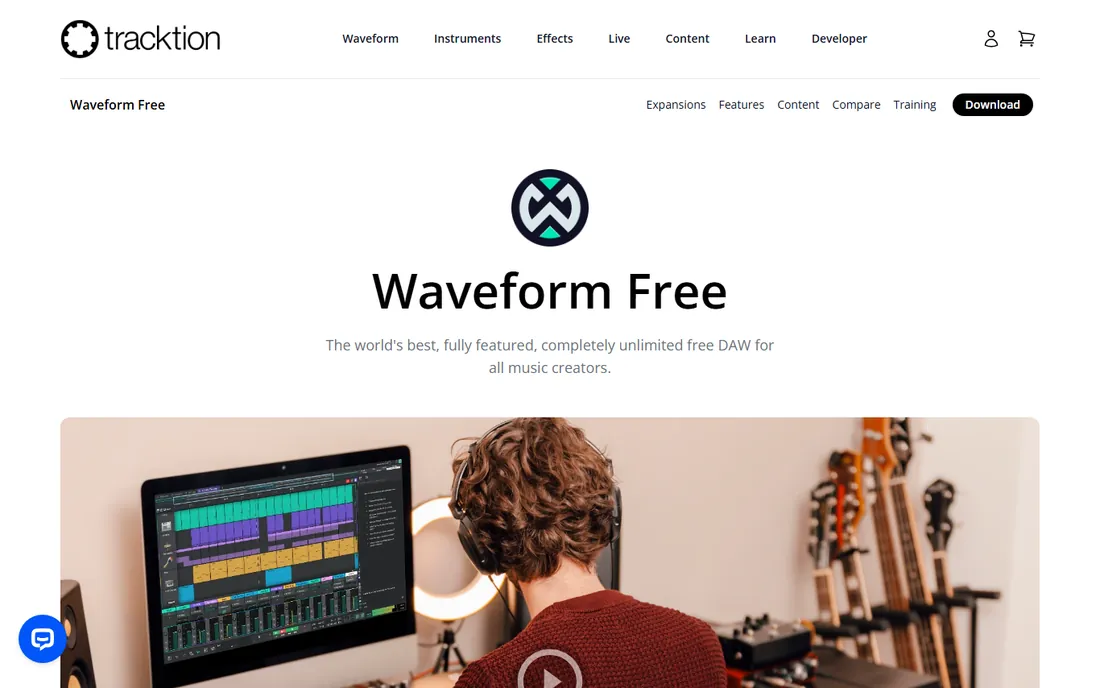
Tracktion calls Waveform Free the world's best fully featured free DAW, and the feature list backs up the confidence: unlimited track count, VST/VST3/AU plugin support, 14 built-in audio effects, 8 MIDI effects, 11 utility plugins and 4 built-in instruments, on all three desktop platforms. It handles band recording, electronic production, podcasting and songwriting with templates for each, and the workflow is modern without demanding pro experience.
The business model is freemium done politely: the DAW is free and unlimited, while specialized expansion packs (multi-channel, clip launcher, synth pack and others) start around $30 for users who outgrow the basics. You need a free account to download it, which is a mild annoyance. For Windows and Linux users who want a complete free studio, this and Ardour are the two serious choices.
What we like- Unlimited tracks, clips and plugins with no time limits
- 14 built-in audio effects, instruments and MIDI tools included
- Runs on Windows, macOS and Linux with an active tutorial library
Watch out for- Requires a free Tracktion account to download
- Advanced features are sold as paid expansion packs from $30
#9
SoundBridge
Best for: Beginners who want a simple DAW with built-in remote collaboration
Visit soundbridge.io
Starting priceFree (free tier)
Free planYes
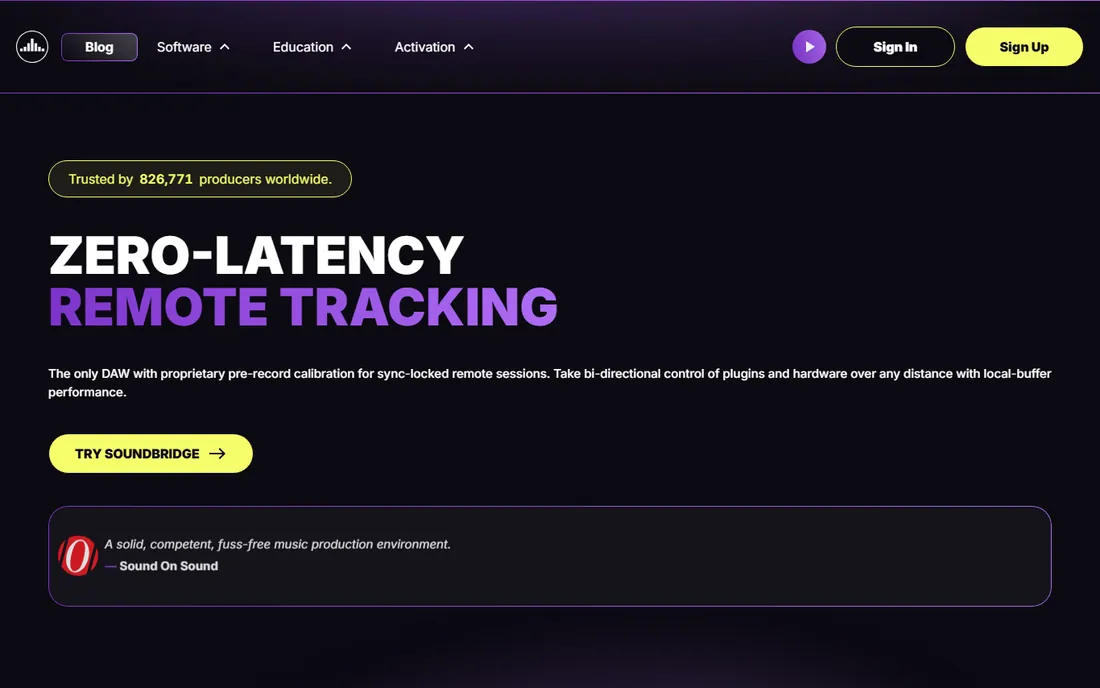
SoundBridge set out to be the simplest full-featured DAW, and it still offers a free tier for Mac and Windows with the essentials: multitrack recording, MIDI sequencing, a 64-slot sampler, built-in effects, and the RitMix drum machine. Its standout idea is virtual collaboration: record with remote musicians in real time with sample-accurate sync, which no other free DAW attempts.
Be aware the product is evolving. Recent versions emphasize the collaboration platform, with an Everything Bundle, premium subscriptions and lifetime licenses alongside the free tier, and the free version carries track and feature limits. For a beginner who might one day record with a collaborator across the country, it is worth trying. For a straightforward free studio with no limits, Waveform Free or LMMS are simpler picks.
What we like- Free tier available with an interface designed for simplicity
- 192kHz engine with VST support and built-in effects, drum machine and arpeggiator
- Unique real-time remote collaboration for recording with others
Watch out for- The free tier has track and feature limits
- The product's focus has shifted toward paid collaboration features and bundles
What to check before you download
First, decide which camp you are in. Editing spoken audio (podcasts, voiceovers, interviews)? Start with Audacity or Ocenaudio. Making music (beats, songs, scores)? Start with a DAW: GarageBand on Apple devices, LMMS for beats, Waveform Free or Ardour for full production. Second, check your platform. GarageBand is Apple-only, Wavosaur is Windows-only, and Ardour is happiest on Linux. Third, read the license: WavePad's free version is non-commercial only, and Ardour's ready-made builds ask for a contribution.
How we chose
We looked for audio editors and DAWs that are genuinely free to use, not time-limited trials wearing a "free" label. Every tool here was verified on the vendor's own site: Audacity, Ocenaudio, Ardour, LMMS, Wavosaur, Waveform Free and GarageBand cost nothing with no paid tier gating the core features, while WavePad's free version is free for non-commercial use and SoundBridge offers a free tier. We excluded trials, freemium teasers and abandoned projects.
Editors vs. DAWs: which kind do you need?
The distinction matters more than any feature list. Audio editors (Audacity, Ocenaudio, WavePad, Wavosaur) work directly on audio files: you open a WAV or MP3, cut it, clean it, apply effects and save it. They are the right tools for podcasts, voiceovers, digitizing cassettes and mastering single files. DAWs (Ardour, LMMS, GarageBand, Waveform Free, SoundBridge) work on projects: multiple tracks, virtual instruments, MIDI sequencing, mixing and automation. They are the right tools for songs, scores and beats.
The overlap is real: Audacity does multitrack, and every DAW edits audio. But each camp's workflow favors its home turf. A podcaster fighting a DAW's complexity is wasting time, and a beat-maker fighting an editor's limitations is wasting talent. Pick the camp first, then pick the tool. And note the free upgrade path many producers take: sketch in GarageBand or LMMS, then graduate to Ardour or Waveform Free when projects get serious.
Frequently asked questions
What is the best completely free audio editor?
Audacity is the safest default: free, open source, no paid tier, and available on Windows, Mac and Linux. For quicker single-file edits, Ocenaudio is faster and more modern. For music production rather than audio editing, look at the DAWs: GarageBand on Apple devices, Waveform Free or LMMS elsewhere.
Is Audacity really free?
Yes. Audacity is free and open source under the GNU General Public License. There is no paid version, no trial period and no license key. Download it only from the official site, audacityteam.org, since third-party sites have distributed modified copies.
Can I make professional music with free software?
Yes. Ardour is used for professional recording and mixing, LMMS and Waveform Free are capable production DAWs, and GarageBand has launched real careers. The limitations versus paid DAWs are mostly in bundled instruments, support and workflow polish, not in audio quality.
What is the difference between an audio editor and a DAW?
An audio editor works directly on audio files (cut, clean, apply effects, save), which suits podcasts and voiceovers. A DAW works on multitrack projects with virtual instruments and MIDI, which suits music production. Audacity, Ocenaudio, WavePad and Wavosaur are editors; Ardour, LMMS, GarageBand, Waveform Free and SoundBridge are DAWs.
Is GarageBand available for Windows?
No. GarageBand is exclusive to macOS, iOS and iPadOS, and Apple distributes it only through the App Store. Any website offering a Windows installer is distributing malware. Windows users should try Waveform Free, LMMS, Ardour or Audacity instead.
Are there really no strings attached to these free tools?
Mostly. Audacity, Ocenaudio, LMMS, Wavosaur and GarageBand are free with no paid tier. WavePad's free version is limited to non-commercial use. Ardour is open source but its ready-to-run official builds are pay-what-you-want. SoundBridge's free tier has feature limits. Read each license before using a tool commercially.
Sources we checked (9)
- https://www.audacityteam.org/download/
- https://ocenaudio.com/
- http://ardour.org/
- https://lmms.io/
- http://nch.com.au/wavepad/
- https://www.wavosaur.com/
- https://www.apple.com/mac/garageband/
- https://www.tracktion.com/products/waveform-free
- https://soundbridge.io/
Is your product missing or out of date?
We review this list regularly. Vendors can request a listing, send updated pricing or ask about featured placement.

Shihab Mia · Founder, Rankite
Shihab has spent more than a decade helping SaaS and e-commerce brands grow through search. He writes Rankite's software buying guides from pricing pages, documentation and public user reviews. More about Shihab.