How we make this list: we compare pricing pages, product documentation and public user reviews. Rankite is independent; if a vendor ever pays for a featured spot, that listing is clearly labeled Partner.
Key takeaways
- WriterSolo and Trelby are the most genuinely free options: full screenwriting features with no paywall, no project cap, and no watermark.
- Beat is the best free choice for Mac writers, with a clean Fountain-based editor that imports and exports Final Draft files.
- WriterDuet and Celtx offer useful free tiers (3 projects and 1 project respectively) but reserve their best features for paid plans.
- StudioBinder gives you unlimited free screenwriting inside a full production suite, which suits writers who also manage shoots.
Quick comparison
| Tool | Best for | Starting price | Free plan |
|---|
 WriterSolo WriterSolo | Offline-first writing without an account | Free (pay what you want) | Yes |
 Story Architect Story Architect | Full story development suite for free | Free (open source core) | Yes |
 Trelby Trelby | Minimalist distraction-free drafting | Free (open source) | Yes |
 Beat Beat | Mac writers who like Fountain | Free (macOS; iOS app is a one-time purchase) | Yes |
 WriterDuet WriterDuet | Real-time collaboration on a budget | $7.99/month (Plus) | Yes (3 projects) |
 Causality Causality | Visual story structure and plotting | $279 one-time (or $6 to $8/month subscription) | Yes (unlimited outlining; final export capped around 10 pages) |
 StudioBinder StudioBinder | Writers who also manage production | $42/month (billed annually) | Yes (screenwriting free with unlimited projects) |
 Celtx Celtx | Pre-production planning with the script | $14.99/month (Writer) | Yes (1 project) |
Is your product missing or out of date?
We review this list regularly. Vendors can request a listing, send updated pricing or ask about featured placement.
The best free screenplay writing software
Most "free" screenwriting software is a trial wearing a costume. The free tier caps your projects at three, watermarks your PDFs, or locks exports until you pay. This list is different. Every tool here lets you write and export a real screenplay without paying, and we say exactly where each free plan stops so you can pick with open eyes.
Starting priceFree (pay what you want)
Free planYes
WriterSolo is the offline sibling of WriterDuet, and for a solo writer on a budget it may be the better product. It runs in the browser but stores everything locally, so you can write on a plane, in a cabin, or anywhere with unreliable internet, and your files stay on your machine. There is no account required and no project limit. The pay-what-you-want model means you can use it free forever or contribute if it earns a place in your workflow.
The editor covers the professional essentials: automatic industry-standard formatting, revision tracking, outlining with cards, and export to PDF, Final Draft, Fountain, and Word formats. Because it shares DNA with WriterDuet, the formatting engine is mature, which matters when a producer asks for a Final Draft file and you do not own Final Draft.
The trade-offs are what you would expect from a free offline tool. There is no real-time collaboration, so co-writing means passing files back and forth. The interface is plain compared with paid competitors, and support is community-driven rather than a help desk. If you write alone and want your files under your control, those are easy compromises.
What we like- Full-featured with no project cap
- Works offline in the browser
- Saves to your own computer, Dropbox, Google Drive, or iCloud
Watch out for- No built-in collaboration
- Interface is functional rather than beautiful
#2
Story Architect
Best for: Full story development suite for free
Visit starc.app
Starting priceFree (open source core)
Free planYes
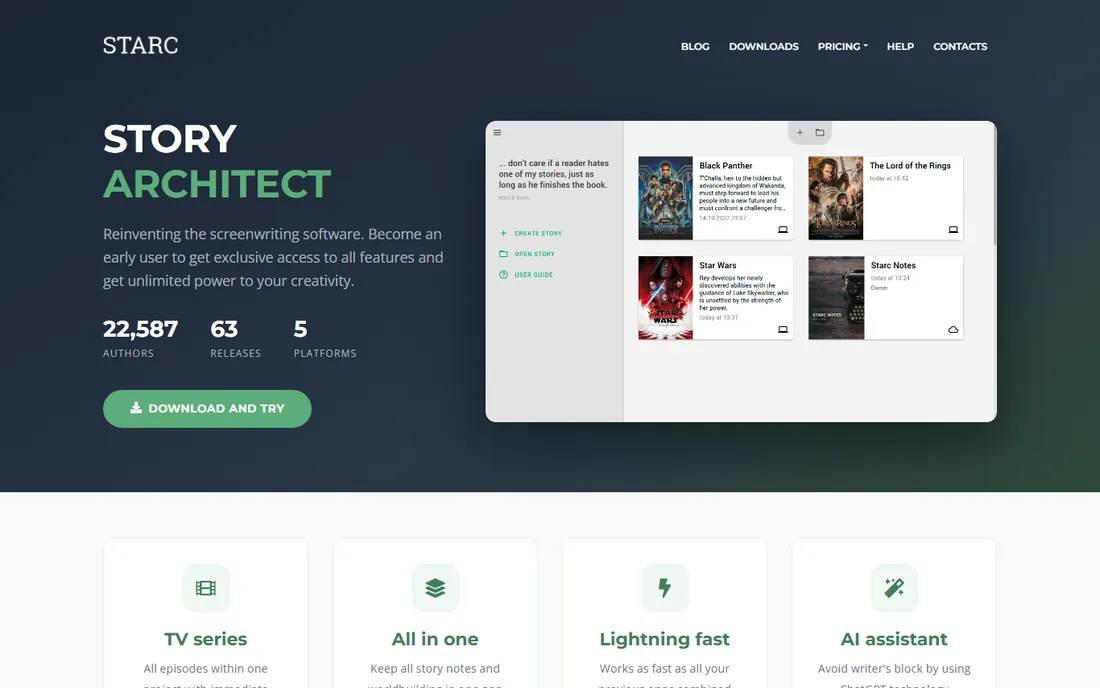
Story Architect, known as STARC, is the successor to KIT Scenarist, the free open-source screenwriting program that built a loyal following over a decade. The same team rebuilt it as a broader writing environment covering screenplays, TV series, novels, stage plays, audio plays, and comics. The core is free and open source under the GPL, and the free version places no cap on how many projects you can create.
What makes it stand out is the all-in-one structure. Character profiles with relationship maps, location bibles, research documents, mind maps, and corkboard outlining all live inside the same project as the script. Export covers PDF, Final Draft, Fountain, and Word formats, and it imports projects from KIT Scenarist, Trelby, and Celtx.
The honest caveat is maturity. The project is under active development, so interfaces and features shift between releases, and some advanced modules are proprietary rather than open source. Writers who want a stable, finished product may prefer Trelby or WriterSolo. Writers who want the most capable free toolkit and do not mind occasional rough edges get a lot here.
What we like- Screenplays, novels, stage plays, and comics in one app
- Research, characters, and locations live with the script
- Free version allows unlimited projects
Watch out for- Still in active development with changing interfaces
- Advanced modules are proprietary add-ons
Starting priceFree (open source)
Free planYes
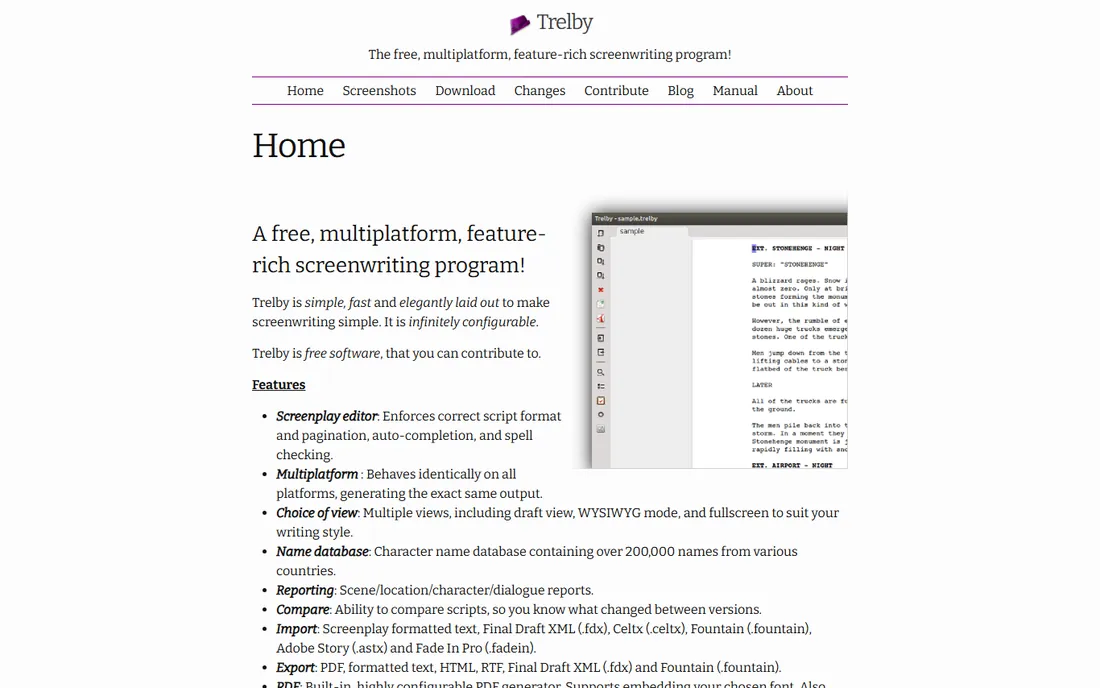
Trelby is the old reliable of free screenwriting software. It is a small, fast desktop program released under the GPL, and it does one job: let you type a screenplay with correct industry formatting and nothing getting in the way. There are no accounts, no subscriptions, no feature gates. Download it, write, export a PDF. On an old laptop it still runs beautifully, which makes it a favorite for writers working with whatever hardware they have.
The formatting engine handles the details that matter: character name auto-completion, scene navigation, revision tracking, and reports on dialogue, locations, and characters. It imports Final Draft, Fountain, and Celtx files, so moving an old script into Trelby is straightforward. For a writer who wants to draft without distractions and owns their files outright, it is hard to argue with.
The cost of that simplicity is visible. The interface looks dated, development moves slowly, and there is no cloud sync or collaboration, so your script lives on one machine unless you manage backups yourself. It is also desktop only, with no mobile companion. As a free drafting tool, though, it remains one of the most honest deals in the category.
What we like- Completely free with no tiers or upsells
- Fast and lightweight on old hardware
- Proper screenplay PDF output
Watch out for- Development is slow and the interface shows its age
- No collaboration or cloud sync
Starting priceFree (macOS; iOS app is a one-time purchase)
Free planYes
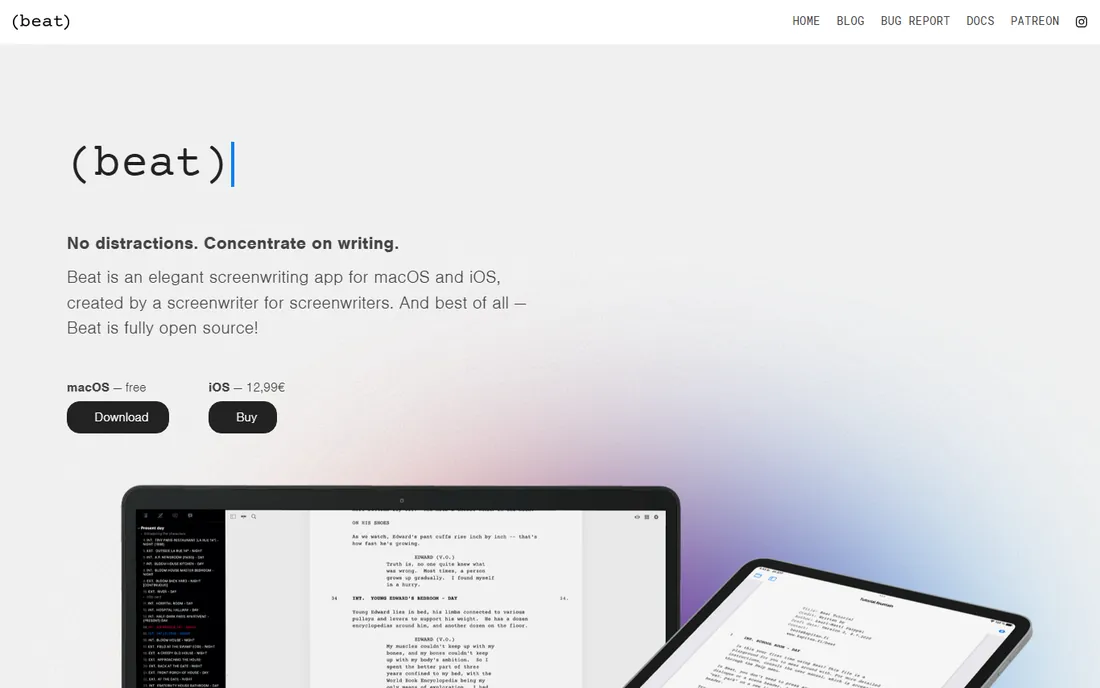
Beat is a screenwriting app for macOS built by a screenwriter, and it shows in the details. The interface strips away everything except your words, with outlining, scene cards, revision tracking, and screenplay statistics tucked just out of sight until you need them. The Mac app is completely free and open source under the GPL. An iOS companion exists as a low one-time purchase for writers who draft on iPad or iPhone.
Under the hood, Beat uses Fountain, the plain-text screenplay format. That choice is a quiet superpower: your scripts are readable text files that will open in dozens of apps decades from now, and they convert cleanly to Final Draft format for industry delivery. Import handles Final Draft, Highland, Fade In, and Celtx files, including notes and revisions from Final Draft.
The limitation is platform. There is no Windows or Linux version and none planned, so Beat only fits Apple households. Plugin support is macOS only as well. Within that boundary, though, it is the most polished free screenwriting experience available, and the open-source license means it cannot be taken away or paywalled later.
What we like- Fast native Mac app with a distraction-free interface
- Fountain plain-text format keeps scripts portable
- Imports and exports Final Draft files cleanly
Watch out for- MacOS only, with no Windows or Linux version
- The iOS companion app costs extra
Starting price$7.99/month (Plus)
Free planYes (3 projects)
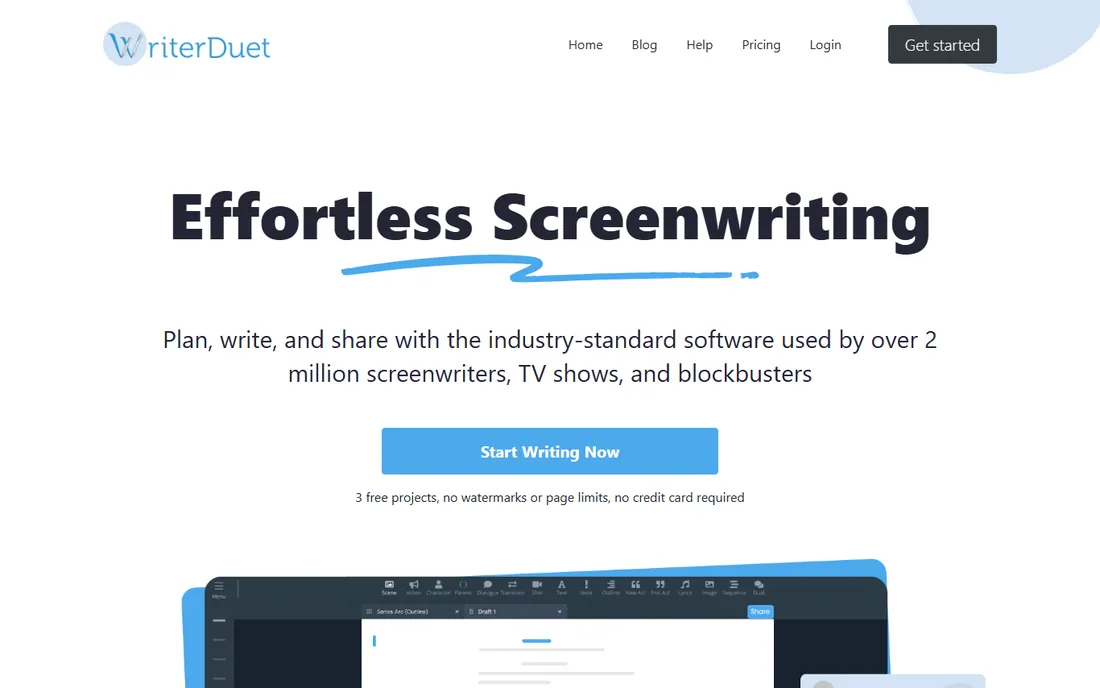
WriterDuet earned its reputation on collaboration: multiple writers can work in the same script at once, with changes appearing instantly, plus built-in text and video chat. For writing partnerships and writers rooms, it is the most capable option short of enterprise tools. The free tier gives you 3 complete projects with no watermarks and no page limits, which is enough to write and polish a feature or a pilot before deciding whether to pay.
Even on the free plan, the feature set is deep. Automatic industry formatting, outlining with cards and mind maps, revision tracking with an edit-by-edit timeline, script statistics, and read-aloud with distinct voices per character all work without paying. Import and export cover PDF, Final Draft, Word, and Fountain, so delivering industry-standard files is never a problem. Paid tiers start at $7.99 per month for Plus, with Pro and Premium adding unlimited scripts, offline desktop apps, and advanced reports.
The free tier's ceiling is the project count. Three scripts is generous for starting out but tight for a working writer juggling features, pilots, and rewrites. Heavy offline work and the full analytics suite also require paid plans. If you co-write or want the smoothest free onboarding in the category, start here and upgrade when the project count forces the issue.
What we like- Best-in-class real-time co-writing
- Free tier includes 3 full projects with no watermarks
- Strong outlining, revision history, and analytics
Watch out for- Free tier caps at 3 projects
- Best features like offline apps sit in higher tiers
Starting price$279 one-time (or $6 to $8/month subscription)
Free planYes (unlimited outlining; final export capped around 10 pages)
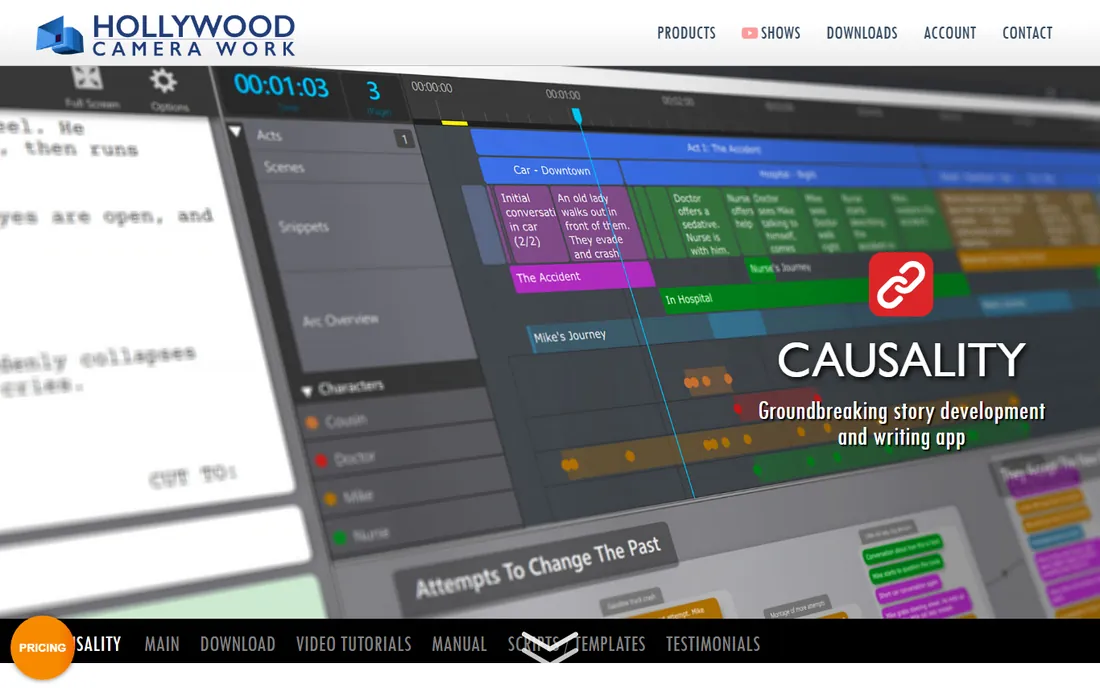
Causality is the odd one out, and deliberately so. Instead of a linear script editor, you build your story on a visual whiteboard from small plot units, and the app assembles the screenplay from that structure. Its signature trick is tracking causes and effects: when a story event depends on something that never happens, or contradicts an earlier setup, Causality tells you. For writers who outline heavily or juggle complex multi-thread plots, that plot-hole detection is unique.
The free tier is honest about what it is. You get unlimited outlining and story development, which makes it a genuinely useful free plotting tool, but final script export caps at around 10 pages. To export full screenplays you buy a license: around $279 as a one-time purchase, or $6 to $8 per month on subscription. The one-time option is increasingly rare in software and will appeal to writers tired of subscriptions.
The learning curve is real. Writing in plot units on a whiteboard feels strange if you are used to a linear page, and the app rewards writers who think structurally. It also focuses on story development more than production features like locked pages and revision colors. As a free outlining and structure tool, though, it has no equal on this list.
What we like- Whiteboard plotting that syncs with the script
- Cause-and-effect tracking flags plot holes
- One-time purchase option avoids subscriptions
Watch out for- Free export cap makes it a trial for finished scripts
- Unconventional workflow takes time to learn
Starting price$42/month (billed annually)
Free planYes (screenwriting free with unlimited projects)
StudioBinder is primarily a production management platform, but its screenwriting module is free with unlimited projects, which makes it a legitimate entry on a free screenwriting list. You get a proper industry-format script editor with outlining, version control, and color-coded revisions at no cost. The paid suite, from $42 per month billed annually, adds the production tools, but the writing side does not require it.
The reason to choose StudioBinder over a pure writing app is what happens after the draft. Tagging script elements feeds directly into breakdowns, stripboards, shot lists, and call sheets inside the same platform. For writer-directors, producers, and small production companies, that continuity removes the usual export-import shuffle between writing and pre-production.
The catch is scope and price. The full suite is priced for production companies, not individual writers, and the platform is web-based, so offline writing is limited. If you only need a script editor, lighter tools on this list do the job with less overhead. If your scripts turn into shoots, the free writing tier inside a production platform is a compelling combination.
What we like- Unlimited free screenwriting
- Script connects directly to breakdowns, schedules, and call sheets
- Professional revision management
Watch out for- Full production suite is expensive for individuals
- Web-based with limited offline access
Starting price$14.99/month (Writer)
Free planYes (1 project)
Celtx has been around since the mid-2000s, and generations of film students learned screenwriting on it. The free tier gives you one complete project with the script editor, basic sharing, and PDF export, which is enough to write a short or develop a single feature. Paid plans start at $14.99 per month for Writer, with Writer Pro and Team tiers adding story development tools, unlimited projects, and production planning.
The strength of Celtx is the path from script to set. Story development tools like beat sheets and character work sit alongside the script, and higher tiers add shot lists, scheduling, budgeting, and call sheets. For indie filmmakers and students who need writing and pre-production in one place, that integration has real value.
The free tier is the thinnest on this list at one project, and collaboration features like unlimited comments require paid plans. Writers who only need a script editor will find more generous free options above. Celtx earns its place for writers who want their free project to live inside a genuine pre-production workflow.
What we like- Script editor plus story development in one account
- Free tier includes a full project
- Trusted by film schools and indie productions
Watch out for- Free tier limited to a single project
- Production planning tools require higher tiers
What the free plan really gives you
Free tiers in screenwriting software fall into three patterns, and knowing which one you are looking at prevents disappointment. Truly free tools like WriterSolo, Trelby, Beat on macOS, and the Story Architect core have no paywall at all: write unlimited scripts, export everything, keep your files. Their limits are about polish, platform, or pace of development, not about holding your work hostage.
Capped free tiers, like WriterDuet's 3 projects, Celtx's 1 project, and Causality's export limit, give you the full professional experience inside a boundary. These are excellent for finishing one script or learning the craft, but a working writer will hit the ceiling.
The third pattern is the free module inside a paid suite, which is StudioBinder's model here. The writing is genuinely free and unlimited, and the company makes its money on production tools. That can be the best deal of all if you use the surrounding features, and harmless if you do not. In every case, keep your own backups in an open format like Fountain or Final Draft, so your scripts survive whatever happens to the app.
How we chose
We looked for screenwriting tools a writer can use without paying, then verified what "free" actually means for each one by reading the vendor's own pricing and plan pages in October 2026. Tools made the list only if a free user can write and export a complete screenplay today, whether through a fully free product, a capped free tier, or a free module. We excluded trials that expire and freemium products that watermark exports. We weighed export formats, platform support, collaboration, and how the free plan limits real work, drawing on vendor documentation and public reviews rather than hands-on testing.
Frequently asked questions
Is free screenwriting software good enough for professional work?
Yes, for the writing itself. Tools like WriterSolo, Trelby, and Beat produce correctly formatted screenplays that export to PDF and Final Draft formats, which is what readers and producers expect. Where paid tools pull ahead is collaboration at scale, production features like locked revision pages, and dedicated support.
What is the difference between Fountain and Final Draft formats?
Fountain is a plain-text format where simple markup becomes screenplay formatting, so any text editor can open it and it never goes obsolete. Final Draft's FDX is an XML format that has become the industry interchange standard. Most tools on this list read and write both, so you can draft in Fountain and deliver FDX.
Can I collaborate with a co-writer for free?
WriterDuet's free tier supports real-time collaboration on up to 3 projects, which is the best free co-writing deal available. StudioBinder and Celtx also include sharing on their free plans. Fully free tools like WriterSolo and Trelby are single-writer, so co-writing means exchanging files.
Will I lose my scripts if a free app shuts down?
You can lose access, but you do not have to lose the work. Export your scripts regularly in an open format: Fountain files are plain text and open everywhere, and Final Draft FDX files import into nearly every screenwriting app. Tools that store files on your own computer, like WriterSolo, Trelby, and Beat, remove the risk entirely.
Which free option is best for Mac users?
Beat, for its native speed, clean interface, and Fountain foundation. WriterSolo also runs well on Mac through the browser with full offline support. If you need Windows or Linux as well, Trelby and Story Architect cover all three desktop platforms.
Do any of these work on mobile?
WriterDuet has the strongest mobile story with iOS and Android apps that sync to the web version. Beat offers an iOS companion app for a one-time purchase. Story Architect runs on five platforms including iOS and Android.
Sources we checked (16)
- https://writersolo.com/
- https://starc.app/
- https://www.trelby.org/
- https://beat-app.fi/
- https://www.writerduet.com/pricing
- https://www.hollywoodcamerawork.com/causality.html
- https://www.studiobinder.com/pricing/
- https://www.celtx.com/pricing/
- https://github.com/boliby/screenwriter2/blob/HEAD/docs/research-plan.md
- https://www.nofilmschool.com/beat-screenwriting-software
- https://www.linuxlinks.com/story-architect-reinventing-screenwriting/
- https://www.freelancevideocollective.com/reviews/celtx/
- https://www.g2.com/products/celtx/pricing
- https://www.writerswrite.com/free-screenwriting-software/
- https://www.makeuseof.com/scrivener-alternatives-for-writers/
- https://www.studiobinder.com/blog/screenwriting-software/
Is your product missing or out of date?
We review this list regularly. Vendors can request a listing, send updated pricing or ask about featured placement.

Shihab Mia · Founder, Rankite
Shihab has spent more than a decade helping SaaS and e-commerce brands grow through search. He writes Rankite's software buying guides from pricing pages, documentation and public user reviews. More about Shihab.