How we make this list: we compare pricing pages, product documentation and public user reviews. Rankite is independent; if a vendor ever pays for a featured spot, that listing is clearly labeled Partner.
Key takeaways
- Blender is the obvious starting point: a complete 3D package with the Cycles path tracer built in, free forever.
- D5 Render and OctaneRender Prime offer free tiers of commercial renderers with real production quality.
- LuxCoreRender, Appleseed, POV-Ray, YafaRay and Mitsuba are fully open-source engines for purists and tinkerers.
- Twilight Render gives SketchUp users a genuinely free Hobby version for quick photorealistic results.
- Free does not mean equal: check GPU requirements, development activity and export options before committing to a pipeline.
Paying for a renderer in 2026 is a choice, not a necessity. The free options have quietly caught up to, and in some cases passed, the mid-tier commercial engines. Blender's Cycles renders feature-film quality frames. D5 Render's free Community edition produces client-ready architectural stills. OctaneRender's free Prime tier puts a genuine GPU production renderer on a single graphics card. Anyone telling you that serious rendering requires a four-figure license is selling something. What the paid tools still buy you is support contracts, render farm integration and somebody to call at deadline o'clock. For everyone else, this list is all you need.
Quick comparison
| Tool | Best for | Starting price | Free plan |
|---|
 Blender Blender | 3D artists wanting a complete free pipeline | Free | Yes |
 LuxCoreRender LuxCoreRender | Artists chasing physically accurate light | Free | Yes |
 D5 Render D5 Render | Architects needing real-time visualization | Free (Community edition; Pro from $38/month) | Yes |
 OctaneRender OctaneRender | GPU owners wanting production path tracing | Free (Prime edition, single GPU) | Yes |
 Appleseed Appleseed | VFX tinkerers and pipeline builders | Free | Yes |
 POV-Ray POV-Ray | Programmers rendering from scene code | Free | Yes |
 YafaRay YafaRay | Blender and Wings3D users wanting simple global illumination | Free | Yes |
 Mitsuba Mitsuba | Researchers experimenting with rendering algorithms | Free | Yes |
 Twilight Render Twilight Render | SketchUp users wanting one-click renders | Free (Hobby version; Pro $99) | Yes |
Is your product missing or out of date?
We review this list regularly. Vendors can request a listing, send updated pricing or ask about featured placement.
The best free rendering software you can download today
Starting priceFree
Free planYes
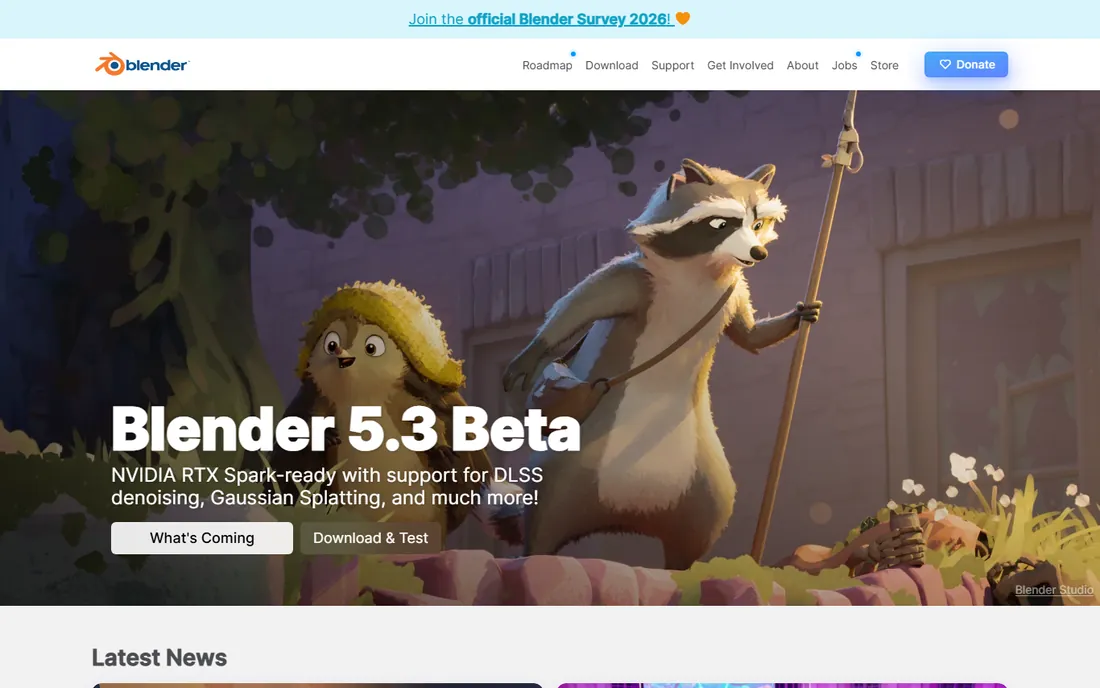
Blender is not just a free renderer. It is a complete 3D creation suite that happens to include Cycles, an unbiased path-tracing engine used in actual film and commercial production. You model, light, shade and render without ever leaving the program, and the whole thing costs nothing under the GPL license. No other free tool on this list covers that much ground.
The honest catch is the learning curve. Blender's interface is dense, and getting clean, fast Cycles renders requires understanding samples, denoising, light paths and GPU settings. Beginners should expect weeks of tutorials before their renders look intentional. The hardware matters too: Cycles loves a good NVIDIA or AMD GPU and merely tolerates old laptops.
What we like- Full modeling, sculpting and animation suite plus two render engines
- Cycles is a genuinely production-capable path tracer
- Huge community and tutorial base
Watch out for- The interface overwhelms beginners
- Cycles can be slow on weak hardware
- Render settings have a real learning curve
Starting priceFree
Free planYes
LuxCoreRender is the connoisseur's choice. It renders light the way physics says it should behave, and the results have a natural quality that is hard to fake: caustics through glass, soft believable bounce light, skies that look like skies. The BlendLuxCore plugin wires it directly into Blender, so you can keep your modeling workflow and swap the engine.
The catch is momentum. The project has been quiet since version 2.6, and while the engine remains excellent, you should not expect rapid feature development. It also leans on CPU rendering more than GPU-first competitors, so render times on complex scenes can test your patience. Choose LuxCoreRender for stills where light quality matters more than speed.
What we like- Physically based spectral rendering with excellent light behavior
- Strong Blender integration via BlendLuxCore
- Open source under Apache 2.0
Watch out for- Development has slowed since the 2.6 release
- Smaller community than Blender
- CPU-heavy scenes can render slowly
Starting priceFree (Community edition; Pro from $38/month)
Free planYes

D5 Render feels like the future arriving early. You move a light and the render updates instantly. The free Community edition includes thousands of assets, 16K still rendering and live sync plugins for the major modeling tools, which makes it absurdly capable for a free product. Architectural visualizers in particular get enormous value here.
Two hard requirements gate the experience. D5 runs on Windows only, so Mac users are out. And it demands a real DirectX 12 GPU, which rules out integrated graphics and older laptops. The free tier is also non-commercial, so client work needs the Pro plan. If your hardware qualifies and your work is personal or educational, D5 is the fastest path from model to beautiful image on this list.
What we like- Real-time ray tracing with instant feedback
- Free Community edition with generous asset access
- Live sync with SketchUp, Revit, Rhino and Blender
Watch out for- Windows only, no macOS version
- Needs a DirectX 12 capable dedicated GPU
- Free tier is non-commercial
#4
OctaneRender
Best for: GPU owners wanting production path tracing
Visit otoy.com
Starting priceFree (Prime edition, single GPU)
Free planYes
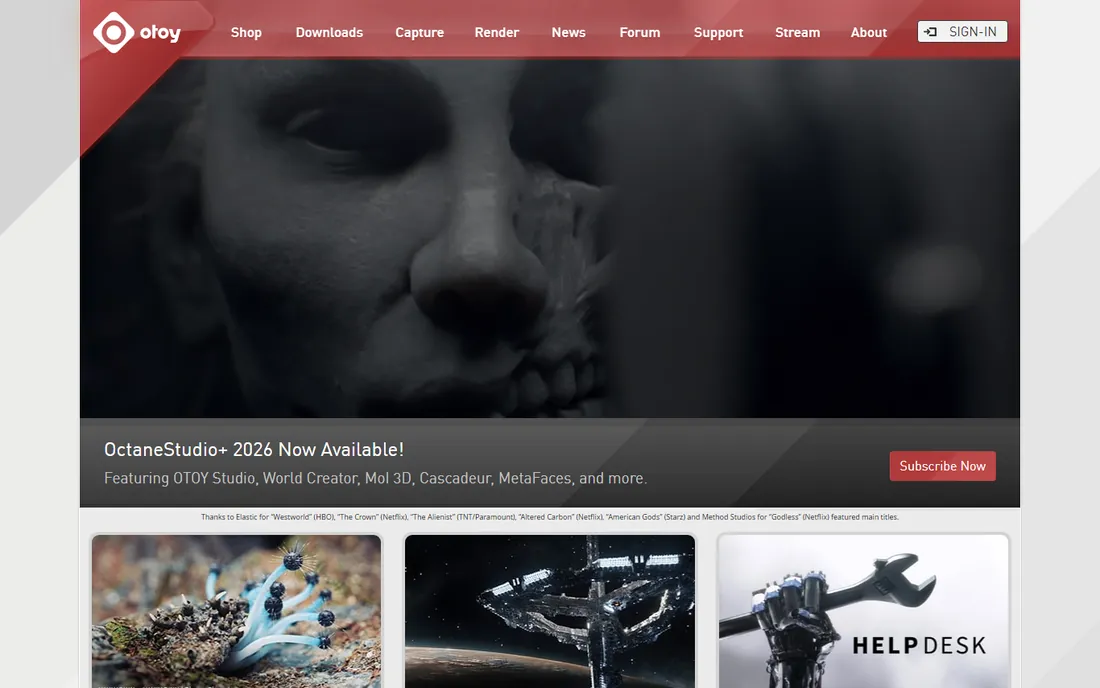
OctaneRender is the real thing with the price tag removed. The free Prime edition gives you OTOY's unbiased GPU path tracer, the same core technology behind countless film and advertising renders, limited to a single GPU. It is actively developed, with 2026 releases adding features like neural radiance caching. For NVIDIA GPU owners, this is the highest rendering quality available for free.
The limitations are hardware and scope. You need a CUDA-capable NVIDIA card, full stop. Prime restricts you to one GPU and a smaller set of DCC plugins, and Octane's node-based material system has its own learning curve. But if you own the GPU and want to learn the renderer the pros use, Prime is an unmatched free education.
What we like- True production GPU renderer used in film and motion graphics
- Free Prime tier includes the core engine
- Actively developed with 2026 releases
Watch out for- Requires an NVIDIA CUDA-capable GPU
- Prime limited to one GPU with fewer plugins
- Node-based materials take study
Starting priceFree
Free planYes

Appleseed is a what-could-have-been story that still renders. It was designed as a modern, physically based production renderer with proper OSL material support and plugins for the major DCC applications. The architecture is sound and the renders hold up. For a pipeline builder who wants open-source code to hack on, it remains interesting.
Go in with eyes open. The last release was a beta from 2019, and the project is effectively dormant. You will be on your own for troubleshooting, and some modern OS and GPU combinations may fight the old builds. Appleseed earns its place here as a free, capable engine for the technically self-sufficient, not as a recommendation for beginners.
What we like- Modern physically based architecture with OSL shader support
- Plugins for Blender, Maya and 3ds Max
- Fully open source
Watch out for- Last release was a 2019 beta and development has stalled
- Documentation is thin
- Small user community for troubleshooting
Starting priceFree
Free planYes
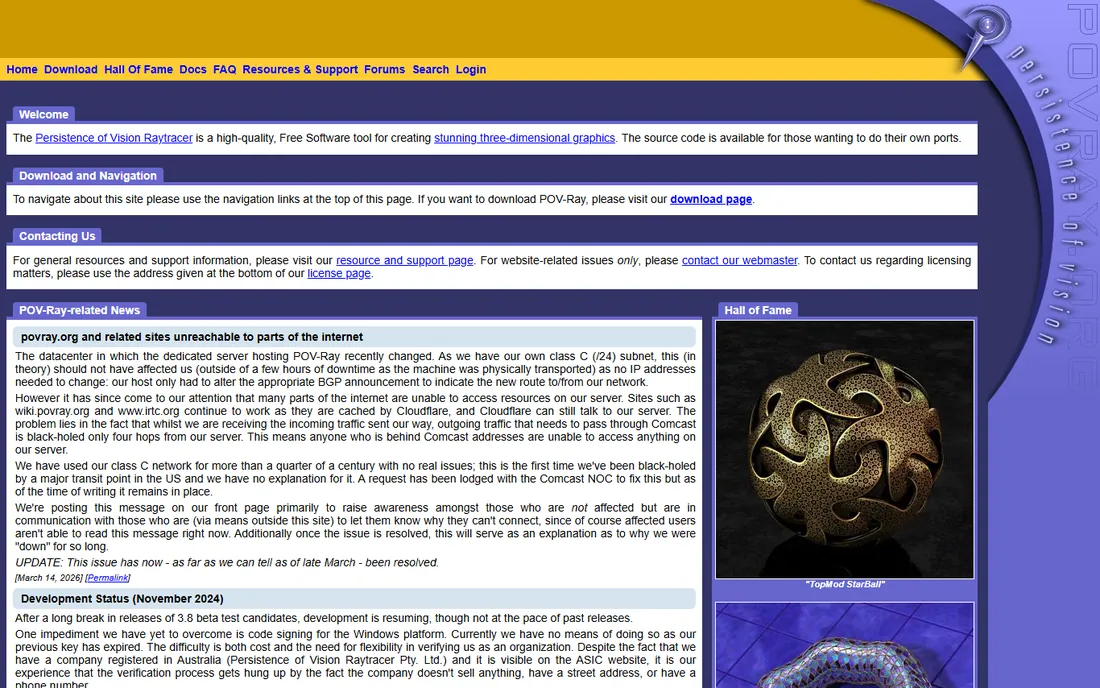
POV-Ray is the grand old engine of free rendering, and it still does something nothing else on this list does as well: you describe your scene in code. For procedural geometry, mathematical art, fractals and parametric design, writing a scene file beats pushing vertices around. It is tiny, stable and free, with a documentation archive built over thirty years.
The workflow is the opposite of modern. There is no viewport to orbit, no drag-and-drop materials, no real-time preview. You write code, you render, you look at the image, you edit the code. Artists raised on Blender will find it maddening. Programmers and technical artists will find it liberating. POV-Ray is a specialist tool, and within its specialty it remains excellent.
What we like- Legendary script-based scene description, perfect for procedural work
- Tiny footprint and rock-solid stability
- Decades of examples and documentation
Watch out for- No interactive viewport or modern GUI workflow
- Text-based modeling feels archaic
- Development moves slowly
#7
YafaRay
Best for: Blender and Wings3D users wanting simple global illumination
Visit yafaray.org
Starting priceFree
Free planYes
YafaRay was the beloved Blender companion renderer of an earlier era, and it still works. It is small, fast and straightforward: point it at a scene, get global illumination without a week of study. On modest hardware it can actually outperform heavier engines, because there is simply less engine in the way.
Treat it as a legacy tool rather than a growing one. Development stopped years ago, the feature set froze in time, and modern conveniences like GPU acceleration never arrived. For quick GI renders on old hardware or for nostalgia-driven projects, YafaRay delivers. For a renderer you will still be using in five years, look higher on this list.
What we like- Simple setup with good global illumination results
- Lightweight and fast on modest hardware
- Integrates with Blender and Wings3D
Watch out for- Development stalled years ago
- Feature set is basic by modern standards
- Interface and documentation feel dated
Starting priceFree
Free planYes
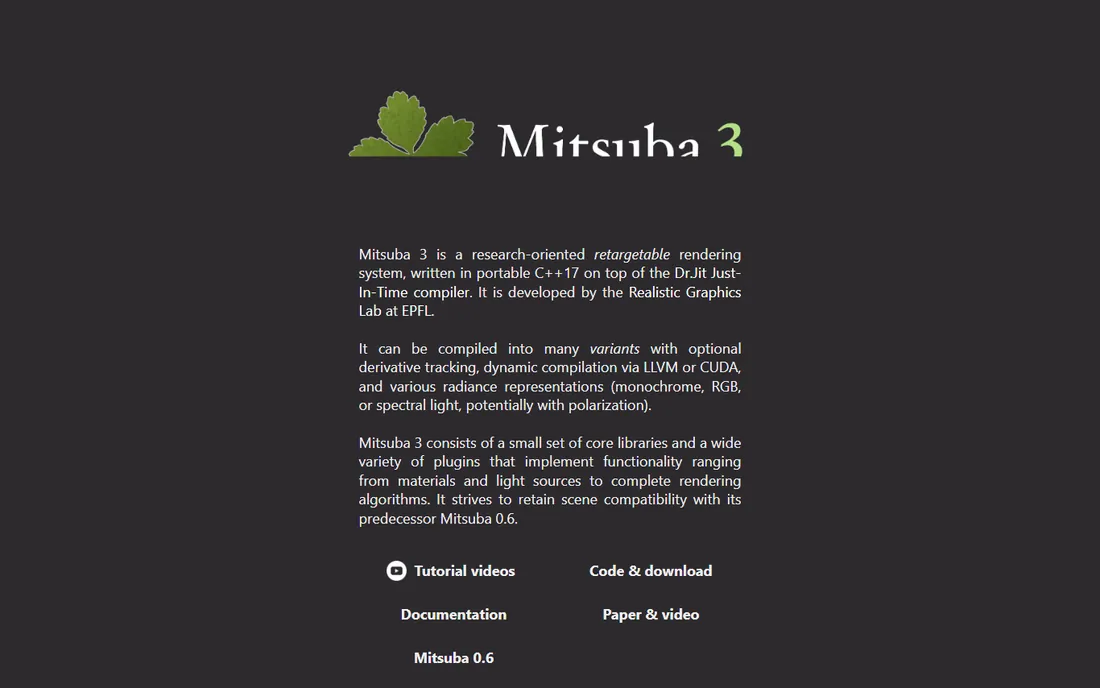
Mitsuba is the laboratory. Developed as a research platform for light transport algorithms, it implements techniques that mainstream renderers have not caught up with, and Mitsuba 3 added differentiable rendering that the machine learning crowd cares about. It is actively maintained, open source and free.
This is not an artist's tool. There is no friendly material library, no asset store, no hand-holding. You will write Python, read papers and compile things. For graphics students, researchers and the technically curious, Mitsuba is a playground of rare quality. For everyone else, it is the wrong address.
What we like- Research-grade renderer with advanced light-transport algorithms
- Python interface for scripting experiments
- Actively maintained with Mitsuba 3 releases
Watch out for- Built for researchers, not artists
- Sparse materials and asset ecosystem
- Expects comfort with the command line and code
Starting priceFree (Hobby version; Pro $99)
Free planYes

Twilight Render solves one problem well: making SketchUp models look good without leaving SketchUp. Install the extension, press render, get a photorealistic image. The free Hobby version handles the core workflow, which makes it the default recommendation for students, hobbyists and anyone who models in SketchUp and dreads learning a standalone renderer.
The free tier has real limits: capped resolution, medium quality ceiling and restricted material and light editors. Serious work will eventually want the $99 Pro version. But as an introduction to rendering concepts, or for presentation images that just need to look decent, Twilight Render's Hobby edition is the easiest win on this list.
What we like- Runs inside SketchUp with one-click rendering
- Free Hobby version covers the essentials
- Gentle learning curve for beginners
Watch out for- Hobby version caps resolution and render quality
- SketchUp only
- Animations and advanced features need the Pro version
How we chose
We verified that each renderer is still available for download in 2026 and free in a meaningful sense: fully open source, or a free tier without a time limit. We checked project homepages, release histories and documentation for signs of life, and we weighted current maintenance status alongside raw capability. We excluded trialware with expiration dates, student-only licenses and renderers whose free versions watermark output. We did not claim hands-on testing. Prices for paid tiers come from vendor pricing pages checked in October 2026.
Free vs free-tier: read the fine print
Free rendering software comes in two flavors, and the difference matters. Fully open-source tools like Blender, LuxCoreRender, Appleseed, POV-Ray, YafaRay and Mitsuba are free in every sense: free to download, free to use commercially, free to modify. Nobody can take them away or change the terms. That permanence is worth something when you are building skills or a business around a tool.
Free tiers like D5 Render Community, OctaneRender Prime and Twilight Render Hobby are marketing for paid products. They are genuinely useful, and in D5's case remarkably generous, but the vendor sets the limits and can move them. D5's Community edition is non-commercial. OctaneRender Prime allows one GPU. Twilight Hobby caps your resolution. None of these are traps, but know which flavor you are choosing. If commercial freedom matters, start with the open-source half of this list. If maximum quality per dollar of hardware matters, the free tiers are hard to argue with.
What to check before you commit to a renderer
A renderer is only as good as its fit with your hardware and workflow. Start with the GPU question, because it eliminates options fast. D5 Render and OctaneRender need real dedicated GPUs. Cycles benefits enormously from one. LuxCoreRender, POV-Ray and the CPU-oriented engines will run on anything but render slowly on weak machines. Check your graphics card against each vendor's requirements before you fall in love with a feature list.
Match the renderer to your modeling tool
The best renderer is the one that talks to your modeler. Blender users should start with Cycles, then try LuxCoreRender or OctaneRender Prime as alternatives. SketchUp users have Twilight Render and D5 Render's live sync. Maya and 3ds Max users can look at Appleseed's plugins or OctaneRender's DCC integrations. A renderer without a clean path from your modeling software is a hobby, not a pipeline.
Check that the project is alive
Free software dies quietly. Before committing, look at the release history. Blender, D5 Render, OctaneRender and Mitsuba ship regularly. LuxCoreRender, Appleseed and YafaRay have been quiet for years, which is fine for stable tools but means bugs stay bugs. A dead renderer can still serve you well if it already does what you need. Just know what you are adopting.
Frequently asked questions
Is Blender really free for commercial work?
Yes. Blender is licensed under the GNU GPL, which means it is free to download and free to use for any purpose, including commercial client work. The Blender Foundation funds development through donations and corporate sponsorships, not licenses.
What is the best free renderer for architecture?
D5 Render's free Community edition is the strongest pick for architectural visualization thanks to real-time feedback and live sync with SketchUp, Revit and Rhino. The catch is Windows-only with a DirectX 12 GPU requirement. Without that hardware, Blender with Cycles is the best free alternative.
Can free renderers match paid ones in quality?
For still images, yes. Cycles, OctaneRender Prime, LuxCoreRender and D5 Render all produce professional-grade output. Paid renderers like V-Ray and Arnold still lead in studio pipeline integration, render farm support and dedicated technical support, which matters at production scale but rarely for individuals.
Do I need a powerful GPU for free rendering?
It depends on the engine. D5 Render and OctaneRender require dedicated GPUs. Cycles runs on CPU but is far faster with GPU acceleration. POV-Ray, LuxCoreRender and YafaRay are CPU-oriented and will run on modest hardware, just more slowly on complex scenes.
Which free renderer is easiest for beginners?
Twilight Render if you model in SketchUp, since it works inside the program with one-click presets. Otherwise Blender, despite its learning curve, because the tutorial ecosystem is enormous and every question has been answered somewhere. Avoid starting with Mitsuba or POV-Ray unless you enjoy that kind of challenge.
Are there free renderers for Mac?
Yes. Blender, LuxCoreRender, Appleseed, POV-Ray, YafaRay, Mitsuba and Twilight Render all run on macOS. D5 Render is Windows-only, and OctaneRender's Mac support goes through Octane X. Always check the current system requirements on the vendor's download page.
Sources we checked (11)
- https://www.blender.org/
- https://www.luxcorerender.org/
- https://www.d5render.com/
- https://www.otoy.com/
- https://appleseedhq.net/
- https://www.povray.org/
- https://www.yafaray.org/
- https://www.mitsuba-renderer.org/
- https://www.twilightrender.com/
- https://illustrarch.com/articles/design-softwares/14144-easier-3d-visualization-d5-renders-free.html
- https://www.cgchannel.com/2026/07/otoy-releases-octanerender-2026-4/
Is your product missing or out of date?
We review this list regularly. Vendors can request a listing, send updated pricing or ask about featured placement.

Shihab Mia · Founder, Rankite
Shihab has spent more than a decade helping SaaS and e-commerce brands grow through search. He writes Rankite's software buying guides from pricing pages, documentation and public user reviews. More about Shihab.