How we make this list: we compare pricing pages, product documentation and public user reviews. Rankite is independent; if a vendor ever pays for a featured spot, that listing is clearly labeled Partner.
Key takeaways
- PhotoRestore.io is the only genuinely unlimited free option here: no account, no credits, full restoration in the browser.
- PicWish, Fotor, insMind and MyEdit all offer usable free tiers that handle everyday restoration without paying.
- Remini leads on facial detail recovery, but the free tier is a trial with tight limits.
- MyHeritage and VanceAI give limited free credits, enough to test on a few family photos before deciding.
Quick comparison
| Tool | Best for | Starting price | Free plan |
|---|
 PhotoRestore.io PhotoRestore.io | Anyone who wants unlimited free restoration with no account | Free | Yes (no registration required) |
 PicWish PicWish | Beginners who want restoration plus enhancement in one place | Free (paid plans from $5.99/month) | Yes |
 Fotor Fotor | Fast browser-based repair without learning new software | Free (Pro from $8.99/month) | Yes |
 insMind insMind | A free all-in-one toolkit: restore, enhance, colorize, denoise | Free | Yes |
 MyEdit MyEdit | Five-second AI repair jobs on lightly damaged photos | Free (credit-based paid options) | Yes |
 Remini Remini | Recovering facial detail in old portraits | Free trial (paid from $9.99/week) | Free trial (limited) |
 MyHeritage MyHeritage | Genealogy work and family archive photos | Free limited (full features from $129/year) | Limited free |
 VanceAI VanceAI | Scratch repair aimed at printable output | Free credits (paid from $4.95/month) | Limited free |
Is your product missing or out of date?
We review this list regularly. Vendors can request a listing, send updated pricing or ask about featured placement.
The best free photo restoration software
Picture a shoebox of family prints from the seventies: creased corners, a coffee stain across one, faces faded to ghosts. Ten years ago, fixing them meant Photoshop skills or a paid service. Today you can upload a scan and watch AI rebuild the missing detail in seconds, and the free tier of several tools is enough for a whole box of prints. These eight are the free options actually worth your time, ranked by how much restoration you get before anyone asks for money.
#1
PhotoRestore.io
Best for: Anyone who wants unlimited free restoration with no account
Visit photorestore.io
Starting priceFree
Free planYes (no registration required)
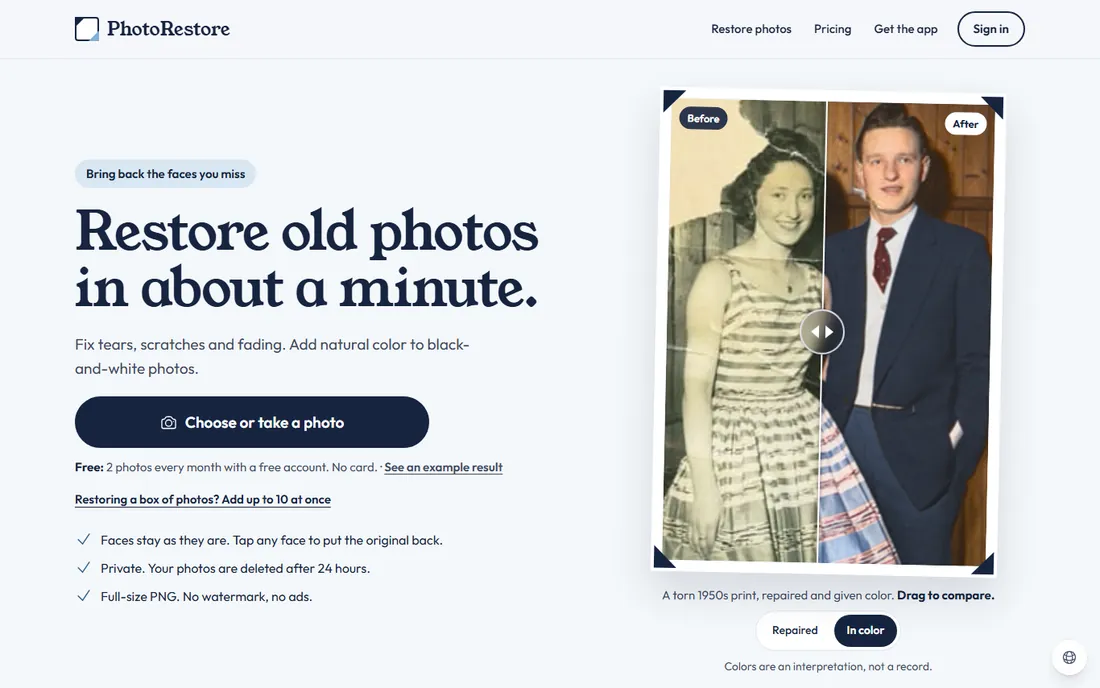
PhotoRestore.io is the rare tool that means it when it says free. There is no account wall, no daily credit counter, no watermark forcing an upgrade. Upload a scan and the AI handles the standard restoration jobs: scratch and stain repair, blur removal, resolution increase and black-and-white colorization that looks natural rather than painted on. For digitizing a family archive on a zero budget, it is the obvious starting point.
The trade is control. You get one-click processing rather than the layered manual editing a tool like Photoshop offers, and badly torn or water-damaged photos can defeat the automation. The sensible workflow is to run everything through PhotoRestore.io first, then spend money (or effort) only on the handful of photos it cannot fix. Most boxes of prints never need step two.
What we like- Completely free with no credit limits or watermarks on the tools that matter
- Repairs stains and scratches, upscales resolution and colorizes black-and-white photos
- Runs entirely in the browser with nothing to install
Watch out for- Fewer manual controls than desktop editors
- Result quality varies with heavily damaged originals
#2
PicWish
Best for: Beginners who want restoration plus enhancement in one place
Visit picwish.com
Starting priceFree (paid plans from $5.99/month)
Free planYes
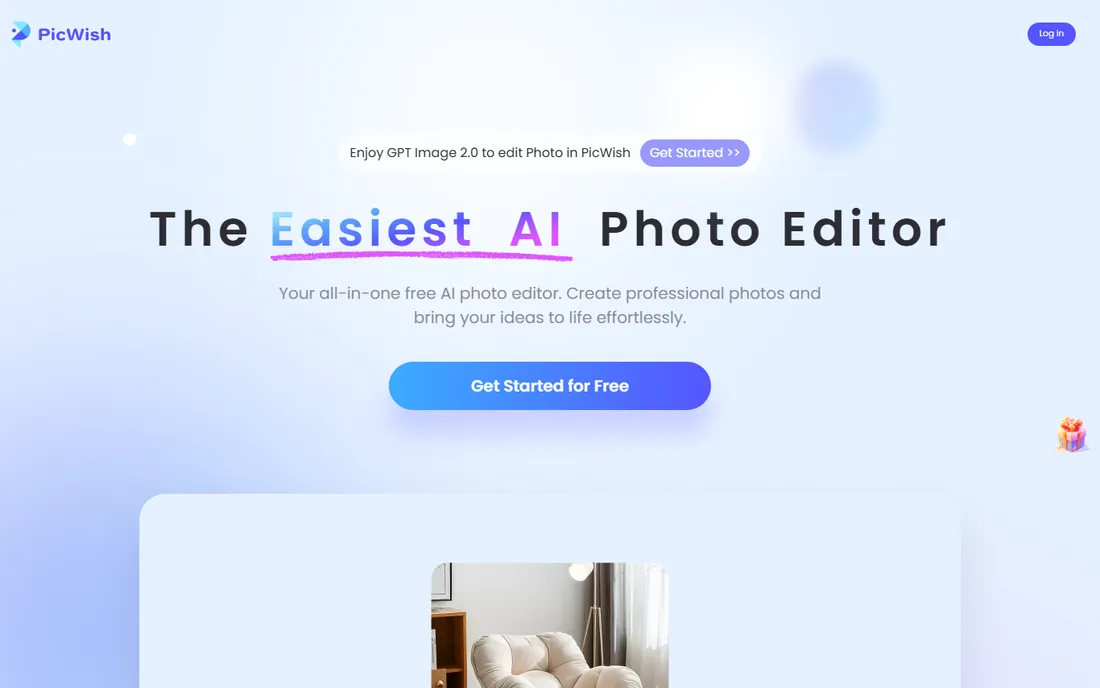
PicWish positions itself as the easy overall choice, and the workflow earns it. Instead of separate tools for each job, one guided path takes an old photo through repair, sharpening, facial clarity and colorization. The interface assumes no editing knowledge, which matters because the audience for photo restoration is grandparents and family archivists, not designers. Free users get a real monthly allowance, not a three-image teaser.
Limits appear at volume. The free tier caps monthly processing, so a thousand-photo archive will push you toward the paid plans starting at $5.99 per month. Quality also depends on the input: PicWish shines on faded, blurry and scratched photos but struggles with photos where large areas are physically missing. For typical family restoration projects, the free tier covers it.
What we like- Simple guided workflow covering repair, clarity, colorize and enhance
- Generous free tier for casual use
- Also handles background removal and upscaling when the restoration needs finishing touches
Watch out for- Free tier has monthly processing limits
- Best results need reasonably clean scans
#3
Fotor
Best for: Fast browser-based repair without learning new software
Visit fotor.com
Starting priceFree (Pro from $8.99/month)
Free planYes
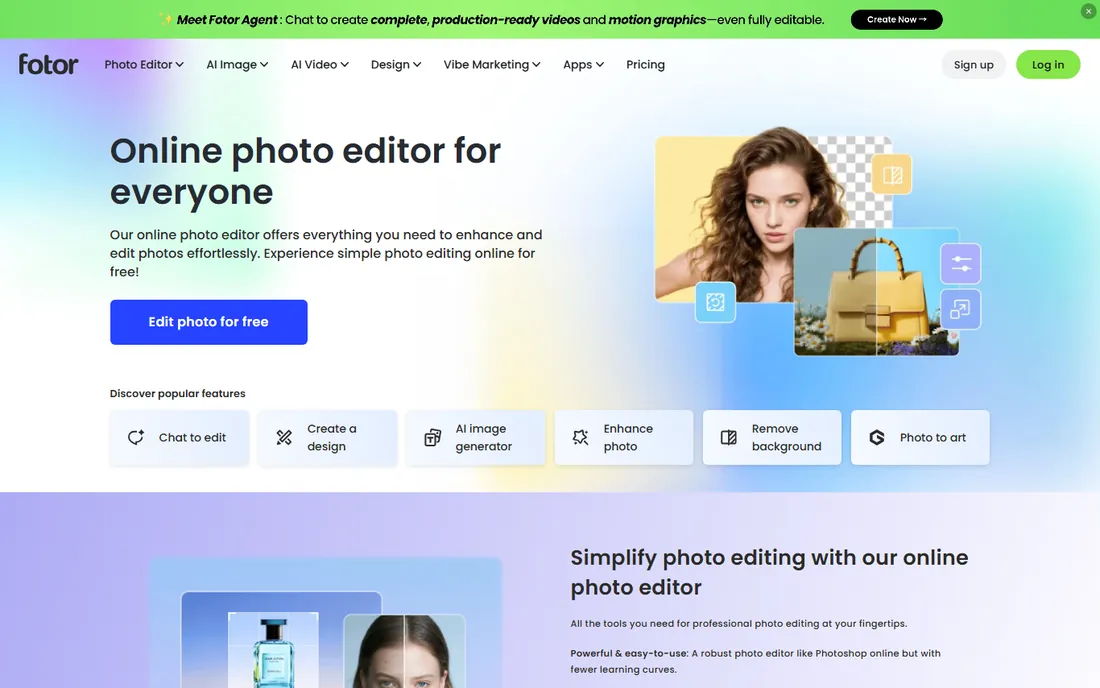
Fotor has been in the browser photo-editing game for over a decade, and its old-photo restoration tool benefits from that maturity. Upload a damaged print and the AI repairs fading, scratches and blur, with a separate colorize pass for black-and-white originals. Because it is a full editor underneath, you can crop, adjust exposure and remove stray marks after the AI pass without switching apps.
The free experience comes with friction: ads, upgrade prompts and a few gated features. Pro at $8.99 per month removes all of it and opens up the stronger models. But the free tier genuinely restores photos rather than watermarking them into uselessness, which is more than many competitors offer. If you already use Fotor for anything else, its restoration tool is the path of least resistance.
What we like- Mature browser editor with a dedicated old-photo restoration tool
- Free tier covers repair, colorize and basic enhancement
- Large template and editing ecosystem if you want to do more with the restored photo
Watch out for- Ads and upsell prompts on the free tier
- Some advanced restoration features need Pro
#4
insMind
Best for: A free all-in-one toolkit: restore, enhance, colorize, denoise
Visit insmind.com
Starting priceFree
Free planYes

insMind bundles the four jobs old photos usually need (restore, enhance, colorize, denoise) into a single free online toolkit. The appeal is not any single breakthrough feature but the absence of the usual free-tier traps: you can run a photo through the full pipeline without hitting a paywall after step one. Denoising deserves a mention because grainy high-ISO-looking scans are common, and few free tools handle grain well.
The caveats are youth and resolution. insMind is a newer name than the established players, so long-term availability is less certain, and free exports cap resolution on some tools. For web sharing and standard prints the output is fine. Treat it as a strong free workhorse, and keep originals in case you want to reprocess with something else later.
What we like- Combines restoration with enhancement, colorization and denoising in one free toolkit
- No-install browser workflow
- Straightforward results on the common damage types
Watch out for- Newer brand with less track record than Fotor or MyHeritage
- Free tier limits on high-resolution output
Starting priceFree (credit-based paid options)
Free planYes
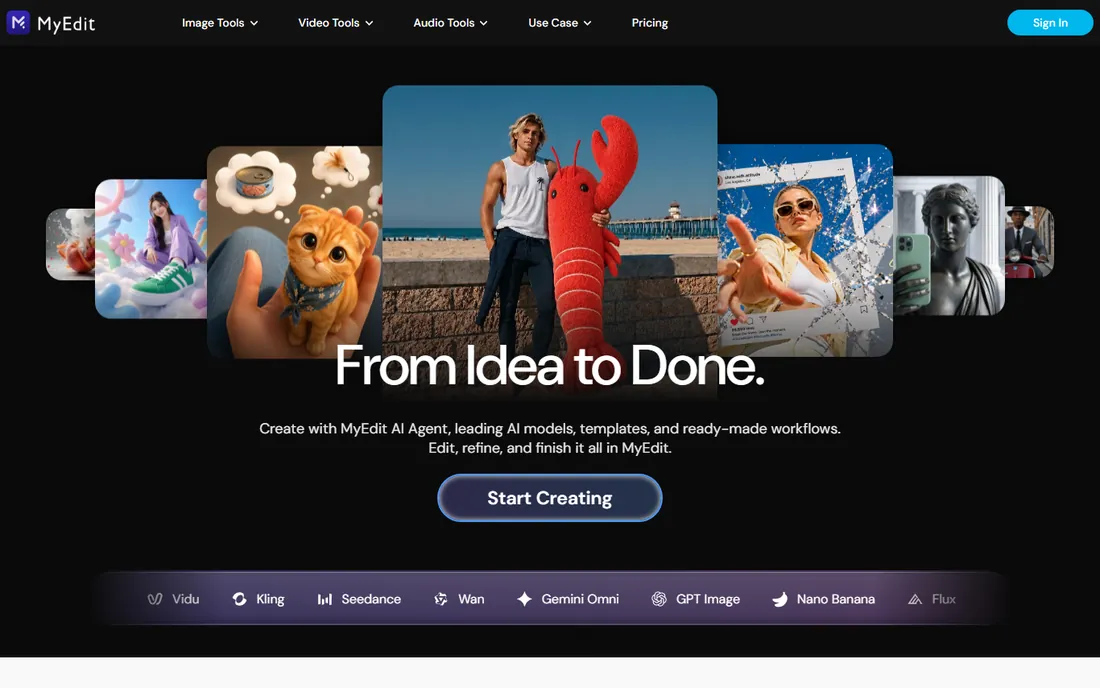
MyEdit's pitch is speed: upload a photo and the AI analyzes and restores it in roughly five seconds. The toolkit covers the standard set (blur repair, upscaling, denoising, face restoration), and the AI object removal brush handles localized damage like wrinkles, stains and spots that the automatic pass misses. For lightly damaged photos it is the fastest path from scan to shareable image.
The credit system is the limiter. Casual use stays free, but batch-restoring an archive will burn through credits and push you toward paid top-ups. MyEdit is best thought of as a finishing tool: run your bulk restoration through an unlimited free option, then use MyEdit's object removal and face restoration on the photos that matter most.
What we like- AI restoration completes in about five seconds per photo
- Combines blur repair, resolution enhancement, denoising and face restoration
- Object removal tool erases wrinkles, stains and spots with a brush
Watch out for- Credit system limits sustained free use
- Heavy damage still needs manual work
#6
Remini
Best for: Recovering facial detail in old portraits
Visit remini.ai
Starting priceFree trial (paid from $9.99/week)
Free planFree trial (limited)
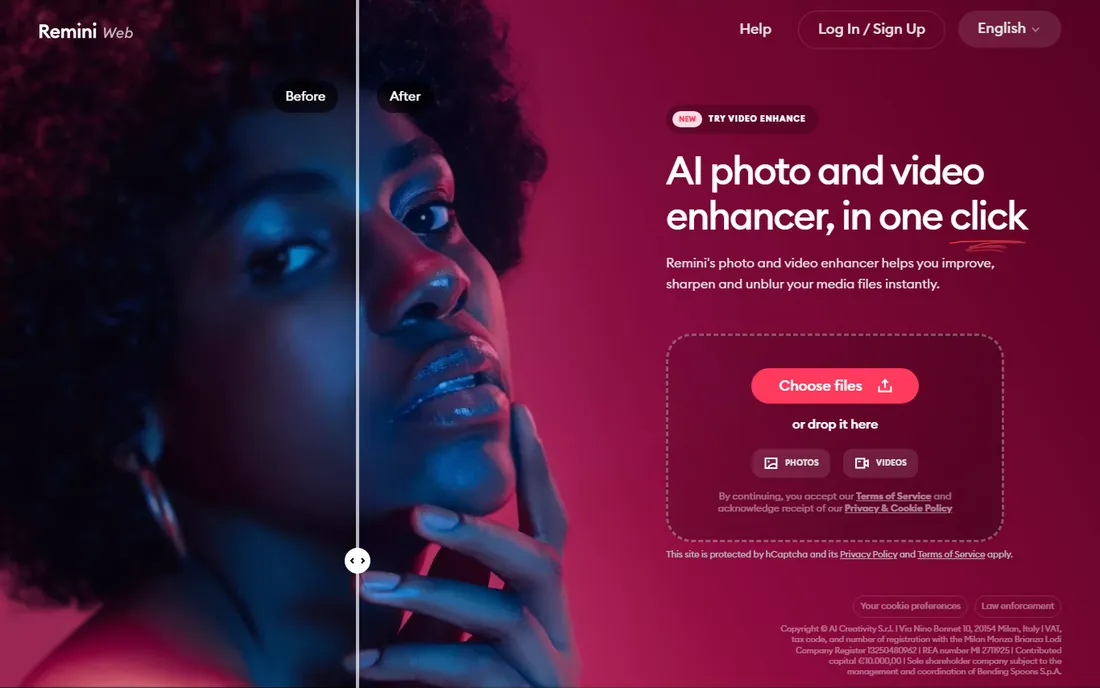
Remini built its reputation on one thing: making faces in old, blurry photos look like faces again. Where general restoration tools sharpen the whole image, Remini's models focus on facial features, recovering eyes, skin texture and expression from remarkably little detail. For the portrait that anchors a family archive, it often produces the most emotionally convincing result of any tool here.
The free tier is a trial in the true sense: enough to test, not enough to restore an archive. Paid plans start at $9.99 per week, which is steep if you only need it for a weekend project; the monthly and yearly options cost less per day. Use the trial on your two or three most important portraits, then decide whether the faces are worth the subscription.
What we like- Best-in-class face enhancement for blurry and low-detail portraits
- Strong results on the faces that matter most in family photos
- Simple mobile and web apps
Watch out for- Free tier is a short trial, not ongoing free use
- Weekly billing on the entry plan is expensive for occasional use
Starting priceFree limited (full features from $129/year)
Free planLimited free
MyHeritage approaches restoration as part of family history, not as a standalone trick. Its photo tools enhance and colorize old family photos, then slot the results into family trees, tagging and archive workflows that no pure restoration tool offers. If your goal is a documented family archive rather than a fixed-up JPEG, the surrounding platform matters as much as the AI.
The free tier is deliberately thin: a handful of free restorations to demonstrate the feature, then the subscription. At $129 per year it is priced for genealogy hobbyists, not for someone fixing ten photos once. Use the free credits on your oldest family photos, and only subscribe if the tree-building and research tools appeal to you too.
What we like- Enhancement and colorization tuned for historical family photos
- Deep genealogy integration for tagging and organizing restored images
- Trusted brand with long-term data stewardship
Watch out for- Very limited free restorations
- Full value requires the $129/year subscription aimed at genealogy users
Starting priceFree credits (paid from $4.95/month)
Free planLimited free
VanceAI's photo restorer focuses on the two most common print problems: scratches and color fading. The models are tuned for output that survives printing, which matters if the restored photos are headed for frames or a family book rather than a screen. The entry paid plan at $4.95 per month is among the cheapest here for sustained use.
The free experience is a tasting menu: enough credits to test on a few photos, then pay. The site itself feels dated and the upsell prompts are persistent. None of that affects output quality, which is solid for the price. VanceAI fits the user with fifty damaged prints and a small budget who wants better-than-free-tier results without a big subscription.
What we like- Dedicated old-photo restoration model targeting scratches and color fading
- Enhancement pipeline aimed at print-quality output
- Affordable entry plan at $4.95 per month
Watch out for- Free credits run out fast on multi-photo projects
- Interface and upsells feel dated
Four tests tell you whether a restoration tool is worth your scans. First, faces: run the same blurry portrait through each candidate and compare eyes and skin. Tools that invent plausible-but-wrong faces (the AI hallucination problem) are dangerous for family history, because a confident fake is worse than an honest blur. Second, scratches: a good tool removes damage without smearing the surrounding detail into wax.
Third, colorization honesty. Black-and-white colorization is guesswork by nature; the best tools produce natural, slightly muted color rather than oversaturated fantasy. Be suspicious of results that look like a modern digital photo. Fourth, the free tier's real limits: count how many full-resolution, watermark-free photos you get before paying, because "free" ranges from unlimited (PhotoRestore.io) to three images (some trials). A tool that watermarks exports is not free; it is a demo.
The restoration order that actually works
Restoration has a correct sequence, and running tools in the wrong order wastes the AI's effort. Scan first, and scan well: 600 DPI, no glare, save as TIFF or high-quality JPEG. Repair physical damage second, using inpainting or object-removal tools on scratches, tears, dust and stains while the image is still in its original tonal state. Enhance sharpness third, because sharpening works best on a clean image and face-recovery models need undamaged features to read.
Colorize fourth, only after the underlying photo is clean and sharp; color applied over scratches just makes colorful scratches. Upscale last, right before printing or archiving, since every earlier step benefits from working at the original resolution. One more rule: never overwrite your scan. Save each stage as a new file, because AI models improve yearly and you will want to reprocess the original, not a previous AI's guesses.
How we chose
We started with the tools people actually search for when they type "restore old photos free": browser-based AI restorers, genealogy platforms with photo tools, and mobile apps with free tiers. For each candidate we checked the vendor's own site for the real free-tier terms (credits, watermarks, resolution caps), compared restoration scope (scratch repair, face recovery, colorization, upscaling), and weighed result naturalness against the AI hallucination problem using public reviews and sample galleries. Tools whose "free" tier turned out to be a watermarked demo did not make the list.
Frequently asked questions
Are free photo restoration tools actually good enough?
For most family photos, yes. The free tiers here handle fading, scratches, blur and black-and-white colorization well enough for sharing and standard prints. You need paid tools or a professional only for severe damage (large torn areas, water damage) or for museum-quality archival prints.
Will AI restoration change what my relatives looked like?
It can, and this is the honest risk. When detail is missing, AI models invent it, sometimes generating eyes, noses or smiles that never existed. For historically important photos, prefer tools with conservative enhancement and compare results across two tools before accepting a face as accurate.
What is the best completely free option with no limits?
PhotoRestore.io: no account, no credits, no watermarks on the core restoration tools. It is the only tool here you can run a whole archive through without paying. Pair it with a limited-but-stronger tool like Remini for the few portraits that deserve extra attention.
Should I colorize black-and-white family photos?
Only if you treat the color as interpretation, not fact. AI colorization guesses at colors it cannot know, and the guesses are sometimes wrong (uniform colors, house paint). Keep an uncolorized copy alongside every colorized one, and note in your archive that the color is AI-generated.
What resolution should I scan old photos at?
600 DPI is the sweet spot for prints up to 8x10: high enough for the AI to work with, small enough to store easily. Go to 1200 DPI only for small photos you plan to enlarge. Save scans as TIFF or maximum-quality JPEG, and never let a tool overwrite your original scan.
Sources we checked (8)
- https://photorestore.io
- https://picwish.com/best-ai-old-photo-restoration-tools.html
- https://www.fotor.com
- https://www.insmind.com
- https://myedit.online
- https://remini.ai
- https://www.myheritage.com
- https://vanceai.com
Is your product missing or out of date?
We review this list regularly. Vendors can request a listing, send updated pricing or ask about featured placement.

Shihab Mia · Founder, Rankite
Shihab has spent more than a decade helping SaaS and e-commerce brands grow through search. He writes Rankite's software buying guides from pricing pages, documentation and public user reviews. More about Shihab.