How we make this list: we compare pricing pages, product documentation and public user reviews. Rankite is independent; if a vendor ever pays for a featured spot, that listing is clearly labeled Partner.
Key takeaways
- FileZilla and WinSCP are the free standards for server transfers, and both handle encrypted SFTP, not just plain FTP.
- Snapdrop and Feem need no account, no cloud, and no install beyond a browser tab or small app, ideal for quick PC-to-phone moves.
- WeTransfer's free tier covers transfers up to 2GB with no account, which handles most one-off large file sends.
- Resilio Sync is the pick for keeping folders continuously synced across PCs without trusting a cloud provider.
- For sensitive files, prefer tools with end-to-end encryption or direct device-to-device transfer over plain link sharing.
Quick comparison
| Tool | Best for | Starting price | Free plan |
|---|
 FileZilla FileZilla | Free FTP/SFTP server transfers | Free | Yes |
 WinSCP WinSCP | Secure transfers with scripting | Free | Yes |
 Resilio Sync Resilio Sync | Continuous device-to-device sync | See website | Yes |
 WeTransfer WeTransfer | One-off large file links | See website | Yes (free transfers up to 2GB) |
 Send Anywhere Send Anywhere | Key-based transfers, no account | See website | Yes |
 SHAREit SHAREit | Fast PC-to-phone transfers | Free | Yes |
 Feem Feem | Offline WiFi transfers | See website | Yes |
 Snapdrop Snapdrop | Browser-only local sharing | Free | Yes |
Is your product missing or out of date?
We review this list regularly. Vendors can request a listing, send updated pricing or ask about featured placement.
The best free file transfer software for PC, compared
Starting priceFree
Free planYes
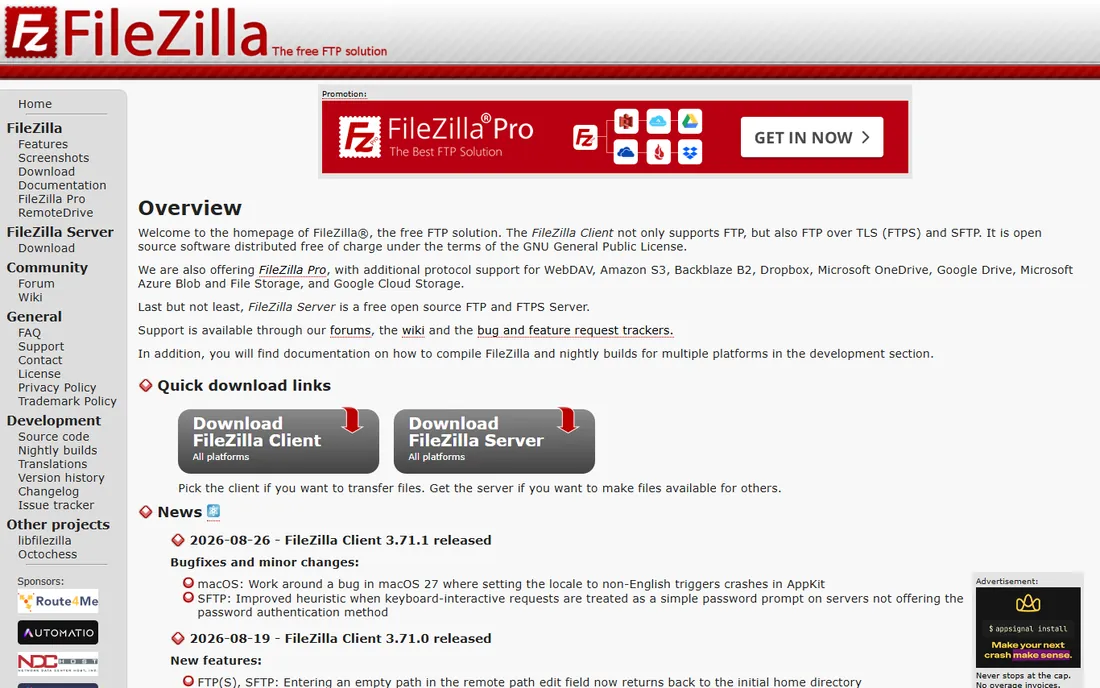
FileZilla is the default answer for moving files to and from a server, and it has been for twenty years. It speaks FTP, encrypted SFTP, and FTPS, resumes interrupted transfers, and handles files over 4GB without complaint. The drag-and-drop two-pane layout shows your PC on the left and the server on the right.
The site manager is the quietly great feature: save every server's host, credentials, and protocol once, then reconnect in one click. Transfer queues, speed limits, and directory comparison round out a tool that does its one job completely.
Two honest notes. The standard Windows installer bundles third-party offers, so grab the ZIP build instead. And the free client has no cloud storage integration; a paid Pro version adds S3 and Google Drive, but most users never need it.
What we like- Free and open source with no limits
- Supports FTP, SFTP, and FTPS
- Site manager saves all your server connections
Watch out for- Windows installer has bundled offers, use the ZIP instead
- Interface looks dated
- No cloud storage in the free version
Starting priceFree
Free planYes
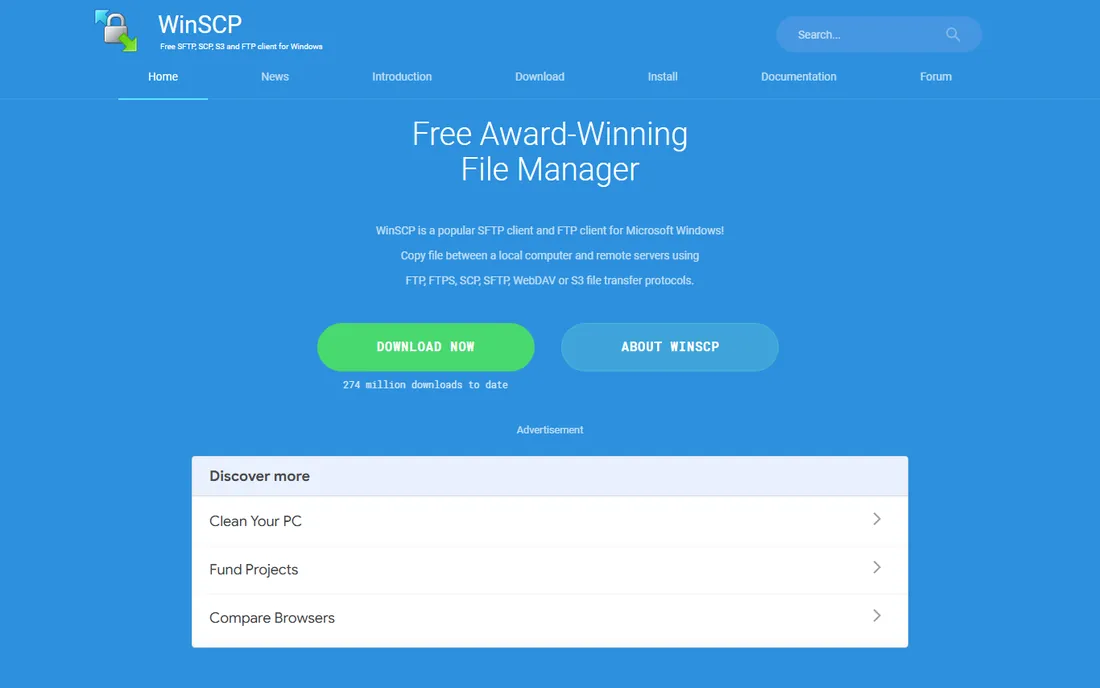
Where FileZilla is the friendly generalist, WinSCP is the Windows power user's pick. It handles SFTP, SCP, FTP, WebDAV, and Amazon S3, and its real edge is automation: built-in scripting and a .NET assembly let you schedule nightly uploads or sync jobs without manual clicks.
You can run it as a classic two-pane commander or in an Explorer-like single pane that feels like Windows itself. The integrated text editor lets you tweak files on the server directly, and portable mode runs from a USB stick.
The tradeoff is platform and complexity. It is Windows only, and the preferences dialogs run deep enough to intimidate. If you just need to push website files to a host twice a month, FileZilla is simpler. If you automate transfers, WinSCP earns its place.
What we like- Free and open source
- Scripting and .NET assembly for automation
- Dual-pane or Explorer-style interface
Watch out for- Windows only
- The feature depth can overwhelm first-time users
Starting priceSee website
Free planYes
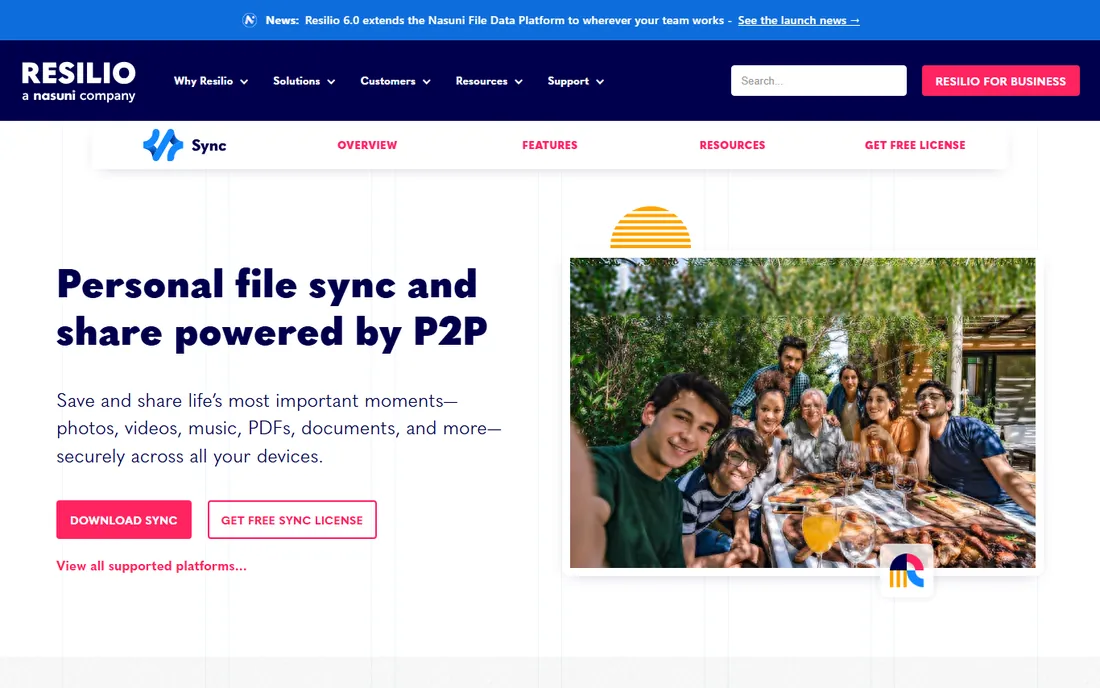
Resilio Sync, formerly BitTorrent Sync, keeps folders identical across your devices using peer-to-peer transfer. Point it at a folder on your desktop and your laptop, and files flow directly between them, encrypted, with no cloud provider storing a copy in the middle.
Speed is the selling point. On a local network it saturates your WiFi, far faster than uploading to a cloud drive and downloading again. Selective sync keeps huge folders off small drives, and you can share read-only links with friends.
The catch is the peer-to-peer model itself: syncing only happens while both devices are online, so there is no cloud copy waiting for you. The free tier covers personal syncing well, but one-time sending and some business features need Pro. It is a sync tool first, a send-files tool second.
What we like- No cloud servers involved, devices sync directly
- Very fast on local networks
- Selective sync and read-only sharing links
Watch out for- Both devices must be online to sync
- Advanced features sit behind the paid Pro tier
Starting priceSee website
Free planYes (free transfers up to 2GB)

WeTransfer is the link-sharing service everyone recognizes. Drop files onto the page, add an email or take the link, and the recipient gets a clean download page. No account, no install, no learning curve. Free transfers go up to 2GB.
That simplicity is why clients and collaborators accept WeTransfer links without suspicion. You get a notification when the recipient downloads, which ends the "did you get my file" thread. It works in any browser on any device.
The free limits are real: 2GB per transfer and links that expire after 7 days. Video editors and photographers hit the cap fast, and then the paid Pro tier is the answer. For occasional large sends, though, nothing is faster to use.
What we like- No account needed for free transfers
- Recipients get a clean download page
- Email delivery confirmation when files are downloaded
Watch out for- Free transfers expire after 7 days
- 2GB cap is small for video work
- Paid tiers needed for bigger files and branding
Starting priceSee website
Free planYes
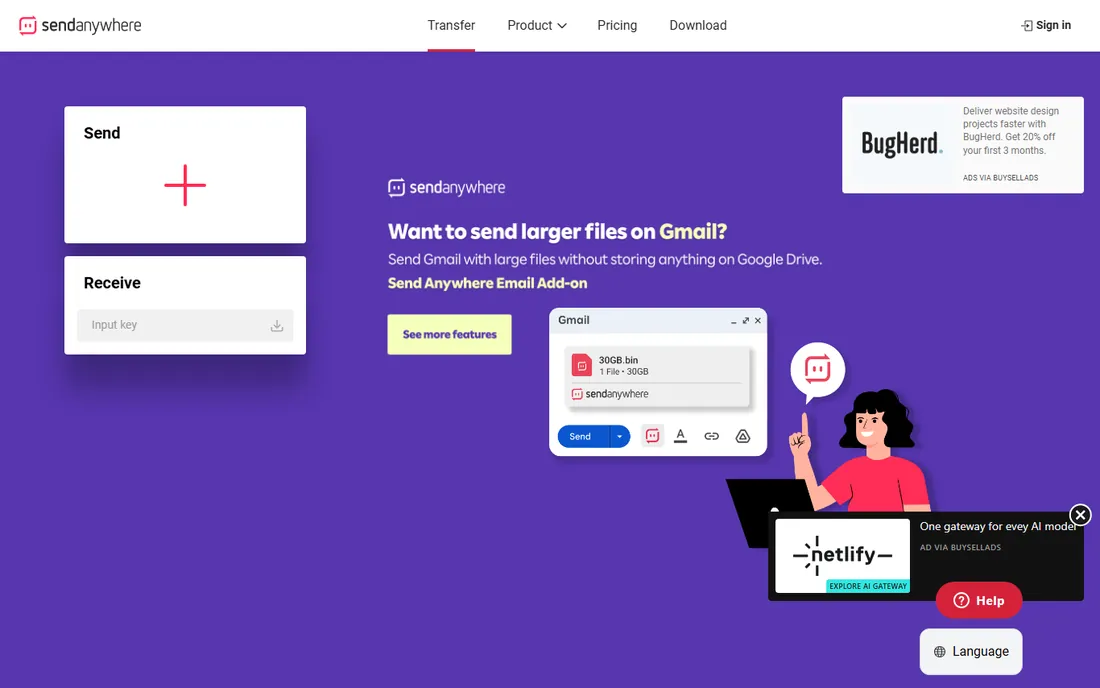
Send Anywhere's trick is the six-digit key. Send a file, get a code, share the code by any chat app, and the recipient enters it on the website to download. No accounts on either side, no link to guess, and the key expires so old shares die on their own.
Transfers are peer-to-peer where possible with 256-bit encryption, and WiFi Direct mode moves files between nearby devices without internet at all. The desktop and mobile apps cover every platform, and basic transfers have no hard size cap.
The free experience includes ads, and features like password protection and longer-lived share links sit in the Plus subscription. For quick person-to-person sends, the free tier is complete; power users will notice the upsells.
What we like- Six-digit key system, no account needed
- Recipients download from the website without installing anything
- 256-bit encryption on transfers
Watch out for- Free tier is ad-supported
- Link-based sharing with longer expiry needs the Plus plan
Starting priceFree
Free planYes

SHAREit made its name moving files between phones at speeds far beyond Bluetooth, and the PC client extends that to computers. Devices pair over a local hotspot or QR code, then files fly across at WiFi speeds with no internet connection and no cables.
For the classic job, dumping a phone's camera roll onto a PC, it is genuinely fast and simple. Cross-platform support covers Windows, Android, and iOS, and there are no accounts or size limits in the way.
The apps are ad-heavy, which is the business model, and the PC version feels less maintained than the mobile apps. Privacy-conscious users should note past criticism of its data practices. It is a speed tool, not a trust tool.
What we like- Very fast transfers over local WiFi
- No internet needed for device-to-device sends
- Simple QR and hotspot pairing
Watch out for- Ad-heavy apps
- PC client lags behind the mobile versions in polish
- Privacy track record draws criticism
Starting priceSee website
Free planYes
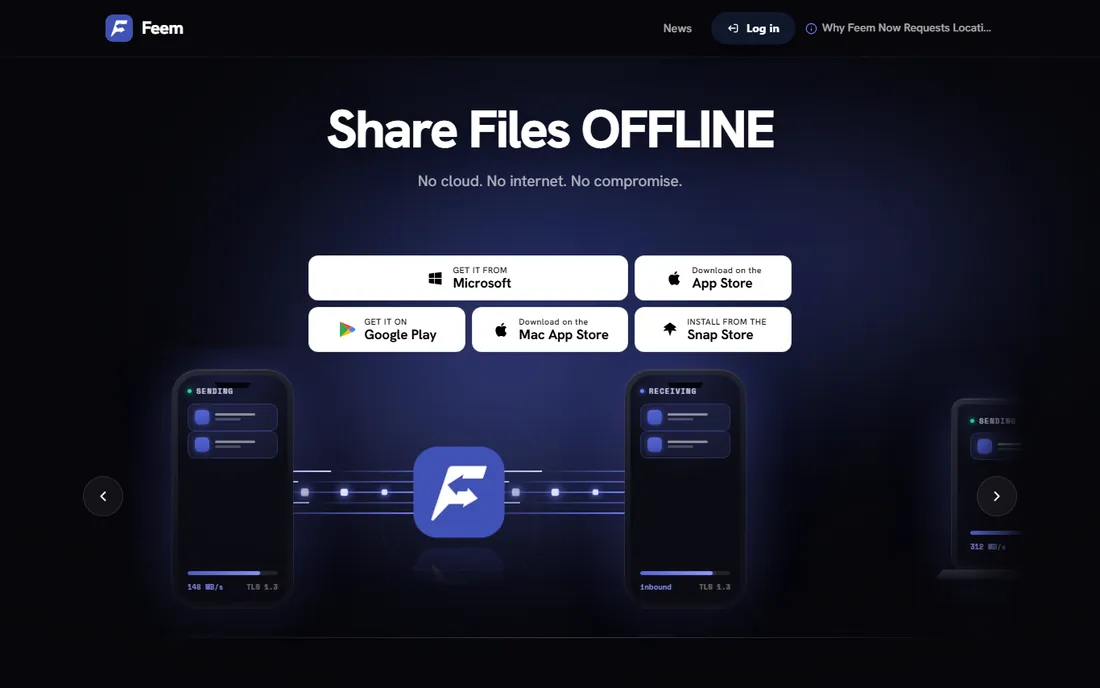
Feem is built for one scenario: devices on the same WiFi that need to trade files without the internet. Install it on both ends, pick files, pick the recipient, and they transfer directly, encrypted with TLS, at local network speed. No accounts, no cloud, no servers to trust.
It runs on Windows, Mac, Linux, Android, and iOS, with WiFi Direct support for places with no router at all. File transfers resume after interruptions, and the chat-style interface keeps it approachable.
Both devices must run Feem and sit on the same network, which rules out sending to someone across town. The free version shows ads and restricts download folder choices; a Pro license removes those limits. For office and home networks, it is the cleanest offline option.
What we like- Works fully offline on local WiFi
- No accounts and no cloud servers
- Transfers encrypted with TLS
Watch out for- Both devices must run Feem and share a network
- Free version shows ads and limits download folders
Starting priceFree
Free planYes
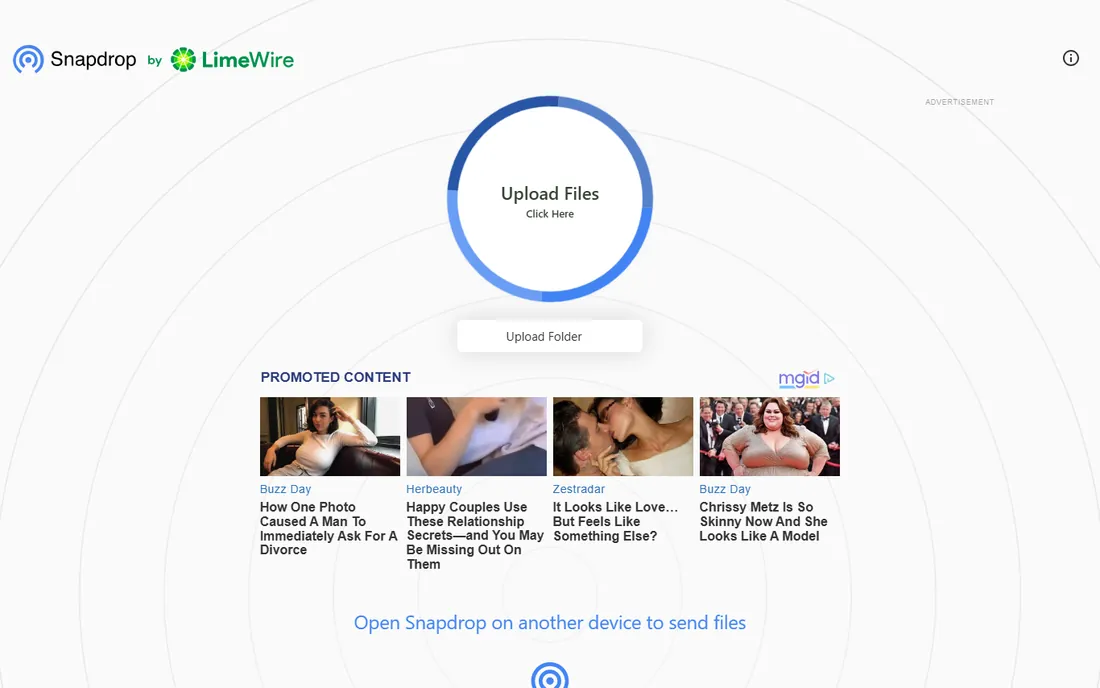
Snapdrop is AirDrop for everything else. Open snapdrop.net on two devices sharing a WiFi network, and they discover each other. Click a device, pick a file, and it transfers peer-to-peer over WebRTC with no server in the middle and no size limit imposed by the tool.
There is nothing to install and no account to create, which makes it perfect for guest devices and borrowed computers. It is free, open source, and you can even self-host it.
The limits are architectural: both devices must be on the same local network with the page open, and very large files can strain browser memory. It will not send a file to another city. For in-room transfers, it is the fastest path from A to B.
What we like- Nothing to install, works in any browser
- Completely free and open source
- Peer-to-peer with no file size cap
Watch out for- Only works on the local network
- Both devices need the page open
- Large transfers depend on browser memory
How we chose
We picked tools that are genuinely free for PC users and still maintained in 2026, checking each vendor's current site for the free tier terms. We read documentation, public reviews, and community discussions about transfer reliability, speed, and privacy practices. We never claim hands-on testing. We weighted whether the free tier has real limits or just upsells, whether transfers are encrypted, and how much setup stands between you and a sent file.
Picking the right transfer method
Match the tool to the distance. Same room: Snapdrop or Feem, no cloud involved and nothing to configure. Same person, different city: Send Anywhere's key or a WeTransfer link. Ongoing sync between your own machines: Resilio Sync. Server uploads: FileZilla or WinSCP.
Consider who you are sending to. Non-technical recipients do best with WeTransfer's familiar download page or Send Anywhere's website, since neither needs an install. Technical collaborators will prefer a direct SFTP drop or a Resilio shared folder.
Think about sensitivity before convenience. Family photos can ride any of these. Client contracts and medical documents belong on encrypted, direct transfers like Feem or SFTP, not on expiring public links. Free does not have to mean careless.
When free is not enough
Free tiers end where business needs begin. WeTransfer's 2GB cap, Send Anywhere's ad-supported app, and Resilio's Pro-only sending features all push heavy users toward paid plans. If you send large files daily, budget for one paid tier rather than juggling five free ones.
Teams should look past this list entirely. Managed file transfer platforms add audit logs, user permissions, and retention policies that no free tool offers. The free tools here are for individuals and small teams; compliance workloads need real infrastructure.
Automation is the other paid frontier. WinSCP scripting is the notable free exception, but scheduled syncs, watched folders, and API access generally live in paid products. If transfers need to happen while you sleep, check what the free tier actually automates before depending on it.
Frequently asked questions
What is the best completely free way to send large files?
For one-off sends, WeTransfer's free tier handles up to 2GB with no account. For larger files, Send Anywhere's free tier has no hard size cap on direct transfers. For PC-to-phone in the same room, Snapdrop and Feem are unlimited and free.
Is FTP still safe to use?
Plain FTP is not, since credentials and files travel unencrypted. Use SFTP or FTPS instead, which both FileZilla and WinSCP support. When someone says "FTP" today, they almost always mean the secure variants.
Do I need to install software to transfer files?
Not always. Snapdrop and WeTransfer run entirely in the browser, and Send Anywhere recipients can download from the website without installing anything. Installs only become necessary for server transfers, continuous sync, or offline WiFi sharing.
How do I transfer files from my phone to my PC?
Connect both to the same WiFi and open Snapdrop on both, or install Feem on both for a dedicated app. SHAREit and Send Anywhere also handle phone-to-PC well. A USB cable remains the fastest option for very large transfers like full photo libraries.
Are free file transfer tools safe for sensitive documents?
It depends on the tool's design. Feem, Resilio Sync, and SFTP transfer directly between devices with encryption and no cloud copy, which is the safest free pattern. Link-sharing services store your file on their servers until it expires, so read their retention terms for sensitive material.
Why is my transfer so slow?
Local network transfers are limited by your WiFi, so move closer to the router or use a cable. Internet transfers depend on your upload speed, which is usually far slower than download speed. Large single files also go faster than thousands of small files, so zip folders before sending.
Sources we checked (8)
- https://filezilla-project.org
- https://winscp.net
- https://www.resilio.com/individuals/
- https://wetransfer.com
- https://send-anywhere.com
- https://www.ushareit.com
- https://feem.io
- https://snapdrop.net
Is your product missing or out of date?
We review this list regularly. Vendors can request a listing, send updated pricing or ask about featured placement.

Shihab Mia · Founder, Rankite
Shihab has spent more than a decade helping SaaS and e-commerce brands grow through search. He writes Rankite's software buying guides from pricing pages, documentation and public user reviews. More about Shihab.