How we make this list: we compare pricing pages, product documentation and public user reviews. Rankite is independent; if a vendor ever pays for a featured spot, that listing is clearly labeled Partner.
Key takeaways
- PandaDoc offers the most generous free tier at 60 documents a year, which suits teams that send contracts and proposals rather than one-off forms.
- DocuSign remains the safest pick when the other party expects a familiar name, but its free allowance ends after three documents.
- Zoho Sign, SignWell and Signaturely all give you a working free plan with a real audit trail, so light senders never need to pay.
- The trap to avoid is picking on the free tier alone: check what the first paid plan costs, because the jump ranges from $8 to $34 a month.
- Every tool here produces legally binding signatures under ESIGN and UETA, provided the agreement itself is a valid contract.
Quick comparison
| Tool | Best for | Starting price | Free plan |
|---|
 PandaDoc PandaDoc | sales teams sending proposals and contracts | $19 per user/month (billed annually) | Yes (60 documents per year) |
 DocuSign DocuSign | companies whose clients expect the market standard | $11 per month (Personal plan) | Free trial (send up to 3 documents free) |
 Dropbox Sign Dropbox Sign | simple signing with unlimited requests on paid plans | $15 per user/month (billed annually) | Yes (3 sends per month) |
 Zoho Sign Zoho Sign | small businesses inside the Zoho ecosystem | $10 per user/month | Yes (5 documents per month) |
 signNow signNow | budget teams that want low cost per seat | $8 per user/month | Free trial |
 Signeasy Signeasy | field teams signing on mobile devices | $10 per user/month (Personal, billed annually) | Free trial |
 SignWell SignWell | freelancers who need plain affordable signing | $10 per user/month | Yes (3 documents per month) |
 Signaturely Signaturely | individuals who sign only occasionally | $20 per month (Personal, billed annually) | Yes (1 send per month) |
 Jotform Sign Jotform Sign | collecting form data and signatures in one flow | $34 per month | Yes |
Is your product missing or out of date?
We review this list regularly. Vendors can request a listing, send updated pricing or ask about featured placement.
The best free esignature software
Pick the wrong free e-signature tool and you pay twice: once when the free quota runs out in the middle of a deal, and again when a client pushes back on an agreement that carries no real audit trail. A free plan is only useful if it fits how you actually send documents, so the limits below matter more than the feature lists. These nine tools all work for small and mid-size US companies, and each one keeps a proper record of who signed, when, and from where.
Starting price$19 per user/month (billed annually)
Free planYes (60 documents per year)
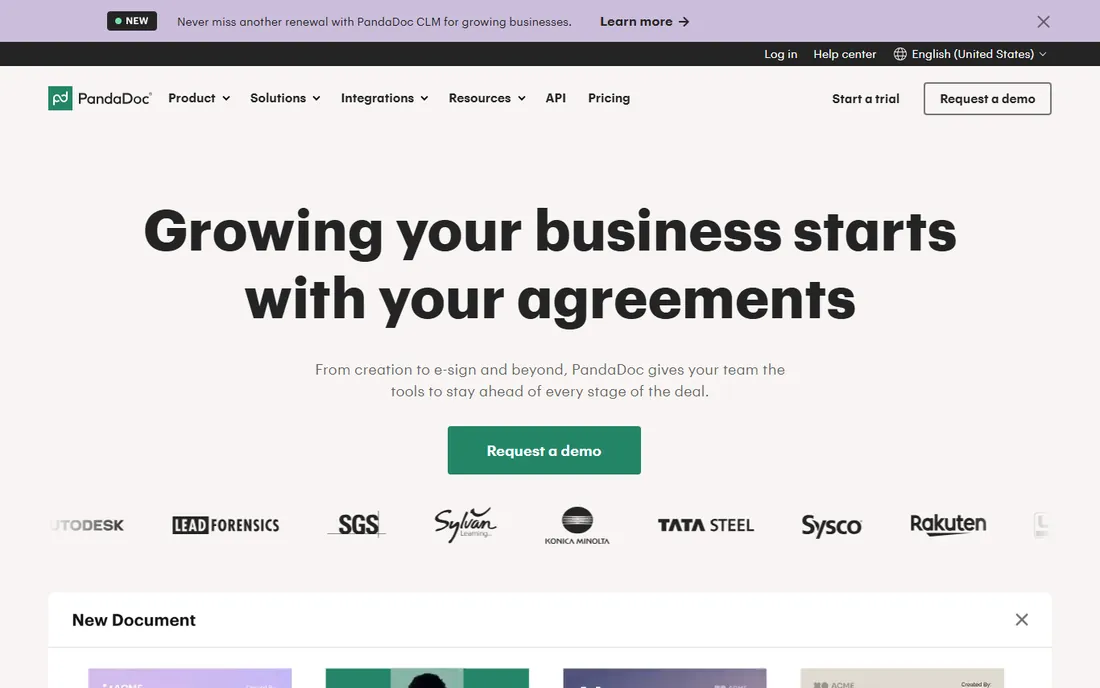
PandaDoc wins this category on the numbers alone. Sixty free documents a year works out to five a month, which covers the real signing volume of most small teams, and signing on received documents is unlimited. The difference from the other tools here is that you build the document inside PandaDoc instead of uploading a finished PDF, so proposals, quotes and contracts come from the same place as the signature.
The catch is that the free tier is shaped to nudge you toward paid plans. Only two recipients per document, no bulk sending, and no payment collection. Starter at $19 per user per month removes the sending cap and opens the template library, and unusually PandaDoc charges the same price monthly or annually. If your team writes proposals before it signs them, start here and you may never pay.
What we like- Most generous free tier at 60 documents a year
- Built-in document editor with templates
- Strong HubSpot and Salesforce integrations
Watch out for- Free plan allows only 2 recipients per document
- Paid plans are priced per seat
- More tool than you need if you only sign
#2
DocuSign
Best for: companies whose clients expect the market standard
Visit docusign.com
Starting price$11 per month (Personal plan)
Free planFree trial (send up to 3 documents free)
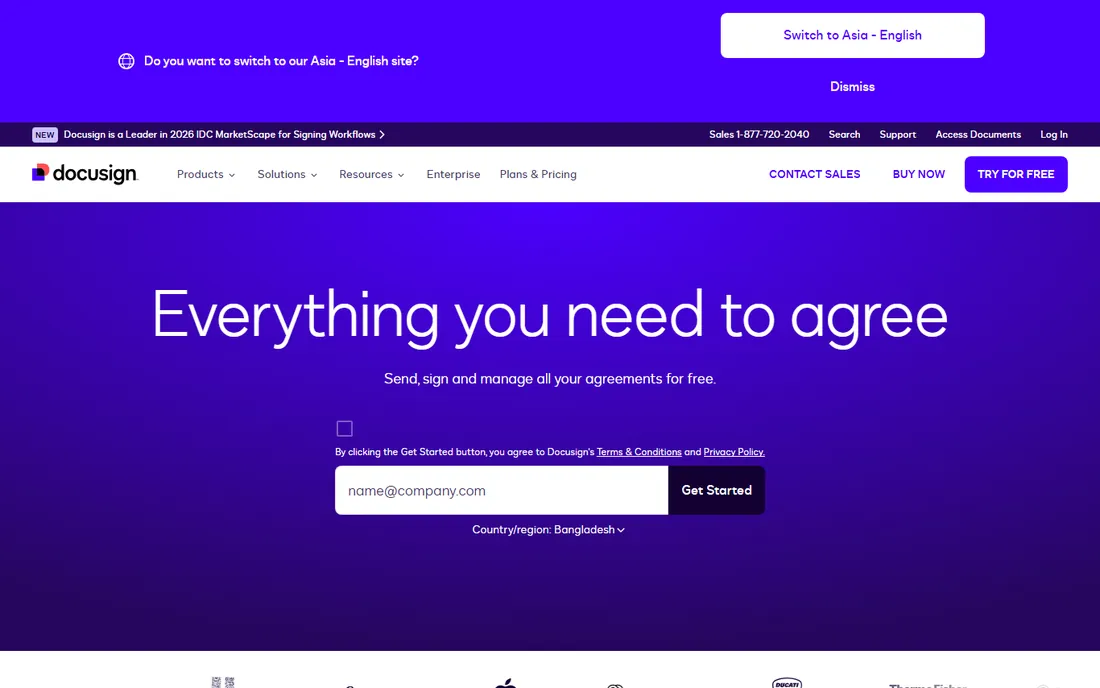
Nobody ever got fired for sending a DocuSign envelope. When the other side is a bank, a law firm or an enterprise procurement team, the familiar yellow tabs remove a whole category of friction: recipients do not ask whether the tool is legitimate. The audit trails, authentication options and global compliance certifications are the deepest in this list.
For free use, though, DocuSign is thin. You get three documents and then you pay, and the Personal plan at $11 a month covers one user with basic features. Small teams that send steadily will land on Standard or higher at noticeably more money. Choose DocuSign when recognition and compliance matter more than the free tier, which for regulated industries is most of the time.
What we like- The most widely recognized e-signature brand
- Deep compliance and identity verification options
- Integrates with more than 1,000 apps
Watch out for- Free allowance ends after three documents
- The cheapest plan is single-user
- The interface feels heavy for simple one-page signing
Starting price$15 per user/month (billed annually)
Free planYes (3 sends per month)
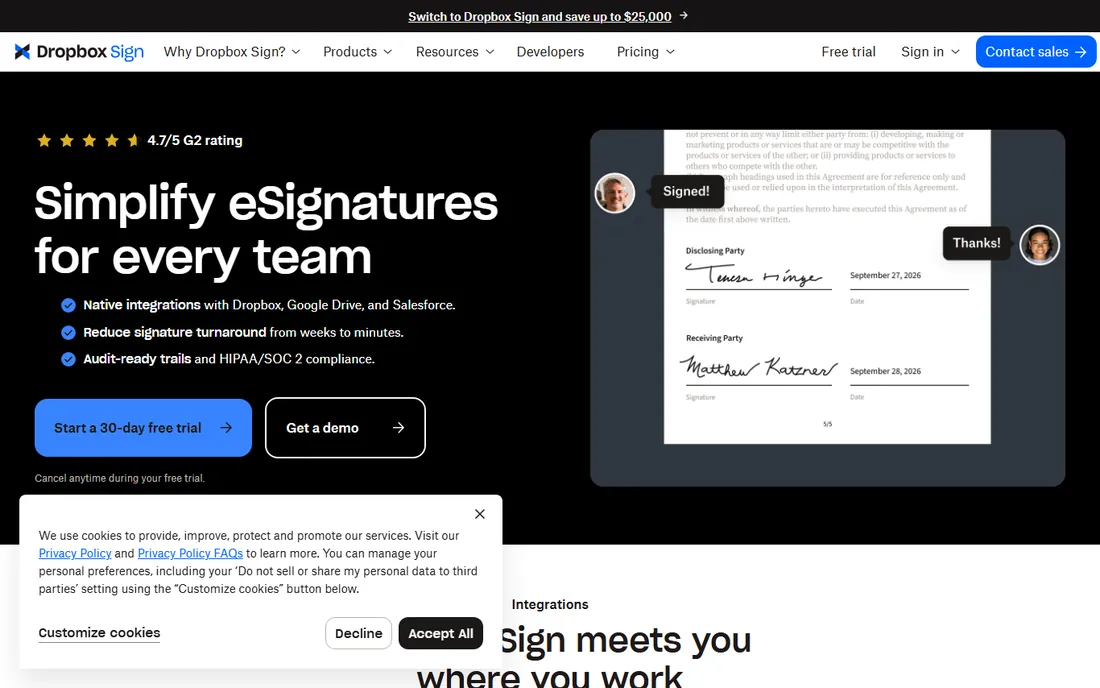
Dropbox Sign, formerly HelloSign, is the closest like-for-like swap for DocuSign among the simple tools. Sending is the whole product: upload, place fields, send, track. On paid plans there is no envelope counting at all, which makes budgeting easy once you outgrow the free tier.
The free plan is modest at three sends a month, so this is a tool you pick for how it works, not for its free allowance. Teams already living in Dropbox get autosave of completed documents and a familiar sharing model. If you need proposal building, payment collection or deep workflow automation, look at PandaDoc or DocuSign instead.
What we like- Paid plans include unlimited signature requests
- Clean interface with almost no learning curve
- Tight integration with Dropbox and Google Drive
Watch out for- Free plan is only three sends a month
- No document builder like PandaDoc
- The API is priced separately starting at $75 a month
#4
Zoho Sign
Best for: small businesses inside the Zoho ecosystem
Visit zoho.com
Starting price$10 per user/month
Free planYes (5 documents per month)
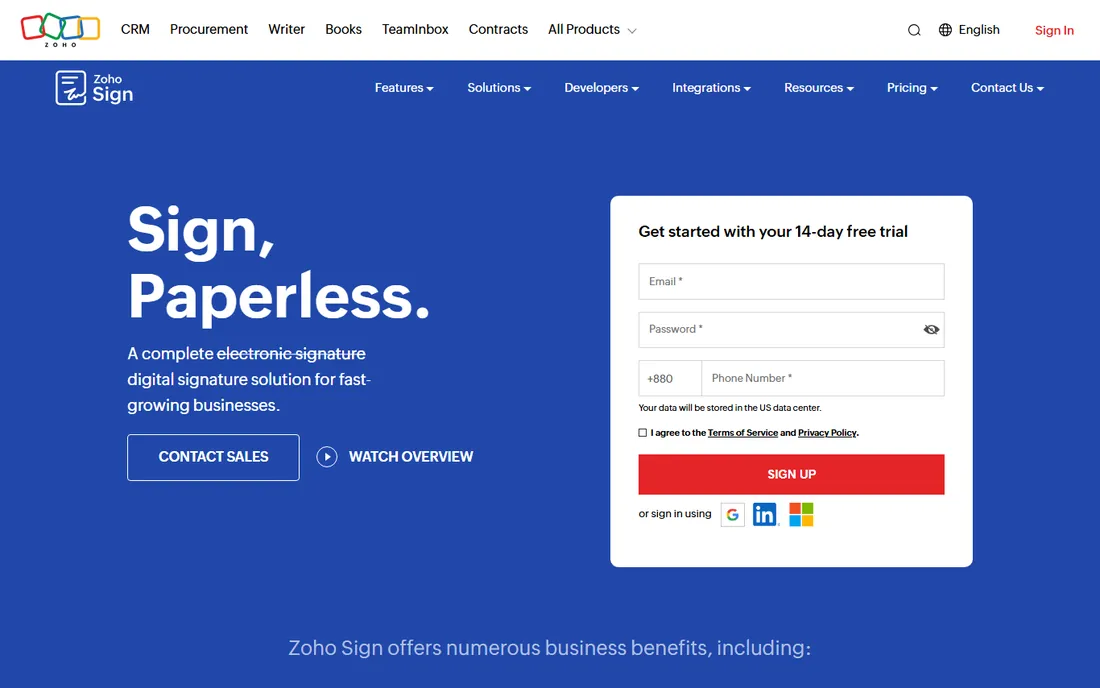
Zoho Sign is the quiet value pick. Five free documents a month beats most rivals, and the $10 entry price undercuts nearly everything else in this list. Under the hood it is more serious than the price suggests: real PKI digital signatures, AES-256 encryption, multi-factor verification and even blockchain timestamping on signed documents.
Where it shows its price is the experience around the edges. The interface is functional rather than delightful, and while it integrates with third-party apps through Zapier and an API, it naturally works best alongside Zoho CRM, Zoho Writer and the rest of the Zoho suite. If your company already runs on Zoho, this is the obvious free choice. If not, weigh the savings against the rougher edges.
What we like- Free plan allows five documents a month for one user
- Low starting price
- PKI-based digital signatures with blockchain timestamping
Watch out for- Free plan is single-user only
- The interface lags behind the leaders on polish
- Template management is basic
Starting price$8 per user/month
Free planFree trial
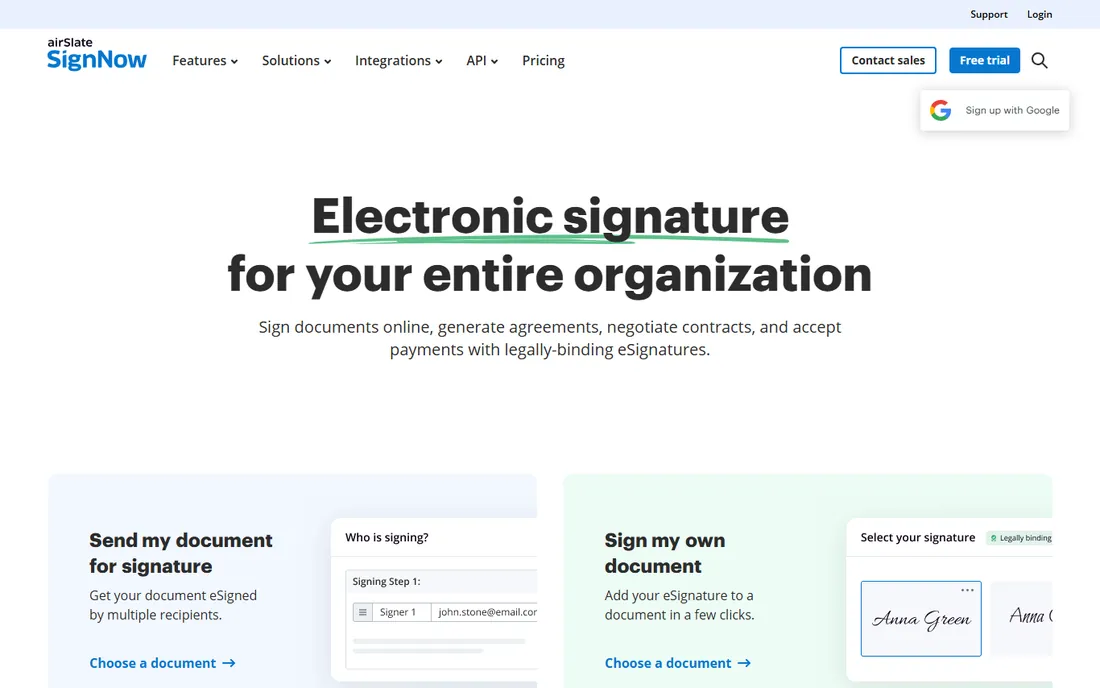
signNow, from airSlate, competes almost entirely on price. At $8 per user per month it is the cheapest paid entry here, and the feature set is fuller than the price implies: reusable templates, in-person signing, bulk send and a mobile app that reviewers consistently rate well. Support is available around the clock on every paid tier, which is rare at this price.
The trade-off is that there is no free tier to fall back on, so this only fits teams ready to pay something. The interface has improved but still feels a generation behind PandaDoc and Dropbox Sign, and document analytics and advanced conditional logic sit on higher plans. For a small business that sends documents weekly and wants the lowest per-seat bill, signNow is hard to argue against.
What we like- The lowest starting price in this list
- 24/7 support on all paid plans
- Solid mobile apps for signing on the go
Watch out for- No permanent free plan, only a trial
- The interface feels dated in places
- Some advanced features cost extra
Starting price$10 per user/month (Personal, billed annually)
Free planFree trial
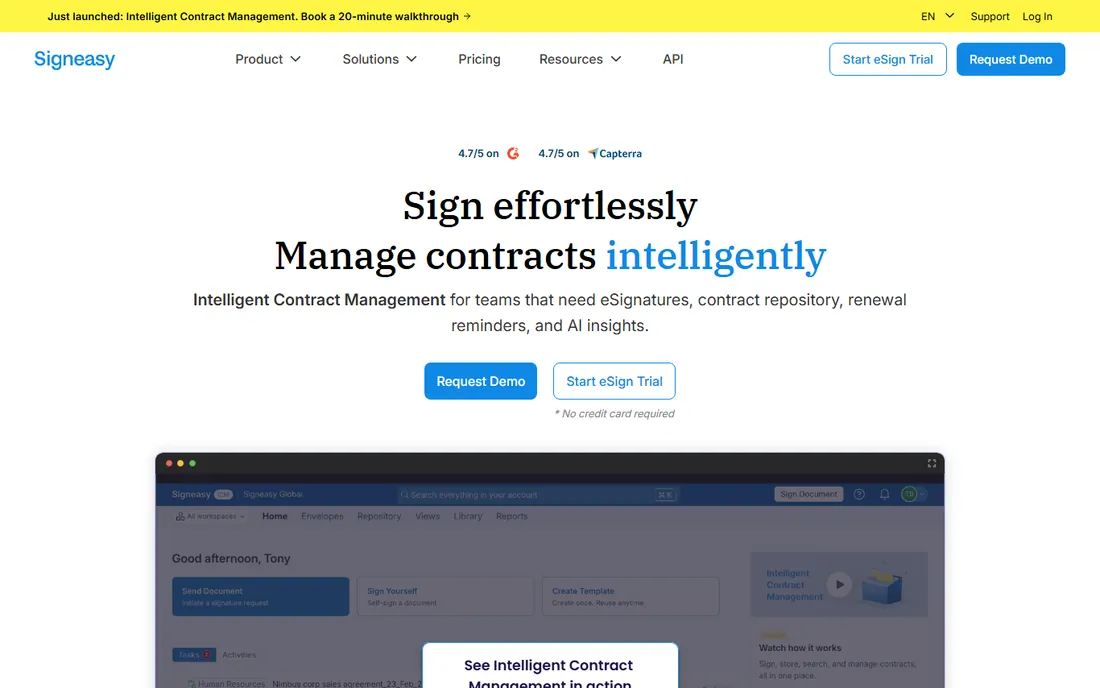
Signeasy built its reputation on mobile. Real-estate agents, field sales reps and logistics teams can prepare, send and sign documents from a phone, including offline and in-person signing where the client signs on your device. The apps are the most downloaded in this niche for a reason.
The pricing structure rewards small teams but punishes solo power users: the $10 Personal plan is annual-billed and single-seat, and unlimited signing is not the same as unlimited sending, so read the plan details before you commit. There is no free tier, only a trial. Pick Signeasy when most of your signing happens away from a desk; pick something else for heavy desktop workflows.
What we like- Excellent iOS and Android apps that work offline
- Simple per-seat pricing
- In-person signing built for field use
Watch out for- Personal plan is single-seat with sending limits
- No free plan
- Limited workflow automation compared with DocuSign
Starting price$10 per user/month
Free planYes (3 documents per month)
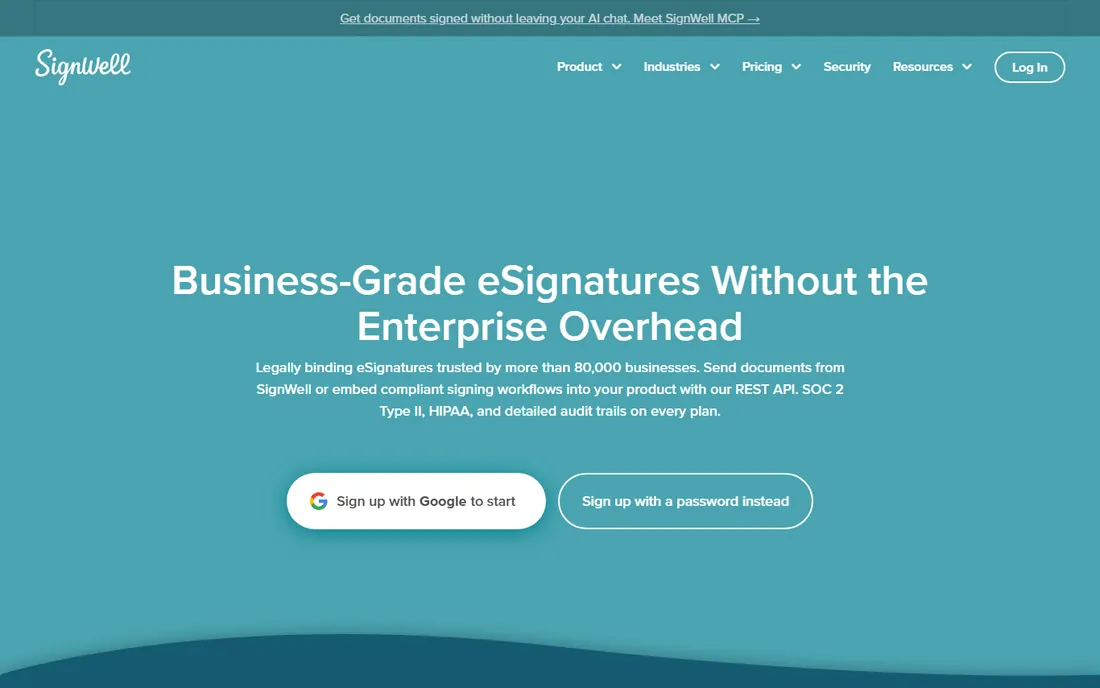
SignWell does one thing and stays out of the way. Upload a document, drag on signature and date fields, send. The home screen is a plain document list rather than a dashboard, which first-time users tend to prefer. The QuickBooks and Xero integrations are a genuine differentiator for accountants and bookkeepers who send engagement letters and invoices for signature.
The limits are what you would expect at this price: three free documents a month, few ready-made templates, and no complex multi-step approval workflows. The paid plan with unlimited sending starts at $10 a month, so the upgrade path is painless. This is the right tool for a freelancer or micro-business that sends a handful of documents and wants the cheapest credible option.
What we like- Very low entry price
- Minimal interface with no learning curve
- Native QuickBooks and Xero integrations
Watch out for- Free plan allows only three documents a month
- Thin built-in template library
- Limited advanced automation
Starting price$20 per month (Personal, billed annually)
Free planYes (1 send per month)
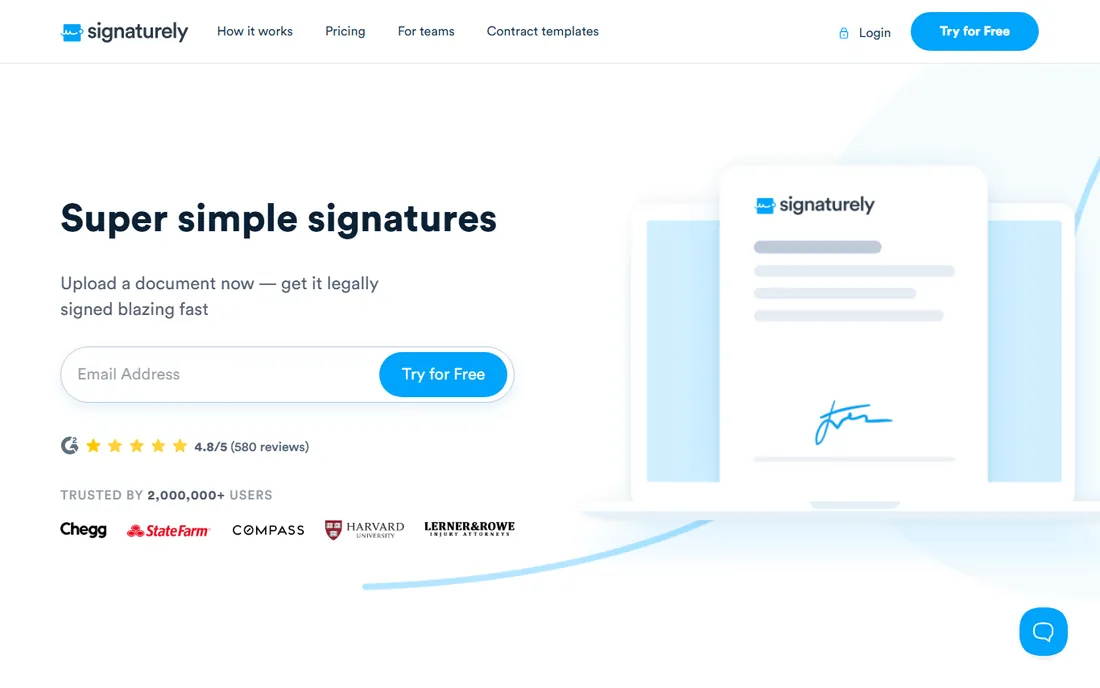
Signaturely is the simplest tool on this list to explain to a technophobic signer. The recipient gets a clear guided flow, and the sender side is three steps: upload, add signers, send. The free plan never expires, which makes it a fine permanent solution for someone who sends one contract a quarter.
One send a month is the obvious ceiling, and the paid Personal plan at $20 a month is actually pricier than several rivals with deeper features. Integrations are thinner, and a large corporate client may ask what Signaturely is. For personal use, freelancers with sporadic signing, and anyone who values simplicity over power, it earns its place.
What we like- Free plan with no time limit
- Extremely easy for first-time users
- Signers get a guided step-by-step flow
Watch out for- Free plan limited to one send a month
- Fewer integrations than the bigger names
- Less recognized by enterprise clients
#9
Jotform Sign
Best for: collecting form data and signatures in one flow
Visit jotform.com
Starting price$34 per month
Free planYes
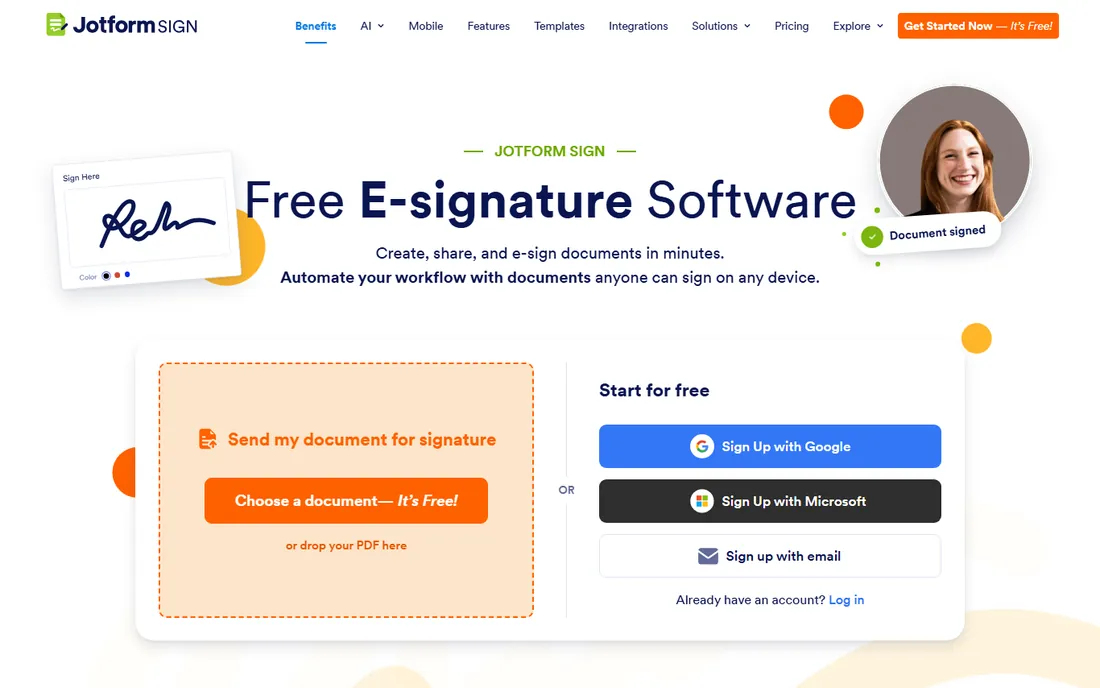
Jotform Sign answers a different question from the rest of this list: what if the document is a form first and a signature second? Intake forms, applications, registrations and consent forms can collect structured data and a signature in a single flow, and uploaded PDFs get automatic field detection so you are not placing every box by hand.
The price is the sticking point. At $34 a month it costs more than most dedicated e-signature tools, and the signing workflow itself is simpler than what DocuSign or PandaDoc offer. The math works when you already pay for Jotform or when form-plus-signature is your daily work. If you only need signatures, the other eight tools give you more for less.
What we like- Pairs full form-building with e-signatures
- Automatic field detection on uploaded PDFs
- Large template library
Watch out for- Highest starting price in this list
- Signing features are shallower than DocuSign
- Best value only if you use Jotform forms
How we chose
We started from each vendor's own pricing page and plan documentation, since free-tier limits change often and third-party roundups go stale fast. Where a vendor page did not spell out a limit clearly, we checked the vendor's help center and recent comparisons from 2026. We weighed the free allowance, the cost of the first paid step, audit trail quality, ease of use for non-technical senders, and fit for teams of one to fifty people. We did not run hands-on trials for this roundup; the rankings reflect published plans, documentation and public reviewer consensus, not lab testing.
What to check before you commit to a free plan
A free e-signature plan has three numbers that matter: how many documents you can send, how many signers each document allows, and what happens to your documents if you never upgrade. Some tools count every sent document against the quota while drafts and templates are free; others count recipients. Read that definition before you build a workflow on it.
Next, look at the paid step-up, not just the free tier. A tool that is free for three documents and then charges $34 a month can cost more over a year than a tool with a smaller free tier and an $8 entry plan. Map your real monthly volume first, then find the plan that covers it with headroom.
Finally, confirm the audit trail. Every tool in this list records signer identity, timestamps and IP addresses, which is what makes the signature defensible. If you ever consider a free tool outside this list, the audit trail is the first thing to verify, because a signature image with no record behind it is just a picture.
Are free e-signatures legally binding?
Yes. In the United States, electronic signatures are legally binding under the ESIGN Act and the state-level UETA, and a signature collected on a free plan carries the same legal weight as one collected on an enterprise plan. What matters is the agreement itself and the evidence around the signing: consent to do business electronically, a record of who signed and when, and an unaltered document afterward.
Where paid tiers matter is assurance, not legality. Higher plans add identity verification, SSO, and qualified digital signatures under the EU eIDAS regulation for high-value or regulated transactions. For everyday contracts, NDAs, offer letters and client agreements, the free tiers here are legally sufficient. For anything where the stakes or the regulator demand more, talk to counsel before you choose.
Frequently asked questions
What is the best completely free e-signature software?
For ongoing free use, PandaDoc leads with 60 documents a year, followed by Zoho Sign at five a month and SignWell at three a month. Signaturely's free plan never expires but allows only one send a month. The right pick depends on your monthly volume and whether you also need document building.
Is DocuSign free?
DocuSign lets you send up to three documents free, which works as an extended trial. Signing documents sent to you is always free. Continued sending requires a paid plan starting at $11 a month for the Personal plan.
Do free e-signature plans include an audit trail?
Yes, all nine tools in this list include an audit trail on their free plans, recording signer identity, timestamps and IP addresses. That record is what makes the signature defensible, so never use a free signing tool that does not provide one.
Can I use free e-signature software for business contracts?
Yes. Signatures collected on free plans are legally binding under ESIGN and UETA just like paid ones. The practical limits are volume caps, fewer recipients per document and missing features like bulk send or payment collection, which push growing teams to paid plans.
What happens to my documents if I stay on a free plan?
Your completed documents remain accessible on all the tools here; vendors do not delete signed agreements when you stay free. Storage limits and retention periods vary, so download final copies of important agreements to your own storage as a backup.
Which free e-signature tool is easiest for the signer?
Signaturely and SignWell get the most praise for signer simplicity, with guided flows that need no account and no instructions. Dropbox Sign is close behind. If your signers are non-technical clients, prioritize the recipient experience over the sender's feature list.
Sources we checked (15)
- https://www.pandadoc.com/
- https://docusign.com
- https://sign.dropbox.com
- https://www.zoho.com/sign/
- https://www.signnow.com
- https://signeasy.com
- https://www.signwell.com
- https://signaturely.com
- https://www.jotform.com/products/sign/
- https://albato.com/blog/publications/best-e-signature-software
- https://esignaturely.com/best-free-esignature-software/
- https://www.flozic.ai/blog/alternatives/docusign-alternatives
- https://ecommerceparadise.com/pdffiller-alternatives-7-pdf-and-esignature-tools-compared-for-2026/
- https://www.techradar.com/best/best-esign-software-solutions
- https://www.kidsinthehouse.com/blogs/kidsinthehouse2/the-5-best-pdf-signing-tools-for-2026-with-secure-link-sharing
Is your product missing or out of date?
We review this list regularly. Vendors can request a listing, send updated pricing or ask about featured placement.

Shihab Mia · Founder, Rankite
Shihab has spent more than a decade helping SaaS and e-commerce brands grow through search. He writes Rankite's software buying guides from pricing pages, documentation and public user reviews. More about Shihab.