How we make this list: we compare pricing pages, product documentation and public user reviews. Rankite is independent; if a vendor ever pays for a featured spot, that listing is clearly labeled Partner.
Key takeaways
- Octoparse and ParseHub offer the most capable free plans for non-technical users, both with point-and-click interfaces and desktop apps.
- Apify gives every account $5 of platform credits each month, enough to run small scrapers through its marketplace of ready-made actors.
- Developers who code should start with Scrapy or Beautiful Soup, both open source and free with no limits on what you build.
- Browser extensions like Web Scraper, DataMiner and Instant Data Scraper are the fastest route to a quick CSV from a single page.
- Every free plan here has a real ceiling. If you need scheduled cloud runs at volume, expect to pay.
Quick comparison
| Tool | Best for | Starting price | Free plan |
|---|
 Octoparse Octoparse | non-technical users on simple to medium sites | See website | Yes |
 ParseHub ParseHub | dynamic sites with logins, dropdowns and infinite scroll | See website | Yes |
 Apify Apify | using ready-made scrapers without building anything | See website | Yes ($5 monthly credits) |
 Scrapy Scrapy | Python developers crawling at scale | Free (open source) | Yes |
 Beautiful Soup Beautiful Soup | parsing HTML inside small Python scripts | Free (open source) | Yes |
 Web Scraper Web Scraper | point-and-click extraction inside Chrome | See website | Yes |
 DataMiner DataMiner | fast extraction using prebuilt recipes | See website | Yes (500 pages/month) |
 Import.io Import.io | managed extraction for business teams | See website | Free trial |
 Instant Data Scraper Instant Data Scraper | grabbing a table into CSV in seconds | Free | Yes |
 Dexi.io Dexi.io | cloud scraping with scheduling and API access | See website | Free trial |
Is your product missing or out of date?
We review this list regularly. Vendors can request a listing, send updated pricing or ask about featured placement.
Starting priceSee website
Free planYes
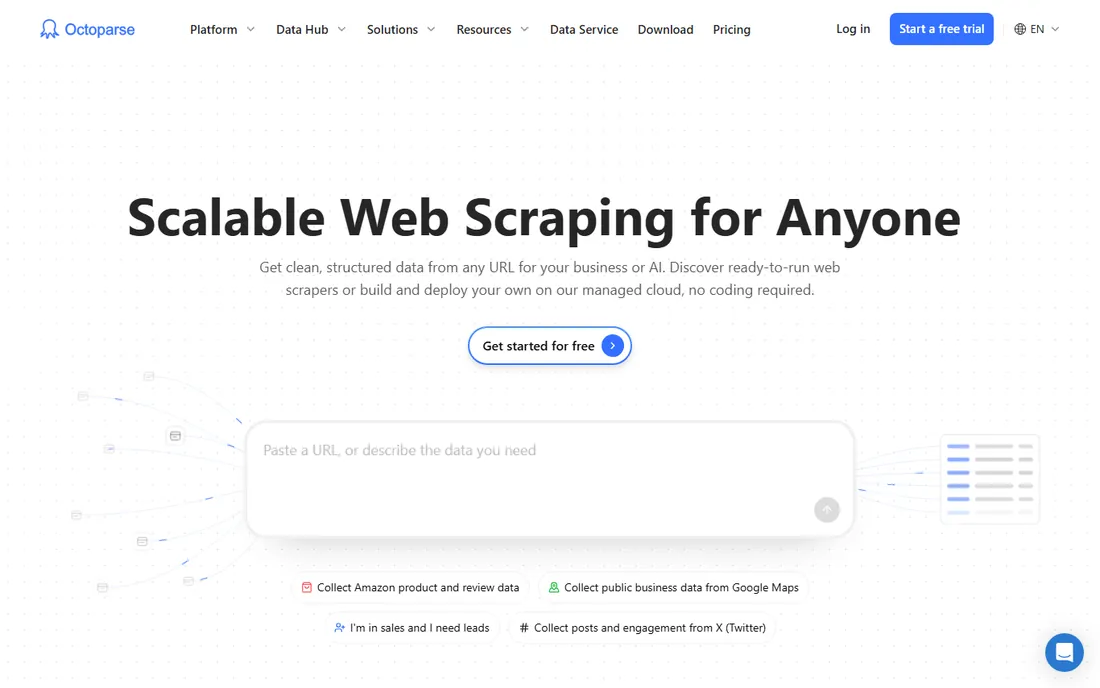
Octoparse is the tool most beginners land on first, and that makes sense. You install the desktop app, load a page, and click the data you want. For product listings, directories and search results, the auto-detection usually picks up the right pattern in a few clicks.
The free plan gives you 10 tasks and local extraction, which is enough for one-off projects and learning the tool. The honest catch is that anything scheduled or cloud-based sits behind the paid plans, and the free tier does not include IP rotation, so aggressive sites can block you. Paid plans start around $99 a month when month-to-month billing applies, so check the pricing page before committing to a workflow that depends on cloud runs.
What we like- True point-and-click interface
- Prebuilt templates for popular sites
- Generous free tier for testing
Watch out for- Free runs are local only, no cloud scheduling
- Complex sites push the learning curve up
#2
ParseHub
Best for: dynamic sites with logins, dropdowns and infinite scroll
Visit parsehub.com
Starting priceSee website
Free planYes
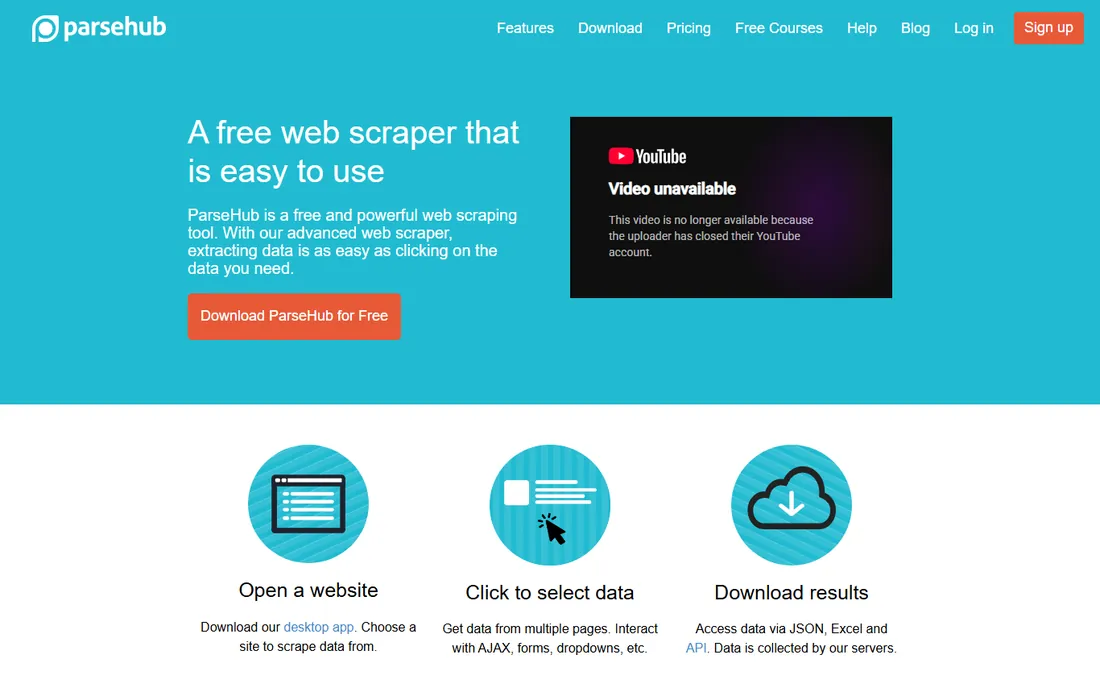
ParseHub has been around for over a decade and it shows in the polish. The desktop app lets you teach it to search forms, click dropdowns, log in and handle infinite scroll, all by clicking. It is one of the few no-code scrapers that genuinely copes with modern JavaScript sites.
You can start on the free plan and run real projects on it. Results download as JSON or Excel, and the API is available on paid plans for automation. The catch is that the free tier caps how much you can pull per run, and cloud execution with scheduling is a paid feature. Paid plans start near $189 a month, which is steep for casual use, so ParseHub fits best when you have a recurring scraping job that justifies it.
What we like- Handles AJAX, forms and JavaScript-heavy pages
- REST API and scheduled runs
- Strong support
Watch out for- Free plan has page limits per run
- Desktop app only, no browser-based builder
#3
Apify
Best for: using ready-made scrapers without building anything
Visit apify.com
Starting priceSee website
Free planYes ($5 monthly credits)
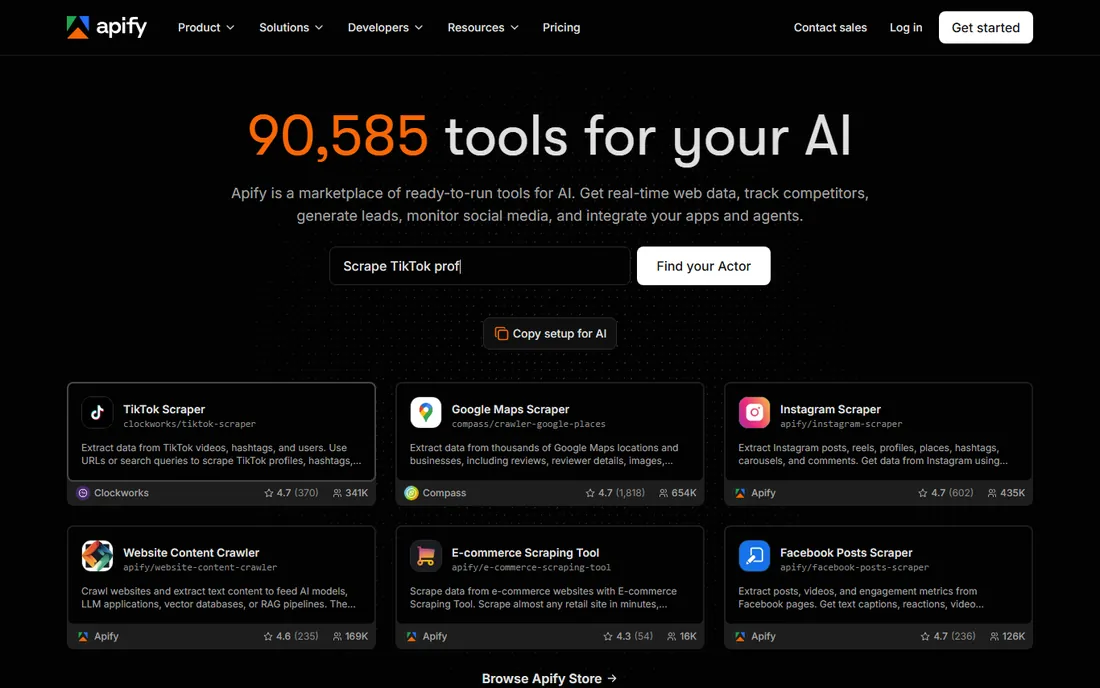
Apify works differently from the desktop tools. It is a cloud platform with a marketplace of ready-made scrapers called Actors. Need Google Maps places or Instagram posts? There is probably an actor for it already, and you can run it in the browser with zero setup.
Every account gets $5 of platform credits each month, which covers small runs nicely. The strength is speed to first result. The weakness is the pricing model: you pay for compute units, proxies and sometimes per-result fees from the actor itself, so a big job can cost more than you expect. Prototype on the free credits, then move to Starter when one actor becomes a weekly job.
What we like- Thousands of ready actors for sites like Google Maps and Instagram
- Run or publish your own code
- Proxies and scheduling included
Watch out for- Credit-based pricing takes time to understand
- Heavy browser jobs burn credits fast
Starting priceFree (open source)
Free planYes
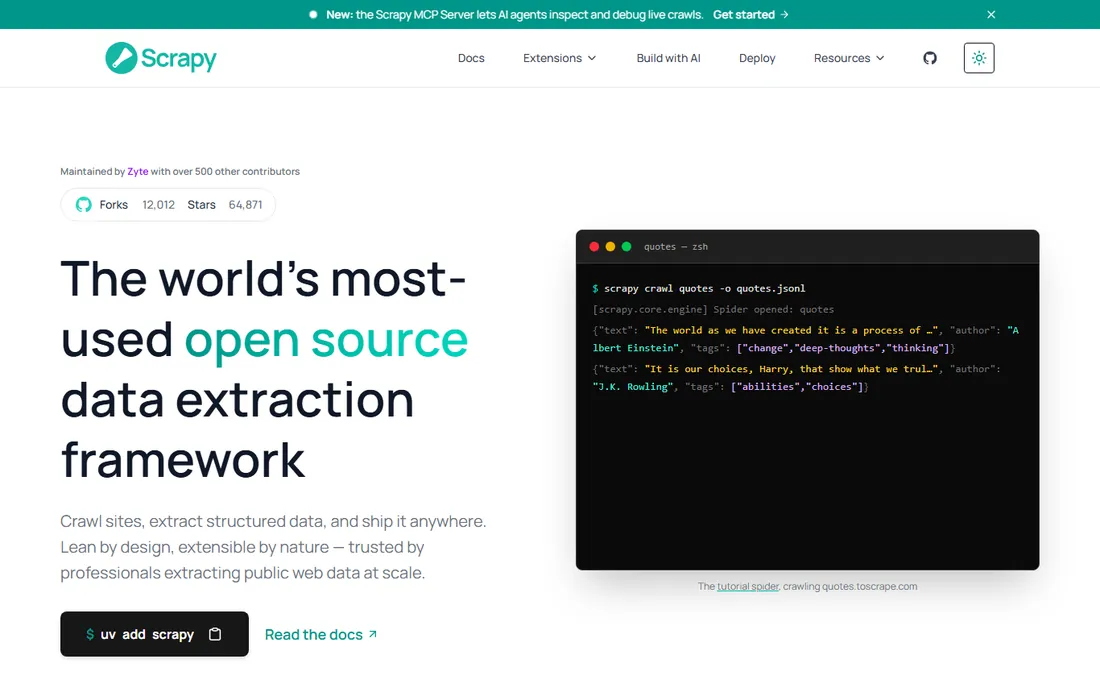
Scrapy is the standard answer when a developer asks what to use for serious scraping. It is an open source Python framework with an asynchronous engine, CSS and XPath selectors, and a plugin system that covers browser rendering, monitoring and scheduling. It has been in production for over fifteen years.
There is no free tier to worry about because there is no paid tier at all. The tradeoff is that you write code, manage proxies yourself and handle blocks yourself. For a side project or a data pipeline that runs daily, nothing beats it on cost. For a one-off table on a single page, it is overkill.
What we like- Completely free with no usage caps
- Battle-tested at millions of pages
- Huge plugin ecosystem
Watch out for- Requires Python skills
- No built-in proxy or anti-blocking handling
#5
Beautiful Soup
Best for: parsing HTML inside small Python scripts
Visit crummy.com
Starting priceFree (open source)
Free planYes
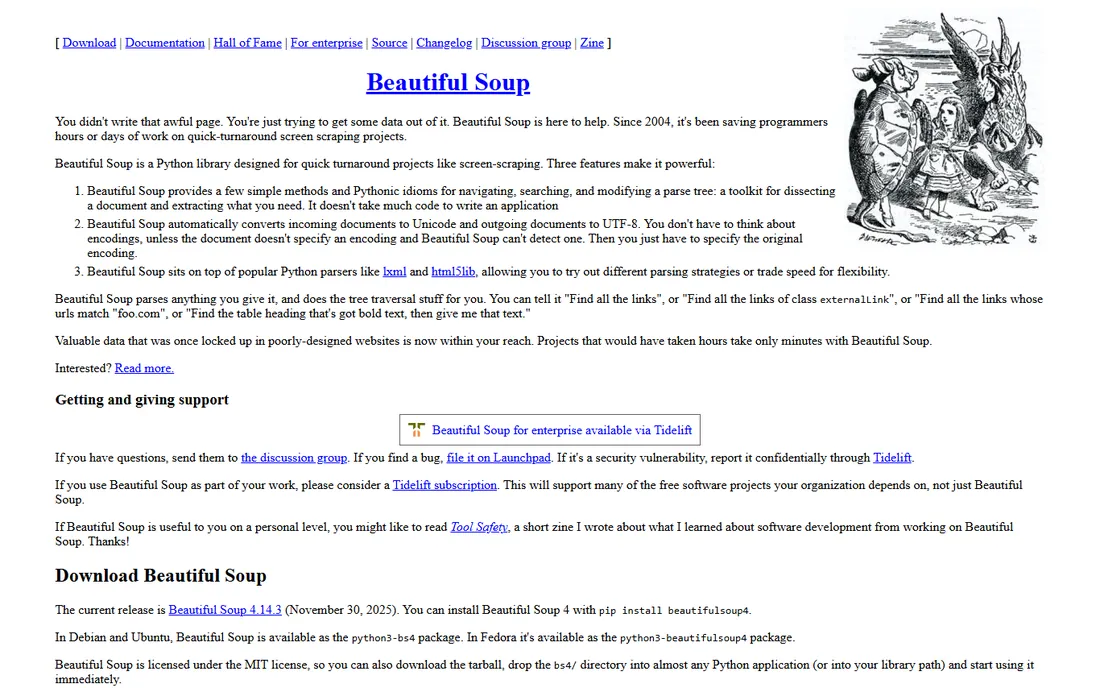
Beautiful Soup is not a full scraper, and that is exactly why people love it. It is a Python library that turns messy HTML into something you can search and extract with a few lines of code. Combined with the requests library, it handles most static sites in under an hour of work.
It costs nothing and never expires. The limitation is architectural: it parses pages you fetch for it, so JavaScript-heavy sites need a headless browser alongside, and crawling thousands of pages needs you to build the crawl logic. For quick scripts and prototypes, it is still the fastest path from page to data.
What we like- The simplest way to pull data out of HTML
- Pairs with requests in minutes
- Zero cost
Watch out for- A parser, not a crawler
- Struggles with JavaScript-rendered pages alone
Starting priceSee website
Free planYes
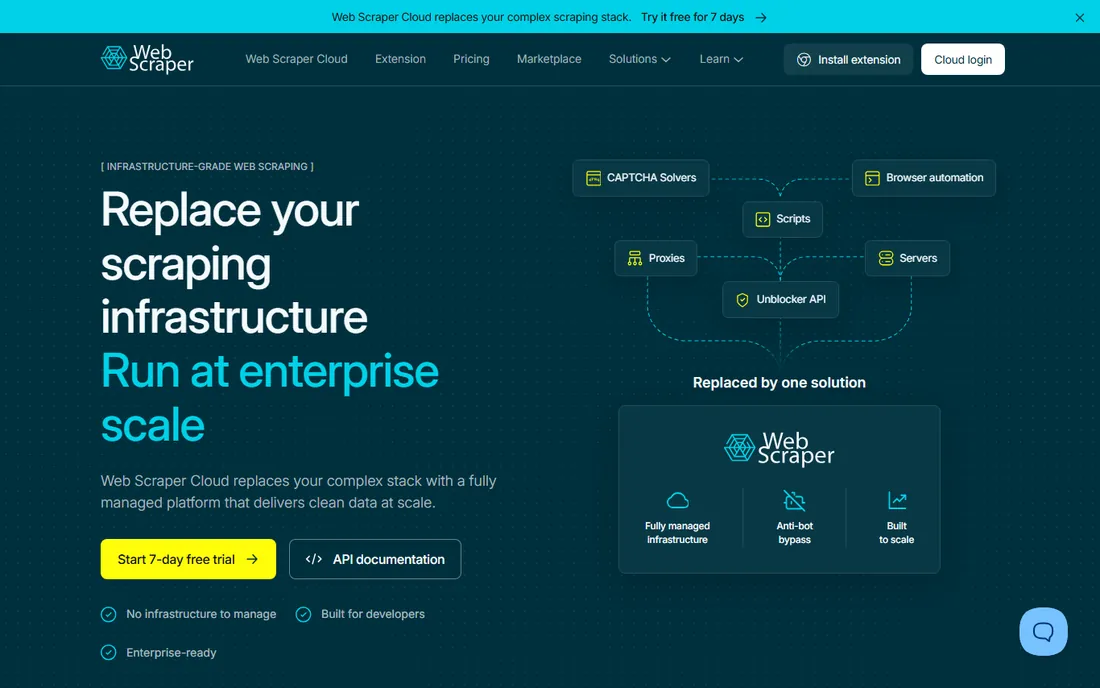
Web Scraper is a Chrome extension that turns your browser into a scraping tool. You build a sitemap by clicking elements, then run it against the site. Because everything happens inside Chrome, it is less likely to trip simple bot detection than server-side scrapers.
The extension itself is free, which makes it ideal for ad-hoc jobs. The catch is that the free version runs manually with no scheduling, and cloud execution with API access starts at $50 a month. It is the right pick when you scrape occasionally and want results in a spreadsheet today.
What we like- Runs in the browser, so it looks like a normal visitor
- Sitemap concept handles multi-level navigation
- Exports CSV directly
Watch out for- Free version is manual only
- Scheduling and scale need the $50/month cloud plan
Starting priceSee website
Free planYes (500 pages/month)
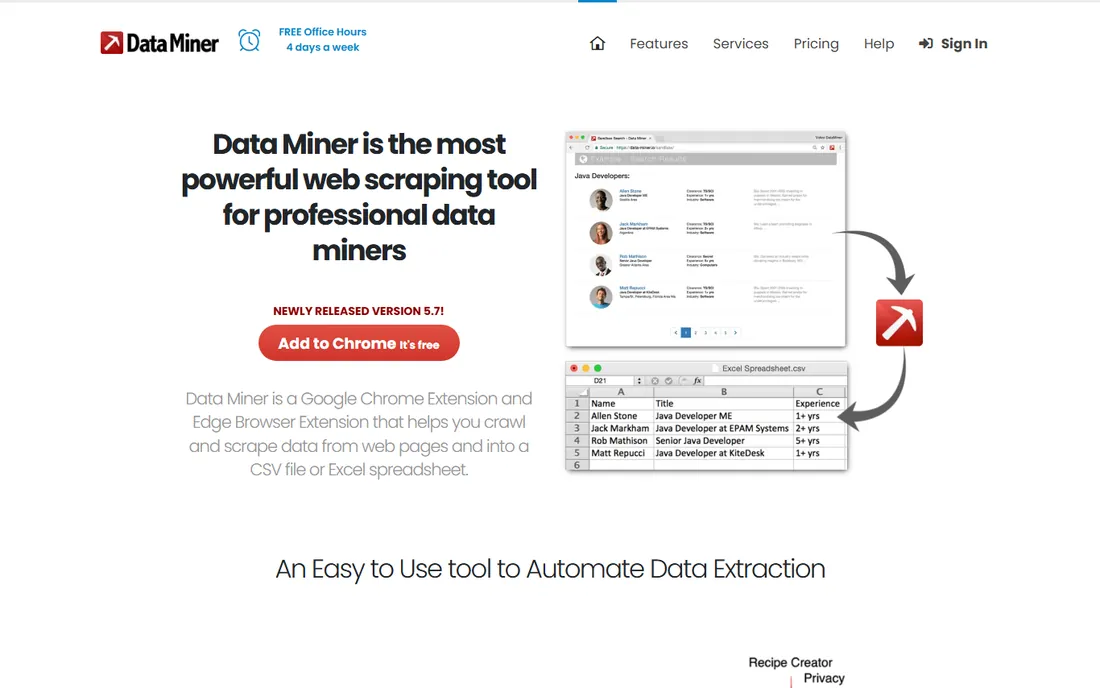
DataMiner is another Chrome extension, and its standout feature is recipes: prebuilt scraping definitions for thousands of sites. Install the extension, open a page, and if a recipe exists, you get structured data in one click. The free allowance of 500 pages per month resets monthly and covers most personal use.
When no recipe exists you can build your own, though that takes more effort. Paid plans start around $19.99 a month for heavier use. The honest weakness is recipe maintenance: sites change, and a recipe that worked last month can break without warning.
What we like- Free 500 pages per month, enough for most casual users
- Recipe library covers common sites
- Exports to Excel and Google Sheets
Watch out for- Recipe quality varies by site
- Custom work needs the paid plans
#8
Import.io
Best for: managed extraction for business teams
Visit import.io
Starting priceSee website
Free planFree trial
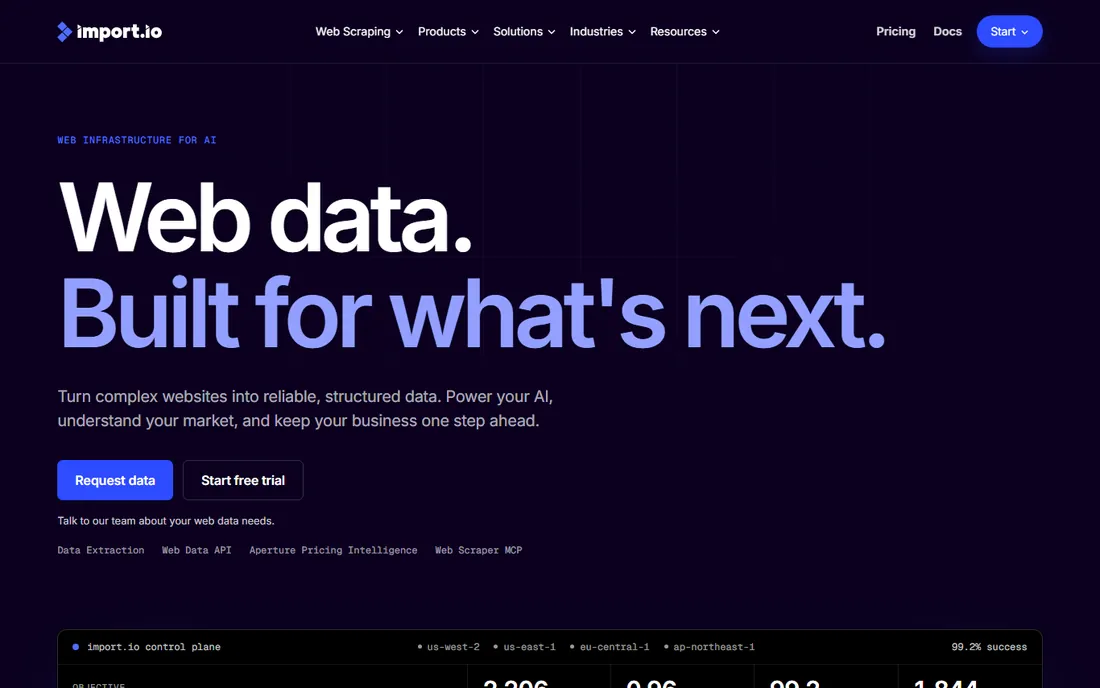
Import.io sits at the enterprise end of this list. It converts websites into structured data feeds with monitoring, so business teams get reliable data without running infrastructure. If you need thousands of pages extracted on a schedule with alerts when the layout changes, this is the category leader.
The free offering is a trial, not a permanent free plan, and pricing is quote-based rather than self-serve. For a developer or analyst on a budget, the other tools here give more. For a company that needs web data as a managed service, the trial is worth taking.
What we like- Enterprise-grade extraction with managed infrastructure
- Turns sites into APIs
- Handles scale and monitoring
Watch out for- Sales-led pricing with no public free tier
- Overkill for personal projects
Starting priceFree
Free planYes
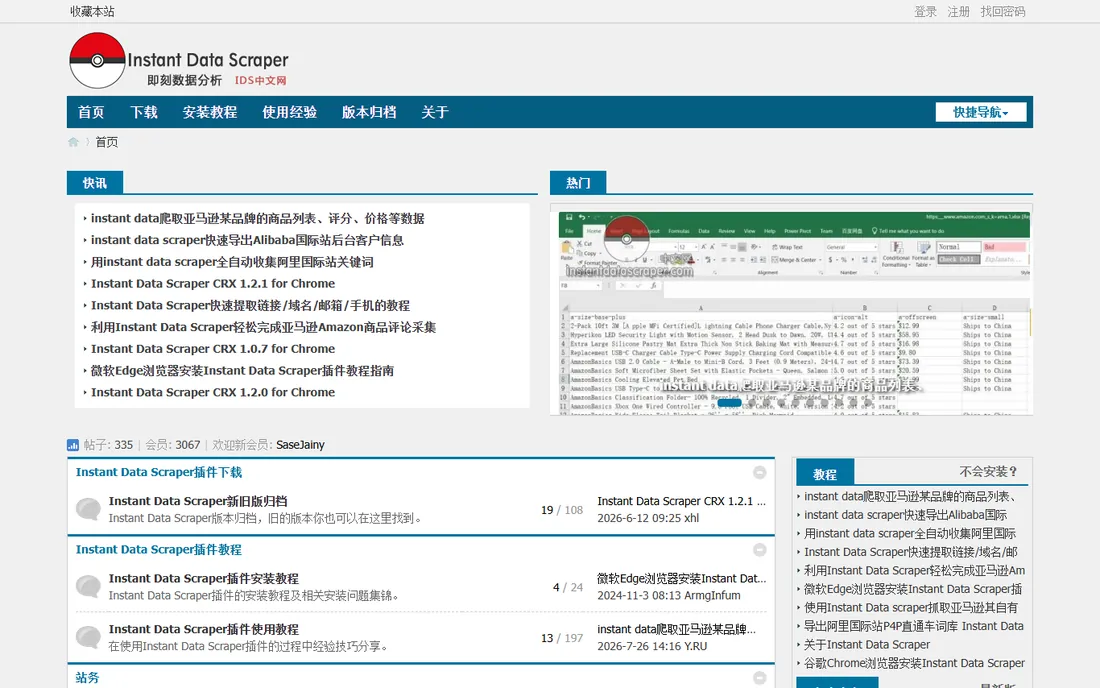
Instant Data Scraper is the simplest tool on this list. Install the Chrome extension, open a page, and it finds tables and lists automatically. One click and you have a CSV. There is no signup, no credit system and no paid tier to upsell you into.
That simplicity is also the limit. You get minimal control over what is selected, and there is no scheduling, API or cloud execution. For a journalist grabbing a table or a student collecting a dataset, it is perfect. For anything recurring, pair it with one of the tools above.
What we like- Completely free
- Auto-detects tables and lists with no setup
- One-click CSV export
Watch out for- Very basic, with limited control over selection
- Not built for scheduled or large jobs
#10
Dexi.io
Best for: cloud scraping with scheduling and API access
Visit dexi.io
Starting priceSee website
Free planFree trial
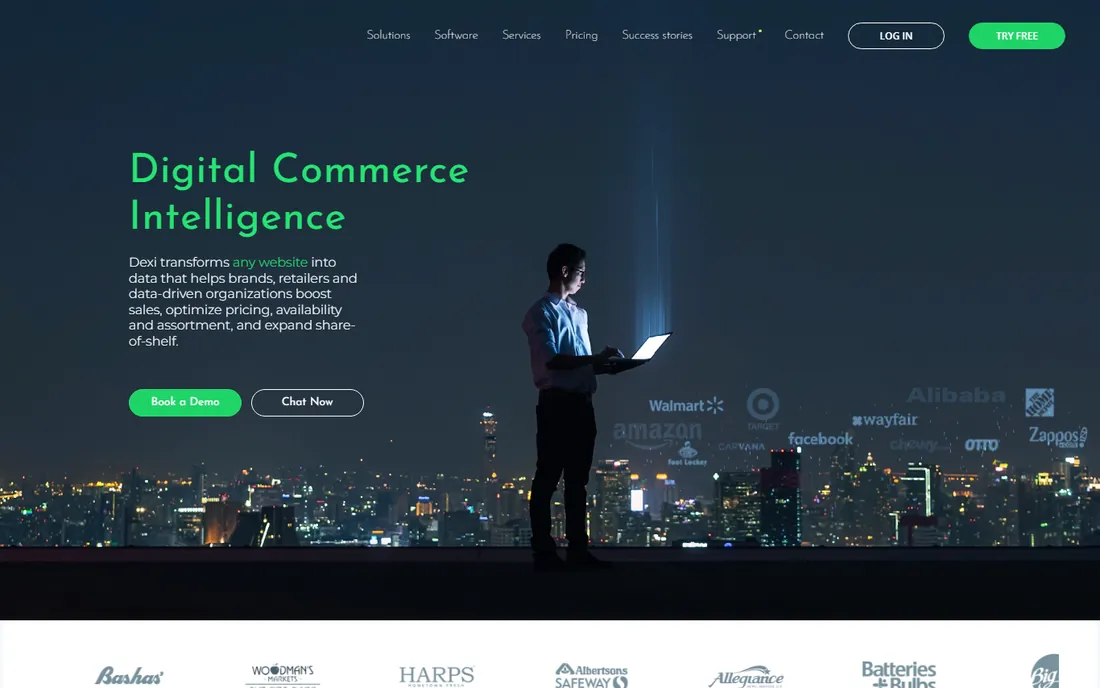
Dexi.io, formerly Mozenda, is a cloud scraping platform with a visual builder. You design extraction robots in the browser, schedule them, and pull results through an API or into integrations. It suits teams that want scraping as an ongoing data feed rather than a one-off job.
The trial lets you test the platform, but ongoing use needs a paid plan. Compared with Octoparse or ParseHub, the free story is weaker. Where Dexi earns its place is in reliability for scheduled production jobs, with proxies and monitoring built in.
What we like- Fully cloud-based with scheduling
- API and integrations for pipelines
- Visual robot builder
Watch out for- Trial is time-limited, not a permanent free plan
- Paid plans add up for high volume
How we chose
We started from the tools buyers actually ask about on G2, Capterra and Reddit, then filtered for a real free offering: a permanent free plan, an open source license or at least a genuine trial. For each tool we checked the vendor homepage and pricing page, public review sites and documentation to confirm what the free tier includes and where it stops. We mixed no-code tools for beginners, browser extensions for quick jobs and frameworks for developers. We did not run hands-on tests; this comparison is built on public pricing, docs and review consensus.
What to check before you pick a free scraper
Start with the site you need to scrape, not the tool. Static sites fall to almost anything on this list. JavaScript-heavy pages with logins, infinite scroll or aggressive blocking narrow the field to ParseHub, Apify or a developer framework.
Next, check the free tier math. A free plan that covers 500 pages a month is generous for research and useless for a daily product feed. Count the pages you actually need, then compare against the limit. Also check whether scheduling, API access and proxies are included or paid extras, because those decide whether the tool can grow with you.
Finally, think about who maintains it. Browser extension recipes break when sites redesign. Desktop app templates go stale too. The tools that last are the ones you can fix yourself, which is why developers keep coming back to Scrapy.
When a free plan stops being enough
The usual triggers are volume, frequency and blocking. If your scraper runs every day across thousands of pages, you need cloud execution, proxies and monitoring, and that combination is paid everywhere. If a site starts blocking your IP, residential proxies alone can cost more than the scraper itself.
At that point compare the upgrade price of your current tool against switching. Octoparse and ParseHub paid plans make sense if you already built projects in them. If you are starting fresh and the workload is serious, Apify's marketplace or a Scrapy setup with a proxy provider often costs less than a desktop tool's premium tier.
Frequently asked questions
Which free data scraping tool is best for beginners?
Octoparse is the easiest starting point for non-technical users. The point-and-click interface and prebuilt templates let you scrape common sites without writing code, and the free plan covers small projects.
Can I scrape websites for free legally?
The tools are legal to use, but the site you scrape may prohibit automated access in its terms of service. Always check the site's terms and robots.txt, respect rate limits, and only collect publicly available data you have a right to use.
What is the difference between Scrapy and Beautiful Soup?
Beautiful Soup parses HTML pages you give it, while Scrapy is a full crawling framework that fetches pages, follows links and manages the whole pipeline. Use Beautiful Soup for small scripts and Scrapy when you need to crawl at scale.
Do free scraping tools handle JavaScript websites?
Some do. ParseHub and Apify handle JavaScript rendering well, and Scrapy can pair with browser tools. Simple extensions like Instant Data Scraper only see what is in the static page, so they miss content loaded by JavaScript.
How many pages can I scrape on a free plan?
It varies widely. DataMiner gives 500 pages a month free, Octoparse gives 10 tasks with local runs, and Apify gives $5 of credits monthly. Open source tools like Scrapy have no page limits at all.
Is Apify really free?
Apify gives every account $5 of platform credits per month with no card required. That covers small jobs. Larger runs cost extra, and the platform blocks further runs once credits run out, so there are no surprise bills.
Sources we checked (10)
- https://octoparse.com
- https://parsehub.com
- https://apify.com
- https://scrapy.org
- https://www.crummy.com/software/BeautifulSoup/
- https://webscraper.io
- https://dataminer.io
- https://www.import.io
- https://instantdatascraper.com
- https://dexi.io
Is your product missing or out of date?
We review this list regularly. Vendors can request a listing, send updated pricing or ask about featured placement.

Shihab Mia · Founder, Rankite
Shihab has spent more than a decade helping SaaS and e-commerce brands grow through search. He writes Rankite's software buying guides from pricing pages, documentation and public user reviews. More about Shihab.