How we make this list: we compare pricing pages, product documentation and public user reviews. Rankite is independent; if a vendor ever pays for a featured spot, that listing is clearly labeled Partner.

Key takeaways
- SketchUp Free (free; paid plans on the site) is the woodworker's default: the easiest 3D modeling for furniture, with the biggest library of woodworking plans.
- Fusion 360 (free for personal use) is the precision pick: parametric modeling and cut lists for woodworkers who engineer their builds.
- FreeCAD, LibreCAD, OpenSCAD and SolveSpace are completely free and open source, covering 3D, 2D drafting, programmatic and constraint-based modeling.
- Woodworking CAD is about dimensions, not rendering: pick the tool whose dimensioning and plan output you understand, because the shop drawing is the product.
Quick comparison
| Tool | Best for | Starting price | Free plan |
|---|
 SketchUp Free SketchUp Free | The easiest path to 3D furniture plans | Free (paid plans available; see website) | Yes |
 Fusion 360 Fusion 360 | Parametric precision for engineered builds | Free for personal use (paid plans; see website) | Yes |
 FreeCAD FreeCAD | Free, open-source parametric CAD with no strings | Free | Yes |
 LibreCAD LibreCAD | Free 2D shop drawings and dimensioned plans | Free | Yes |
 OpenSCAD OpenSCAD | Programmatic modeling for precise, repeatable parts | Free | Yes |
 SolveSpace SolveSpace | Lightweight constraint-based 2D and 3D modeling | Free | Yes |
 Tinkercad Tinkercad | Absolute beginners and quick concept mockups | Free | Yes |
 Onshape Onshape | Full CAD in the browser with a real free tier | Free plan ($0); paid from $1,500/user/year | Yes |
 Shapr3D Shapr3D | 3D modeling on iPad with Apple Pencil | Free Basic ($0); Pro $299/seat/year | Yes |
 nanoCAD nanoCAD | AutoCAD-compatible 2D drafting for free | Free version; paid from $1,499 (perpetual license) | Yes |
Is your product missing or out of date?
We review this list regularly. Vendors can request a listing, send updated pricing or ask about featured placement.
The best free CAD software for woodworking
Woodworkers were drawing plans on graph paper long before CAD, and the software earns its place by doing two things paper cannot: catching dimension errors before the saw starts, and generating cut lists automatically. These ten free tools cover the full range from quick 3D mockups to precise parametric models, ranked for the furniture and shop project workflow.
Starting priceFree (paid plans available; see website)
Free planYes

SketchUp is the woodworking community's CAD: nearly every furniture plan blog, YouTube channel and forum speaks SketchUp. The push/pull workflow matches how woodworkers think (start with a board's face, extrude to thickness), and the 3D Warehouse means you rarely model from scratch. The free web version at sketchup.com covers most furniture projects.
Check the site for paid tier pricing (Shop, Pro) when you need desktop use or advanced tools. For the hobbyist designing bookcases, tables and shop cabinets, the free version plus the community's models is the fastest route from idea to cut list.
What we like- The most intuitive 3D modeler for woodworkers: push/pull turns rectangles into boards in seconds
- The 3D Warehouse holds thousands of furniture models and plans
- Free web version
Watch out for- The free web version needs internet
- Advanced features (solid tools, custom materials) require paid tiers
- Dimensioning is basic compared to parametric CAD
Starting priceFree for personal use (paid plans; see website)
Free planYes
Fusion 360 is the engineer's CAD that woodworkers adopted: define a table by parameters (top thickness, leg spacing), and resizing means changing numbers, not redrawing. For fitted built-ins, kitchens and anything with tight tolerances, parametric modeling prevents the compounding errors that ruin builds.
Autodesk offers a free personal-use license; commercial use requires a subscription (check autodesk.com). The learning curve is real, but the payoff is plans that update themselves. Woodworkers who think in dimensions rather than shapes belong here.
What we like- Parametric modeling: change one dimension and the whole model updates
- Excellent for joinery and fitted furniture
- Free personal-use license from Autodesk
- Built-in rendering and drawings
Watch out for- The personal license has feature limits
- The learning curve is steeper than SketchUp
- Cloud-based with login required
#3
FreeCAD
Best for: Free, open-source parametric CAD with no strings
Visit freecad.org
Starting priceFree
Free planYes
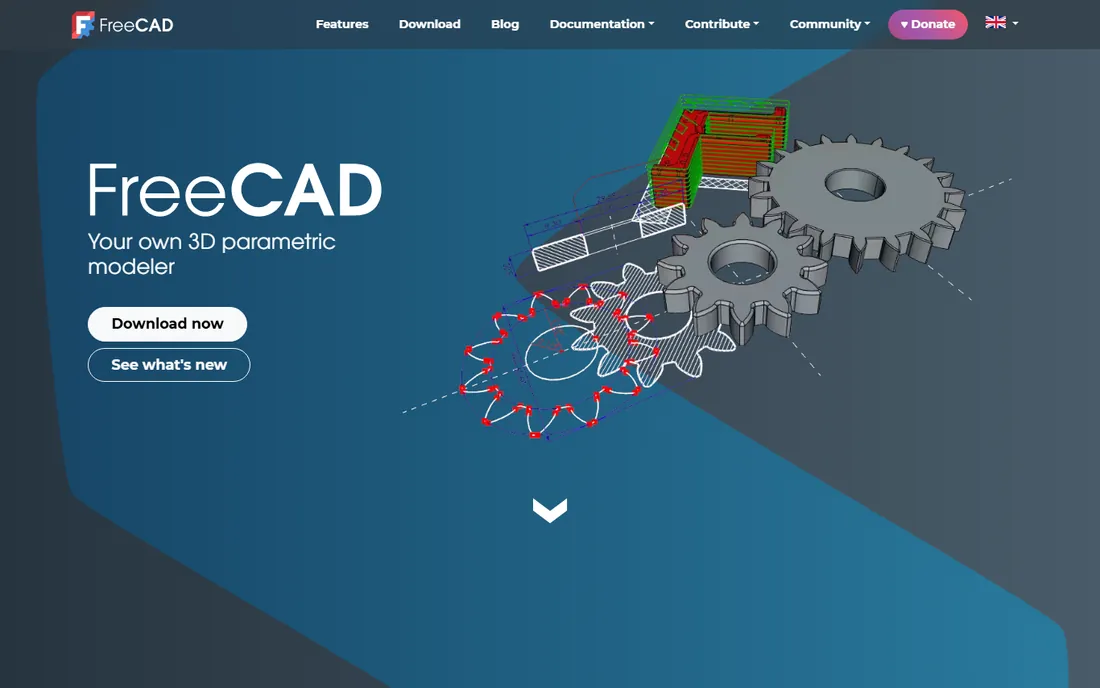
FreeCAD is the open-source answer to Fusion 360: parametric modeling, constraint-based sketches and 3D parts, free forever with no personal-use restrictions. For the woodworker who wants parametric power without Autodesk's licensing, it is the only option.
The interface demands patience, and the tutorial quality varies. But the price is zero, the capability is real, and the woodworking community has produced solid learning resources. Use the stable release, not the development builds, for shop work.
What we like- Completely free forever, no license tiers
- Parametric workbench suits furniture design
- Active community and woodworking tutorials
- Runs on Windows, Mac and Linux
Watch out for- The interface is less polished than commercial CAD
- The learning curve is steep
- Occasional instability in development builds
Starting priceFree
Free planYes
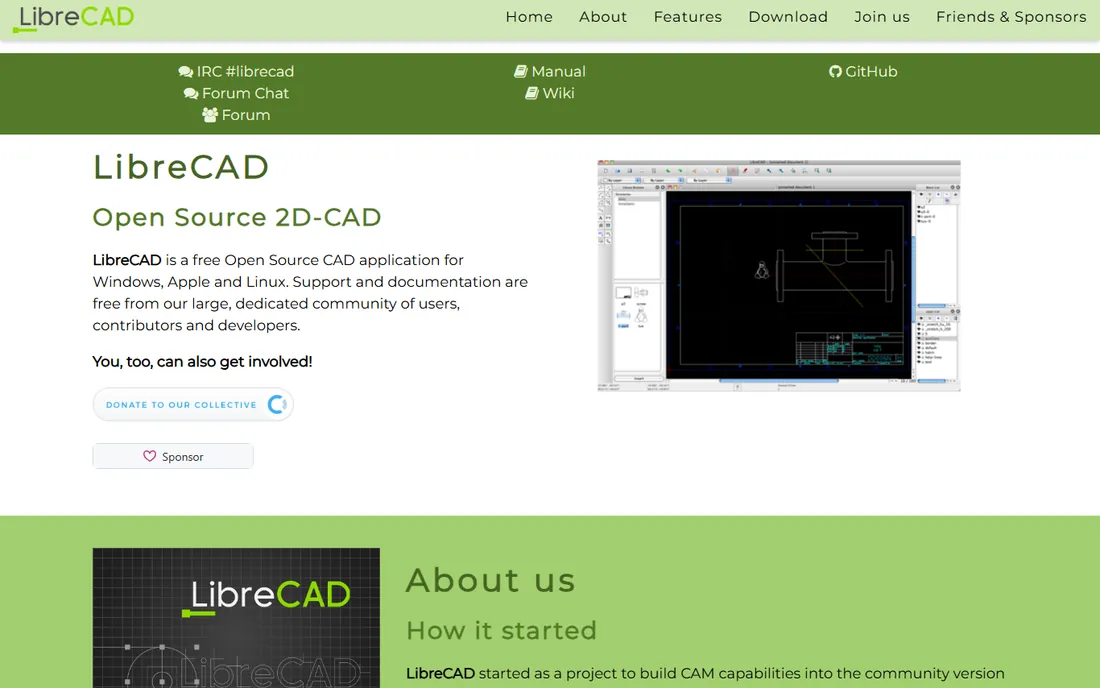
Not every woodworking plan needs 3D. LibreCAD produces clean 2D shop drawings: front views, side views, dimensioned parts, cut diagrams. For the woodworker who builds from printed plans, 2D is the whole job, and LibreCAD does it free. The DXF support also feeds CNC routers and laser cutters.
It is 2D only and proudly old-school. But for dimensioned drawings that go to the shop wall, nothing free beats its focus. Pair it with a 3D modeler when you need both.
What we like- Completely free 2D CAD
- Perfect for dimensioned shop drawings and cut diagrams
- Lightweight and fast
- Reads and writes DXF for CNC and laser workflows
Watch out for- 2D only, no 3D modeling
- The interface is dated
- Less hand-holding than modern tools
#5
OpenSCAD
Best for: Programmatic modeling for precise, repeatable parts
Visit openscad.org
Starting priceFree
Free planYes
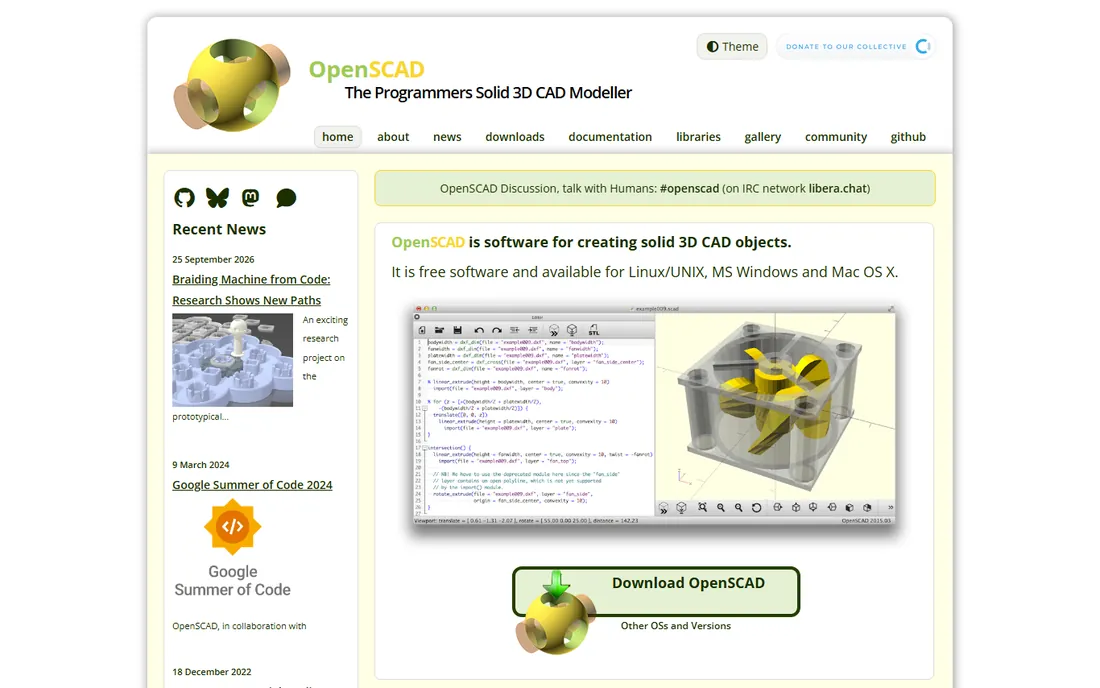
OpenSCAD is CAD for programmers: describe parts in code (a box 100mm by 50mm by 18mm, minus a 10mm hole), and it renders the model. For woodworkers, the killer use is jigs, templates and repeated parts: define once, generate variants by changing numbers. A box joint jig with adjustable finger width is a few lines of code.
The trade is total: no mouse-driven modeling at all. If you think in code, it is liberating. If you do not, the other tools here are friendlier. For the technical woodworker, it is unmatched for precision parts.
What we like- Model with code: exact dimensions, parametric parts, perfect repeatability
- Free and open source
- Ideal for jigs, templates and hardware
Watch out for- No interactive modeling: you write code, not drag shapes
- The learning curve assumes comfort with scripting
Starting priceFree
Free planYes
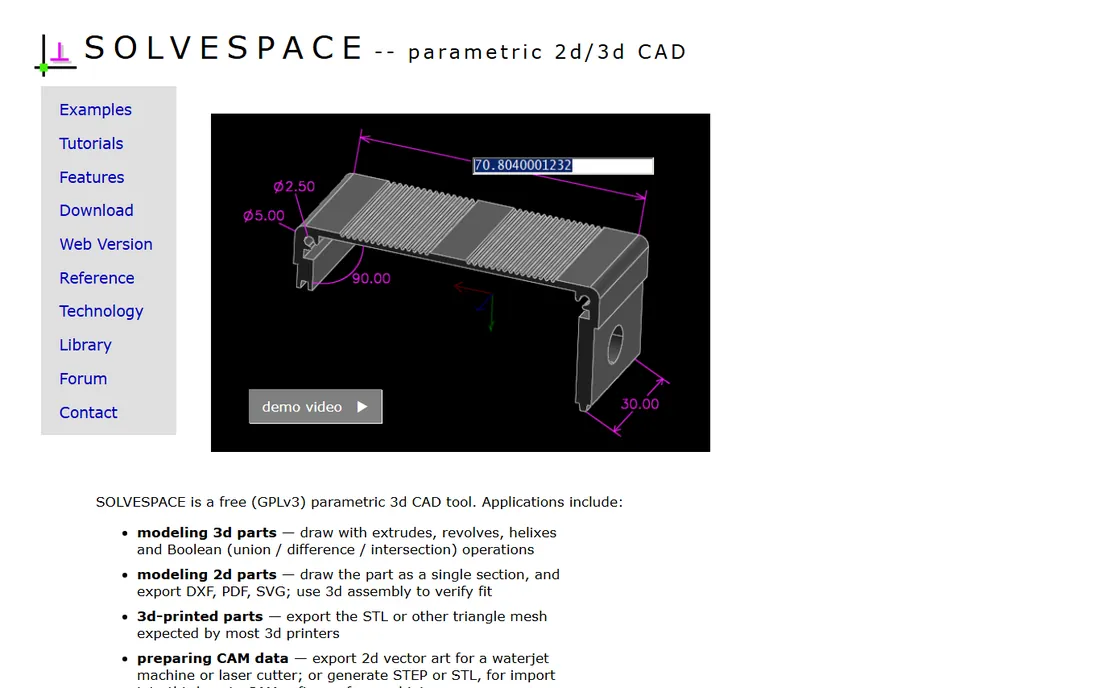
SolveSpace is the minimalist's CAD: a small, fast program that does constraint-based sketching and 3D modeling without bloat. Draw a sketch, add constraints (this line is 500mm, this angle is 90 degrees), extrude to a part. For simple furniture parts and mechanisms, it is surprisingly capable.
The community is small and the interface is bare. But it opens instantly, runs anywhere, and costs nothing. For the woodworker who wants constraints without Fusion's weight, it is worth a look.
What we like- Tiny, fast and free
- Constraint solver handles 2D sketches and 3D assemblies
- Exports for CNC and 3D printing
- Refreshingly simple
Watch out for- Minimalist to a fault: few conveniences
- Small community
- The UI is spartan
Starting priceFree
Free planYes

Tinkercad is where beginners start: drag a box, stretch it to board size, stack boxes into a bookshelf. In ten minutes you have a 3D mockup of the project. For visualizing proportions and showing a client the concept, that speed matters.
It cannot produce dimensioned shop drawings, and serious work outgrows it fast. But as the zero-friction first CAD experience, it teaches 3D thinking. Graduate to SketchUp or Fusion when the mockups need dimensions.
What we like- The easiest 3D tool ever made: drag shapes, combine, done
- Free with an Autodesk account
- Runs in the browser
- Great for mocking up project ideas
Watch out for- Too simple for real shop drawings
- No dimensioning tools
- The toy-like interface limits serious work
Starting priceFree plan ($0); paid from $1,500/user/year
Free planYes
Onshape is professional CAD that runs in a browser tab, and the free tier ($0, per onshape.com) is genuinely capable: full parametric modeling, assemblies, and drawings. The catch is privacy: free-tier documents are public. For hobbyist furniture plans, that rarely matters.
Paid tiers start at $1,500 per user per year, which prices out hobbyists, but the free tier needs no payment. For the woodworker who wants pro CAD without installing anything, it is the strongest free browser option.
What we like- The vendor's own pricing page shows a free plan at $0 with unlimited public documents
- Professional-grade parametric CAD in the browser
- Nothing to install
Watch out for- Free designs are public (no private documents on the free tier)
- Paid tiers ($1,500/user/year Standard) target professionals
Starting priceFree Basic ($0); Pro $299/seat/year
Free planYes

Shapr3D is CAD redesigned for touch: sketch with the Apple Pencil, extrude with a gesture, and model furniture on the couch. The free Basic tier ($0) covers casual use with a 2-project limit; Pro at $299 per seat per year (per shapr3d.com) enables unlimited professional use.
For the woodworker who designs away from the desk, it is unmatched. The project limit on free means deciding whether the tablet workflow is worth Pro. Try Basic on a real project first.
What we like- The vendor's pricing shows a free Basic tier and Pro at $299 per seat per year
- The best tablet CAD experience by far
- Pencil-driven sketching feels natural for design
Watch out for- The free Basic tier limits projects (2 projects)
- Pro is priced for professionals
- Tablet-first means less precision than desktop CAD
Starting priceFree version; paid from $1,499 (perpetual license)
Free planYes

nanoCAD speaks DWG natively, which matters when plans come from architects or clients in AutoCAD format. The free version handles 2D drafting competently; paid perpetual licenses start at $1,499 for the full platform. For the woodworker who receives professional drawings, compatibility is the feature.
It is a drafter's tool, not a modeler's. But in a world of DWG files, free compatibility has real value.
What we like- DWG-native and AutoCAD-compatible: opens industry files directly
- The free version covers 2D drafting
- Paid perpetual licenses start at $1,499 (per nanocad.com)
Watch out for- The free version is 2D-focused
- Windows-centric
- The paid tiers target professional drafting offices
From CAD model to cut list
The model is half the job; the cut list is the other half. The workflow: model every part at real dimensions, then extract the parts list (Fusion 360 and FreeCAD do this parametrically; SketchUp needs a cut-list extension). Add 10 percent waste for miscuts, group by material and thickness, and lay out the cuts on your actual board sizes before buying lumber.
Then print the shop drawings: orthographic views with dimensions, one page per assembly. A tablet in the shop works, but paper survives dust. The CAD tool that produces the clearest printed plan is the right one, regardless of its 3D glamour.
2D vs. 3D for woodworking
Beginners assume 3D is always better. It is not. 3D (SketchUp, Fusion, FreeCAD) wins for visualization, client approval and catching spatial errors. 2D (LibreCAD, nanoCAD) wins for dimensioned shop drawings, cut diagrams and CNC toolpaths. Most serious woodworkers use both: 3D to design, 2D to build.
Start with 3D if you design original furniture; start with 2D if you build from plans and need shop drawings. The free tools cover both paths at zero cost.
Frequently asked questions
What is the best free CAD software for woodworking?
SketchUp Free for ease and the woodworking community; Fusion 360 (free personal use) for parametric precision; FreeCAD for open-source parametric modeling with no license restrictions. Most hobbyists start with SketchUp Free.
Can I do woodworking CAD for free?
Yes, completely. SketchUp Free, Fusion 360 (personal use), FreeCAD, LibreCAD, OpenSCAD, SolveSpace, Tinkercad and Onshape's free tier all cost nothing. The paid tiers add privacy, advanced features or commercial rights.
SketchUp vs. Fusion 360 for woodworking?
SketchUp for speed and simplicity: model a bookcase in an afternoon. Fusion 360 for precision: parametric dimensions that update the whole model. Beginners start with SketchUp; engineers and perfectionists graduate to Fusion.
Do I need CAD for woodworking?
No, but it pays for itself the first time it catches an error. A dimension mistake found on screen costs nothing; found after cutting, it costs lumber. CAD also generates cut lists and lets you visualize proportions before committing.
What about CNC and laser cutters?
LibreCAD and nanoCAD export DXF, the standard format for CNC and laser workflows. OpenSCAD and SolveSpace also export for digital fabrication. Design in 3D, export 2D profiles in DXF, and the machines take it from there.
Can I use these commercially?
Check each license. SketchUp Free and Fusion 360's personal license restrict commercial use; FreeCAD, LibreCAD, OpenSCAD and SolveSpace are open source with no such restrictions. Onshape's free tier makes designs public. Read the terms before selling plans.
How we chose
We started with the CAD tools woodworkers actually recommend: the easy modelers, the parametric tools and the 2D drafters. For each we opened the vendor's own site and recorded pricing exactly as shown. Onshape's $0 free tier and $1,500 Standard, Shapr3D's $299 Pro, and nanoCAD's $1,499 starting price came from the vendors' own pricing pages. Where pricing required JavaScript stores, we wrote "See website." We checked reputations against woodworking forums and maker communities, and we favored tools with genuinely free tiers.
Sources we checked (10)
- https://www.sketchup.com/
- https://www.autodesk.com/
- https://www.freecad.org/
- https://librecad.org/
- https://openscad.org/
- https://solvespace.com/
- https://www.tinkercad.com/
- https://www.onshape.com/
- https://www.shapr3d.com/
- https://nanocad.com/
Is your product missing or out of date?
We review this list regularly. Vendors can request a listing, send updated pricing or ask about featured placement.

Shihab Mia · Founder, Rankite
Shihab has spent more than a decade helping SaaS and e-commerce brands grow through search. He writes Rankite's software buying guides from pricing pages, documentation and public user reviews. More about Shihab.