How we make this list: we compare pricing pages, product documentation and public user reviews. Rankite is independent; if a vendor ever pays for a featured spot, that listing is clearly labeled Partner.
Key takeaways
- Tinkercad (free) is the true beginner start: browser-based 3D modeling a child can learn in an afternoon.
- FreeCAD (free, open source) is the serious free 3D CAD: parametric modeling with no cost and no expiry.
- Fusion 360's free personal-use tier gives beginners professional-grade CAD/CAM with limits worth knowing.
- Match the tool to the job: 2D drafting (LibreCAD), 3D printing (Tinkercad, FreeCAD), woodworking plans (SketchUp Free).
Quick comparison
| Tool | Best for | Starting price | Free plan |
|---|
 Tinkercad Tinkercad | Absolute beginners and 3D printing first steps | Free | Yes |
 FreeCAD FreeCAD | Serious free parametric 3D CAD | Free | Yes |
 LibreCAD LibreCAD | Free 2D drafting and technical drawings | Free | Yes |
 SketchUp Free SketchUp Free | Woodworking, home projects, quick 3D concepts | Free (Go plan $119/year) | Yes |
 Fusion 360 Fusion 360 | Beginners wanting pro-grade CAD/CAM free | Free for personal use | Yes (personal use) |
 Onshape Onshape | Browser-based parametric CAD with free tier | Free | Yes |
 QCAD QCAD | Clean 2D CAD with a free community edition | Free (Pro from $39.60) | Yes |
 OpenSCAD OpenSCAD | Programmers who model with code | Free | Yes |
Is your product missing or out of date?
We review this list regularly. Vendors can request a listing, send updated pricing or ask about featured placement.
The best free CAD software for beginners
Blunt opinion: beginners do not need the best CAD software; they need the CAD software they will actually open twice. The free tools here range from toy-simple to professional-grade, and the right one depends on what you want to make, not on feature counts. Pick by project, learn by doing.
Starting priceFree
Free planYes
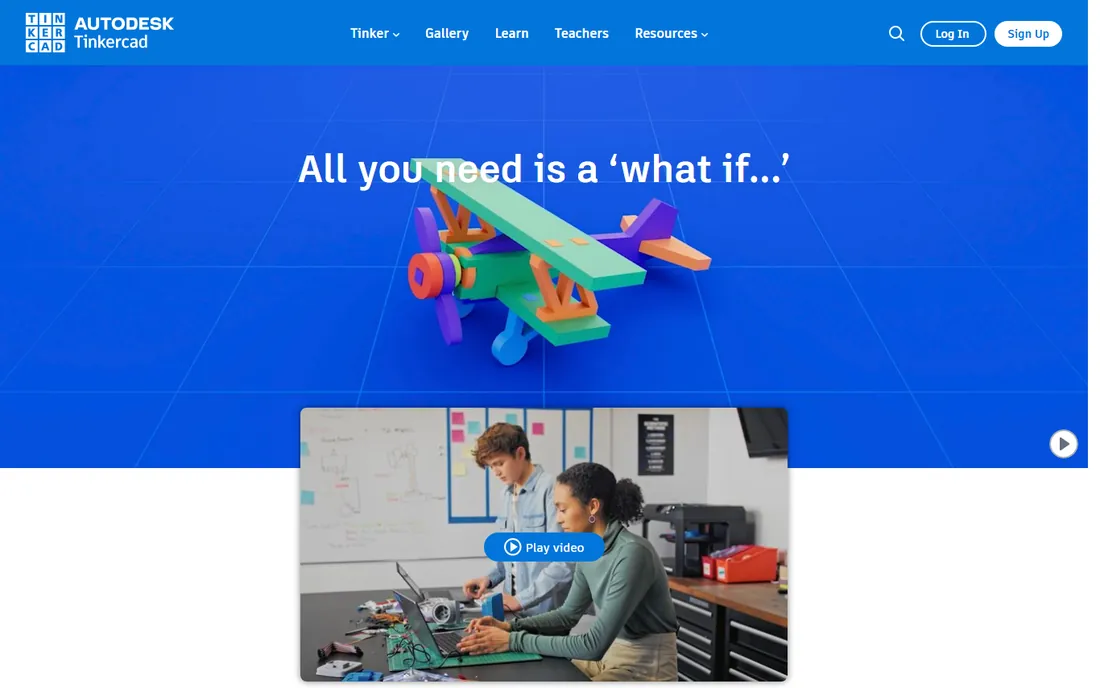
Tinkercad is where beginners should start, full stop. You drag primitive shapes onto a workplane, combine them, and export an STL for 3D printing, all in the browser, all free. A complete beginner makes something printable in an afternoon. Autodesk maintains it as an educational on-ramp, with lessons and classroom management built in.
The honest catch is the ceiling and the terms. Tinkercad cannot do real parametric engineering, and Autodesk has restricted free features before, so do not build a business on it. It is a learning tool and a prototyping toy. Start here, make ten things, then graduate to FreeCAD or Fusion 360 when the shapes get serious.
What we like- Easiest 3D modeling to learn: drag shapes, combine, export
- Runs in the browser with no install
- Huge lesson library and classroom features
Watch out for- Too simple for real engineering work
- Autodesk could change the free terms (it has before)
Starting priceFree
Free planYes
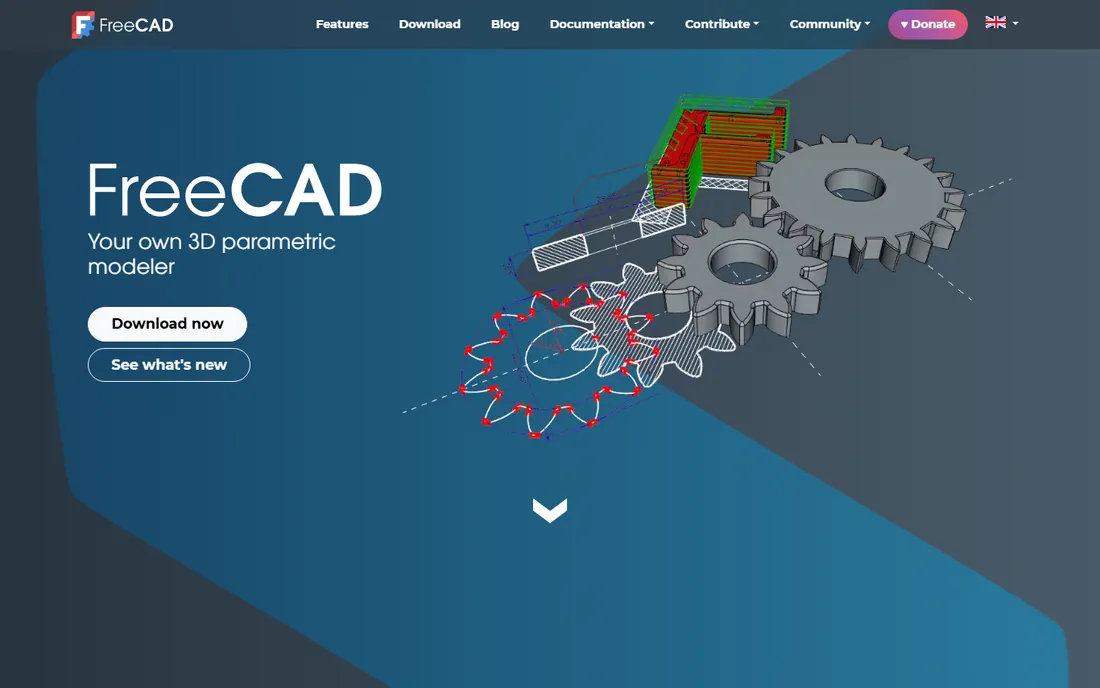
FreeCAD is the answer to "what is the free SolidWorks." Parametric modeling, sketcher with constraints, assemblies, CAM toolpaths and even architecture workbenches, all open source and free forever. The 1.0 release stabilized years of development, and the tutorial ecosystem (YouTube especially) is deep enough to carry a beginner to competence.
The catch is the experience. The interface is utilitarian, some workbenches feel unfinished, and complex models can crash. You will fight the software some days. But the skills transfer: parametric modeling concepts learned in FreeCAD apply directly to Fusion 360 and SolidWorks. For free engineering-grade CAD, there is no alternative.
What we like- Real parametric modeling free forever with no license expiry
- Workbenches for parts, assemblies, CAM and architecture
- Large community and tutorial base
Watch out for- The interface is rough and the learning curve is steep
- Occasional instability on complex models
Starting priceFree
Free planYes
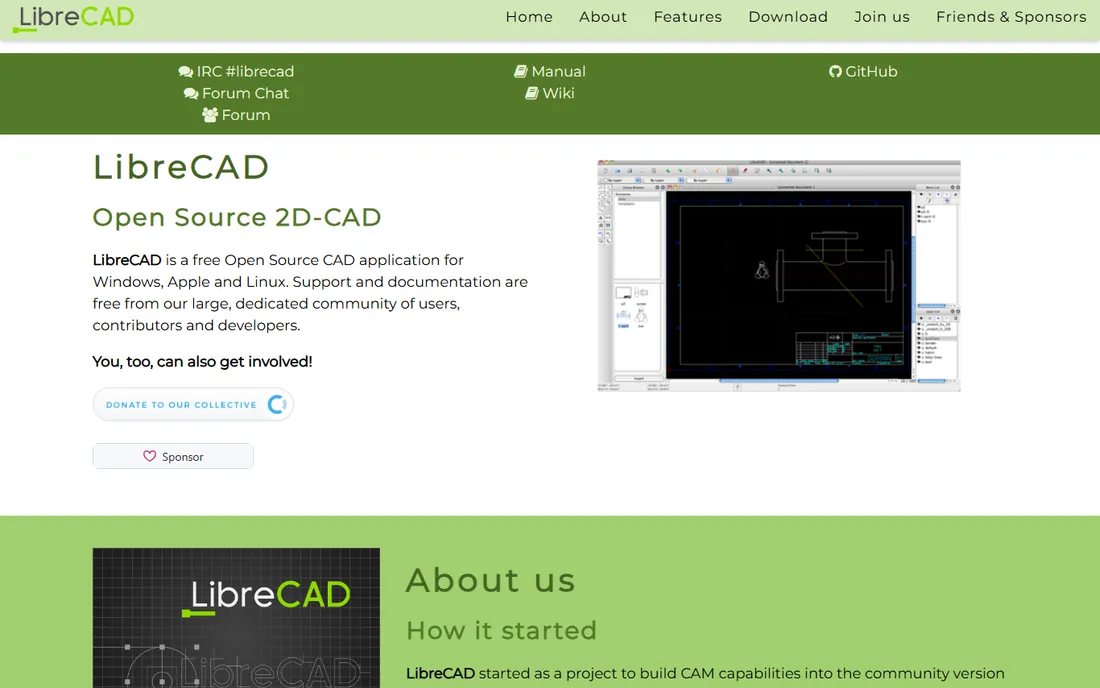
LibreCAD does one job: 2D technical drawings. Floor plans, part drawings, laser-cutting files: if it is flat and dimensioned, LibreCAD handles it free. DXF compatibility means machine shops and laser cutters accept its files, and it runs happily on decade-old hardware.
The honest catch is the narrow scope and the look. There is no 3D, and the interface is firmly from another era. For 2D shop drawings at zero cost, though, it is the standard free answer. Pair it with a 3D tool when projects need both.
What we like- Focused 2D drafting without 3D bloat
- Reads and writes DXF for shop compatibility
- Lightweight and fast on old machines
Watch out for- 2D only, so no 3D modeling at all
- The interface is dated
#4
SketchUp Free
Best for: Woodworking, home projects, quick 3D concepts
Visit sketchup.com
Starting priceFree (Go plan $119/year)
Free planYes
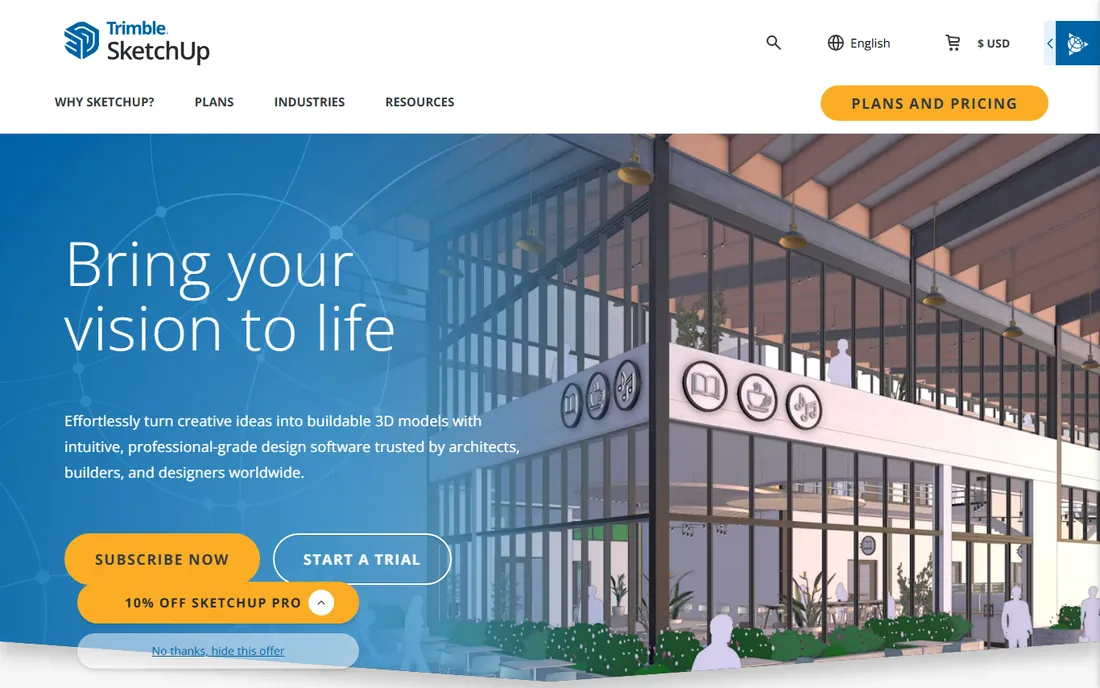
SketchUp Free is the fastest way to think in 3D. Push-pull modeling turns 2D shapes into 3D objects intuitively, and the 3D Warehouse has millions of free models (furniture, fixtures, lumber) to drop into plans. Woodworkers, remodelers and set designers plan entire projects in it. The free web version covers hobby use.
The catch is the free tier's limits: web-only, no CAD export formats, and no parametric history, so changing a dimension means remodeling. The $119/year Go plan adds more for serious hobbyists. For quick 3D thinking and woodworking plans, nothing beats the learning curve.
What we like- Fastest 3D concept modeling to learn
- Huge 3D Warehouse of free models
- Ideal for woodworking plans and room layouts
Watch out for- Free tier is web-only with limited export options
- Not parametric, so design changes are manual
Starting priceFree for personal use
Free planYes (personal use)
Fusion 360's personal-use tier is the best free deal in professional CAD. Parametric modeling, assemblies, CAM toolpaths for CNC, simulation and rendering: one app from concept to machined part. The tutorial ecosystem is the deepest here, and the skills are directly employable.
The honest catch is Autodesk's history. The free tier limits you to 10 editable documents and strips some CAM and data management features, and Autodesk has narrowed free terms before. Read the current personal-use terms carefully. For learning professional CAD/CAM free, accept the limits and back up your files locally.
What we like- Professional parametric CAD plus CAM, simulation and rendering in one app
- Free personal-use tier is genuinely capable
- Massive tutorial ecosystem
Watch out for- The free tier has real limits (10 editable documents, reduced CAM)
- Autodesk has tightened free terms before
Starting priceFree
Free planYes
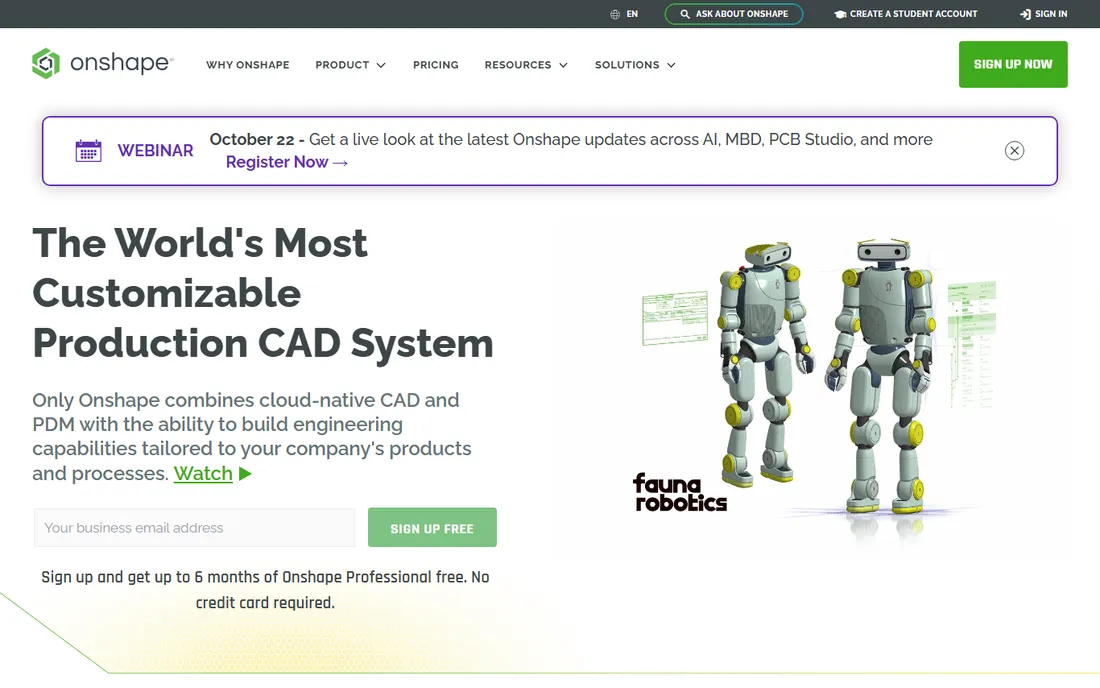
Onshape is professional parametric CAD that lives in the browser. Real feature history, assemblies, version control and simultaneous collaboration: the CAD equivalent of Google Docs. It runs on anything with a browser, including Chromebooks, which no installed CAD can claim.
The catch is the free tier's terms: your documents are public. That is fine for learning and open-source projects, and disqualifying for anything proprietary. Paid plans keep designs private. For students, makers and collaborators, the free tier is remarkable. For commercial secrets, pay or pick FreeCAD.
What we like- Full parametric CAD in the browser, nothing to install
- Built-in version control and collaboration like Google Docs
- Runs on Chromebooks and tablets
Watch out for- Free tier makes your designs public
- Needs a constant internet connection
#7
QCAD
Best for: Clean 2D CAD with a free community edition
Visit qcad.org
Starting priceFree (Pro from $39.60)
Free planYes
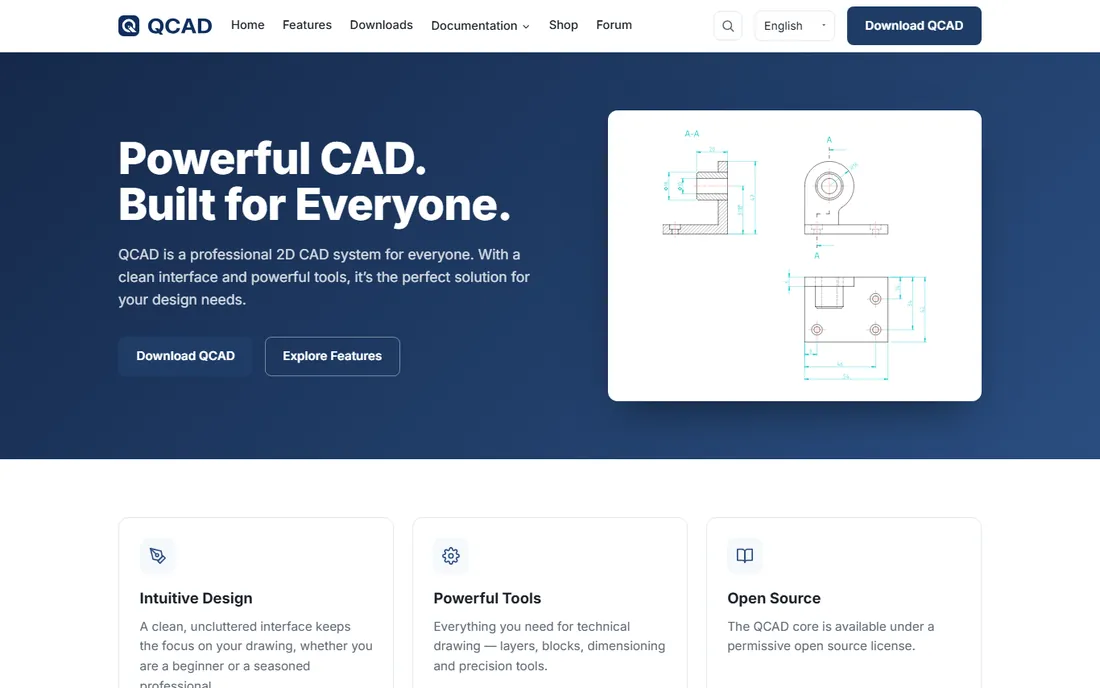
QCAD is the polished 2D alternative to LibreCAD. The interface is cleaner, the drafting tools are refined, and DXF/DWG compatibility is solid. The free community edition handles most 2D drafting; if you need the Pro features, $39.60 is the cheapest paid CAD on this list by far.
The honest catch is the 2D-only scope and the edition gap. Evaluate whether the community edition covers your needs before assuming. For clean, free 2D drafting with a cheap upgrade path, QCAD is the sweet spot.
What we like- Cleaner and more modern than LibreCAD
- Free community edition covers most 2D needs
- Inexpensive Pro version ($39.60) if you outgrow free
Watch out for- 2D only
- The community edition lags Pro in some features
Starting priceFree
Free planYes
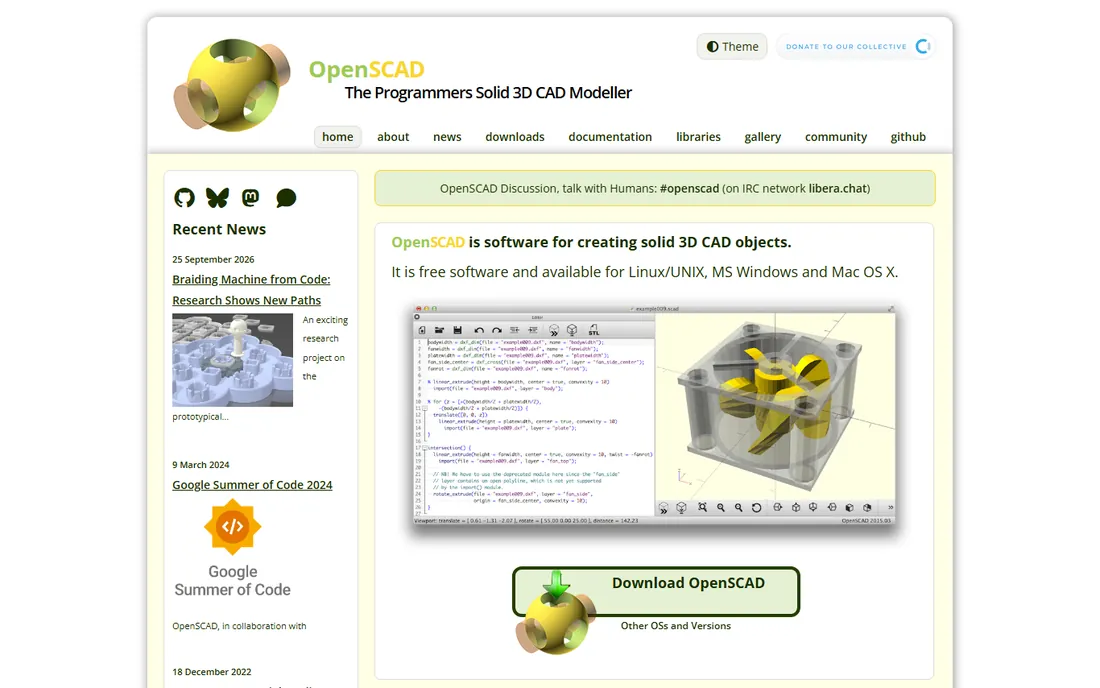
OpenSCAD is CAD for programmers. You write code describing geometry, and the model renders from it. Change a variable and every dependent dimension updates: parametric design in its purest form. For customizable 3D-printed parts (a box that fits any phone, a bracket in any size), it is unmatched.
The catch is the paradigm. There is no clicking and dragging; everything is code, and organic shapes are painful. Non-programmers will bounce off it. But if you think in functions and parameters, OpenSCAD turns 3D printing into software, and the Customizer lets others tweak your designs without coding.
What we like- Model with code: parametric designs driven by variables
- Perfect for customizable 3D-printable parts
- Free and scriptable
Watch out for- No interactive modeling: you cannot push, pull or sculpt
- The learning curve assumes programming comfort
3D printing your first parts: Tinkercad this weekend, FreeCAD when you are ready for real design. 2D shop drawings and laser cutting: LibreCAD or QCAD. Woodworking and home projects: SketchUp Free. Learning employable CAD/CAM free: Fusion 360 personal use (mind the limits) or Onshape free (mind the public terms). Programmatic parametric parts: OpenSCAD.
The common beginner mistake is starting with the most powerful tool. FreeCAD and Fusion 360 reward commitment but punish dabbling; Tinkercad and SketchUp Free reward the first hour. Match the tool to your patience, not your ambition. You can always graduate.
The free-tier fine print
Free CAD always has terms, and they change. Fusion 360's personal use limits editable documents and some CAM features. Onshape's free tier makes designs public. SketchUp Free is web-only with limited exports. Tinkercad's terms have shifted before. Before investing months learning a tool, read the current free terms and have an exit plan: export your files in open formats (STEP, STL, DXF) regularly.
The safest long-term bets are the open-source tools: FreeCAD, LibreCAD and OpenSCAD cannot change their terms on you. If you are building skills for a career or a business, weight that permanence against the polish of the commercial free tiers.
How we chose
We started with the searches beginners actually run: free CAD software, Tinkercad alternative and FreeCAD vs Fusion 360. For each candidate we verified the free tier is real and current, checked the learning curve logic and export options, and compared against public reviews, maker communities and Reddit. Where a price could not be verified on the vendor's page, we wrote "See website" rather than guessing.
Frequently asked questions
What is the easiest free CAD software to learn?
Tinkercad for 3D (browser-based, drag-and-drop, printable in an afternoon) and SketchUp Free for 3D concepts. For 2D drafting, QCAD is the gentlest. All three produce real output within hours, which is the metric that matters for beginners.
Is FreeCAD really free?
Yes: open source, free forever, no tiers or expiry. The cost is the learning curve and occasional roughness. It is the only tool here that cannot change its free terms, which matters if you are building long-term skills.
Can I use Fusion 360 free for commercial work?
No. The free personal-use tier is for non-commercial use only, with limits on documents and features. Commercial work requires a paid subscription. If your side project starts earning, budget for the license or move to FreeCAD.
What CAD software is best for 3D printing?
Tinkercad for beginners (exports STL directly), FreeCAD or Fusion 360 for engineered parts, OpenSCAD for parametric customizable designs. All export STL or 3MF for slicers. The printer cares about the mesh, not the CAD tool.
Do I need a powerful computer for free CAD?
Tinkercad, Onshape and SketchUp Free run in the browser on modest machines. FreeCAD and Fusion 360 want a real computer: 8GB RAM minimum, more for assemblies. LibreCAD, QCAD and OpenSCAD run on almost anything.
Which free CAD is best for woodworking?
SketchUp Free: fast conceptual modeling, the 3D Warehouse full of lumber and furniture models, and cut-list extensions. FreeCAD works for precise joinery once you climb the learning curve. Most woodworkers never need more than SketchUp.
Sources we checked (8)
- https://www.tinkercad.com
- https://www.freecad.org
- https://www.librecad.org
- https://www.sketchup.com/plans-and-pricing
- https://www.autodesk.com/products/fusion-360/personal
- https://www.onshape.com/en/pricing
- https://www.qcad.org/en/qcad-downloads-trial
- https://www.openscad.org
Is your product missing or out of date?
We review this list regularly. Vendors can request a listing, send updated pricing or ask about featured placement.

Shihab Mia · Founder, Rankite
Shihab has spent more than a decade helping SaaS and e-commerce brands grow through search. He writes Rankite's software buying guides from pricing pages, documentation and public user reviews. More about Shihab.