How we make this list: we compare pricing pages, product documentation and public user reviews. Rankite is independent; if a vendor ever pays for a featured spot, that listing is clearly labeled Partner.
Key takeaways
- Tinkercad (free) is where every 3D printing journey starts: model a bracket in minutes, export STL, print. No install, no cost, no excuses.
- Fusion 360 (free for personal use) is the precision tool for functional prints: parametric dimensions that fit real hardware.
- Blender (free) handles organic shapes and sculpting that CAD tools cannot: figurines, lithophanes and artistic prints.
- The model is only half the job: export a manifold STL, slice it (Cura, PrusaSlicer and Bambu Studio are free), and respect overhangs and tolerances.
Quick comparison
| Tool | Best for | Starting price | Free plan |
|---|
 Tinkercad Tinkercad | First prints and simple functional parts | Free | Yes |
 Fusion 360 Fusion 360 | Functional parts with real tolerances | Free for personal use (paid plans; see website) | Yes |
 Blender Blender | Organic, artistic and sculpted prints | Free | Yes |
 FreeCAD FreeCAD | Open-source parametric modeling without license limits | Free | Yes |
 OpenSCAD OpenSCAD | Programmatic parts with exact dimensions | Free | Yes |
 Onshape Onshape | Professional CAD in the browser, free tier | Free plan ($0); paid from $1,500/user/year | Yes |
 SketchUp Free SketchUp Free | Fast concept models for printing | Free (paid plans available; see website) | Yes |
 SelfCAD SelfCAD | All-in-one browser modeling with built-in slicing | See website | Free trial |
 Wings 3D Wings 3D | Free subdivision modeling for smooth prints | Free | Yes |
 3D Slash 3D Slash | Voxel building-block modeling, great for kids | Free | Yes |
Is your product missing or out of date?
We review this list regularly. Vendors can request a listing, send updated pricing or ask about featured placement.
The best free CAD software for 3D printing
3D printing forgives a lot but not bad geometry: non-manifold edges, zero-thickness walls and impossible overhangs turn into failed prints. These ten free modelers are ranked for the printing workflow specifically: how easily they produce clean, watertight STL files, and how well they suit functional versus artistic prints.
Starting priceFree
Free planYes
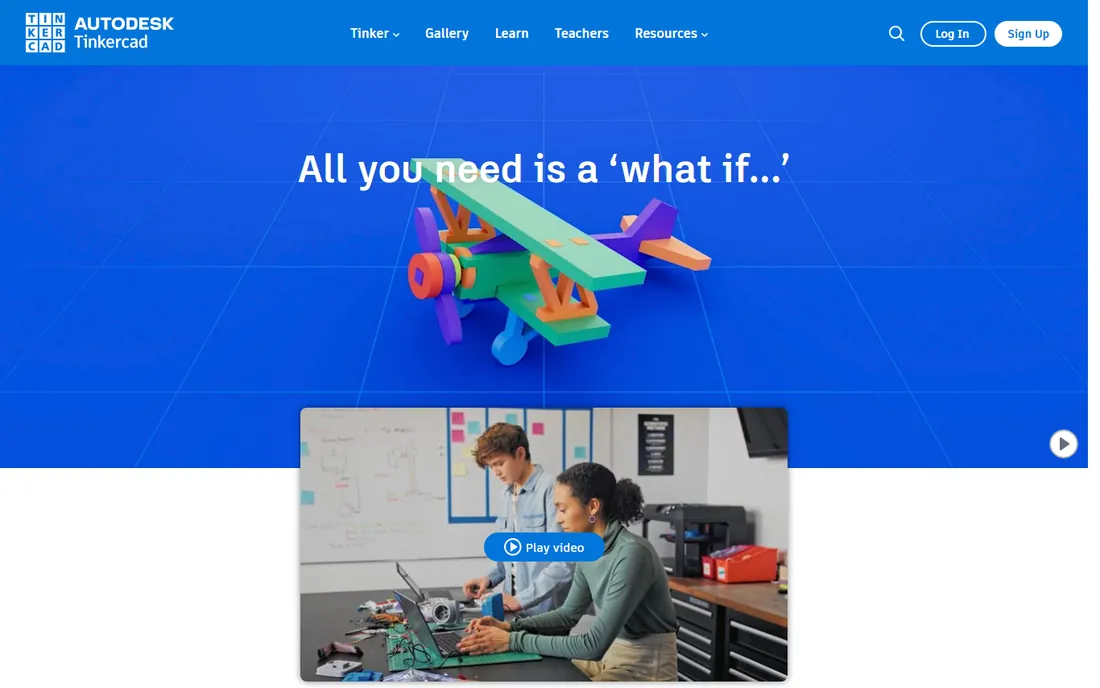
Tinkercad is the default first CAD for 3D printing, and the default is right. Model a phone stand, a bracket or a replacement knob in minutes, export the STL, and print. The shape-combining logic (add this cylinder, subtract that hole) teaches the constructive thinking behind all CAD.
It caps out quickly: no real dimensioning, no parametrics, no sculpting. But the first twenty prints of your life should come from Tinkercad. Graduate when the designs demand precision, not before.
What we like- The fastest path from idea to STL: drag shapes, combine, export
- Free with an Autodesk account
- Runs in the browser
- Enormous lesson library for beginners
Watch out for- Too simple for complex or precise work
- No parametric dimensions
- Organic shapes are painful
Starting priceFree for personal use (paid plans; see website)
Free planYes
Fusion 360 is the functional-print tool: parts that fit together, enclosures for electronics, brackets that bolt to real things. Sketch a profile with dimensions, extrude, add holes at exact positions, and the printed part matches the design. Change a dimension and the model rebuilds.
Autodesk's free personal-use license covers hobbyists; commercial work needs a subscription (check autodesk.com). For prints where millimeters matter, this is the tool. Learn sketches and constraints first; the rest follows.
What we like- Parametric modeling: design around exact dimensions and hardware
- Timeline lets you edit earlier steps
- Free personal-use license
- Direct STL export with mesh control
Watch out for- Personal license has limits
- The learning curve is significant
- Cloud login required
Starting priceFree
Free planYes
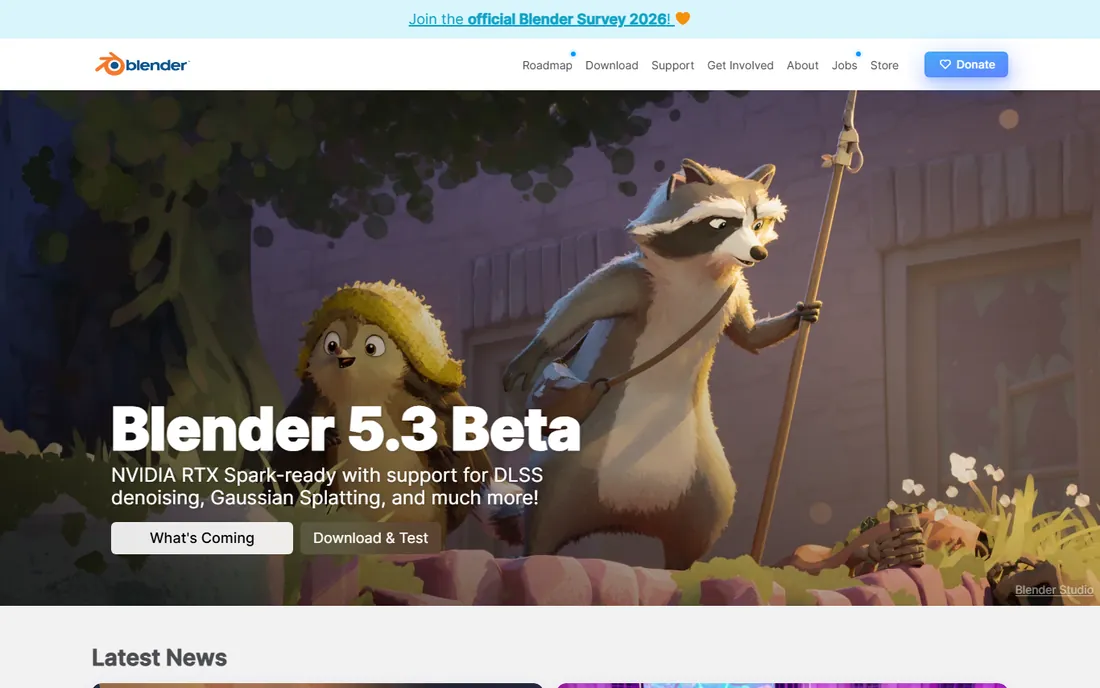
Blender prints what CAD cannot: figurines, busts, lithophanes, organic shapes. The sculpting workflow (push and pull digital clay) suits artistic prints, and the free 3D Print Toolbox add-on checks wall thickness, overhangs and manifold geometry before you slice.
Do not design precision mechanical parts here; that is Fusion's job. But for the artistic half of 3D printing, Blender is unmatched and free. Many printers run both: Fusion for functional, Blender for artistic.
What we like- Completely free
- The best sculpting tools of any free software
- Precise enough for artistic prints
- The 3D Print Toolbox add-on checks models for printability
Watch out for- Not a CAD tool: dimensioning is awkward
- The learning curve is steep
- Overkill for simple brackets
#4
FreeCAD
Best for: Open-source parametric modeling without license limits
Visit freecad.org
Starting priceFree
Free planYes
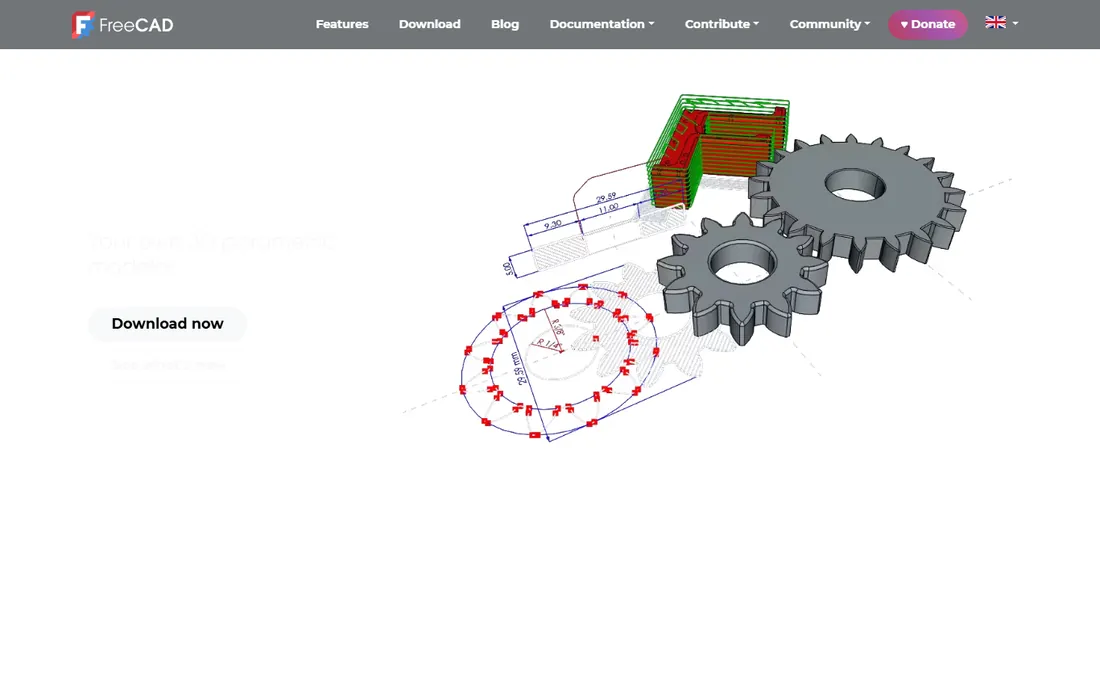
FreeCAD is the open-source Fusion alternative: parametric sketches, constrained dimensions, 3D parts, all free with no strings. For the printer who wants parametric power without Autodesk's licensing terms, it is the answer.
Expect a learning curve and a spartan interface. The Part Design workbench is where functional prints happen. Use stable releases for real work. The price (zero, forever) compensates for the polish gap.
What we like- Free forever with no personal-use restrictions
- Parametric Part Design workbench
- Exports clean STLs
- Runs on Windows, Mac and Linux
Watch out for- The interface is rough
- The learning curve rivals Fusion
- The community is smaller
Starting priceFree
Free planYes
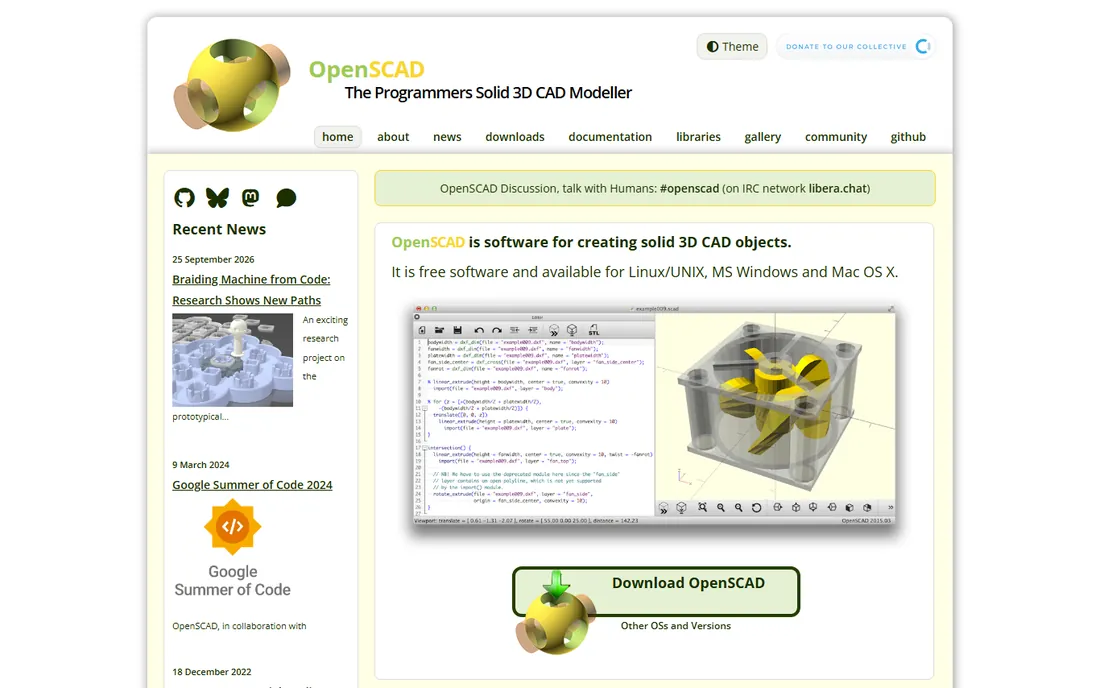
OpenSCAD is beloved in the 3D printing world for good reason: printable parts are often parametric (a box that fits a specific battery, a gear with specific teeth), and code expresses parameters perfectly. The famous parametric designs on print repositories are OpenSCAD.
The trade is absolute: you type, it renders. No dragging, no sculpting. For technical printers comfortable with code, it produces the cleanest, most reusable designs here. For everyone else, it is a second tool, not a first.
What we like- Write code, get exact geometry: perfect for parametric parts, gears and enclosures
- Free and open source
- Designs are version-controllable text files
Watch out for- No visual modeling at all
- Requires programming comfort
- Previewing is slower than direct modeling
Starting priceFree plan ($0); paid from $1,500/user/year
Free planYes
Onshape brings professional parametric CAD to the browser, and the free tier ($0, per onshape.com) is fully capable for 3D printing design. Model parts, assemble mechanisms, export STLs, all from a Chromebook. For printers without a powerful computer, that matters.
The public-documents catch applies: do not design your secret invention here. For hobby prints and learning pro CAD workflows, it is excellent. The paid tiers target companies, but the free tier needs nothing.
What we like- The vendor's pricing page shows a free $0 plan with unlimited public documents
- Full parametric CAD with assemblies
- Nothing to install
- Excellent STL export
Watch out for- Free designs are public
- Paid tiers ($1,500/user/year) are professional-priced
- Needs internet
Starting priceFree (paid plans available; see website)
Free planYes
SketchUp models fast but prints messy: its surface-based modeling creates non-manifold geometry that slicers choke on. The fix is running exports through a repair tool (or the Solid Inspector extension on paid tiers). For quick decorative prints and concept models, the speed is worth the repair step.
Check sketchup.com for paid tiers. Use it for fast ideas and visual models; use Fusion or FreeCAD when the print must fit something. Every printer should know its limits.
What we like- The quickest 3D sketching for simple objects
- Free web version
- Huge model library for remixing
- Intuitive push/pull modeling
Watch out for- Not a solid modeler: STL exports often need repair
- Imprecise for functional parts
- The free version needs internet
#8
SelfCAD
Best for: All-in-one browser modeling with built-in slicing
Visit selfcad.com
Starting priceSee website
Free planFree trial
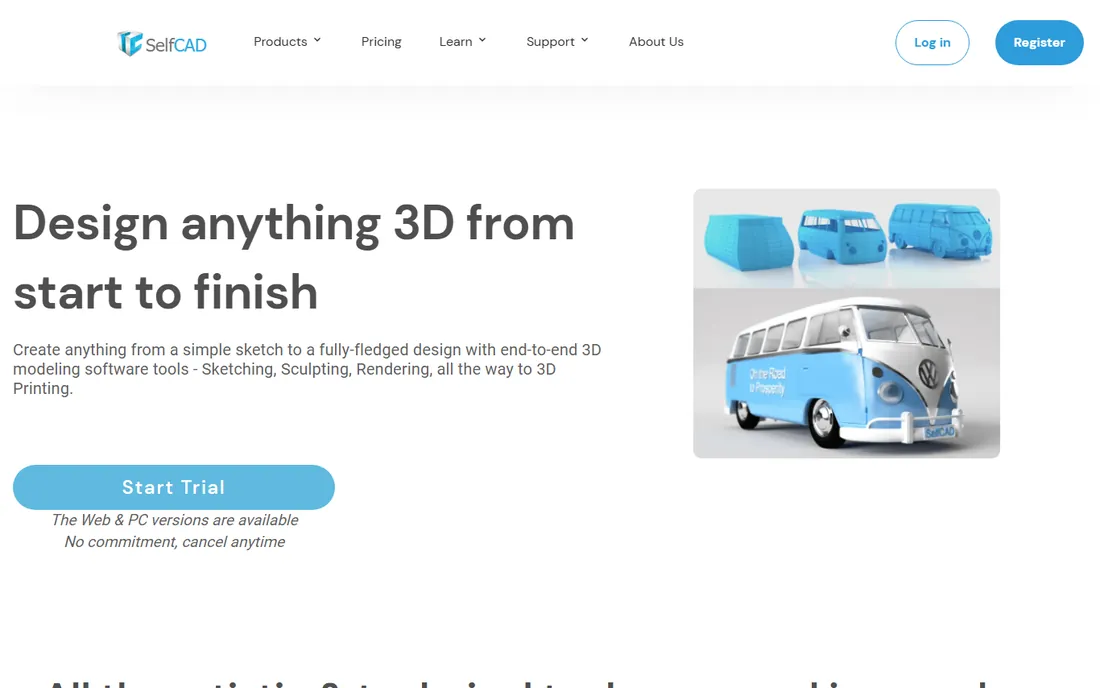
SelfCAD combines modeling and slicing in the browser: design the part, then slice it for printing without switching apps. For beginners, that integration removes the intimidating handoff between CAD and slicer. The trial lets you test the workflow.
Check selfcad.com for current pricing. It will not replace Fusion for engineering, but as the gentlest complete path from idea to printed object, it has a clear audience.
What we like- Browser-based modeling plus integrated slicing: design and prepare the print in one place
- Beginner-friendly tutorials
- No install
Watch out for- Pricing requires the site
- Less powerful than desktop CAD
- The all-in-one approach limits advanced workflows
Starting priceFree
Free planYes
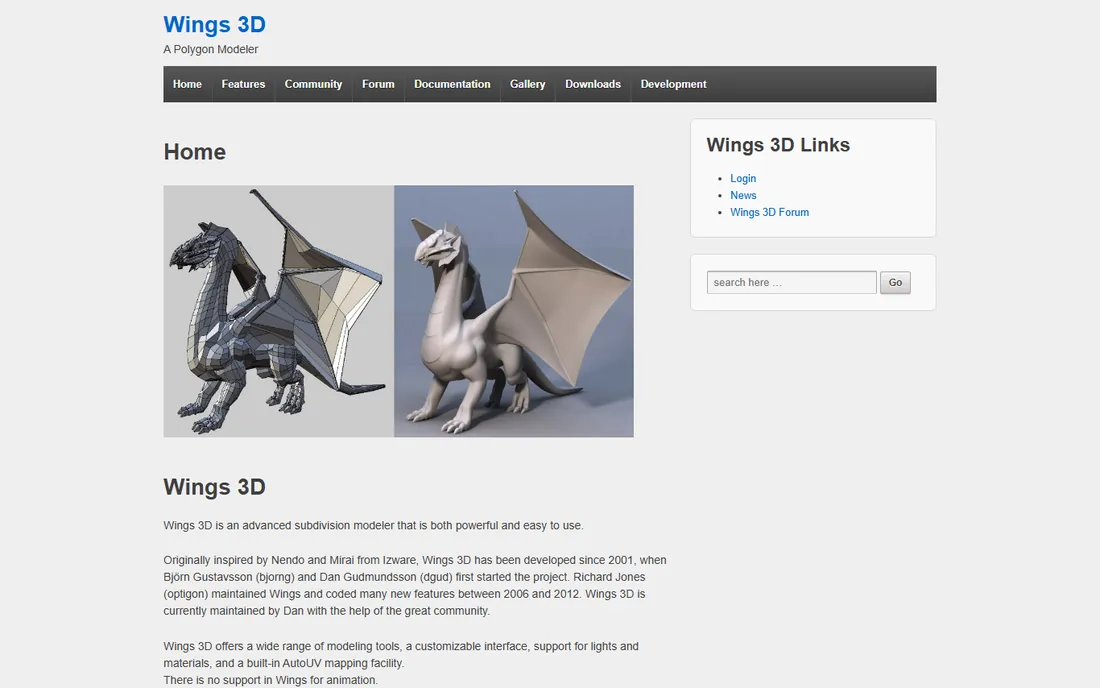
Wings 3D is the old-school subdivision modeler: box modeling refined into smooth shapes, free forever. For smooth decorative prints (vases, cases, toys), it is simpler than Blender while producing clean geometry.
Development is slow and the interface shows its age. But as a focused free modeler for smooth printable shapes, it still works. Blender's sculpting has largely superseded it, yet the simplicity appeals.
What we like- Completely free
- Subdivision modeling creates smooth organic shapes
- Simpler than Blender for pure modeling
- Exports STL
Watch out for- Dated interface
- Modeling only (no sculpting like Blender)
- Small community
#10
3D Slash
Best for: Voxel building-block modeling, great for kids
Visit 3dslash.net
Starting priceFree
Free planYes
3D Slash turns modeling into Minecraft: carve and build with cubes. For kids and absolute beginners, it makes 3D thinking click in minutes. The free tier exports STLs, so the voxel creations actually print.
It will not produce precise or smooth parts. But as the on-ramp for young makers and the fastest way to explain 3D modeling, it earns its place. Graduate to Tinkercad when the cubes feel limiting.
What we like- Free
- Minecraft-like voxel building makes 3D modeling instantly understandable
- Excellent for education and kids
- Exports STL
Watch out for- Voxel resolution limits detail
- Not suitable for precise or smooth designs
- A teaching toy more than a CAD tool
The printing workflow: model to physical object
The chain is model, export, slice, print. Model in any tool above. Export STL (or 3MF, the newer format): check that the mesh is manifold (watertight) using your slicer's repair or the model's checking tools. Slice in Cura, PrusaSlicer or Bambu Studio (all free): set layer height, infill, supports and orientation. Then print.
Two rules prevent most failures. First, design for the printer: avoid overhangs beyond 45 degrees without supports, keep walls at least 0.8mm (two nozzle widths), and orient the part so layer lines run across stresses, not along them. Second, calibrate tolerances: print a tolerance test and learn your printer's actual fit before designing mating parts. A 0.2mm clearance that works on one printer fails on another.
Slicers are free: the rest of the stack
Every tool above needs a slicer, and the good ones are free: UltiMaker Cura, PrusaSlicer and Bambu Studio cover nearly all printers. They repair minor mesh issues, generate supports, and control every print parameter. Learn your slicer as seriously as your CAD tool: the best model prints badly with bad slice settings, and a mediocre model prints fine with good ones.
Frequently asked questions
What is the best free CAD software for 3D printing beginners?
Tinkercad: free, browser-based, and fast enough to print your first object today. Move to Fusion 360 (free personal use) when you need precise dimensions, or Blender (free) for artistic shapes.
Do I need to pay for CAD software for 3D printing?
No. Tinkercad, Blender, FreeCAD, OpenSCAD, Onshape's free tier and others cover the full range free. Paid tiers buy privacy, advanced features or commercial rights, not the ability to print.
What file format do 3D printers use?
STL is the universal standard; 3MF is the newer, better format (stores more information). All the tools here export STL. Slice the STL in Cura, PrusaSlicer or Bambu Studio to generate printer instructions.
Why do my SketchUp models fail to print?
SketchUp models surfaces, not solids, so exports often have holes and reversed faces (non-manifold geometry). Run the STL through a repair tool (most slicers include one) or model in a solid modeler like Fusion 360 or FreeCAD for trouble-free prints.
Fusion 360 vs. Blender for 3D printing?
Fusion 360 for functional parts: exact dimensions, fits and tolerances. Blender for artistic prints: sculpting, figurines, organic shapes. Most serious printers learn both, using each where it excels.
Can I sell 3D prints I design in free CAD?
Check the license. Tinkercad and Fusion 360's personal licenses restrict commercial use; Blender, FreeCAD and OpenSCAD are open source with no restrictions. Onshape's free tier makes designs public. Read the terms before selling.
How we chose
We started with the modelers 3D printer owners actually use: the beginner tools, the parametric CAD options and the artistic modelers. For each we opened the vendor's own site and recorded pricing exactly as shown. Onshape's $0 free tier came from onshape.com. Where pricing required JavaScript or accounts, we wrote "See website." We checked reputations against printing communities and maker forums, and we favored tools that export clean, printable STL files.
Sources we checked (10)
- https://www.tinkercad.com/
- https://www.autodesk.com/
- https://www.blender.org/
- https://www.freecad.org/
- https://openscad.org/
- https://www.onshape.com/
- https://www.sketchup.com/
- https://www.selfcad.com/
- https://www.wings3d.com/
- https://www.3dslash.net/
Is your product missing or out of date?
We review this list regularly. Vendors can request a listing, send updated pricing or ask about featured placement.

Shihab Mia · Founder, Rankite
Shihab has spent more than a decade helping SaaS and e-commerce brands grow through search. He writes Rankite's software buying guides from pricing pages, documentation and public user reviews. More about Shihab.